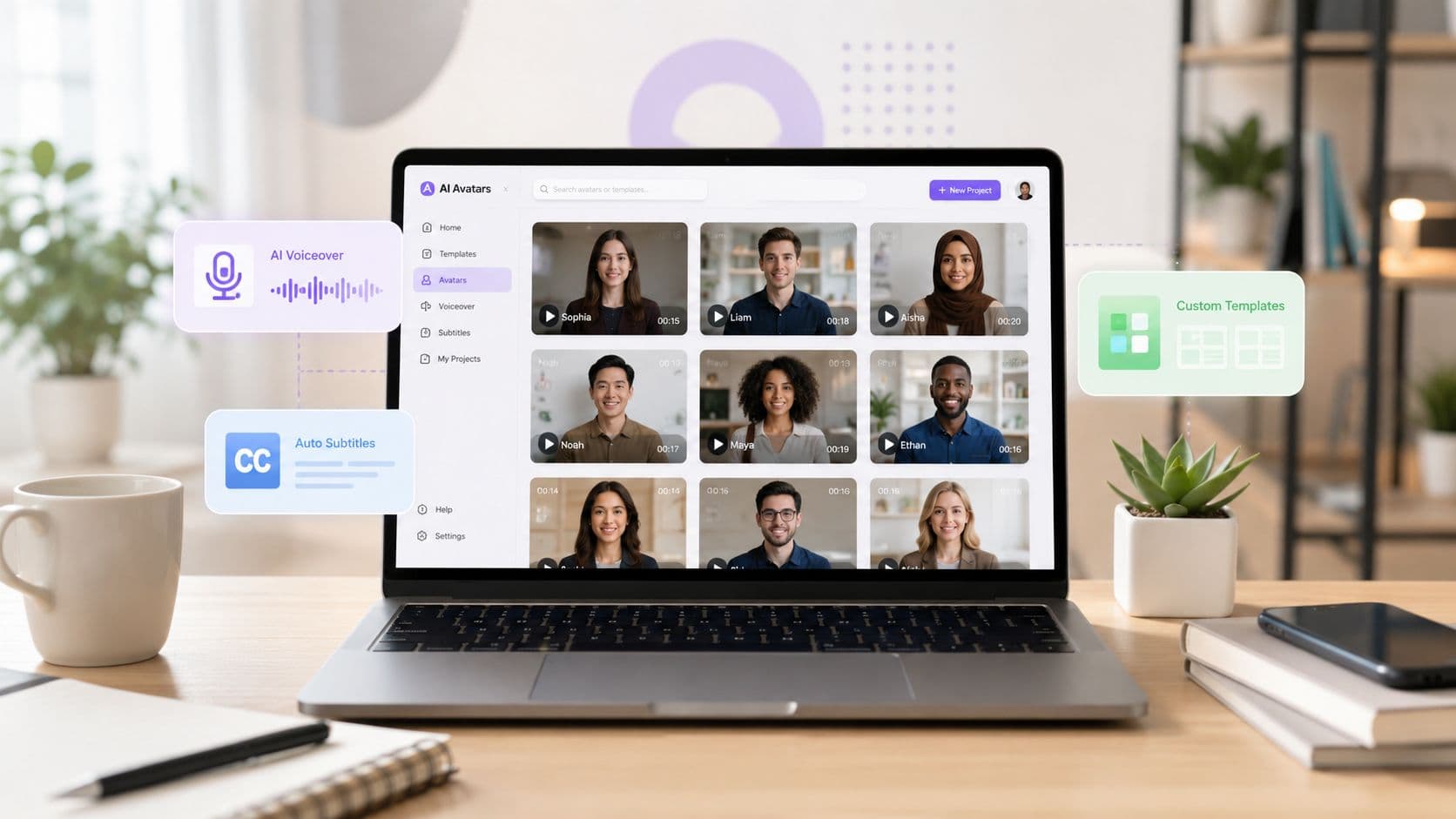
The best Synthesia alternatives are not always avatar tools. That's the first mistake buyers make, because a polished talking head is only one production model, and often not the one that matters for TikTok, YouTube Shorts, training updates, or faceless brand publishing. If your real need is presenter localization, structured e-learning, social editing, or an automated short-form system, the right replacement is the tool that matches that workflow, not the one with the biggest avatar library.
That distinction matters because the market around AI video is growing fast. One industry report estimated the global AI video generator market at USD 788.5 million in 2025 and projected USD 3,441.6 million by 2033 with a 20.3% CAGR from 2026 to 2033, while another placed the broader AI video generation market at USD 800.8 million in 2025 and USD 9,528.4 million by 2035 with 28.1% annual growth over 2026 to 2035, both pointing to a category that's still early and still changing quickly. For short-form creators and brands, that usually means one thing, the strongest choice is the platform that keeps output moving without creating extra editing work.
ClipCreator.ai deserves special attention for people who want template-driven faceless Shorts with scheduling built in, while avatar-led tools still make more sense for direct presenter communication. The list below separates those production models so you can compare them on output style, editing control, voiceovers, subtitles, templates, and publishing consistency, not just on avatar count.
1. ClipCreator.ai
ClipCreator.ai is built for creators who want the video pipeline to run with as little manual work as possible. It starts with proven viral templates like scary stories or bedtime tales, or your own prompt, then generates a short video with AI-written scripts, story-aligned images, lifelike voiceovers, and accurate subtitles before scheduling it for TikTok and YouTube. That makes it a very different kind of Synthesia alternative, because the product is aimed at faceless short-form production, not presenter-style talking heads. ClipCreator.ai
Why it fits a different job
The appeal is the workflow, not just the output. You're not assembling scenes one by one, you're choosing a format that's already optimized for repeatable publishing, which is exactly what creators, educators, and agencies need when they're trying to stay consistent. ClipCreator.ai also keeps full ownership of the finished videos in the user's hands, which is a practical detail that matters when you're building a content system rather than testing a demo.
Practical rule: If you need to publish often, test the scheduling first, not the visuals. A faceless workflow only saves time if it also gets content out on time.
Pricing and trade-offs
The plan structure is easy to read, which is rare in this category. Starter is 19/mo** for posting **3×/week**, **Daily** is **39/mo for daily posting, and Pro is 69/mo** for posting **twice a day**, with the higher plan shown as **78 original price. All plans include pre-made viral stories, custom story prompts, preview videos, auto-posting, HD output, cancel-anytime billing, and checkout through Stripe.
The main limitation is editing depth. You can tweak the output, but it's not a deep timeline editor, so highly custom scene work still belongs in another tool. The refund policy is also specific, it applies only to the first two videos within 7 days, so this is a good platform to test with a real use case, not a pile of theory.
Best for creators who want faceless, repeatable short-form content, small businesses that need steady social output, educators making micro-lessons, and agencies scaling multiple channels.Website https://clipcreator.ai
2. HeyGen
HeyGen fits best when you need a presenter-led AI-avatar workflow with stronger localization and faster script-to-video production. It works well for teams turning a script into a talking-head video without filming, especially when the same message needs to work across languages or markets. If you are comparing it against a faceless shorts tool, it sits much closer to a direct Synthesia replacement. If you are evaluating avatar chat workflows more broadly, the difference between a studio video and an interactive avatar matters, as shown in this overview of chat-with-avatar use cases.
The platform earns attention because it balances speed with polish. Its script-to-video editor, stock and custom avatars, voice cloning, and multi-language dubbing are built for teams that need quick turnaround without a production crew. That makes it a practical fit for sales explainers, onboarding clips, and localized announcements, where clear delivery matters more than heavy editing.
The trade-off is workflow fit, not avatar count. HeyGen is a stronger test for teams that will use the same presenter format again and again. If the video is part of a repeatable internal or customer-facing process, the key question is whether the platform feels dependable enough for weekly use, not whether the first render looks impressive. AI content tools from Taja AI
If a platform sits inside your weekly content process, trust and repeat use matter more than a flashy first render.
What to test before you switch
- Avatar realism at your script length because short clips and longer explainers can behave differently.
- Language output quality if localization is part of the job.
- Usage caps and credit rules because high-volume teams tend to feel changes first.
- Brand control if multiple people will create videos under one account.
Website https://www.heygen.com
3. D-ID Creative Reality Studio
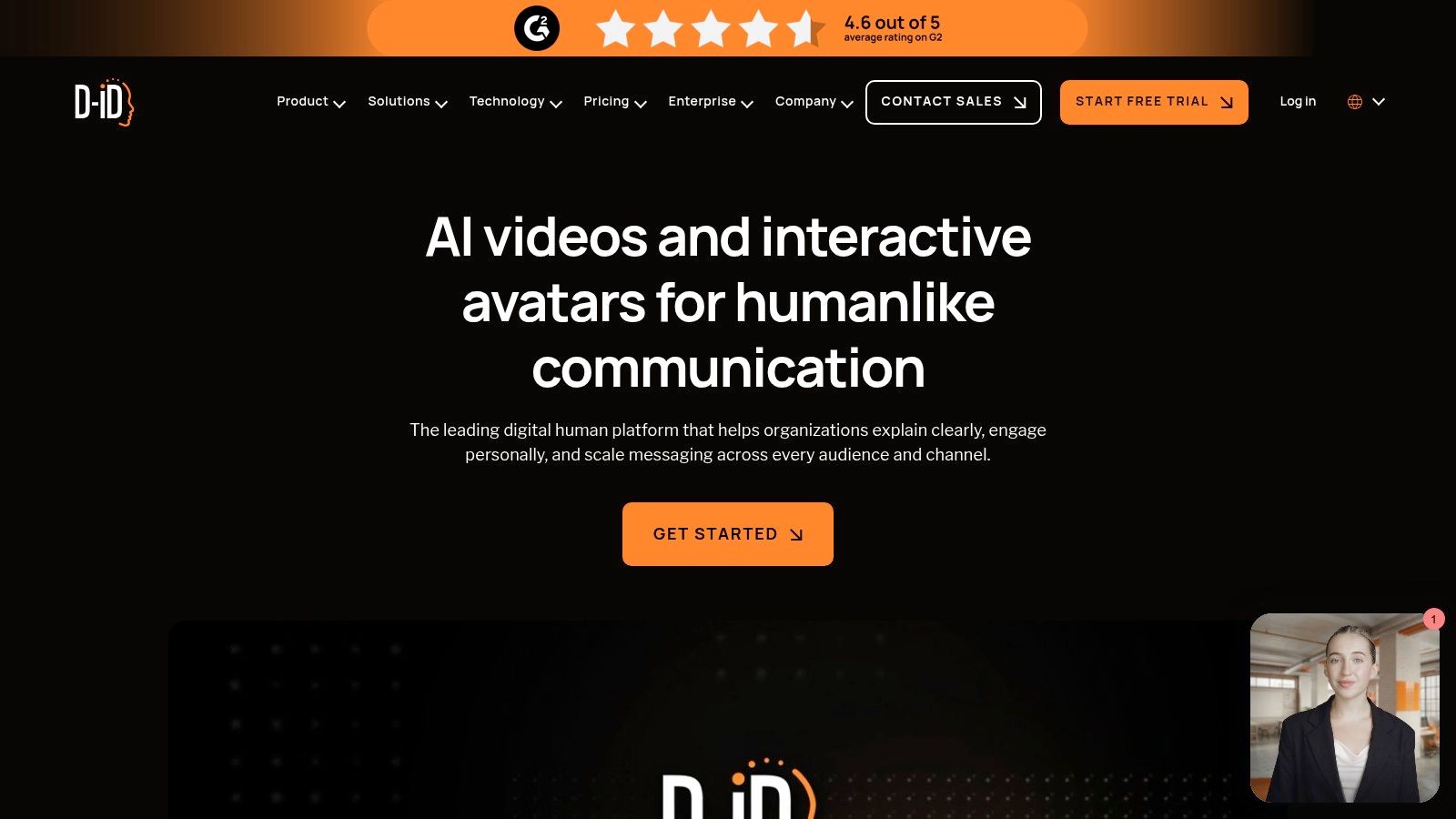
D-ID makes sense when you need a talking head fast and do not want to build a heavier production flow. It fits prototyping, light explainers, and app integrations, especially if a single presenter voice is enough. Compared with a broader studio, D-ID is narrower and quicker, which matters if you are choosing a workflow instead of just comparing avatar counts. For teams mapping out AI video creation tools, that distinction is often the core decision point.
Where it feels useful
The Creative Reality Studio works well for quick concept tests. Its photo and headshot-to-talking-video flow reduces setup time, and the PowerPoint add-in plus prompt-to-video workflow help turn a presentation into video without much friction. For product teams, the API is the main advantage, since D-ID is one of the more integration-friendly options in this group.
The trade-off is control. Credit-based pricing and tier differences can make total cost harder to predict at scale, so it suits teams that already know what they want to automate. It also leans toward presenter-led output, not faceless short-form publishing, so it is rarely the right choice for caption-heavy social workflows or scheduled TikTok and YouTube Shorts production.
Best use cases
- Single-talking-head explainers where speed matters more than deep customization.
- Product prototypes that need a human face without filming.
- API-driven apps that want talking-video features inside another product.
Website https://www.d-id.com
4. Colossyan
Colossyan is the kind of Synthesia alternative that fits training teams first. It's built around onboarding, documentation, and learning content, and that's visible in the way it handles scene-based editing, brand kits, and team collaboration. If your content is meant to teach, not just present, Colossyan is usually closer to the right workflow than a general-purpose avatar generator.
The security angle matters here too. Colossyan's positioning includes SOC 2 Type II and EU/US data residency options, which is useful for regulated teams that can't treat video production as a casual creative tool. That makes it a practical choice for organizations that need clear governance around where content lives and how it moves between teams.
What I'd test first is whether the learning templates match your internal format. Some teams need step-by-step onboarding modules, others need crisp policy explainers, and Colossyan is strongest when the output still feels like structured instruction rather than marketing polish. It's not built primarily for TikTok or YouTube Shorts, so don't expect it to solve a faceless publishing workflow.
The safest comparison is simple, if the viewer needs to learn something inside a company, Colossyan is in the conversation. If the viewer needs to keep scrolling on social, it isn't the same job.
Website https://www.colossyan.com
5. Elai.io
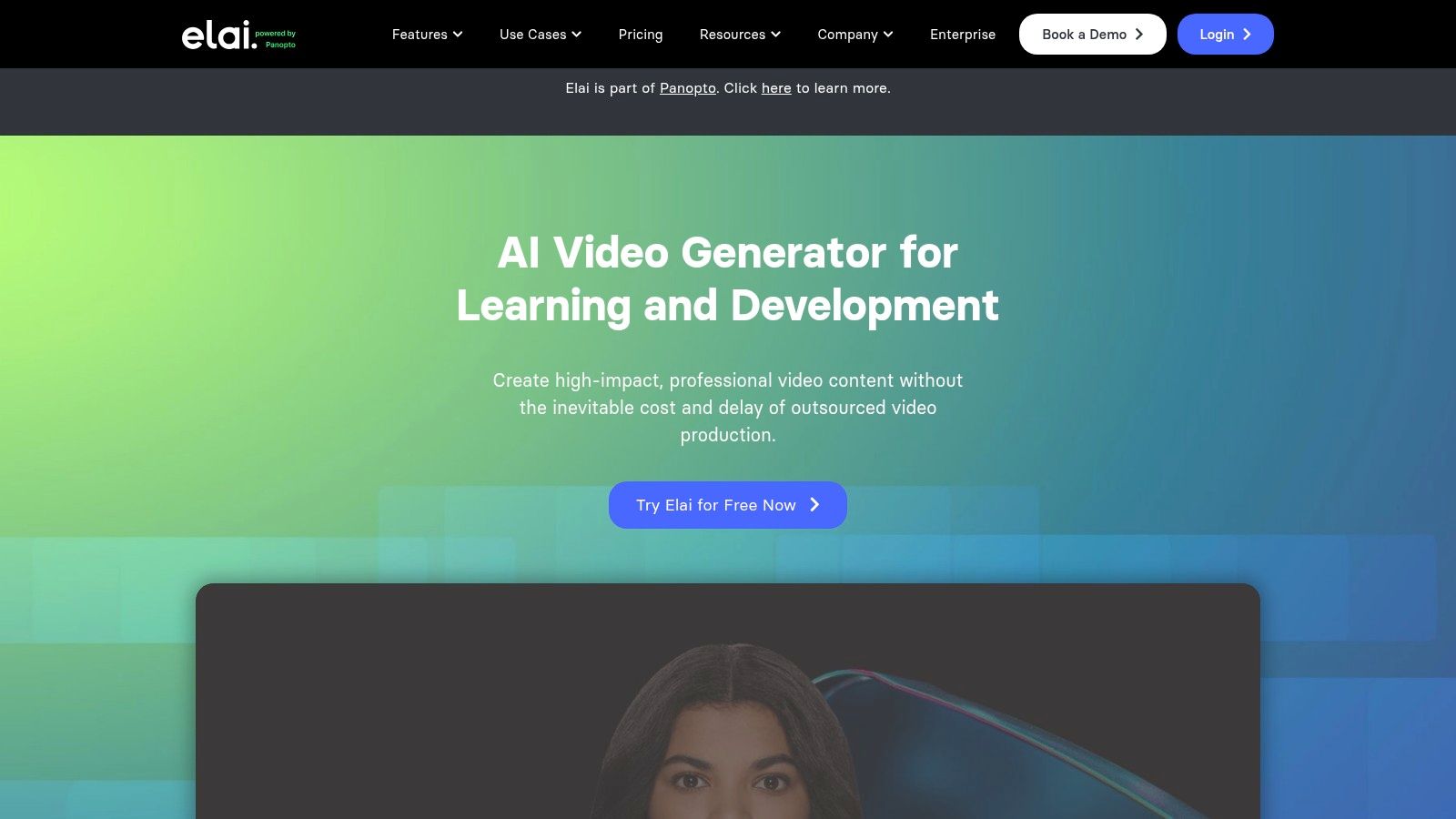
Elai.io is a strong middle ground for teams that want avatar flexibility without locking themselves into one appearance or one production path. With 150+ avatars, 500+ voices, and multiple custom-avatar types, it gives you more ways to shape a presenter video around brand constraints or audience expectations. That's useful when the default avatar look doesn't fit the audience, but you still want a presenter-led format rather than faceless montage content.
Why teams choose it
Elai.io is especially practical when you need to spread output across different types of content. E-learning, product walkthroughs, and knowledge videos can all live in the same workflow, and the storyboard-style builder helps keep that process organized. The platform's per-minute add-on pricing for extra minutes is also helpful when output volume isn't perfectly steady, because spiky workloads are easier to manage when expansion is visible.
The trade-off is that deeper custom-avatar work takes time. If your team needs to gather footage or coordinate avatar creation, that overhead can erase the speed advantage for one-off projects. You'll get more value if you plan to reuse the same avatar style across multiple videos instead of treating each project as a separate experiment.
A practical way to evaluate it
- Check avatar variety against your brand tone.
- Measure turnaround for a basic video and a custom-avatar workflow.
- Review minute usage if your output volume changes month to month.
- Inspect the storyboard editor if your content has multiple scenes or steps.
For teams comparing it with broader short-form systems, the question is whether you want a presenter generator or an automation engine. Elai.io is the former, which is exactly why it earns a place here.
Website https://elai.io
6. DeepBrain AI AI Studios
DeepBrain AI, through AI Studios, leans into scale. It's the kind of platform larger teams look at when they're producing a lot of presenter-style content and need the process to behave more like an internal production line than a creative playground. That makes it a strong fit for training, news-style explainers, and public-facing presenter content.
What sets it apart is the combination of self-service editing and enterprise-style capacity. The platform includes stock and custom avatars, generative topic-to-video helpers, and annual Unlimited plans aimed at organizations that don't want to count every minute manually. That kind of packaging only makes sense when the output volume is high enough to justify it.
The trade-off is obvious. This is not the first choice for a solo creator testing short clips for social. It becomes attractive when governance, repeatability, and large output matter more than the cheapest entry point. If your team is already comfortable with a more formal video approval process, DeepBrain AI can fit that culture well.
Website https://aistudios.com
7. Hour One Reals
Hour One is designed for presenter-led communication in a corporate setting. The platform leans into virtual presenters and newsroom-style delivery, which gives it a cleaner fit for internal communications, customer updates, and learning content than a general social editor would. It's not trying to be a faceless content machine, and that focus is part of the appeal.
The most useful detail is the mix of self-service and professional support. Some teams want to keep production in-house, while others need agency or professional-services help for more complex work. Hour One supports both, which is valuable when one department wants speed and another wants managed execution.
The downside is procurement friction. Public pricing isn't consistently visible, so you should expect a sales-assisted conversation instead of a simple self-serve checkout. That's not unusual in enterprise video, but it's a reminder that this platform is built for organizations that can tolerate a slower buying process in exchange for a more polished presenter workflow.
Website https://hourone.ai
8. VEED AI Avatars and Fabric
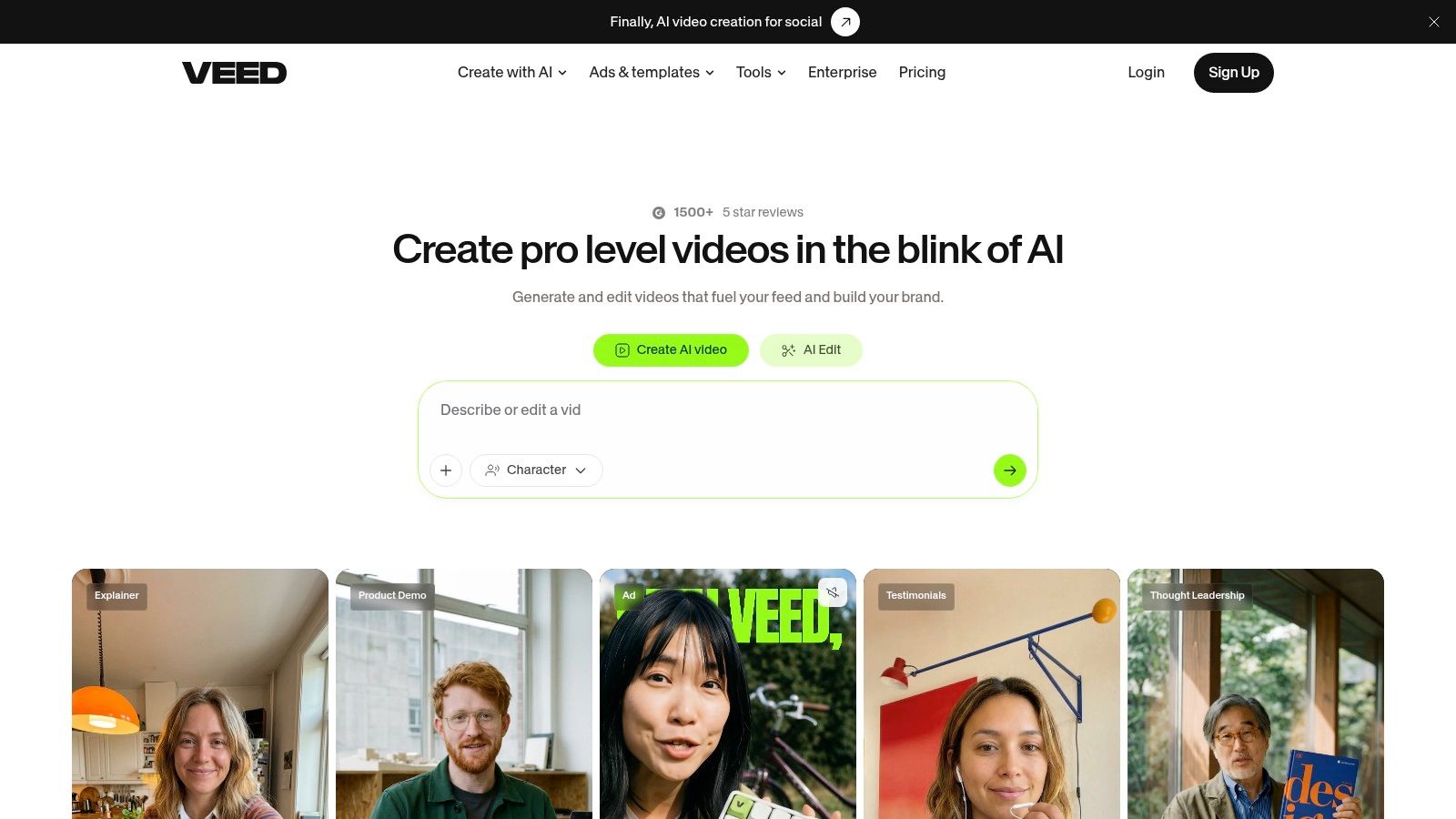
VEED is a better fit when editing is the job and avatars are only one part of the job. It combines AI avatars, auto-subtitles, text-to-speech, brand kits, and repurposing tools inside a browser-based editor, so social teams can stay inside one place instead of bouncing between a generator and a separate NLE. For marketers who care about speed, that convenience matters a lot.
Why it works for social teams
The editor is familiar, which lowers the barrier for teams already making short social clips. Fabric's image-to-talking-video workflow adds another layer for quick AI generation, but the more important part is that subtitle styling and repurposing live in the same environment. That's a real advantage for creators who need to turn one source file into several formats quickly.
The limitation is avatar realism. VEED is practical, but it's not the first stop if photoreal presenter quality is your top priority. It's strongest when speed, captions, and repackaging matter more than realism, which is exactly why it works better for content marketers than for polished corporate spokespeople.
What to watch closely
- Credit usage if your team makes lots of AI generations.
- Subtitle quality because short-form output depends on readable captions.
- Brand kit consistency across multiple editors.
- Repurposing workflow if you want a single source video turned into multiple clips.
Website https://www.veed.io
9. Synthesys
Synthesys sits in a broad content-synthesis lane that covers AI avatars, voiceovers, product videos, UGC ads, and VSLs. That makes it attractive for marketers who want one platform to handle both short ad creative and longer sales videos without stitching together separate tools. It's a better fit for output variety than for one very specific production model.
For this reason, it can be useful when the brief is mixed. A team might need an ad, a voiceover clip, and a longer sales asset from the same system, and Synthesys tries to cover that spread with a unified credit approach. The flexibility of subscriptions and one-time credit bundles also helps teams that don't want to commit to a single rigid buying model.
The risk is packaging clarity. Multiple product pages and overlapping brand positioning can make the offer harder to interpret than some of the simpler alternatives here. If you're evaluating it, test whether the exact content type you need is easy to create in one sitting, because broad feature lists don't always translate into smooth day-to-day use.
ClipCreator.ai's Synthesia comparison guide is worth reading if your priority is short-form automation rather than ad and VSL production.
Website https://synthesys.io
10. Pictory
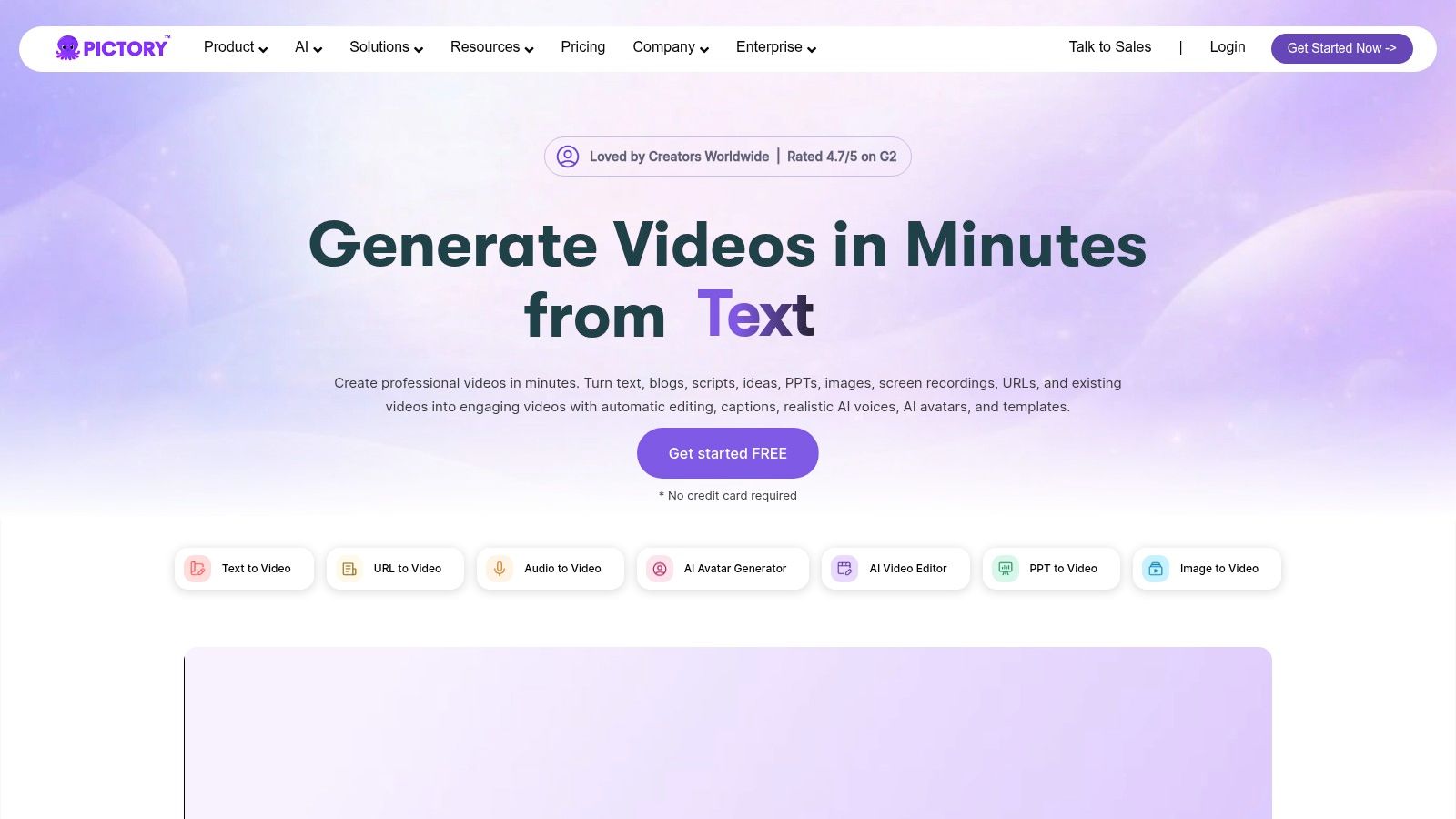
Pictory fits faceless repurposing, not presenter-led video. It turns scripts, blog posts, and long recordings into captioned videos with stock footage, B-roll, and voiceover, so teams with existing material can move faster without building a full edit from scratch. That makes it useful for marketers and creators who care more about output volume than avatar realism.
Where it shines
If your team spends more time assembling clips than generating them, Pictory keeps the workflow in one place. The built-in AI voiceovers and simple timeline edits make short-form repurposing manageable without a separate editing stack, which matters when you need to turn webinars, posts, or long recordings into publishable assets quickly.
The trade-off is clear. Pictory does not solve avatar-led communication, and it is the wrong pick if the presenter itself carries the message. It works best for montage-style videos, caption-heavy cuts, and faceless automation, especially when the goal is TikTok or YouTube Shorts output from material you already have.
Use Pictory when the source content is ready and the bottleneck is editing. Use avatar tools when you need a human-style presenter to lead the video.
Website https://www.pictory.ai
Top 10 Synthesia Alternatives, Quick Comparison
| Product | Core features | Quality (★) | Price / Value (💰) | Target (👥) | Unique / USP (✨) |
|---|---|---|---|---|---|
| ClipCreator.ai 🏆 | Template-driven script → images → lifelike voice → captions → auto-post (HD, ≤90s) | ★★★★★ | Starter 19/mo · Daily 39 · Pro $69 · cancel anytime 💰 | Creators · Brands · Educators · Agencies 👥 | 🏆 True set‑and‑forget automation + scheduling & multi‑platform posting; full ownership ✨ |
| HeyGen | 100+ avatars, voice cloning, multi‑lang dubbing, script‑to‑video | ★★★★☆ | Tiered plans + credits; enterprise options 💰 | E‑learning · Sales · Creators 👥 | Fast lip‑sync & localization; strong avatar library ✨ |
| D‑ID (Creative Reality Studio) | Photo/headshot→talking‑video, PowerPoint add‑in, API | ★★★★☆ | Credit tiers; API pricing; starter limitations 💰 | Prototyping · Apps · Explain ers 👥 | Quick headshot-to-video + well‑documented API ✨ |
| Colossyan | Scene editor, brand kits, team collaboration, data residency (EU/US) | ★★★☆☆ | Tiered/enterprise pricing; confirm checkout 💰 | L&D · Enterprises · Regulated orgs 👥 | Training workflows + SOC2/data residency options ✨ |
| Elai.io | 150+ avatars, 500+ voices, multiple custom‑avatar paths, per‑minute add‑ons | ★★★★☆ | Transparent per‑minute add‑ons; tiered plans 💰 | E‑learning · Walkthroughs · Marketers 👥 | Flexible avatar types and clear minute pricing ✨ |
| DeepBrain AI (AI Studios) | Web studio, custom avatars, generative topic helpers, unlimited enterprise plans | ★★★★☆ | Enterprise/annual "Unlimited" plans (higher budget) 💰 | Media · Training · High‑volume teams 👥 | Built for scale and governance; predictable high output ✨ |
| Hour One (Reals) | Virtual presenters, newsroom pacing, templates, pro services option | ★★★☆☆ | Sales‑assisted quotes; variable procurement 💰 | Corporate comms · Learning · Broadcast 👥 | Blend self‑service with agency/pro services for polished outputs ✨ |
| VEED (Studio / Fabric) | AI avatars + full online editor, auto‑subtitles, brand kits, repurposing tools | ★★★★☆ | Freemium + credit packs for some AI features; team plans 💰 | Marketers · Social teams · Creators 👥 | All‑in‑one editor for short‑form + repurposing workflows ✨ |
| Synthesys | AI humans/avatars, voice cloning, templates for ads & VSLs, credit system | ★★★★☆ | Subscriptions & credit bundles; mixed packaging 💰 | Advertisers · Sales · Creators 👥 | Strong ad/VSL tooling and flexible purchase options ✨ |
| Pictory | Script/blog→shorts, stock footage/B‑roll, auto‑captions, AI voiceovers | ★★★★☆ | Creator-friendly monthly plans; affordable tiers 💰 | YouTube · TikTok creators · Repurposers 👥 | Fast repurposing of long‑form to shorts; caption‑heavy workflows ✨ |
Choose the Production Model Before the Platform
The fastest way to choose among Synthesia alternatives is to start with the production model, not the brand name. If your goal is automated, template-driven faceless TikTok and YouTube Shorts with scheduling and posting built in, ClipCreator.ai is the clearest match. If your goal is a presenter-led explainer with localization, HeyGen or D-ID will feel more natural, because they're built around the talking-head workflow that Synthesia popularized.
For structured training and internal communications, Colossyan and Hour One are better aligned with learning and corporate delivery. If you want more avatar flexibility for knowledge content and walkthroughs, Elai.io gives you a wider set of presenter options. For high-volume enterprise production, DeepBrain AI is the more obvious fit, especially when output scale justifies a formal buying process.
If your team spends more time editing than generating, VEED is the tool to look at because it combines avatars with subtitles, branding, and repurposing in one editor. If your work includes UGC ads, voiceovers, and VSLs, Synthesys is the broader content option. If your real task is turning long-form material into faceless repurposed video, Pictory is the cleaner answer.
Before switching from Synthesia, test one representative script and watch the whole workflow, not just the first render. Check subtitle accuracy, measure how much editing time the platform saves, confirm whether pricing or credit limits will hold up at your expected volume, and verify whether publishing automation is included. That's the difference between buying another demo tool and choosing a system your team can use every week.
Klaps video editing platform is a useful side reference if your workflow leans harder toward social repurposing than avatar production.
ClipCreator.ai is built for creators, brands, educators, and agencies that want short-form video production to run on autopilot. It combines templates, scripts, visuals, voiceovers, subtitles, and auto-posting in one workflow, which is exactly why it belongs in any serious conversation about Synthesia alternatives for Shorts. If you're ready to build a faceless publishing system instead of another one-off video process, visit ClipCreator.ai and see how the workflow fits your content plan.

Create your first video in under 2 minutes
Pick a niche, and ClipCreator.ai generates and auto-posts faceless videos to your channels every day.
Join ClipCreator.ai

