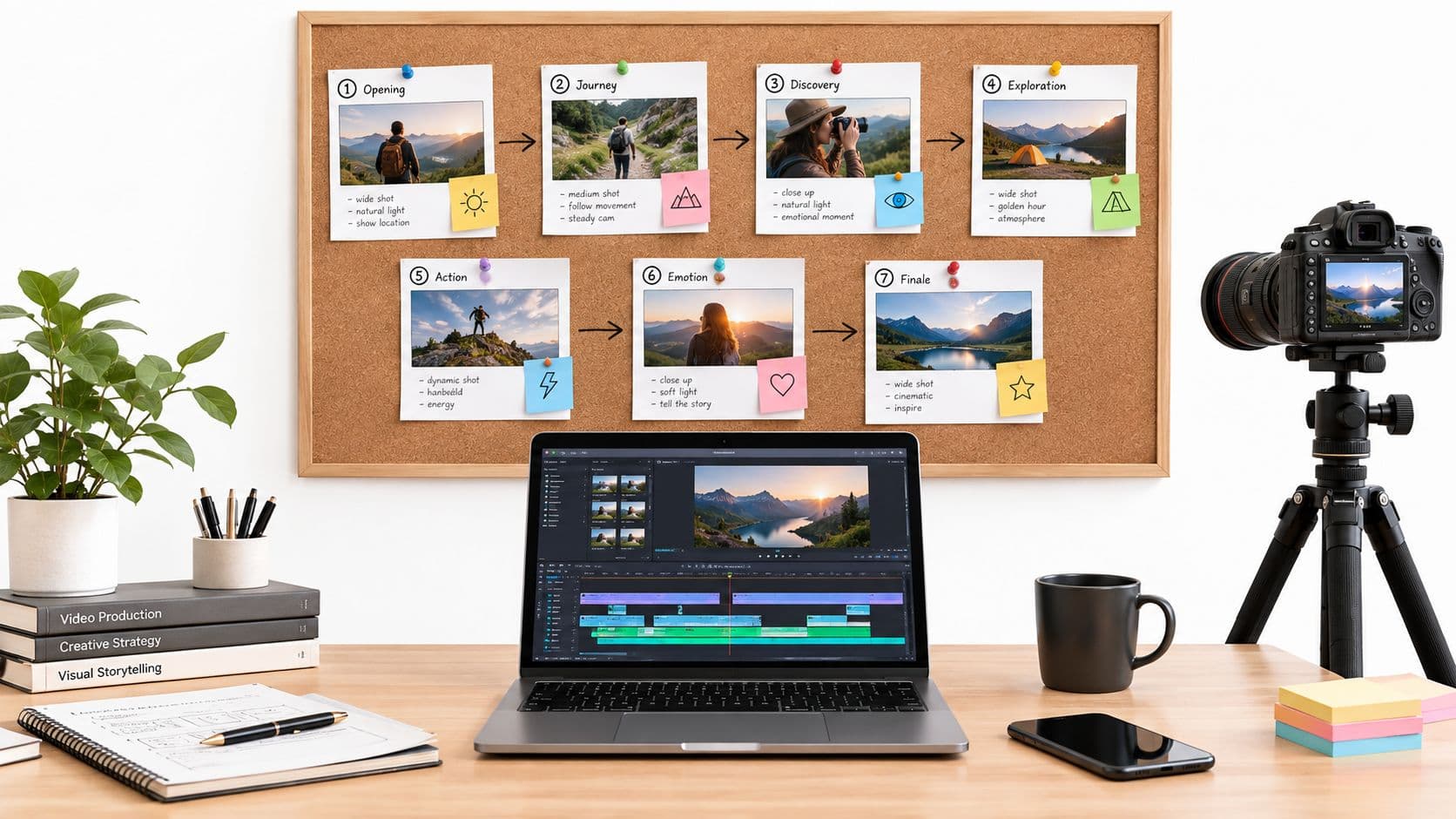
The world of video production has fundamentally changed. What once required expensive equipment, complex software, and hours of manual editing can now be accomplished in minutes with the right AI video creation tool. This shift opens up massive opportunities for creators, marketers, and businesses to produce high-quality content at scale, but the sheer number of platforms can be overwhelming. Finding the best fit for your specific needs, whether it's creating faceless TikTok stories, producing e-learning modules, or automating client content, is the key to success.
This guide provides a detailed breakdown of the top 12 AI video tools available today. We move beyond simple feature lists to offer practical insights, honest pros and cons, and specific use-case scenarios for each platform. You will find direct links and screenshots to help you evaluate which solution aligns with your goals. From text-to-video generators like Pika and Runway to all-in-one editing suites like Descript, we’ll help you pinpoint the exact tool to streamline your workflow. For an extensive look at another powerful AI video creation platform and its capabilities, consider exploring a leading service that offers advanced features for content generation, known for its focus on delivering high-quality visual outputs. Let's find the perfect tool to turn your ideas into compelling videos.
1. ClipCreator.ai
ClipCreator.ai stands out as an exceptionally focused ai video creation tool designed for one primary purpose: automated, high-volume production of faceless short-form videos. It excels at a "set-and-forget" workflow, making it a powerful ally for creators, agencies, and brands aiming for consistent output on TikTok and YouTube without manual intervention. The platform’s core strength lies in its combination of proven viral story templates and the ability to accept custom prompts, ensuring content remains on-brand while benefiting from formats known to perform well.
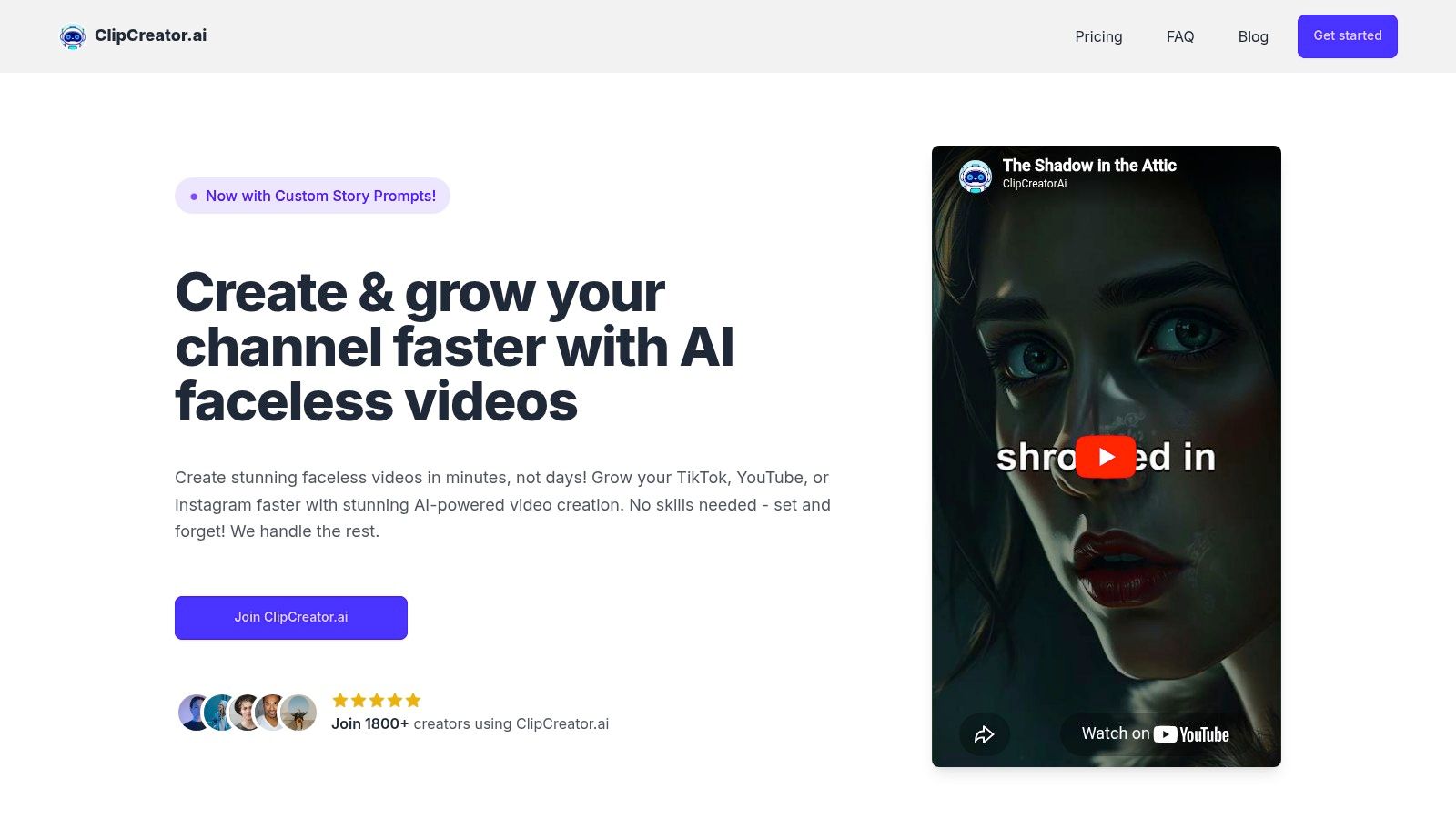
This end-to-end automation is its key differentiator. ClipCreator.ai handles everything from generating a script to selecting relevant stock images, adding a lifelike AI voiceover, embedding accurate subtitles, and finally, auto-posting the video directly to your connected social accounts. This removes nearly all the friction points typically associated with daily video production. Users simply define the content direction and let the system execute, a significant advantage for those scaling their presence.
Core Features & Use Cases
- Best Use Case: Ideal for creators focused on narrative-driven, faceless content like scary stories, historical facts, or educational shorts. Agencies can use it to scale video output for multiple clients efficiently.
- Automation: True script-to-post automation is rare. This platform handles the entire process, including scheduling to TikTok and YouTube.
- Content Generation: Leverages both proven templates and custom user prompts to generate scripts, which are then paired with AI-selected visuals and high-quality voiceovers.
- Ownership & Pricing: Users retain 100% ownership of their videos. Pricing is tiered to match publishing frequency, starting at 19/month for three posts per week, up to 69/month for twice-daily posts.
Practical Assessment
While ClipCreator.ai is superb for high-frequency, templated video, it is not a full-featured video editor. Users cannot perform granular, timeline-level edits within the platform; such changes require downloading the video and using external software. Its specialization in sub-90-second, faceless content for TikTok and YouTube means it isn't suited for those needing on-camera formats, long-form videos, or native posting to other social networks.
Website: https://clipcreator.ai
2. Runway
Runway is an AI-first video suite that stands out for its high-quality generative footage and integrated web editor. It's a powerful ai video creation tool for creators who need cinematic-style clips from simple text prompts, making it ideal for visual storytellers and artists who want to experiment with generative AI without needing complex software. Its Gen-4.5 model produces visually impressive and coherent motion, setting a high bar for text-to-video quality.
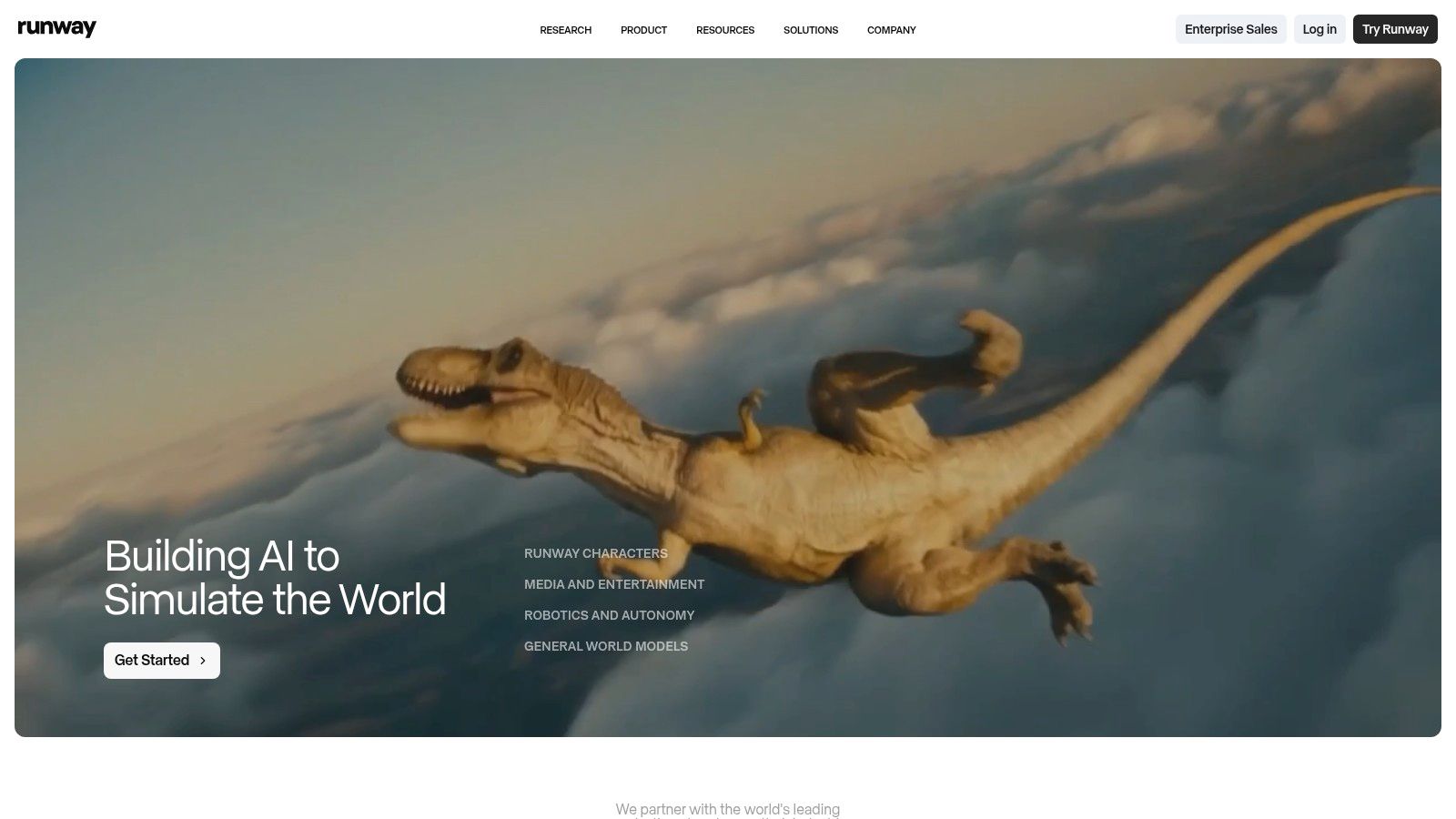
This platform is more than just a generator; it's a complete creative workspace. The user interface neatly organizes its suite of tools, from text-to-video and image-to-video to performance capture and a full-featured online editor. While the quality is top-tier, the credit-based system requires careful management. High-resolution or longer video outputs can deplete your credit balance quickly, so it's best to start with shorter, lower-resolution tests to get your prompt right before committing more resources.
Key Details & Use Cases
- Best For: Creatives and small studios needing unique, high-fidelity b-roll or artistic video clips for projects. It's also excellent for rapid prototyping of visual concepts.
- Pricing: Starts with a free plan with limited credits. Paid tiers begin at 12/user/month (Standard) and scale up to Pro (28/user/month) and Unlimited ($76/user/month), offering more credits, 4K exports, and watermark removal.
- Website: https://runwayml.com
3. Pika
Pika has rapidly gained popularity as an ai video creation tool known for its creative effects and user-friendly interface, making it perfect for generating short, stylized clips. It excels at quick iterations, allowing creators to experiment with different visual styles, templates, and generative modes. The platform is designed for speed and creativity, offering tools like Pikascenes, Pikaswaps, and Pikaffects to modify and transform videos with text prompts.
The platform’s approachable design makes it easy for beginners to start generating content immediately. Users can choose between Turbo mode for faster, lower-quality previews and Pro mode for higher-fidelity outputs. This flexibility is key for managing the credit-based system effectively. While the system is straightforward, it’s worth noting that different features consume credits at different rates, so understanding the costs associated with various resolutions and creative tools is important for maximizing your plan.
Key Details & Use Cases
- Best For: Social media creators and artists looking to produce viral-style clips, animated memes, and visually distinct short-form videos with unique effects.
- Pricing: Offers a free plan with a starting balance of credits. Paid plans include Standard (8/month) and Pro (28/month), providing more credits, no watermark, and access to higher-quality models.
- Website: https://pika.art
4. Synthesia
Synthesia is a mature, enterprise-focused platform that excels at turning scripts into professional-looking presenter videos. This ai video creation tool is built for corporate communications, training modules, and instructional content where a human touch is needed without the cost and logistics of a film shoot. It offers over 160 stock AI avatars and supports voice cloning and video translation, making it a powerful solution for global teams needing to standardize their messaging.
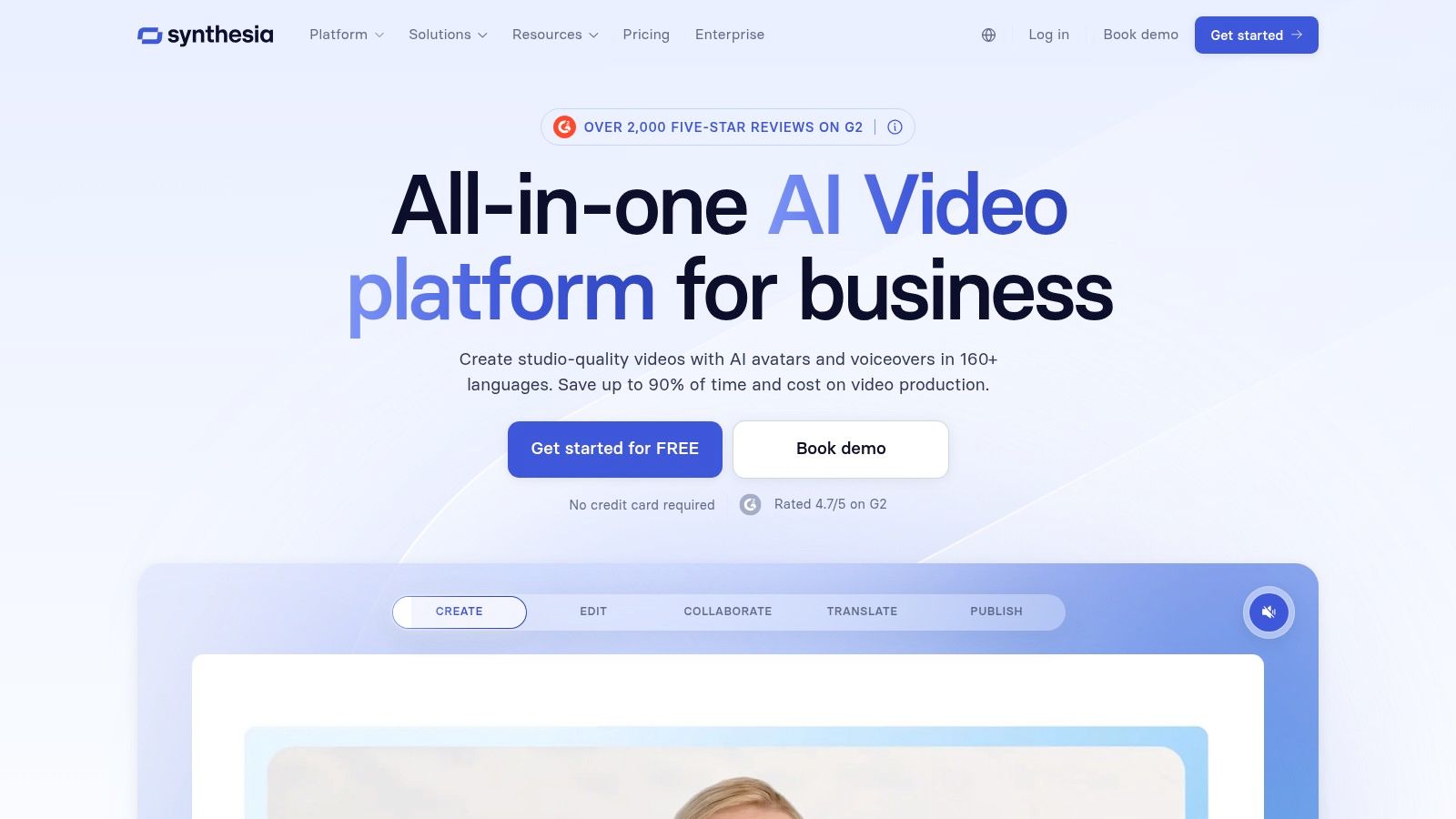
The platform is designed for scalable production, not just one-off projects. Its strengths lie in its structured workflow, template library, and robust governance features like SSO and brand asset management. While it’s not intended for generating cinematic or artistic clips like other tools, it is unmatched for creating polished, avatar-led videos efficiently. This makes it an ideal choice for internal training, product explainers, or even for certain types of content on a faceless YouTube channel where a consistent presenter is beneficial.
Key Details & Use Cases
- Best For: Corporate teams and educators creating training materials, product demos, and internal communications at scale.
- Pricing: Starts with a Personal plan for individuals at $22/month. Business plans with more features and team collaboration are available with custom enterprise pricing.
- Website: https://www.synthesia.io
5. HeyGen
HeyGen specializes in avatar-led video production, offering a direct path to creating polished, face-on narration without cameras or microphones. It stands out as an ai video creation tool for its exceptional AI dubbing and lip-syncing capabilities, which allow creators to translate their content into multiple languages while maintaining a natural, synchronized appearance. This makes it a go-to platform for corporate training, explainer videos, and creators aiming for a global audience.
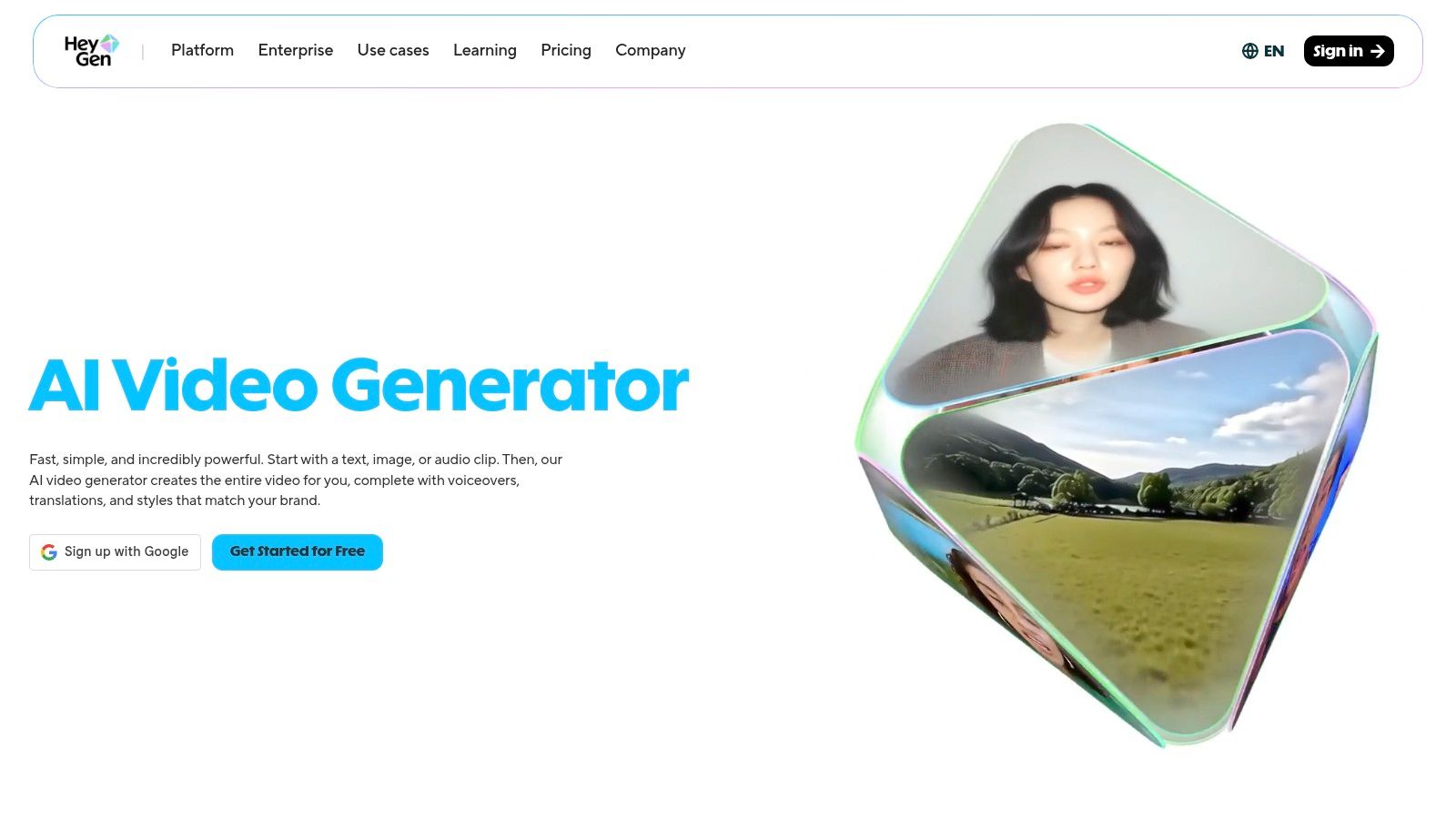
The platform’s strength lies in its simplicity and focus. Users can choose from a wide library of stock avatars or create a custom digital twin for a consistent brand presence. While it doesn't generate cinematic scenes from text like some competitors, its avatar-centric approach is fast and effective. Its credit system is generous for short tests, but be mindful that high-resolution exports and longer videos on paid plans still have usage limits, so planning your script beforehand is a good practice.
Key Details & Use Cases
- Best For: Businesses creating training and marketing videos, educators producing e-learning content, and creators who need to localize their content for international audiences.
- Pricing: A free plan is available for initial testing. Paid plans start at 24/month (Creator) and scale to 120/month (Business), with custom pricing for enterprise teams needing advanced collaboration and API access.
- Website: https://www.heygen.com
6. Descript
Descript offers a unique approach to video editing by treating your media like a text document. This makes it an incredibly efficient ai video creation tool for creators who prioritize narration, scripting, and dialogue. Instead of manipulating a timeline, you simply edit the transcribed text, and the corresponding video and audio cuts are made automatically. Its AI features include voice cloning, filler-word removal, and an impressive "Studio Sound" effect that cleans up audio with a single click.
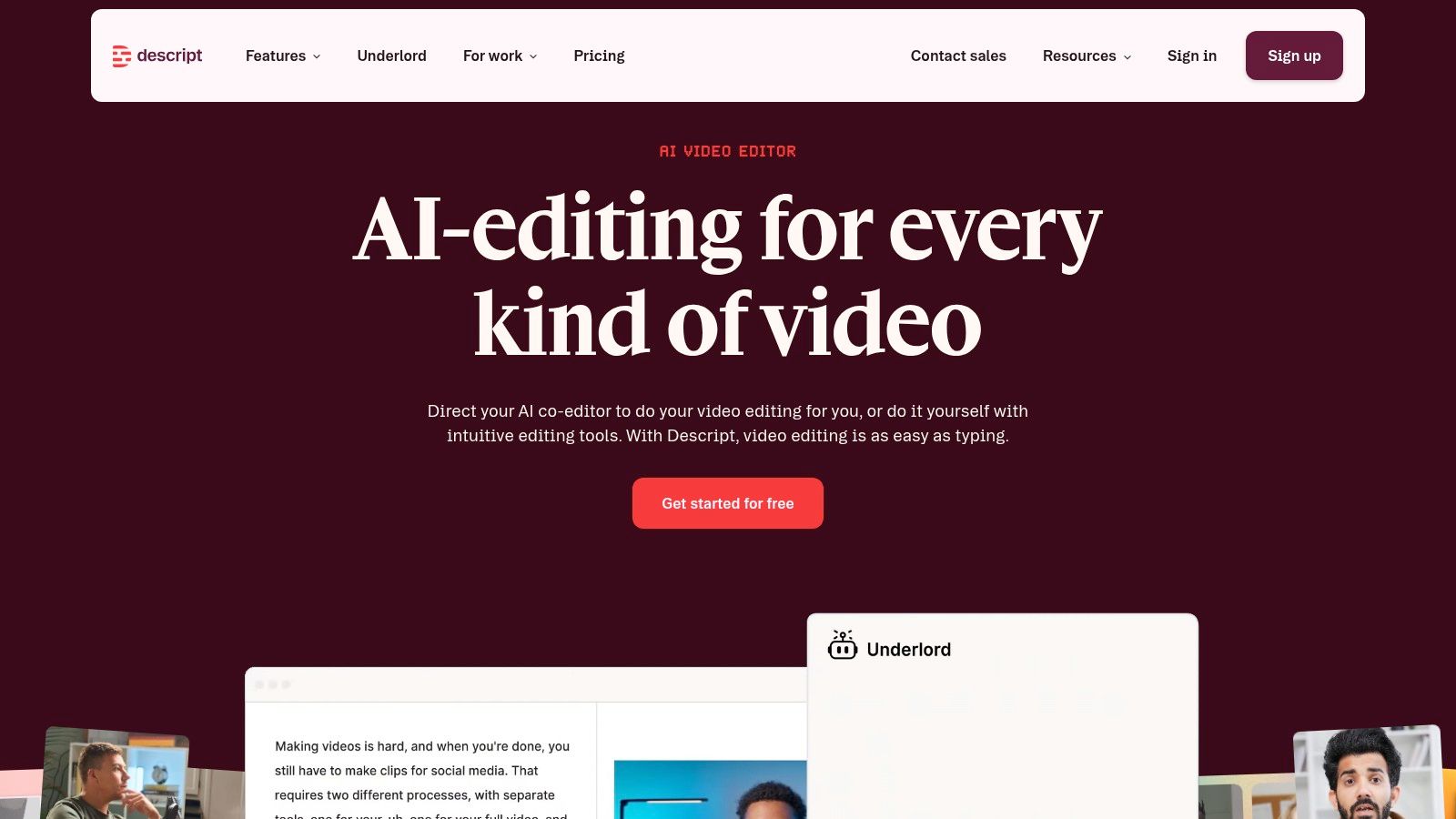
The platform consolidates recording, transcribing, and editing into a single workflow, which is a major advantage for podcasters, educators, and anyone repurposing long-form content for social media. While it’s not designed for generating cinematic scenes from a prompt, its strength lies in refining existing footage and audio with AI assistance. The plans are straightforward, with clear limits on transcription hours and AI credits, but heavy users will need to monitor their usage. For those interested in how AI is changing post-production, there's more to learn about automatic video editing.
Key Details & Use Cases
- Best For: Podcasters, educators, and marketers who create dialogue-heavy content and need to quickly repurpose it into shorter clips with clean audio and accurate captions.
- Pricing: A free plan is available with limited features. Paid plans start at 12/user/month (Creator) and go up to Pro (24/user/month) and Enterprise tiers, offering more transcription hours, 4K export, and advanced AI features.
- Website: https://www.descript.com
7. Kapwing
Kapwing is a collaborative, browser-based editor that excels at fast-paced social media video production. It’s a versatile ai video creation tool designed for teams and creators who need to quickly add captions, resize content for different platforms, and apply branding consistently. Its strengths lie in simplifying the most repetitive parts of video editing, like generating accurate subtitles and repurposing one master video into multiple formats for Shorts, Reels, and TikTok.
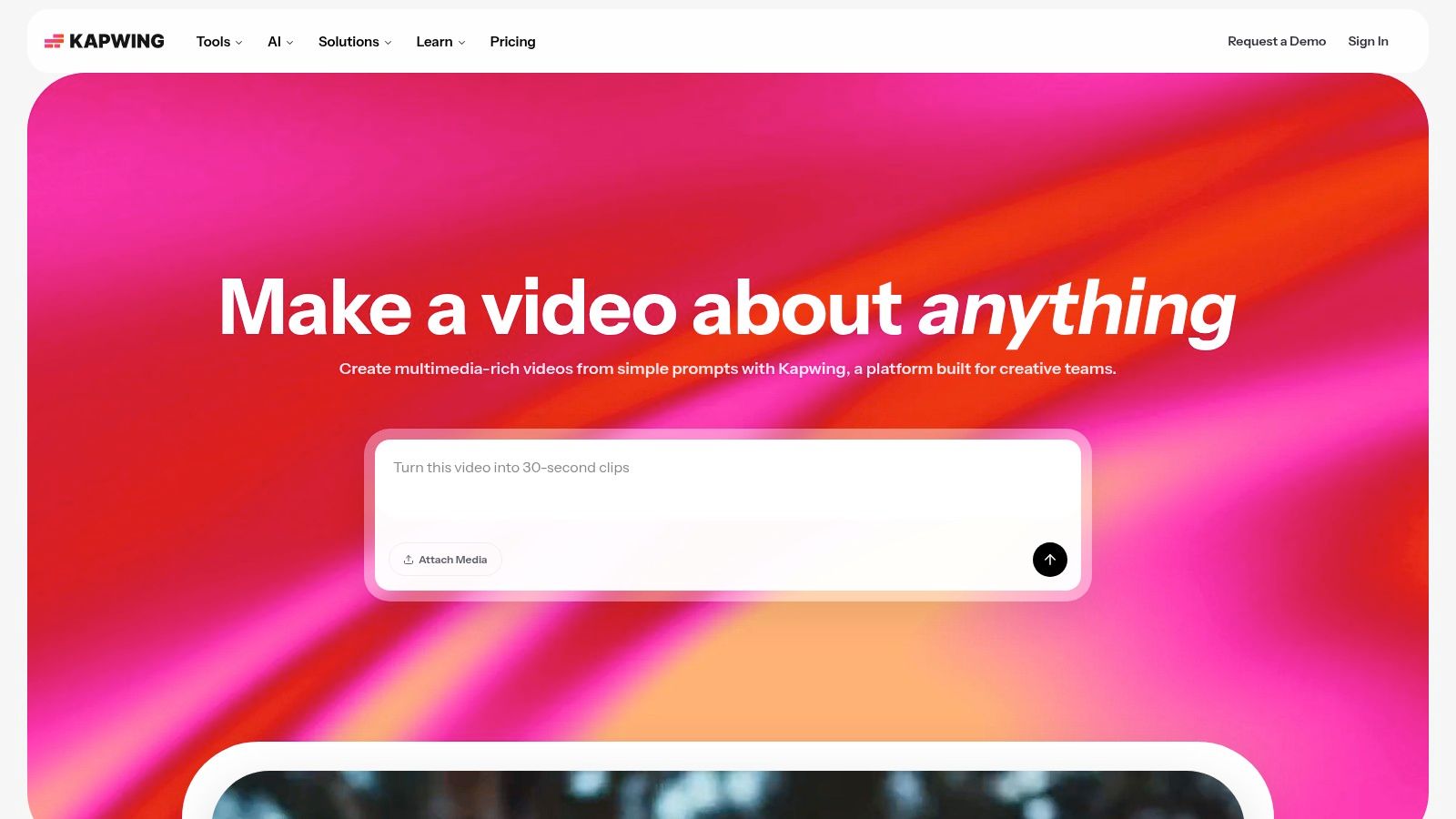
The platform has a very low learning curve, making it accessible for non-technical users. Its AI features, like auto-subtitling and AI dubbing, are integrated directly into the editing timeline for a seamless workflow. While the free plan is great for trying it out, it includes a watermark and has export limitations. Heavy use of premium AI tasks is managed through a credit system, which might require upgrading to a higher-tier plan for teams producing content at scale. If you're looking for guidance on how to make videos with AI, Kapwing's straightforward tools are a great place to start.
Key Details & Use Cases
- Best For: Social media managers, marketing teams, and content creators who need to quickly subtitle, resize, and brand videos for multiple platforms.
- Pricing: Offers a free plan with watermarks. Paid plans start at $16/user/month (billed annually) for the Pro tier, which removes watermarks and increases export limits.
- Website: https://www.kapwing.com
8. VEED
VEED is an all-in-one, browser-based video editing suite that integrates a wide array of AI capabilities, positioning itself as a complete production toolkit for teams. This ai video creation tool shines by combining a traditional timeline editor with generative features like text-to-video, AI avatars, and voice cloning. Its strength lies in its convenience, allowing users to create, subtitle, translate, and even host videos without leaving their web browser.
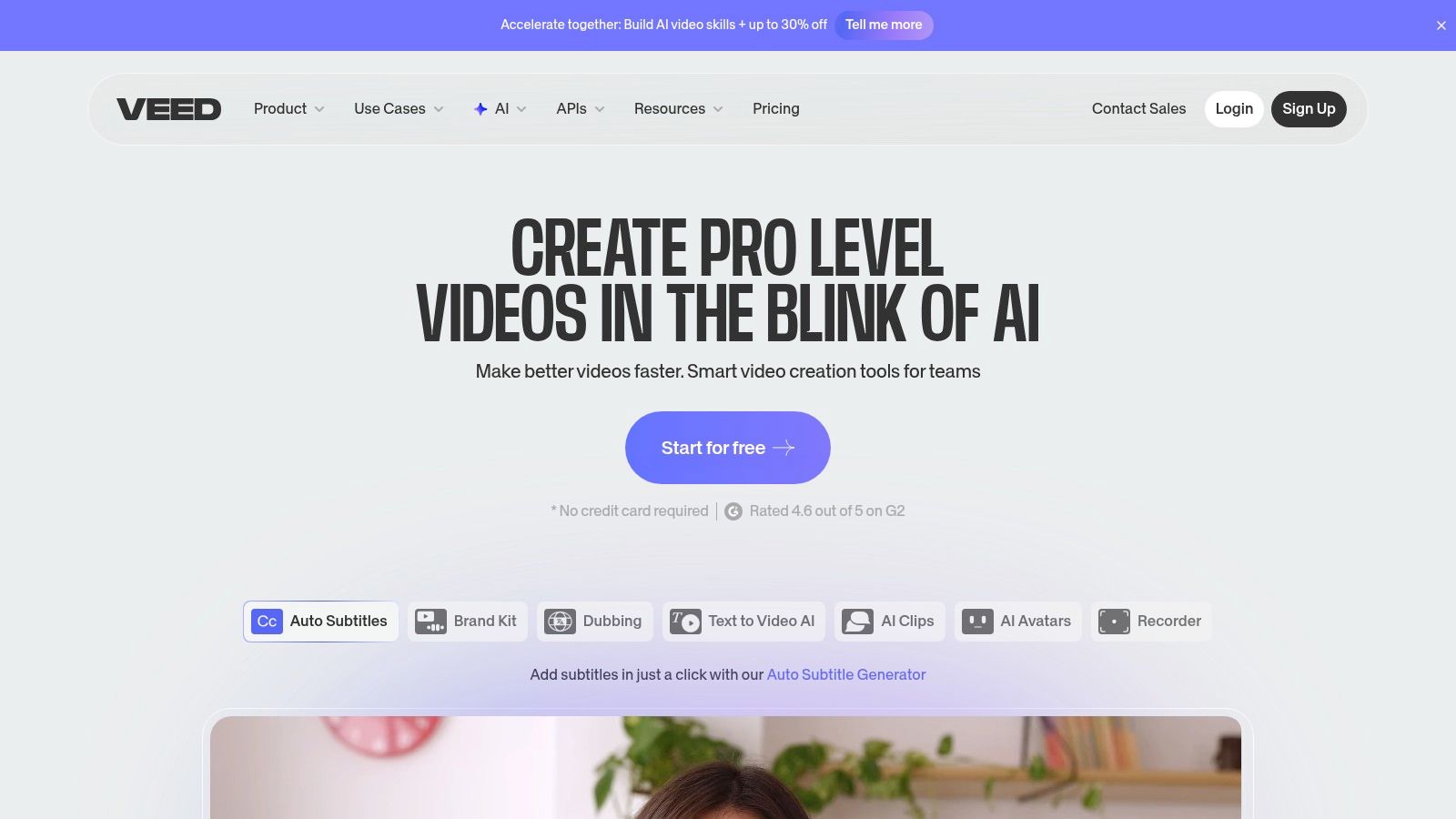
This platform is more than a simple generator; it’s a productivity hub designed for collaborative workflows. Features like automatic subtitle generation and translation are significant time-savers for creators targeting a global audience. While the generative video quality can be inconsistent depending on the prompt, the platform's 'AI Playground' allows for experimentation. The pricing structure can be dynamic, so it's a good practice to confirm the exact limits and features included in your plan before committing.
Key Details & Use Cases
- Best For: Marketing teams and businesses needing a single platform for video creation, subtitling, and hosting. It's also effective for creators who need to quickly add AI avatars and automated captions to their content.
- Pricing: Offers a free plan with watermarked exports. Paid plans start at 12/editor/month (Basic) and go up to Pro (24/editor/month) and Business ($59/editor/month) for more features and fewer limitations.
- Website: https://www.veed.io
9. InVideo
InVideo positions itself as a comprehensive ai video creation tool by combining access to multiple generative AI models with a familiar, hands-on timeline editor. It’s built for creators and advertisers who want the speed of AI generation for clips and voiceovers but still need the precision of manual editing for the final product. The platform’s approach allows you to quickly assemble videos from text prompts and then fine-tune every element in a traditional studio interface.
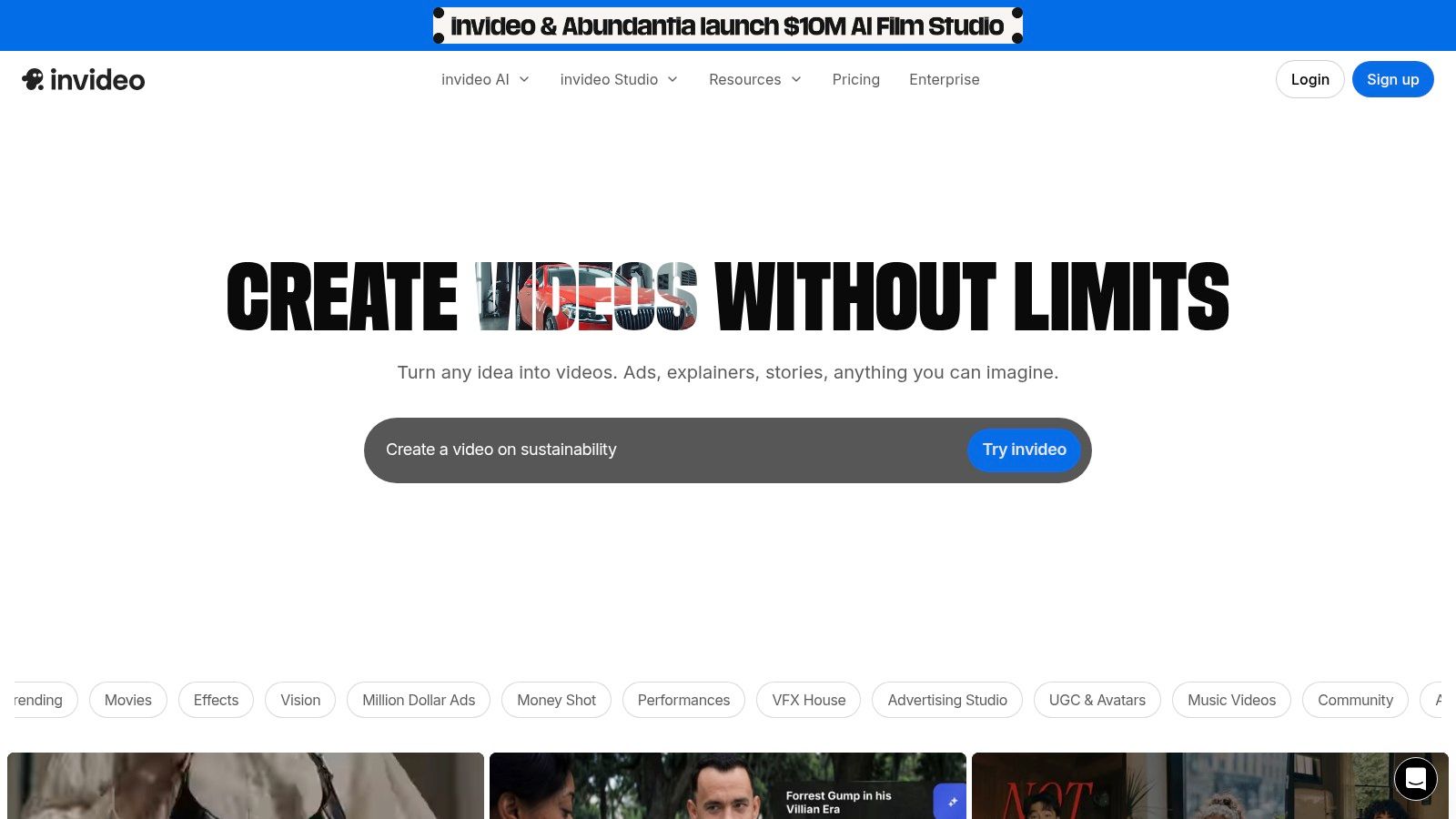
This hybrid model makes it a practical choice for producing social media ads and content at scale. Users can generate clips, use AI avatars, clone voices, and access a large stock media library all within one workflow. However, the system operates on credits, which are consumed based on the AI models you use and the output quality. This means costs can be variable, and heavy users might find themselves needing to purchase additional credits to sustain their production volume.
Key Details & Use Cases
- Best For: Marketers and social media managers who need to produce a high volume of ads and promotional videos while retaining manual control over the final cut.
- Pricing: A free plan is available with limited AI generation. Paid plans start at 20/month (Plus) and go up to 48/month (Max), offering more credits, exports, and storage.
- Website: https://invideo.io
10. OpusClip
OpusClip specializes in repurposing long-form video content into engaging, short-form clips for social media. This ai video creation tool is built for speed and efficiency, automatically identifying the most compelling moments in a video, reframing them for vertical viewing, and adding dynamic, animated captions. Its AI-powered "virality score" helps creators prioritize which clips have the highest potential to perform well on platforms like TikTok, Instagram Reels, and YouTube Shorts.
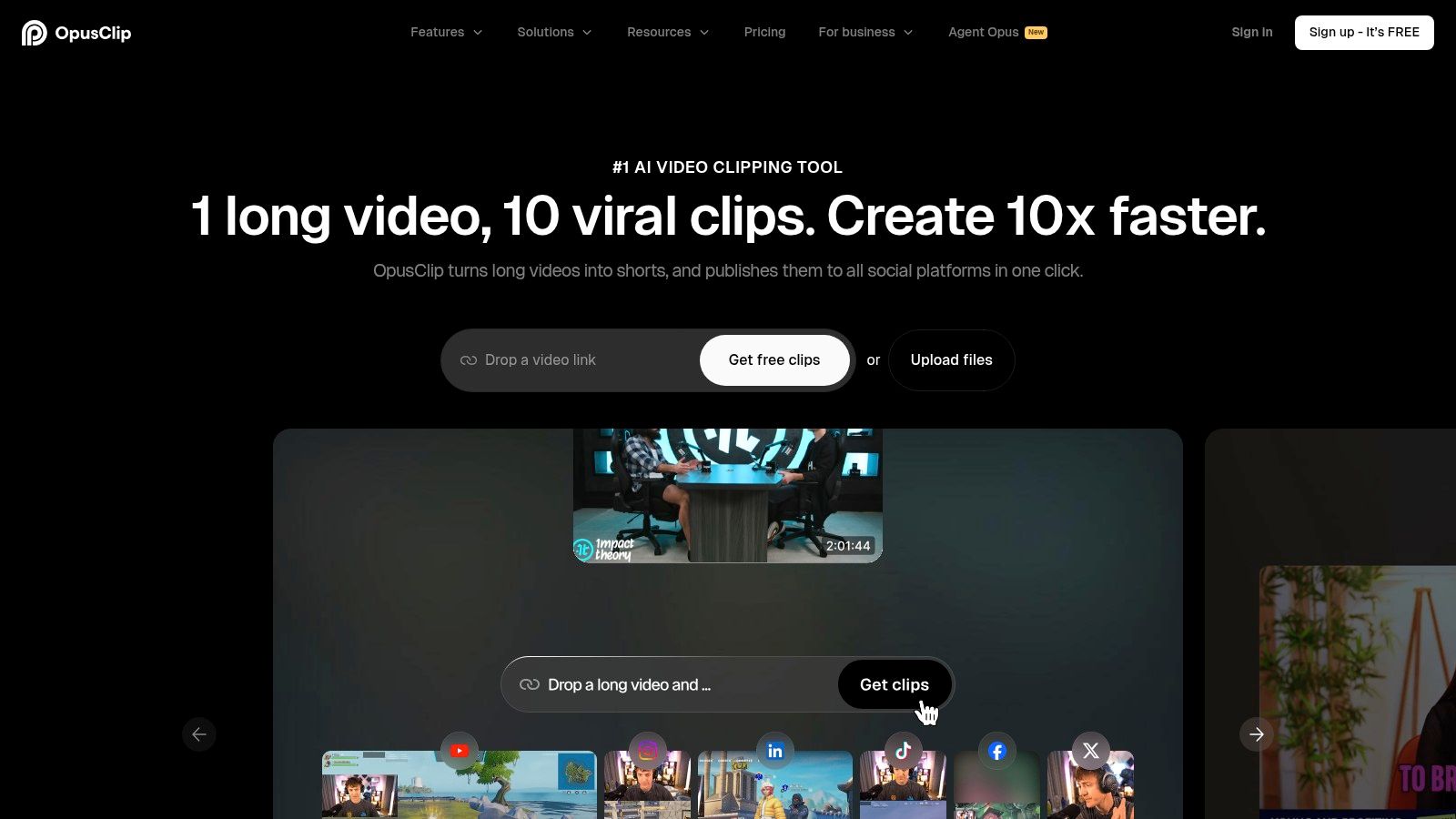
The platform is designed for creators and agencies who already have a library of long-form content, such as podcasts, interviews, or webinars, and need a scalable way to market it. It saves countless hours of manual editing by automating the highlight detection, captioning, and reformatting process. While it isn’t a generative tool for creating video from scratch, its strength lies in its intelligent content multiplication, turning one long video into ten or more shareable assets in minutes.
Key Details & Use Cases
- Best For: Content creators, podcasters, and agencies looking to efficiently repurpose long videos into a high volume of short, viral-ready clips for social media.
- Pricing: Offers a free plan with limited processing minutes. Paid plans start at 9/month (Starter) and increase to Creator (14.50/month) and Pro ($29.50/month) for more minutes, team features, and export options.
- Website: https://www.opus.pro
11. Lumen5
Lumen5 specializes in transforming text-based content into engaging social videos, making it an excellent ai video creation tool for marketers and corporate communication teams. Its core strength lies in its ability to automatically generate a video storyboard from a blog post, article, or raw text. The platform analyzes the content, suggests relevant scenes with stock media, and applies your branding for a consistent look. It’s built for speed and brand alignment rather than generative novelty.
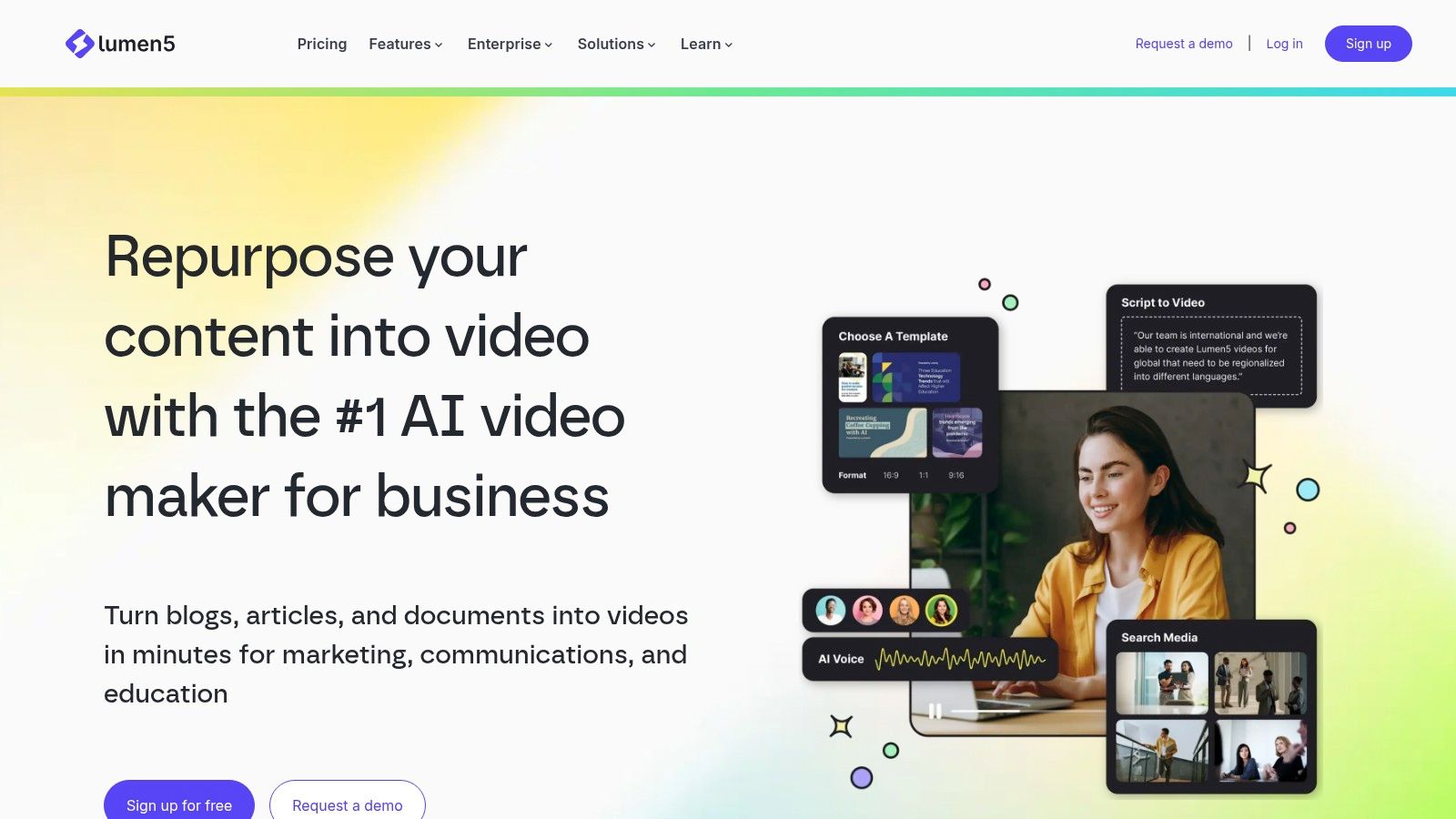
This platform excels at making video creation accessible to non-editors. The workflow is straightforward: input a link or text, and the AI drafts a video sequence. You can then fine-tune it using a template-driven editor, swap media, and adjust text overlays. While it doesn't offer advanced generative features like text-to-video or avatars, its focus on brand kits and collaboration tools makes it perfect for teams needing to scale their content marketing efforts efficiently and maintain brand consistency across all outputs.
Key Details & Use Cases
- Best For: Marketing teams, content creators, and educational institutions looking to repurpose articles and written content into branded videos for social media or internal communications.
- Pricing: Offers a free Community plan with watermarked videos. Paid plans start at 19/month (Basic) for no watermark, scaling to Starter (59/month), Professional ($149/month), and custom Enterprise tiers with more features.
- Website: https://lumen5.com
12. Colossyan
Colossyan is an ai video creation tool designed specifically for workplace learning and internal communications. It excels at producing professional AI avatar-led videos for training modules, corporate announcements, and onboarding materials. The platform stands out by integrating interactive elements directly into the video, such as quizzes and branching scenarios, making content more engaging for employees. This focus on learning and development (L&D) sets it apart from more creatively-oriented generative tools.
The platform is built for organizational needs, offering features like brand kit integration, multi-avatar scenes, and robust translation into over 70 languages. Its ability to export content as a SCORM package makes it easy to integrate with existing Learning Management Systems (LMS). While its strengths are in avatar and training videos rather than cinematic generation, its enterprise-ready features and clean user interface make it a top choice for corporate trainers and HR departments looking to scale their video-based learning content efficiently.
Key Details & Use Cases
- Best For: L&D professionals, corporate trainers, and HR teams who need to create scalable and interactive training videos. It’s also great for internal communications that require a consistent human-like presenter.
- Pricing: A free trial is available. Paid plans start at 19/month (Starter) for basic features, with Pro (63/month) and Enterprise (custom pricing) tiers adding more advanced capabilities like custom avatars and SAML/SSO.
- Website: https://www.colossyan.com
Top 12 AI Video Creation Tools Comparison
| Product | Core features | UX / Quality (★) | Pricing & Value (💰) | Target audience (👥) | Unique selling points (✨ / 🏆) |
|---|---|---|---|---|---|
| ClipCreator.ai 🏆 | Script templates → images → voiceover → subtitles → scheduled auto-posting | ★★★★☆ | 💰 19 / 39 / $69 — strong automation ROI | 👥 Creators, educators, agencies, SMBs | ✨ Set-and-forget faceless videos; template-led virality; 100% ownership |
| Runway | Text→video, image→video, performance capture, web editor | ★★★★★ | 💰 Credit tiers; premium for HQ generations | 👥 Creators & studios needing cinematic generative footage | ✨ Cutting-edge generative models; fast iteration |
| Pika | Text/image→video, creative effect templates, speed/quality modes | ★★★★ | 💰 Flexible credits; good for rapid tests | 👥 Experimenters, short-form stylists | ✨ Trendy effects & fast UX for experimentation |
| Synthesia | Avatars, script→video, 160+ languages, enterprise controls | ★★★★☆ | 💰 Enterprise pricing; add-ons for advanced features | 👥 Corporate training, comms, L&D | ✨ Polished avatars, strong governance & localization |
| HeyGen | Avatar video, lip-synced dubbing, digital twins, up to 4K | ★★★★ | 💰 Free plan + paid tiers; usage limits apply | 👥 Multilingual creators, businesses | ✨ Fast dubbing/lip-sync; custom digital twins |
| Descript | Text-based editor, TTS & voice cloning, studio audio cleanup | ★★★★☆ | 💰 Tiered plans with media hours & AI credits | 👥 Podcasters, repurposers, editors | ✨ Editor-as-doc, strong audio tools & captions |
| Kapwing | Browser editor, auto-subtitles, resizing, brand kits | ★★★★ | 💰 Free/basic; paid for watermark removal & credits | 👥 Social teams & non-technical creators | ✨ Fast social resizing & captioning workflow |
| VEED | Text-to-video, AI avatars/voices, auto-subtitles, hosting | ★★★★ | 💰 Tiered plans; check dynamic limits | 👥 Teams wanting all-in-one browser suite | ✨ Broad feature set + hosting & publishing |
| InVideo | Multi-model generation + timeline editor, avatars, agent | ★★★★ | 💰 Credit/model-dependent — variable costs | 👥 Advertisers & social creators needing finishing tools | ✨ Model choice + classic editing workflow |
| OpusClip | Auto-highlight detection, animated captions, scheduler | ★★★★ | 💰 Free test; paid tiers for scale | 👥 Creators/agencies repurposing long-form | ✨ Virality scoring & quick long→short repackaging |
| Lumen5 | Article→video, brand kits, templates, collaboration | ★★★★ | 💰 Tiered; pricing may require contact | 👥 Marketing, comms, learning teams | ✨ Template-driven branded explainer pipeline |
| Colossyan | Avatars, translations, interactive quizzes, SCORM export | ★★★★ | 💰 Enterprise-focused pricing tiers | 👥 L&D, enterprises, training teams | ✨ Interactive video + LMS/SCORM integration |
Choosing Your Path to Effortless Video Creation
The journey through the current AI video creation tool market reveals a clear truth: the days of labor-intensive editing and inconsistent content calendars are numbered. We've explored a dozen powerful options, from the cinematic artistry of Runway and Pika to the corporate polish of Synthesia and Colossyan. Each tool serves a distinct purpose, and finding the right fit depends entirely on your specific goals.
The central takeaway is that a tool's value isn't just in its features, but in how directly it solves your primary problem. If your objective is pure creative expression and generating unique visual assets from text prompts, then a tool like Pika is your ideal starting point. For businesses needing to produce professional training videos with digital presenters, platforms such as HeyGen or Synthesia provide direct, effective solutions. For repurposing long-form content into engaging clips, OpusClip remains a strong contender.
Making Your Final Decision
Your choice should be a strategic one, based on a clear-eyed assessment of your needs. Before you commit, consider these critical factors:
- Primary Goal: Are you trying to build a faceless TikTok channel, scale client video production, create e-learning modules, or simply experiment with generative art? Your answer will immediately narrow the field.
- Workflow Integration: Does the tool need to fit into a larger content process? If so, features like API access, team collaboration, and automated posting are crucial.
- Learning Curve vs. Control: How much time are you willing to invest? Tools like Descript and Kapwing offer more manual control but require some editing knowledge, while a platform like ClipCreator.ai prioritizes speed and automation.
- Scalability: Consider your future needs. Will a tool that works for one social media account also work for ten? Can it handle an increasing volume of content without a proportional increase in your workload?
As you finalize your choice for an AI video creation tool, considering the broader ecosystem of AI tools, including how they are marketed through platforms offering referral programs for AI tools, can provide additional insights into the market dynamics and potential benefits.
Ultimately, the best AI video creation tool is the one that removes the most friction between your idea and a published video. Don't let the sheer number of options lead to inaction. Pick the one that most closely aligns with your primary objective, sign up for a free trial, and create your first AI-generated video today. The power to build a content engine is now more accessible than ever.
Ready to stop editing and start publishing? If your goal is to consistently create and post engaging short-form videos for social media, ClipCreator.ai is the only end-to-end platform built for true automation. Move beyond simple clip generation and build a scalable content machine by visiting ClipCreator.ai to start your journey.

Create your first video in under 2 minutes
Pick a niche, and ClipCreator.ai generates and auto-posts faceless videos to your channels every day.
Join ClipCreator.ai