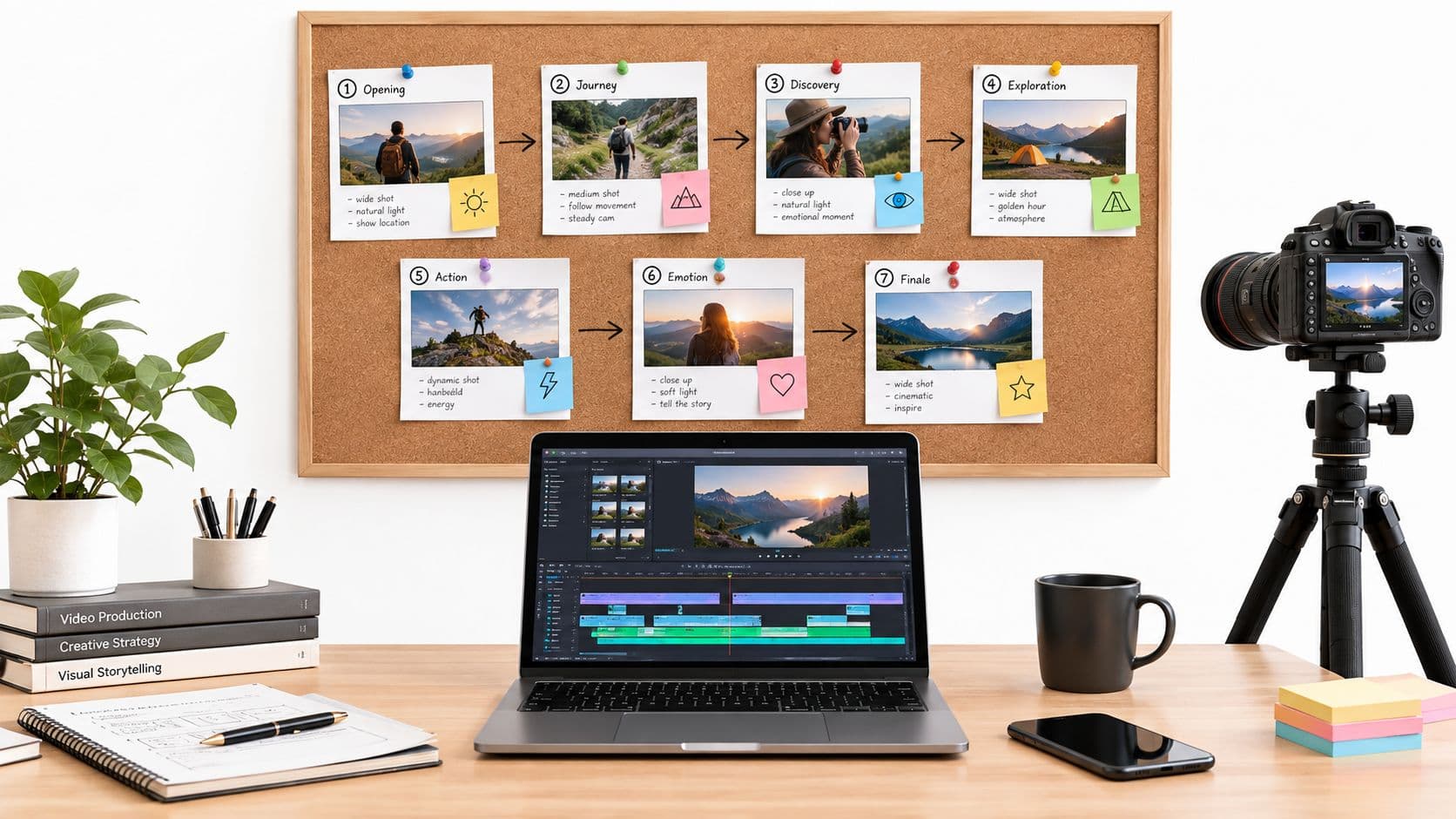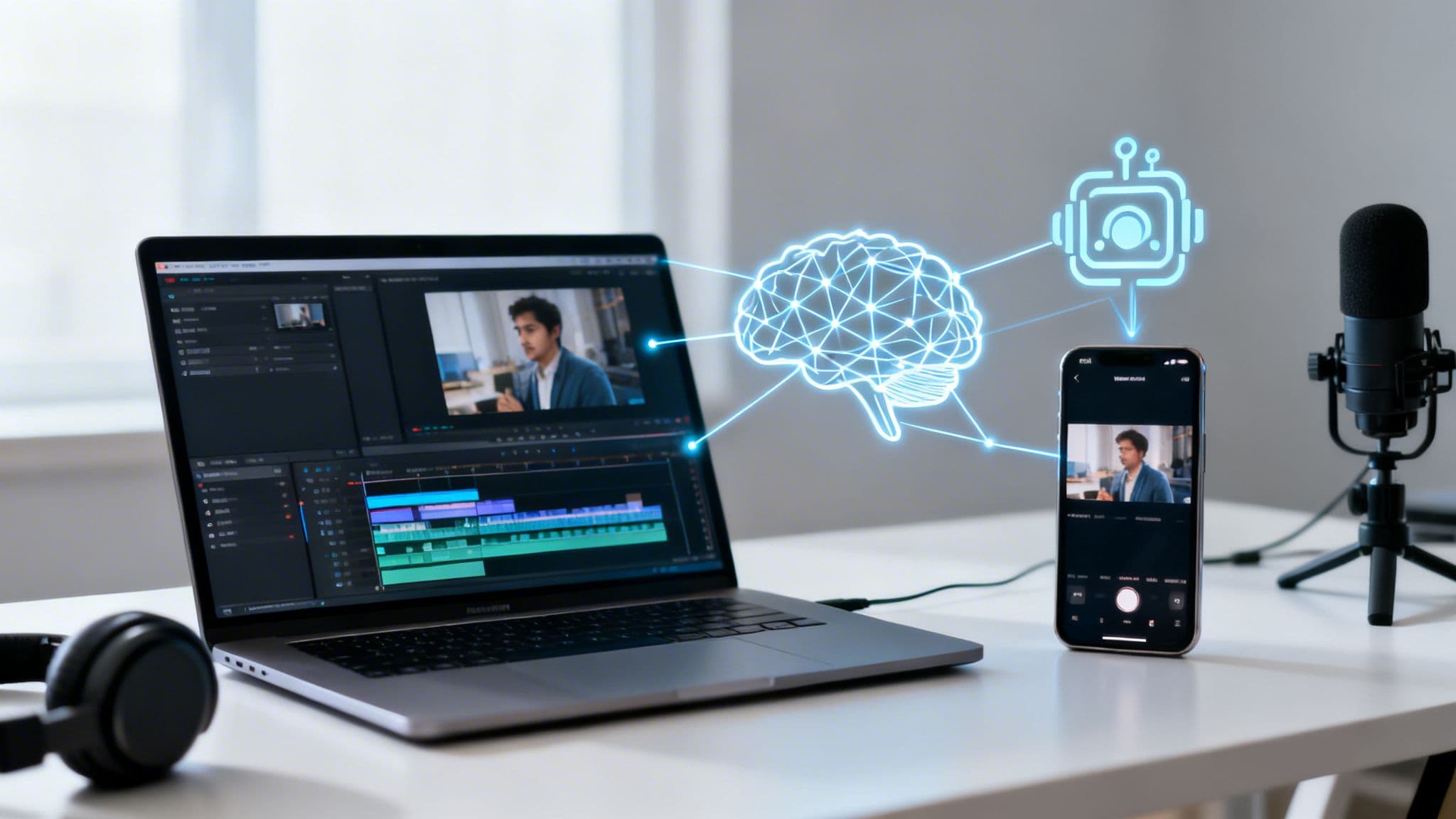
So, what exactly is an AI video generator for YouTube Shorts? Think of it less as a tool and more as a tireless digital production assistant. It's a smart system that uses artificial intelligence to handle the entire video creation process—from writing the script and finding visuals to adding a voiceover and captions. This allows you to produce a high volume of quality Shorts without ever touching a camera or complex editing software.
Why YouTube Shorts Demands an AI-Powered Workflow

The world of short-form video moves at a breakneck speed, especially on YouTube Shorts. Winning on this platform isn't about one viral video; it's about showing up consistently with fresh, engaging content that keeps your audience hooked.
This constant demand for "more" is a huge roadblock for many creators. The old way of making videos—scripting, filming, editing, and all the post-production work—is slow and often expensive. If you're a solo creator or a small business, just trying to produce one solid Short every day can feel completely overwhelming.
The Unstoppable Growth of Shorts
The numbers don't lie. YouTube Shorts has become a behemoth in the content world. As we look at 2026, the platform boasts an incredible 2 billion monthly active users and pulls in over 200 billion views every single day. That's a massive jump from the 70 billion daily views reported just two years ago in March 2024. And with 72% of YouTube users watching Shorts weekly, it's clear this is where the audience is.
While the opportunity is huge, so is the competition. To cut through the noise, consistency is your best friend. The YouTube algorithm rewards channels that publish on a regular schedule, but the big question is, how do you actually keep up?
This is precisely where an AI video generator for YouTube Shorts comes in. It breaks the content bottleneck, turning the grueling process of video production into a smooth, automated workflow so you can focus on big-picture strategy instead of tedious edits.
YouTube Shorts vs Competitors At a Glance (2026)
To really grasp the scale of this opportunity, it helps to see how Shorts stacks up against other major players. This table gives a quick snapshot of the landscape in 2026.
| Platform | Monthly Active Users | Average Engagement Rate |
|---|---|---|
| YouTube Shorts | 2 Billion | 5.8% |
| TikTok | 1.8 Billion | 5.2% |
| Instagram Reels | 1.5 Billion | 4.9% |
As you can see, YouTube Shorts isn't just a contender; it's leading the pack in both user base and engagement, making it a critical platform for any creator serious about growth.
Your Digital Content Partner
To succeed, you first need to understand What are YouTube Shorts and why they work. They’re quick, vertical videos built for fast consumption on mobile. An AI video generator is designed from the ground up to meet these exact requirements, acting as that "digital content partner" that takes care of the heavy lifting.
This technology is a game-changer for creating "faceless" videos, where the content speaks for itself without you needing to be on camera. You can see just how this is done in our guide to building an automated video creation workflow. With AI, you can:
- Generate Scripts: Turn a simple idea into a captivating story in seconds.
- Find Visuals: Automatically source relevant stock footage and images that bring your script to life.
- Add Voiceovers: Choose from a library of realistic AI voices to narrate your video.
- Burn-In Captions: Add subtitles directly into the video so it’s engaging even on mute.
At the end of the day, an AI tool like ClipCreator.ai empowers you to publish fantastic Shorts on a consistent schedule. It takes the content treadmill and turns it into a simple, automated process that fuels your channel's growth.
How AI Video Generators Build Your Shorts
Ever wondered how an AI video generator for YouTube Shorts turns a one-sentence idea into a finished video? It’s easy to think of it as some kind of black-box magic, but what's happening under the hood is more like a super-efficient digital production crew, with different AIs handling each part of the job.
Let's walk through exactly how a simple prompt gets turned into a polished, ready-to-publish Short. Understanding this process shows you just how powerful these tools are for creating "faceless" videos, letting you produce high-quality content without ever needing to step in front of a camera or buy a fancy microphone. It’s a coordinated effort between four distinct AI systems.
Step 1: AI Scriptwriting and Storytelling
Everything starts with the script. You feed the AI a basic concept, maybe a topic like "three fascinating facts about ancient Rome" or a creative prompt like, "a short, scary story about a haunted lighthouse." This is where the first AI specialist, the scriptwriter, takes over.
It doesn't just spit out words. This AI has studied what makes short-form video work, analyzing countless viral scripts to understand pacing and narrative flow. It knows a YouTube Short has to hook someone in the first 3 seconds or lose them forever. It's trained to build a complete and compelling story in under 60 seconds.
The script you get back is built for performance:
- Solid Story Structure: It has a clear beginning, middle, and end, all optimized for the fast-paced vertical format.
- Engaging Language: The words are chosen to keep people watching, building curiosity or excitement all the way to the final frame.
- Consistent Tone: With a tool like ClipCreator.ai, you can dial in a specific voice for your channel, whether it’s educational, mysterious, or funny.
Step 2: AI Visual Generation
With the story locked in, the focus shifts to what your audience will see. A text-to-image AI acts as the director of photography, reading the script line by line to generate matching visuals or pull from a library of stock footage.
This AI is smart enough to grasp the mood and context. If your script mentions, "The old lighthouse stood alone against the stormy sea," it won’t just find any picture of a lighthouse. It will generate an image that feels isolated, moody, and dramatic, directly matching the tone of the story. This creates a seamless experience where the visuals and the narrative feel perfectly connected.
This is where you save an incredible amount of time. Instead of hunting for the right stock clips or designing graphics for hours, the AI handles the visual storytelling in seconds. It ensures every single scene powerfully supports the script.
Step 3: AI Voice Synthesis
Now your video has a story and visuals, but it needs a voice. This is where AI voice synthesis comes in, turning that written script into a spoken narration. And thankfully, we're long past the days of robotic, monotone computer voices.
Today’s advanced voice generators offer a huge variety of natural-sounding voices with different accents, paces, and emotional ranges. You can pick a voice that sounds genuinely excited for a top-ten list, appropriately somber for a scary story, or clear and authoritative for an explainer video. It's this step that gives a faceless video its personality.
Step 4: Automated Subtitles and Final Assembly
The last stage is all about putting on the finishing touches. The AI automatically generates subtitles from the script and syncs them perfectly with the voiceover. Since a huge number of people watch Shorts on their phones with the sound off, having burned-in captions is non-negotiable for keeping them engaged.
Finally, the AI producer puts it all together—the visuals, the voiceover, the captions, and fitting background music. It then renders the final, HD-quality video file, already formatted perfectly for YouTube. In just a couple of minutes, your idea is no longer just an idea; it's a finished piece of content, ready to be scheduled and shared with your audience.
How to Pick the Right AI Video Generator for Your Channel
When it comes to the relentless pace of YouTube Shorts, not just any AI video tool will do the job. The market is flooded with options, and it’s easy to get lost comparing long lists of features. But here’s the secret: most of them don't matter for Shorts. The real goal is to find an ai video generator for YouTube Shorts that has the right features—the ones that directly help you make better videos, faster.
Think of it like this: you wouldn't buy a family minivan for a racetrack. Likewise, a generic AI video maker probably isn’t built for the specific demands of short-form vertical video. You need a tool that's been designed from the ground up to win on the Shorts platform.
So, how does it all work? At its core, an AI video generator acts like a digital assembly line. It takes your script and combines it with visuals, a voiceover, and captions to build a finished video.
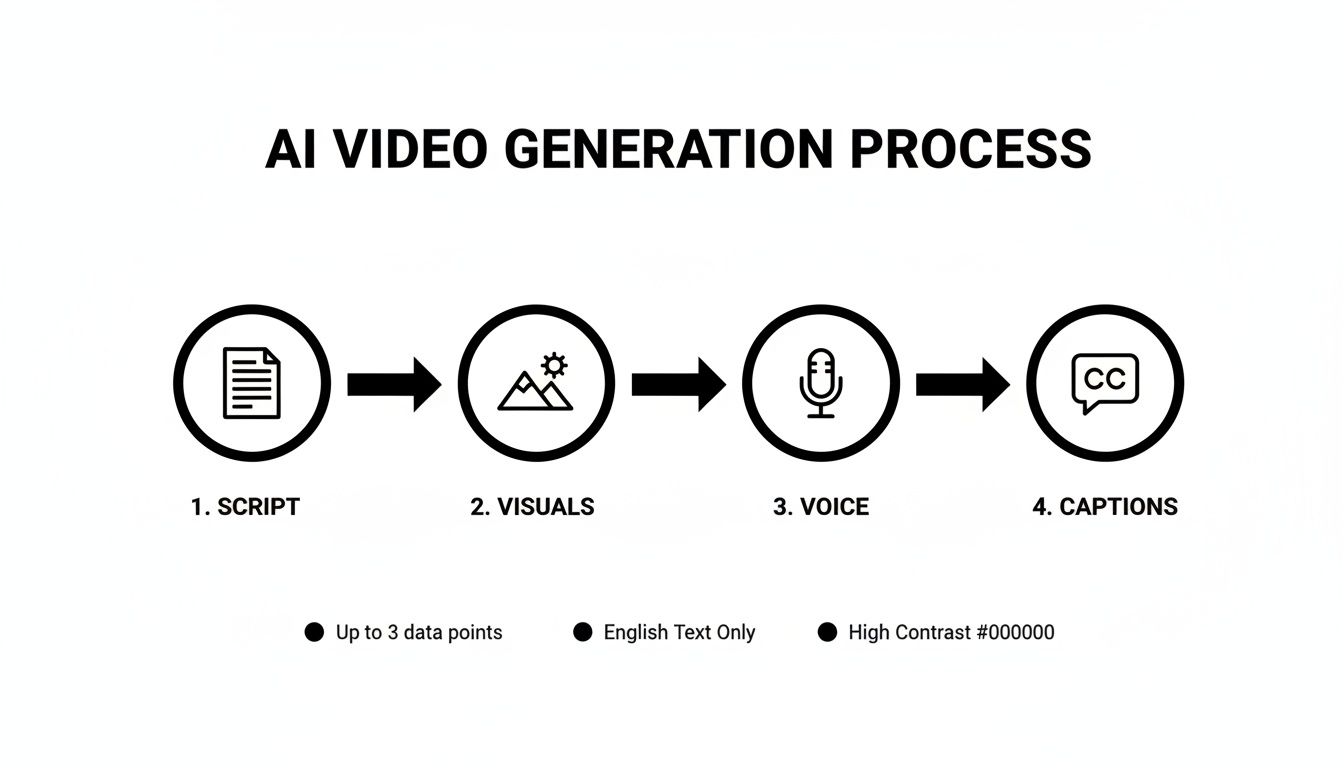
This process highlights what truly separates a great tool from a mediocre one. It’s all about the quality and intelligence at each step of that assembly line.
When choosing a tool, it's helpful to distinguish between what you absolutely need and what's just nice to have. This table breaks down the essential features that directly impact your ability to create successful YouTube Shorts.
Essential vs. Nice-to-Have AI Video Generator Features
| Feature | Why It's Essential for Shorts Creators | Provided by ClipCreator.ai |
|---|---|---|
| Viral Video Templates | Eliminates creative blocks and gives you a proven structure. You start with a format that's already popular, massively boosting your chance of going viral. | ✅ |
| Lifelike AI Voices | For faceless channels, the voice is the brand. A natural, engaging voice builds trust and keeps viewers hooked, avoiding the dreaded "robot-voice" drop-off. | ✅ |
| Auto-Generated Subtitles | Most Shorts are viewed on mute. Without dynamic, easy-to-read captions, your message is lost. This feature makes your content accessible to everyone, everywhere. | ✅ |
| Full Content Ownership | You must have the right to monetize your videos. Without full ownership, your hard work could be for nothing, and you can't repurpose content on other platforms. | ✅ |
| Direct Scheduling/Posting | A true time-saver. This lets you batch create a week's worth of content and have it post automatically, ensuring the consistency that YouTube's algorithm loves. | ✅ |
Ultimately, the best tools don't just help you make a video; they help you run your channel. Now, let’s dig into exactly why these features are non-negotiable.
H3: Proven Viral Templates
Staring at a blank screen is a creativity killer. The best AI tools get you past that hurdle instantly by offering a library of proven templates. I'm not talking about basic layouts, but entire video structures based on formats that are already crushing it on Shorts—think "scary stories," "surprising historical facts," or "daily motivational quotes."
Using a template is like having a cheat code for viewer engagement. It gives you a narrative blueprint known to hold attention, so you're not just guessing what works. A platform like ClipCreator.ai equips you with these, so you can tap into popular trends from your very first video.
H3: Lifelike AI Voiceovers
Your video's voice is its soul. A clunky, robotic narration is an immediate red flag for viewers and screams "low-effort content." For faceless channels especially, the voice is everything. It's what builds a connection and makes your audience stick around.
That's why a top-tier ai video generator for YouTube Shorts absolutely must have a wide range of high-quality, human-sounding AI voices. Look for a selection of different accents, ages, and emotional tones. Finding a voice that perfectly fits the mood of your content is a game-changer for viewer retention.
The goal is for your audience to not even question if the voice is AI. When the narration feels authentic, the content instantly seems more professional and trustworthy, leading to longer watch times.
H3: Automated Subtitle Generation
A huge number of people watch Shorts with the sound off. If you don't have clear, bold subtitles, you're immediately losing a massive part of your audience. Manually creating and timing captions for every single video is a soul-crushing, time-wasting task that no creator has time for.
This is exactly why automated subtitle generation is a must-have. A great tool doesn't just transcribe your script; it "burns" the captions directly into your video, perfectly synced with the audio. It ensures your message lands, sound on or off, making your content more engaging and accessible.
If you want to really master this part of the process, our guide on using an AI video generator from a script dives deep into this workflow.
H3: Full Content Ownership and Automation
Finally, let's talk about the business side of things. Before you invest your time and money into a platform, you have to be 100% sure you get full ownership of the videos you create. This is what allows you to legally monetize on YouTube and repurpose your content on TikTok, Instagram Reels, or anywhere else.
Beyond ownership, true automation is about more than just making the video. The best tools offer a complete "set-and-forget" system. For instance, ClipCreator.ai lets you connect your YouTube account and schedule all your Shorts to be published automatically. You can knock out a full week of content in one sitting and let the tool handle the consistent posting schedule that the algorithm rewards. Getting familiar with the broader landscape of generative AI platforms can also give you a better sense of what's possible.
Creating Your First Short With ClipCreator.ai
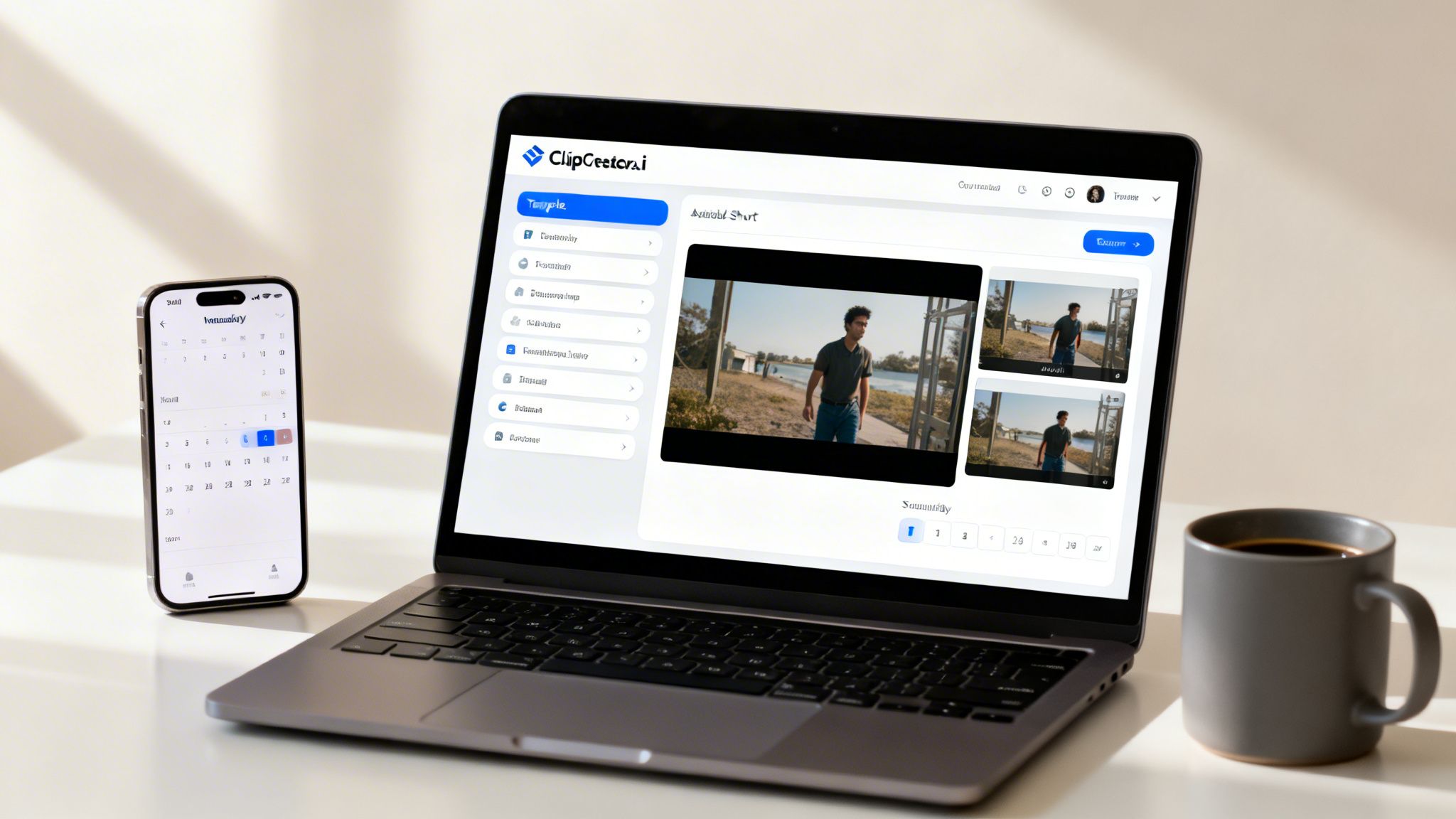
It’s one thing to talk about how an AI video generator for YouTube Shorts works, but the real "aha!" moment comes when you actually use one. So, let’s get our hands dirty and walk through creating your very first Short with ClipCreator.ai. You're about to see just how fast you can go from a simple idea to a finished video.
This isn't just about making a single video. It's about building a sustainable system for creating content. Follow these steps, and you'll quickly realize you can produce a week's worth of Shorts in the time it used to take to painstakingly edit just one.
Step 1: Pick a Proven Template
For many creators, the blank page is the biggest hurdle. Where do you even start? ClipCreator.ai gets rid of that problem by offering a whole library of viral video templates. These aren't just pretty designs; they're proven narrative formats that are already getting tons of views on YouTube Shorts.
Let's start with a classic theme like "surprising historical facts." By choosing this, we've instantly got a clear direction and a structure that audiences recognize and like. You’re not guessing what might work—you're starting with a blueprint for engagement.
Step 2: Generate and Tweak the AI Script
Now that we have our format, we need a script. You don't need to be a professional writer here. All you have to do is give the AI a simple prompt, something like, "a surprising fact about Abraham Lincoln."
In seconds, the AI scriptwriter will draft a short, punchy narrative built for the under-60-second format. It automatically creates a hook for the first 3 seconds, lays out the information, and ends with a satisfying conclusion. Now, you just read it over and make small tweaks to inject your own personality and voice. This is your chance to add that human touch.
This is the ideal partnership between AI efficiency and your creativity. The AI does the heavy lifting, and you provide the final polish that makes the content uniquely yours.
Step 3: Let the AI Assemble Your Video
This is where the real magic happens. Once your script is locked in, you just hit "Generate Video." ClipCreator.ai then becomes your personal production crew, working behind the scenes.
- Visuals: The AI reads the script and automatically finds or generates relevant video clips and images to match each scene.
- Voiceover: It then converts the script into a clear, natural-sounding narration using an AI voice of your choice.
- Subtitles: Finally, it adds perfectly timed subtitles directly onto the video, a must-have for viewers watching on mute.
In just a couple of minutes, all of these pieces are assembled into a polished video. You can watch the preview and, if a certain scene doesn't feel quite right, regenerate it with a click. It turns hours of tedious editing into a task that’s faster than making a cup of coffee.
Step 4: Schedule Your Content for the Week
With your video finished, the last step is to get it out there. ClipCreator.ai connects directly to your YouTube account, making publishing a breeze. Instead of the old download-and-re-upload routine, you can post your Short with a single click.
Better yet, you can schedule it. Run through this quick process a few more times, and you can line up an entire week's worth of content in a single afternoon. Batch-creating like this is the secret to the kind of consistency the YouTube algorithm loves, helping you build momentum without facing the daily grind.
Optimizing Your AI-Generated Shorts for the Algorithm

Creating a great video is only half the battle. The real work begins when you hit "publish"—you have to convince the YouTube algorithm to actually show your content to people. This is where an ai video generator for youtube shorts can give you a massive leg up with the single most important factor: consistency.
I like to think of the algorithm as a demanding but fair boss. It isn't impressed by a single great performance; it rewards the employees who show up and deliver solid work day after day. When you consistently publish high-quality Shorts, you're signaling to YouTube that your channel is active and reliable, and the algorithm loves that.
This is exactly why automation is so powerful. Using a tool like ClipCreator.ai to schedule a full week of content in one sitting means you’re guaranteed to hit that steady publishing pace without the daily scramble. This consistent stream of videos is the bedrock of any solid Shorts growth strategy.
Mastering the Essentials of Discoverability
Once you have consistency locked down, you can turn your attention to the other pieces of the puzzle that help your videos get found. Think of these as the basic SEO rules for YouTube Shorts that tell the algorithm what your content is about and who it’s for.
- Keyword-Rich Titles: Don't try to be clever. Your title needs to be clear, direct, and packed with the keywords your audience is actually searching for. A title like "Surprising Roman Empire Facts" will always outperform a vague one like "You Won't Believe This."
- Strategic Hashtags: Hashtags are how YouTube categorizes your video. You absolutely must include #shorts in your title or description so it gets indexed correctly. Beyond that, add 3-5 other relevant hashtags that fit your niche (like #historyfacts or #ancientrome).
- Compelling Thumbnails: Shorts often autoplay in the feed, but your thumbnail is still critical for getting clicks from channel pages, search results, or the suggestions bar. Pick a bright, clear, and intriguing frame from your video that makes someone want to tap.
The name of the game is making it incredibly easy for the algorithm to understand your video. Clear signals from your title, description, and hashtags give your AI-generated content the best possible shot at reaching the right viewers.
Using Analytics to Drive Growth
Your YouTube Studio isn't just a dashboard; it's your command center. It’s full of priceless data that tells you what’s working and what’s falling flat. Never just post and hope for the best—dig into your analytics and use what you find to make better content.
Start looking for patterns in your best-performing Shorts. Are videos on a specific topic getting more views? Does a certain template style keep viewers watching longer? These insights are pure gold.
Once you find a winning formula, an ai video generator for youtube shorts makes it almost laughably easy to replicate that success. You can instantly create a batch of new videos in the same style or on related topics.
For example, if you see that your "scary stories" Shorts get double the views of anything else, you can lean into that niche hard and use ClipCreator.ai to produce an entire series. This data-driven approach takes the guesswork out of content creation and lets you double down on what your audience is telling you they love. If you want a deeper look at this, check out our guide on how to get more views on your YouTube Shorts.
By pairing consistent output with smart analysis, you create a powerful feedback loop that will fuel your channel's growth for the long haul.
Real-World Examples of AI Video Success
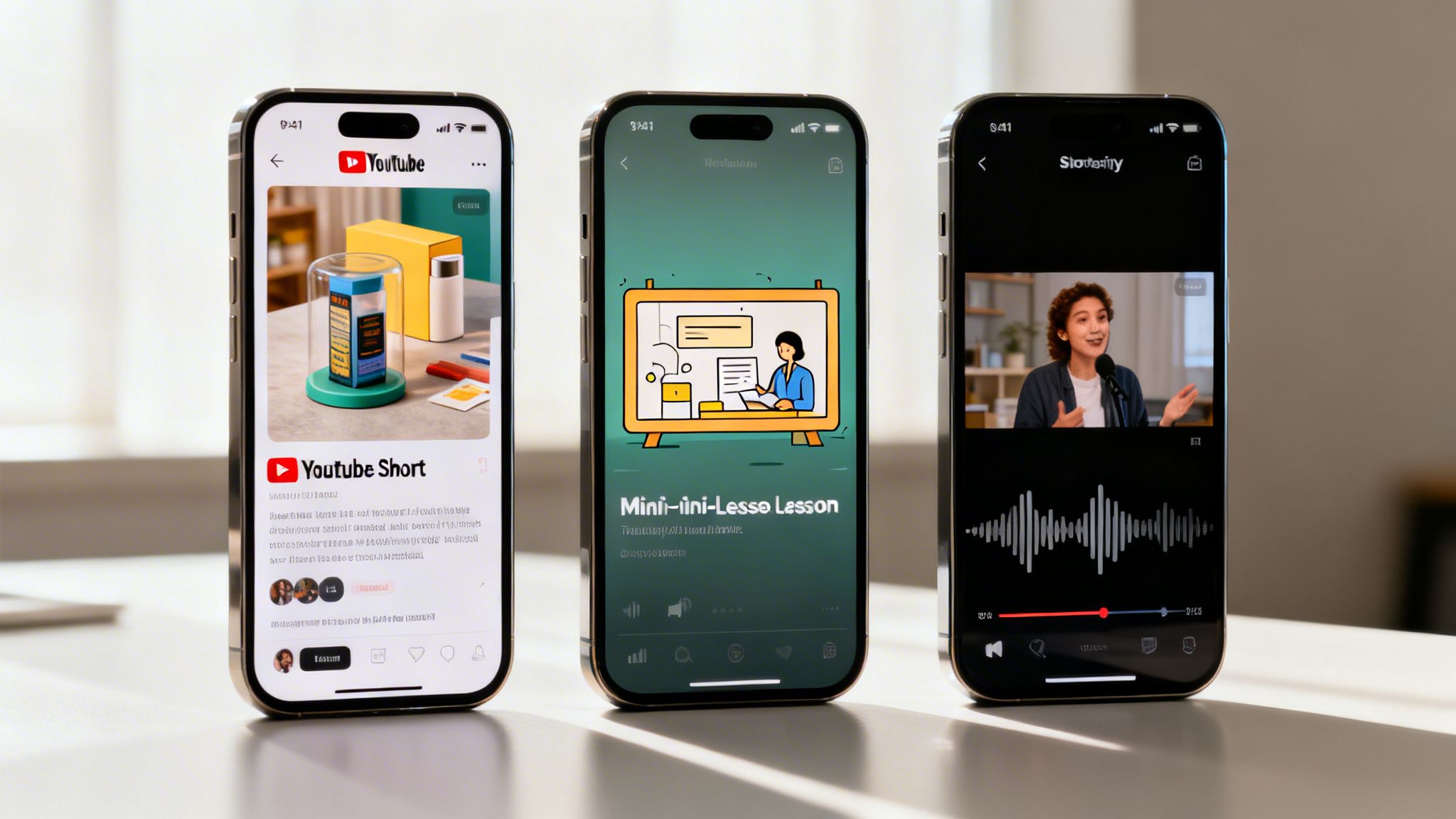
It’s one thing to talk about the theory of AI video automation, but seeing it work in the real world is what really clicks. For creators in just about every niche, an ai video generator for youtube shorts is proving to be much more than a fun new tool—it’s a serious engine for growth.
Let's look at a few practical scenarios where a platform like ClipCreator.ai can completely change the game. These aren't just hypotheticals; they show how real people are solving common, frustrating problems and getting measurable results on YouTube.
The Small Business Owner
Take Sarah, an entrepreneur who runs an online store for eco-friendly home goods. She knows she needs video to market her products, but the time and cost of a full production setup just aren't in the cards. Before, she was lucky if she could get one product video out the door each week.
Now, using ClipCreator.ai, Sarah is cranking out three polished Shorts every single day. She just picks a template, drops in her product features and benefits, and lets the AI handle the rest—visuals, voiceover, captions, the works. It’s a constant stream of bite-sized ads that keep her brand visible.
The Result: Sarah is saving over 10 hours a week that she used to spend on content. More importantly, she's seen a 40% jump in website traffic coming straight from her YouTube channel, all without ever touching traditional editing software.
The Educator and Mini-Lessons
Then you have creators like Mark, a history teacher with a passion for sharing knowledge outside the classroom. He always dreamed of creating animated mini-lessons, but the thought of learning complex animation software and sinking countless hours into it was a non-starter.
With an ai video generator for youtube shorts, Mark found a completely new way to teach. He uses a "historical facts" template in ClipCreator.ai to produce daily, 60-second lessons on fascinating events. The AI generates eye-catching visuals and a clear, professional voiceover that brings history to life.
His channel absolutely exploded.
- Subscriber Growth: Mark’s channel rocketed from 500 to 25,000 subscribers in just two months.
- Time Savings: He can now create and schedule an entire month’s worth of daily lessons in a single weekend.
- Engagement: His Shorts get thousands of likes and shares, creating a funnel that brings new viewers to his longer, more detailed videos.
The Storyteller and Daily Narratives
Finally, it's a similar story for Alex, a creative writer who tells fictional "scary stories." The goal was to build a huge community by posting a new narrative clip every single day, but producing an animated story from scratch daily was simply impossible for one person.
By leaning on ClipCreator.ai’s "scary story" template, Alex turned the channel into a content machine. The AI scriptwriter even helps brainstorm new plots, while the system generates the perfect eerie visuals and suspenseful narration to match. This kind of automation is a huge advantage, especially when over 52+ million channels have uploaded Shorts—a 50% year-over-year growth in creator participation. You can dig into the full YouTube Shorts statistics to see just how massive the audience is.
This high-volume strategy helped Alex build an incredibly loyal following that tunes in daily for the next spooky installment. The channel’s growth proves that an ai video generator for youtube shorts can turn a creative hobby into a legitimate content business.
Answering Your Questions About AI Video Generators
It's completely normal to feel a little skeptical when you first hear about AI video tools. With all the buzz, it's easy to wonder about the catch. So, let's clear the air on some of the most common worries creators have before using an ai video generator for YouTube Shorts.
Will YouTube Penalize My Channel for Using AI?
This is probably the biggest question on your mind, and the straightforward answer is no. YouTube won’t penalize your channel just for using AI. In fact, they’re on board with creators using new tools to make better content.
What YouTube really cares about is weeding out low-quality, spammy junk. Think of those soulless "content farms" that pump out thousands of nonsensical, repetitive videos. As long as you're using AI as a partner to create interesting and valuable Shorts for your audience, you're playing by the rules. A tool like ClipCreator.ai is built to help you make authentic content, not spam.
Can I Still Monetize AI-Generated Videos?
You absolutely can. Your ability to get monetized hinges on following the YouTube Partner Program policies, which are all about originality and adding value. The tool you use doesn't change that.
The most important piece of the puzzle here is full ownership. Any reputable AI video generator must give you complete commercial rights to every video you create. This means the final product is yours, period. You can monetize it on YouTube, repurpose it for other platforms, and never have to worry about legal headaches. If a tool is fuzzy on this point, walk away.
Your ability to earn from your content is tied to its quality and your ownership rights, not the tools you used to make it. By producing engaging Shorts that people want to watch, you are fully aligned with YouTube's monetization guidelines.
Is It Difficult to Get Started?
Not in the slightest. The whole point of a platform like ClipCreator.ai is to get rid of the steep learning curve that comes with traditional video editing. You don’t need to be an animator, a graphic designer, or a tech wizard.
The workflow is designed to be incredibly simple and feel more like creative direction than technical work.
- Choose a Template: You start with a proven layout that you know works.
- Provide a Prompt: Just give the AI a topic or a script idea to run with.
- Generate and Post: The tool does the heavy lifting of putting the video together and can even schedule it for you.
Honestly, if you can dash off a quick email, you already have all the skills you need. It turns the daunting task of video production into a simple, creative process you can figure out in just a few minutes.
Ready to stop worrying and start creating? ClipCreator.ai makes it easy to produce high-quality, monetizable YouTube Shorts in minutes. Build your content empire today at https://clipcreator.ai.

Create your first video in under 2 minutes
Pick a niche, and ClipCreator.ai generates and auto-posts faceless videos to your channels every day.
Join ClipCreator.ai