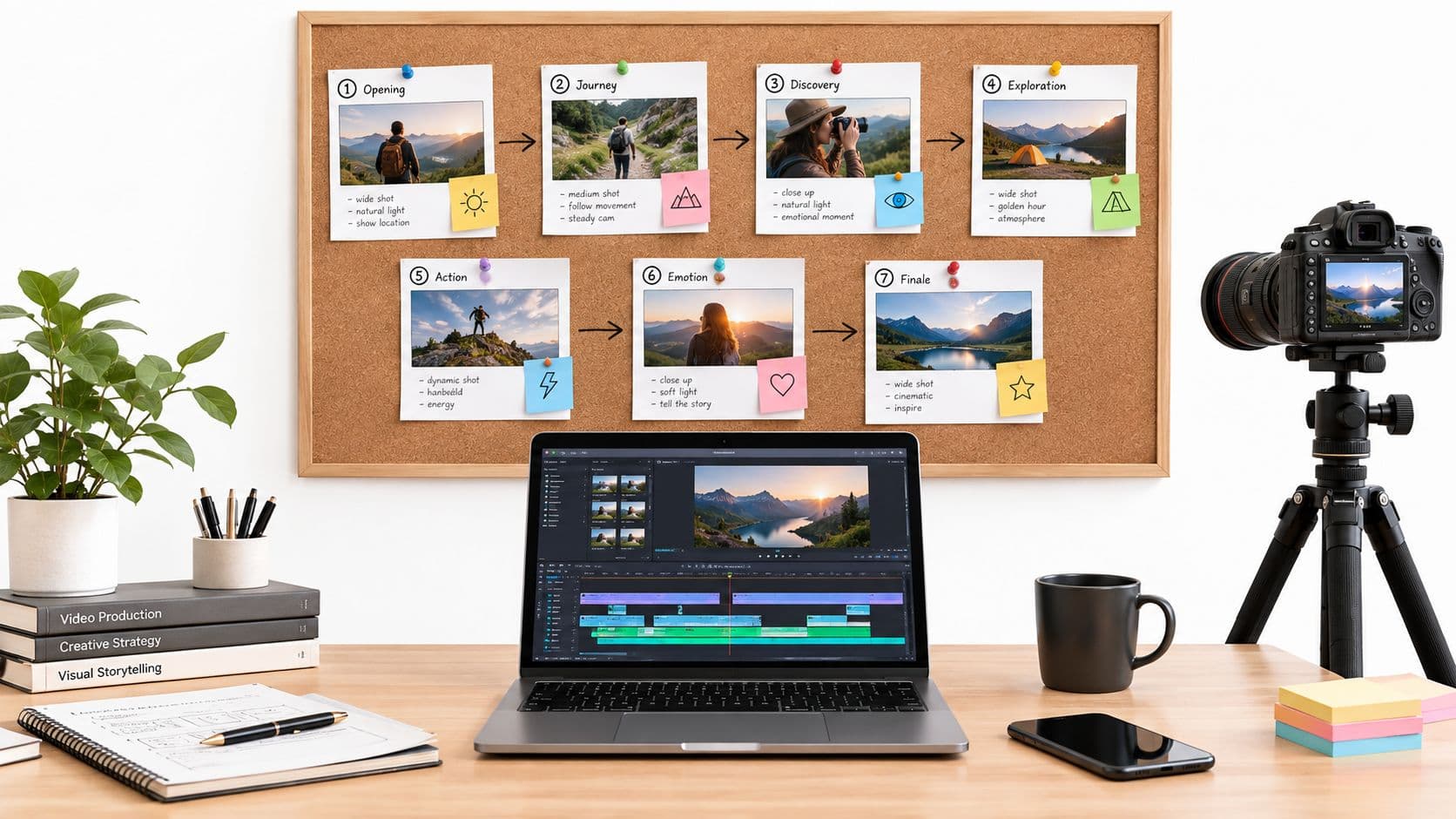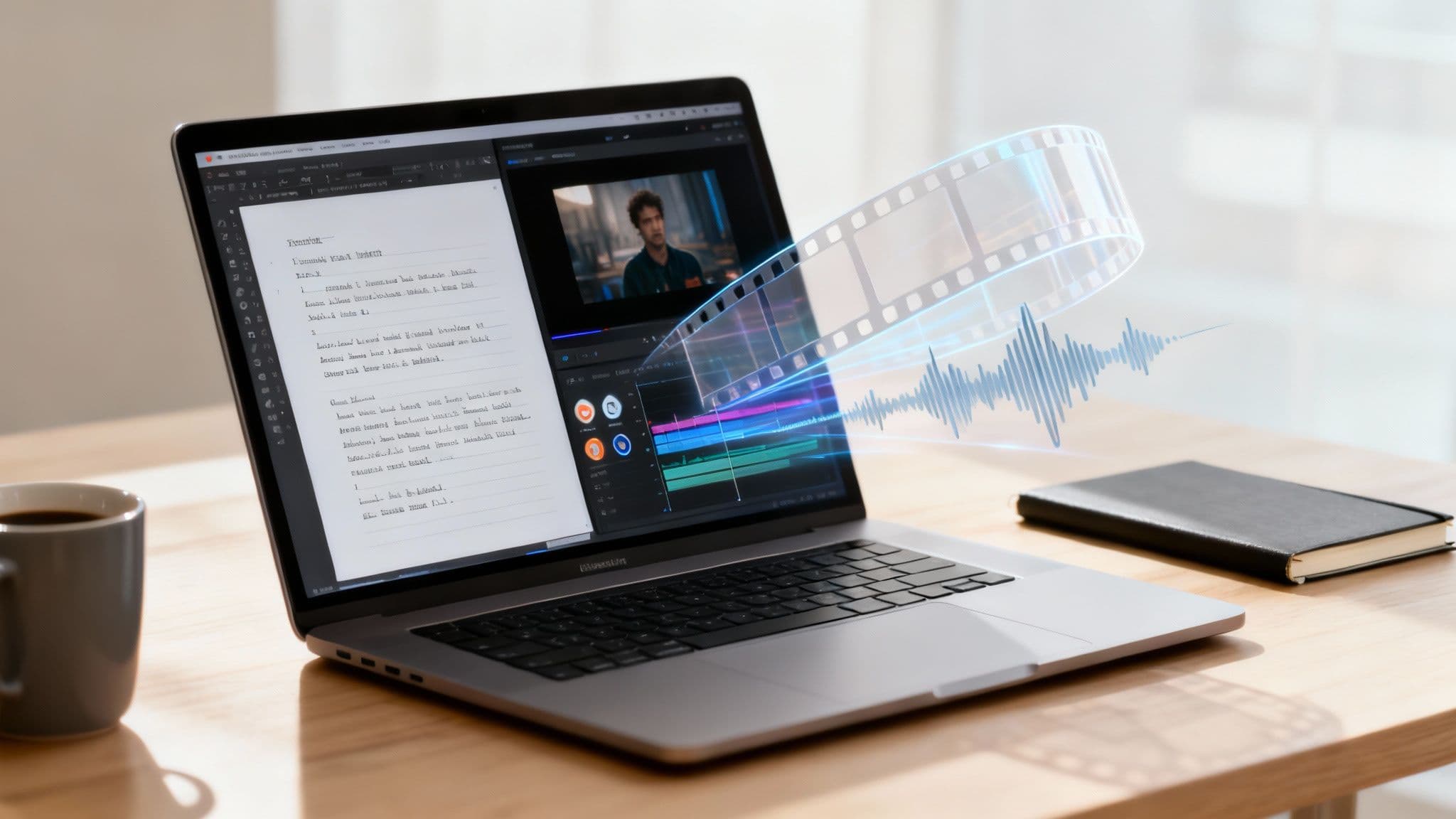
Creating video content manually is a significant bottleneck for creators and businesses alike. The process is time-consuming, requires specialized skills in editing software, and often involves expensive stock footage licenses and voiceover artists. This traditional workflow makes it incredibly difficult to produce consistent, high-quality video at the scale needed for social media, marketing campaigns, or educational channels. For every hour of finished video, creators can spend days sourcing assets, syncing audio, and cutting clips, a process that drains resources and slows down content calendars.
This guide is designed to solve that exact problem. We will provide a comprehensive breakdown of the best AI video generator from script platforms available today. Each tool on this list transforms your text into a finished video, complete with visuals, voiceovers, and music, in a fraction of the time it would take to do it manually. Our goal is to help you find the perfect solution for your specific needs, whether you're a TikTok creator making faceless story videos, a small business scaling social media content, or an agency automating client work.
The effectiveness of these tools often depends on the clarity of your input script. To get the best results, a foundational understanding of how to communicate with AI is essential, making skills like mastering prompt engineering increasingly valuable for crafting instructions that produce compelling visual narratives.
Inside this resource, you’ll find detailed analysis, screenshots, and direct links for each platform. We’ll compare key features such as:
- Script Input & AI Assistance
- Voiceover Quality & Customization
- Available Stock Media & AI-Generated Visuals
- Templates & Branding Options
- Pricing & Use Cases
We will also provide a short, practical tutorial using our top recommendation, ClipCreator.ai, to show you just how quickly you can turn a simple script into a polished, shareable video. Let's find the right tool to automate your video creation process.
1. ClipCreator.ai: Best for Automated Short-Form Content
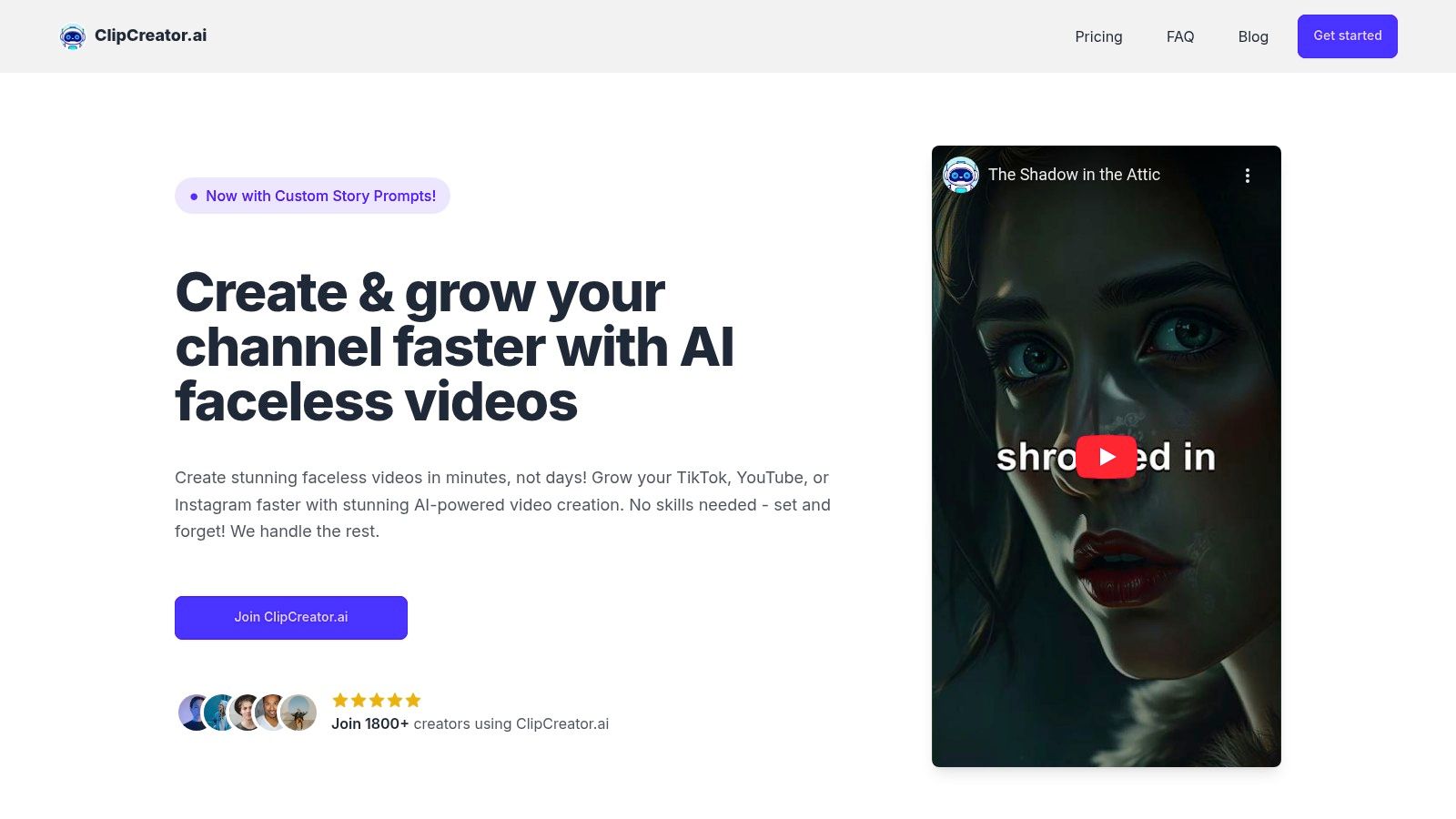
ClipCreator.ai positions itself as a premier ai video generator from script for creators who prioritize efficiency and consistency in short-form content. Its core strength lies in its "set-and-forget" automation, which handles nearly every step of the video creation process for platforms like TikTok, YouTube Shorts, and Instagram Reels. This makes it an invaluable tool for solo entrepreneurs, small marketing teams, and agencies aiming to scale their video output without a proportional increase in workload.
The platform's workflow is engineered for speed. Users can start with a custom prompt or select from a library of proven viral templates, such as scary stories or historical facts. From there, the AI takes over completely: it generates a compelling script, sources or creates story-aligned visuals, produces a remarkably lifelike voiceover, and adds perfectly synchronized subtitles. The final output is a polished, professional-grade HD video (up to 90 seconds) ready for publishing.
Key Features and Workflow
What truly sets ClipCreator.ai apart is its end-to-end automation, particularly the integrated scheduling and auto-posting feature. This allows users to build a content calendar and have the platform publish directly to their TikTok and YouTube accounts, creating a seamless pipeline from idea to live video. For those curious about the underlying technology, ClipCreator.ai provides a deeper dive into how it transforms text into video, and you can learn more about its script-to-video process on their blog.
- Content Generation: Fully automated scriptwriting, image creation, voiceover synthesis, and subtitling.
- Publishing Automation: Built-in scheduler for direct, hands-free posting to TikTok and YouTube.
- Template Variety: Start with proven templates or provide custom prompts for unique, on-brand content.
- Creator-Friendly Policies: Users retain 100% ownership of their videos and can cancel their subscription at any time.
Pricing and Ideal Use Cases
ClipCreator.ai offers a tiered pricing model based on publishing frequency, making it accessible for different needs.
| Plan | Price | Publishing Frequency |
|---|---|---|
| Starter | $19/month | 3 times per week |
| Daily | $39/month | Once per day |
| Pro | $69/month | Twice per day |
This structure is ideal for:
- Solo Creators: Automate daily content to maintain audience engagement without burnout.
- Small Businesses: Establish a consistent social media presence and drive traffic with minimal time investment.
- Agencies: Efficiently manage and scale video content production for multiple clients.
While it excels at automation, its primary limitation is the lack of advanced, in-app editing controls. Users seeking granular, frame-by-frame customization may need a different tool. However, for those whose goal is producing high-quality, engaging short-form videos at scale, ClipCreator.ai is an exceptionally powerful and well-rounded solution.
Website: https://clipcreator.ai
2. Synthesia
Synthesia has established itself as a premier AI video generator from script, particularly for corporate and educational content. It excels at converting text into professional videos featuring hyper-realistic AI avatars. Users can input a script, upload a document, or even provide a URL, and the platform’s AI Video Assistant guides the creation process, transforming the text into a narrated video with a lip-synced digital presenter.
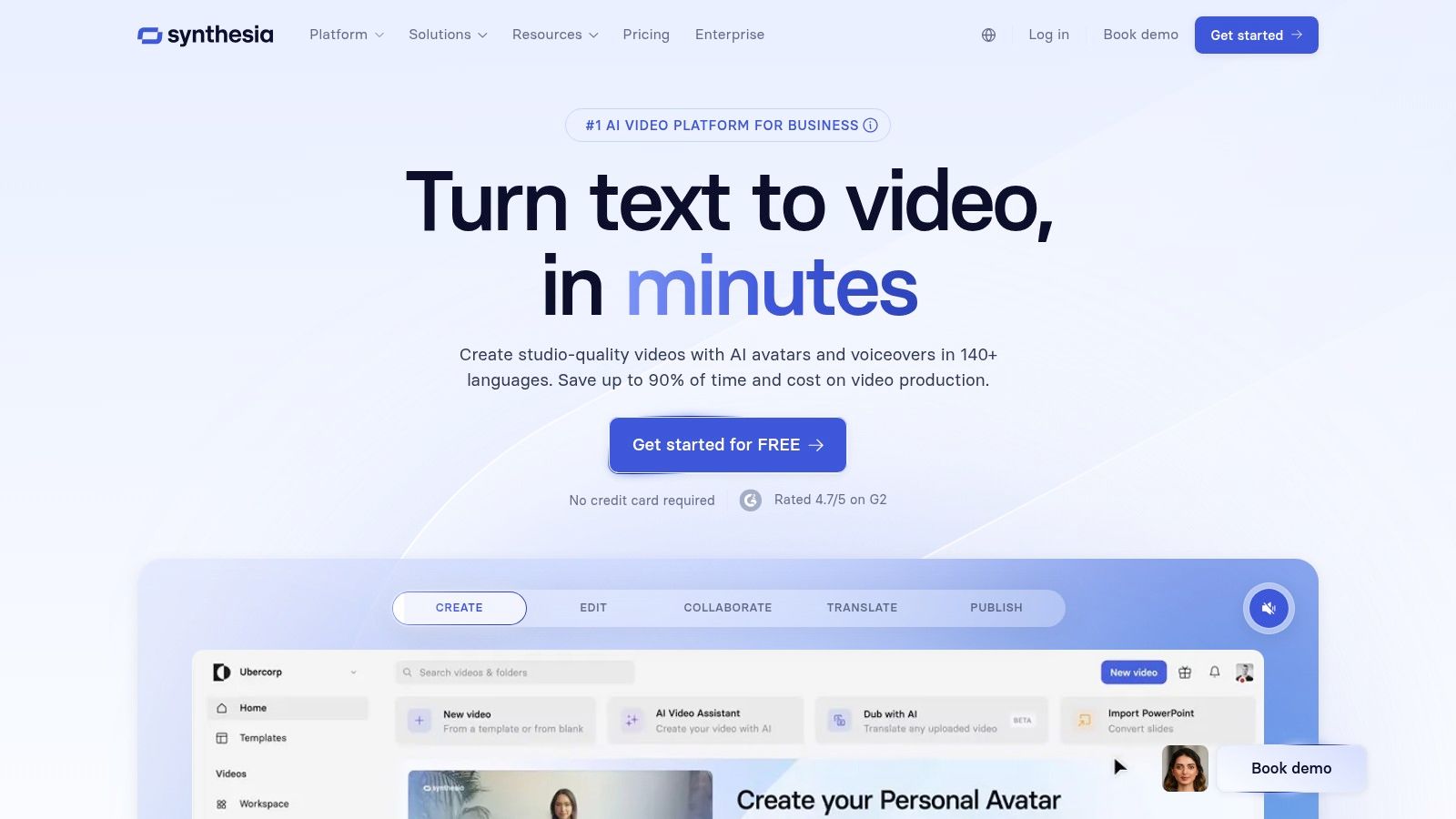
What makes Synthesia stand out is its robust feature set for business applications. It supports over 140 languages and voices, making it ideal for creating multilingual training modules, product explainers, and internal communications at scale. The platform also offers enterprise-grade security, collaboration tools, and the ability to export in SCORM format for Learning Management Systems (LMS). These business-centric features are a key differentiator. If you're interested in the specifics of production, you can explore detailed guides on how to create AI videos.
Features and Pricing
- Best For: Corporate training, internal communications, and multilingual marketing content.
- Key Features: 160+ AI avatars, 140+ languages, SCORM export, API access, AI script assistant, and brand kit integration.
- Limitations: The credit-based system on starter plans can be restrictive for high-volume creators. Custom avatars, a major selling point, are an expensive add-on reserved for enterprise-level plans.
- Pricing: The "Creator" plan starts at $22/month (billed annually) for 10 minutes of video per month. The "Enterprise" plan offers custom pricing for teams needing advanced features and higher usage limits.
Website: https://www.synthesia.io
3. HeyGen
HeyGen has carved out a significant space as a user-friendly AI video generator from script, with a strong focus on marketing, sales, and team collaboration. The platform excels at producing engaging talking-head style videos quickly. Users can easily input their script, choose from an extensive library of stock avatars, and generate a polished video in minutes. Its intuitive interface and template-driven workflow make it highly accessible for beginners and teams looking to scale video production without a steep learning curve.
What sets HeyGen apart is its impressive localization and personalization features, including voice cloning and one-click video translation into numerous languages. This makes it a powerful tool for global marketing campaigns and personalized sales outreach. The platform also offers robust team collaboration tools, allowing multiple users to work within a shared workspace, manage brand assets with a dedicated brand kit, and maintain consistency across all video content. Its combination of speed, ease of use, and collaboration makes it a go-to for dynamic business environments.
Features and Pricing
- Best For: Marketing teams, sales professionals, and content creators needing quick, localized avatar-led videos.
- Key Features: 300+ stock avatars, 40+ languages with voice cloning, AI script writing, 4K export, team collaboration workspace, and brand kit integration.
- Limitations: The core focus is on talking-head avatar videos, which may be less suitable for projects requiring extensive cinematic b-roll. While plans offer unlimited videos, the total output is still governed by credit limits and processing tiers.
- Pricing: Offers a generous free plan with 1 minute of credit. The "Creator" plan starts at $24/month (billed annually) for 15 minutes of video per month. Business and Enterprise plans offer more credits, higher priority processing, and advanced features.
Website: https://www.heygen.com
4. Pictory
Pictory excels as an AI video generator from script for users focused on speed and content repurposing, especially for social media. Its core strength lies in transforming long-form text, like blog posts or articles, into a sequence of short, engaging video clips. Users simply provide a script or a URL, and Pictory’s AI automatically selects relevant stock footage and imagery to match the text, adding captions and an AI-generated voiceover.
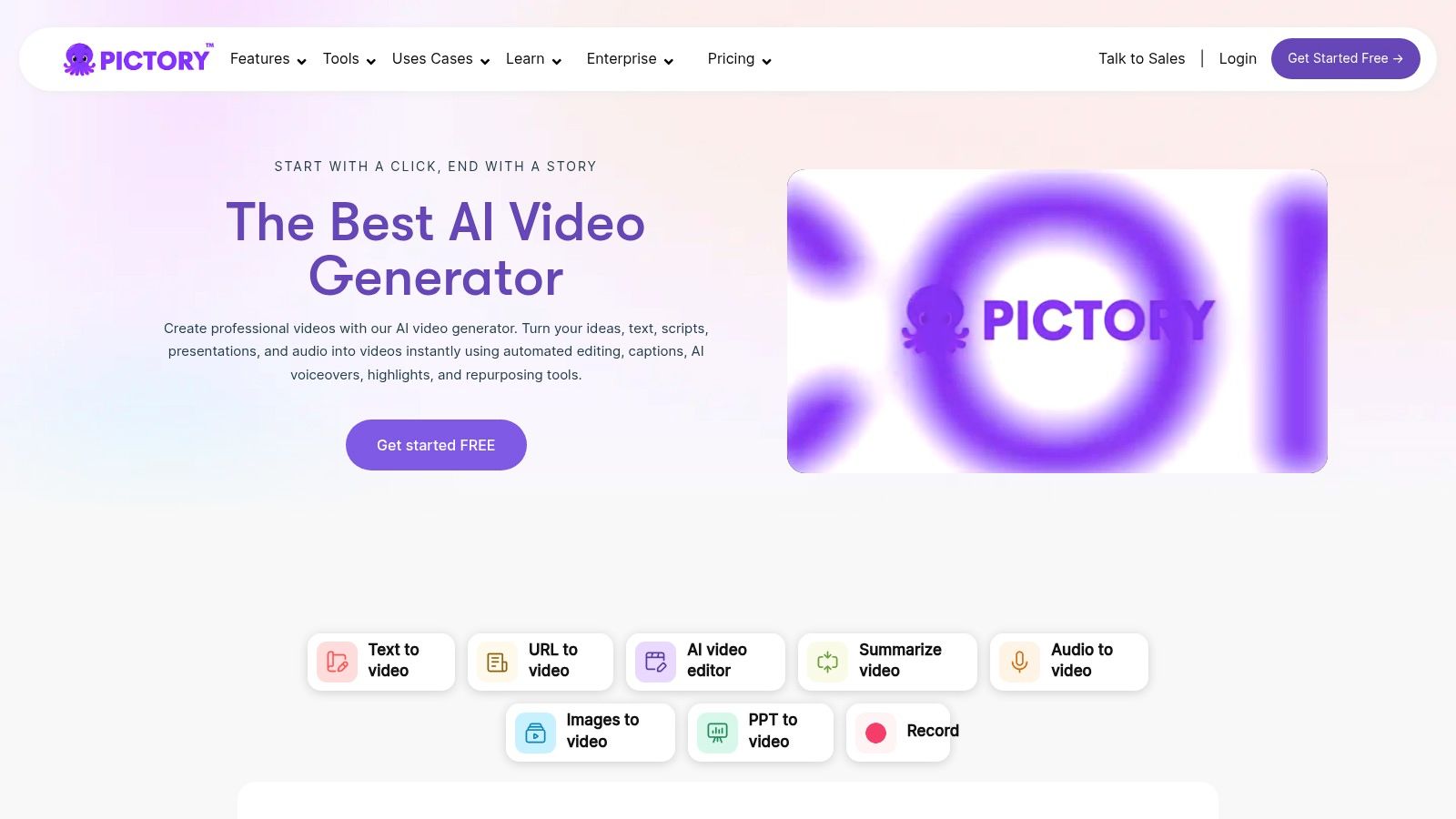
What makes Pictory stand out is its efficiency for creating faceless content and social media shorts. The platform’s text-based video editor allows users to edit the video simply by editing the text transcript, which is a highly intuitive workflow. It also automatically identifies highlights in longer scripts to create summary videos, making it a powerful tool for marketers and content creators looking to maximize their output from a single piece of content. If you're looking for help crafting the perfect prompt, you can find resources for an AI video script generator to get started.
Features and Pricing
- Best For: Social media managers, bloggers, and course creators repurposing written content into video.
- Key Features: Article-to-video and script-to-video conversion, extensive stock media libraries (Storyblocks & Getty), automatic captions, text-based editing, and brand kit customization.
- Limitations: The platform relies entirely on stock assets and lacks AI avatars or advanced animation features. Video-minute limits on lower-tier plans can be restrictive for high-volume production.
- Pricing: The "Standard" plan starts at 19/user/month (billed annually) for 30 videos per month. The "Teams" plan at 99/user/month (billed annually) offers more videos, branding kits, and Getty Images access.
Website: https://pictory.ai
5. InVideo (invideo AI)
InVideo AI has carved out a niche as a powerful prompt-based AI video generator from script, tailored specifically for social media creators and marketers. Its workflow is designed for speed and efficiency, allowing users to input a simple text prompt or a detailed script, which the AI then uses to generate a complete video. The platform handles scripting, voiceover creation, media selection from a vast stock library, and text overlays, assembling everything into a cohesive narrative almost instantly.
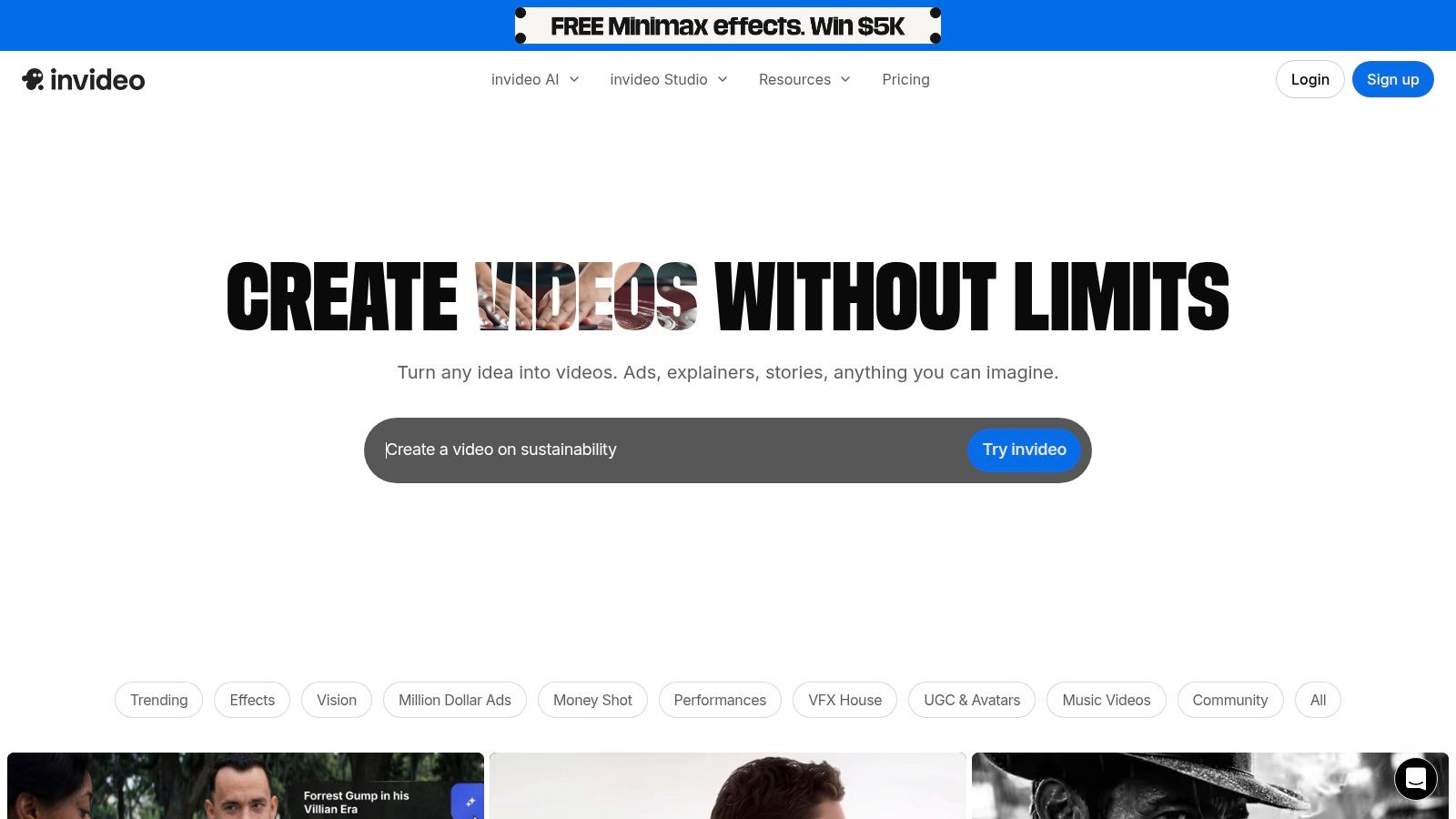
What sets InVideo AI apart is its all-in-one "write, generate, edit" environment combined with a strong focus on short-form content. Users can give simple commands like "make a TikTok about ancient Rome" and receive a draft video, or provide a full script for more control. Once generated, the video can be fine-tuned in a surprisingly robust studio editor, giving creators the final say on scene transitions, text placement, and media choices. This blend of automated generation and manual control makes it exceptionally practical for producing high volumes of social content.
Features and Pricing
- Best For: Short-form content creators, social media marketers, and agencies producing faceless videos at scale.
- Key Features: AI prompt and script-to-video generation, extensive stock media library (IStock), AI voiceovers, pre-made templates, and a full-featured online video editor.
- Limitations: The free plan is quite restrictive, with watermarks, limited AI generation credits, and lower export quality. It also lacks the enterprise-level security and compliance features found in corporate-focused platforms.
- Pricing: A free plan is available with limitations. The "Plus" plan starts at 20/month (billed annually), offering 50 minutes of AI generation and no watermarks. The "Max" plan at 48/month (billed annually) increases these limits significantly.
Website: https://invideo.io
6. Fliki
Fliki positions itself as a versatile AI video generator from script, appealing strongly to content creators focused on social media. It efficiently transforms various text inputs, including scripts, blog posts, or even PowerPoint presentations, into engaging videos. The platform’s core strength lies in its expansive library of AI voices and its ability to quickly produce content in formats optimized for platforms like TikTok, Instagram Reels, and YouTube Shorts.
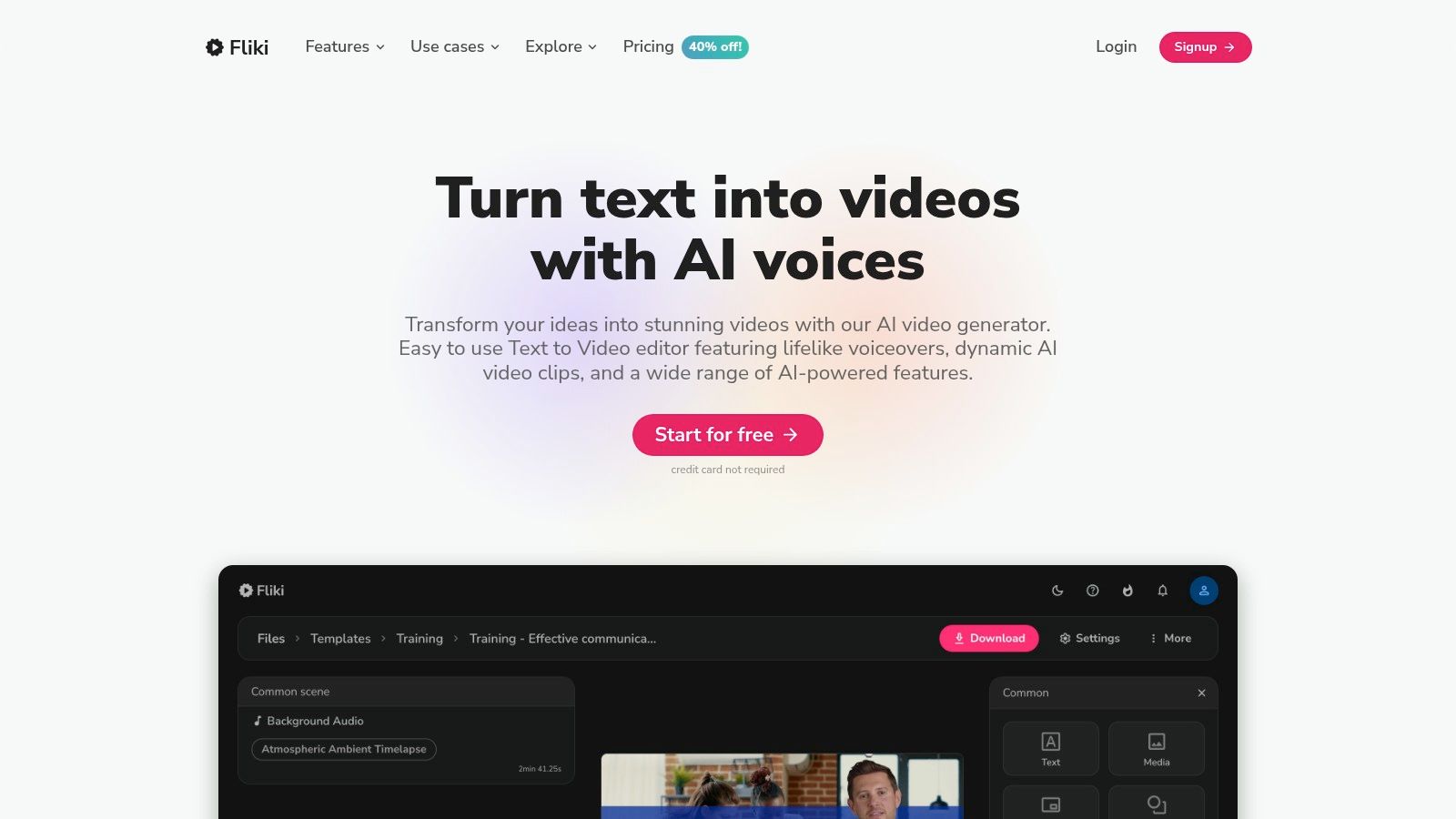
What truly sets Fliki apart is its massive selection of over 2,000 voices across more than 80 languages, making it a go-to solution for creating multilingual content at an accessible price point. This makes it an ideal tool for creators aiming to reach a global audience without needing to record separate voiceovers. The ability to input a blog URL and have Fliki automatically summarize it into a video script with relevant stock footage is a significant time-saver for repurposing written content.
Features and Pricing
- Best For: Social media content creators, bloggers repurposing content, and multilingual video production.
- Key Features: 2,000+ AI voices, 80+ languages, voice cloning, rich stock media library, and multiple input types (script, blog, PPT, tweet).
- Limitations: The credit-based system can be confusing to manage, and more advanced features like photo-realistic avatars are reserved for higher-tier plans. The user interface can feel less polished than some premium competitors.
- Pricing: A free plan is available with watermarked videos. The "Standard" plan starts at 21/month (billed annually) for 180 minutes of credits. The "Premium" plan at 66/month (billed annually) offers more credits, voice cloning, and higher video quality.
Website: https://fliki.ai
7. Colossyan
Colossyan positions itself as a powerful AI video generator from script, with a strong emphasis on workplace learning and corporate communications. It enables users to create professional-grade videos featuring AI avatars by simply providing a script. The platform is designed to streamline the production of training materials and marketing content, offering features like PPT and PDF import to quickly convert existing documents into engaging video presentations.
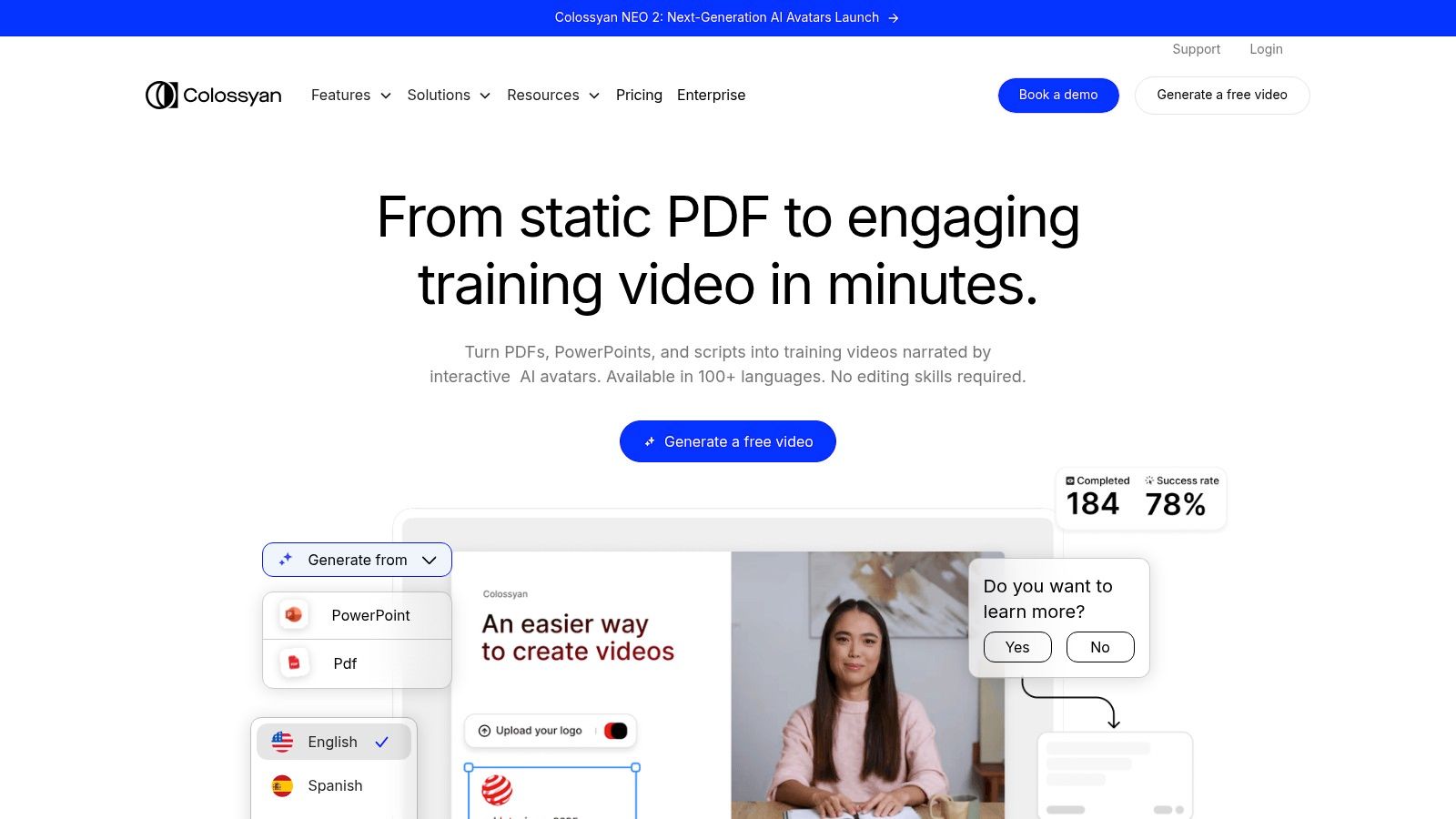
What sets Colossyan apart are its robust collaboration features and its focus on e-learning workflows. It supports over 70 languages, enabling the creation of localized training content at scale. The platform also includes an AI script assistant to help refine messaging and integrates with both stock media libraries and Getty Images. For businesses, team collaboration tools, SSO/SAML options, and built-in video hosting make it a comprehensive solution for internal and external video needs, particularly for learning and development.
Features and Pricing
- Best For: E-learning content, corporate training videos, and business communication.
- Key Features: AI script assistant, PPT/PDF import, 70+ languages, team collaboration tools, stock media integration, and automatic subtitles.
- Limitations: The platform is less suited for creating highly cinematic or creative B-roll content. Accessing full pricing details and some advanced features requires contacting their sales team, which can slow down the evaluation process.
- Pricing: The "Starter" plan begins at $19/month (billed annually) for 5 minutes of video generation per month. The "Pro" and "Enterprise" plans offer higher limits and advanced features, with custom pricing available upon request.
Website: https://www.colossyan.com
8. Runway
Runway has positioned itself at the cutting edge of creative AI video generation, focusing on producing high-fidelity, cinematic clips from text and image prompts. While not a direct script-to-avatar platform, it serves as a powerful AI video generator from script by enabling users to create stunning B-roll and abstract scenes that can be edited together to match a script's narrative. You can generate a series of short, stylized clips based on descriptions in your script and then assemble them in its integrated online editor.
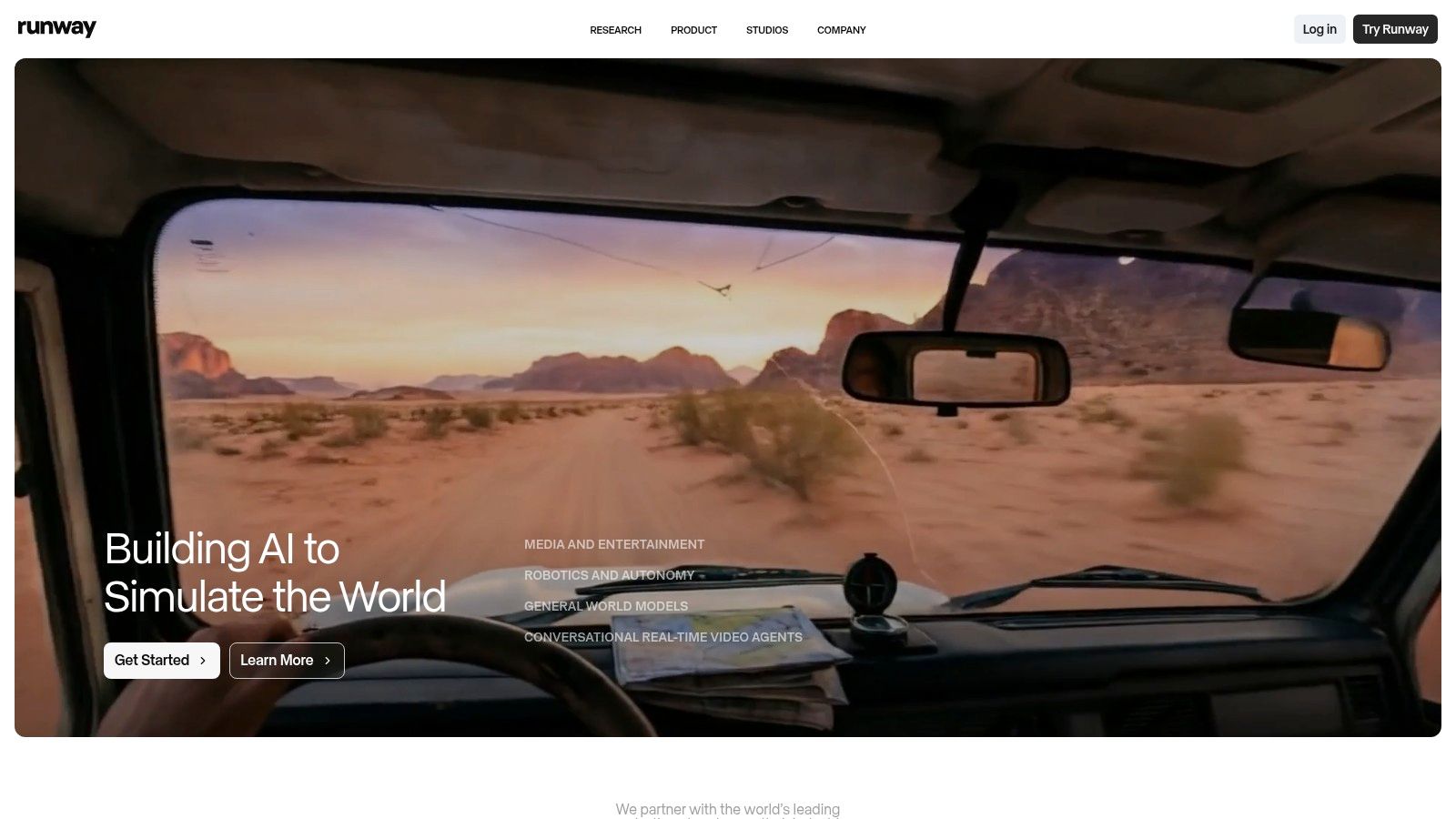
What makes Runway unique is its state-of-the-art generative models, like Gen-2 and the upcoming Gen-3, which offer unparalleled creative control and visual quality for short-form video. This makes it the go-to tool for artists, filmmakers, and marketers who need original, visually striking footage that can’t be found in stock libraries. The platform’s strength lies in its ability to translate imaginative prompts into motion, rather than producing presenter-led videos.
Features and Pricing
- Best For: Creating cinematic B-roll, artistic shorts, and unique visual assets for creative projects.
- Key Features: Text-to-video and image-to-video models, integrated online video editor, multiple aspect ratios, and advanced creative controls for motion and style.
- Limitations: Clips are short (typically 5-10 seconds), requiring users to stitch them together for longer videos. The credit-based system and various model options can introduce a learning curve for new users.
- Pricing: A free plan is available with limited credits. Paid plans start with the "Standard" tier at $12/user/month (billed annually), which includes more credits and features like 4K exports and watermark removal.
Website: https://runwayml.com
9. Pika (Pika Labs)
Pika has rapidly emerged as a favorite AI video generator from script for creators focused on short-form, visually dynamic content. It excels at transforming simple text prompts or static images into short, cinematic clips, making it a go-to for social media trends, memes, and artistic visuals. The platform is built for speed and creativity, allowing users to quickly generate eye-catching videos with built-in camera motions and special effects.
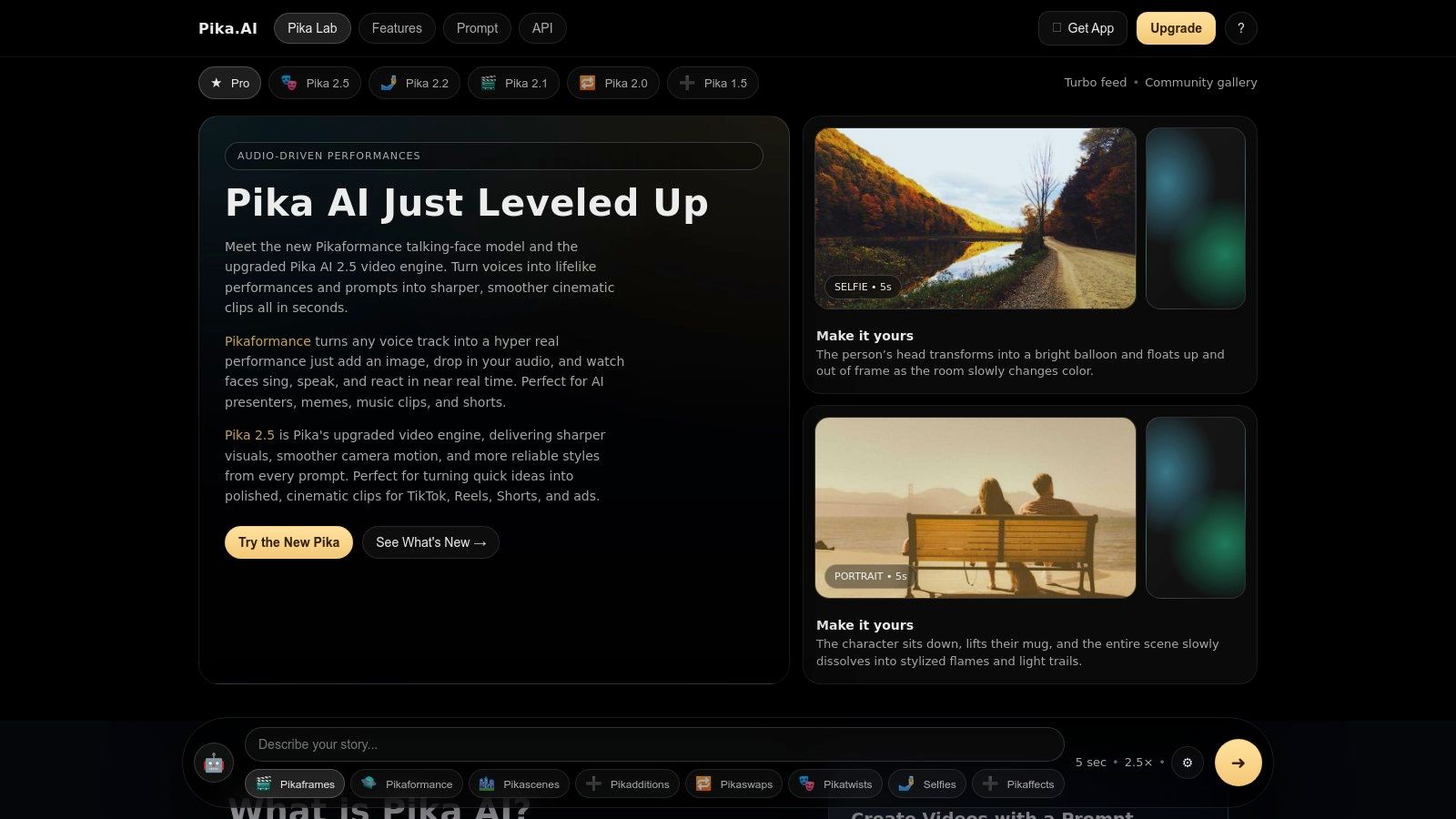
What sets Pika apart is its community-driven, experimental nature and its focus on creative control over short bursts of video. Unlike platforms geared toward corporate presentations, Pika thrives on generating vibrant, often surreal, clips perfect for TikTok or Instagram Reels. Users can apply various "Pikaffects" and choose between different models like Turbo or Pro to fine-tune the output, giving them more artistic freedom for quick, viral-style video projects.
Features and Pricing
- Best For: Short-form content creators, artists, and marketers creating trend-driven social media videos.
- Key Features: Text-to-video and image-to-video generation, creative camera motion controls, "Pikaffects" for visual styling, and multiple generation models.
- Limitations: The default video clips are very short and require stitching together for longer narratives. The various model tiers and feature names can be confusing for new users.
- Pricing: A free plan is available with watermarked videos. Paid plans start at $8/month (billed annually), which removes the watermark and provides a monthly credit allowance that rolls over.
Website: https://pika.art
10. D-ID
D-ID specializes in transforming still images into compelling talking-head videos, making it an excellent AI video generator from script for creating personalized and scalable content. The platform's core technology animates a face from a single photo, syncing the lips perfectly to a provided script or audio file. This approach is ideal for producing spokesperson-style videos, dynamic explainers, and multilingual communications without the need for cameras or actors.
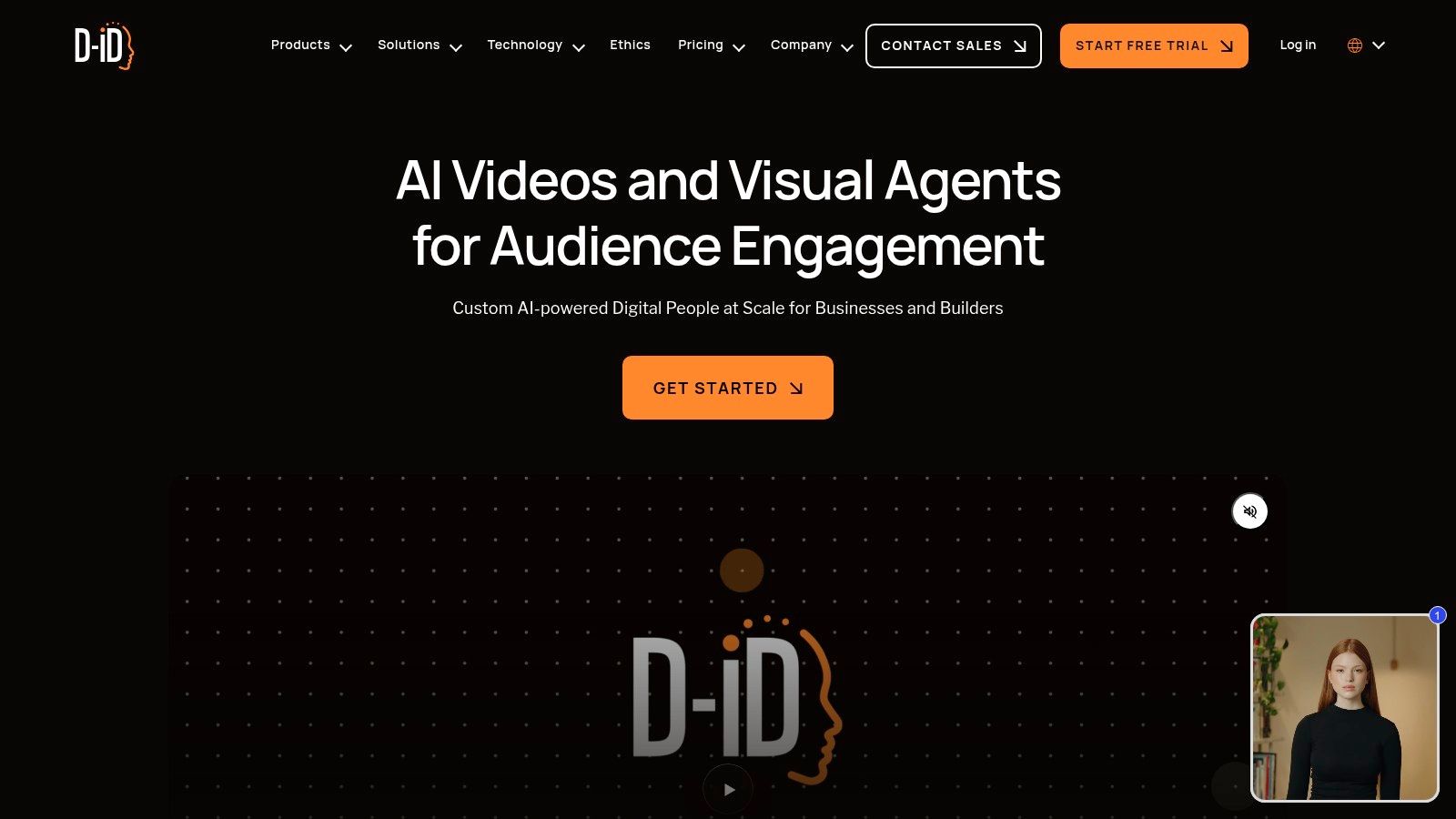
What sets D-ID apart is its powerful API and real-time streaming capabilities, making it a favorite among developers looking to integrate video automation into their applications. Users can create lifelike digital presenters from personal photos or choose from a library of stock avatars. The platform supports numerous languages and voice tones, enabling rapid creation of localized content for a global audience with a simple script-to-video workflow.
Features and Pricing
- Best For: Developers, personalized marketing campaigns, and creators needing fast, scalable talking-head videos.
- Key Features: Photo-to-talking avatar technology, API for automation, real-time streaming, support for numerous languages, and ability to use custom photos.
- Limitations: The platform is highly focused on talking avatars and lacks broader scene creation or video editing tools. Free trials and lower-tier plans include watermarks and are constrained by a credit system.
- Pricing: A free trial is available with 5 minutes of credit and a watermark. Paid plans start at the "Lite" tier for 5.99/month, providing 10 minutes of video. The "Pro" plan at 49.99/month includes 65 minutes and access to the API.
Website: https://www.d-id.com
11. Lumen5
Lumen5 has carved out a niche as a powerful AI video generator from script, specializing in transforming text-based content like blog posts and articles into engaging social media videos. Its workflow is designed for speed and simplicity, making it a favorite among content marketers and communications teams. You can simply paste a link to an article, and Lumen5's AI will analyze the text, pull out key sentences, and automatically generate a video storyboard complete with relevant stock footage and music.
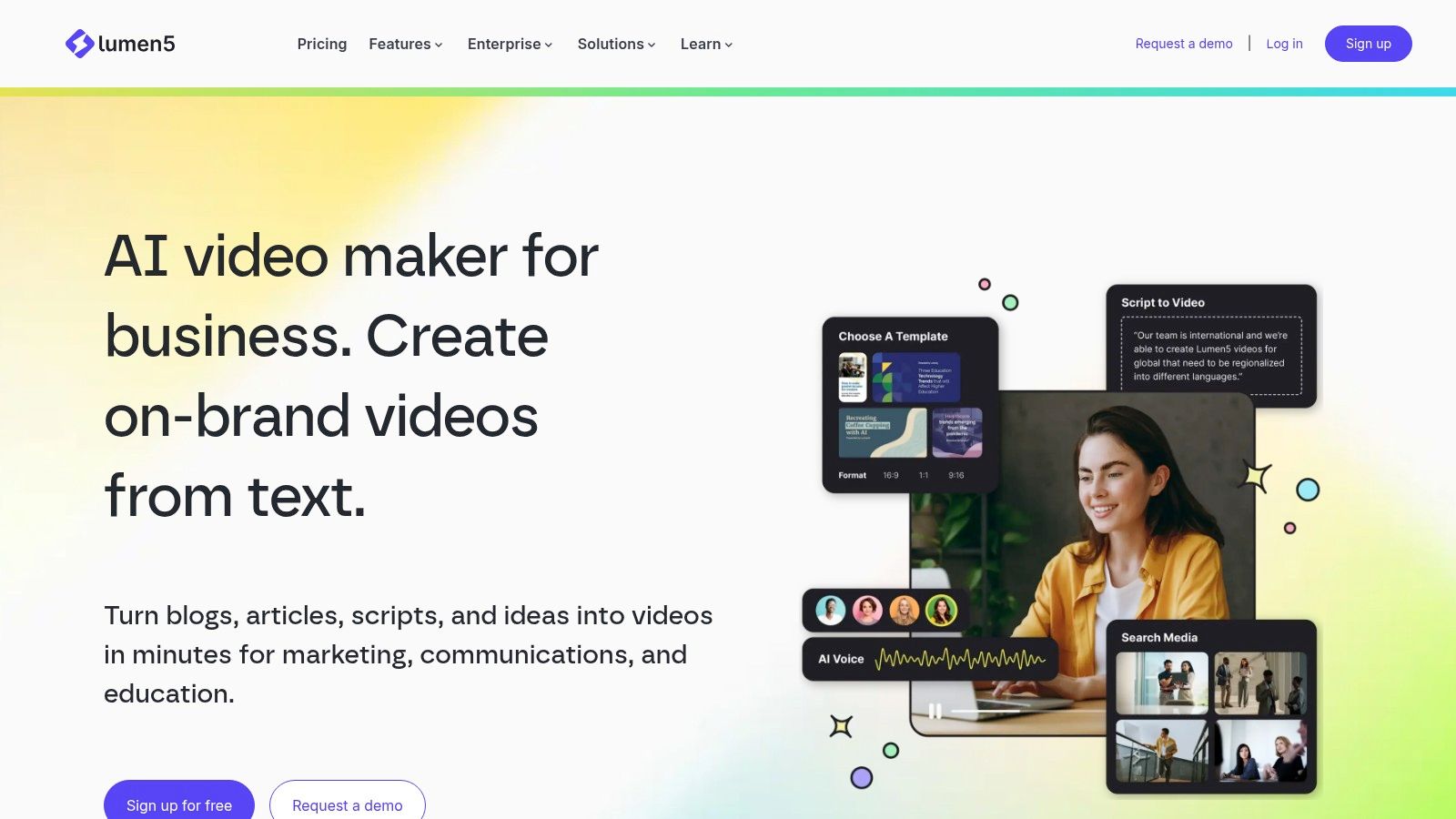
What truly sets Lumen5 apart is its focus on content repurposing for marketing. The platform is not about creating videos from scratch with digital avatars but about efficiently converting existing long-form content into a shareable video format. It provides extensive access to stock libraries from Getty, Shutterstock, and others, ensuring a high-quality visual finish. With features like brand kits, multiple aspect ratios, and AI-assisted translations, it allows teams to maintain brand consistency and scale video production effortlessly.
Features and Pricing
- Best For: Content marketers, bloggers, and social media managers repurposing articles into videos.
- Key Features: Blog-post-to-video workflow, access to millions of stock images/videos, automated captions, brand kit customization, and multiple aspect ratios.
- Limitations: Lacks the advanced AI avatars and custom voice cloning found in more specialized tools. The AI-generated storyboard often requires significant manual tweaking for narrative flow.
- Pricing: A free Community plan is available with watermarked 720p videos. Paid plans start at the "Basic" tier for $19/month (billed annually) for no watermark and 1080p exports, with higher tiers unlocking premium stock media and team features.
Website: https://lumen5.com
12. Canva (Magic Studio Script/Idea to Video)
Canva has integrated AI-powered video creation into its already massive design ecosystem with Magic Studio. This feature set allows users to transform a simple prompt or a detailed script into a video storyboard, complete with scenes and stock footage. It stands out by embedding a competent AI video generator from script directly into a familiar, all-in-one design and publishing platform, streamlining the entire creative process from concept to social media post.
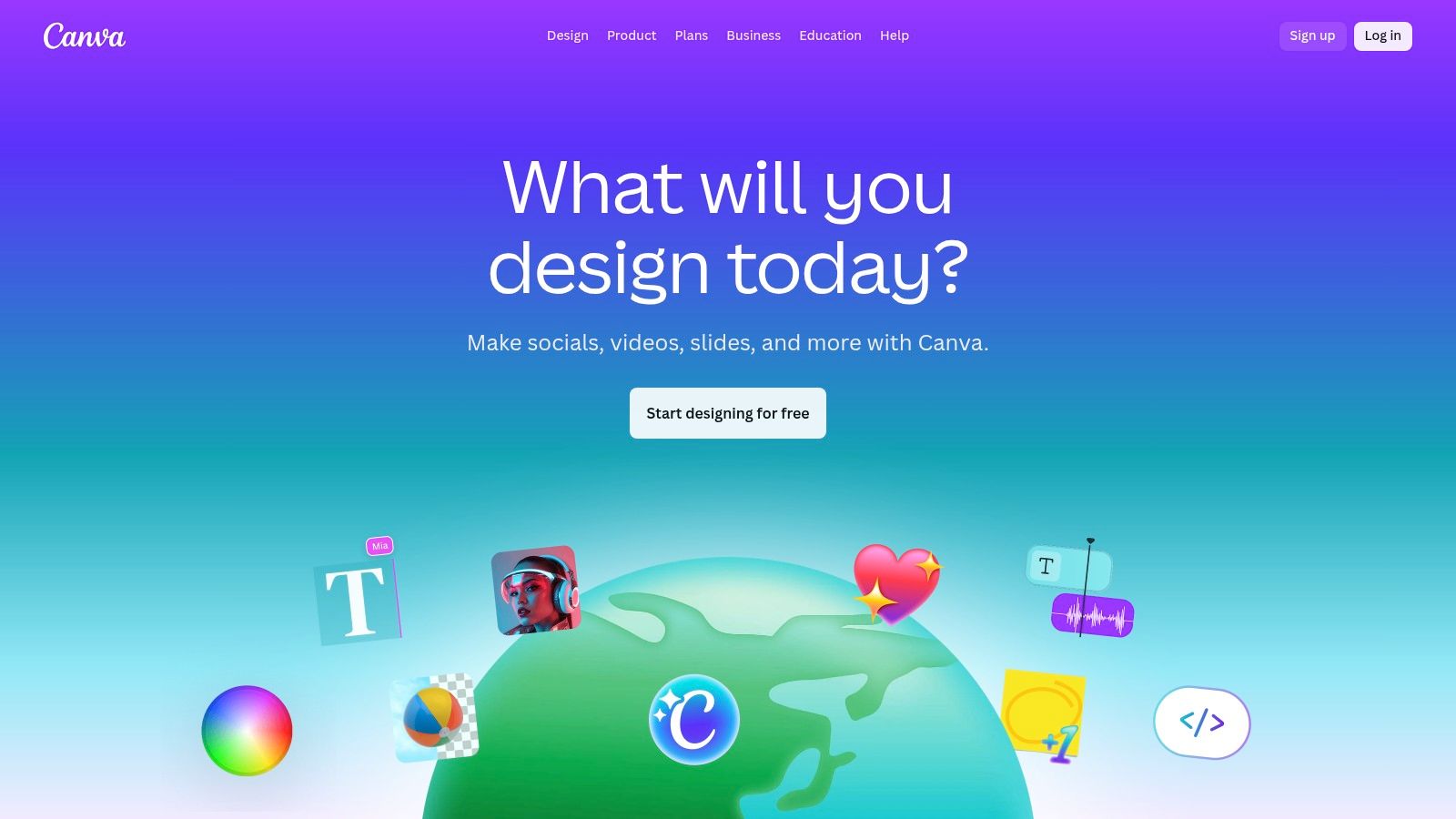
The primary advantage of using Canva is its convenience and integration. After generating the initial video from your script, you are placed directly into Canva’s powerful editor. Here, you can leverage a vast library of templates, stock assets, and your brand kit to refine the AI's output. This makes it exceptionally efficient for teams and individuals who already rely on Canva for other design needs, as it provides an end-to-end workflow for creating and distributing marketing content across various social platforms.
Features and Pricing
- Best For: Social media managers, small businesses, and content creators needing a single platform for both design and video creation.
- Key Features: Script-to-video generation within Magic Studio, massive stock asset and template libraries, integrated brand kits, and social media publishing presets.
- Limitations: The AI video generation is more of a scene-suggester than a fully automated video creator, often requiring significant manual editing. AI feature availability and credit limits vary significantly depending on the subscription plan.
- Pricing: A free plan with limited Magic Studio access is available. Canva Pro starts at 14.99/month, and Canva for Teams is 29.99/month per person, offering more credits and collaborative features.
Website: https://www.canva.com
Top 12 AI Script-to-Video Tools — Feature Comparison
| Product | Core features | UX & Quality (★) | Price/Value (💰) | Target (👥) | Unique (✨) |
|---|---|---|---|---|---|
| ClipCreator.ai 🏆 | Set-and-forget short videos (≤90s), viral templates, AI scripts, images, voiceovers, subtitles, auto-publish | ★★★★☆ | 💰 Starter 19/mo · Daily 39 · Pro $69 — scalable plans | 👥 Creators, SMBs, educators, agencies | ✨ Auto-scheduling & multi-platform auto-posting; proven viral templates; full ownership |
| Synthesia | Script/URL-to-video, AI avatars, translation/dubbing, enterprise features | ★★★★☆ | 💰 Credit/custom enterprise pricing | 👥 Enterprises, L&D, marketing teams | ✨ 140+ languages, lip-synced avatars, SCORM & analytics |
| HeyGen | Large avatar catalog, voice cloning, localization, 1080p/4K export | ★★★★ | 💰 Free tier + paid team plans | 👥 Marketers, teams, creators | ✨ 500–700+ avatars, strong localization & quick templates |
| Pictory | Script/article-to-video, stock libraries, auto-subtitles, text-based editing | ★★★ | 💰 Competitive starter pricing (credits/minutes) | 👥 Social creators, marketers, bloggers | ✨ Article-to-video repurposing + strong caption tools |
| InVideo | AI write → generate → edit workflow, templates, studio editor | ★★★★ | 💰 Freemium with paid tiers; weekly quotas on free | 👥 Social creators, beginners, small teams | ✨ Integrated editor + large template/community library |
| Fliki | Script/blog-to-video, huge voice library, voice cloning, stock assets | ★★★★ | 💰 Cost-effective; credit-based usage | 👥 Multilingual creators, marketers | ✨ 1,000–2,000+ voices, strong multilingual voice options |
| Colossyan | Talking avatars, templates, hosting, PPT/PDF import, team SSO | ★★★★ | 💰 Enterprise-oriented; some features via sales | 👥 E-learning, training, corporate comms | ✨ Studio-quality avatars, team collaboration & hosting |
| Runway | Text/image-to-video (Gen models), editor integration, short clip gen | ★★★★★ | 💰 Free tier + credit-based generation | 👥 Filmmakers, creatives, motion designers | ✨ State-of-the-art Gen models for cinematic B‑roll/effects |
| Pika (Pika Labs) | Text/image-to-video, scene tools, camera motions, effects | ★★★★ | 💰 Affordable entry; credit tiers, watermark removal | 👥 Trend-driven short-form creators | ✨ Fast creative effects, scene tools for eye-catching clips |
| D-ID | Photo-to-talking avatar, lip-sync, API & real-time options | ★★★★ | 💰 Pay/credit plans; API pricing | 👥 Spokespersons, personalized video, devs | ✨ Create lifelike talking avatars from a single photo |
| Lumen5 | Article-to-video storyboard, brand kits, stock libraries | ★★★ | 💰 Free-forever with paid upgrades for premium media | 👥 Marketers, comms teams, bloggers | ✨ Simplified blog→video workflow; reliable templates |
| Canva (Magic Studio) | Script-to-video, Magic Media, timeline editor, brand kits | ★★★★ | 💰 Freemium; Pro/team paid plans | 👥 Designers, teams, social creators | ✨ All-in-one design + Magic Studio script-to-video integration |
Putting It All Together: Your Next Steps
The journey from a simple text script to a fully realized, engaging video is no longer a resource-intensive marathon. As we've explored, the landscape of AI video generators from script is diverse, powerful, and rapidly evolving. The tools we've covered, from the avatar-centric Synthesia and HeyGen to the stock-footage powerhouses like Pictory and Fliki, and the hyper-realistic generative models of Pika and Runway, all offer unique pathways to automate and scale video production.
The core takeaway is this: the right ai video generator from script for you depends entirely on your specific goals, audience, and workflow. There is no single "best" tool, only the best tool for the job at hand. The choice is less about picking a winner and more about matching the technology to your creative or business intent.
How to Choose Your Ideal AI Video Generator
To navigate this decision, distill your needs by asking these critical questions. Your answers will act as a compass, pointing you toward the most suitable platform from our list.
- What is my primary use case? Are you creating faceless TikTok stories (Pictory, Fliki), corporate training modules with professional presenters (Synthesia, Colossyan), or experimental, artistic shorts (Runway, Pika)? The end product dictates the necessary features.
- How important is realism? If you require photorealistic human avatars for client-facing communication, platforms like Synthesia are non-negotiable. For channels where stylized animation or stock footage is acceptable, you have more flexible, and often more affordable, options.
- What is my technical skill level? Tools like Canva and ClipCreator.ai are designed for absolute beginners, offering a gentle learning curve. In contrast, a tool like Runway provides a deeper, more complex feature set that rewards users willing to invest time in learning its nuances.
- What is my budget? Your financial commitment will be a major deciding factor. Start with the free tiers or trials offered by nearly every tool on our list. This allows you to test the workflow, voice quality, and asset library before committing to a paid subscription.
Key Considerations Before You Commit
Once you've shortlisted a few options, keep these implementation factors in mind. Integrating an ai video generator from script into your workflow is more than just a technical step; it's a strategic one.
- Brand Consistency: Can you upload your own fonts, logos, and brand colors? Maintaining a consistent brand identity is crucial. Tools like Lumen5 and Canva are particularly strong in this area.
- Workflow Integration: How will this tool fit into your existing content pipeline? Consider its collaboration features and, if you're a marketer, how it integrates with scheduling tools. This is a crucial step in building a sustainable content engine. For a holistic view of integrating AI into your digital strategy, explore this comprehensive guide to AI social media content creation.
- The Human Element: AI is a powerful accelerator, not a complete replacement for human creativity. The best results come from a partnership between your ideas and the tool's capabilities. Plan to spend time refining scripts, selecting the best assets, and tweaking the final edit to add that essential human touch.
The era of manual, time-consuming video editing for every social post or instructional clip is officially over. By leveraging the power of an AI video generator, you unlock the ability to produce content at a scale and speed previously unimaginable. This shift allows you to focus less on the technical drudgery and more on what truly matters: crafting compelling narratives and connecting with your audience. The future of video creation is here, and it starts with a single line of text.
Ready to transform your scripts into captivating videos effortlessly? ClipCreator.ai is designed specifically for creators and marketers who need to produce high-quality, engaging short-form videos from text in minutes. Start your free trial today and experience the fastest way to turn your ideas into shareable video content at ClipCreator.ai.

Create your first video in under 2 minutes
Pick a niche, and ClipCreator.ai generates and auto-posts faceless videos to your channels every day.
Join ClipCreator.ai