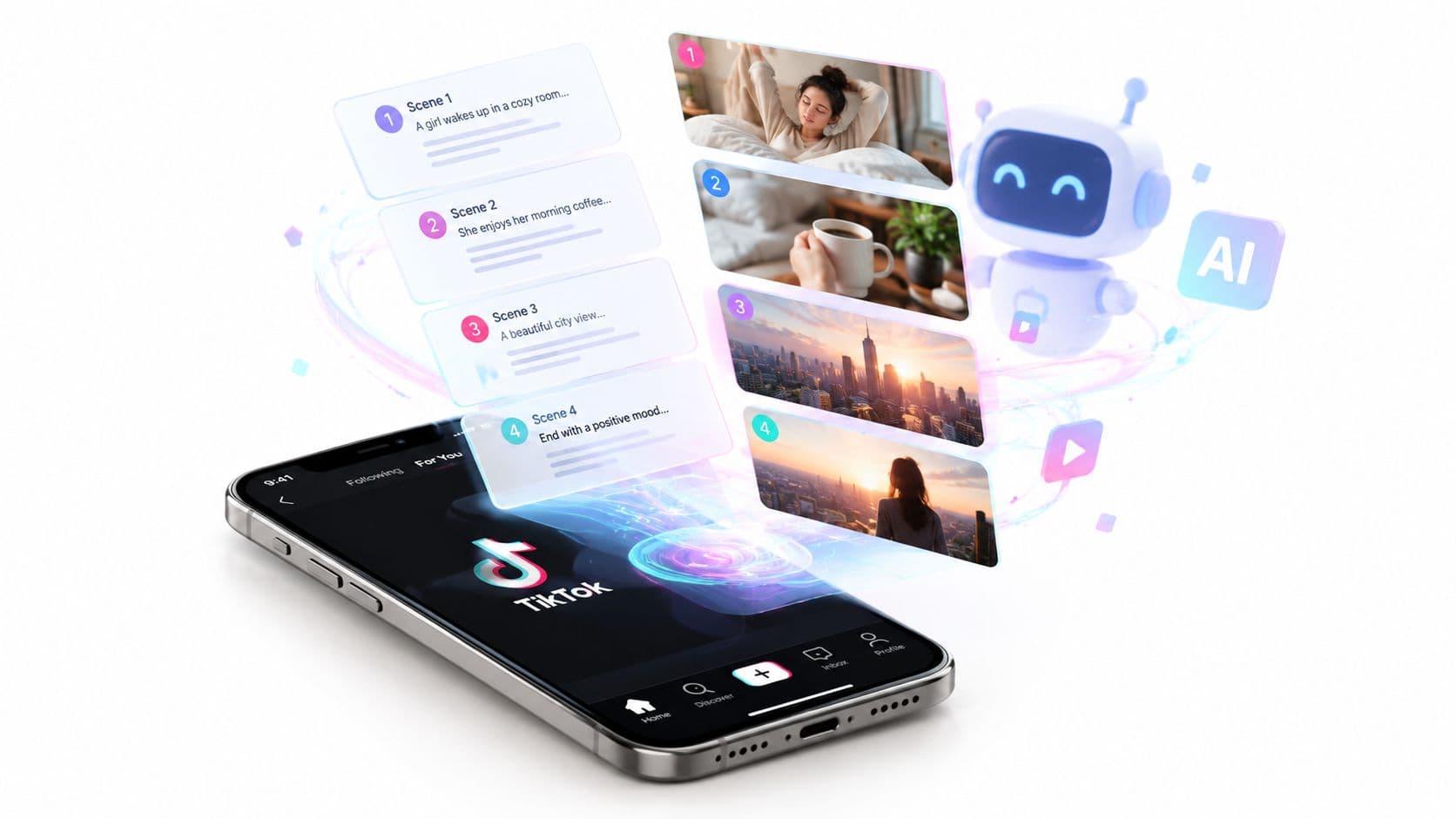
You have a strong story idea, but it stays in your notes because turning it into a TikTok means writing a hook, building a script, finding visuals, recording narration, adding captions, editing every scene, and finally publishing it. By the time you finish one video, the next idea has already lost its momentum.
An AI story generator for TikTok can remove much of that friction. The useful way to think about it isn't as a machine that writes random scripts. It's a retention system that helps you choose a format, shape the opening, control the pacing, match visuals to each beat, and publish consistently without turning every post into a full production project.
Why TikTok Creators Struggle to Post Stories Consistently
A faceless creator might start Monday with a simple plan: publish a short mystery story. The premise is clear, but the work expands quickly. They need an opening line that creates curiosity, a middle that keeps viewers watching, an ending that rewards attention, suitable background footage, a voiceover, subtitles, music, and a vertical edit that feels native to TikTok.
By Wednesday, the creator has published nothing. The problem isn't a lack of creativity. It's the number of small production decisions between an idea and a finished post. Each decision creates another opportunity to procrastinate, over-edit, or abandon the concept.
Practical rule: Treat consistency as a production design problem, not a motivation problem.
Manual creation also makes experimentation expensive. If every story requires a separate research, writing, recording, and editing session, you'll naturally protect each video and spend too long polishing it. TikTok storytelling usually benefits from testing different openings, structures, visual treatments, and endings, but a slow workflow discourages that testing.
The hidden cost of one-off production
Creators often judge automation by whether it can produce a polished video. A better question is whether it makes the next video easier to produce than the last one. A repeatable workflow gives you a place to store story ideas, establish a recognizable voice, reuse an effective structure, and turn related concepts into a series.
That's the logic behind batch content creation. Instead of treating every post as an isolated assignment, you build several related ideas around one theme, then move them through the same workflow. A horror account might create a sequence of unexplained phone calls, while an educator might turn one subject into a series of narrative lessons.
Automation should protect the creative decision
Automation isn't a replacement for judgment. You still decide who the video serves, what emotional response you want, and whether the idea fits your account. The generator handles repetitive execution so you can spend more time choosing stronger premises and reviewing the finished result.
That distinction matters. A weak idea can become a weak automated video very quickly. A strong idea, supported by a clear hook and suitable pacing, can move from a rough note to a publishable story without forcing you to become a full-time writer, voice actor, and editor.
What an AI Story Generator for TikTok Actually Does
A basic text tool gives you words. A TikTok-ready story generator connects those words to the rest of the viewing experience.
Think of it as a miniature production studio. You provide a topic, a story idea, or a custom prompt. The system turns that input into a narrative, divides the narrative into visual beats, creates or selects imagery, adds narration, places subtitles, and prepares the final vertical video for publishing.
From prompt to story package
A useful prompt gives the generator more than a subject. It can define the audience, mood, point of view, length, visual style, and desired ending. “Write a scary story” leaves many creative decisions open. “Create a tense first-person mystery about a voicemail that predicts tomorrow, with a fast opening, short scenes, and an unresolved final question” gives the system a workable creative brief.
The generator then needs to organize the story around beats. Each beat should do a job. The opening creates a question, the next scene adds context, the middle raises the stakes, and the ending delivers a reveal, emotional turn, or reason to continue the series. Visuals should support those changes instead of repeating unrelated stock footage.
A text-only generator may stop after the script. A full workflow connects each line to narration, imagery, captions, and timing. That connection is what makes the tool useful for faceless videos, where the screen must communicate the story without a creator speaking directly to camera.
Why the platform context matters
TikTok's scale makes production efficiency more valuable. Independent 2026 estimates place its global monthly active users at roughly 1.9 billion to 2.04 billion, with one estimate placing the U.S. audience at about 170 million and another reporting 180 million new users added since the ownership transition. These figures come from Digital Applied's 2026 TikTok statistics overview.
That reach creates a high-volume environment for short narrative content. A story generator doesn't guarantee distribution, but it can make regular publishing practical, which gives you more opportunities to learn which subjects, hooks, and formats fit your audience.
If your story also depends on music and visual rhythm, a guide to creating an AI music video for TikTok can help you think beyond narration and treat sound as part of the narrative package.
Why Short Form Storytelling Wins on TikTok
A viewer opens TikTok while waiting in line and sees a story begin with one unanswered question. The first sentence earns a few more seconds, the next scene adds context, and the ending gives a reason to watch another episode. That sequence is why short-form storytelling works: each beat has a retention job.
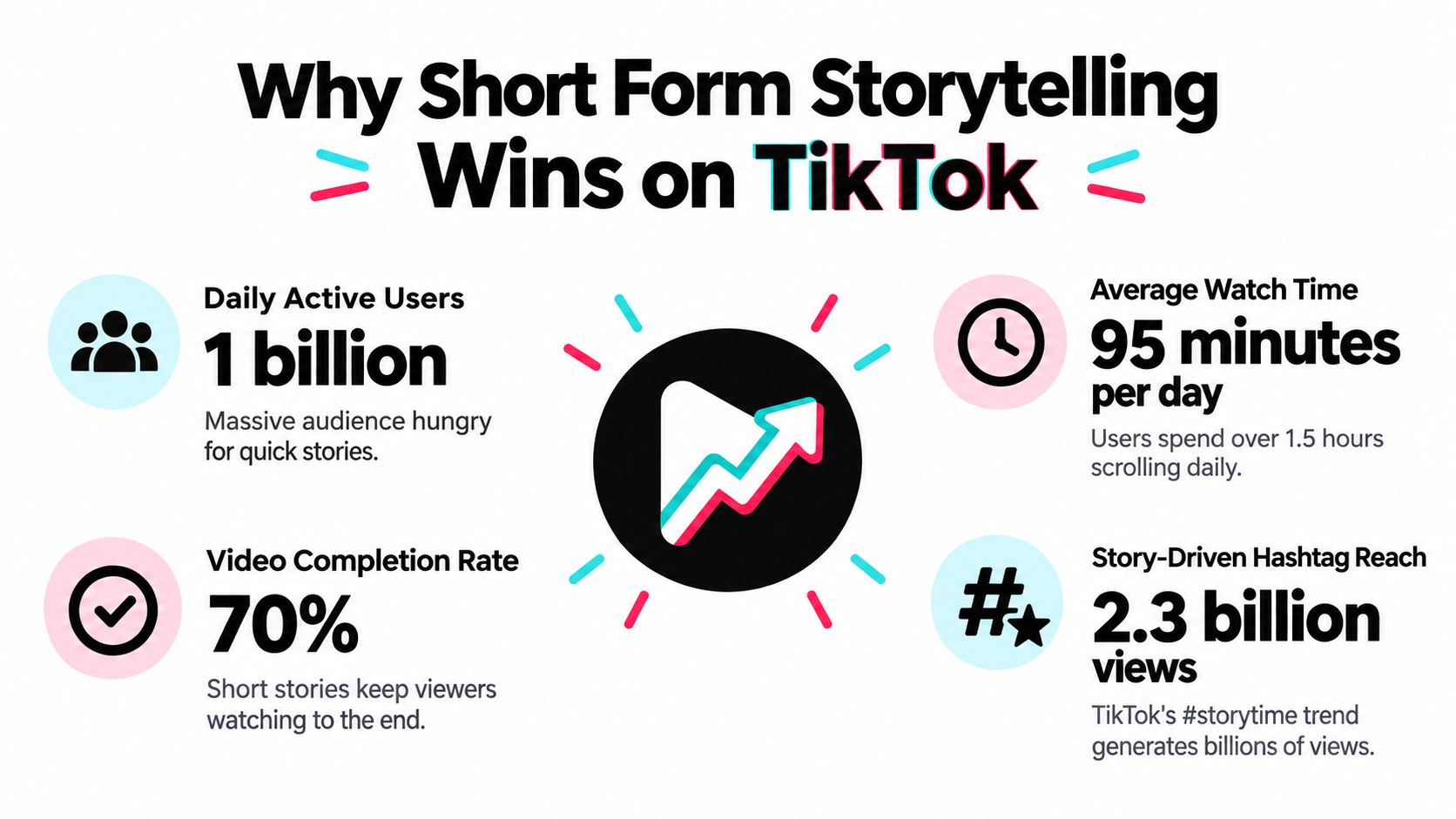
One widely cited 2026 estimate says users spend about 95 minutes per day on TikTok, while another reports an average of 52 minutes per day among U.S. users, as summarized by SQ Magazine's TikTok usage statistics. The estimates differ, but both describe sustained daily attention. For storytellers, that creates room for repeated short episodes, not just occasional long-form viewing.
A generator becomes more useful when it treats retention like a chain. The hook starts the chain, the format sets its rhythm, and trend alignment helps the story feel native to the feed. If one link breaks, polished visuals may not keep viewers watching.
The hook creates a viewing contract
A hook is a promise about the reward ahead. A mystery hook promises an answer, a personal confession promises context, and a process hook promises a change or discovery.
Compare these openings:
- “This is a story about an old house.”
- “Every night, the house received a delivery for someone who had never lived there.”
The second opening creates a specific unanswered question. Who sent the delivery, and who was the recipient? The video now has a clear task: keep that question active while adding enough information to make the answer worth waiting for.
Short stories also benefit from serialized structure. A generator can shape the final beat around a discovery that leads naturally into another episode, while still giving the current video a satisfying moment of progress. That balance supports return visits without making each post feel unfinished.
Why faceless formats fit the environment
Faceless storytelling removes the presenter from the camera, not the need for a visual point of view. Viewers still need a consistent world, such as a dim hallway, historical map, product process, or animated classroom scene.
TikTok's audience skews young. Roughly two-thirds of TikTok's audience falls in the 18–34 age range, according to the demographic context summarized by SQ Magazine. That audience profile does not dictate one story style, but it helps explain why quick emotional premises, familiar formats, and culture-aware episodes can fit the feed.
The strongest faceless videos use text, voice, imagery, sound, and movement with purpose. An AI story generator for TikTok should coordinate those choices, not merely produce a script. The account becomes recognizable through its pacing, format, and recurring storytelling decisions.
Key Features That Make a TikTok Story Generator Worth Using
A script generator can help you overcome the blank page. A complete video workflow should help you overcome the blank timeline.
Start with story control. You need to guide tone, audience, perspective, and structure rather than accept a generic narrative. A scary story, a bedtime tale, and a product explainer may all use scenes and narration, but they need different emotional pacing and endings.
Then assess how the tool handles production:
| Feature | Basic Script Generator | Full Video Automation with ClipCreator.ai |
|---|---|---|
| Story input | Produces text from a topic or prompt | Uses templates or custom prompts to create a short-form story |
| Brand voice | Usually requires manual rewriting | Lets the creator guide the narrative style through the prompt |
| Visuals | No automatic scene pairing | Matches generated visuals to story beats |
| Voiceover | Requires separate recording or tool | Adds lifelike narration from the script |
| Subtitles | Must be created and timed separately | Adds subtitles as part of the video workflow |
| Publishing | Export only | Supports scheduling and connected-account publishing |
The point isn't that every creator needs every feature. The point is to identify where your current workflow loses time. If writing is the bottleneck, a script tool may be enough. If editing, captions, narration, and publishing are the bottlenecks, a full video workflow removes more friction.
Match length to the story's job
Benchmark analyses report that 15–30 second clips tend to produce the highest engagement rates, while clips around 120–180 seconds can generate substantially higher median views. One 2026 analysis of more than 6 million TikTok videos reported a 6.0% engagement rate for 15–30 second videos and approximately 11,136 median views for 120–180 second videos, around 11 times the median of the shortest clips, as detailed by UseFastLane's short-form video benchmarks.
Those findings don't create a universal target. They suggest that length should follow the story's purpose. Use a compact format for a single reveal or quick lesson. Give a longer narrative room when the additional context creates genuine tension rather than filler.
Look for ownership and review controls
Automation should leave you in control of the finished content. Check whether you can revise the prompt, inspect the script, change the voice, adjust scenes, review subtitles, and download the video. You also want a workflow that lets you reject a weak draft instead of publishing it automatically.
For a deeper look at the app category, this guide to AI story generator apps can help you compare script-only tools with platforms that connect writing and video production.
How to Create and Automate Stories with ClipCreator.ai
Start with the outcome, not the tool. Decide whether you want to entertain, teach, build a branded series, or demonstrate a process. That decision determines the voice, visual language, and hook you should request.
Step 1 choose a repeatable format
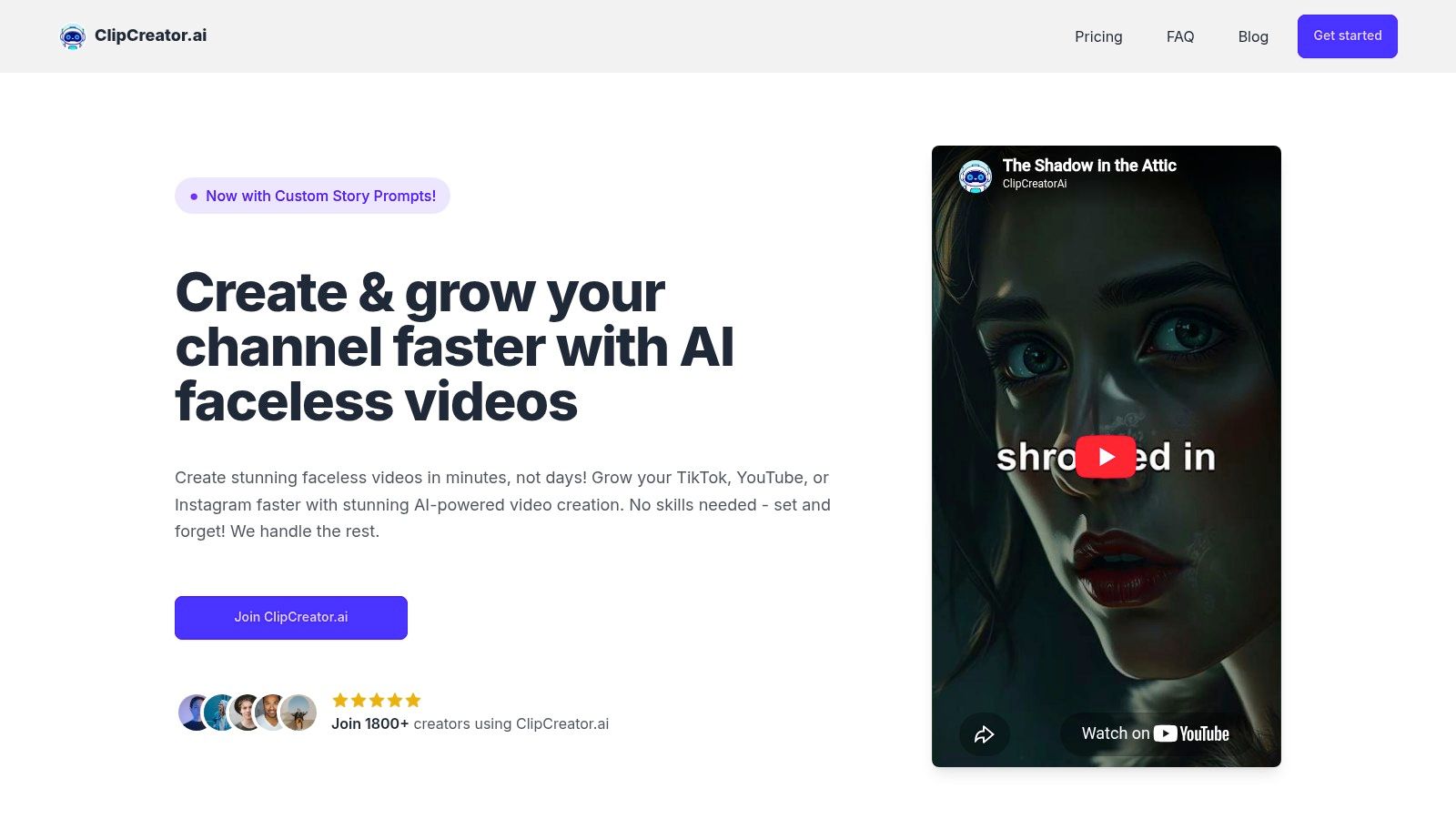
ClipCreator.ai lets you begin with a pre-made template, such as a scary story or bedtime tale, or enter a custom prompt. Templates reduce decision fatigue when you already know the account's content category. Custom prompts give you more control when you need a particular brand voice, lesson structure, or fictional world.
Write the prompt like a brief for a human editor. Include the subject, intended viewer, emotional tone, point of view, visual mood, and the action you want at the end. Avoid stuffing every possible idea into one prompt. One focused premise usually produces a clearer video than a list of disconnected instructions.
Step 2 generate and inspect the narrative
The system creates the script and builds the story around visual scenes, voiceover, and subtitles. Read the opening first. If the first line doesn't create curiosity or establish a useful promise, revise the prompt before worrying about small wording choices.
Next, check the visual sequence. A scene should reinforce the line being narrated. If the script says a character finds a locked door, the visual should show a door or a meaningful substitute, not an unrelated view. Story alignment helps viewers process the narrative without asking them to reconcile conflicting signals.
Research on faceless short-form design identifies medium video length, fast pacing, present text overlays, vertical format, and music without creator speech as desirable characteristics for engagement and attention retention. The same research found that subtitles and split-screen visuals can change visual attention patterns, although the exploratory study did not find a significant improvement in immediate recall. Those findings are discussed in the short-form video design research paper.
Step 3 schedule instead of postponing
After reviewing the draft, connect the relevant TikTok or YouTube account, choose a publishing time, and schedule the video. ClipCreator.ai supports plans that scale from posting three times per week to twice daily, according to the publisher's product information. That range lets you choose a pace your idea pipeline can support.
Use scheduling to create a buffer, not to publish blindly. Review several videos together, look for repeated subtitle errors or visual mismatches, and adjust the next prompts before the queue runs empty. If you also create related clips, a workflow built around an AI video clip generator can help turn longer ideas into additional short-form assets.
A practical walkthrough can make the sequence easier to visualize:
Real World Use Cases and Story Examples That Perform
The same generator can serve very different accounts, but the prompt and format need to match the viewer's reason for watching.
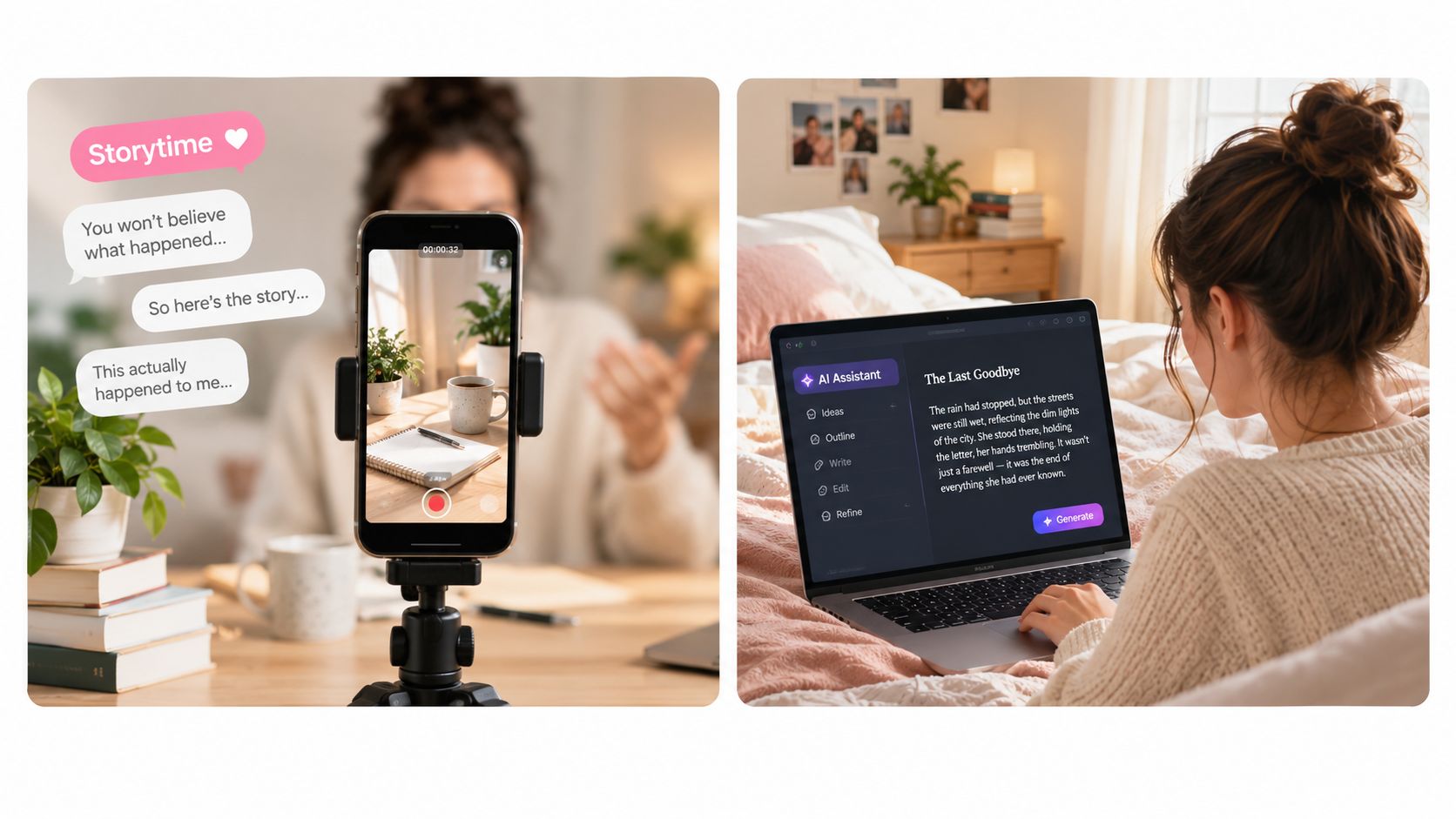
A faceless entertainment channel could request a first-person mystery told through text messages. The opening might introduce an impossible message, the middle could reveal a second detail that changes its meaning, and the ending could leave one specific clue unresolved. The format works because the text itself becomes part of the visual experience.
An educator needs a different structure. A history account might turn a historical decision into a short POV narrative, beginning with the choice a person faced and explaining the consequences through a sequence of scenes. A science channel could frame a concept as a prediction, then reveal the explanation only after the viewer understands the question.
Brands need stories with a useful destination
A small business can use narrative to explain how a product solves a familiar problem. A skincare brand might show a morning routine as a sequence of decisions rather than list ingredients immediately. A food business could follow one ingredient from preparation to finished dish. These are process-based clips, so the hook should establish a transformation or question instead of pretending the product is part of a dramatic fictional plot.
Agencies can use the same logic at scale. Each client needs a distinct set of prompts, visual rules, and approved claims, but the production path can remain consistent. That makes it easier to create drafts, collect feedback, and publish without rebuilding the process for every account.
Choose a format before requesting a story
Industry coverage identifies text-story videos, POV narratives, and process-based clips as repeatable faceless structures, rather than treating every video as a generic AI story. The distinction is important because each format requires a different hook and visual rhythm. The discussion appears in Business Insider's coverage of TikTok trends for marketers.
Trend alignment matters too. TikTok's 2025 trend report describes creators reimagining characters, places, and concepts in cute animated formats, while independent coverage warns that an AI-generated story can underperform when it doesn't fit current audio trends or For You Page formats. The broader lesson is simple: a generator should help you adapt the story to the platform's current language, not only produce grammatically correct narration.
Start Publishing Consistent Stories That Grow Your TikTok
A single generated video won't solve an inconsistent account. A repeatable system can.
Choose one audience, one primary story format, and one recognizable visual style. Build prompts that describe those choices clearly, then review each draft for four things: a specific opening, forward movement, scene alignment, and readable subtitles. If the story works, develop it into a series instead of starting from zero with every post.
The strongest reason to use an AI story generator for TikTok is creative expansion. You keep deciding what your account stands for, while the workflow handles repeatable production tasks such as scripting, scene preparation, narration, captions, and scheduling. ClipCreator.ai states that users retain ownership of produced videos, can cancel at any time, and receive a first-two-videos refund promise through Stripe, according to the publisher's product information.
Start with a small batch you can review carefully. Track which openings earn attention, which formats generate meaningful responses, and which stories deserve another episode. Consistency gives those creative decisions room to compound.
ClipCreator.ai turns a prompt or proven story template into a faceless short-form video with script, story-aligned visuals, voiceover, subtitles, and scheduled publishing. Visit ClipCreator.ai to create your first TikTok story workflow and turn your next idea into a video you can review and publish.

Create your first video in under 2 minutes
Pick a niche, and ClipCreator.ai generates and auto-posts faceless videos to your channels every day.
Join ClipCreator.ai

