Your launch is Friday, the doc is blank, and three short videos are due before anyone can shoot, record, or generate a thing. That's where a good marketing script template earns its keep, but only if it matches the job in front of you. A fill-in framework helps you think. An AI generator gives you a rough draft fast. A visual layout shows you the finished post before you've written a line. A teleprompter script is built to be spoken on camera, not read on a page.
Those are different tools, and treating them as interchangeable is how you end up with a polished template that produces the wrong asset. A hook-driven TikTok doesn't need a full brief. A spoken story needs pacing and visual beats, not just punchy lines. Cold outreach needs a personal opener and a low-friction ask. A promo intro needs the offer on screen early.
Demand is not the problem. In 2024, 83% of video marketers reported using short-form video, according to HubSpot's survey of more than 500 video marketers. The bottleneck is repeatable scripting that doesn't fall apart at production. If you're also automating parts of that pipeline, RenderIO's video automation guide is worth reading alongside this list. Below are ten options sorted by what they produce, what they're good at, and where each one breaks down for short-form work.
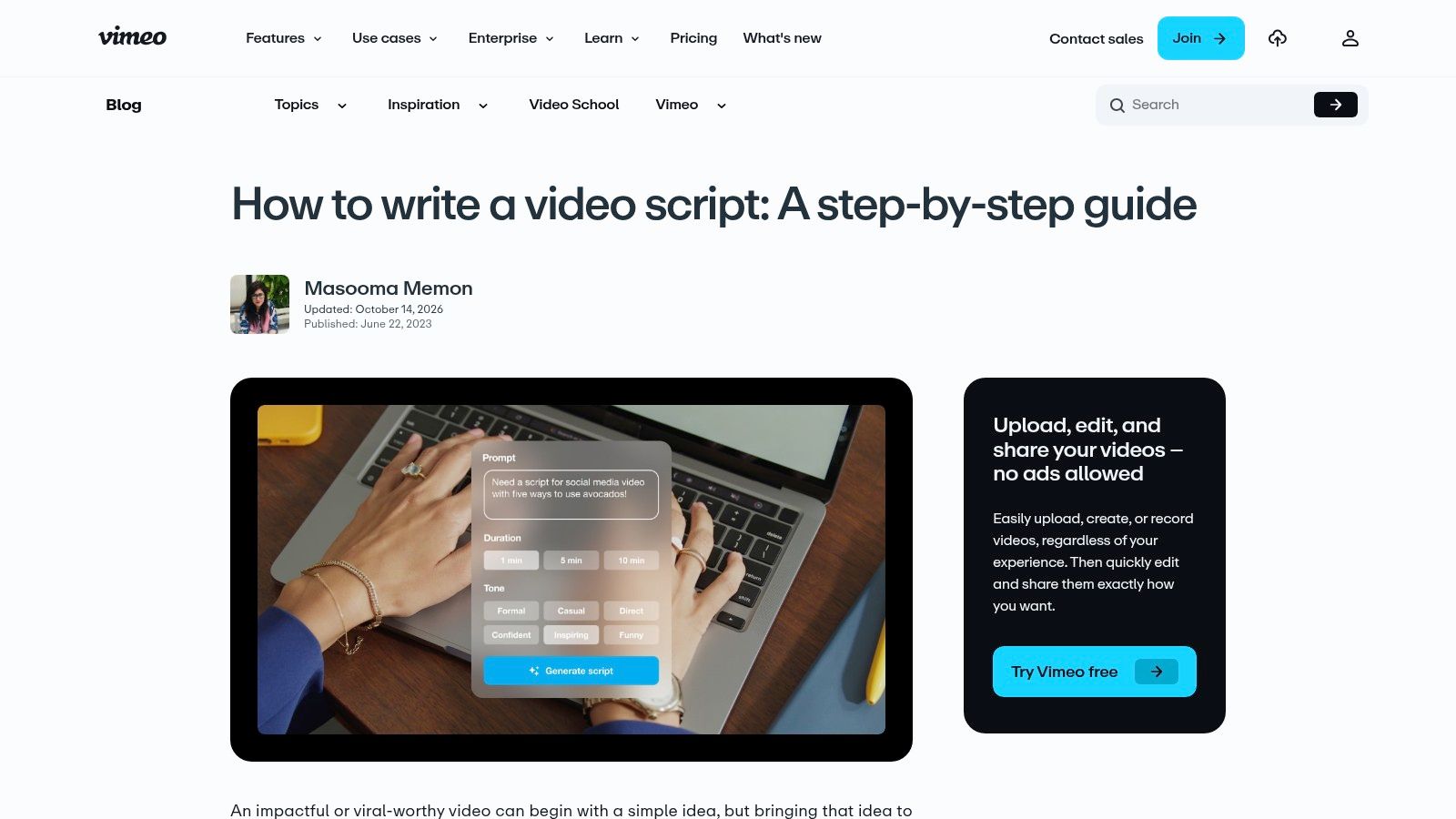
1. Vimeo, Video Script Template and AI Script Generator
Vimeo is the fill-in framework pick for people who still want to write the script themselves, but don't want to start from a blank page. The structure on the Vimeo video script guide runs hook and introduction, main content, summary, and call to action, with dialogue or voiceover tied to visuals and audio cues. Its worked example is a 90-second software tutorial, which tells you exactly who this is for. Product marketers, tutorial creators, and anyone making short explainers will feel at home.
Where it works and where it doesn't
- Narration matched to scenes: The audiovisual format keeps what viewers hear aligned with what they see, which prevents the common problem of voiceover describing something that isn't on screen.
- AI drafting when you're stuck: The generator drafts from topic, length, and tone, then moves into Vimeo's teleprompter workflow for presenter-led recording.
- Presenter or voiceover: It handles both delivery styles without forcing you into one production method.
The trade-off is simple. You get a framework in an article, not a downloadable production document you can hand to a team, and AI generator access depends on your Vimeo plan. If you need a repeatable doc for clients or approvals, you'll rebuild this structure elsewhere. For a solo marketer scripting a product explainer, that's a minor cost. For an agency, it's a real gap.
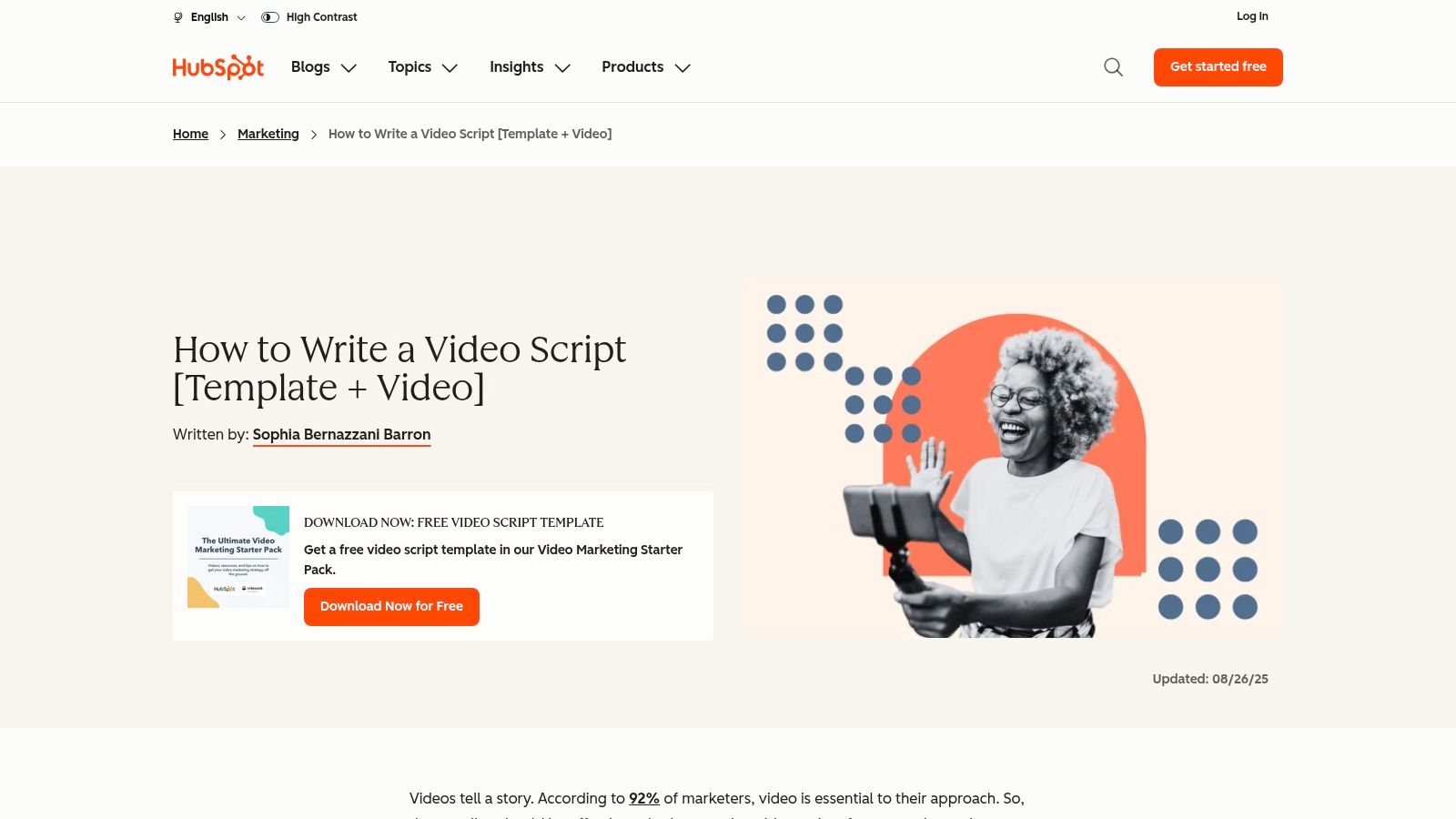
2. HubSpot, Free Video Marketing Script Template
HubSpot suits teams that are new to video and need the thinking done in the right order. The template comes inside a free Video Marketing Starter Pack, and the HubSpot video script guide walks you through defining a goal and audience, writing a brief, outlining a story, then coordinating spoken content with visual plans. That sequence matters. Most weak scripts fail before the first line because nobody agreed on the audience or the single action the video should drive.
Because the instructions sit alongside the template, it's useful as a training tool for a junior marketer or a founder making their first product video. It's adaptable across brand voices and works for product, educational, and brand content, and you don't need HubSpot's own video tools to use it. If you're planning the wider program around the script, our guide to video marketing for businesses covers how scripting fits into a publishing routine.
Two friction points are worth knowing. Downloading may require submitting information through a form, which is standard HubSpot practice but still a gate. The structure leans toward considered brand video, so short-form creators will need to trim it hard. The brief and story outline stages can eat more time than the video itself if you're publishing daily. I recommend it for campaign videos and onboarding explainers, not for high-volume vertical output.
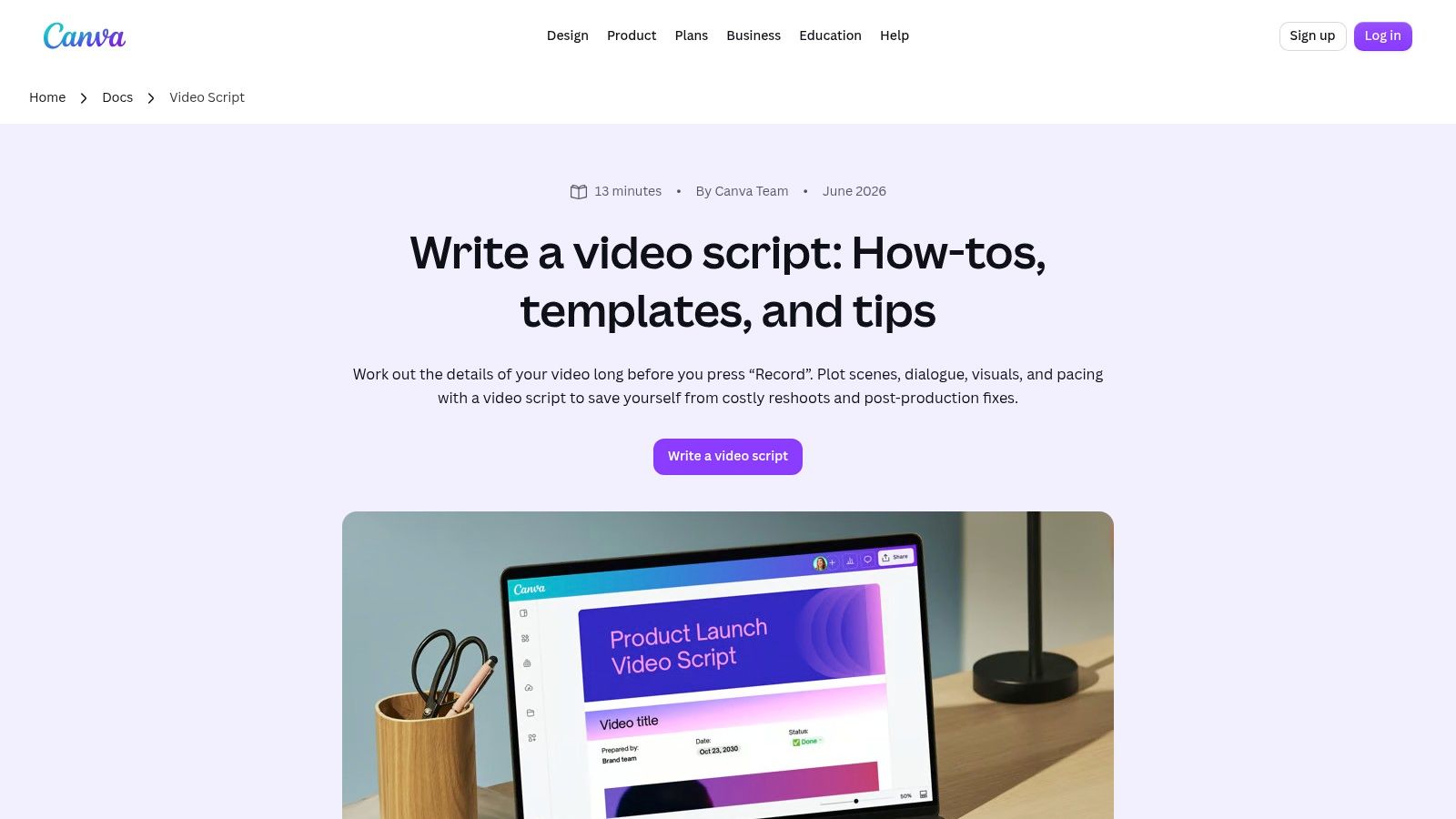
3. Canva, Video Script Templates in Canva Docs
Canva's pitch is collaboration, not scriptwriting depth. In Canva Docs video script templates, you get single-column and two-column formats with section headings and tables already built in. The two-column audiovisual layout is the useful one for teams, because narration sits next to visuals, graphics, and production notes, so a designer and a copywriter can argue in the comments instead of over email.
Practical rule: If two or more people touch a script before production, use the two-column layout. Single-column scripts hide visual problems until the edit.
You can drop visual references and project materials directly alongside the script, which is handy when a client needs to approve a mood, a product shot, and the words in one pass. For teams already building brand and social assets in Canva, there's no new tool to learn and no export dance.
The limit is that this is a general-purpose document workflow wearing a script template's clothes. There's no timing guidance, no word-count discipline, and no sense of whether your script runs long. Some collaboration, brand, and AI features also depend on your account plan. It works well for planned campaign content with stakeholders. It won't teach you pacing, and it won't stop you writing a script that's twice the length of the video you intended.
4. Search Engine Land, Video Script Template
This is the most portable option on the list, and for some marketers that's the whole point. The Search Engine Land video script template is a free download in Word, Google Docs, and PDF, with a guided four-part structure, instructions, and examples. You aren't adopting a platform. You're taking a document into whatever workflow you already have, then adapting it for YouTube, Instagram, Facebook, Vimeo, or anywhere else you publish.
That portability makes it a strong base for a house style. Take the four-part structure, add your own fields for hook variants, on-screen text, and CTA, and you've got a repeatable marketing script template your whole team can use without licences or logins. Our own walkthrough on how to write a video script pairs well with it if you want the craft detail behind each section.
What you don't get is generation or production. It won't draft copy, it won't make the video, and it isn't specialized for any single short-form platform, so TikTok pacing and caption-safe phrasing are on you. That's not a flaw so much as a scope limit. If your problem is consistency across writers, this solves it cheaply. If your problem is volume, a static document just moves the bottleneck to whoever fills it in.
5. Adobe Express, Editable Social Video Templates
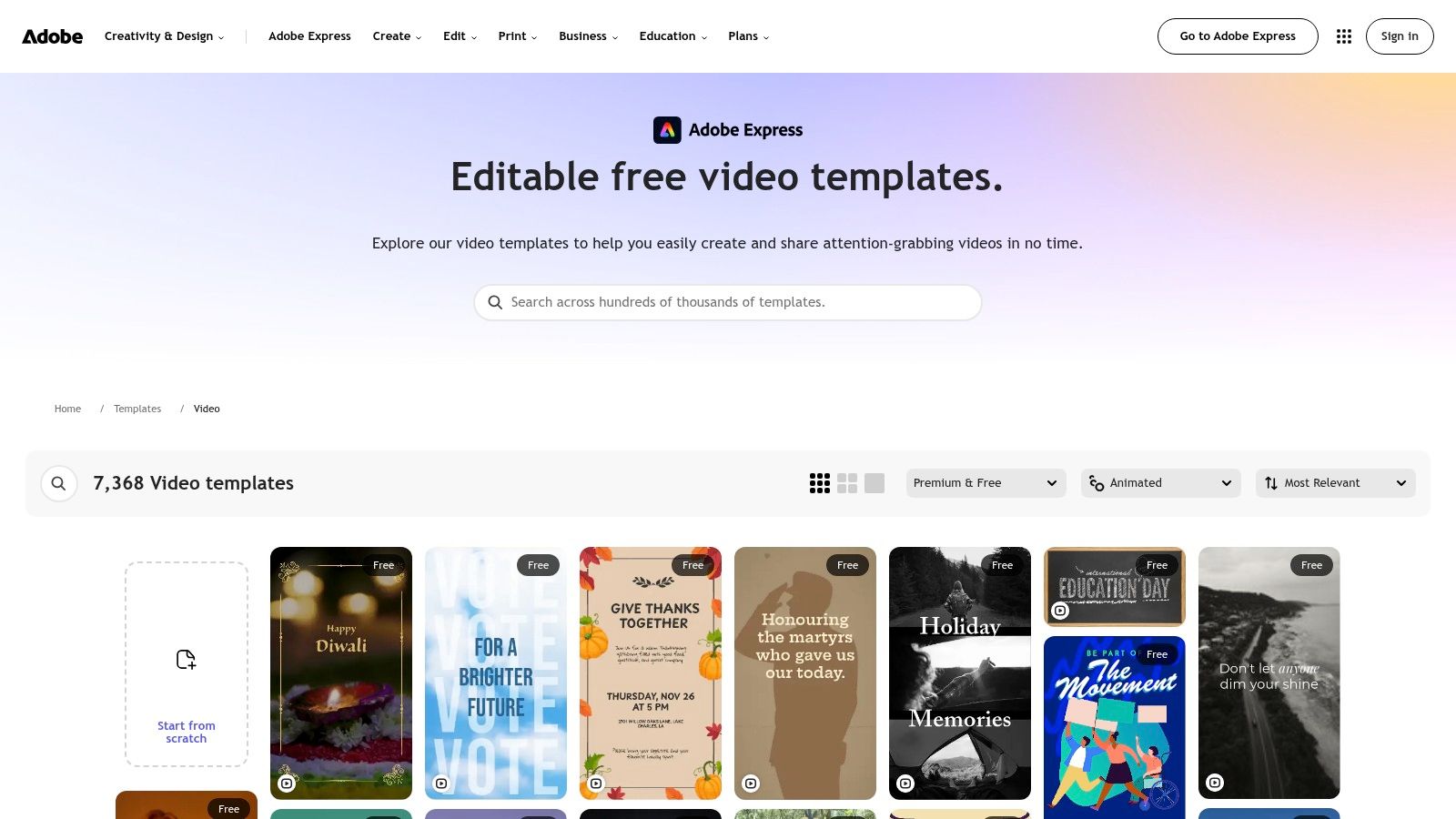
Adobe Express flips the process. Instead of writing words and then finding visuals, you start with a finished-looking design from the Adobe Express video template catalog and let the layout dictate how much copy you can use. For promo intros and short ads, that's often the faster route. The template's text slots force brevity, and brevity is usually what a promotional script needs most.
Best use case
Say a small retailer needs a weekend sale announcement. Pick an animated template, swap in the offer, the deadline, and the shop name, adjust the branding, and the on-screen copy becomes the script. There's no separate narration to write because the design carries the message. Free and premium templates can be filtered before you start, so you don't build something you can't export.
Don't mistake this for a script document, though. There's nowhere sensible to put dialogue, delivery notes, or scene-by-scene production cues, and anything story-driven will outgrow it immediately. A spoken narrative with a turn in the middle can't live inside three text placeholders. Premium templates and features may also require a paid plan. Use it for visual-first promos and announcements. Reach for something else the moment a human voice has to carry the message.
6. VEED, AI Video Script Generator
VEED is for the marketer who wants a draft now and an editor immediately after. The VEED script generator takes a topic or prompt and produces script drafts for TikTok, Instagram Reels, YouTube videos, marketing campaigns, and educational content, with hooks, key points, and calls to action built in. You can adjust tone and target audience before generating, which makes a noticeable difference to whether the output sounds like your brand or like everyone else's.
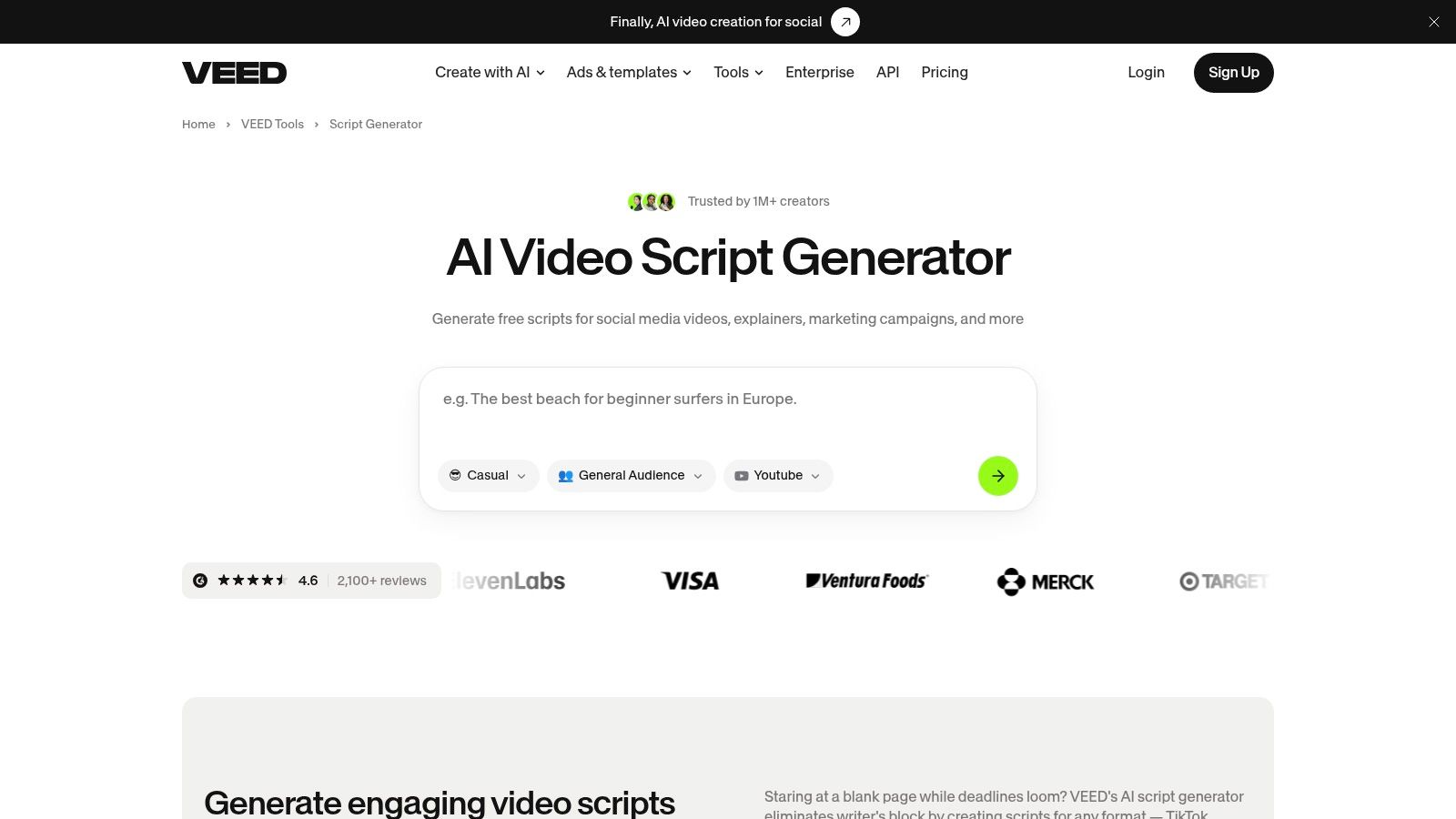
The convenient part is the handoff. You can copy the script out and leave, or continue straight into VEED's tools for voiceovers, captions, footage, and avatars. That single-workflow path is the main reason to choose it over a standalone generator. If you're comparing dedicated drafting tools, our roundup of AI script writing tools looks at how they differ on control and output quality.
An AI draft is a starting point for editing, not a finished script. Budget the review time, or you'll publish confident copy you never actually checked.
Accuracy, originality, and brand voice all need a human pass, especially on product claims. Video generation and export features also carry separate limits and plan requirements, so check what your tier allows before building a workflow around it.
7. CapCut, Script to Video Maker
CapCut compresses the whole pipeline into one app, which is why social teams keep landing on it. The CapCut script to video maker generates script options from a prompt about a product, service, or idea, includes a commercial mode for promotional scripts, then assembles a video draft from stock footage or your own media. From there you're into captions, transitions, voiceovers, and timeline editing without switching tools.
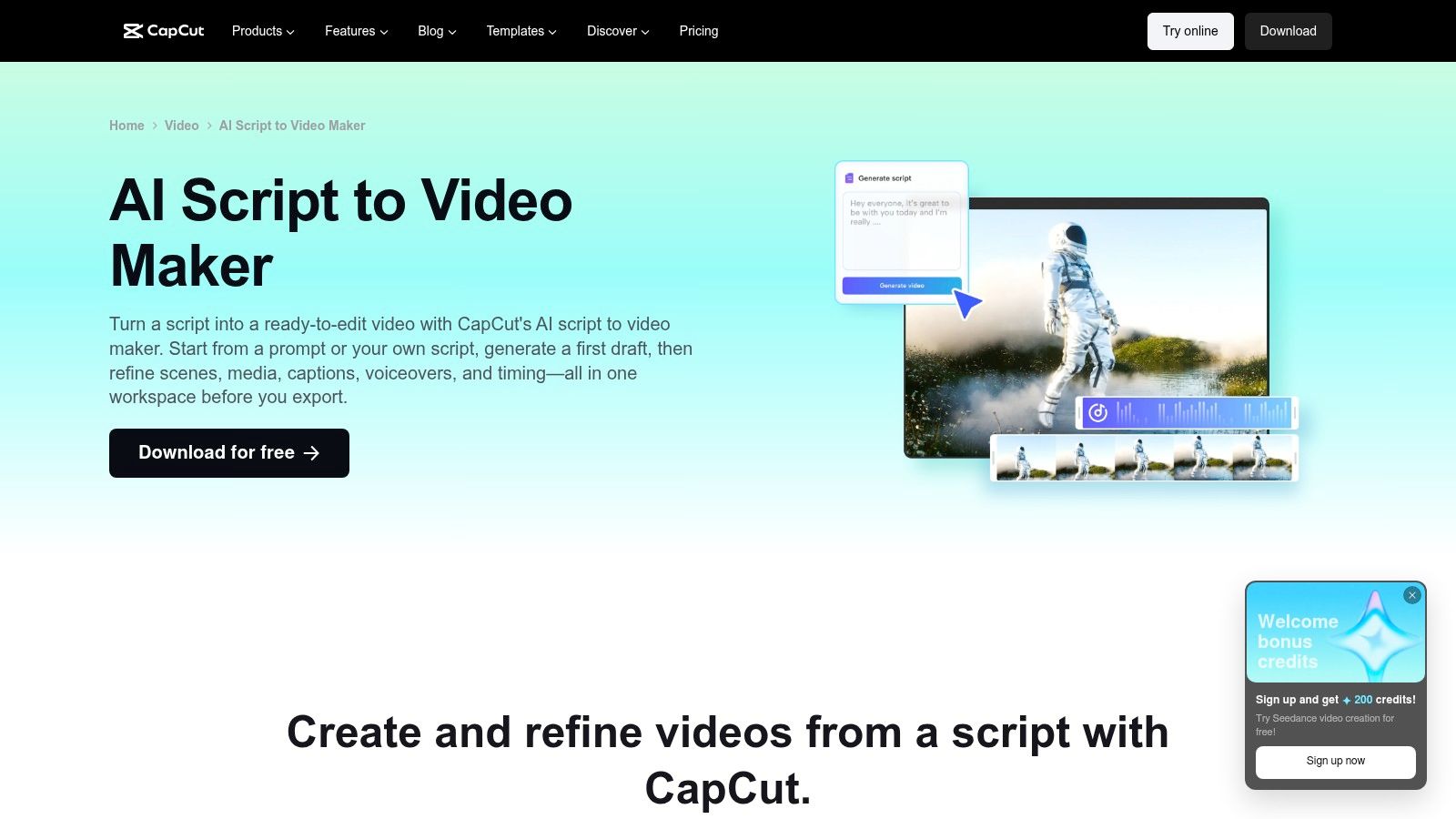
That speed makes it good for testing directions. Generate three promotional angles for the same product in the morning, assemble rough cuts, and you'll know by afternoon which hook deserves a proper production. Treating the output as a cheap prototype is the smart way to use it.
Publishing the prototype as-is is where people get caught. Generated footage and copy need review, particularly brand claims, pricing language, and anything that sounds like a guarantee. AI feature availability can also vary across the app, desktop, and web versions, and by region, which creates real headaches for distributed teams who assume everyone sees the same toolset. If you're a solo creator, that inconsistency is an annoyance. If you're standardizing a client workflow across countries, test access on every machine you'll use before committing.
8. Fliki, Script to Video with Narration and Visuals
Fliki is built for people who don't want to appear on camera or record their own voice. You bring a script, and Fliki's script to video feature organizes it into scenes, pairs each scene with stock or AI-generated visuals, then adds AI narration, captions, and background music. There's also an idea-to-video workflow if you need help generating the script in the first place.
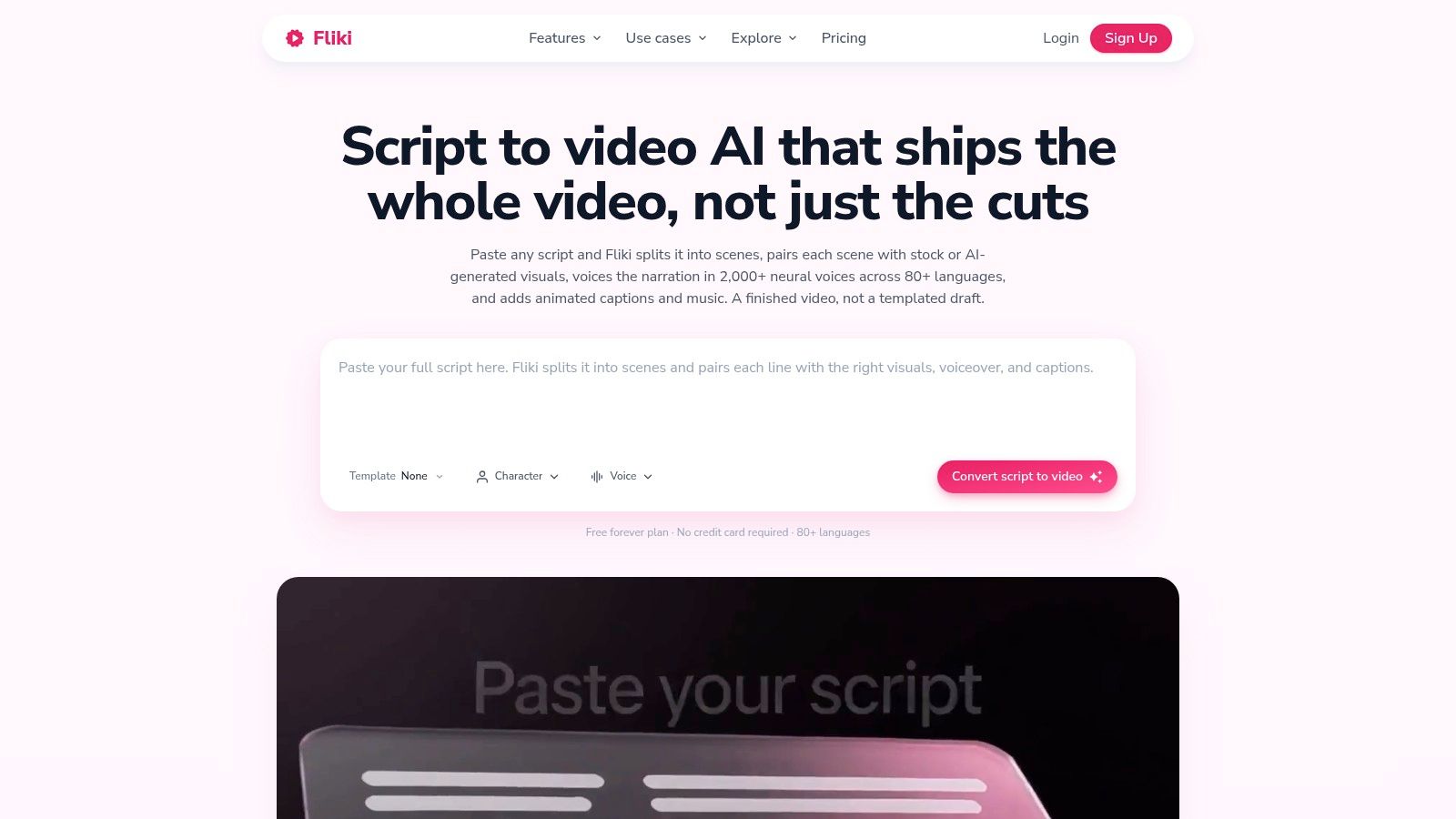
- Scene-based structure: Long scripts get broken into visual beats automatically, which suits narrated explainers and educational content.
- Voices and languages: Multiple AI voices and languages support localized versions without separate recording sessions, and if narration quality is your main concern, these voiceover tools for music content show what dedicated text-to-speech can do.
- Format flexibility: Vertical and horizontal output covers Shorts, Reels, and standard YouTube from the same script.
The weakness shows up when precise product imagery or tight brand control matters. Automated visuals are approximations, and you'll replace a fair number of them on anything client-facing. The free plan has limited credits and watermarked exports, and commercial use with watermark-free output depends on plan terms. For faceless educational channels and narrated storytelling, the trade-off is worth it. For a product launch where the packaging has to be exact, it isn't.
9. BIGVU, AI Scripts for Teleprompter Recording
BIGVU solves a specific, underrated problem. Most presenter scripts die in the gap between the writing tool and the camera. The BIGVU AI script generator drafts a structured script with an introduction, main points, and a call to action from a topic, outline, or message, lets you edit wording and tone, then sends it straight into its teleprompter. No copying, no reformatting, no reading off a laptop balanced under the lens.
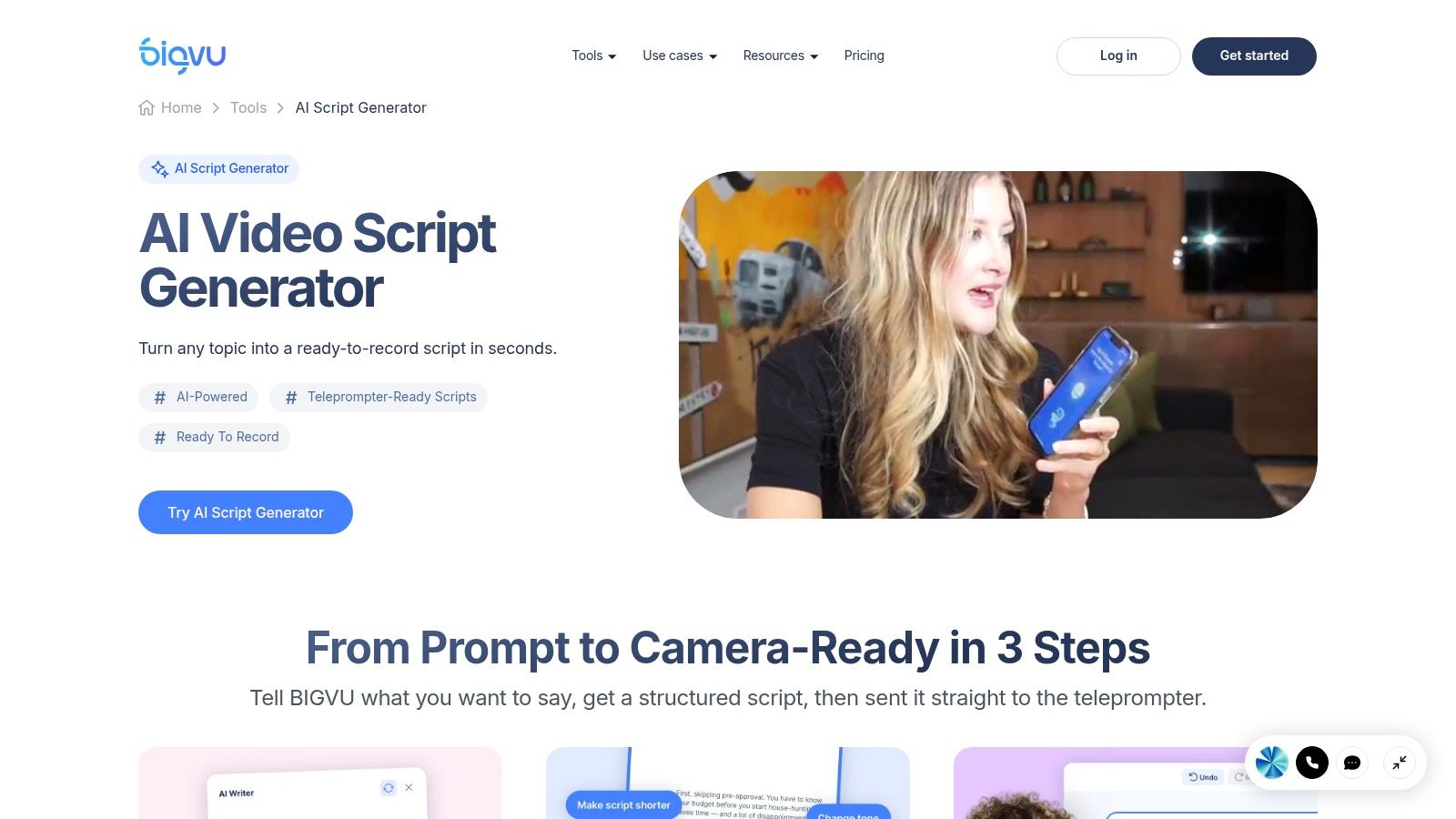
Because the structure is designed for spoken delivery, the output tends to read aloud better than copy pasted from a blog draft. Recording, captioning, editing, and publishing tools sit in the same platform, so a business owner can go from idea to posted promo, tutorial, or outreach video in one session. For cold outreach specifically, that matters. A short personalized video message only works if you can produce it quickly enough to send while the lead is still warm.
The orientation is firmly on-camera, though. If your strategy is faceless content, BIGVU's core advantage doesn't apply to you, and you'd be paying for a teleprompter workflow you'll never use. Some features and usage limits also depend on the subscription plan. I'd recommend it to founders, consultants, and sales-led creators who are the face of their content. Everyone else should look at the narration-first tools above.
10. Descript, AI Write a Script Template
Descript's approach is a guided prompt rather than a fixed form. The Descript Write a script template feeds its AI co-editor a topic, audience, length, and tone, and asks for conversational spoken copy in return. From there you record, edit by editing text, add captions, and adjust layouts for social platforms, all in the same environment. Descript also offers separate templates for marketing promos and social ads when you want a more directed starting point.
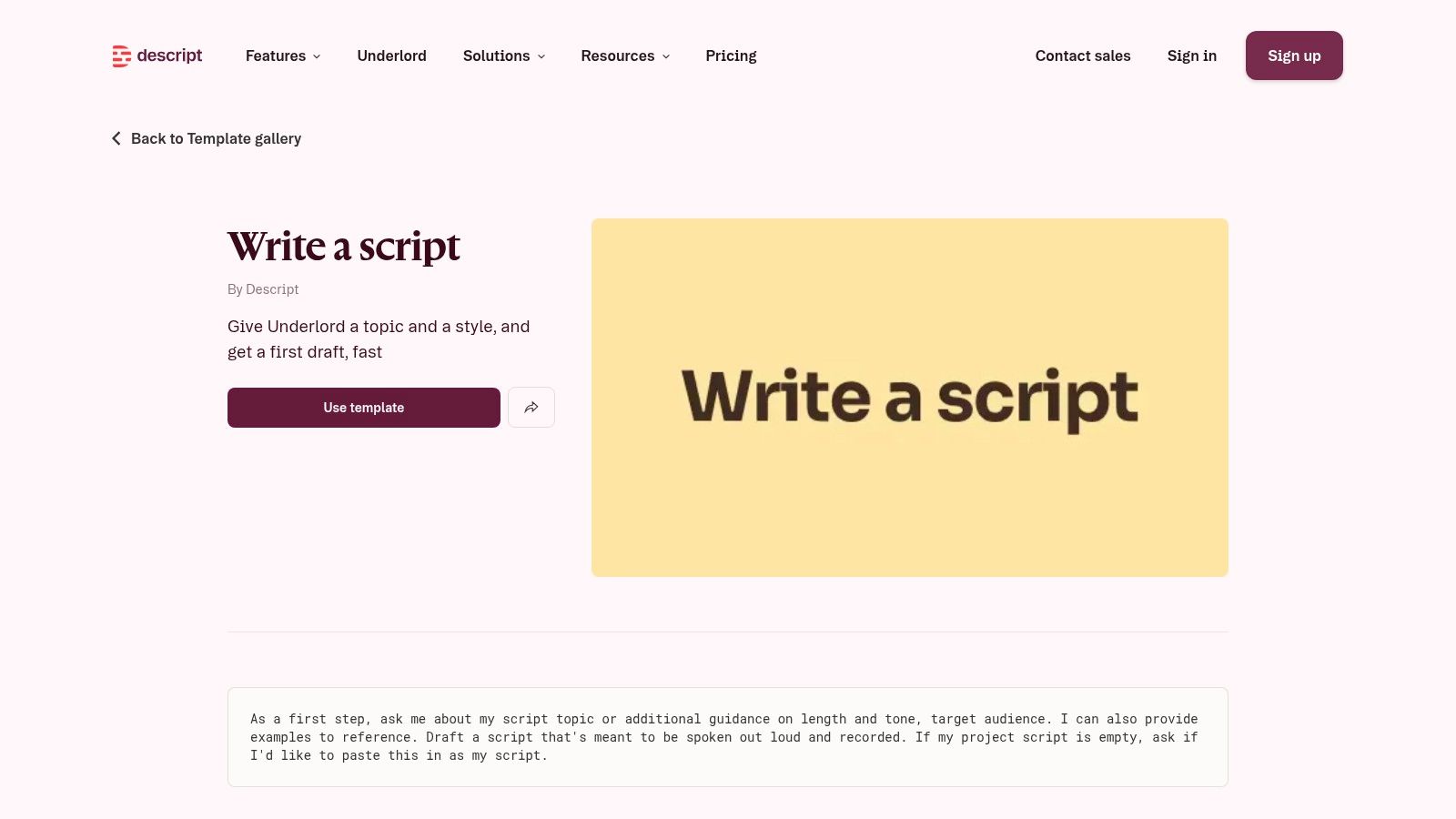
The main advantage is revision. When a stakeholder asks you to cut a sentence, you delete the text and the video follows, instead of hunting through a timeline. For marketers and educators who iterate on voiceover or presenter copy with reviewers, that loop is much faster than a traditional editor. It also means your script and your finished asset never drift apart, which is a quiet but serious problem in most production workflows.
What it isn't is a marketing formula. There's no fill-in-the-blanks structure enforcing hook, problem, proof, and CTA, so a beginner can generate fluent copy that never asks for anything. The free plan is limited too, with paid plans needed for more usage and export features. Pair it with a framework from earlier in this list and it's excellent. Use it alone and you're relying on your own discipline to keep the marketing structure intact.
How each marketing script template differs in output, format, free access, and best use
| Item | Output Type | Formats Offered | Free Access | Best For |
|---|---|---|---|---|
| Vimeo, Video Script Template and AI Script Generator | Script framework and AI-generated scripts | Audiovisual script; topic-, length-, and tone-based drafts | Framework available online; AI features depend on plan | Short tutorials, explainers, and promotional videos |
| HubSpot, Free Video Marketing Script Template | Video script template and guide | Template with spoken content and visual planning | Free starter pack; download may require a form | Business product, educational, and brand videos |
| Canva, Video Script Templates in Canva Docs | Editable script templates | Single-column and two-column audiovisual layouts | Plan details not specified; some features depend on plan | Teams coordinating narration, visuals, and production notes |
| Search Engine Land, Video Script Template | Downloadable template and guide | Word, Google Docs, and PDF | Free download | Channel-adaptable scripts in common document workflows |
| Adobe Express, Editable Social-Video Templates | Video-design templates | Static and animated video designs | Free and premium templates | Branded promotional visuals and concise social-video copy |
| VEED, AI Video Script Generator | AI-generated script drafts | Scripts for social, marketing, educational, and YouTube formats | Access details not specified; video features may require a plan | Drafting scripts and continuing into video creation |
| CapCut, Script-to-Video Maker | AI script drafts and video drafts | Prompt-based commercial scripts and editable social videos | Availability and limits vary by version and region | Quickly turning promotional ideas into edited social videos |
| Fliki, Script-to-Video with Narration and Visuals | Scene-based videos with narration | Vertical and landscape video with voices, captions, and music | Limited free credits; exports are watermarked | Narrated explainers, educational videos, and faceless content |
| BIGVU, AI Scripts for Teleprompter Recording | AI scripts and teleprompter recordings | Spoken scripts for on-camera delivery | Features and usage limits depend on plan | Presenter-led promotional and educational videos |
| Descript, AI “Write a Script” Template | AI-drafted spoken scripts | Scripts for recording, social layouts, promos, and social ads | Limited free plan; more usage and export features require paid plans | Writing and editing presenter or voiceover videos in one workflow |
Pick One Template per Job, Then Test Hooks Every Week
Start by naming the job before you open any tool. Spoken stories and tutorials need a framework with visual beats, so Vimeo, HubSpot, or Search Engine Land give you the structure. Promo intros need the offer visible fast, which is why Adobe Express and CapCut's commercial mode work better than a document. Cold outreach needs a personal opener delivered on camera, and that's BIGVU's territory. Faceless narrated content belongs with Fliki or a script-to-video workflow. Picking by job stops you forcing one template to do four things badly.
Then respect the runtime. A short-form marketing script template should be built around 30 to 60 seconds, since Search Engine Land's video marketing statistics guide reports that 51% of surveyed marketers identify this duration as the most effective. That leaves roughly 2 to 3 seconds for the hook and 5 to 10 seconds for the payoff and call to action, with the CTA landing in the final portion of the video. If your template has no timing fields, add them. A script that reads well and runs long is still a failed script.
Two additions will put your template ahead of most. First, make it attribution-ready. Add fields for audience segment, offer, platform, unique promo code or UTM-tagged link, spoken CTA, and the conversion metric you'll check after publishing, because an industry analysis of revenue-tracking short-form scripts reports that 94% of marketers consider short-form video the highest-ROI format, yet many still can't identify which individual script drove a sale. A video with fewer views and clear revenue often beats a viral one you can't attribute. Second, add an authenticity checkpoint that records what's AI-generated, what a human verified, and where disclosure sits, since reporting on AI marketing and consumer trust cites 39% of consumers saying they would trust a brand less for using AI-generated content.
Draft three hook variations from the same template, publish on a fixed schedule, and keep the version that holds attention in the first seconds. Change one variable at a time or you'll learn nothing. If you want a workflow built for faceless short-form output, ClipCreator.ai is one option to evaluate, since our plans include pre-made viral story types and custom prompts, videos run up to 90 seconds, and you can schedule posts to TikTok, YouTube, and Instagram. For the operational side of keeping that schedule, Advisor Momentum's video workflow guide is a useful companion read.
Turn your chosen template into a publishing habit instead of a one-off draft. ClipCreator.ai pairs pre-made viral story types and custom prompts with AI narration, story-aligned images, subtitles, and scheduled auto-posting to TikTok, YouTube, and Instagram, so your scripts become finished faceless videos up to 90 seconds without manual editing. Visit ClipCreator.ai to pick a story type, set your schedule, and put your first hook test live this week.

Create your first video in under 2 minutes
Pick a niche, and ClipCreator.ai generates and auto-posts faceless videos to your channels every day.
Join ClipCreator.ai