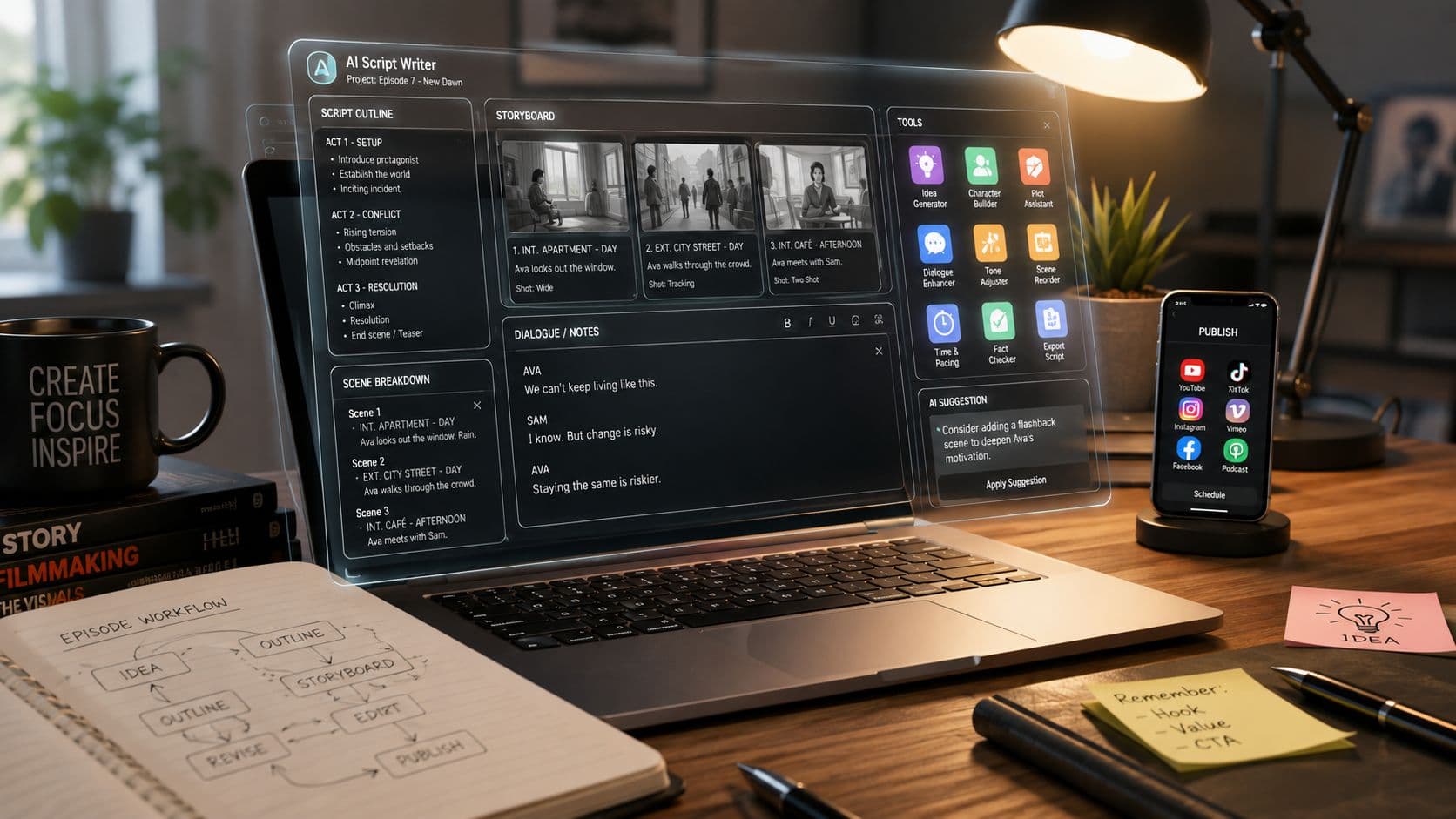
A solo creator can have a strong video idea and still lose the afternoon deciding what happens next. One tool drafts the hook, another keeps the brand voice consistent, a third turns text into a faceless video, and a fourth fixes captions before someone uploads the final cut. For a business publishing regularly, the bottleneck may be scripting. For an educator, it may be narration and pacing. For an agency, it may be approvals, scheduling, and publishing across several accounts.
That's why the best AI script writing tool depends on the workflow you need to improve, not on the longest feature list. This comparison focuses on script quality, format fit, continuity, production integration, editing requirements, usage or credit limits, and publishing support. The wider category accelerated after ChatGPT's launch in late 2022, moving from experimental drafting toward infrastructure for content production across video, podcasts, advertising, and social media. Market background on AI writing tools explains why script generation now sits inside a much larger production shift.
ClipCreator.ai is the reference point for creators who want an automated faceless short-form workflow. It isn't the universal winner, especially if you need screenplay formatting or detailed post-production. But it deserves first consideration when the task is turning a prompt into a publishable short.
For broader screenwriting research, Storyloft's screenwriting tools collection is a useful companion resource.
1. ClipCreator.ai
ClipCreator.ai improves the part of production that usually creates the most handoffs: moving from an idea to a scheduled faceless video. You can start with a custom prompt or use formats such as scary stories and bedtime tales, then generate an original short-form script designed for videos up to 90 seconds. The platform pairs the narrative with story-aligned images, lifelike voiceovers, subtitles, and HD rendering.
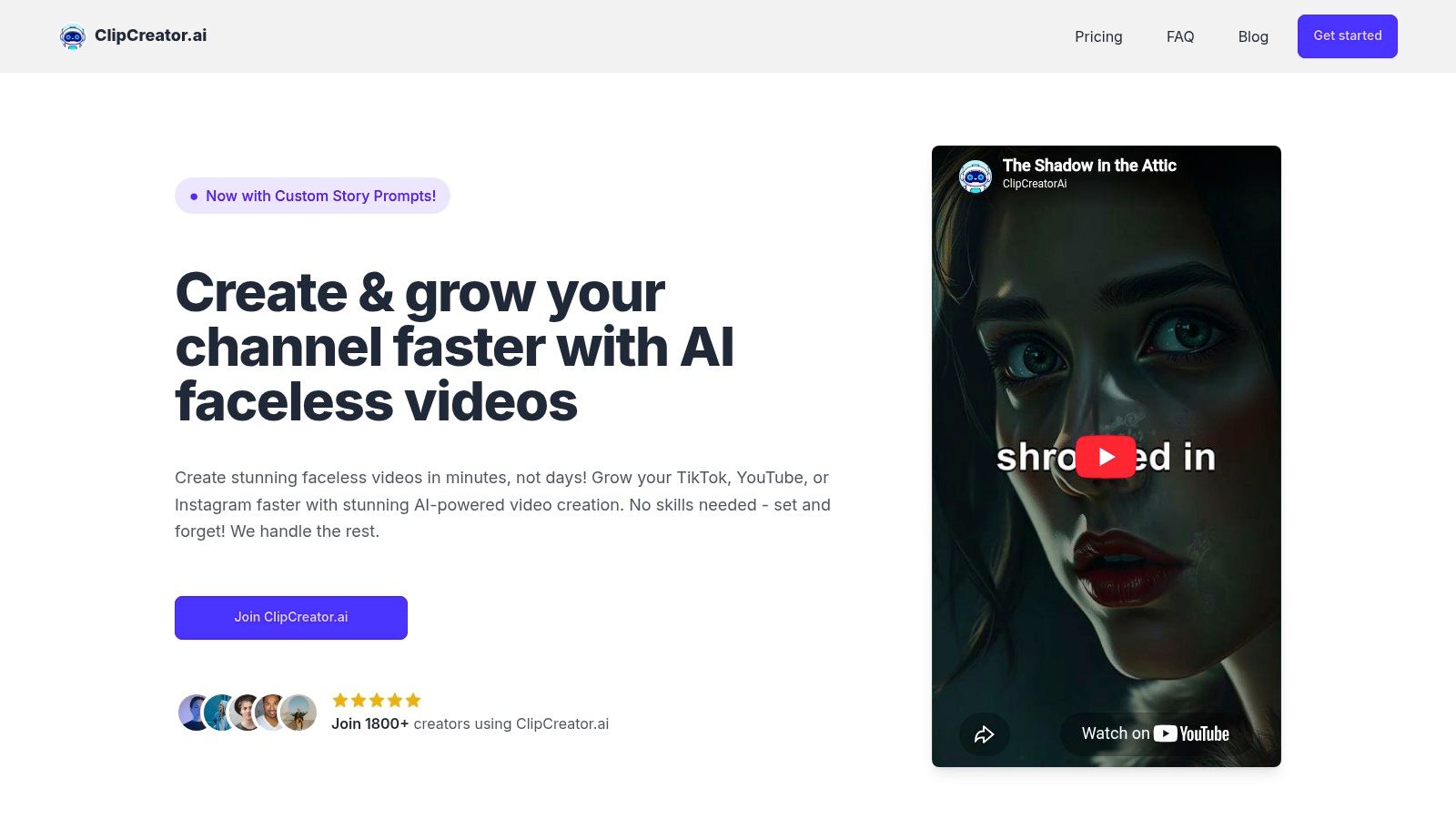
The important distinction is that ClipCreator.ai treats the script as one stage in a complete workflow. After drafting, the system creates the visual and audio layers, then lets you schedule and auto-post to connected TikTok and YouTube accounts. That makes it a strong fit for faceless creators, educators, storytellers, small businesses, and marketers who care more about consistent publishing than frame-by-frame control.
Its plans are tied to output cadence. Starter costs $19 per month** for **three posts per week**, Daily costs **$39 per month for one post per day, and Pro costs $69 per month for up to two posts per day, according to the supplied product information. These limits are easy to understand, which helps when you're planning a recurring series rather than buying an open-ended writing subscription.
Where it saves time
ClipCreator.ai's strongest advantage is the handoff between script and finished asset.
- Script ideation: Templates provide a starting structure, while custom prompts let you specify a subject, tone, or recurring format.
- Faceless production: Images, voiceover, subtitles, and pacing are generated around the narrative.
- Publishing: Scheduling and multi-platform auto-posting reduce repeated upload work.
- Ownership: Users retain 100% ownership of produced videos and can cancel anytime.
The trade-off is editing depth. In-app controls are limited to basic changes such as titles and captions, so a team that needs detailed cuts, custom motion graphics, or frame-level sound mixing will still need an external editor. The refund policy also has a defined boundary. A one-time refund for the first two videos must be requested within 7 days, with processing handled through Stripe.
2. Jasper
Jasper is best when the bottleneck is brand consistency, not video assembly. Marketing teams can define a brand voice and reuse it across projects, which is more practical than asking a general model to rediscover the same tone in every prompt. Its templates support video hooks, introductions, outros, descriptions, and other short-form components.
The workflow becomes more useful when a script needs several deliberate stages. Jasper's agents can support research, outlining, drafting, and polishing, while shared workspaces and role controls give teams a place to review material before it reaches production. That structure suits agencies and marketing departments producing repeatable social content for different campaigns.

Practical rule: Use Jasper when the cost of an inconsistent brand voice is higher than the cost of an extra production step.
Jasper's limitation is scope. It's geared toward marketing copy and short-form scripts, not detailed screenwriting with complex scene formatting or production management. Advanced actions, including research and optimization features, consume credits, so high-volume teams should test a representative workflow rather than assume every action has the same cost.
For a script-first workflow that still needs a separate video platform, this guide to AI video script generators provides useful context. Jasper can produce a reliable script, but you'll still need to decide how visuals, narration, captions, and publishing will happen afterward.
3. Writesonic
Writesonic fits teams that want script generation connected to YouTube planning and publishing. Its YouTube integration can support a draft-to-upload workflow, reducing the copy-and-paste handoff between a writing workspace and a video channel. That matters for organizations managing a content calendar rather than creating one isolated video at a time.
The platform also brings project controls, templates, prompt libraries, and analytics-style dashboards into a broader content environment. Its SEO and AI search visibility features make it more relevant for marketers who treat video scripts as part of a discoverability strategy. A YouTube script can be planned alongside titles, descriptions, supporting content, and other campaign assets.
The trade-off is complexity. Writesonic has expanded beyond a simple writing assistant, so solo creators may find the interface denser than they need. Its pricing also leans toward growth and enterprise use, which can make it harder to justify for someone who only needs occasional short scripts.
The strongest use case is a team that already has a YouTube workflow and wants scripts, planning, collaboration, and publishing controls in one environment. It's less compelling if your priority is automatic visuals, voiceover, subtitles, and scheduled posting from a single prompt. For that job, a dedicated script-to-video platform may remove more manual work.
You'll also need human review for hooks, claims, pacing, and platform fit. Writesonic can organize a scalable content operation, but it doesn't eliminate editorial judgment or guarantee that every draft sounds like your channel.
4. Rytr
Rytr is the practical budget choice for creators who need a draft quickly and don't want to learn a large content suite. Its dedicated YouTube script workflow sits alongside more than 40 use cases, including captions, descriptions, and rewrites, making it useful for a creator who needs several small pieces of copy around each video.
The main advantage is speed to first draft. You can choose a tone, generate a basic structure, and rewrite a hook without building a complex project system. That low learning curve works well for short educational clips, product explanations, social posts, and early-stage channel testing.
Rytr's “Unlimited” tier is attractive for heavy drafting, but unlimited drafting isn't the same as unlimited production. You'll still need to verify facts, sharpen the opening, cut repetition, and adapt the script to the intended runtime. The tool offers fewer research and planning controls than higher-end platforms, and long-form projects can become difficult to manage when continuity matters.
Use Rytr when the bottleneck is getting words on the page. Don't choose it expecting a complete video pipeline, detailed story bible, automatic scene visuals, or scheduling. Its user-ownership terms are straightforward, but the creator remains responsible for deciding whether the generated material is accurate, distinctive, and ready for an audience.
5. Sudowrite
Sudowrite improves story ideation and continuity. It's designed for writers developing characters, scenes, beats, and episodic narratives, rather than marketers assembling a quick promotional script. That makes it particularly useful for recurring story channels, narrative shorts, and formats where the audience expects characters and themes to carry from one episode to the next.
The workflow can move from a logline to beats and scene outlines, then into prose or screenplay-style output. Tools such as Describe, tone assistance, and character-voice helpers give the creator more ways to explore a scene without abandoning the central premise. Story Bible detection helps maintain continuity across scenes, although the writer still needs to check whether the generated details match the established canon.
A continuity tool can remember the details you provide. It can't replace an editor who notices that a character's motivation no longer makes sense.
Sudowrite isn't a production manager. It won't schedule posts, create call sheets, assemble a finished faceless video, or coordinate voiceover and subtitles. Its credit-based usage also requires planning, especially when you're exploring several alternate scenes before settling on a final version.
Choose Sudowrite when the script itself is the product's creative center. For a fast daily publishing operation, you'll likely need to export the finished script into another tool for production and distribution. That extra handoff is worthwhile for story-led creators, but inefficient for someone who only needs a short narrated clip from a simple prompt.
6. Descript
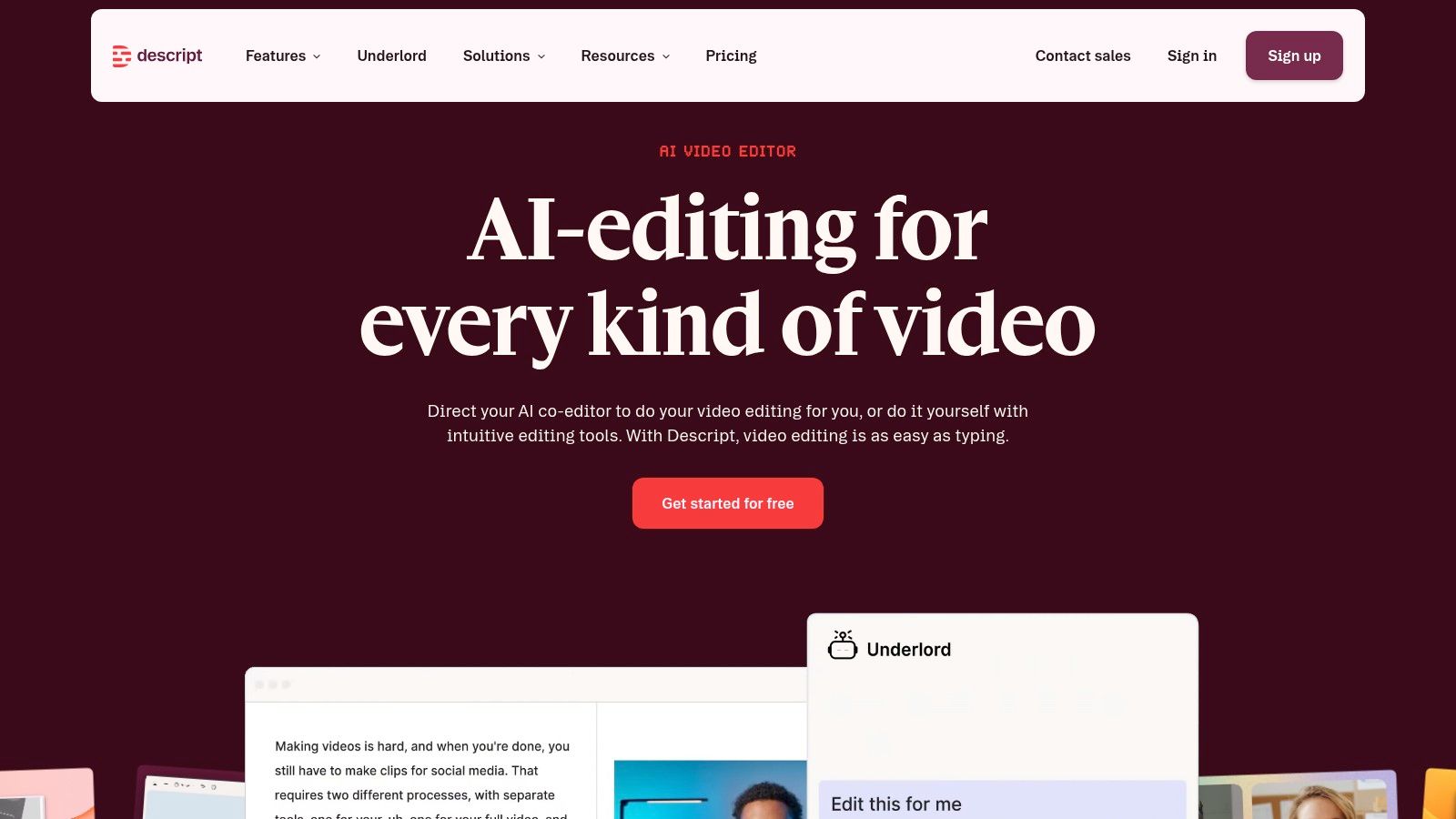
Descript is built around the script-to-edit workflow. Instead of treating writing as a separate stage, it lets you draft outlines and scripts, generate or adjust spoken content, and edit audio or video through a text-based interface. That's useful when the creator wants to move from words to a real timeline without opening several applications.
Its writing tools support outlines, rewrites, and script development. Text-to-speech voices, subtitle generation, stock media, and timeline editing then help turn that draft into a presentable short. The practical benefit is fewer exports between the first script and the edited cut.
Descript's credit system is transparent, but new users can still underestimate how quickly AI actions consume their allowance. Regenerating narration, experimenting with multiple versions, or repeatedly revising a project can change the cost profile. Budgeting matters more here than choosing a plan that appears generous at first glance.
The editor also isn't designed for deep film-style screenwriting or elaborate production breakdowns. Its strength is practical content production, especially for podcasts, talking-head videos, narrated explainers, and social clips that need captions and quick revisions.
If narration quality is central to the project, this overview of AI text-to-speech voice workflows is relevant. Descript gives you control over the edit after the script is drafted, but that control means you'll spend more time making editorial decisions than you would with a set-and-forget generator.
7. Pictory
Pictory targets the script-to-video assembly bottleneck. You can generate a video from a script or a URL, then add AI voiceover, subtitles, and stock media within the same workflow. For faceless content, that combination can produce a usable first cut without requiring camera footage or a complex editing timeline.
It's particularly effective for short explainers, list videos, repurposed articles, and simple vertical content. A creator can bring in a script from another writing tool, let Pictory map the narration to scenes, and then adjust the visual selections before export. This makes it a sensible middle ground between a standalone AI script writing tool and a full manual edit.

The weakness is visual interpretation. Stock media can mismatch the script's meaning, emotional tone, or pacing, so a human review is still necessary. A scene that is technically related to the narration may feel generic or distract from the point, particularly in story-driven content.
Generative AI credits are included in plan bundles, and regeneration can affect usage. Treat each revision as a production decision. If you're still changing the premise, structure, and narration, finish the script first. Pictory works best after the message is stable and the remaining task is assembling a coherent faceless video quickly.
8. VEED
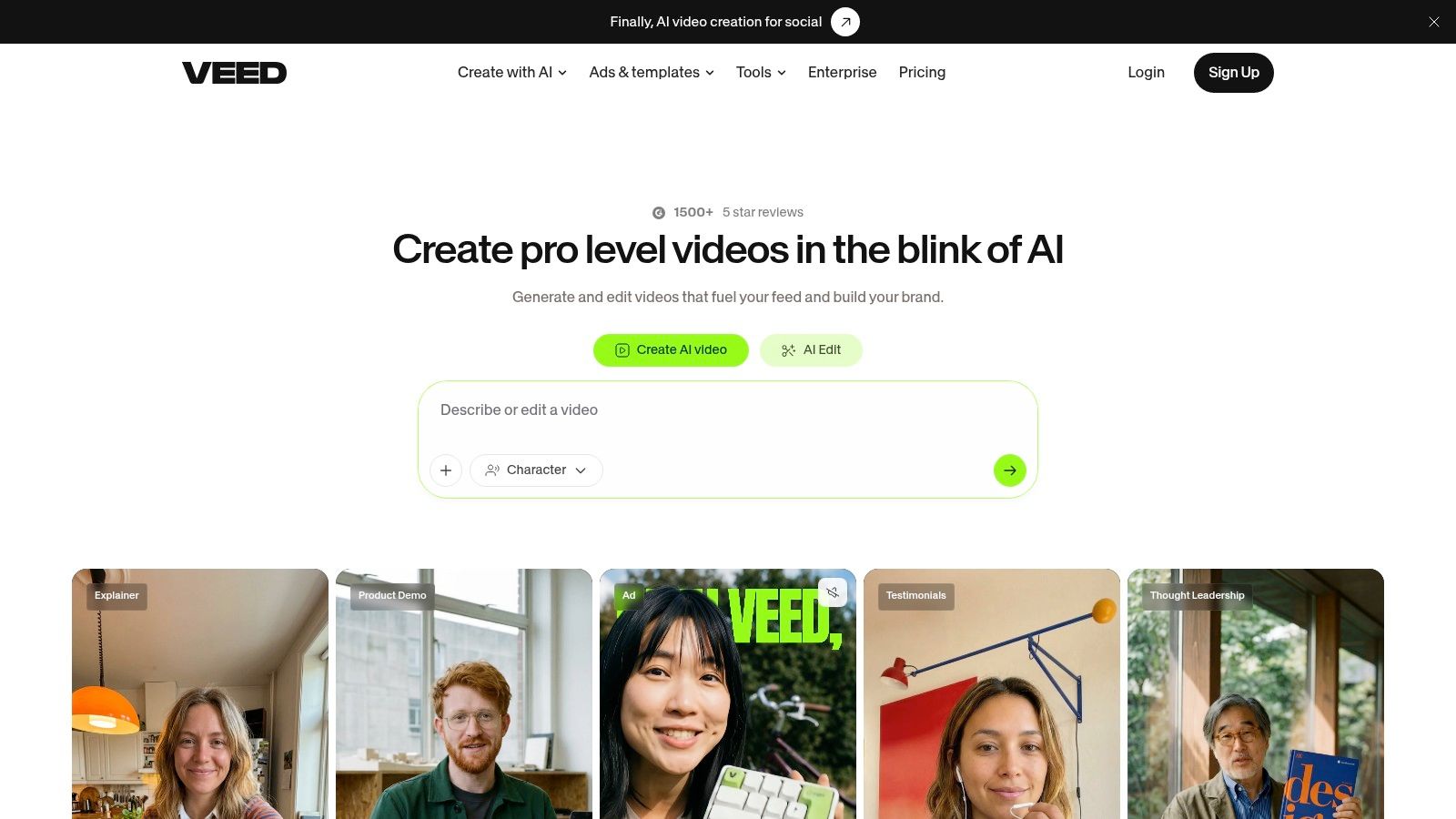
VEED is a strong choice when the bottleneck is browser-based social production. Its AI Script Generator and Gen-AI Studio support prompt-to-video workflows, while built-in text-to-speech, avatars, subtitles, and social resize tools keep the project in one web application. You can start with a prompt or paste an existing script, then move directly into video creation.
That makes VEED useful for TikTok, Shorts, and Reels teams that value convenience over dedicated screenplay formatting. A marketer can draft a hook, add narration, generate captions, resize for a social format, and export without installing desktop software. It's also approachable for teams that need a shared, accessible editing environment rather than a specialist post-production suite.
The cost is control and usage predictability. AI features are credit-metered, so frequent regeneration can require more careful planning on lower tiers. VEED also gives you less granular screenwriting structure than a creative writing platform, which matters if your script depends on detailed character arcs, scene directions, or long-running continuity.
Use VEED when the finished asset matters more than maintaining a formal script document. It's a practical fit for social teams, freelancers, and small businesses that want one browser-based workspace for drafting, narration, captions, avatars, and exports. You'll still need to review the hook and pacing manually, because a technically complete video can remain weak if the first seconds don't establish a clear reason to keep watching.
9. Kapwing
Kapwing focuses on fast social editing for creators and small teams. Its AI Script Generator can produce short-video drafts, while text-to-speech, auto-subtitles, and social templates help convert those drafts into platform-ready edits. The interface is less intimidating than a professional non-linear editor, which shortens the path from idea to first export.
A practical Kapwing workflow looks like this: generate a concise script, replace generic wording with your own examples, add a voice track, review subtitle timing, and apply a social template. Paid tiers support watermark-free exports, and the platform's auto-subtitling is designed for recurring social production rather than one-off cinematic projects.
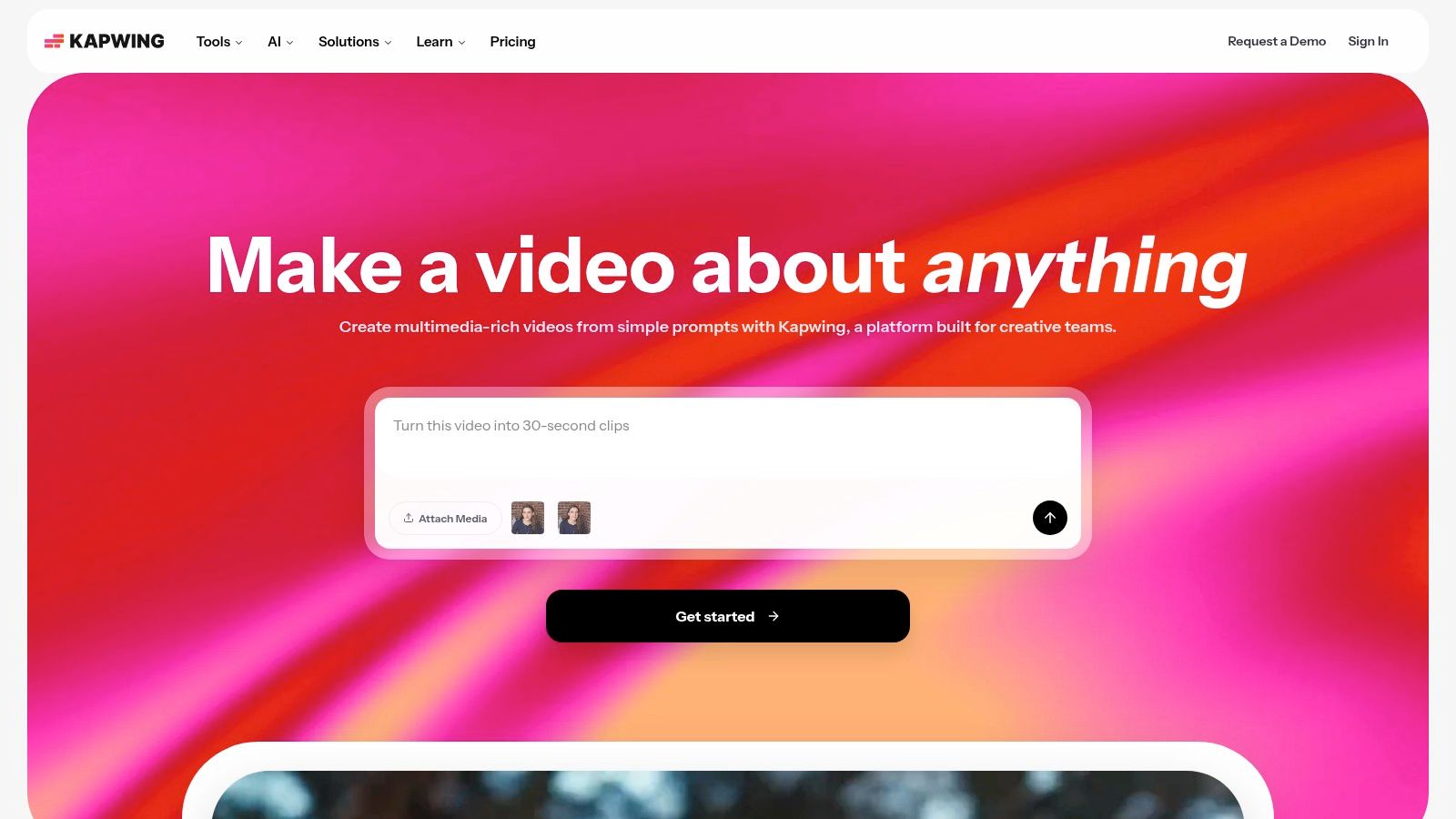
Kapwing's Smart and AI tools use a credit system, so entry-level users may hit limits when they generate, regenerate, and caption large batches. Advanced edits may also require exporting to a professional editor. That isn't a serious problem for simple social clips, but it becomes important when you need complex compositing, detailed audio work, or precise motion design.
Choose Kapwing for a lightweight pipeline where several people may touch the same social project. It balances drafting and editing well, but it doesn't replace a dedicated continuity tool or an automated publishing system. The creator still needs to decide which parts of the AI draft are worth keeping and which should be rewritten before production.
10. Synthesia
Synthesia is designed for avatar-led presentation. Its Assistant can draft or adapt scripts and scene outlines, then connect them to avatars, voices, translations, and branded video production. That makes it a natural fit for tutorials, internal training, product explainers, onboarding material, and how-to videos where a presenter needs to deliver a clear message.
The avatar library includes 125 to 240+ avatars, and the platform supports multilingual dubbing and translation according to the supplied product information. These features are more relevant to structured business communication than to entertainment-focused faceless storytelling. The production process is direct: define the message, refine the script, select a presenter, arrange scenes, and review the generated delivery.
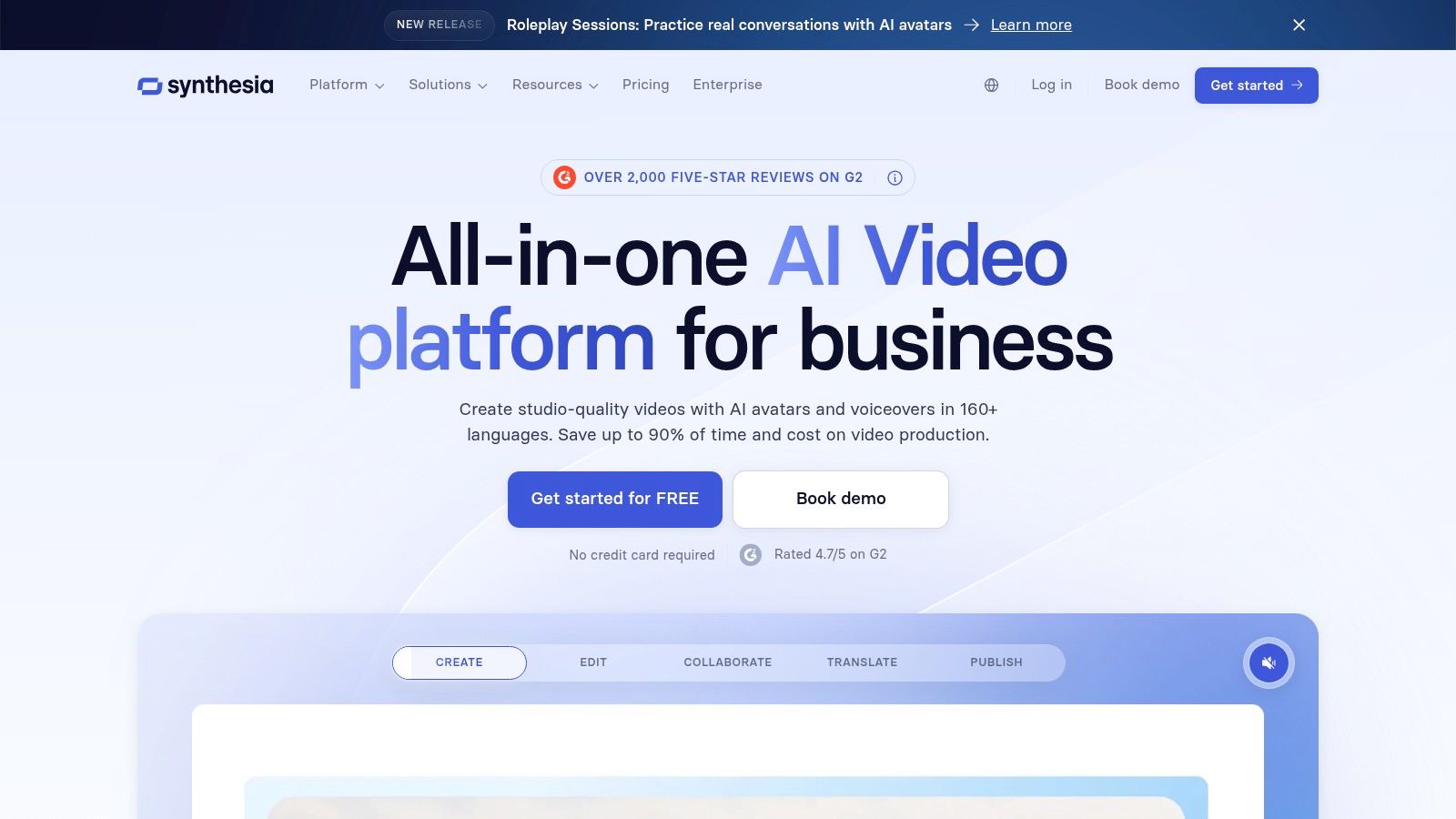
Avatar presentation also creates a creative constraint. The style may feel polished and credible for an explainer, but it can feel artificial or limiting for a suspense series, animated story channel, or highly expressive short. The credit system requires cost awareness when you're producing at high volume, particularly if multiple language versions or script variations are part of the workflow.
Synthesia's enterprise collaboration and brand controls make it stronger for organizations than for solo creators chasing spontaneous social formats. If you're comparing presentation platforms, this guide to Synthesia alternatives can help clarify whether you need an avatar, a faceless narrative, or a conventional editor.
Top 10 AI Scriptwriting Tools Comparison
| Tool | Core Features ✨ | UX / Quality ★ | Price / Value 💰 | Target Audience 👥 | Unique Selling Point |
|---|---|---|---|---|---|
| ClipCreator.ai 🏆 | Script → images → lifelike voice → subtitles → schedule & auto-post (90s HD) ✨ | ★★★★★ | 💰 $19 / $39 / $69, scalable posting tiers | 👥 Creators, educators, marketers, SMBs | 🏆 End‑to‑end faceless short‑video automation + multi‑platform auto‑posting |
| Jasper | Brand voice memory, script templates, multi‑step agents ✨ | ★★★★☆ | 💰 Credit/plan hybrid, team focused | 👥 Marketing teams, agencies | ✨ Consistent on‑brand scripts + workflow agents |
| Writesonic | YouTube integration, SEO planning, team dashboards ✨ | ★★★★ | 💰 Growth/enterprise skew, credits | 👥 Enterprise teams, SEO‑focused creators | ✨ YouTube upload + SEO/visibility tooling |
| Rytr | Quick YouTube script template, tone tools, easy rewrites ✨ | ★★★ | 💰 Very affordable; Unlimited tier available | 👥 Solo creators, budget users | ✨ Fast, low‑friction drafting for short scripts |
| Sudowrite | Logline → beats → scenes, story bible, character voice tools ✨ | ★★★★ | 💰 Credit‑based; creative focus | 👥 Fiction writers, episodic storytellers | ✨ Strong ideation & continuity for story‑driven shorts |
| Descript | Write mode + timeline editor, TTS, auto‑subtitles ✨ | ★★★★ | 💰 Subscription + AI credits | 👥 Podcasters, editors, creators needing timeline edits | ✨ Script→edit→caption in one timeline app |
| Pictory | Script/URL→video, AI voiceovers, stock media, subtitles ✨ | ★★★ | 💰 Plan credits; optimized for faceless shorts | 👥 Creators needing fast assembly | ✨ Very fast script→video assembly for short content |
| VEED | Prompt/script→video, TTS, avatars, Gen‑AI Studio (browser) ✨ | ★★★ | 💰 Credit‑metered AI features | 👥 Browser‑centric creators & teams | ✨ No‑install Gen‑AI Studio + social exports |
| Kapwing | AI script generator, auto‑subtitles, social templates ✨ | ★★★★ | 💰 Free tier; paid removes watermark & adds credits | 👥 Small teams & solo creators | ✨ Simple, social‑ready templates + fast exports |
| Synthesia | Script assistant, avatar presenters, multilingual dubbing ✨ | ★★★★ | 💰 Enterprise/credits model | 👥 Enterprises, training & explainers teams | ✨ Avatar presenter videos + multi‑lingual dubbing |
Choose the Bottleneck You Need to Remove
The right AI script writing tool is the one that removes the slowest step in your current production chain. If you already have an editor and only need better drafts, a writing-focused platform makes sense. If your team spends more time assembling footage, recording narration, fixing captions, and uploading than writing, a script generator alone won't solve the underlying problem.
ClipCreator.ai is the strongest fit when you want automated faceless short-form production. It combines custom prompts and story templates with story-aligned images, voiceovers, subtitles, HD rendering, scheduling, and multi-platform posting. Its plans are organized around a publishing cadence, from three posts per week to twice daily, so it's easier to match the service to a recurring content series. The limited in-app editing is the main trade-off. Creators who need advanced post-production will still need another editor.
Choose Jasper when your main concern is a consistent marketing voice across campaigns, teams, and recurring social formats. Writesonic is better suited to organizations that want scripts tied to YouTube planning, content operations, and broader search visibility workflows. Both tools can support scalable marketing production, but neither should be treated as a complete faceless video factory without additional production steps.
Rytr is the sensible starting point for inexpensive drafting, captions, descriptions, and quick hook variations. Sudowrite earns its place when story continuity, character voice, and episodic development matter more than publishing automation. Descript is the better choice when you want to draft a script and edit the resulting audio or video in the same timeline-based application.
Pictory works well for fast faceless assembly from a stable script or URL, although its stock selections may need manual correction. VEED and Kapwing are practical browser-based choices for social editing, captions, text-to-speech, templates, and exports. Synthesia is the specialist option for avatar-led explainers, tutorials, and business presentations, not necessarily for entertainment-style shorts.
The broader market supports this workflow-first view. One industry summary reported that 77% of knowledge workers use AI writing tools at least occasionally, while 31% use them daily for substantive work, with marketing and content teams reaching 84% adoption in that summary. The supplied adoption research points toward a practical conclusion: teams get more value when AI fits an existing content operation instead of sitting apart from it.
Test one representative script from your actual workflow. Track rewrites, visual corrections, caption fixes, credit usage, and the time required before publishing.
That test will expose differences that feature pages hide. A tool may write an excellent first draft but create extra work in editing. Another may produce a less literary script yet deliver a complete, scheduled video with fewer handoffs. For teams exploring AI workflow automation for startups, the useful question isn't which platform has the most AI features. It's which platform reliably supports the publishing cadence you can maintain.
ClipCreator.ai turns custom prompts or proven story templates into faceless short-form videos with AI-written scripts, story-aligned visuals, lifelike voiceovers, subtitles, scheduling, and multi-platform posting. If that workflow matches your bottleneck, visit ClipCreator.ai and test whether it can take your next representative script from idea to publishable video with less manual work.

Create your first video in under 2 minutes
Pick a niche, and ClipCreator.ai generates and auto-posts faceless videos to your channels every day.
Join ClipCreator.ai