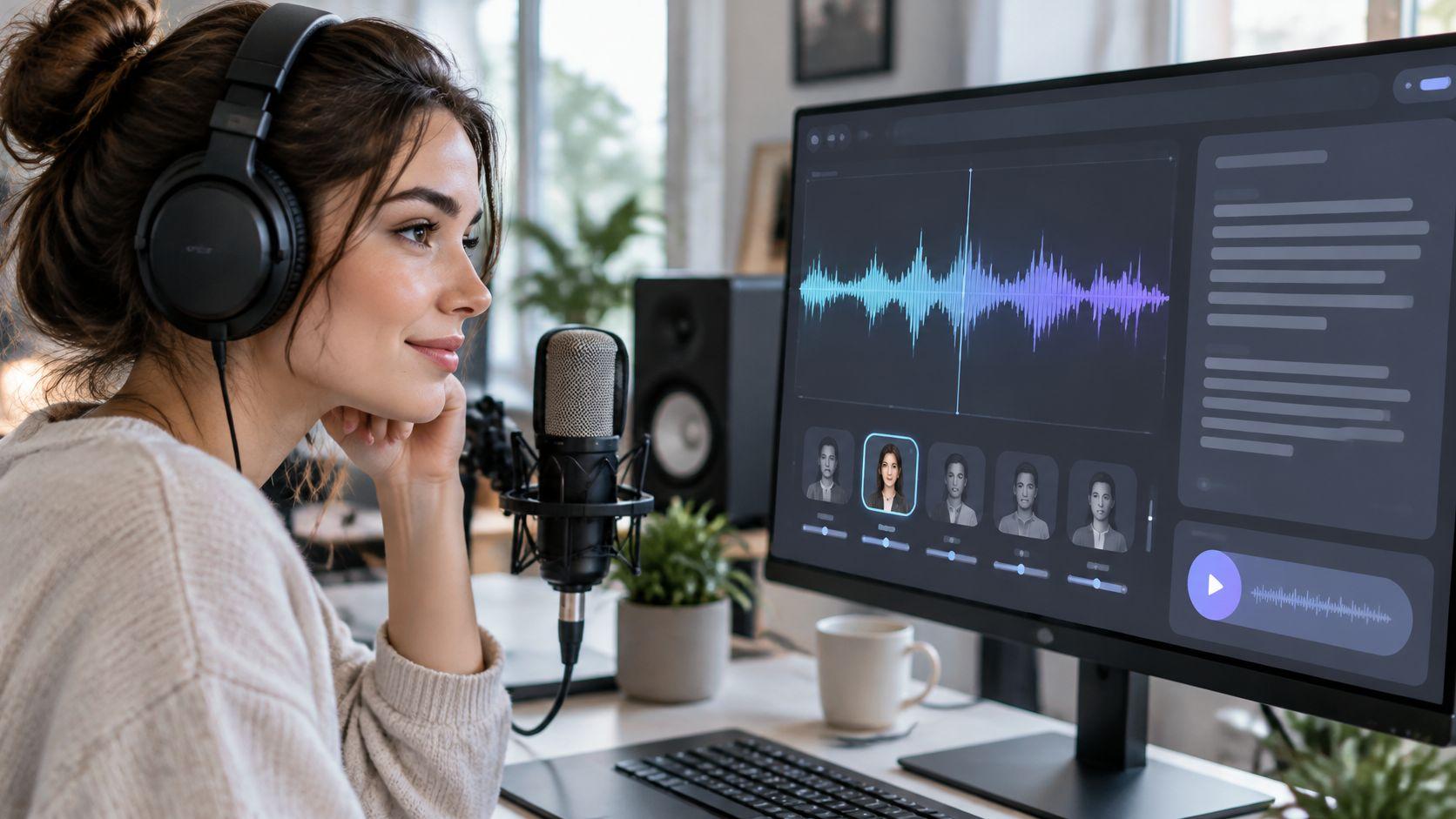
Making an AI voice is less mysterious than it sounds: write or generate a script, pick a narrator, shape the delivery, then export the audio or marry it to visuals and subtitles. Treat it like a small production pipeline and the results get much better than a one-click render.
What Making an AI Voice Actually Involves
Before the detailed walkthrough, it helps to see the whole job as a chain of decisions.
The AI Voice Pipeline at a Glance
| Stage | Your Decision | What You Get |
|---|---|---|
| Script | Choose a topic, style, and runtime | Narration-ready text |
| Voice | Match tone to your audience | A selected AI narrator |
| Delivery | Adjust pacing, pauses, and emphasis | Natural-sounding audio |
| Finish | Export audio or add visuals and subtitles | A publishable media file |
Once you view narration this way, each choice feeds the next instead of living in isolation.
Older text-to-speech tools leaned on pronunciation rules and limited sound banks. Newer neural voices learn rhythm, pauses, intonation, and emphasis from large speech datasets, which is why they can feel more conversational.
That matters fast in short-form video. A flat read can make a 30-second story feel predictable, a 60-second explanation loses momentum, and a 90-second narrative becomes difficult to watch. Tiny pauses and well-placed stress often keep people listening.
The good news is that most of this now happens in the browser, so specialized audio software is rarely required. Cloud workflows also help teams keep output consistent across TikTok, YouTube, and Instagram.
This approach works well for:
- Faceless channel creators who need reliable narration
- Educators building micro-lessons on tight schedules
- Brands needing steady output without booking studios
- Agencies managing client work across multiple voices
It also fits beside wider AI production, including how to sync AI-generated clips to music when narration becomes part of a multimedia project.
The strongest AI voice workflow keeps the creator in charge of the script, the voice choice, and the final delivery.
Start by opening ClipCreator.ai, testing a short script, and listening for pacing before you build a full production.
Learning how to make an AI voice begins well before you pick a narrator. It starts with rewriting your sentences for the ear, not the eye.
Getting Your Script and Workspace Ready

Think of your script as a performance draft rather than a document. Keep one idea per sentence, write in short clauses, and place commas or periods exactly where you want the voice to breathe.
Spell out numbers and any abbreviations the voice might stumble over. If "3 a.m." belongs in your story, write it as "three in the morning" so the narrator says what you actually mean.
A couple of quick rewrites show how much this matters:
- Scary Short before: "An unexpected auditory disturbance occurred outside my bedroom."
- Scary Short after: "Someone knocked on my bedroom door. I live alone."
- Bedtime tale before: "The rabbit commenced its nocturnal journey through the woodland."
- Bedtime tale after: "The little rabbit followed the moonlight. Soft leaves brushed his paws."
The scary rewrite separates the sound from the reveal, which is where the tension lives. Meanwhile, the bedtime version swaps stiff vocabulary for soft imagery and gives the narrator room to slow down.
Write the pause into the sentence instead of hoping the voice will invent the mood for you.
Prepare Your Story Workspace
ClipCreator.ai's AI-Powered Story Generation builds narratives from either a pre-made viral story type or a custom prompt, and you can browse anonymously before committing to anything. Explore the story workflow.
Story types work well when you're still testing formats. Once your channel has an established voice, switch to a custom prompt that specifies topic and style, such as "A gentle woodland bedtime tale without frightening surprises."
Before you hit generate, have these ready:
- A script draft with an opening you've already revised.
- A target runtime, such as thirty or sixty seconds.
- A clear audience, like young bedtime listeners.
Then read the draft out loud once while timing yourself. If it runs long, cut the setup lines first, and fix any tongue-twisters before they reach the synthesizer.
This audio visual script template helps you map narration alongside scene ideas. From there, rewrite your opening, mark where the pauses fall, and time one full read-through before you generate anything.
When learning how to make an AI voice, choose for your audience’s listening experience rather than a polished preview.
Choosing an AI Voice That Fits Your Channel
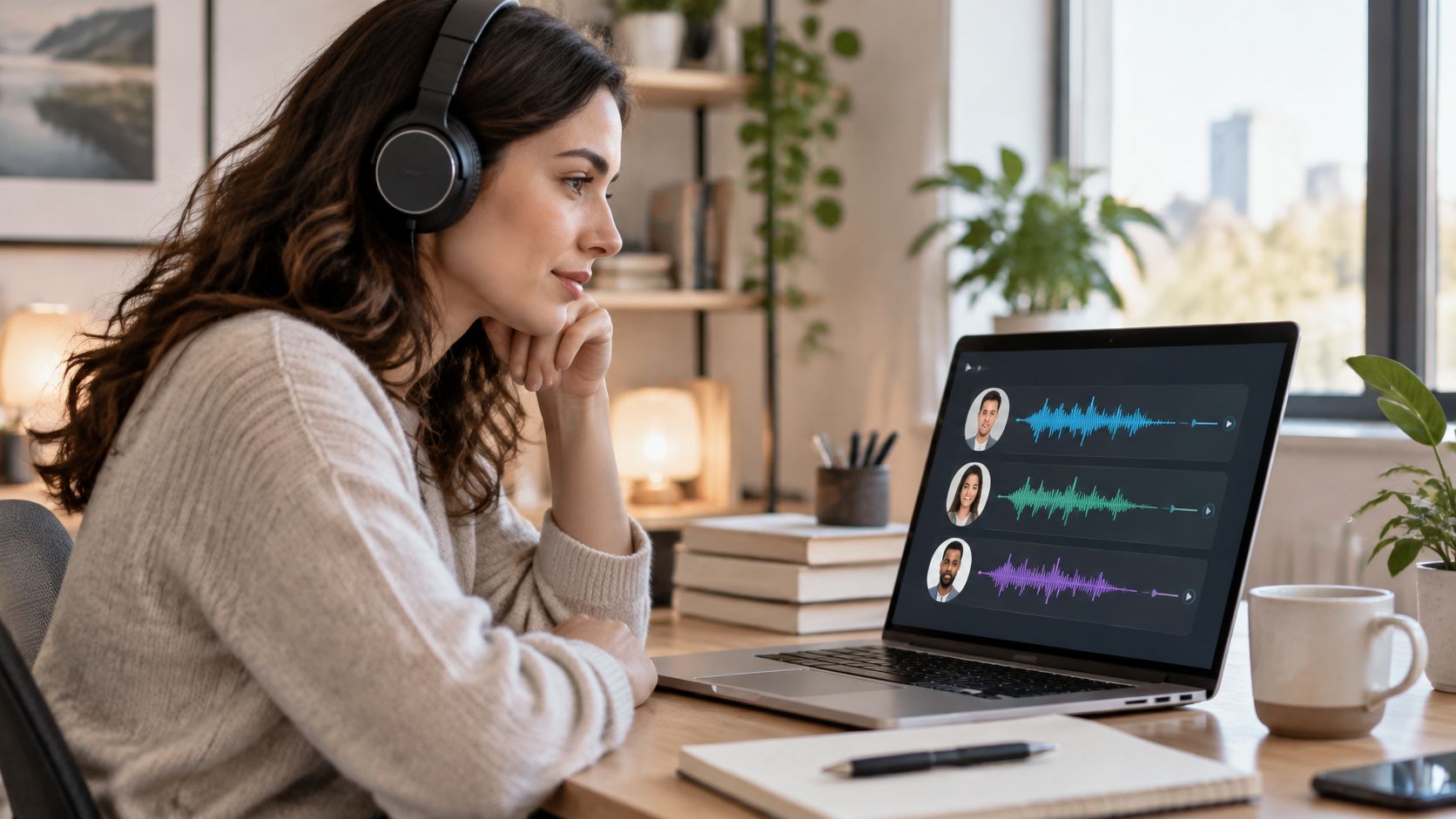
Run three filters before you audition narrators:
- Genre fit: the delivery should carry your format, whether that is quiet dread, warm reassurance, or brisk explanation.
- Listener expectation: match the mood people came for instead of chasing an accent that only sounds impressive in isolation.
- Series consistency: pick a voice you can live with across ten consecutive uploads, because fatigue shows up faster than novelty.
Give every candidate the same fifteen-second paragraph. Build in an opening hook, one descriptive sentence, and a closing thought, then listen for expression, pacing, and how each voice lands at the end of a line.
Keep the test clean. Do not judge one narrator on a dramatic reveal while another reads a product description; keep the wording and delivery settings identical so the comparison means something.
Use this matrix to shortlist faster and spot the usual mistakes before they reach your upload schedule.
Matching Voice Style to Video Format
| Video Format | Voice Qualities to Look For | Delivery Notes | Common Mismatch |
|---|---|---|---|
| Scary stories | Restrained, intimate | Pause before reveals | Constant shouting |
| Bedtime tales | Warm, soft | Leave breathing room | Bouncy enthusiasm |
| Educational micro-lessons | Clear, conversational | Separate key ideas | Dramatic whispering |
| Brand explainers | Assured, approachable | Stress customer benefits | Hard-selling delivery |
The right match often feels boring in a solo preview and right inside a full episode. If a voice keeps calling attention to itself, the script is doing the work while the narration gets in the way.
Audition and Commit to a Signature Narrator
Narrow the field with a listening test you can repeat every season:
- Play each sample without watching the screen.
- Score clarity, mood, and comfort from one to five.
- Retest your top two with another script from the same series.
For accent-specific listening considerations, read AI voice training for accent clarity. Treat it as useful background, not as proof that a particular accent automatically earns audience trust.
Check language availability before you plan translated episodes. If English and Hindi are your target audiences, audition both versions separately and listen closely to names, place terms, and everyday expressions.
For tool selection, compare options in our guide to text-to-speech software.
Keep one narrator as your signature sound instead of switching every upload. In ClipCreator.ai, direct custom stories through topic and style so the writing supports that choice.
Shortlist three voices today, audition identical text, and save your winner for the next series.
Choose for the listener’s mood, not the demo reel’s polish.
Drop the finished script into the narration editor, leave the selected voice in place, then render a preview.
Generating and Shaping the Narration
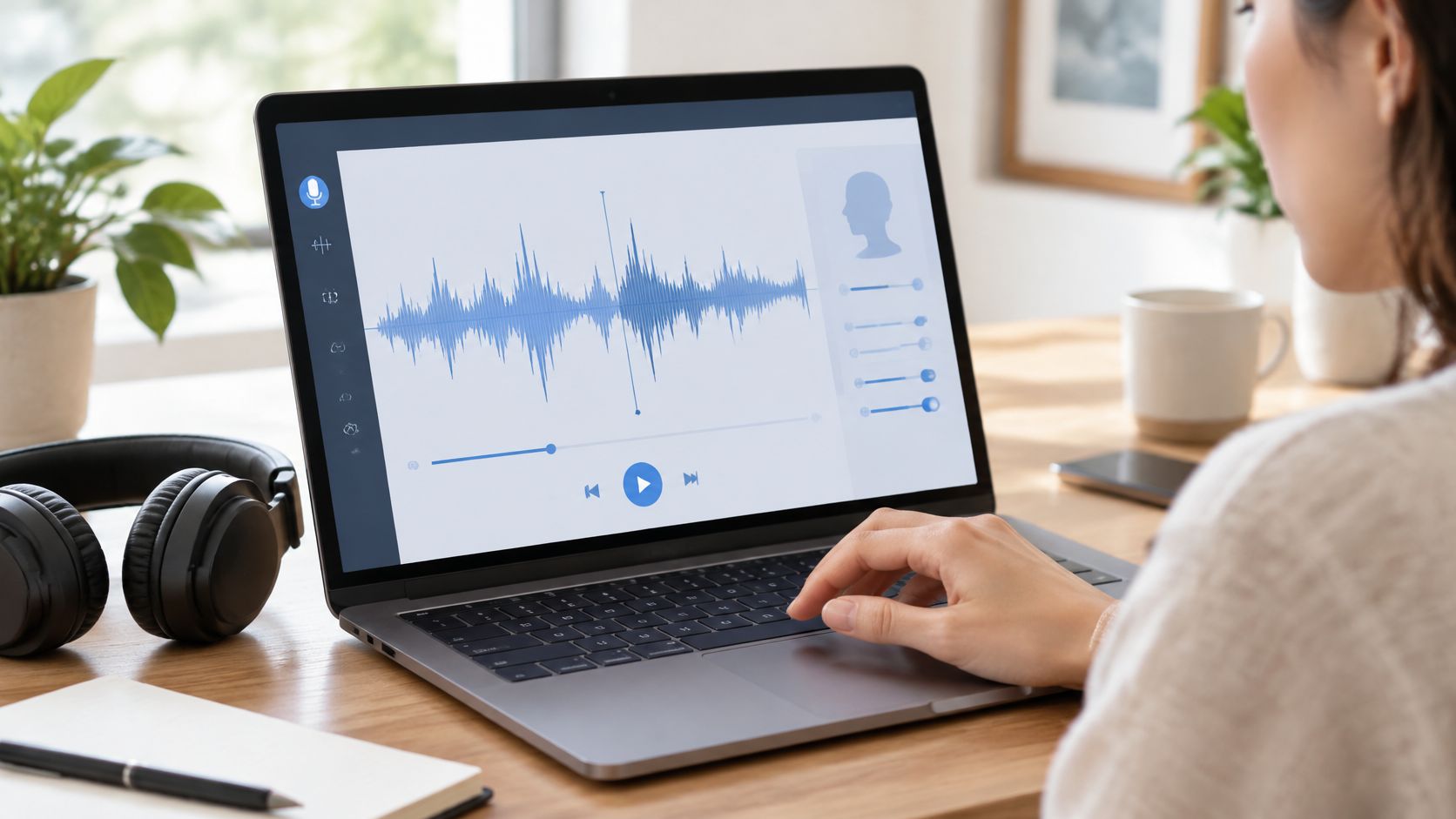
Play it from beginning to end without editing. The first pass is for spotting the two or three moments that pull you out of the story, so resist stopping every time a single syllable lands oddly.
Turn what you heard into a small repair list:
- Pronunciation: flag names, places, and specialist vocabulary that come out wrong.
- Pacing: mark sentences that feel rushed or give the listener no room to breathe.
- Emphasis: note the word, pause, or reveal that should carry more weight.
If a name gets mangled, test a phonetic spelling inside the narration text. When Niamh comes out as “Nee-am,” change the script to “Neev,” audition that passage again, and keep the proper spelling in any visible subtitles.
For niche vocabulary, check the problem word inside its original sentence. The surrounding words often decide whether the fix sounds natural or like a patch.
Fix the text before fighting the settings. A clearer sentence gives you a cleaner test than moving three sliders at once.
Shape Pauses and Emphasis Through Rewrites
When learning how to make an AI voice, treat sentence structure as your first delivery control. Punctuation can suggest where a breath might fall, though the exact pause still depends on the voice and tool.
Before touching speed, revise the line:
- Bedtime opening before: “Milo followed the silver moth through the garden until he reached the sleepy willow beside the pond.”
- Bedtime opening after: “Milo followed the silver moth through the garden. Beside the pond, the sleepy willow waited.”
The real change is the split sentence, with the destination given its own beat. Listen for a softer arrival, something closer to a settle than a slowdown.
For a scary reveal, “I opened the cupboard and saw my own face” can become “I opened the cupboard. Inside was my own face.” Test the silence before “Inside” instead of assuming a dramatic voice preset will build the suspense for you.
If the emphasis still lands flat, pull the key phrase loose: “A stranger would make sense. My own face did not.”
Where the editor allows it, regenerate only the problem passage so accepted work stays intact. Collect corrections first and render them together, because each generated video carries non-refundable GPU costs from AI providers and repeated full renders turn small fixes into an expensive habit. Review ClipCreator.ai.
Then replay the clip, gather the remaining fixes, revise them in one pass, and preview only the changed passages before generating the finished video.
Your narration is done, and now it needs somewhere to go. Depending on your setup, that means either pulling out a raw audio file or walking away with a finished video.
Exporting Audio and Publishing Finished Videos
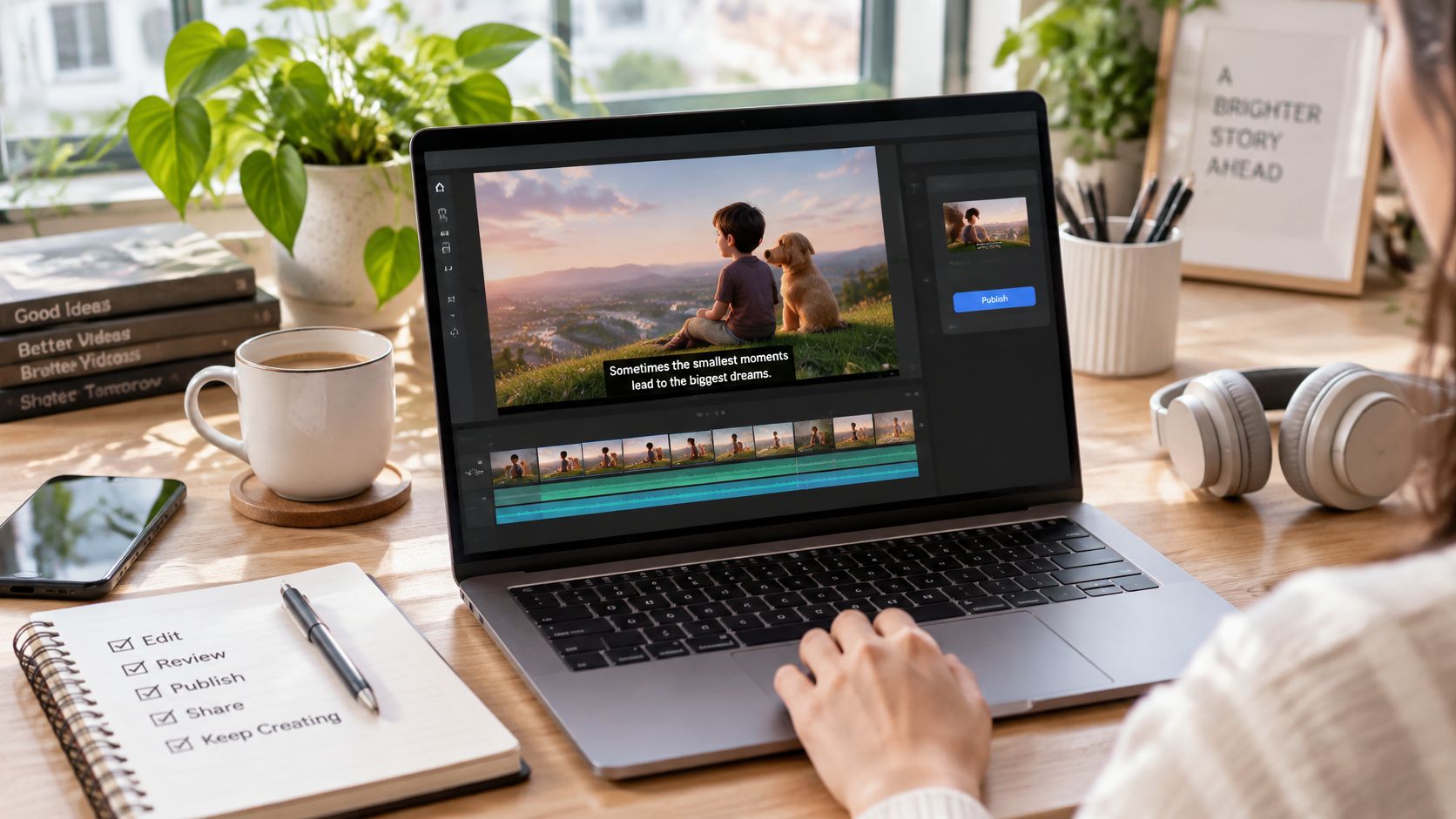
If you edit in a separate program, grab the audio export from your voice tool and drop the narration into your timeline before anything else. Build your visuals around the spoken beats, not the other way around. It saves real headache later.
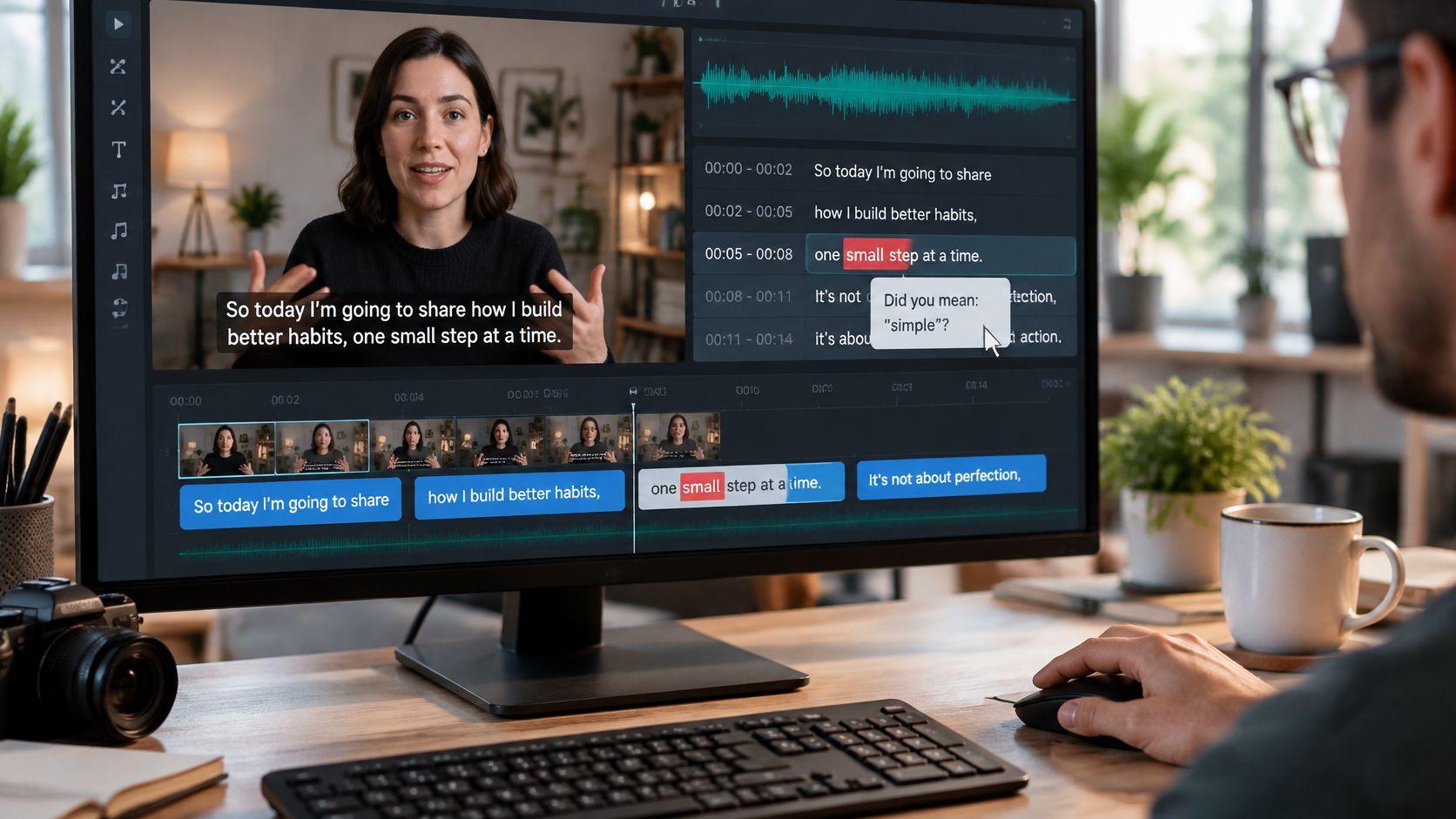
Skip that step entirely with ClipCreator.ai, which pairs the narration with story-aligned images, accurate subtitles, and HD video up to 90 seconds. That said, don't assume the assembled output is flawless. Watch it through once. Scenes occasionally need a nudge.
Three things deserve a look before you hit export:
- Subtitle timing: each caption should land with its spoken phrase, not trail behind it.
- Batch loudness: queue a few videos back to back and listen for jarring volume shifts between them.
- Opening hook: the premise needs to hit within the first two seconds. A title card that delays it is dead air.
Think of a scary story video. It should open on the strange knock at the door, not on five seconds of an empty hallway while nothing happens. The narration and the first image have to sell the moment together.
Connect Your Channels and Schedule Publishing
Learning how to make an AI voice is only half the job. The other half is getting videos in front of people. Over 1,800 creators run this through ClipCreator.ai, which covers everything from creation to publishing once you link your TikTok or YouTube account.
“I prefer ClipCreator.ai because it only takes a few clicks to complete a video on autopilot.”
Bella Vids, Facebook. Explore ClipCreator.ai.
Setup is quick:
- Link the TikTok or YouTube account you plan to post from, and read the authorization prompt before accepting.
- Double-check the destination channel. Publishing a client's video to the wrong page is a mess you don't want.
- Schedule uploads for when your audience is actually online, not whenever the render happens to finish.
A solo creator can hold a steady rhythm at three posts weekly. Agencies juggling multiple client channels sometimes push twice daily, but keep every client's calendar walled off from the rest.
Your videos stay yours. You get full ownership, you can cancel anytime, and there's a first-two-videos refund promise via Stripe if it doesn't work out.
Pull up your latest finished clip, verify the channel it belongs on, and lock in a posting schedule you can actually sustain.
When you’re learning how to make an AI voice, fix the thing that pulls attention first. Leave the smaller settings alone until the main distraction is gone.
Fixing Robotic Delivery and Other Common Problems
- Flat climax: Long, unbroken sentences can make the delivery sag. Give the reveal its own line, then audition the pause around it.
- Mispronounced names: Use phonetic respelling for brands or places. For Worcester, try “Wooster” in the narration while keeping the correct spelling in subtitles.
- Narration overruns: Extra setup can push speech past the visuals. Trim repeated context before you speed the read beyond comfortable comprehension.
- Drifting subtitles: Script changes can wreck older timings. Regenerate or retime captions against the final audio, not an earlier take.
- Volume jumps: Clips generated separately may not match. Adjust clip gain in the editor, then replay every join.
Regenerate for meaning, not microscopic imperfections. Repair unclear words or broken suspense; harmless variation can stay.
For platform-specific guidance, see our Instagram voiceover guide.
Check Before Every Export
- Listen through without stopping.
- Check whether the opening hook lands immediately.
- Scan subtitles for spelling and synchronization.
- Use consistent filenames, such as
bedtime_ep012_voice_v03.wav.
Open your latest draft and run these checks now. For a 60-second clip, stop polishing once the message, rhythm, and pronunciation work; another take is not automatically better.
Can You Make an AI Voice Without Recording Anything?
Yes. Modern text-to-speech can turn a script into finished narration, so a microphone, quiet room, or personal voice track never enter the process. For faceless channels, that is the appeal: no camera, no studio, no vocal performance.
Do You Need Audio Editing Experience or Paid Software?
No. The heavy lifting happens in the browser, and platforms such as ClipCreator.ai combine narration, visuals, and subtitles in one workflow. If you can tweak a sentence, you can usually fix pacing, emphasis, or awkward wording by following the narration walkthrough above.
Who Owns the Finished Videos?
You do. Creators keep full ownership of the finished videos and can publish them commercially on TikTok, YouTube, and Instagram, while still being free to cancel anytime.
How Many Videos Before Judging a Voice?
Give a new narrator at least ten uploads across three to four weeks. Change one variable at a time: keep script style and posting cadence steady while the voice settles, or the data will not tell you what caused the swing.
Judge the voice on a series, not a single upload.
Ready to try it on a real channel? ClipCreator.ai turns your script into narrated, subtitled HD videos and publishes them automatically, backed by a first-two-videos refund promise through Stripe. Start creating your AI voice videos today.

Create your first video in under 2 minutes
Pick a niche, and ClipCreator.ai generates and auto-posts faceless videos to your channels every day.
Join ClipCreator.ai