
In 2026, the demand for high-quality audio content has never been higher. From faceless YouTube channels and viral TikTok clips to professional e-learning modules and accessible web content, a clear, engaging voice is critical. But creating that audio manually is time-consuming and expensive. This is where text-to-speech (TTS) technology steps in, transforming written text into lifelike audio in seconds.
The challenge is navigating a crowded market. Some tools are built for developers, with complex APIs and pay-as-you-go pricing. Others are designed for creators, offering user-friendly studios and features tailored for video production. Choosing the wrong one can lead to robotic voices, restrictive licensing, or unexpected costs. This guide cuts through the noise.
We've analyzed the 12 best text to speech software platforms, evaluating them on voice quality, language support, pricing, commercial use rights, and specific use cases. Whether you're a developer needing a scalable API or a creator looking to automate your short-form video workflow, this ranked list will help you find the perfect tool to give your content a voice. TTS is a key part of a modern creator's toolkit; to understand the broader landscape of how artificial intelligence is transforming digital content creation, consider exploring a guide to the best AI tools for content creation.
This resource provides a direct comparison of each platform, complete with screenshots and links, so you can make an informed decision. We will detail which tools excel for storytellers creating themed videos, which are best for agencies scaling client content, and which offer the most realistic voices for narrative micro-lessons. Let's find the right voice for your project.
1. ClipCreator.ai
Best For: Automated Short-Form Video Production
ClipCreator.ai earns its top spot by moving beyond standalone text-to-speech functionality and offering a complete, automated content creation pipeline. It is meticulously engineered for creators and brands who need to produce high-volume, professional-quality short-form videos for platforms like TikTok, YouTube Shorts, and Instagram Reels without hands-on editing. The platform's core strength lies in its ability to transform a simple prompt into a fully realized video, complete with a lifelike AI voiceover, story-aligned imagery, and synchronized subtitles.
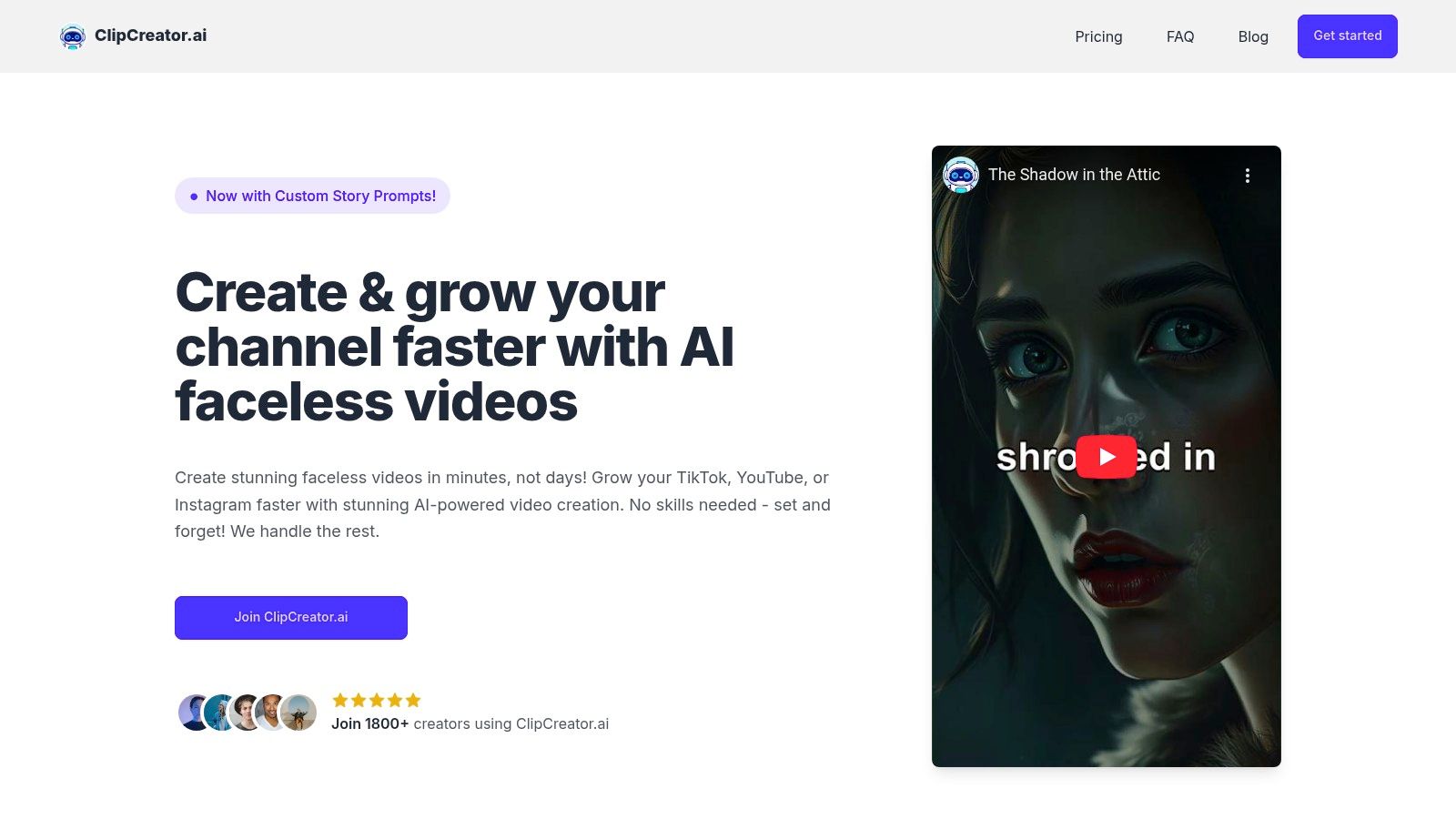
This end-to-end automation makes it a standout choice for those prioritizing consistency and efficiency. Users can choose from proven viral templates (like scary stories or historical facts) or input custom prompts to generate on-brand narratives. This flexibility ensures content remains unique while leveraging formats known to perform well. For those new to the space, the platform provides helpful resources to understand the nuances of using text to speech for videos, ensuring a smoother creation process.
Key Capabilities & Pricing
The platform integrates several powerful AI models to streamline production. From generating a script to selecting a natural-sounding voice and creating relevant visuals, every step is automated. Its direct integration with TikTok and YouTube allows for scheduled, hands-off publishing, making it a true set-and-forget solution.
- Pricing:
- Starter: $19/month (post 3 times per week)
- Daily: $39/month (post daily)
- Pro: $69/month (post twice daily)
- Ownership & Guarantee: Users retain 100% ownership of all videos. A fair refund policy allows you to request a refund via Stripe if your first two videos don't meet expectations within seven days.
Our Take: ClipCreator.ai is the ideal solution for anyone looking to scale their social media presence with faceless videos. The platform effectively eliminates the technical barriers and time commitment traditionally associated with video production, saving users an estimated 15+ hours per week.
Pros:
- True End-to-End Automation: Handles scripting, voiceover, imagery, subtitles, and even auto-posting.
- Flexible Content Generation: Use proven viral templates or custom prompts to maintain brand voice.
- Scalable Publishing: Plans are designed to support consistent content schedules for rapid channel growth.
- Strong Social Proof: Trusted by over 1,800 creators with testimonials highlighting massive time savings.
Cons:
- Limited In-App Editing: The focus is on automation, not granular, frame-by-frame post-production control.
- Restrictive Refund Policy: The refund guarantee applies only to the first two videos within the first week.
2. Google Cloud Text-to-Speech
Google Cloud Text-to-Speech is an enterprise-level API designed for developers and businesses that need reliable, high-fidelity voice generation at scale. Unlike consumer-facing apps, Google's service is built for programmatic integration into applications, websites, and content workflows. It offers one of the most extensive libraries of voices and languages available, making it a powerful tool for global content creation.
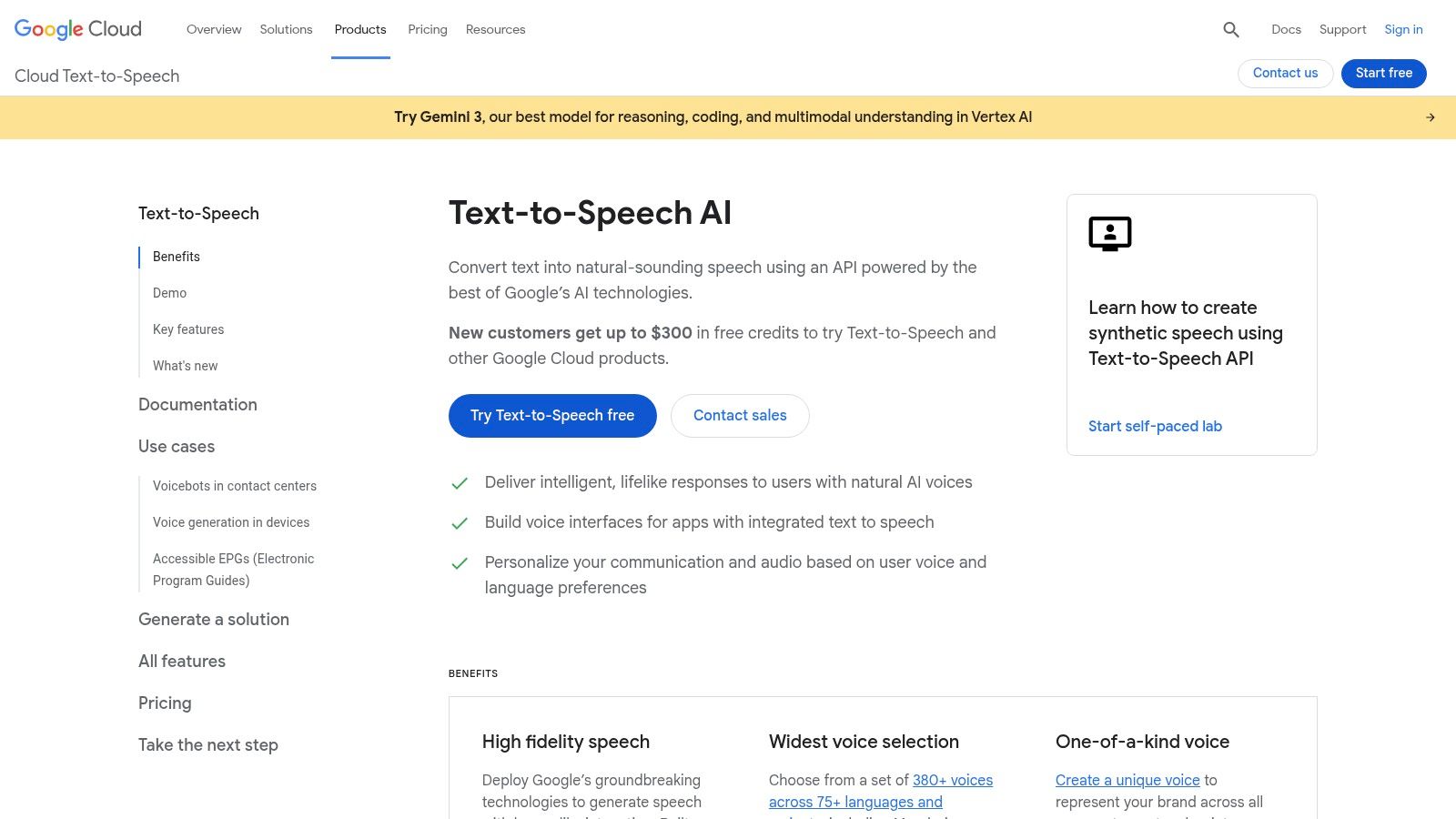
Its primary strength lies in its tiered voice model system, allowing users to balance cost and quality. The premium WaveNet, Neural2, and Studio voices offer remarkably human-like intonation and clarity, which is ideal for professional narration. This makes it some of the best text to speech software for automated video production where voice quality cannot be compromised.
Key Features & Use Cases
- Model Tiers: Choose from Standard, WaveNet, Neural2, and Studio/Chirp models. WaveNet and Neural2 offer a significant step up in naturalness, making them perfect for YouTube narration and e-learning modules.
- SSML Control: Granular control over speech output using Speech Synthesis Markup Language (SSML). You can adjust pronunciation, pitch, speaking rate, and volume for precise creative direction.
- Scalability: Built on Google's robust infrastructure, it's designed to handle massive volumes of requests, suitable for platforms with thousands of users or large-scale content pipelines.
| Feature | Details |
|---|---|
| Best For | Developers, automated content pipelines, enterprise applications |
| Pricing | Usage-based (per million characters), with a generous free tier |
| Languages | 380+ voices across 50+ languages and variants |
| Commercial Use | Yes, permitted under Google Cloud Platform's terms of service |
Pros & Cons:
- Pro: Excellent documentation and seamless integration with other Google Cloud services.
- Pro: Granular, per-character pricing is cost-effective for high-volume users.
- Con: The pricing structure and Google Cloud Platform (GCP) interface can be complex for beginners.
- Con: Not a user-friendly web app; requires technical knowledge or API integration.
Website: https://cloud.google.com/text-to-speech
3. Amazon Polly
Amazon Polly is AWS's developer-centric text-to-speech service, built for robust, scalable, and cost-effective voice generation. Much like its cloud competitors, it's an API-driven solution designed for integration into applications, serverless workflows, and large-scale media pipelines rather than a simple web interface. Its key advantage is its deep integration with the AWS ecosystem, making it a natural choice for businesses already leveraging AWS services.
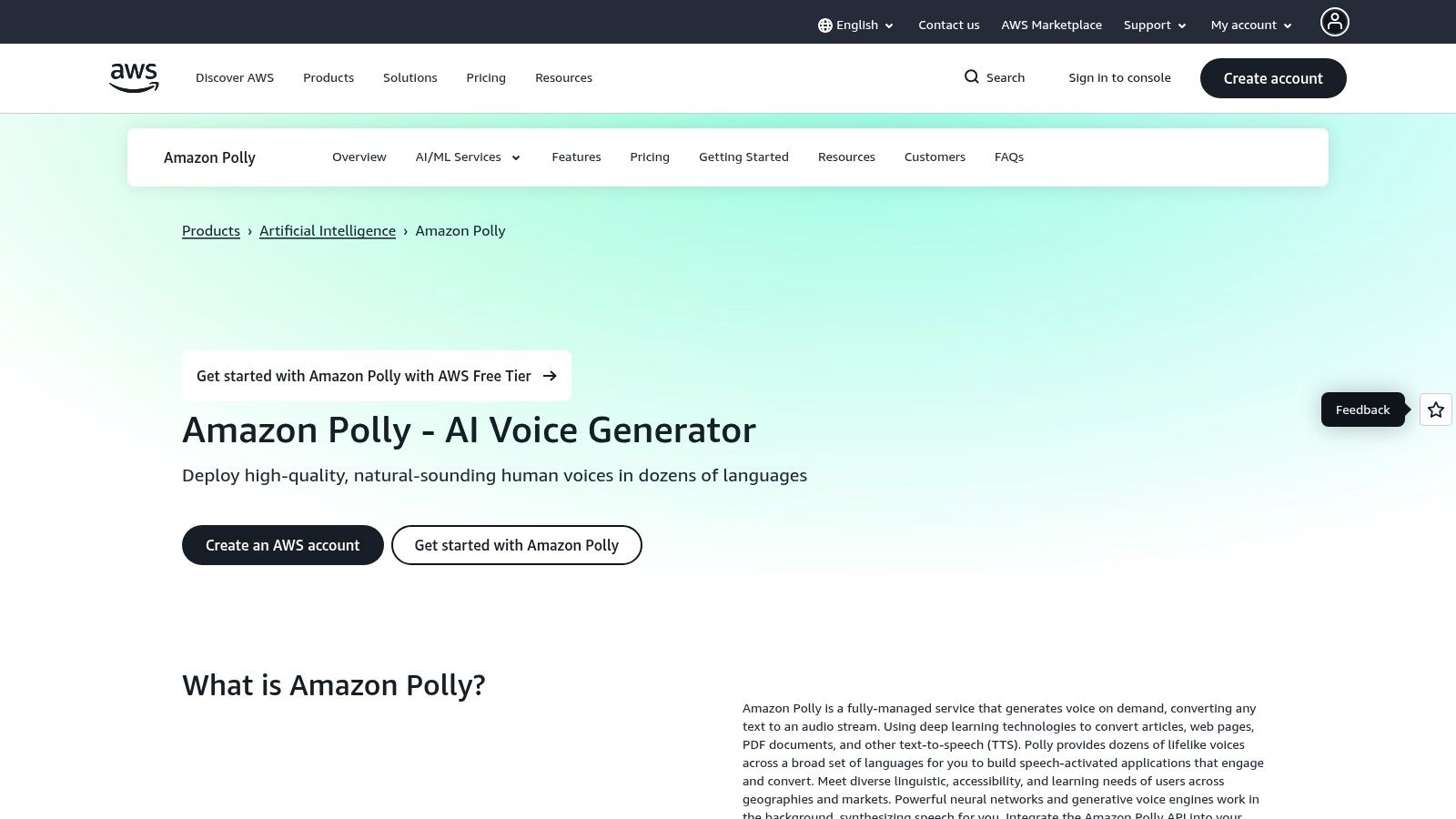
Polly stands out with its multiple voice engine tiers, including Standard, Neural, Long-Form, and Generative options. This allows developers to select the optimal balance between quality, performance, and cost. Its Neural voices offer significantly more natural and human-like speech, making it some of the best text to speech software for automated customer service responses, public announcements, and accessible content creation where clarity is paramount. The free tier and pay-as-you-go pricing make it highly accessible for projects of any size.
Key Features & Use Cases
- Multiple Voice Tiers: Choose from Standard (concatenative), Neural (more natural), Long-Form (for narration), and Generative voices to match your specific quality and cost requirements.
- SSML & Speech Marks: Extensive SSML support allows for fine-tuned control over speech output, while Speech Marks provide metadata to synchronize animations or visual highlights with the audio.
- AWS Ecosystem Integration: Seamlessly works with services like Lambda for serverless functions, S3 for audio storage, and other AWS SDKs, creating powerful, automated media pipelines.
| Feature | Details |
|---|---|
| Best For | Developers, AWS-based applications, automated content workflows |
| Pricing | Usage-based (per million characters), with a substantial free tier |
| Languages | Dozens of voices across 30+ languages and variants |
| Commercial Use | Yes, permitted under AWS Service Terms |
Pros & Cons:
- Pro: Very low cost floor and mature, reliable global infrastructure.
- Pro: Well suited for serverless workflows and automated media pipelines.
- Con: Voices can feel less expressive compared with some boutique vendors.
- Con: The AWS interface and various pricing tiers can be complex for newcomers.
Website: https://aws.amazon.com/polly
4. Microsoft Azure AI Speech – Text to Speech
Microsoft Azure AI Speech is another enterprise-grade text-to-speech service tailored for developers and businesses that prioritize security, scalability, and deep integration within a corporate ecosystem. Similar to its Google counterpart, Azure's offering is an API-first solution designed for building robust applications rather than a simple web interface. It stands out with powerful customization features, including the ability to create a unique brand voice.
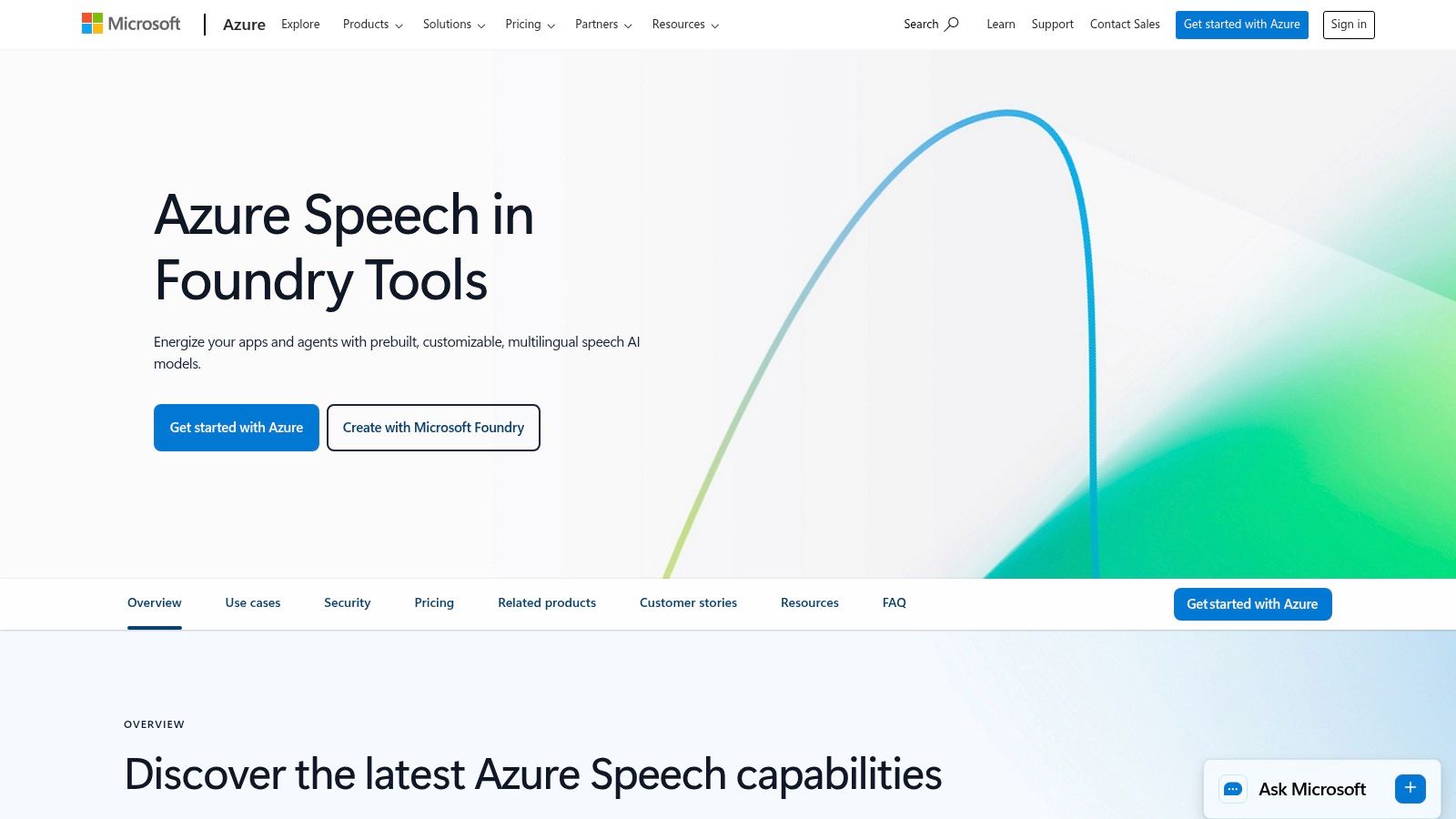
Its core advantage lies in its flexibility and enterprise-readiness. The platform offers natural-sounding neural voices with granular control over speaking styles and emotions, making the output highly dynamic. For organizations with strict compliance or data residency needs, Azure's flexible deployment options (cloud, containers, or on-premises) make it some of the best text to speech software available for regulated industries.
Key Features & Use Cases
- Custom Neural Voice: Create a completely unique and high-quality voice model based on your own audio recordings. This is ideal for branding, virtual assistants, and character-driven content.
- Style and Emotion Control: Adjust the speaking style to sound like a newscaster, customer service agent, or express emotions like cheerfulness and empathy, perfect for interactive voice response (IVR) systems.
- Flexible Deployment: Run the service in the Azure cloud, in Docker containers on your own infrastructure, or at the edge for low-latency applications.
| Feature | Details |
|---|---|
| Best For | Enterprise applications, brand voice creation, regulated industries |
| Pricing | Usage-based (per million characters), with a free tier |
| Languages | 400+ neural voices across 140+ languages and locales |
| Commercial Use | Yes, permitted under Azure's service terms |
Pros & Cons:
- Pro: Strong enterprise security, compliance, and global service level agreements (SLAs).
- Pro: Deep integration with the broader Azure ecosystem and developer tools.
- Con: The pricing page and various options can be complex to navigate for newcomers.
- Con: Not a consumer-facing tool; requires API integration or developer knowledge.
Website: https://azure.microsoft.com/en-us/products/ai-services/text-to-speech/
5. IBM Watson Text to Speech
IBM Watson Text to Speech is an enterprise-grade service focused on delivering secure and flexible AI-powered voice generation. Unlike many consumer-focused platforms, Watson is designed for businesses that require robust deployment options, including both cloud-based APIs and on-premise solutions via IBM Cloud Pak for Data. This makes it a strong choice for organizations with strict data privacy or compliance requirements.
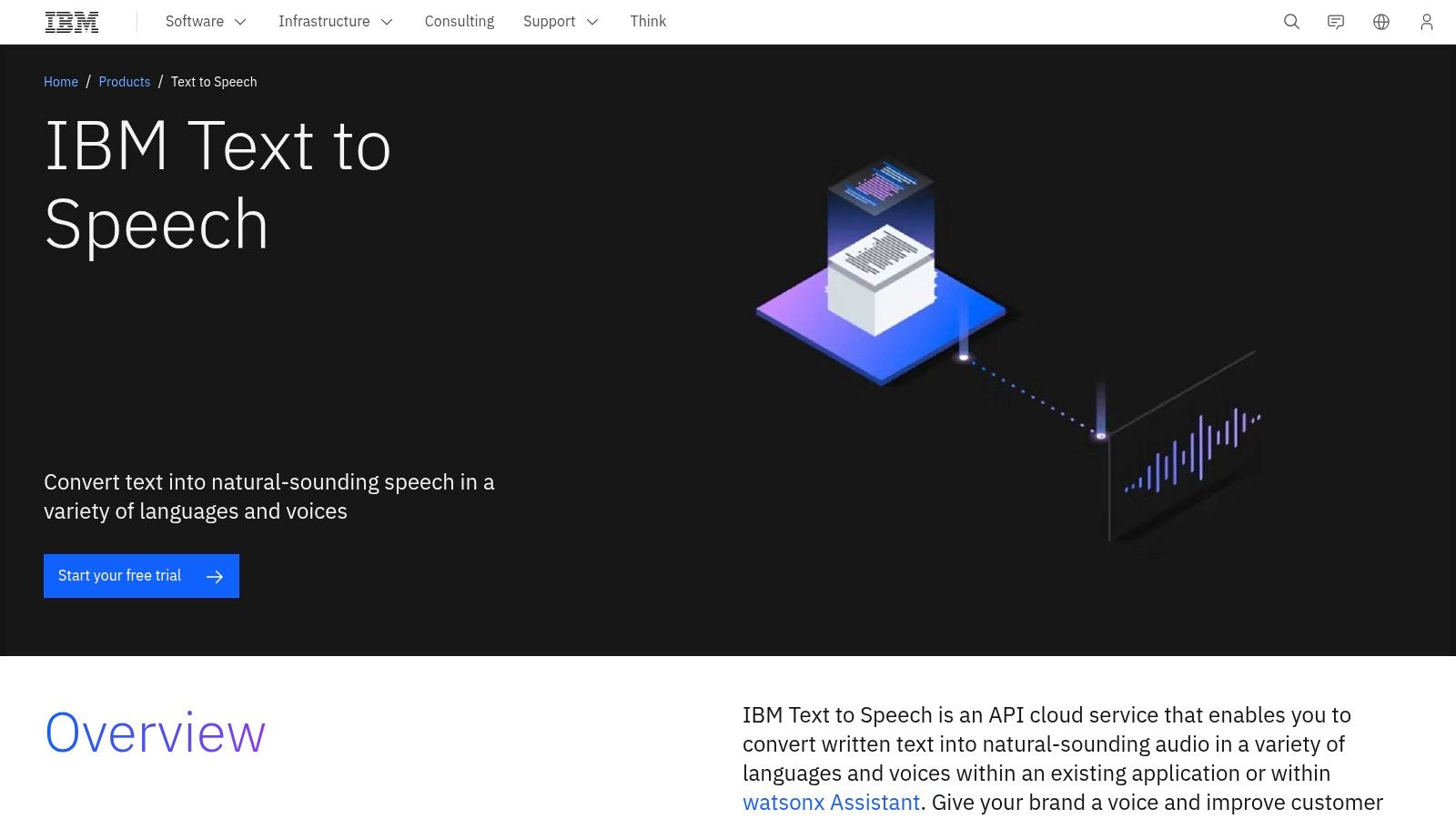
The platform's key differentiator is its emphasis on enterprise security and flexible architecture. While its voice library is more curated than some hyperscale competitors, the quality is consistently clear and professional, making it some of the best text to speech software for corporate training, IVR systems, and internal business applications where reliability and security are paramount.
Key Features & Use Cases
- Flexible Deployment: Offers both a multi-tenant cloud solution and a deploy-anywhere option with IBM Cloud Pak for Data for enhanced control and data privacy.
- Neural Voices: Utilizes deep neural networks to produce natural-sounding speech with realistic intonation, suitable for customer service applications and accessibility tools.
- Voice Customization: Allows for the creation of unique, custom-branded voices to maintain brand consistency across all audio touchpoints (premium feature).
| Feature | Details |
|---|---|
| Best For | Enterprise applications, regulated industries, developers needing flexible deployment |
| Pricing | Starts with a free Lite plan (10,000 characters/month), with paid tiers based on usage |
| Languages | A curated selection of high-quality voices across major languages and variants |
| Commercial Use | Yes, permitted under IBM Cloud terms |
Pros & Cons:
- Pro: Flexible deployment options (cloud or on-prem) meet various security needs.
- Pro: Clear, entry-level free tier is great for testing the service and for small-scale projects.
- Con: Smaller public voice library compared to competitors like Google Cloud or Azure.
- Con: Accessing premium features and on-premise solutions may require direct sales engagement.
Website: https://www.ibm.com/products/text-to-speech
6. ElevenLabs
ElevenLabs has quickly emerged as a creator-favorite platform, celebrated for its exceptionally natural and expressive AI voices that capture subtle human emotion. Unlike more robotic alternatives, its models excel at conveying tone, making it ideal for storytelling, character voices, and engaging video narration. The platform is designed with a user-friendly web studio, a mobile app for on-the-go listening, and a powerful API for custom integrations.
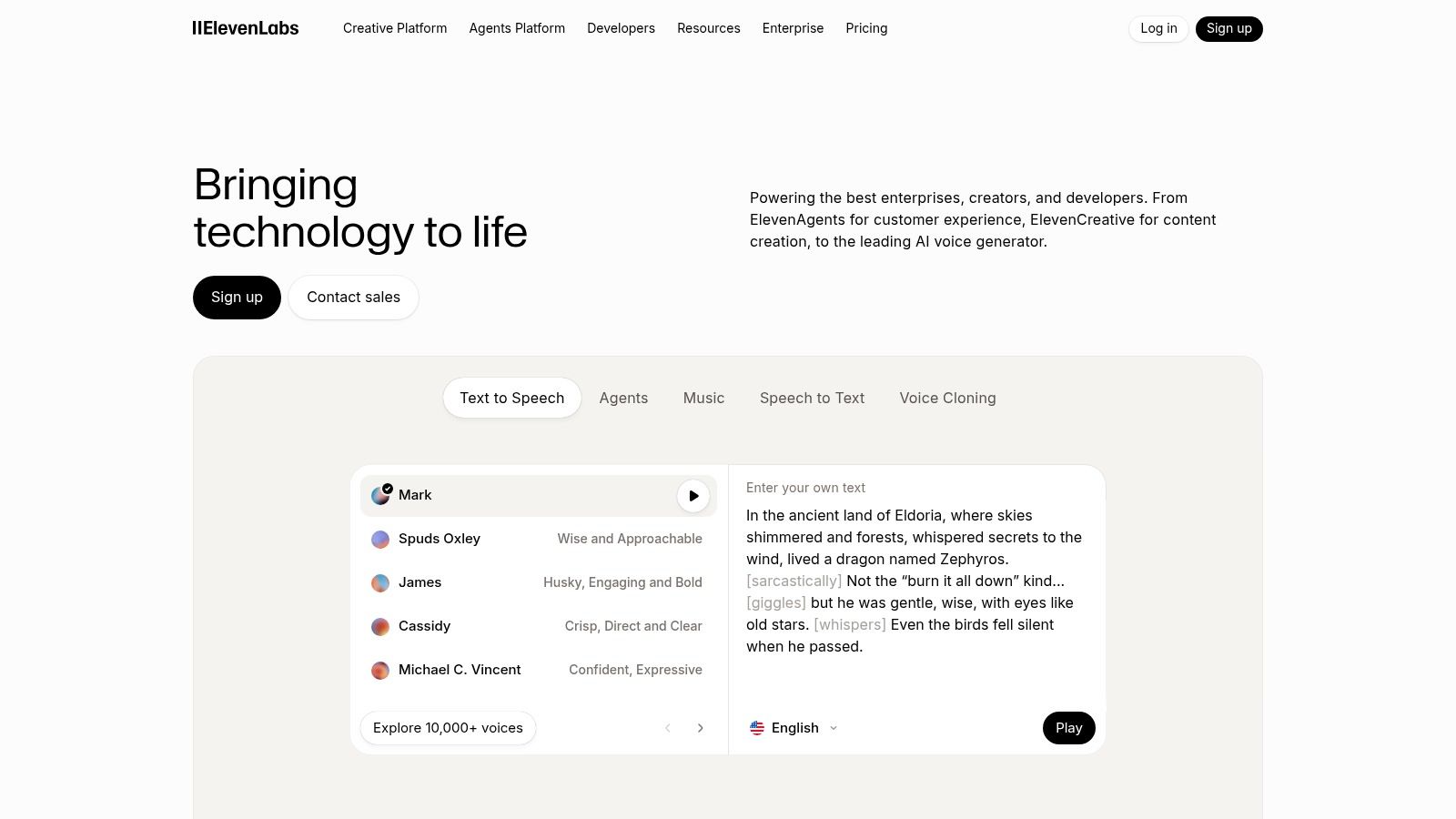
Its core strength lies in its proprietary deep learning models, which produce rich, high-fidelity audio suitable for professional projects. The platform also offers advanced voice cloning and a new dubbing studio, positioning it as some of the best text to speech software for content creators aiming for a global audience. This makes it an excellent AI voice generator for YouTube shorts and long-form videos where vocal quality is a top priority.
Key Features & Use Cases
- Expressive AI Voices: Models are trained to deliver highly emotive and realistic performances, perfect for podcasts, audiobooks, and character-driven video content.
- Professional Voice Cloning: Create a digital replica of your own voice for consistent branding across all your content, provided you have the necessary permissions.
- Projects & Dubbing: A long-form editor and an automated dubbing tool that translates and replaces audio in over 29 languages while preserving the original speaker's voice.
- Flexible Access: Use the intuitive web studio for quick generation, the developer API for integration, or the mobile Reader app (iOS/Android) for listening to articles and documents.
| Feature | Details |
|---|---|
| Best For | Content creators, podcasters, audiobook producers, AI dubbing |
| Pricing | Free tier available; paid plans are credit-based, starting from $5/month |
| Languages | 29 languages for speech synthesis and dubbing |
| Commercial Use | Yes, permitted on all paid plans |
Pros & Cons:
- Pro: Widely praised for its natural, expressive, and human-like voice delivery.
- Pro: Active development with frequent model updates, new features, and mobile app support.
- Con: The credit-based system can be confusing and requires careful management to avoid running out.
- Con: Voice cloning is a powerful feature but is subject to strict licensing and permission requirements.
Website: https://elevenlabs.io
7. Speechify
Speechify is a consumer-focused text-to-speech platform designed for accessibility, productivity, and content creation. It excels in providing an intuitive, user-friendly experience across a wide range of devices, including dedicated apps for iOS, Android, Mac, and browser extensions. This makes it ideal for users who want to listen to articles, documents, or emails on the go, as well as for creators needing a straightforward voiceover solution.
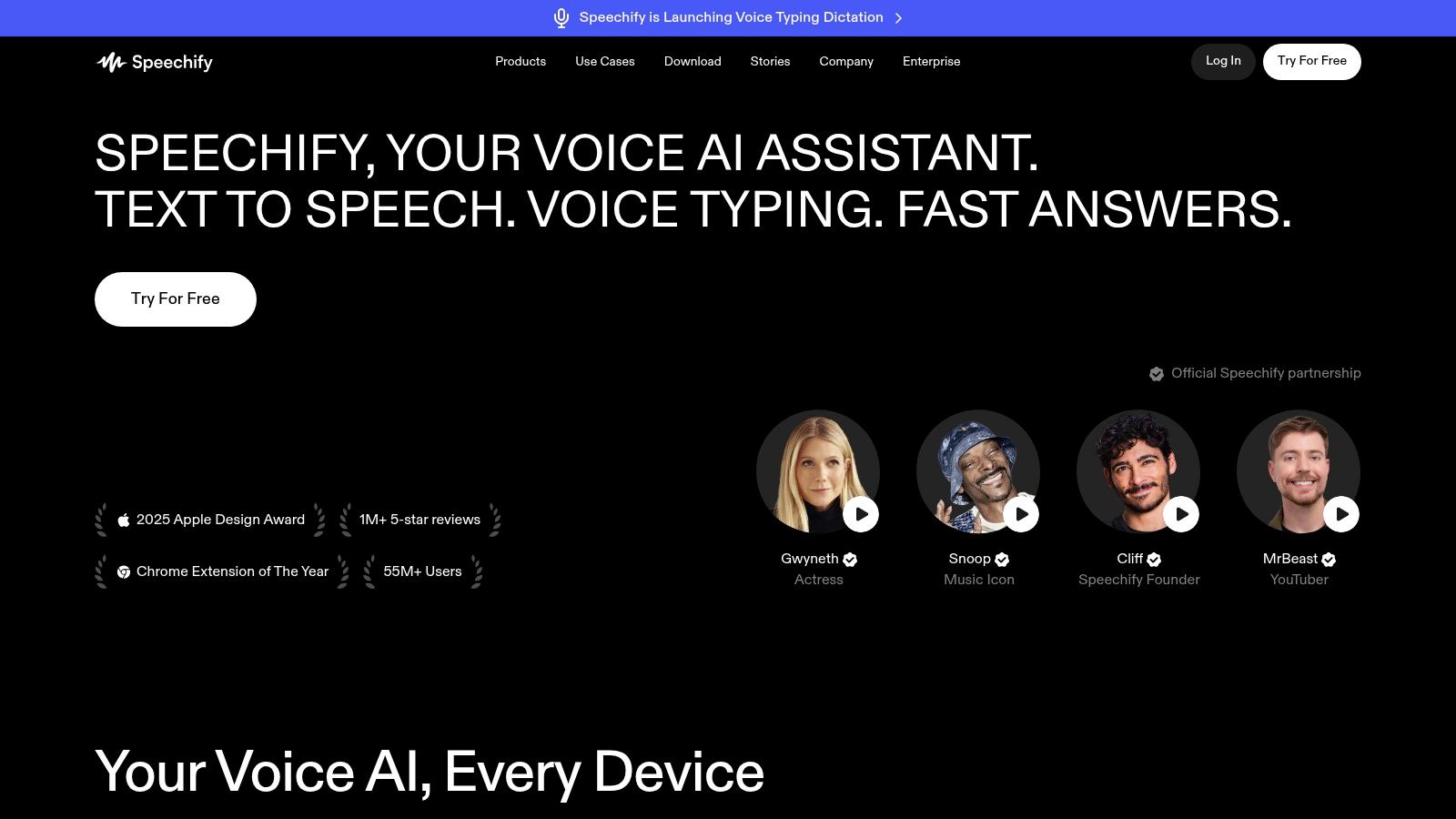
Its primary strength is its seamless ecosystem and ease of use, removing the technical barriers often associated with TTS technology. With Speechify Studio, the platform extends its capabilities to creators, offering AI voiceovers, dubbing, and voice cloning in a simple interface. This makes it one of the best text to speech software options for YouTubers and TikTokers who need to produce high-quality voiceovers without a steep learning curve or complex API integrations.
Key Features & Use Cases
- Multi-Platform Ecosystem: Use Speechify across all major devices with apps and extensions that sync your library, making it perfect for listening to articles during a commute or while multitasking.
- Speechify Studio: A dedicated creator suite for generating high-quality AI voiceovers, dubbing videos into different languages, and creating custom voice clones for consistent branding.
- Extensive Voice Library: Access over 1,000 AI voices, including premium and celebrity options, providing a wide palette for creating engaging narration for social media content or e-learning.
- API Access: For more technical users, Speechify offers a pay-as-you-go API with free credits, allowing for programmatic integration into apps and workflows.
| Feature | Details |
|---|---|
| Best For | Content creators, students, professionals, and users with reading disabilities |
| Pricing | Free version with limited voices; Premium subscription for advanced features and voices |
| Languages | 1,000+ voices across 60+ languages and accents |
| Commercial Use | Permitted under premium and business plans; terms vary by product |
Pros & Cons:
- Pro: Extremely user-friendly with a very easy onboarding process for non-technical users.
- Pro: Strong mobile experience and multi-platform support create a seamless listening ecosystem.
- Con: The highest-quality voices and creator tools in Speechify Studio are locked behind premium subscriptions.
- Con: Commercial usage rights can be confusing and vary between the reader app and Studio, requiring careful review.
Website: https://speechify.com
8. NaturalReader
NaturalReader uniquely serves two distinct markets with separate product lines: a personal reading tool and a commercial AI Voice Generator. This clear division makes it an excellent choice for users who need a robust personal text reader but also require commercially licensed voiceovers for projects like YouTube videos or e-learning content, eliminating any licensing confusion. Its platform is accessible via web, mobile apps, and a convenient Chrome extension with OCR capabilities for reading text from images and PDFs.
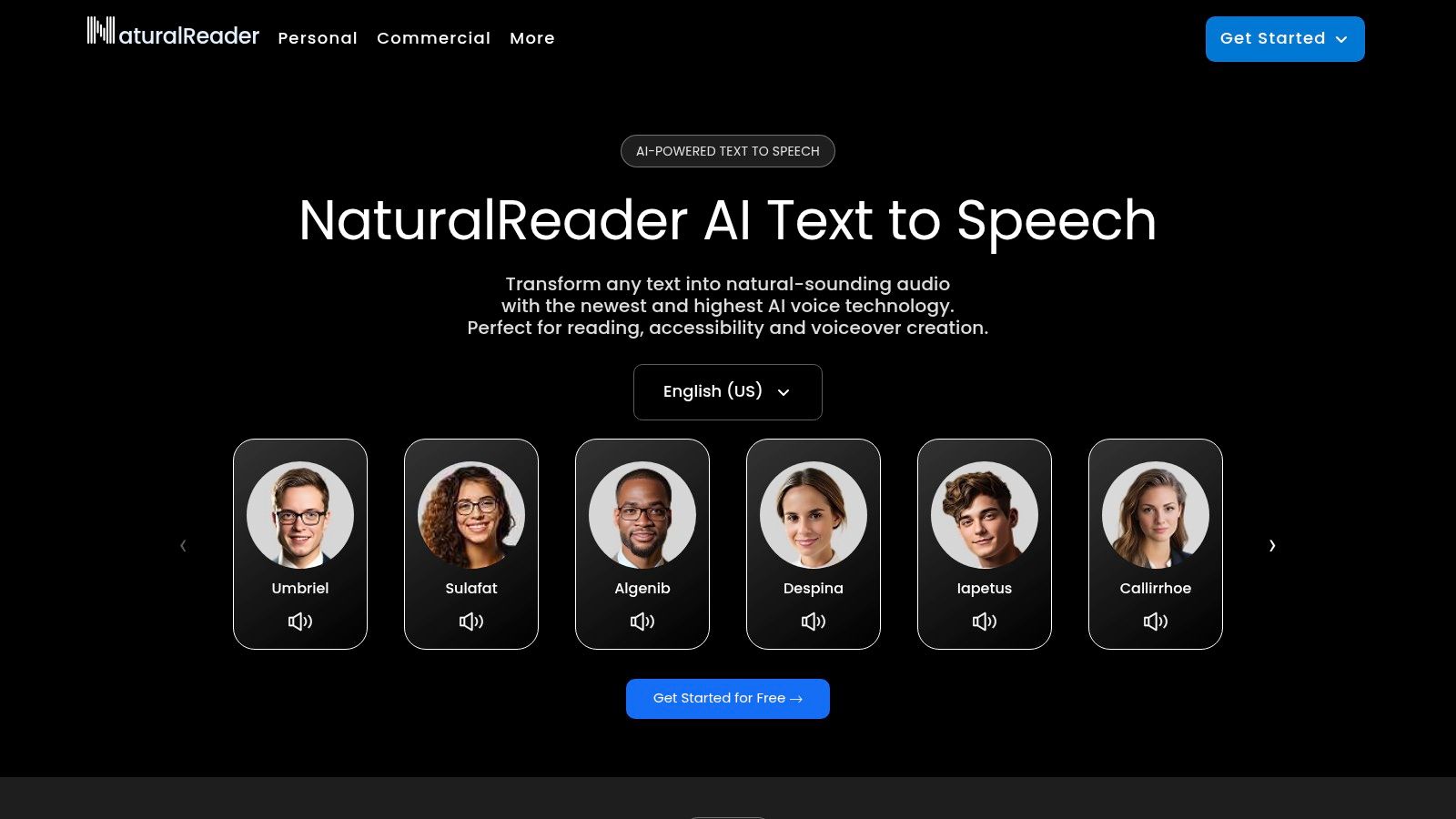
The primary advantage of NaturalReader is its flexible licensing and access models. While many competitors are subscription-only, NaturalReader offers one-time purchase options for its desktop software, appealing to users who prefer perpetual licenses over recurring fees. This structure, combined with its high-quality AI voices, positions it as some of the best text to speech software for both personal productivity and professional content creation.
Key Features & Use Cases
- Dual Product Lines: Separate personal plans for listening to documents and commercial plans for creating and distributing voiceovers, ensuring clear licensing.
- Multi-Platform Access: Use the service through a web app, dedicated mobile apps for iOS and Android, and a powerful Chrome extension for reading web pages aloud.
- Pronunciation Editor: Correct the AI's pronunciation of specific words, names, or acronyms to ensure accuracy in your final audio output.
- OCR Technology: The Chrome extension can extract and read text from images, scans, and inaccessible PDFs, making it a versatile accessibility tool.
| Feature | Details |
|---|---|
| Best For | Users needing separate personal and commercial licenses, one-time purchase |
| Pricing | Free plan, personal subscriptions, commercial plans, one-time desktop licenses |
| Languages | 140+ voices across 25+ languages |
| Commercial Use | Yes, available with the dedicated "AI Voice Generator" commercial plans |
Pros & Cons:
- Pro: Clear separation between personal and commercial licensing avoids legal ambiguity.
- Pro: Option for a one-time desktop software purchase is great for users avoiding subscriptions.
- Con: The personal-use plans are not licensed for any form of redistribution or public use.
- Con: Commercial plans are significantly more expensive than the personal subscriptions.
Website: https://www.naturalreaders.com
9. Murf.ai
Murf.ai is a comprehensive AI voiceover studio designed specifically for creators and teams focused on video, e-learning, and presentation content. It moves beyond simple text conversion by offering a project-based timeline editor, collaboration features, and direct integrations with popular creative tools. This makes it an ideal solution for users who need to produce finished audio for visual projects without leaving the platform.
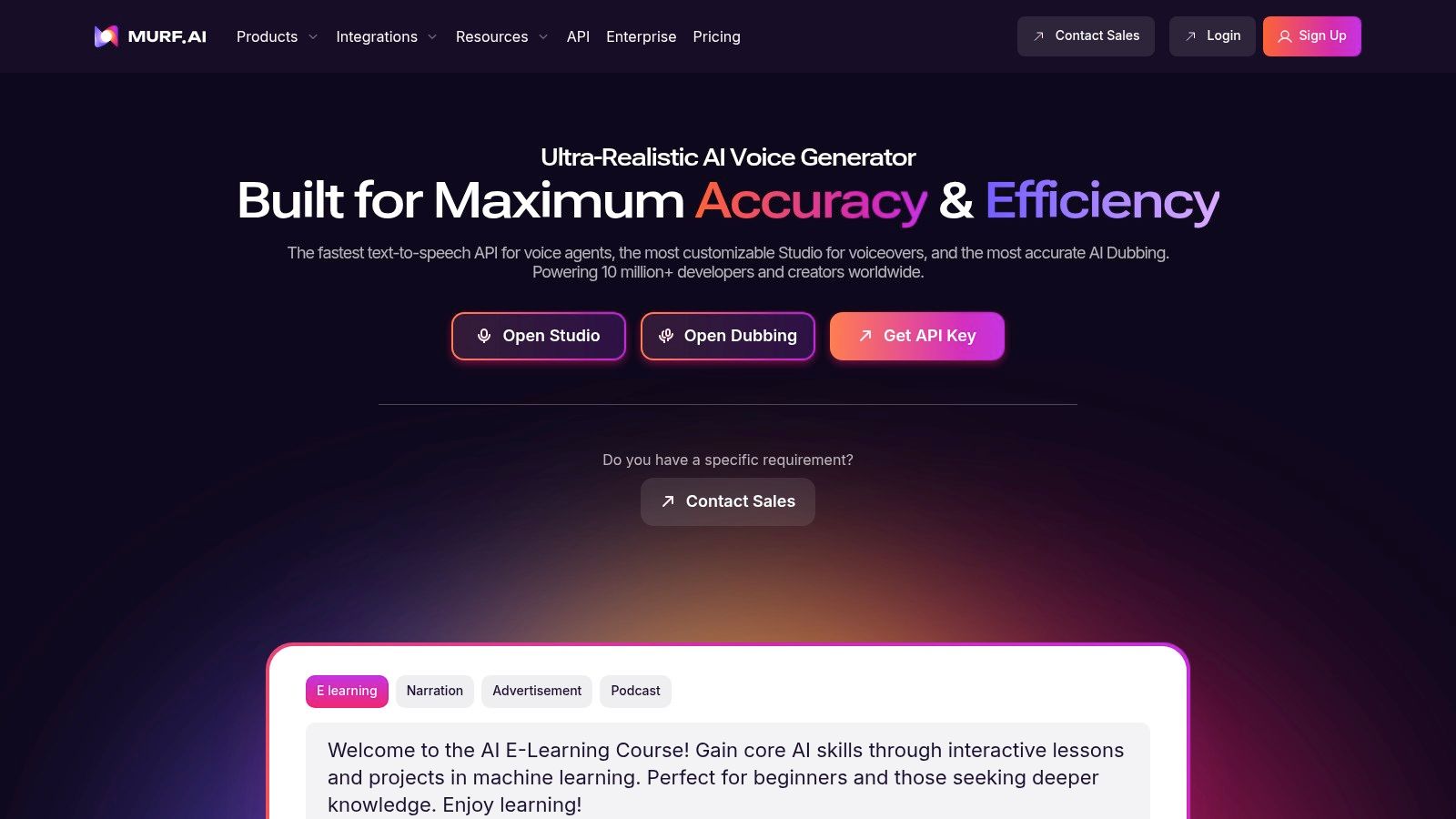
Its core strength lies in its user-friendly interface that combines powerful SSML controls with an intuitive editing experience. Users can easily adjust emphasis, pitch, and speed to craft a nuanced performance. For teams, Murf provides a collaborative workspace, making it a strong contender for the best text to speech software for corporate training and marketing agencies that need consistent, high-quality voiceovers. Its integration with other platforms elevates its utility, especially as an AI video maker from text.
Key Features & Use Cases
- Timeline-Style Editor: Arrange and edit voiceover blocks visually, similar to a video editor, which is perfect for syncing audio with presentations or video clips.
- Collaboration & Team Features: Share projects, get feedback, and manage permissions within a team, streamlining the content creation workflow for businesses and agencies.
- Integrations & Plugins: Direct plugins for tools like Canva and Google Slides allow you to add high-quality voiceovers to your designs and presentations without downloading and re-uploading files.
| Feature | Details |
|---|---|
| Best For | E-learning content, marketing videos, presentation narration, team projects |
| Pricing | Subscription-based (Free, Basic, Pro, Enterprise) with time-based generation limits |
| Languages | 120+ voices across 20+ languages |
| Commercial Use | Yes, available on all paid plans |
Pros & Cons:
- Pro: A great balance of usability and advanced control for video and e-learning creators.
- Pro: Team-friendly licensing and built-in collaboration features are a major plus for businesses.
- Con: Advanced features like voice cloning and API access are gated to higher-priced enterprise tiers.
- Con: The time-based pricing model can be confusing to calculate for sporadic or high-volume usage.
Website: https://murf.ai
10. WellSaid Labs
WellSaid Labs offers studio-quality AI voices specifically tailored for corporate and professional use cases like training, marketing, and product narration. The platform focuses on providing a curated library of consistently high-quality English voice avatars, all created ethically from contracted voice actors. This approach ensures a premium, broadcast-ready sound that enterprises can rely on for brand consistency and clarity.
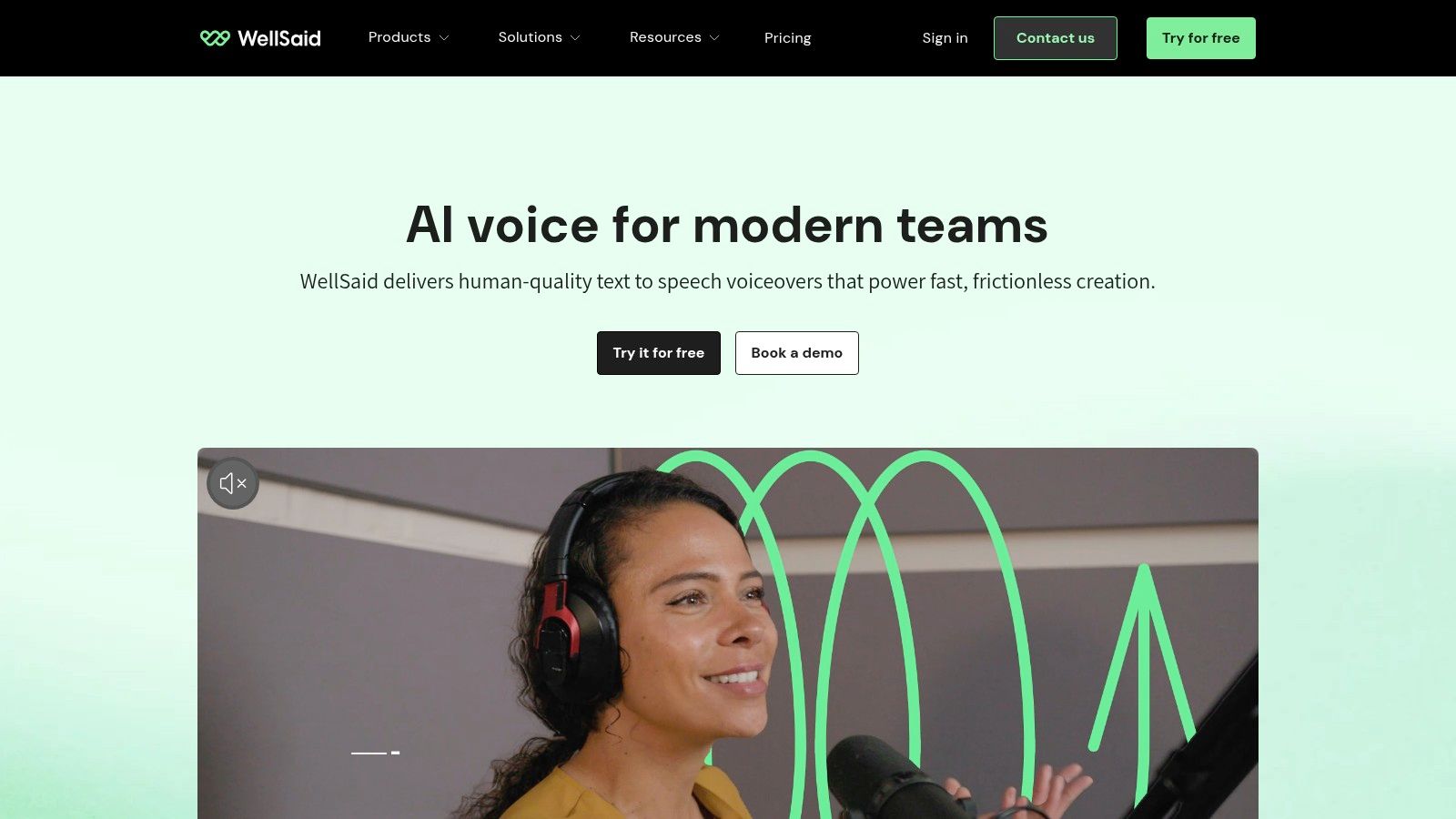
Its core strength is the combination of an intuitive "Studio" web application and a strong emphasis on enterprise-grade security and licensing. Unlike many competitors, WellSaid Labs provides clear commercial rights and maintains SOC 2 compliance, making it some of the best text to speech software for organizations where legal and security standards are paramount. The focus is less on a vast library of voices and more on the exceptional quality and reliability of the ones offered.
Key Features & Use Cases
- High-Fidelity Voice Avatars: A select roster of ultra-realistic English voices perfect for professional e-learning modules, corporate training videos, and polished marketing content.
- Team Collaboration: Plans include features for team projects, allowing members to collaborate on scripts, review audio, and maintain a consistent brand voice across all productions.
- Enterprise-Ready: Offers API access, custom voice creation, and single sign-on (SSO) for large-scale enterprise deployments that require deep integration and security.
| Feature | Details |
|---|---|
| Best For | Corporate training, e-learning, enterprise marketing, product tutorials |
| Pricing | Subscription-based plans (Maker, Creative, Business) with download quotas. |
| Languages | Primarily high-quality English, with other languages in beta/development. |
| Commercial Use | Yes, with clear licensing terms designed for professional and business use. |
Pros & Cons:
- Pro: Exceptionally consistent and professional voice quality suitable for high-stakes corporate content.
- Pro: Strong focus on ethical voice creation, clear licensing, and enterprise-level security (SOC 2).
- Con: The voice library is heavily focused on English, limiting its use for multilingual projects.
- Con: Premium pricing and feature-gating make it less accessible for individual creators or small projects.
Website: https://wellsaidlabs.com
11. Resemble AI
Resemble AI is a comprehensive voice AI toolkit that goes beyond standard text-to-speech, offering high-fidelity voice cloning, real-time speech-to-speech conversion, and AI-powered dubbing. It is designed for creators and developers who need not just to generate voiceovers, but to create, control, and deploy custom AI voices for interactive applications, branded content, and localization projects.
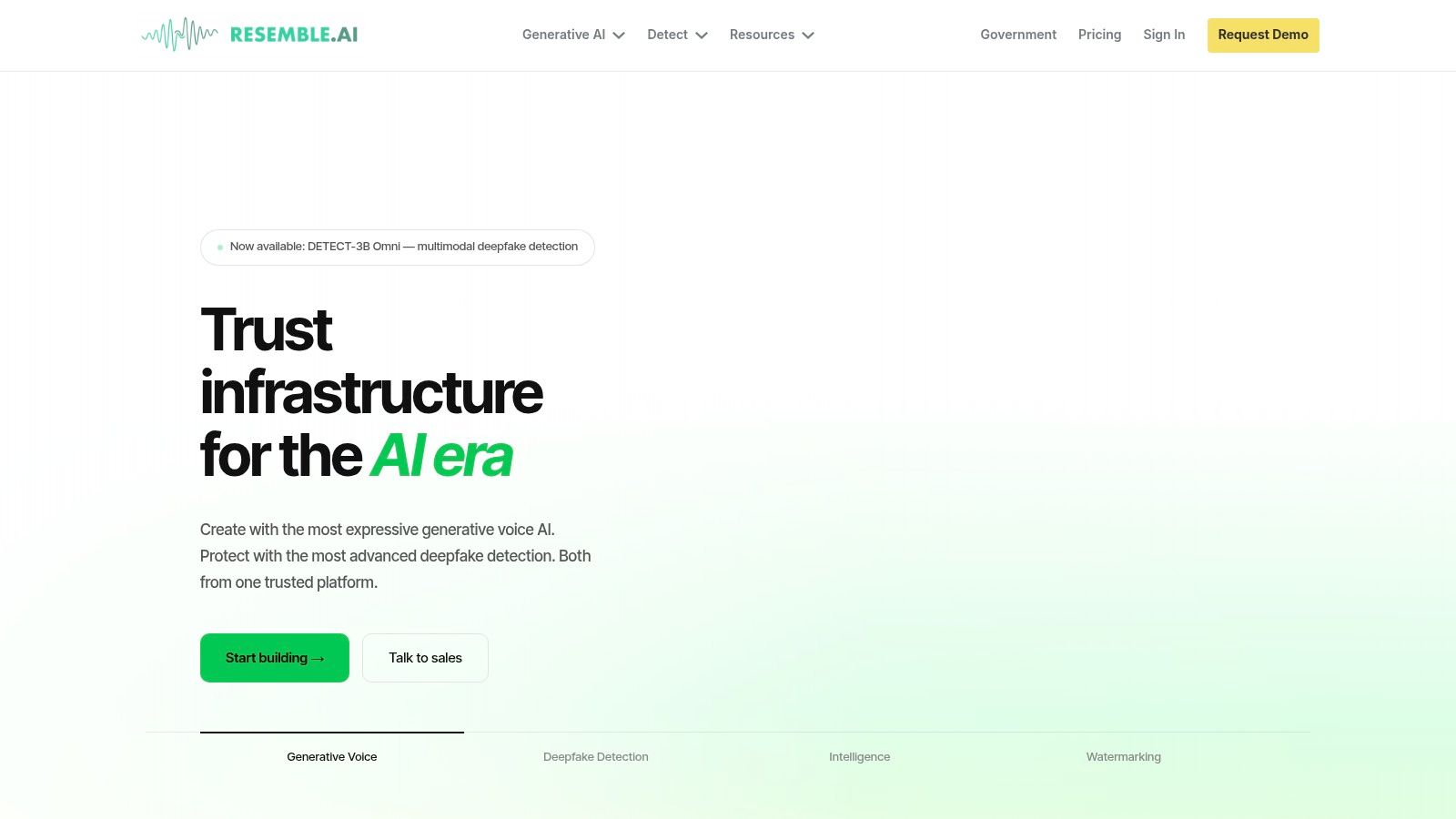
The platform’s standout feature is its powerful yet accessible voice cloning technology, which allows users to create a digital replica of their own voice from a small audio sample. This makes it some of the best text to speech software for maintaining brand consistency in advertisements or creating personalized audio experiences. Its flexible API and real-time capabilities also make it a top choice for building dynamic voice agents and interactive experiences.
Key Features & Use Cases
- High-Fidelity Voice Cloning: Create custom, realistic AI voices from minimal audio data for branded content, personal projects, or video game characters.
- Speech-to-Speech (STS): Transform your voice into any target voice in real time, preserving the original emotion and intonation. Ideal for dubbing and creative audio production.
- Localization: Seamlessly translate and dub content into multiple languages while retaining the original speaker’s voice, perfect for global marketing campaigns and e-learning.
- Forensic Tooling: Includes deepfake detection and audio watermarking to ensure the ethical use of AI-generated voices and protect original content.
| Feature | Details |
|---|---|
| Best For | Developers, branded content creators, filmmakers, game designers |
| Pricing | Pay-as-you-go per-second billing; custom enterprise plans |
| Languages | Supports a wide array of languages for cloning and localization |
| Commercial Use | Yes, with appropriate subscription plans |
Pros & Cons:
- Pro: Transparent per-second pricing and non-expiring credits offer great flexibility.
- Pro: Broad toolset combines cloning, real-time agents, and forensic security.
- Con: The extensive menu of add-on capabilities and options can feel complex at first.
- Con: Multiple add-ons and seats may require careful configuration and can increase costs.
Website: https://www.resemble.ai
12. LOVO AI (Genny)
LOVO AI, through its platform Genny, positions itself as an all-in-one content creation suite that combines a powerful AI voice generator with video editing capabilities. It is designed for creators and marketers who need to produce mixed-media content efficiently. With an extensive library of voices, it caters to a global audience, making it a versatile tool for social media, e-learning, and corporate training videos.
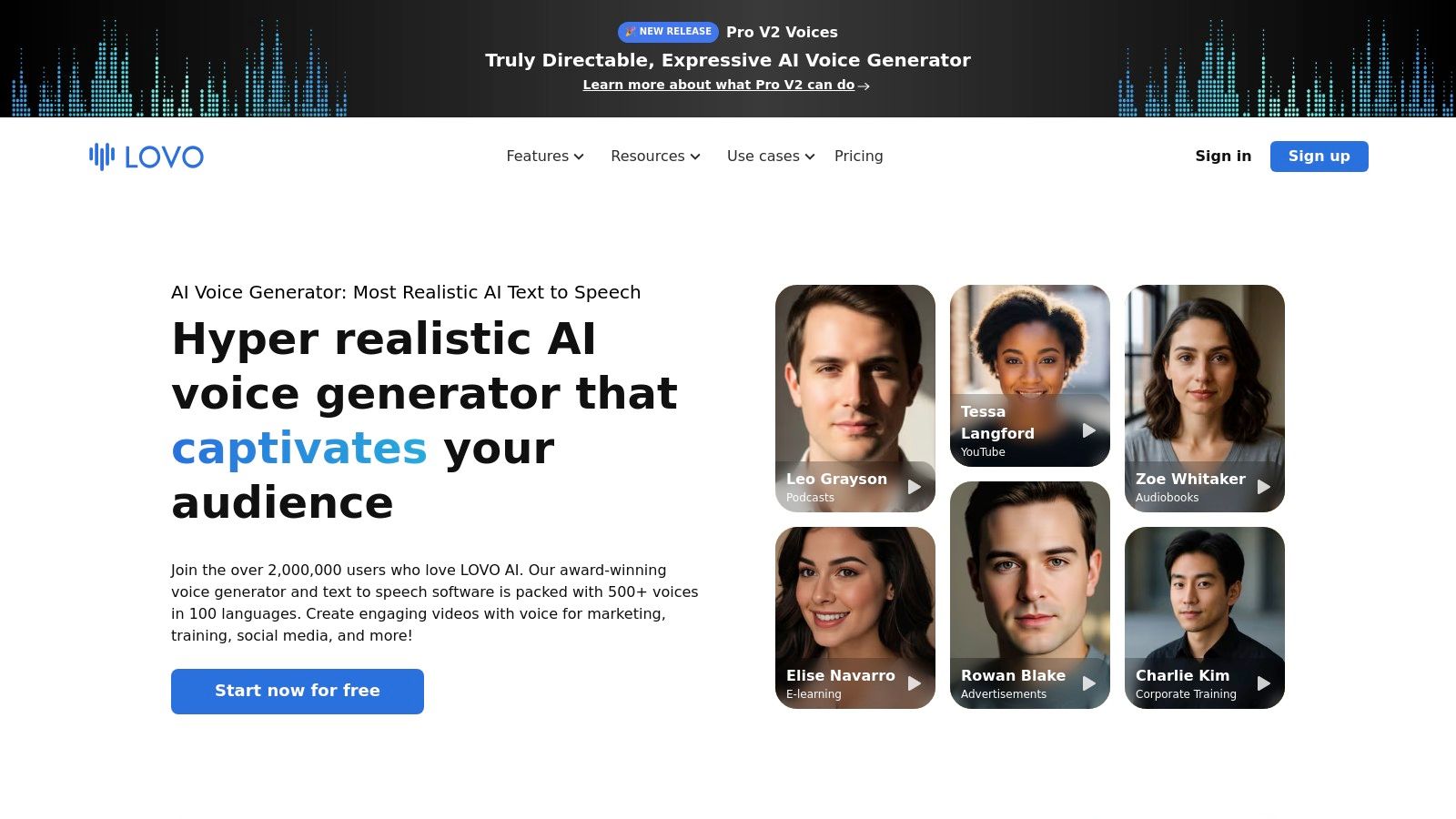
The platform's key differentiator is its integrated workflow. Users can generate voiceovers, add subtitles, access stock asset libraries, and export a finished 1080p video without leaving the application. This makes Genny one of the best text to speech software solutions for individuals and teams looking to streamline their video production pipeline, from script to final cut.
Key Features & Use Cases
- Integrated Video Editor: A standout feature that allows users to combine voiceovers with video clips, images, and subtitles directly within the platform, ideal for YouTube and TikTok creators.
- Voice Cloning: The Pro plan offers unlimited voice cloning, allowing brands to create a consistent and unique audio identity across all their marketing and educational materials.
- Team Collaboration: Designed for agencies and teams, Genny includes collaboration features and priority processing queues to manage large-scale content projects efficiently.
| Feature | Details |
|---|---|
| Best For | Creators making faceless videos, marketers, e-learning content developers |
| Pricing | Free plan available; Paid plans start from $24/user/month (billed annually) |
| Languages | 500+ voices across 100+ languages |
| Commercial Use | Yes, included in all paid plans |
Pros & Cons:
- Pro: Creator-friendly UI with integrated video and subtitle tooling simplifies content creation.
- Pro: Annual plans offer large hour quotas and strong value for mixed-media producers.
- Con: Hour-based quotas require users to monitor their generation time closely.
- Con: Advanced features and larger quotas are reserved for the more expensive plans.
Website: https://lovo.ai
Top 12 Text-to-Speech Tools — Feature Comparison
| Product | Core features ✨ | Standout / USP 🏆 | Voice quality / UX ★ | Pricing & Value 💰 | Target audience 👥 |
|---|---|---|---|---|---|
| 🏆 ClipCreator.ai | Auto script → AI images → lifelike voice → subtitles → HD render → auto-post (≤90s) | Set‑and‑forget short‑form pipeline; proven viral templates ✨ | ★★★★ — natural, template‑matched | 💰 Starter $19/mo • Daily $39 • Pro $69 (scales) | 👥 Creators, SMBs, educators, agencies |
| Google Cloud Text-to-Speech | 380+ voices, SSML, multiple model tiers, GCP integration | Enterprise scale + model choice for quality/cost tradeoffs | ★★★★★ — top neural models (Studio/Neural2) | 💰 Usage‑based; free tiers, complex matrix | 👥 Developers, enterprises |
| Amazon Polly | Standard/Neural/Long‑Form/Generative, Speech Marks, AWS SDKs | Low cost floor + seamless AWS media pipelines | ★★★★ — reliable, programmatic | 💰 Pay‑as‑you‑go; very low per‑char costs | 👥 Devs, serverless/media teams |
| Microsoft Azure AI Speech | Neural voices, Custom Neural Voice, style & emotion, flexible deploy | Enterprise security, custom brand voices & multi‑deploy options | ★★★★★ — expressive with style controls | 💰 Tiered/enterprise pricing; can require sales | 👥 Enterprises, regulated orgs |
| IBM Watson Text to Speech | Lite free tier, cloud & on‑prem, clear tiers | Deploy‑anywhere and compliance (SOC2) focus | ★★★ — solid, smaller public library | 💰 Free 10k chars/mo + standard/premium | 👥 Enterprises needing compliance |
| ElevenLabs | Expressive AI voices, high‑quality cloning, web studio & API | Natural, highly expressive delivery for creators | ★★★★★ — industry‑leading naturalness | 💰 Credit plans; pay‑as‑you‑go options | 👥 Creators, podcasters, dubbing teams |
| Speechify | Mobile/desktop apps, 1,000+ voices, Speechify Studio | Very easy onboarding; mobile‑first reader UX | ★★★★ — consumer‑friendly clarity | 💰 Freemium + premium Studio/features | 👥 Consumers, students, casual creators |
| NaturalReader | Web/mobile, OCR, pronunciation editor, commercial voice generator | Clear separation of personal vs commercial licensing; one‑time licenses | ★★★ — clear TTS, not studio‑grade | 💰 Personal subs or one‑time desktop license | 👥 Individuals & small businesses |
| Murf.ai | 120+ voices, SSML, collaboration, Google Slides/Canva plugins | Team collaboration and e‑learning focus | ★★★★ — polished for training/video | 💰 Tiered subscriptions; team plans | 👥 Teams, e‑learning & video creators |
| WellSaid Labs | Studio web app, downloadable WAV/MP3, team/SSO, enterprise licensing | Broadcast‑ready English avatars and clear enterprise licensing | ★★★★★ — studio quality (English) | 💰 Download‑quota plans; enterprise | 👥 Enterprises, marketing & training |
| Resemble AI | TTS + speech‑to‑speech, rapid cloning, realtime agents, forensics | Per‑second billing + deepfake detection & watermarking | ★★★★★ — high fidelity cloning | 💰 Per‑second (Flex) billing; non‑expiring credits | 👥 Devs, studios, teams needing forensics |
| LOVO AI (Genny) | 500+ voices, cloning, subtitles, asset library, video export | Integrated voice + video workflow for mixed‑media projects | ★★★★ — wide language/voice variety | 💰 Hour/credit quotas; annual plans = better value | 👥 Creators & teams producing mixed media |
The Final Word: Choosing the Right Voice for Your Content
The journey through the world of text-to-speech has revealed a diverse landscape of powerful tools, each with its own unique strengths and ideal use cases. We've explored everything from enterprise-level APIs offered by tech giants to specialized platforms designed for specific creative workflows. The sheer quality of AI voices available today is astounding, largely erasing the robotic, monotone narrations of the past.
Ultimately, the search for the best text to speech software is not about finding a single "perfect" solution. It’s about identifying the right tool that aligns precisely with your content strategy, workflow, and audience expectations. Your final choice will be a balancing act between voice quality, customization options, budget, and perhaps most importantly, integration with your creative process.
Synthesizing Your Decision: Key Takeaways
As you reflect on the options presented, from Google Cloud and Amazon Polly to ElevenLabs and Murf.ai, several core themes emerge. The most advanced platforms now offer incredible emotional nuance, custom voice cloning, and granular control over pitch and pacing. This allows creators to craft a truly unique and brand-aligned audio identity.
However, a critical realization for many content creators, especially those on TikTok and YouTube, is that the voice is just one component of a much larger production puzzle. An amazing voice is ineffective if the process of syncing it to visuals, adding captions, and formatting the final video takes hours of manual effort for every single post.
A Framework for Choosing Your TTS Tool
To make an informed decision, filter the options through these critical lenses based on your primary goals:
- For the Developer & Technical User: If you're building custom applications or integrating voice into existing software, your focus should be on the APIs. Google Cloud Text-to-Speech, Amazon Polly, and Microsoft Azure AI Speech are the undisputed leaders here. They offer robust documentation, scalability, and a pay-as-you-go model that is perfect for projects of any size. Their power lies in flexibility, not a user-friendly creation interface.
- For the Corporate & E-Learning Professional: When producing polished, professional training materials, audiobooks, or corporate communications, your priorities are voice consistency, collaboration features, and studio-grade quality. Platforms like WellSaid Labs and Murf.ai excel in this domain. They provide a curated library of pristine voices and project management tools designed for team environments where brand consistency is non-negotiable.
- For the Individual Creator & Storyteller: If you are a podcaster, YouTuber, or narrator who needs a single, hyper-realistic voice with deep emotional range, a specialist tool is your best bet. ElevenLabs has set the industry benchmark for lifelike voice synthesis and cloning, making it a top choice for projects where the narration is the main attraction.
Beyond Voice: The Workflow Advantage for Social Media
For the modern social media creator producing faceless videos, the equation changes. Success on platforms like TikTok and YouTube is driven by consistency and volume. The best tool isn't just the one with the best voice; it's the one that enables you to produce high-quality content faster.
This is where the concept of an integrated, end-to-end solution becomes a game-changer. Why spend time generating a voice in one tool, finding visuals in another, writing a script in a third, and editing it all together in a fourth? This fragmented workflow is a bottleneck that hinders growth. A platform that combines these steps into a single, streamlined process offers an undeniable competitive advantage. It transforms text-to-speech from a simple feature into a comprehensive content engine, freeing you to focus on strategy and ideas rather than tedious production tasks.
Choosing the best text to speech software means looking ahead. Consider not just the voice you need today, but the workflow you need to scale tomorrow.
Ready to stop juggling multiple tools and start creating content at scale? ClipCreator.ai integrates best-in-class text-to-speech with AI scriptwriting, automated visual selection, and one-click posting to give you a complete content creation engine. Experience the power of a unified workflow by visiting ClipCreator.ai and see how quickly you can turn ideas into engaging videos.

Create your first video in under 2 minutes
Pick a niche, and ClipCreator.ai generates and auto-posts faceless videos to your channels every day.
Join ClipCreator.ai