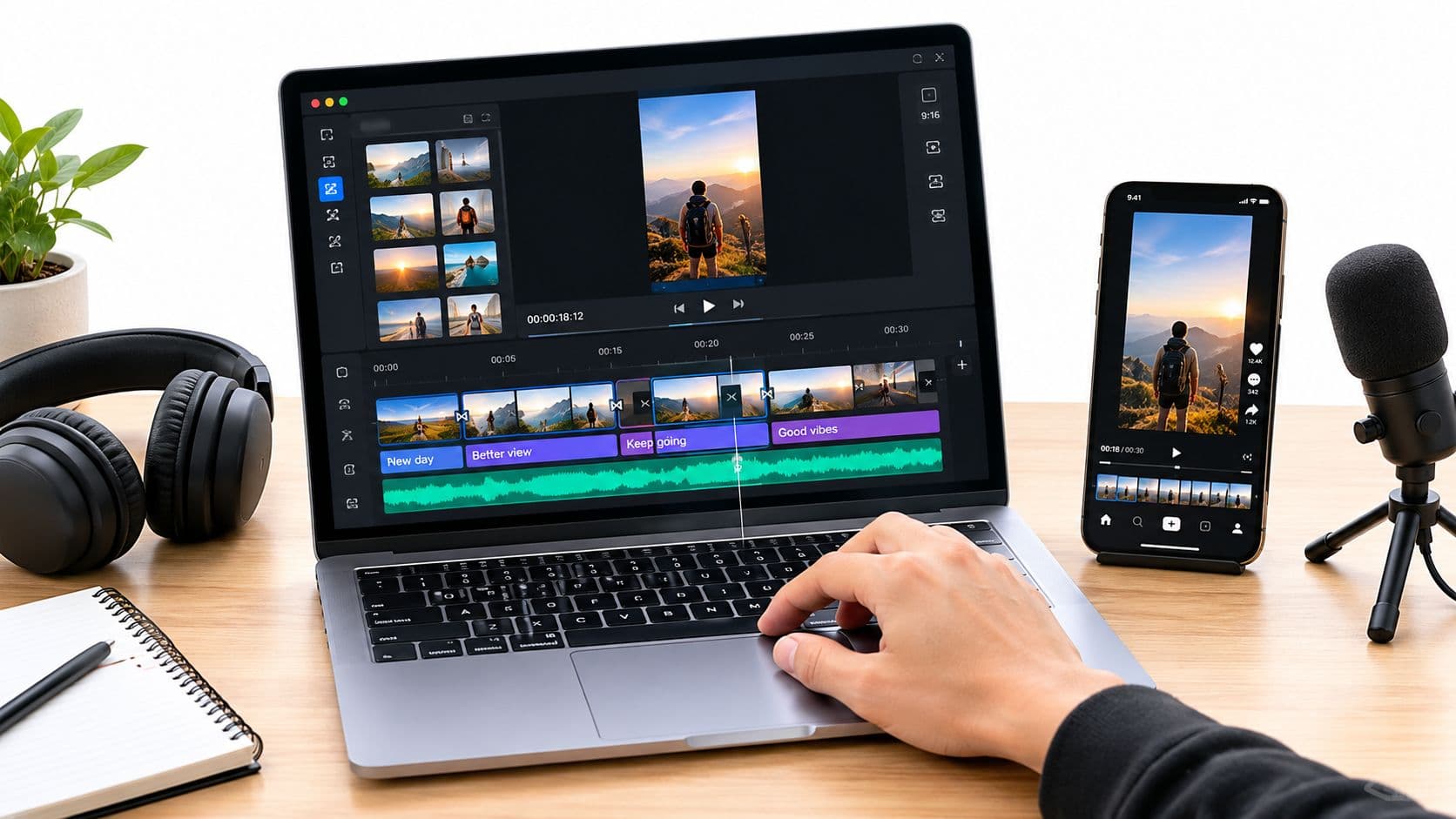
Creating a YouTube Short is straightforward: just open the YouTube app, hit the '+' icon, and tap "Create a Short." From there, you can shoot your clips, layer in some music or effects, and get your vertical video—60 seconds or less—published right from your phone.
But before we jump into the step-by-step process, let's talk about why you should even bother.
Why YouTube Shorts Are a Game-Changer for Your Channel
Look, YouTube Shorts aren't just another feature YouTube bolted on. They're a seriously powerful engine for growing your channel and getting discovered. Think of them as your fast track to reaching brand new audiences—often much quicker than with traditional, long-form videos.
The numbers alone are pretty wild. Shorts have absolutely blown up since they launched, completely changing the game for creators. We're talking a projected 90 billion daily views worldwide by 2025. That's a massive jump from 30 billion just four years earlier. This isn't just a trend; it's a huge shift in how people consume content, giving you a direct line to potential subscribers who might have otherwise never stumbled upon your work. If you're curious, you can dig into more YouTube Shorts statistics to see just how big this opportunity is.
Tapping Into a Format Built for Engagement
So, what’s the secret sauce? It’s all in the design. The quick-fire, vertical format is tailor-made for today's attention spans, encouraging rapid-fire watching and interaction. This translates to some impressive numbers, like an average engagement rate of 5.91%, which often leaves other short-form video platforms in the dust.
Every time someone watches, likes, or drops a comment on your Short, you're sending a little love note to the YouTube algorithm. It sees that engagement and starts pushing your content onto more and more "Shorts shelves," creating a snowball of visibility.
This algorithmic boost is amazing for a few key things:
- Testing out new ideas: Got a weird concept you're not sure about? Throw it up as a Short and see if it sticks, without sinking hours into a full-length video.
- Supercharging subscriber growth: One viral Short can literally bring in thousands of new subscribers in a few days. It happens all the time.
- Creating a content funnel: Use your Shorts to give viewers a little taste of what's in your longer videos, driving traffic back to your main content.
Think of it this way: Every Short you post is like a lottery ticket for discoverability. Your long-form videos are what build a deep, loyal community, but Shorts are the hook. They’re your best shot at introducing your channel to the world on a massive scale.
To really see how Shorts stack up, it's helpful to look at them side-by-side with the competition.
YouTube Shorts vs Other Platforms At a Glance
Here’s a quick breakdown that shows why YouTube Shorts has become such a compelling place for creators to invest their time.
| Metric | YouTube Shorts | Instagram Reels | TikTok |
|---|---|---|---|
| Active Users | 2 billion+ monthly | 2 billion+ monthly | 1 billion+ monthly |
| Max Video Length | 60 seconds | 90 seconds | 10 minutes |
| Monetization | YouTube Partner Program (Ad Revenue Sharing) | Bonuses Program (Invite-only), Gifts | Creator Fund, Pulse, Gifts |
| Primary Audience | 25-44 (diverse age range) | 18-34 (millennial & Gen Z) | 18-24 (primarily Gen Z) |
While each platform has its strengths, YouTube's massive existing user base and its more direct, accessible monetization path through the Partner Program make Shorts an incredibly attractive option for creators looking for sustainable growth.
Planning Your Short Before You Hit Record
A viral Short rarely happens by accident. More often than not, it's the result of some smart planning before you even think about hitting the record button. This upfront work is what separates content that gets a few random views from content that's actually designed to be shared.
Success starts with a great idea, and great ideas come from knowing what people are already watching. You've got to tap into the cultural pulse of YouTube. What sounds are popping up everywhere? What challenges are taking off? Answering these questions is your first big step. To get a head start, you can explore detailed guides on how to find trending topics that will give your content an immediate edge.
Even a video that feels spontaneous benefits from a few bullet points to keep it focused and punchy.
The All-Important Three-Second Hook
You have about three seconds to convince someone not to swipe away. That’s it. Your opening needs to be a powerful hook that immediately grabs their attention. Pose a question, present a frustrating problem, or show something visually shocking. Whatever you do, don't waste precious time with slow, rambling introductions.
For instance, instead of saying, "Today, I'm going to show you a life hack," just start with the action. Show the messy problem or the frustrating situation in the very first frame. This "show, don't tell" approach is absolutely essential for short-form video.
Key Takeaway: Your Short’s success is often decided in the first few moments. A strong hook isn't just a suggestion; it's a non-negotiable part of the game. It signals to both the viewer and the algorithm that your content is worth watching.
A solid strategy is what moves a viewer from discovery to engagement, which ultimately fuels your channel's growth.
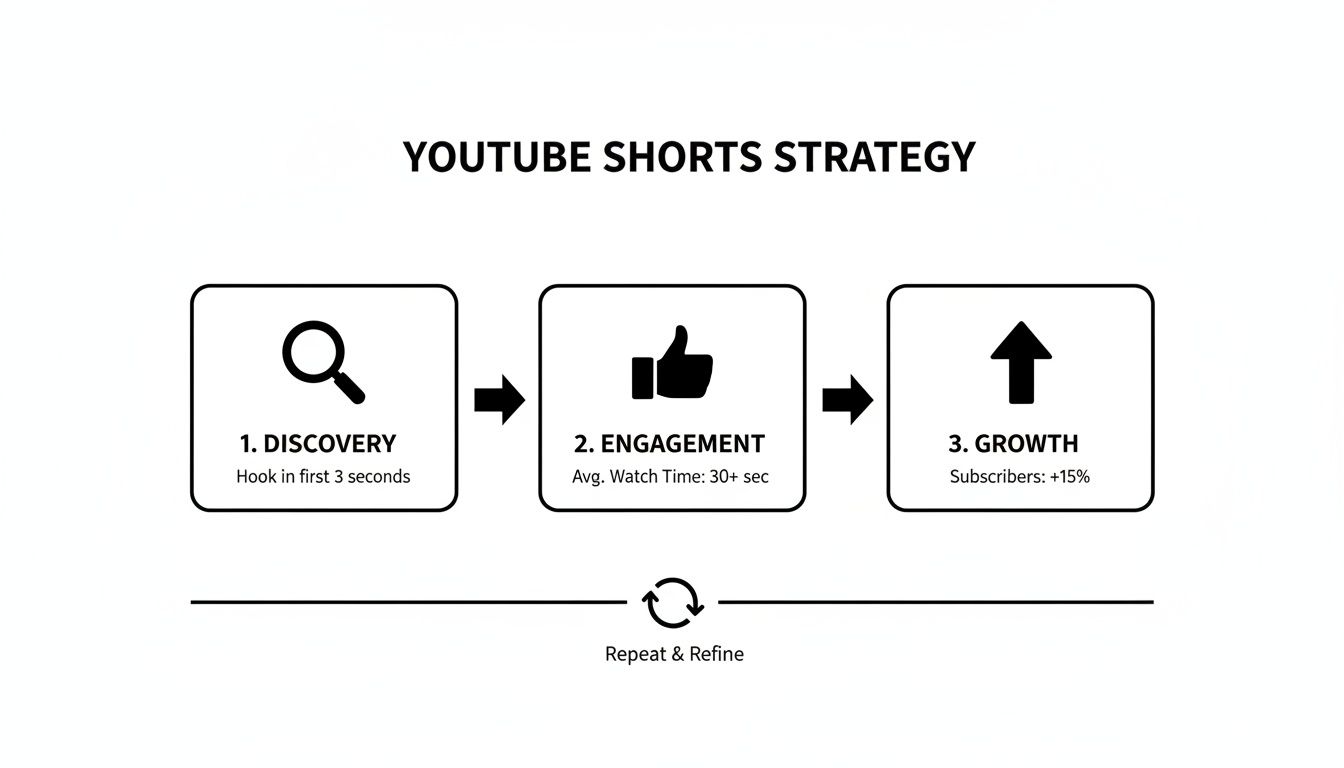
This whole process really highlights that creating a compelling YouTube Short isn't a one-and-done task, but a cycle of discovery, creation, and interaction.
Storyboarding Your 60-Second Narrative
Once you've nailed down your hook, it's time to map out the rest of the video. You don't need fancy software or a complicated storyboard—a simple list on your phone or a notepad will do the trick.
Just break it down like this:
- Hook: What grabs their attention in the first 3 seconds?
- Middle: What's the core value, the main point, or the meat of the story?
- Payoff: What’s the final punchline, the big reveal, or the call to action?
This simple structure ensures your video has a clear beginning, middle, and end, which makes it feel satisfying to watch. A tight narrative is what keeps people watching until the very last second, and that completion rate is a huge signal to YouTube that your video is a winner.
Filming Techniques for Professional-Looking Shorts
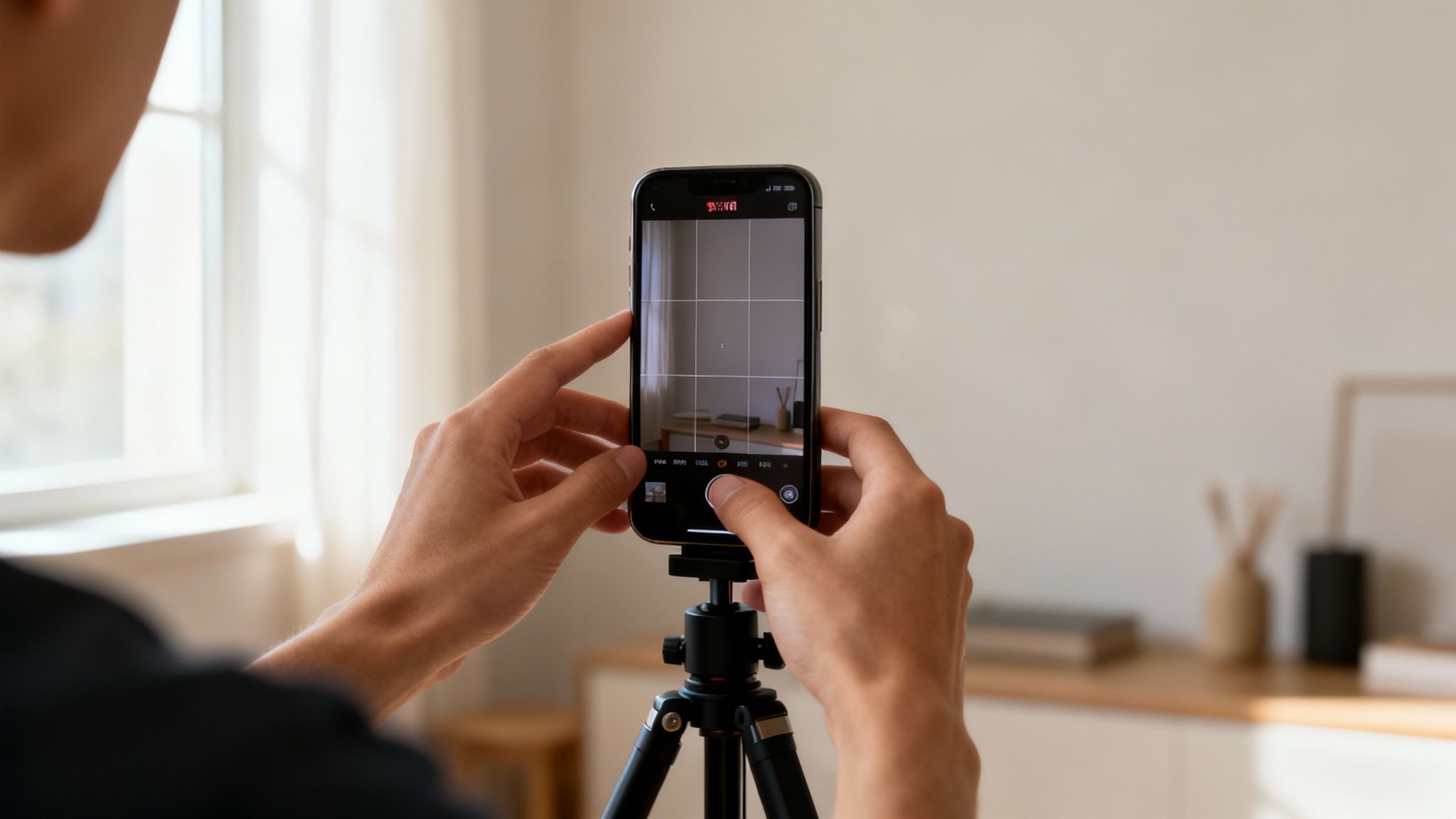
Let's be clear: you don't need a high-end camera rig to produce great-looking YouTube Shorts. The smartphone in your pocket is more than capable, but it's how you use it that separates amateur content from polished, professional videos.
The number one rule is non-negotiable: always film vertically. A 9:16 aspect ratio is the standard for Shorts, and shooting this way ensures your video fills the viewer's entire screen. It’s a small detail that makes a massive difference in how immersive your content feels.
Next up, lighting and audio. These two elements can instantly elevate your production value. For lighting, forget expensive kits and just use a window. Facing a source of natural light gives you a clean, high-quality look that’s hard to beat. As for audio, grab a pair of wired headphones with a built-in mic. It’s a simple upgrade that will drastically improve vocal clarity and cut down on distracting background noise.
Elevate Your Visuals with Simple Tricks
A static, motionless shot is the fastest way to get someone to scroll past your Short. To keep viewers hooked, you need to think a little more like a filmmaker, even when you're just using your phone.
- Vary Your Angles: Don't just shoot everything at eye level. Try filming from slightly below to make a subject feel more grand, or use a top-down view for tutorials and product shots. It adds a ton of visual interest.
- Use Dynamic Movement: A little bit of motion goes a long way. Try a slow pan to reveal something, or gently push in on a subject to emphasize a point. These subtle movements make your shots feel more alive and intentional.
Think of your smartphone camera as your audience's eyes. By moving it intentionally and choosing interesting angles, you're not just recording a video; you're guiding the viewer through a story, making the experience much more captivating.
The YouTube app actually has a couple of features to make this easier. The multi-segment camera is fantastic for stringing together several different clips without having to stop and start recording. And the built-in timer is a lifesaver for hands-free shots, letting you set up your frame and get into position without any awkward fumbling.
Editing Your Short With AI and Mobile Apps
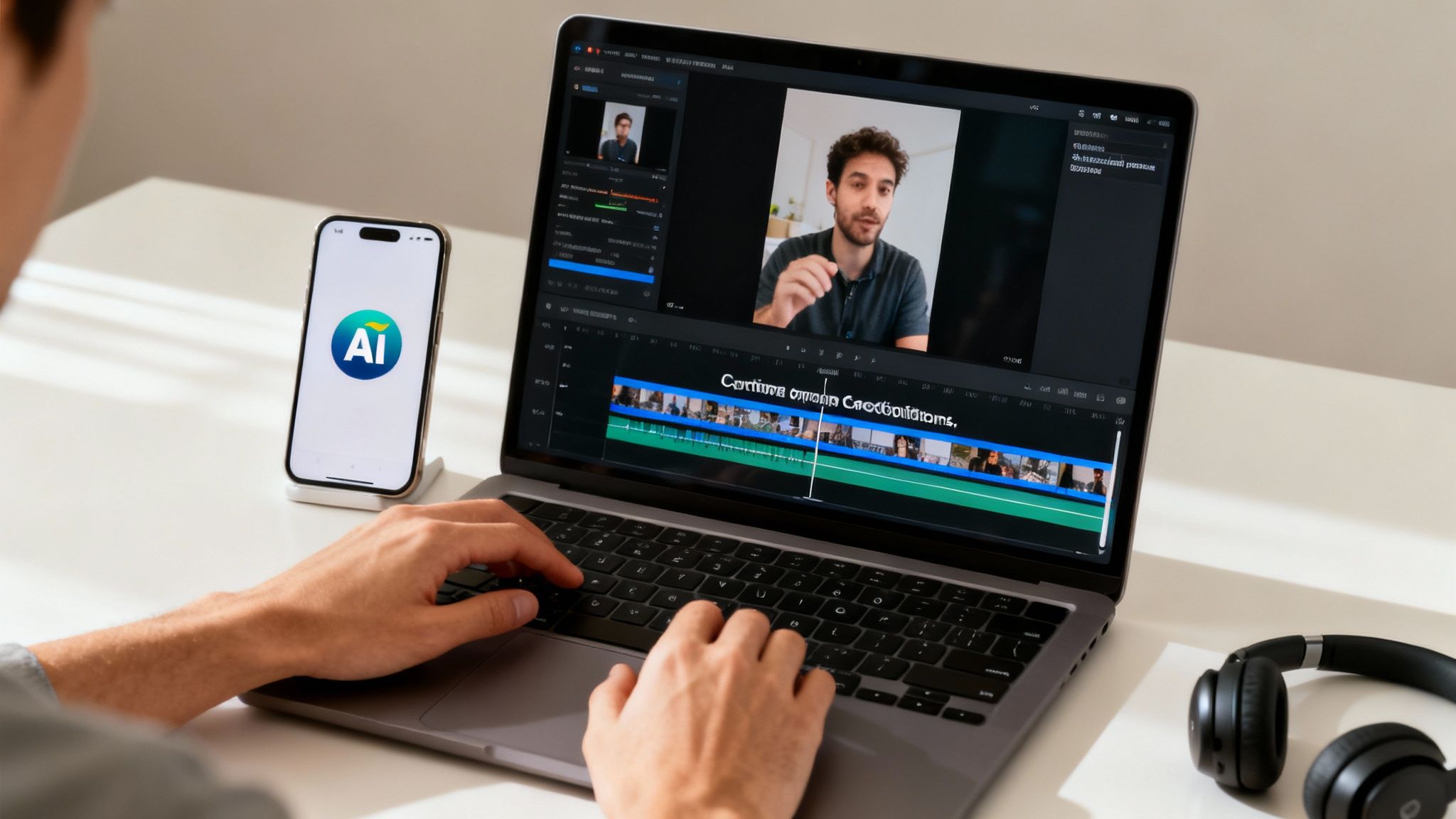
This is where the real magic happens. Your raw footage is just the starting point; the edit is what transforms those clips into a polished, scroll-stopping Short that actually connects with viewers.
Don't let the idea of "editing" intimidate you. The built-in YouTube Shorts editor has some surprisingly powerful tools right inside the app. You can easily trim your clips, sync them to trending audio, and slap on text overlays to add context. For many creators, that’s all you’ll ever need.
But if you want to stand out and seriously speed up your workflow, third-party apps and AI tools are becoming a game-changer. They open up a whole new world of creative options, from slick transitions to automated captions that make your content accessible to everyone.
Supercharging Your Workflow With AI Editors
AI-powered editing isn't some far-off concept anymore—it’s here, and it works. Tools like ClipCreator.ai can dramatically slash the time it takes to produce a high-quality Short, which is absolutely critical in this space.
The competition is no joke. With over 52 million channels expected to be making Shorts by 2025 and 12 million new Shorts uploaded every single day, consistency is king. AI is what helps you keep up.
Think about it: you upload your footage, and an AI instantly finds the most compelling moments, adds perfectly timed captions, and even suggests sound effects. That’s the reality of automatic video editing. It handles the tedious, repetitive work so you can stay focused on the creative side of things.
The goal isn't just to edit faster, but smarter. AI helps you consistently apply best practices—like adding captions for silent viewers or using quick cuts to maintain momentum—without having to do everything manually. This efficiency is your competitive edge.
Essential Edits for Higher Retention
Whether you're using YouTube's editor or a dedicated app, some edits are non-negotiable if you want to keep people watching.
- Quick Cuts and Transitions: A static shot for more than a few seconds is an invitation to scroll away. Use jump cuts or simple transitions to keep the pace energetic and the visuals dynamic.
- Engaging Text and Captions: Always add captions. So many people watch with the sound off. Use bold text overlays to emphasize key points or ask a question that hooks them.
- Sound Effects and Music: Don't just rely on trending audio. Subtle sound effects can give your video personality and impact. A simple "whoosh" or "pop" can make a visual element so much more satisfying.
While mobile apps and AI are incredibly convenient, many ambitious creators eventually turn to desktop software for more control. For those ready to take their production quality to the next level, it’s worth exploring the best video editing software on the market.
Fine-Tuning Your Short for Maximum Reach

You've done the hard work of creating and editing your Short, but don't hit "publish" just yet. The way you release your video into the wild can be the difference between a few views and a viral hit. These final touches are what signal to the YouTube algorithm that your content is worth watching.
First up, your title. This is your hook. Keep it concise and compelling, and try to weave in a relevant keyword without it sounding forced. Think of it as the headline that makes someone stop scrolling through an endless feed.
Then, there are your hashtags. They’re not just for show; they’re vital clues that help YouTube understand what your Short is about and who it should show it to. I’ve found that a smart mix of popular, broad hashtags and a few super-specific, niche ones works wonders.
Smart Timing and Community Engagement
Believe it or not, when you publish can have a huge impact. Dive into your YouTube Analytics and pinpoint when your audience is online and most engaged. Scheduling your Shorts to go live during these peak times can give them that critical initial push.
The potential audience for Shorts is staggering—it's projected to hit 2.3 billion monthly users by 2025. And with 75% of views coming from outside the creator's home country, those hashtags become your passport to a global audience.
Pro Tip: The first hour after your Short goes live is make-or-break. Jump into the comments as they come in. Replying, liking, and pinning top comments tells the algorithm that your content is sparking a real conversation.
This early burst of engagement can seriously boost how far and wide YouTube pushes your video.
For an even more detailed breakdown, our guide on uploading YouTube Shorts covers some advanced strategies. And if you want to get more mileage out of your content, learning how to start sharing YouTube Shorts on Instagram is a great next step.
Got Questions About YouTube Shorts? We’ve Got Answers.
As you dive into making Shorts, you're bound to run into a few questions. Getting these sorted out early on saves a ton of guesswork and lets you focus on what really counts: creating content that people want to watch. Let's clear up some of the common hurdles new creators face.
A big one is always about the money. Can you actually get paid for these tiny videos? Absolutely. You can earn revenue from Shorts through the YouTube Partner Program. It works a bit differently than long-form videos, though—your earnings are based on your slice of the total views in the Shorts Feed. This model rewards consistency, so the more quality Shorts you publish, the better.
Another worry I hear all the time is whether Shorts will cannibalize a main channel. It's usually the exact opposite. Think of Shorts as trailers for your brand. They're an incredible discovery engine, putting your content in front of a massive audience that might never have stumbled upon your longer videos.
Do I Really Need to Niche Down for Shorts?
When it comes to long-form videos, having a tight niche is often the key to building a dedicated community. But with Shorts, you have a bit more room to play. They're the perfect low-stakes way to experiment and see what a much broader audience enjoys.
Here are a few ways to think about it:
- Expand Your Core Niche: If your channel is all about baking, you could create Shorts showing quick decorating tips or even a "baking fail" blooper. It's still on-brand but packaged for a faster format.
- Test-Drive New Ideas: Thinking about starting a series on kitchen gadgets? Before you invest hours into a full-length review, post a few Shorts featuring a cool new tool to see if anyone's interested.
- Jump on a Trend: Don't be afraid to participate in a trending audio or challenge, even if it feels a little outside your usual content. It’s a fantastic way to get a surge of new viewers.
The best part about Shorts is their low-risk, high-reward nature. You can throw a lot of ideas out there to see what works without sinking tons of time into a video that might not land.
Ultimately, a hybrid approach often works best. Create some Shorts that directly support your main channel's content and use others to explore, experiment, and just have fun. The more you play around, the faster you'll figure out what the algorithm—and your audience—loves.
Ready to create compelling Shorts without spending hours on editing? ClipCreator.ai uses AI to automatically generate and publish engaging, faceless videos for you. Get started with ClipCreator.ai.

Create your first video in under 2 minutes
Pick a niche, and ClipCreator.ai generates and auto-posts faceless videos to your channels every day.
Join ClipCreator.ai