Most roundups of the best AI image generation tools pick a winner by scrolling through samples and choosing the prettiest. That approach falls apart the moment you need the same character in six consecutive frames, a legible price on a thumbnail, or a vector mark a client can resize without blur.
The Adobe 2025 Creators' Toolkit report makes the point bluntly. Of more than 16,000 creators surveyed across eight countries, 86% actively use creative generative AI, and image and video asset generation was the second-most common use at 52%. That's a production habit now, not a novelty. The same survey found 60% of creators had used more than one creative-AI tool in three months, which tells you the sensible answer to "which generator is best" is usually "more than one, for different jobs".
So this comparison sorts ten leading tools by the stage of work they handle best: rapid drafts, art direction, legible text inside graphics, editable vectors, and API pipelines. Each entry flags the plan limits, rights terms, and privacy defaults that decide whether a tool is usable on client work, because those constraints bite long before image quality does.
1. ChatGPT Images
ChatGPT Images is the tool I reach for when the brief is still a sentence in a script. You describe the scene, look at what comes back, then correct it in ordinary language ("warmer light, tighter crop, remove the sign") instead of rebuilding a 60-word prompt from scratch. That loop suits the messy early stage of a video, where the only real question is whether a scene reads at all.
The speed argument is well evidenced. In Adobe's 2026 survey of more than 800 U.S. marketers and creative professionals, 94% said AI helped them produce content faster, and the average creative used AI to produce 43% of assets and imagery. Conversational generation is the cheapest way into that habit.
Where it earns its place
- Beat sheets and shot lists: turn a paragraph of narration into six candidate frames you can storyboard against.
- Iteration on mood: ask for the same scene in three lighting setups rather than writing three prompts.
- Script-to-image continuity: keep the writing and the visual reference in one conversation.
Practical rule: treat every ChatGPT image as a draft. Approve composition here, then regenerate the keeper somewhere with stronger art-direction controls.
Plan limits are the main constraint. Free access is capped, paid plans still throttle, and API image generation is priced separately, so a high-volume pipeline needs its own budget line. ChatGPT suits writers and solo creators who think in words. It's weaker as a production engine.
2. Midjourney
Midjourney wins the mood contest. If your channel sells atmosphere, meaning dramatic thumbnails, fantasy backdrops, cinematic stills, the default aesthetic lands closer to a finished frame than most competitors manage and takes less prompting to get there.
That strength hides a trade-off. Preference-based scoring rewards images that look appealing at a glance, and a striking frame does not automatically carry a story.
Mood is not story. The gap shows the moment you need one character to survive three scenes with the same face.
The plan structure that matters
- Relax Mode: unlimited generations on Standard, Pro, and Mega, which is what makes daily volume practical.
- Stealth Mode: private generations stay locked to Pro and Mega, so work made on cheaper tiers is publicly visible.
- Web Editor: accepts generated and uploaded images, so you can push an existing still toward a new look without leaving the app.
Check Midjourney's plan page before subscribing: there is no free tier, and the features that control privacy sit on the more expensive plans. Treat it as a paid commitment from day one, use it for the frames that carry emotional weight, and hand sequences to a model built for consistency. Its stills work well as source material for AI-generated b-roll cut under narration, and setup detail sits in this Midjourney tool profile.
3. Adobe Firefly
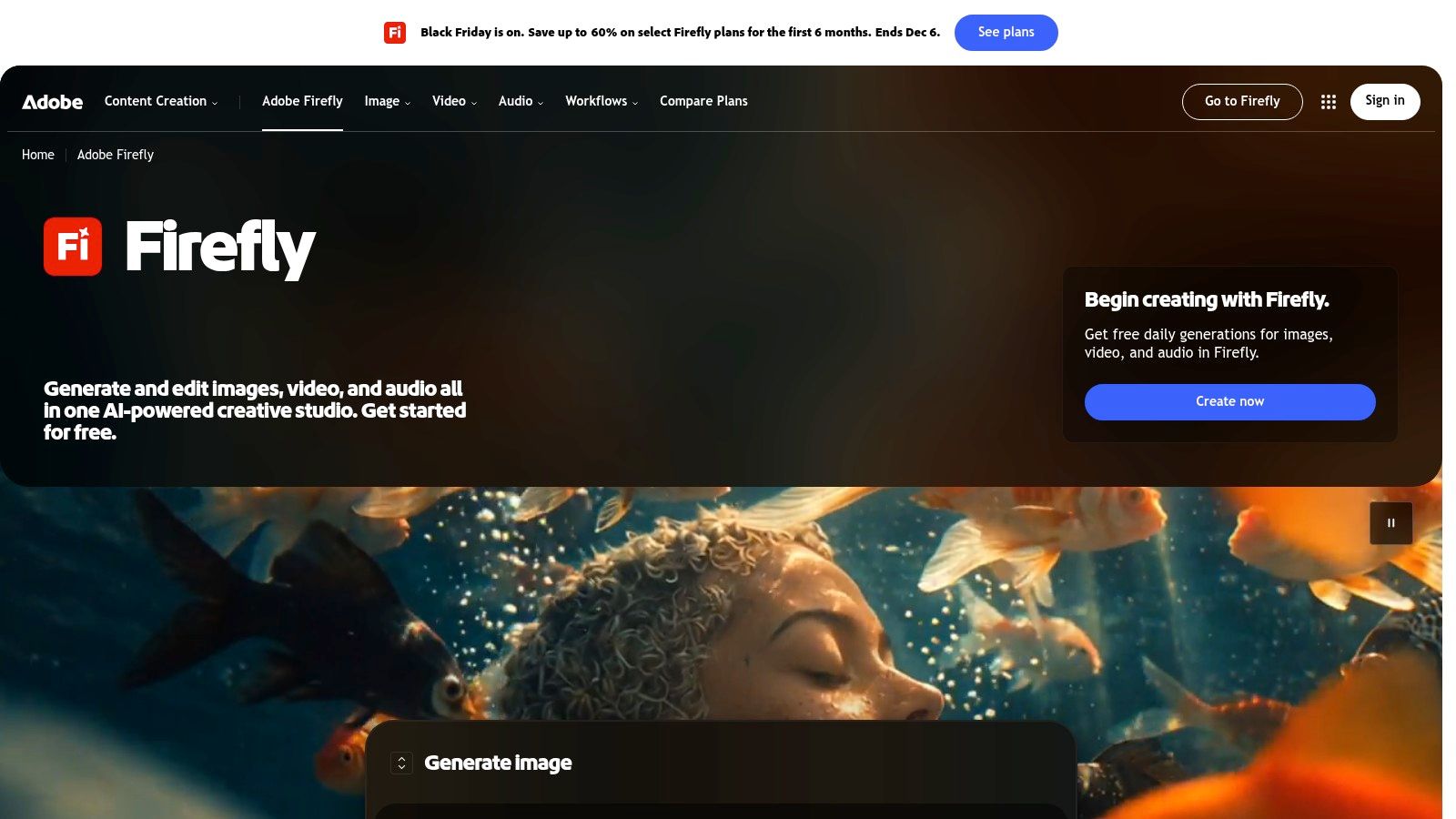
Firefly's advantage isn't the first generation. It's what happens after, because Generative Fill and Generative Expand let you fix a composition or extend a background without exporting to another app. For anyone already inside Photoshop or Express, that removes the round trip that kills momentum on a deadline.
Adoption reflects the pull. An Adobe customer survey on AI competitors found half of working professionals used Firefly for generative image creation, ahead of ChatGPT-5 at 45% and Canva Magic Media at 43%, and paid usage of Firefly sat at 91% among those surveyed.
What the credits actually cost you
- Daily free generations: enough to test the model, not enough to ship a series.
- Partner models: access exists on some plans, but those runs can consume credits faster than Firefly's own models.
- Suite overlap: if you don't otherwise use Adobe tools, you're paying for a workflow you won't touch.
Firefly is an editing product with generation attached. If the job is "make this existing image work", it's excellent. If the job is "produce 40 new frames today", the credit maths gets ugly.
Pair it with a motion step, since Firefly stills animate well when pushed through photo-to-motion tools. Adobe Firefly is the right pick for editors and brand teams with an existing Adobe footprint.
4. Google Gemini
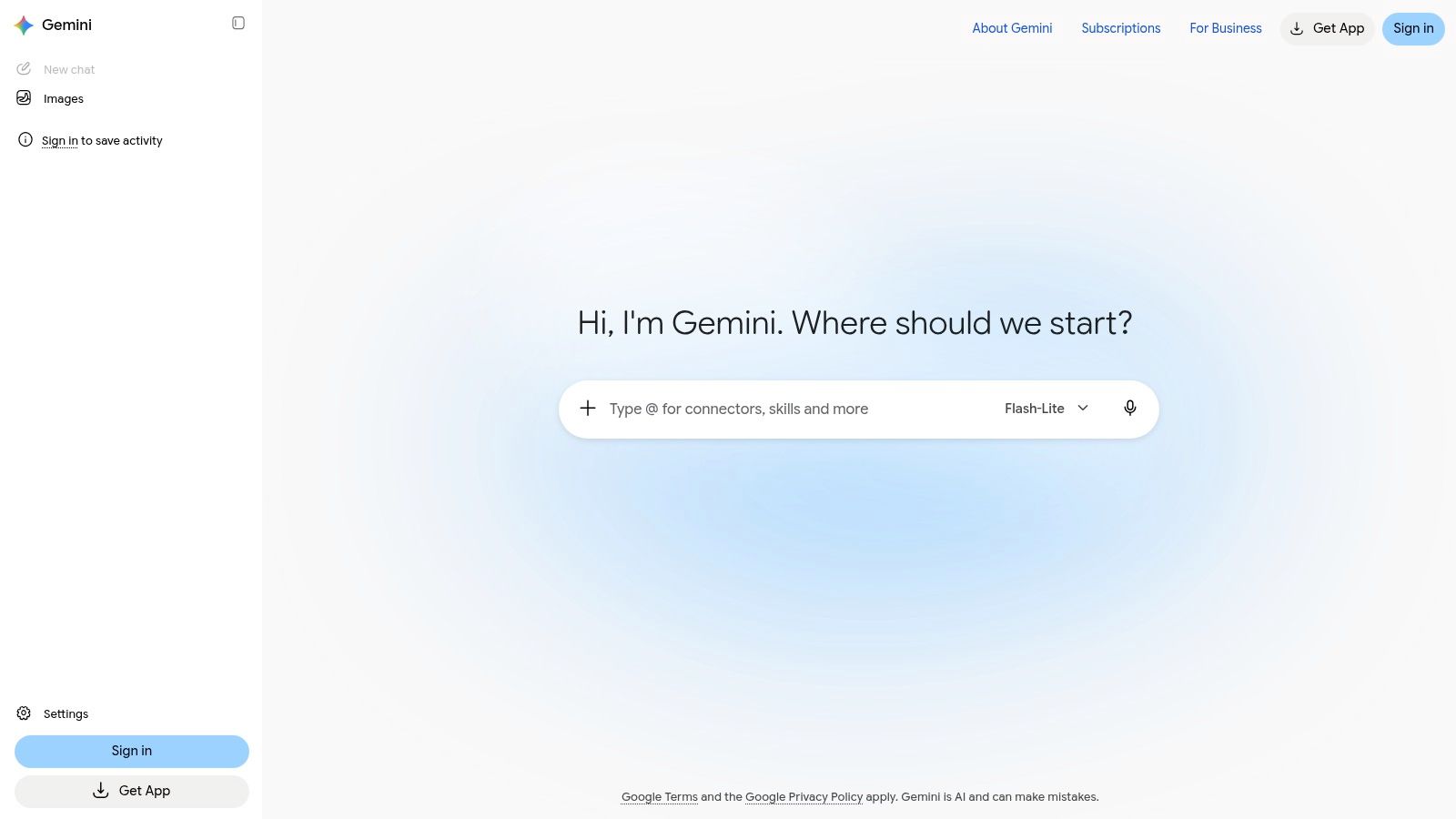
Gemini's image features sit inside a chat product, and the model menu is the interesting part. Google's Nano Banana line spans faster models built for quick iteration and heavier models built for detailed, reference-driven work, so you can draft with the quick one and re-run the keeper with the strong one without leaving the tab.
Keep your audience in perspective here. Microsoft's AI Economy Institute put global generative-AI adoption at 16.3% of the world's population in 2025, up from 15.1% in the first half of that year. Simplicity of entry beats feature depth for many users, and a chat window is about as simple as it gets.
The catches
- Eligibility, not just payment: advanced-model access and usage caps vary by account, plan, and region.
- Work accounts: school and workplace logins often carry different restrictions than a personal account.
- Review discipline: follow-up edits change details you'd already approved, so re-check text, hands, and logos every pass.
Keep a reference image attached to the conversation for anything that has to look like the same character twice.
Google Gemini suits creators who want one place for brainstorming, prompt refinement, and image output. It's less predictable than a dedicated generator when you need identical output across a 30-image batch.
5. Ideogram
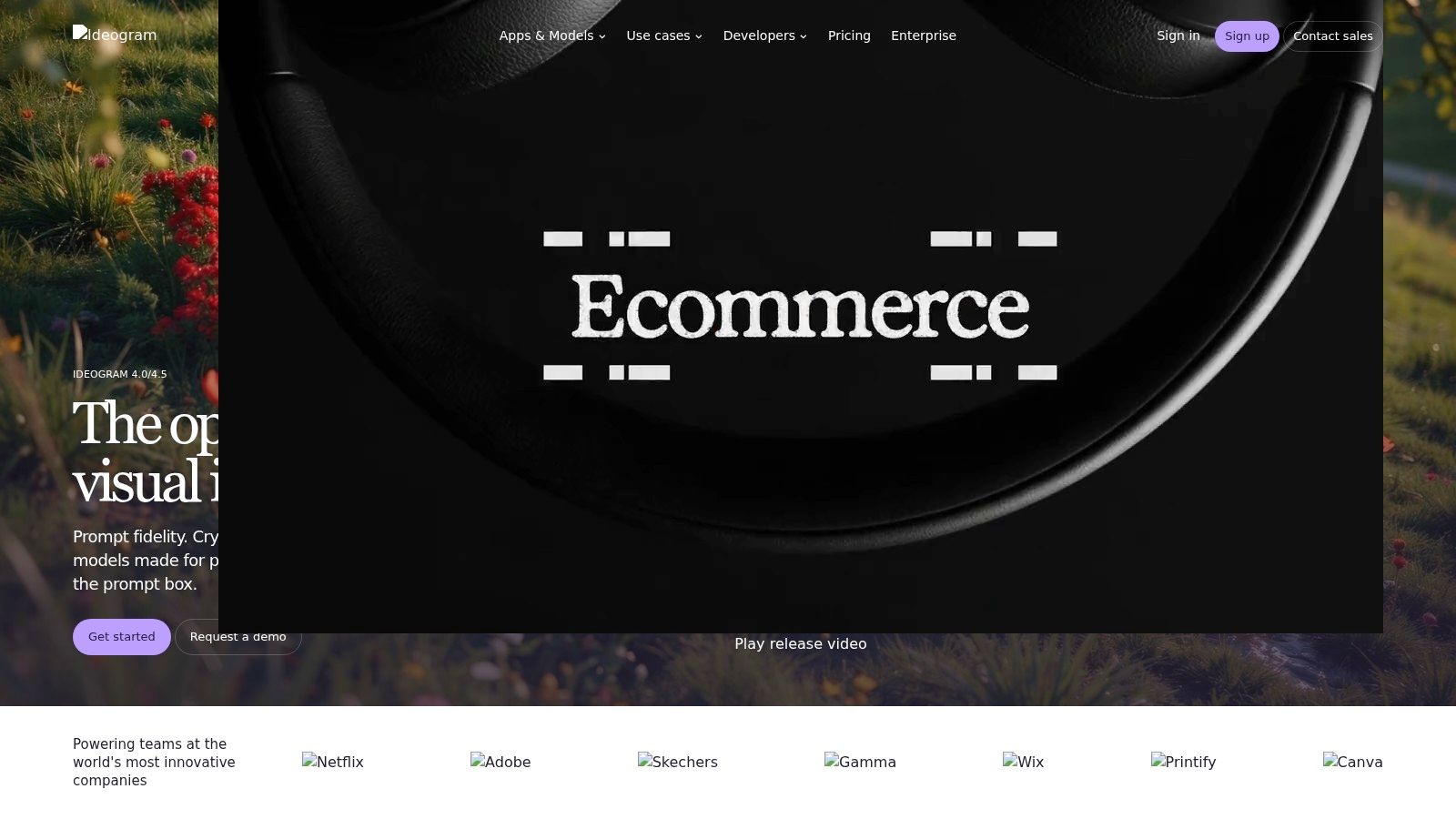
If the image needs words inside it, start here. Ideogram handles posters, title cards, and thumbnail overlays better than general-purpose models, and its remix, editing, reframing, and background-replacement tools are built for adapting one graphic across formats.
Don't assume the text comes out perfect. A benchmark of six leading closed- and open-source models across 33 tasks found substantial differences in document, handwritten, scene, artistic, and layout-rich text rendering, with GPT-4o the relative leader for clear, stylistically controlled handwriting. Legibility shifts with font weight, contrast, and layout complexity, so check every character at phone size before publishing.
How to use it without wasting credits
- Draft the layout first: specify text position and hierarchy in the prompt, then refine the lettering.
- Batch by format: generate the vertical, square, and wide versions as separate jobs instead of cropping one master.
- Character consistency: use the reference features when a mascot or presenter recurs across a series.
Free-plan images are public, which rules Ideogram out for embargoed launches and unreleased client work. Some editing and reference features also sit behind priority credits.
Text-heavy thumbnails live or die on the prompt. A prompting walkthrough for AI video helps, because the same descriptive habits that fix a thumbnail fix a scene.
Ideogram suits social designers, thumbnail artists, and anyone shipping quote cards or event posters at volume.
6. Recraft
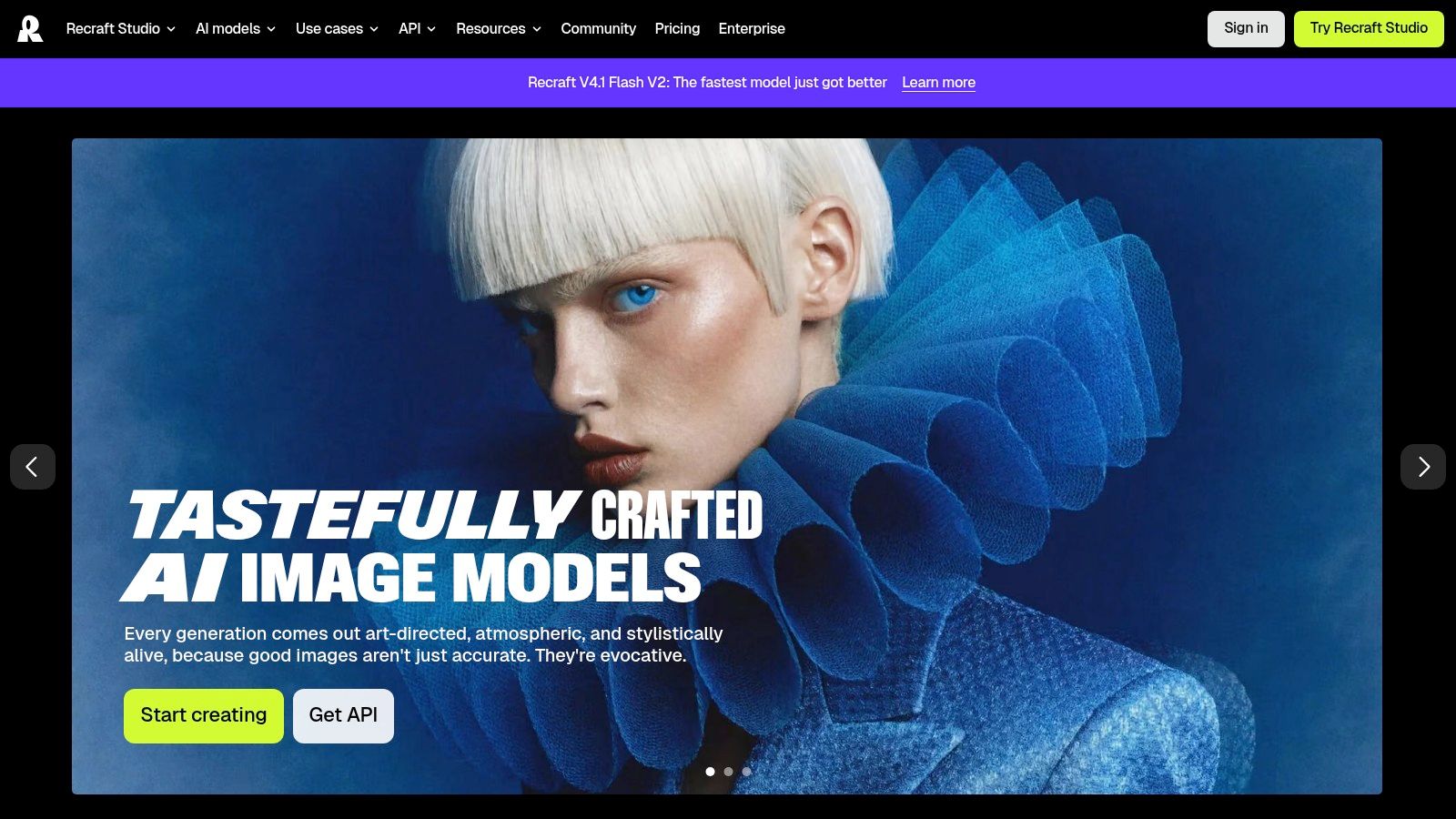
Recraft earns its slot at the editable-vector stage: its designated vector models generate SVG, so an icon, logo mark, or spot illustration can be resized, recolored, and adjusted in a vector editor instead of being traced or redrawn by hand.
The rights conversation is stricter here because vectors tend to become brand assets. The U.S. Copyright Office's January 2025 report on AI and copyright addresses the copyrightability of generative-AI outputs, so keep records of human direction and be ready to disclose AI assistance when a client, platform, or marketplace asks.
Plan terms to read before you bill a client
- Free tier: images are public and, according to Recraft's pricing FAQ, owned by Recraft and not licensed for commercial use.
- Paid tier: images are private and user-owned under the same FAQ.
- Credit burn: vector jobs and upscales post different credit costs than plain generations, so cleanup passes can cost more than the first draft.
Document the human contribution as you go: rejected sketches, prompt revisions, node edits, selection decisions, and layering. Provenance matters most when the mark will sit on packaging, apps, and invoices for years.
Recraft suits brand designers, icon and UI illustrators, and teams that need assets in a resizable format.
7. Leonardo.Ai
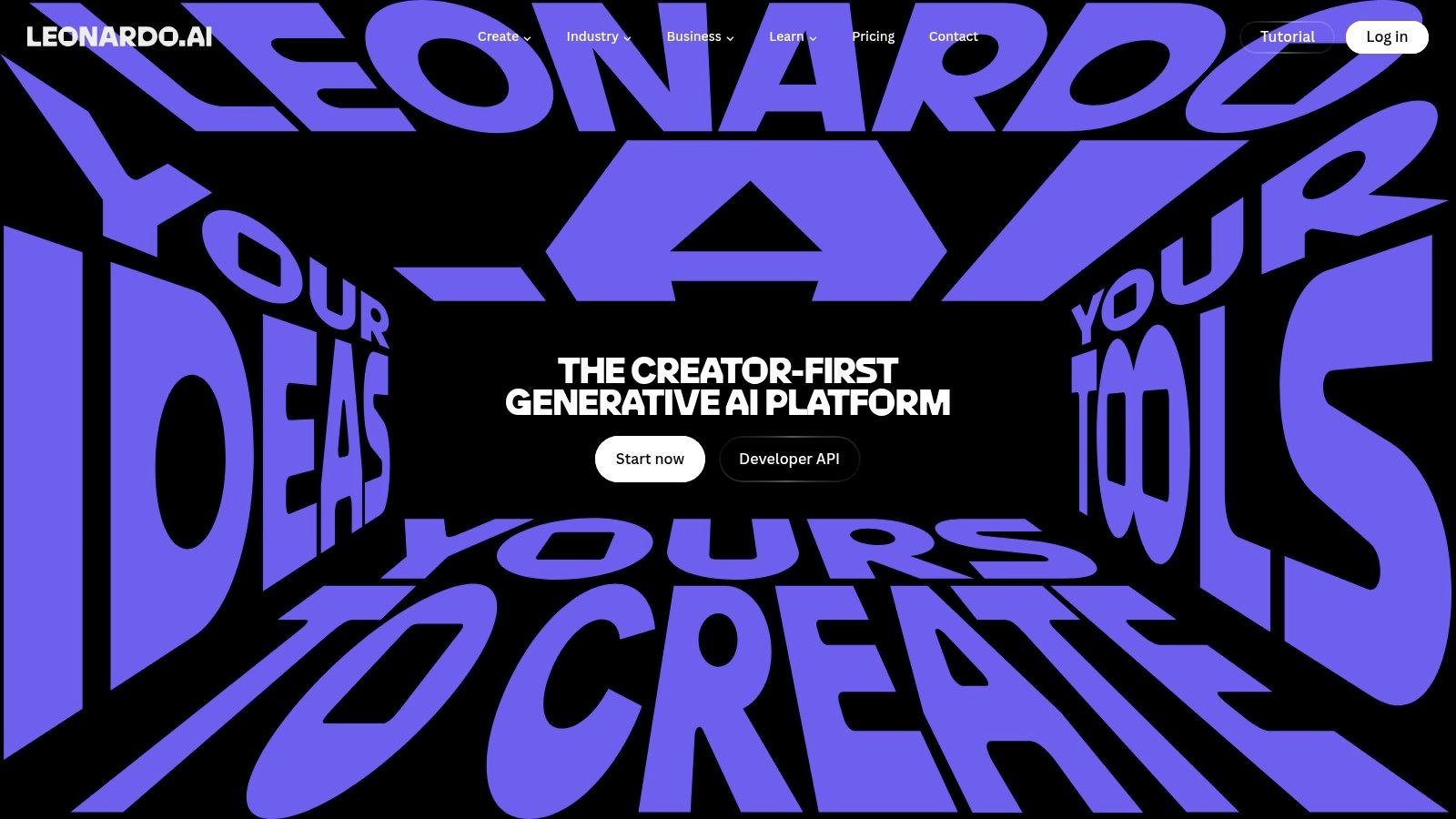
Leonardo is for creators who need the same look across months of uploads. The free tier runs on a daily token allowance, and paid individual plans add private generations plus personal AI model training, which is how you build a house style instead of a folder of unrelated images.
Token pricing is the thing to understand before you commit. Different operations cost different amounts, so your effective per-image cost depends on how you work rather than on a headline price. Teams that iterate heavily pay for it. Teams that nail the prompt early don't.
Good fits and bad ones
- Recurring characters: train a personal model on a reference set so a mascot or presenter stays recognisable across episodes.
- Series backgrounds: lock a visual style for an environment you'll return to again and again.
- Exploratory work: the free daily allowance is enough to test whether the aesthetic suits your channel.
Where it struggles is precise graphic layout. If the asset is a price card with three lines of type, a text specialist will save you an hour.
Watch the token maths: a personal model plus heavy character testing can burn a month's allowance in a weekend.
Leonardo.Ai suits storytellers, series creators, and small studios building a consistent visual identity on a modest budget.
8. Canva Dream Lab
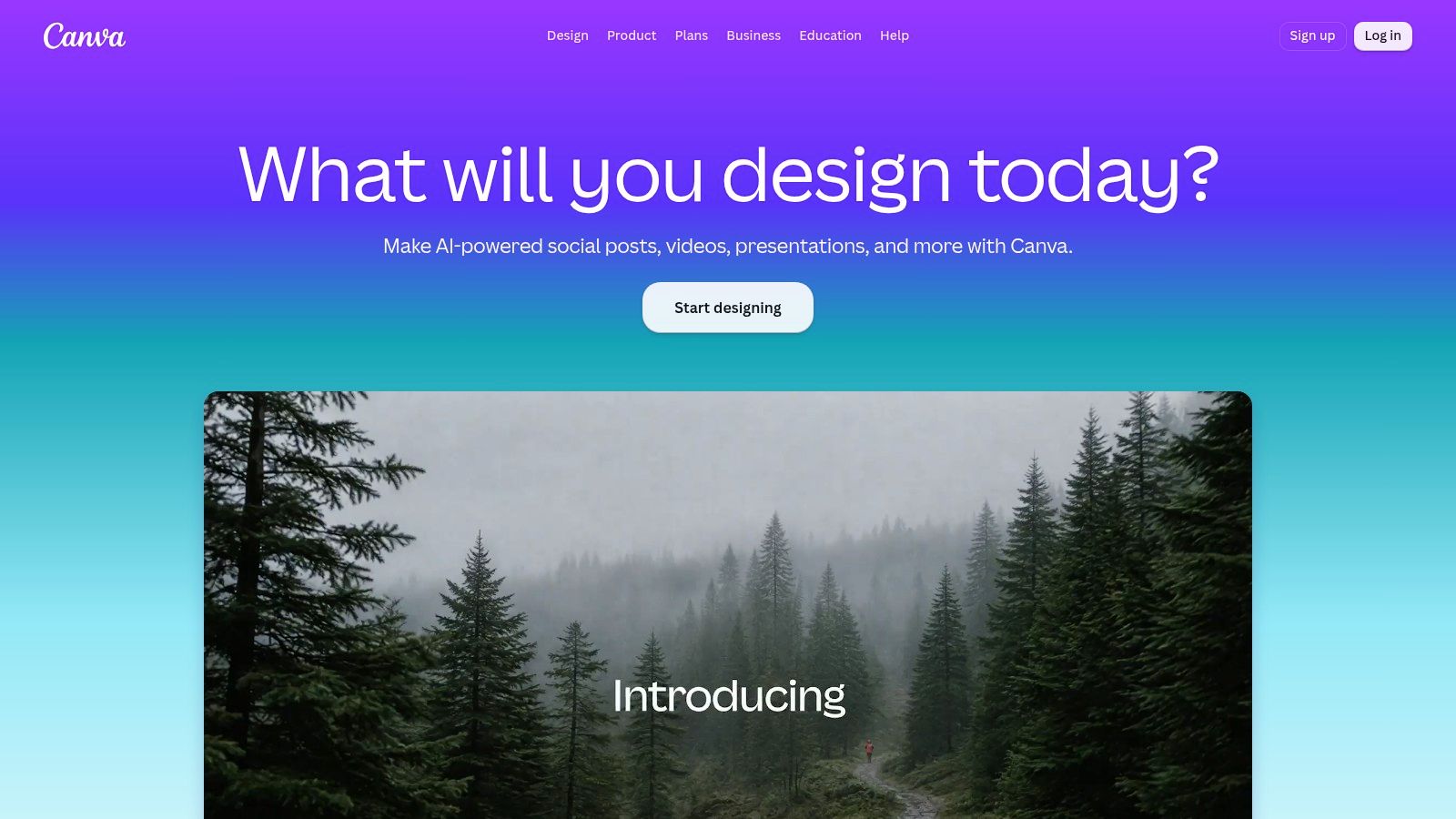
Dream Lab's selling point isn't generation quality. It's what happens next, because the image lands directly in a Canva design. For a small business making social posts, that's the shortest path from idea to a correctly sized finished graphic: prompt, get four options, pick one, drop it on a template.
The audience is mainstream. Eurostat reported that 32.7% of people aged 16 to 74 in the European Union had used generative-AI tools in 2025. Tools that hide the prompt engineering behind a button serve that group better than tools that expose raw parameters.
What it does well
- Four options per prompt: enough choice to keep moving without drowning in variants.
- Reference images and follow-up edits: keeps a brand asset on-model across a campaign.
- Resolution boosting: gets a draft to publishable size without a separate upscaler.
The constraint is the allowance. AI usage is capped by plan and heavier tools inside Canva consume more of it per run, so a busy month can leave you rationing generations. Designers chasing precise art direction will also find the controls thin next to a dedicated generator.
Where Dream Lab wins is repeatability with non-designers. A social manager who'd never write a 60-word prompt can still ship on-brand posts here.
Canva Dream Lab suits small businesses, community managers, and anyone whose final output is a template-based graphic rather than a standalone image.
9. Stability AI
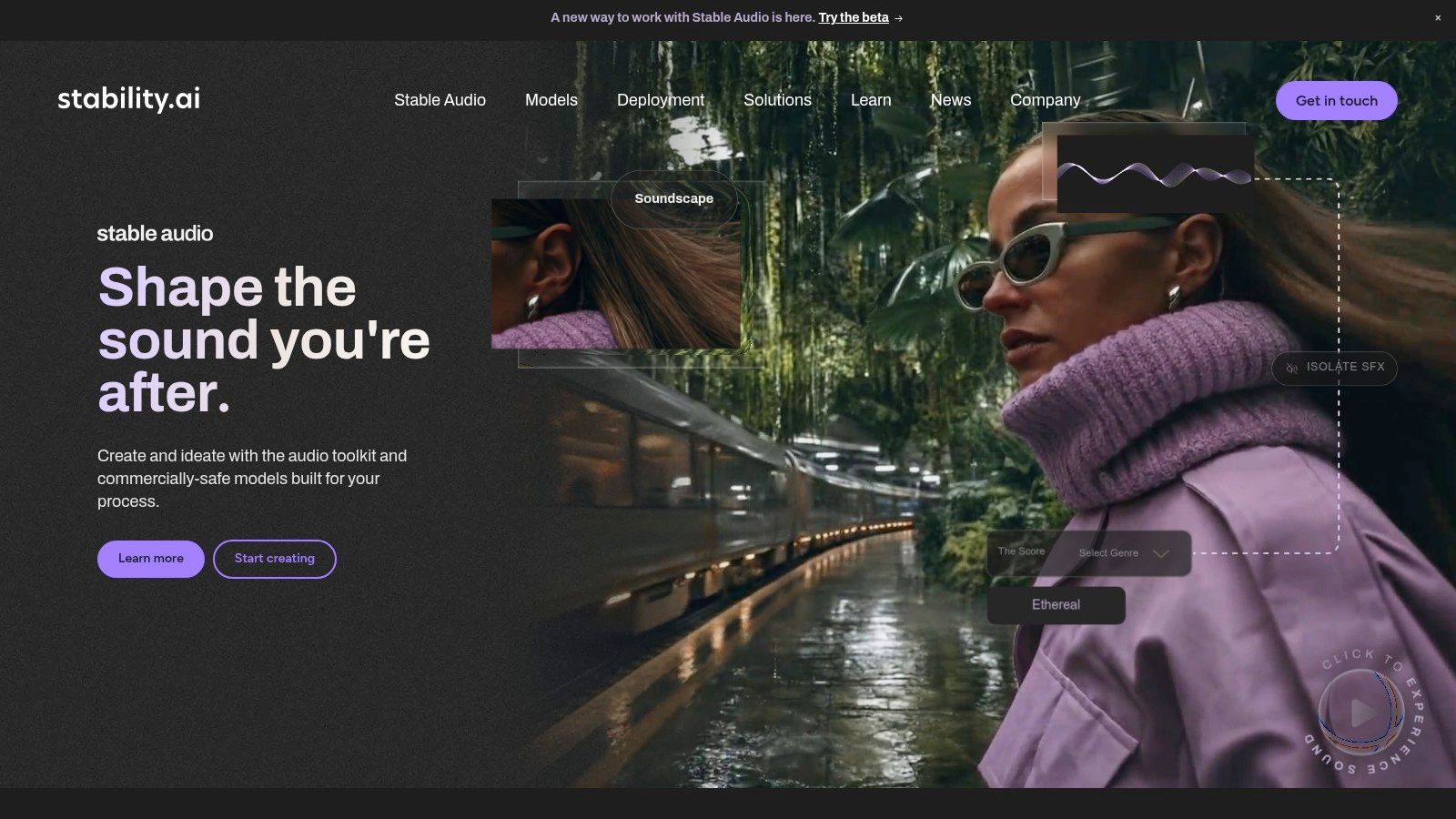
Stability is the option for people who want to own the pipeline as well as the output. You can use the web-based Stable Assistant, call an API with credit-based pricing, or self-host supported models on your own hardware. Inpainting, outpainting, background removal, and upscaling are all available, so one image can be repaired instead of regenerated.
That flexibility is also the price of entry. Self-hosting needs real infrastructure and someone to maintain it, and commercial licensing requirements can vary by revenue and use case. Read the licence for your situation rather than assuming "open" means "free for a client deliverable".
When the API tier makes sense
- Volume with control: you're producing hundreds of variations and want to script the batch.
- Editing chains: inpaint, expand, upscale, and remove backgrounds in one automated run.
- Data sensitivity: self-hosting keeps assets on infrastructure you control.
There's a real difference between a tool that's cheap per image and one that's cheap per usable image. Costs vary by model and task, and a failed generation still costs you the attempt, so budget for regeneration rate rather than headline price.
The teams that get value here usually have an engineer who owns the setup. Without that person, a subscription tool works out cheaper in practice.
Stability AI suits technical teams, product teams embedding generation in an app, and studios with a compliance reason to keep assets in-house.
10. Google Cloud Vertex AI image models
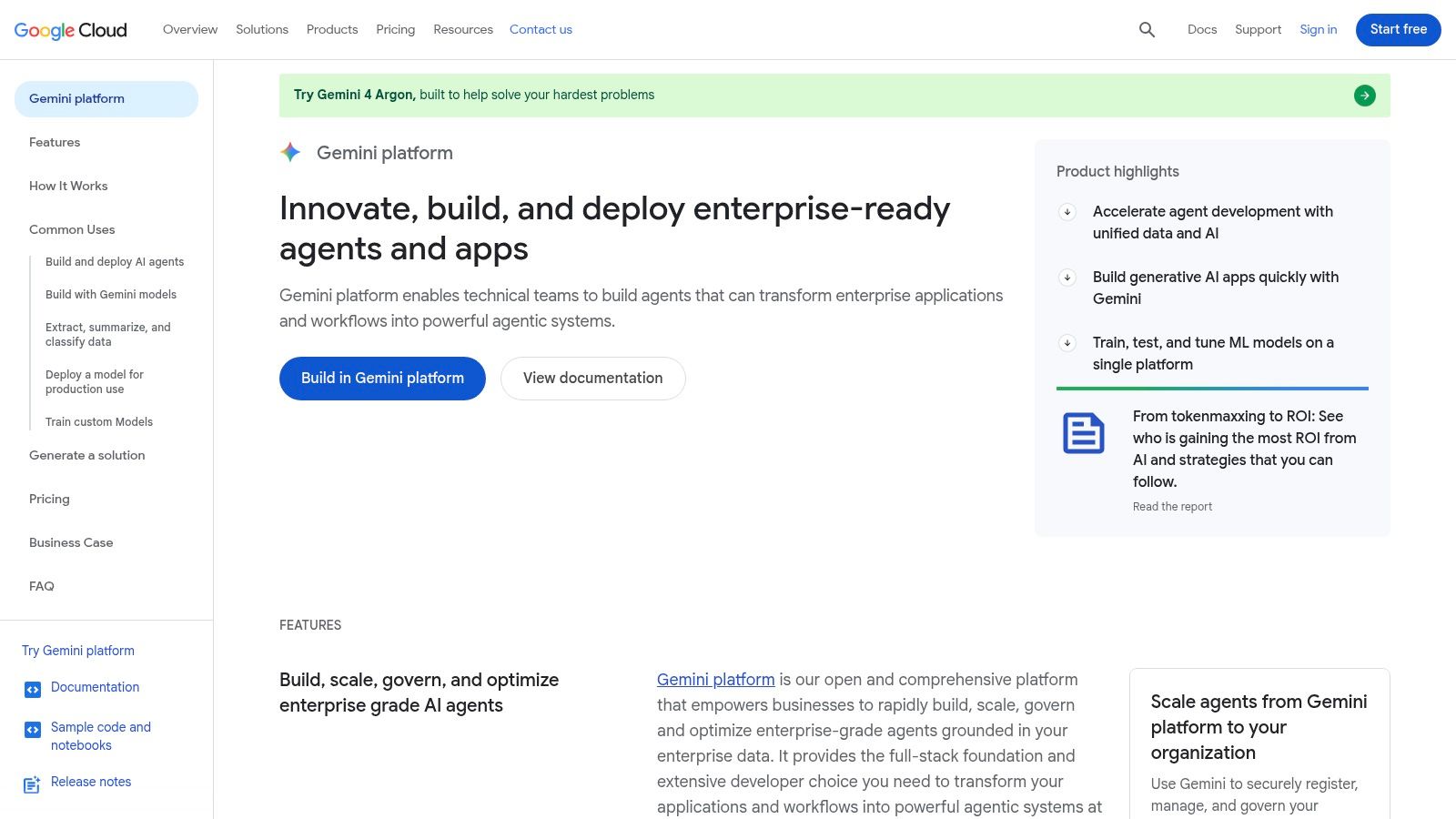
Vertex AI is last because it isn't a design tool. It's cloud access to image models through APIs, priced by usage and output resolution, aimed at businesses wiring generation into a product or an automated content pipeline. Nobody opens it to make one nice picture.
The case for it is scale and auditability. Requests run through your existing Google Cloud project, billing and quotas live where the rest of your infrastructure lives, and published per-model estimates let finance model costs before launch. Generating a thousand story illustrations overnight against a fixed template is the job this exists for.
What it costs you in effort
- Setup: service accounts, quotas, error handling, and a retry strategy are your responsibility.
- Cost monitoring: usage-based pricing at scale needs alerts, because a looping job can run all weekend.
- Model selection: output varies by model and resolution, so the cheapest tier isn't always the cheapest result.
For a creator publishing a handful of videos a week, this is overkill. The honest trade-off is that a managed tool with templates and a scheduler does the same creative work with far less engineering.
Test the workflow manually on 20 images before you automate 2,000. Most pipeline failures are prompt and continuity failures, not infrastructure ones.
Google Cloud Vertex AI suits engineering teams and agencies running automated content pipelines.
How the ten tools compare on free access, pricing model, and best-fit use
| Item | Free Plan | Pricing Model | Best For |
|---|---|---|---|
| ChatGPT Images | Limited image creation access | Paid ChatGPT plans; API priced separately | Conversational image creation and revisions |
| Midjourney | No free plan listed | Subscription plans with Relax Mode on select tiers | Stylized, art-directed visuals |
| Adobe Firefly | Limited daily generations | Plans vary by credits and features | Image generation and editing in Adobe workflows |
| Google Gemini | Access and limits vary by account | Free and paid Google AI plans | Image creation and editing in the Google ecosystem |
| Ideogram | Available; images are public | Subscription plans and per-image API pricing | Graphics that need text in the image |
| Recraft | Available; images are public | Subscription plans and API pricing | Editable vector graphics and design assets |
| Leonardo.Ai | Daily tokens included | Token-based tiers; team and API options | Recurring characters and consistent visual styles |
| Canva Dream Lab | Free plan available | Plan allowances limit AI usage | Creating images for Canva designs |
| Stability AI | Web access options; plan details vary | Credit-based API, web access, and self-hosting options | Technical teams needing flexible deployment |
| Google Cloud Vertex AI image models | No consumer free plan specified | Usage-based pricing by model and output resolution | Developers integrating image generation into applications |
Match the Tool to the Job, Then Test With Your Own Prompts
Start by naming the output, not the aesthetic. A quick draft under a voiceover script, a branded graphic with readable text, an editable vector for a client, and a nightly batch of story images are four different purchases, and no single tool is the best answer to all four.
Shortlist two or three from your group and run the same brief through each on a free or trial tier. Use your own material rather than a generic prompt: a scene you need, with the character, setting, and text you use. Then score four things. How many attempts before the frame was usable. Whether the character survived three frames in a row. Whether the text stayed legible at phone size. Whether the output was publishable without a trip through another app.
Read the terms before you fall in love with the output
The limits that decide a subscription rarely appear in a gallery. Check whether free-tier images are public, whether commercial use is licensed on your plan, whether provenance metadata is attached, and whether credits get consumed by failed generations. You need licences that cover client work and paid social, not just a personal post.
Then look at the surrounding workflow, because generation is one step in a chain that ends with narration, subtitles, and a publish schedule. A tool that fits the middle of that chain is worth more than one that produces a stunning orphan file.
A slightly less spectacular model that gives you a usable frame on the first try beats a beautiful one that needs six attempts, every single week.
That's why matching tools to stages works better than crowning a champion. Use a conversational model to find the scene, an art-directed model for the hero image, a text-focused one for graphics with words, a vector model for anything a designer will touch again, and an API when volume justifies the engineering.
Budget the whole stack, too. Most working creators end up paying for two subscriptions rather than one, and the cost of a cheap tool that fails half the time is higher than the cost of the right one. Review your plans every quarter, since allowances and feature tiers move.
If the end product is a faceless short video rather than a standalone image, the image stage can be automated instead of hand-managed. ClipCreator.ai generates story-aligned images automatically for every video and pairs them with a chosen voice, accurate subtitles, and scheduled posting, so the visual work follows the script rather than a separate prompt session. Plans run at $19 a month for three posts a week and $39 a month for daily output, and more than 1800 creators use the platform. For creators who'd rather direct the story than prompt every frame, that's the shorter path.
ClipCreator.ai turns a custom prompt or a proven story template into a finished vertical video, generating images that follow the story, adding a voiceover, and scheduling the post for TikTok or YouTube. If image production is what stalls your publishing rhythm, that's the step worth automating first. Create an account at ClipCreator.ai and watch one full story come out the other end before you commit to a plan.

Create your first video in under 2 minutes
Pick a niche, and ClipCreator.ai generates and auto-posts faceless videos to your channels every day.
Join ClipCreator.ai