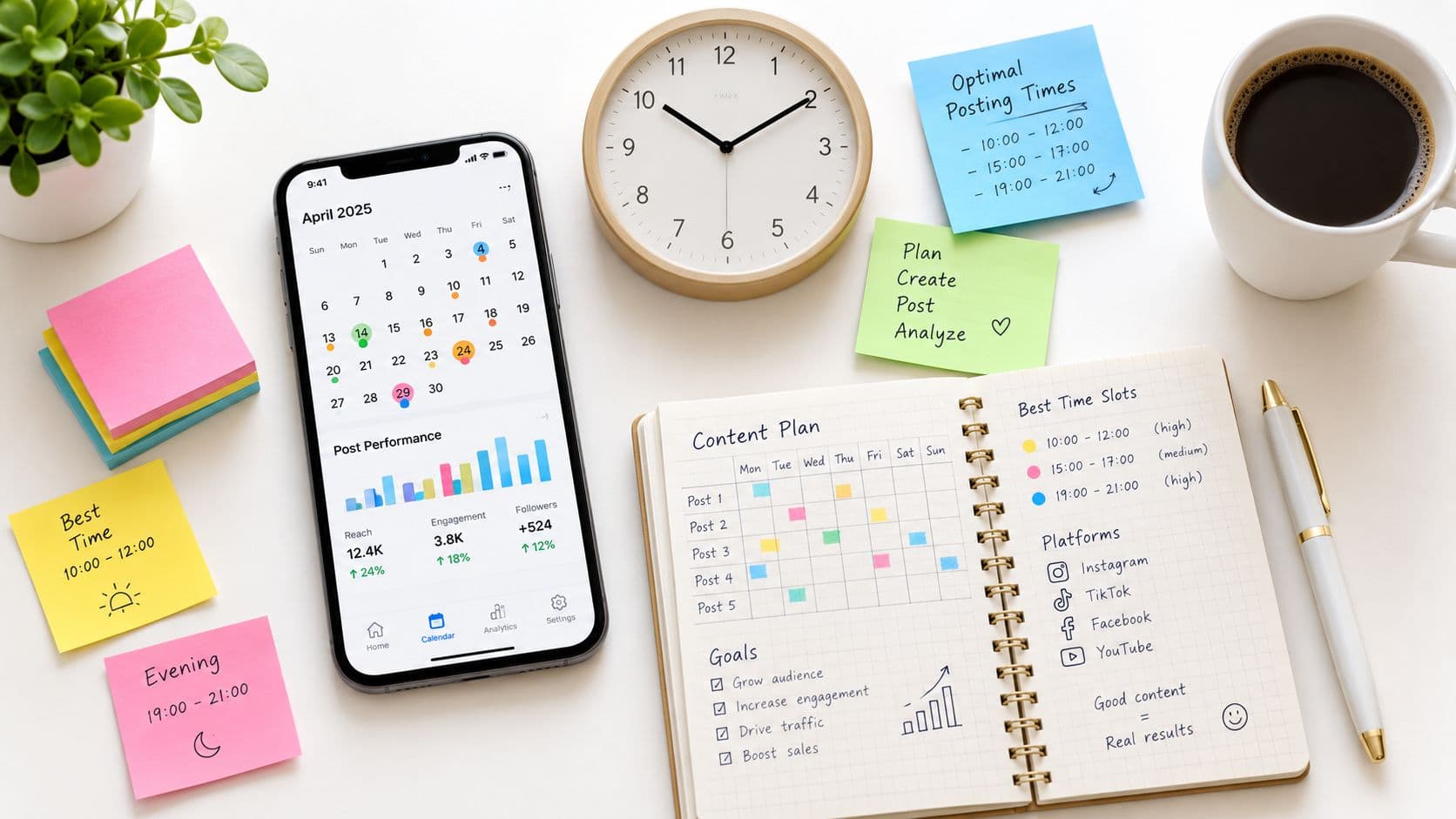
You publish a TikTok, wait for the first wave of views, and then wonder whether the video missed its audience or just missed the right moment. The next upload goes live at a different hour, the result changes again, and your “strategy” becomes a record of guesses.
A reliable TikTok posting schedule works differently. It gives you a repeatable cadence, a set of time windows to test, and a review process that replaces generic advice with evidence from your own audience. The strongest schedule isn't a permanent timetable. It's an operating system that becomes more precise as you publish and learn.
Why Your TikTok Posting Schedule Matters More Than You Think
Creators often treat timing as a minor detail after the video is finished. In practice, the first opportunity to reach active viewers depends partly on when the upload enters the feed. If your audience is less available during that period, a strong video may receive a weaker initial response than the same video published during a more active window.
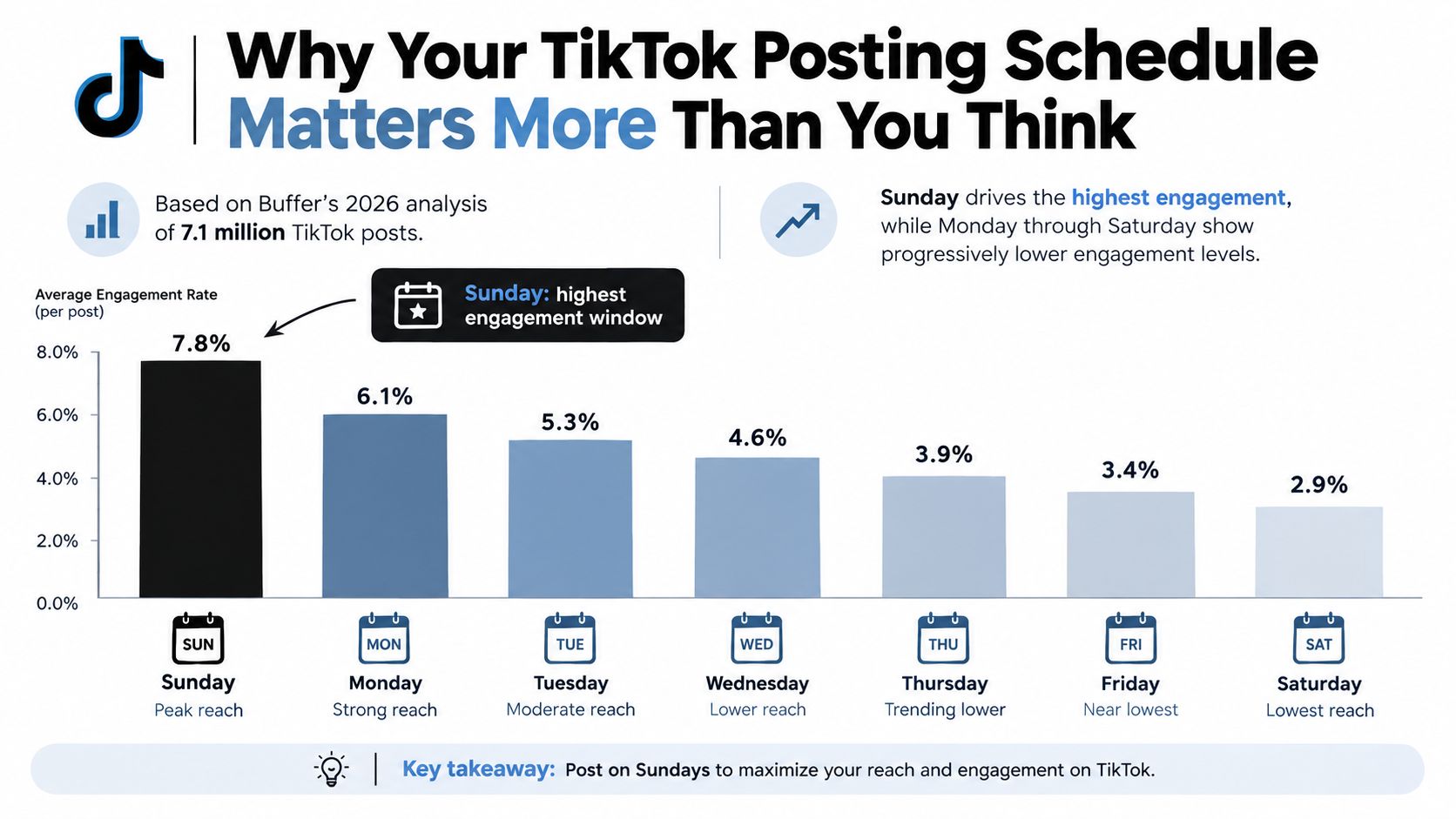
Buffer's 2026 analysis of 7.1 million TikTok posts found that Sunday at 9 a.m. was the strongest single posting time, followed by Monday at 1 p.m. and Sunday at 1 p.m. The analysis also identified noon to 5 p.m. as a frequently weak afternoon stretch, while stronger slots tended to cluster around early morning and evening periods. You can review the full benchmark in Buffer's TikTok timing analysis.
Treat timing as a hypothesis
Those findings don't mean Sunday at 9 a.m. is automatically right for every account. Independent benchmark data points in other directions. A 2025 analysis of 1 million social posts identified strong engagement around Thursday morning from 6 to 9 a.m. and Saturday from 10 a.m. to 6 p.m., while other datasets highlight Sunday mornings or weekday afternoons. The comparison appears in Hootsuite's TikTok timing research.
That disagreement is useful. It proves that a published “best time” is a starting point, not a command. Your niche, audience location, content format, and follower habits can all change which windows deserve attention.
Practical rule: Use broad benchmarks to choose your first test slots, then let watch time, shares, and completion rate decide which windows stay on your calendar.
A schedule also prevents random frequency. Posting whenever a video happens to be ready makes performance difficult to interpret because both cadence and timing keep changing. A planned rhythm gives you cleaner comparisons and makes consistency possible even when production gets busy.
How Often You Should Post to Maximize View Lift
Frequency affects the amount of feedback your account generates. More uploads give you more opportunities to test hooks, topics, formats, and time slots, but volume only helps when the content remains watchable and the workflow remains sustainable.
Buffer's separate 2026 study of 11.4 million TikTok posts found that accounts publishing 2 to 5 times per week recorded a 17% increase in views per post compared with once-a-week posters. The same analysis reported a 29% increase for accounts publishing 6 to 10 times per week, and a 34% increase for accounts publishing 11 or more times per week. These figures are detailed in Buffer's TikTok frequency study.
The figures are benchmarks, not a reason to force an unsustainable workload. They show a scale effect, while also suggesting that moderate consistency can be an efficient starting point.
Choose a cadence you can protect
Use this decision process:
- Start with production capacity. If you can reliably create two strong videos each week, begin there. A schedule you keep is more valuable than an ambitious calendar you abandon.
- Add slots only when quality holds. Move toward a higher cadence when you have enough ideas, editing capacity, and finished content to avoid rushed uploads.
- Assign different jobs to different slots. One weekly post might answer a common question, another might demonstrate a process, and a third might test a new hook.
- Leave room for learning. Don't fill every available slot with the same format. Your calendar should create space for experiments.
For a practical comparison of cadence options, see this guide to how often to post on TikTok.
A simple weekly calendar might use two to five posts as its foundation. Place the most important recurring format in a slot you can protect, then use the remaining posts to test alternative days and dayparts. If your output grows, increase frequency gradually rather than switching from occasional posting to an overloaded daily schedule overnight.
The key trade-off is straightforward. Higher volume can produce more learning opportunities, but weak or repetitive videos can consume your production time without improving the audience experience. The right cadence is the highest level you can maintain while preserving a clear idea, strong opening, and finished edit in every post.
Where to Place Your Posts Within the Best Time Windows
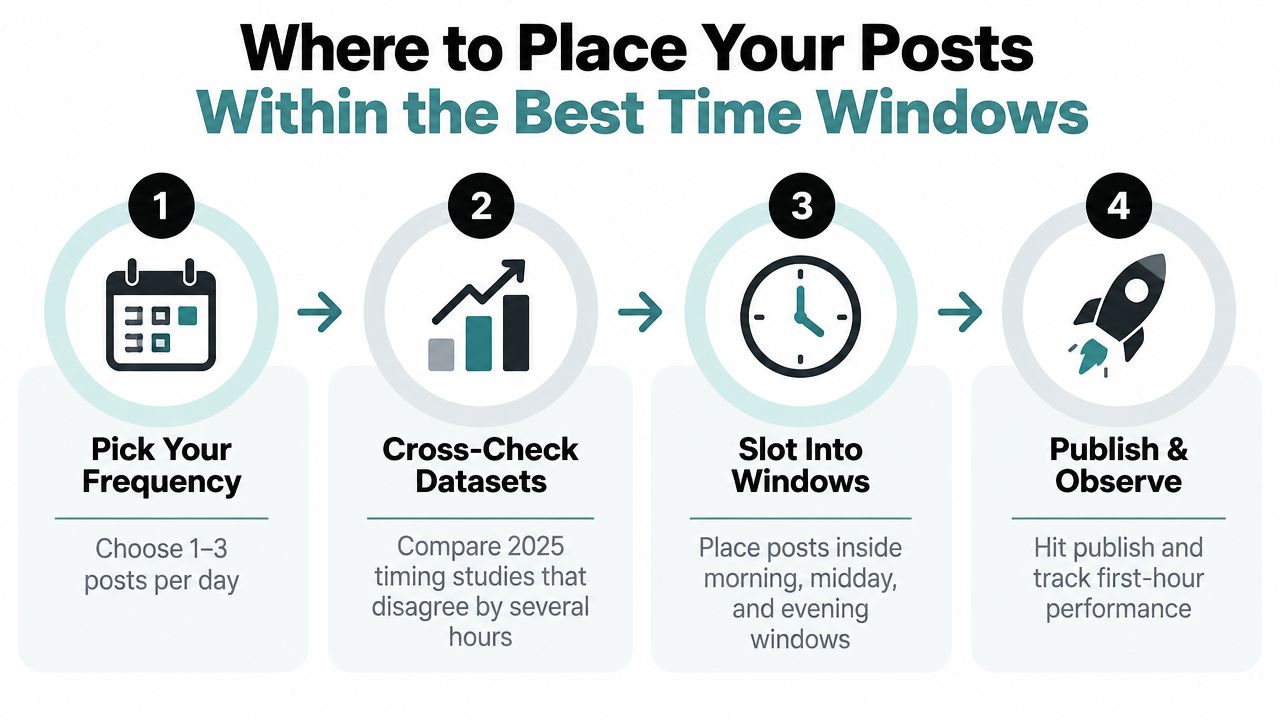
Once your cadence is set, assign each upload to a time window rather than chasing one perfect minute. Research varies because audiences open TikTok under different conditions, while broad datasets combine regions, niches, and viewing habits. Treat published benchmarks as starting conditions, not permanent rules.
Build a small test matrix with a few dayparts, such as early morning, midday, and evening. Rotate those windows across comparable days so timing is easier to compare. Treat publishing 30 to 60 minutes before the intended peak as your first test condition, then compare it with posting inside the peak window. Let watch time and completion rate decide which lead time stays. The earlier post may gather initial distribution, while the in-peak version may better match active viewers.
Build a test matrix
Use benchmark windows only as starting points:
- Sunday morning: Test the Sunday 9 a.m. benchmark from Buffer, publishing shortly beforehand.
- Monday afternoon: Test Monday at 1 p.m., then compare it with another afternoon slot rather than treating the hour as definitive.
- Thursday morning: Compare an early morning slot with the Sunday morning test.
- Saturday midday: Add a weekend daytime slot if your audience tends to watch during leisure hours.
- Evening windows: Include selected evening periods when your analytics show activity after work or school.
Accounts serving several countries need separate audience clusters, not one universal local time. Group viewers by major time zones and prioritize windows that reach the most commercially or strategically important groups. Smaller accounts can begin with the dominant cluster and add complexity only when the data justifies it.
Track more than likes. Watch time, average view duration, shares, and completion rate show whether a slot helps the video hold attention and travel beyond its initial audience. A post may attract reactions while producing shallow viewing, so compare several metrics before making a window permanent.
Use this guide to find the best time to post on TikTok for additional scheduling ideas. The practical result is a short list of tested slots that fits your audience, content frequency, and performance goals.
Manual Scheduling versus Automated Posting Tools
Manual scheduling gives you control and keeps the workflow simple. It works well when you publish a small number of high-effort videos, respond to comments immediately, and don't need a large content queue.
Automation becomes more useful when production and publishing happen at different times. You can prepare a batch, assign each video to a test slot, and keep the calendar active without relying on memory. ClipCreator.ai supports AI-generated scripts, story-aligned visuals, voiceovers, subtitles, scheduled delivery, and publishing to TikTok and YouTube, so it can fit a workflow built around faceless short-form videos.
| Factor | Manual Scheduling | Automated Platform |
|---|---|---|
| Setup | Upload and schedule each post yourself | Prepare content and queue multiple posts |
| Timing tests | Easy for a small calendar | Easier when rotating many slots |
| Flexibility | Strong for trend-sensitive publishing | Strong for planned evergreen content |
| Oversight | You notice every step directly | You need to verify delivery and time zones |
| Best fit | Low-volume, hands-on creators | Consistent, multi-slot publishing workflows |
The trade-off is control versus scale. Manual publishing is often better for trend reactions, native effects, or videos that need last-minute changes. Automation is better for repeatable formats, batch production, and a schedule that shouldn't collapse when you're busy.
Teams expanding beyond TikTok can also study AI-powered LinkedIn operations for ideas about structuring automated publishing across channels. For TikTok-specific tool considerations, review TikTok scheduling tools and check whether the platform supports reliable delivery, slot rotation, account connections, and the formats you publish.
How to A/B Test Your Posting Times Like a Pro
A timing test fails when the content changes too much between the two conditions. If one video has a stronger hook, a more relevant topic, and better editing, you can't confidently credit its result to the posting time.
SocialPilot's 2026 analysis of 700,000 TikTok posts found peaks at 8 a.m. and 8 p.m., with 2 to 4 p.m. close behind. Metricool's system data identified 6 p.m. to 8 p.m. as a heavy viewing period across the week. These findings, summarized in this timing analysis from IQFluence, support a cluster-based testing approach rather than a single-hour rule.
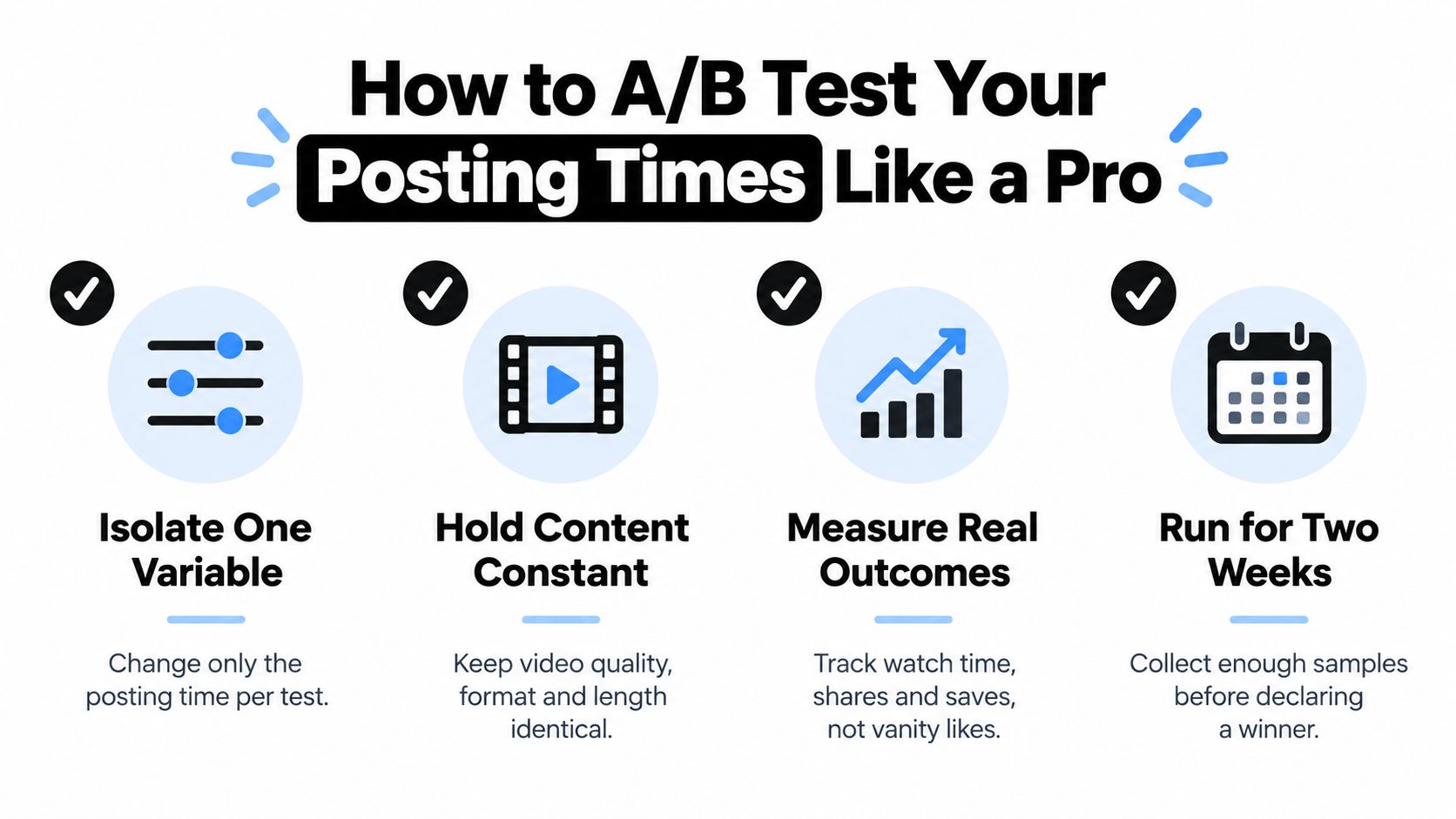
Use a clean comparison
Keep the test practical:
- Isolate the variable. Change the posting time while keeping the content type and objective similar.
- Hold the format steady. Compare videos with a similar structure, length, and production standard.
- Measure meaningful outcomes. Record watch time, average view duration, shares, and completion rate, not likes alone.
- Log the result. Note the date, time zone, daypart, topic, hook style, and performance metrics.
You can compare Sunday morning with Monday afternoon, or an evening slot with an early morning slot. Don't declare a winner after one surprising post. A single video may perform differently because of its subject, opening frame, trend relevance, or audience response.
Posting frequency can also change how you interpret timing. At a lower cadence, each slot receives fewer observations. At a higher cadence, you can rotate morning, afternoon, and evening windows, but you should watch for audience fatigue and repeated exposure to similar content.
The winning slot is the one that produces stronger audience behavior for your account over repeated comparisons. Once you identify it, keep it in rotation while continuing to test a neighboring window. That approach protects your current performance without turning the calendar into a fixed rule.
Monthly Review Routine for Your TikTok Posting Schedule
A schedule needs a review loop. Without one, you may keep publishing at times that were convenient when you created the calendar but no longer match the audience you're attracting.
At the end of each month, compare your planned cadence with your actual publishing record. Then review which time slots produced the strongest per-post results, using watch time, shares, completion rate, and average view duration as your primary signals.
Use a short review checklist:
- Check consistency: Identify missed, delayed, or unexpectedly clustered uploads.
- Rank time slots: Record the strongest three windows based on audience behavior.
- Flag weak periods: Note recurring underperformance by daypart or weekday.
- Review content quality: Separate a timing problem from a weak topic or hook.
- Audit automation: Confirm that queued posts published correctly and used the intended time zone.
- Update the calendar: Keep successful slots, replace weak ones, and reserve space for new tests.
Don't rebuild the entire schedule after one disappointing week. Small changes make your conclusions easier to trust and prevent you from confusing a content issue with a timing issue.
Turning a Posting Schedule into Sustainable Growth
A useful TikTok posting schedule balances three things: a realistic cadence, deliberately chosen time windows, and continuous testing. Generic benchmarks can help you choose the first slots, but your own analytics should determine which ones become permanent.
Start with a frequency your team or solo workflow can maintain. Publish before your intended viewing window, rotate slots when you have enough content to compare them, and measure viewing depth rather than relying on surface-level engagement. Use automation when manual publishing becomes the reason posts are missed, but keep a review step so scheduling doesn't turn into publishing without analysis.
The finished system shouldn't look like a perfect timetable. It should look like a living calendar with dependable baseline slots, controlled experiments, and monthly adjustments based on audience behavior. That makes your schedule more resilient when your audience, content mix, or production capacity changes.
ClipCreator.ai can turn prompts into faceless short-form videos with scripts, visuals, voiceovers, subtitles, and scheduled publishing for connected TikTok and YouTube accounts. If you want to build a repeatable content queue and test publishing windows without creating every video manually, visit ClipCreator.ai and set up your next batch.

Create your first video in under 2 minutes
Pick a niche, and ClipCreator.ai generates and auto-posts faceless videos to your channels every day.
Join ClipCreator.ai

