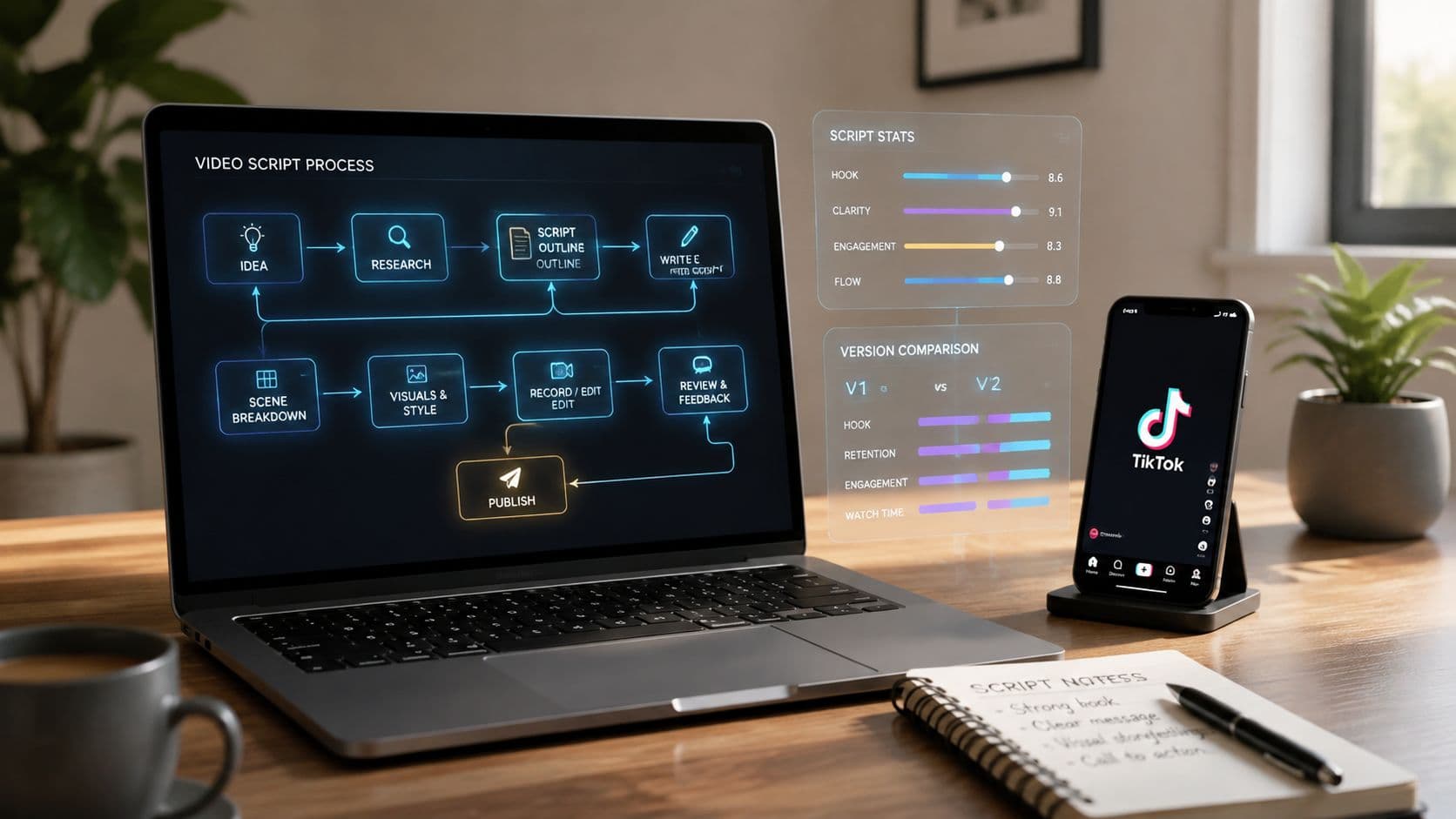
The best TikTok video script generator isn't necessarily the one that writes the cleverest hook. A script can sound polished and still fail if its scenes don't match the narration, the voiceover feels artificial, captions need constant correction, or every video requires manual assembly before publishing. Faceless creators need to judge the entire production path, from the opening line and narrative structure to visuals, voice, subtitles, editing, scheduling, and publishing.
That broader view matters because TikTok's global growth created a format built around compressed, hook-driven storytelling. ByteDance launched Douyin in China in September 2016, introduced its international version as TikTok in September 2017, and TikTok reported more than 1 billion monthly active users globally by 2021, excluding Douyin, according to TikTok's launch history. A script generator now needs to support not just ideation, but repeatable production at scale.
The tools below are compared for faceless short-form workflows, with attention to script quality, scene and voice alignment, editing control, publishing automation, brand consistency, pricing information supplied, and scaling friction. If you want a direct script-to-video alternative, PostSyncer's script-to-video generator is another workflow worth evaluating.
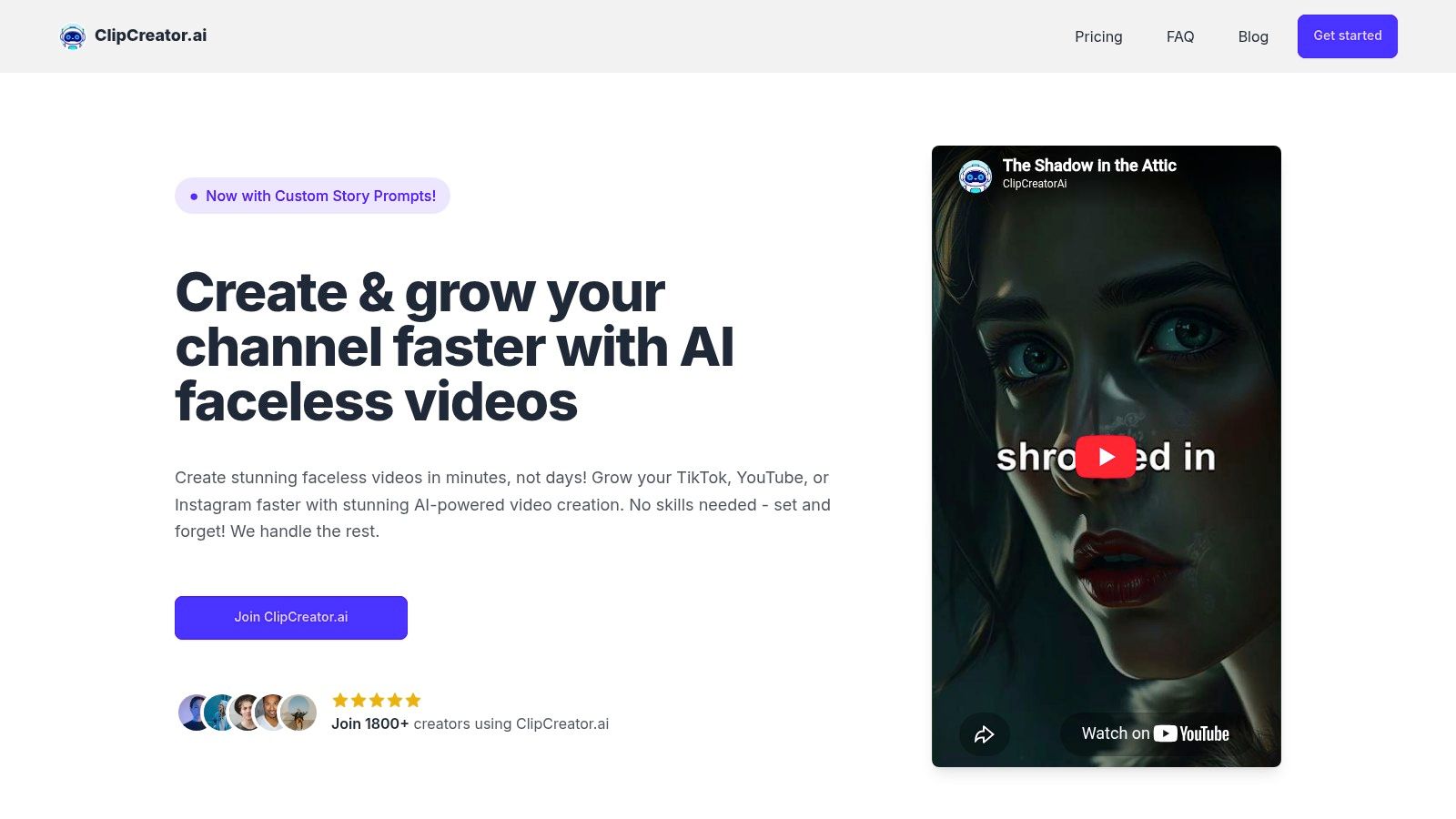
1. ClipCreator.ai
ClipCreator.ai is the strongest fit when the priority is set-and-forget faceless production rather than writing alone. The platform can generate a short script from a template or custom prompt, then pair the narrative with story-aligned AI images, lifelike voiceovers, subtitles, HD rendering, and scheduled publishing for TikTok, YouTube, and Instagram. That removes the most common bottleneck for faceless creators: moving from a draft to a finished, publishable asset.
The workflow supports videos up to 90 seconds, and creators can choose formats such as scary stories or bedtime tales, or define their own recurring concept. The useful distinction is that the prompt can describe more than a topic. It can establish a repeatable voice, story pattern, audience, and call to action, giving the system a stronger basis for consistent output across a channel.
Best use: Choose ClipCreator.ai when your publishing system needs scripts, visuals, voice, subtitles, rendering, and scheduled auto-posting in one pipeline.
Pricing is presented around posting frequency: Starter costs 19 per month for three posts per week, Daily costs 39 per month for daily posts, and Pro costs $69 per month for two posts per day. Those tiers make the production commitment clear, unlike credit systems where the number of finished videos can be harder to predict. Users retain ownership of the produced videos, can cancel anytime, and can request a refund for the first two videos within seven days through Stripe if the output doesn't meet expectations.
Where the workflow still needs attention
The tradeoff is editing depth. In-app adjustments are limited mainly to the title and caption, so a creator who wants precise scene timing, custom transitions, or detailed visual replacement may need to regenerate the video or finish it in another editor. The refund policy is also narrow, with the stated protection applying only to the first two videos within seven days.
For creators who value consistent volume over frame-by-frame control, that limitation is often acceptable. ClipCreator.ai's central advantage is that the script is connected to the finished faceless video instead of being handed off as a separate writing task.
2. TikTok Symphony Assistant and Script Generator
TikTok Symphony is the most platform-native option in this comparison. Located within TikTok's Creative Center, it helps users brainstorm, refine, and structure scripts, while also supporting storyboards, captions, translation, and scene guidance. Its strongest advantage is contextual relevance. The tool is designed around TikTok's own creative environment, including trend references, best-practice material, and examples from top-performing ads.
That makes Symphony particularly useful for a brand or advertiser that already knows its audience and wants to translate a campaign idea into a TikTok-oriented concept. A faceless creator can use the storyboard and scene suggestions to map narration to visuals before opening a separate production tool. The platform's Creative Studio workflow also helps reduce the gap between an initial concept and a TikTok-ready asset.
TikTok-native guidance is valuable for ideation, but it doesn't automatically solve the production needs of a faceless channel.
The limitation is strategic rather than purely technical. Symphony is primarily oriented toward ads and brand content, so it may feel less flexible for anonymous storytelling, educational narration, or serialized entertainment that doesn't resemble a commercial concept. Availability and feature access can also change depending on the user's Creative Center access and market.
For faceless creators, Symphony works best as a trend-informed planning layer. It can improve the relevance of a hook, storyboard, or caption, but you'll likely need another tool for complete voiceover, visual generation, editing, and scheduled publishing. Visit the TikTok Creative Center to assess which capabilities are available for your workflow.
3. CapCut AI Script to Video and AI Writer
CapCut fits creators who want a direct route from a written idea to a finished vertical edit, with more editing control than an automated publishing platform. Its AI Writer can draft a script, while Script-to-Video can divide that script into scenes and add visuals, music, captions, timing, and voiceover. Because CapCut comes from ByteDance, its interface and templates align closely with TikTok-style production.
For faceless creators, the main advantage is workflow continuity. Narration can move into scene arrangement without exporting the script to another editor. The creator can then replace visuals that miss the intended mood, correct scene and voice alignment, and adjust the pacing of explainers, list videos, stories, or visual commentary.
CapCut supports the complete production loop more effectively than a script-only tool, but it does not automate every publishing need. Creators still need to review generated footage, subtitle timing, voice delivery, and brand consistency. Repeating that review across a large content schedule can become the main scaling friction.
Best fit for controlled iteration
CapCut suits creators who want AI assistance followed by manual refinement. Its editing environment gives faceless channels greater control over visual rhythm and narration than a generator that only supplies text. The trade-off is less support for scheduled, multi-platform publishing and more hands-on work per video.
The free tier and broad tutorial ecosystem make testing accessible, although the available features and pricing can vary by region and device. Interface changes and inconsistent stock-media behavior may also disrupt a workflow that depends on predictable asset retrieval.
For a detailed explanation of how scripts move into production, see this script-to-video workflow guide. Test CapCut with your actual narration style, then open the CapCut platform to check current regional availability. The CapCut AI Script to Video and AI Writer workflow illustrates how writing, scenes, voice, and editing can connect in one production environment.

4. Kapwing AI TikTok Script Generator
Kapwing connects a TikTok-specific script prompt with the rest of a browser-based video workflow. The platform can generate a script, move it into script-to-video production, create AI B-roll, add auto-subtitles, and export in vertical formats. For faceless creators, that combination is useful because the script can act as a production brief rather than a block of text that still needs to be translated into scenes manually.
Its editor also supports titles, lip-sync, collaboration, and social-oriented exports. A small team can therefore divide responsibilities between ideation, review, editing, and publishing without moving every asset between unrelated applications. That makes Kapwing a reasonable middle ground between a fully automated generator and a traditional editor.
The free plan includes a watermark and stricter duration or quality limits, while AI functions consume credits. Heavy users may need Business or Enterprise plans, so the practical cost depends on how often the team regenerates scripts, scenes, voices, or B-roll. Kapwing's plan structure is clearer than some opaque generation systems, but creators still need to understand how credits are charged before building a high-frequency schedule.
Production test: Generate a complete faceless draft, then measure how many manual changes are needed before the captions, voiceover, and scene order are publishable.
Kapwing is especially suitable for creators who want editing control without abandoning AI-assisted assembly. It won't eliminate review, but it can keep script, visuals, subtitles, and collaboration in one browser workspace. The TikTok Script Generator from Kapwing is worth testing alongside a real channel format, not just a one-off prompt. For scripting fundamentals, use this guide to writing short-form scripts.
5. InVideo AI
InVideo AI targets creators who need a finished vertical draft rather than a script alone. A prompt can produce a sequence combining narration, stock footage, subtitles, music, transitions, and other edits. For faceless channels, this connects the writing stage to scene selection and voice delivery, reducing the number of separate tools involved.
Its stock-media workflow fits explainers, commentary, educational videos, and promotional formats that depend on supporting footage. Paid tiers can include libraries such as iStock and Storyblocks, while available voice and model options vary by plan. The resulting draft can establish a repeatable format, but brand consistency still depends on saved preferences and manual correction when stock footage does not match the channel's visual language.
Publishing automation and editing control are less important here than the speed of first assembly. InVideo can generate a usable baseline quickly, yet frequent revisions create scaling friction because AI generations consume credits. Unused credits may not roll over, so creators who test several hooks, scenes, or voices need to monitor consumption rather than equate a subscription with a fixed number of publishable videos. Higher-quality voices or models may also require paid access.
What faceless creators should inspect
The key test is alignment across script, voice, and footage. For instance, check whether an auto-selected stock clip of a forest scene appears when the narration mentions a coastal town, and verify that subtitle emphasis markers match the script's intended vocal stress rather than defaulting to the first word of each line. This review matters more for faceless videos because mismatched visuals and flat emphasis cannot be corrected by an on-camera presenter.
InVideo suits creators who accept a stock-led style and can maintain a factual and brand review process. Visit InVideo AI to check the current plan and credit rules before committing to a recurring publishing cadence.
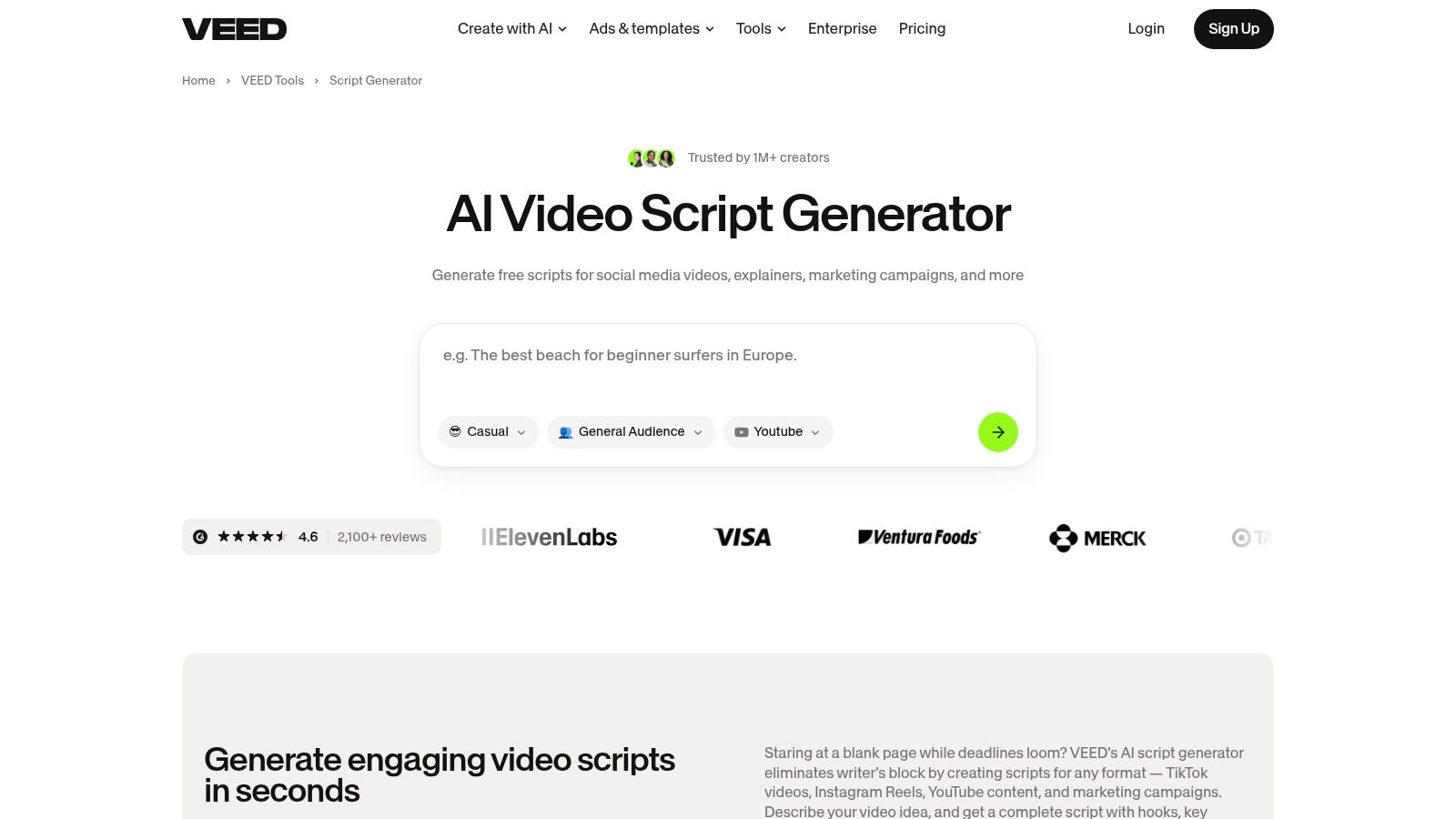
6. VEED AI Script Generator
VEED is a strong production option for faceless creators who care about voice, subtitles, dubbing, and straightforward editing. Its script generator supports short-form concepts for TikTok, Reels, and Shorts, then connects with the online editor for text-to-speech, auto-subtitles, vertical exports, and script-to-video workflows.
That connection is useful when the first draft is close but not ready. A creator can rewrite a line, adjust the narration, correct a caption, or change the visual timing inside the same environment. VEED also offers social export options and API capabilities for teams exploring more structured automation, although the amount of work saved depends on how much of the final edit still needs human review.
Voice quality and caption accuracy are central to faceless content because viewers have no presenter to compensate for weak delivery. VEED's TTS, dubbing, and subtitle tools address that production layer directly. Still, creators should listen to the entire voice track and inspect captions rather than assuming automation has preserved names, specialist terms, or intended pauses.
A faceless workflow succeeds when the narration sounds deliberate and the captions remain readable without the audio.
AI features and subtitles use credits, and the precise allowances vary by plan. Heavy production can therefore require a higher tier, particularly when a team generates multiple versions of the same script. VEED is best for creators who want a capable online editor alongside the writing tool, not for users seeking fully autonomous scheduled publishing.
Explore the VEED AI Script Generator and compare its editing workload with the time your channel can realistically support.
7. Canva Magic Write and AI Script Generator
Canva makes sense for design-led teams that already build social content in its ecosystem. Magic Write can draft short-form scripts, while Canva's templates and video tools let creators turn those drafts into vertical layouts, animated text, captions, and visual sequences. For faceless content, this is particularly useful when the brand depends on typography, color, reusable layouts, and graphic overlays rather than cinematic footage.
Saved voices and tones can help teams establish a repeatable starting point, although the writing may need more prompt iteration than a specialized script workflow. Canva's familiar interface also lowers the training burden for non-technical collaborators. A designer can refine the visual identity while a marketer adjusts the script, without requiring a separate editing application for every change.
The platform's main strength is brand consistency at the design layer. Brand kits and reusable templates can make multiple videos look related, which matters when a faceless channel has no recognizable presenter. The weakness is that a polished layout can conceal a weak narrative. Creators still need to tighten the opening, remove unnecessary wording, and align each text overlay with the spoken message.
Some advanced AI capabilities require Pro or Teams access and may include usage limits. Those conditions make Canva more attractive for teams already paying for its broader design environment than for a creator choosing a script generator solely for TikTok.
Use Canva's AI Script Generator when your workflow starts with a brand system and ends with designed social assets. It isn't the most automated choice here, but it can be an efficient bridge between script, visual identity, and collaborative review.
8. Jasper
Jasper is primarily a brand-controlled writing platform, which makes it a better fit for agencies and marketing teams than for creators seeking automatic video assembly. Its video script templates can support hooks, introductions, and full scripts, while Brand Voice, Knowledge, and Audience controls help keep output aligned with approved messaging.
That matters for faceless channels operating in a defined niche. A narrator may never appear on screen, so recurring language, vocabulary, point of view, and calls to action become important parts of the channel's identity. Jasper can help a team produce variations of a format without starting from an unstructured prompt every time. Its collaboration and governance features also suit workflows where one person drafts and another reviews.
Strong writing control, limited production automation
Jasper's limitation is the boundary between copy and video. It doesn't provide native script-to-TikTok auto-production in the same way as an end-to-end video platform, so the team still needs a separate tool for visuals, voiceover, subtitles, editing, and publishing. That creates more handoffs and more opportunities for the final video to drift away from the approved script.
The platform's support for 30-plus languages is stated in its product positioning, but the practical quality still needs review for each target language and audience. Pricing is also positioned higher than many consumer-oriented tools, so Jasper is easier to justify when brand governance and collaboration matter more than low-friction solo production.
For teams building repeatable formats, a structured video script template can make Jasper's output easier to evaluate. Visit Jasper to review current plans and determine whether its writing controls offset the additional video-production handoffs.

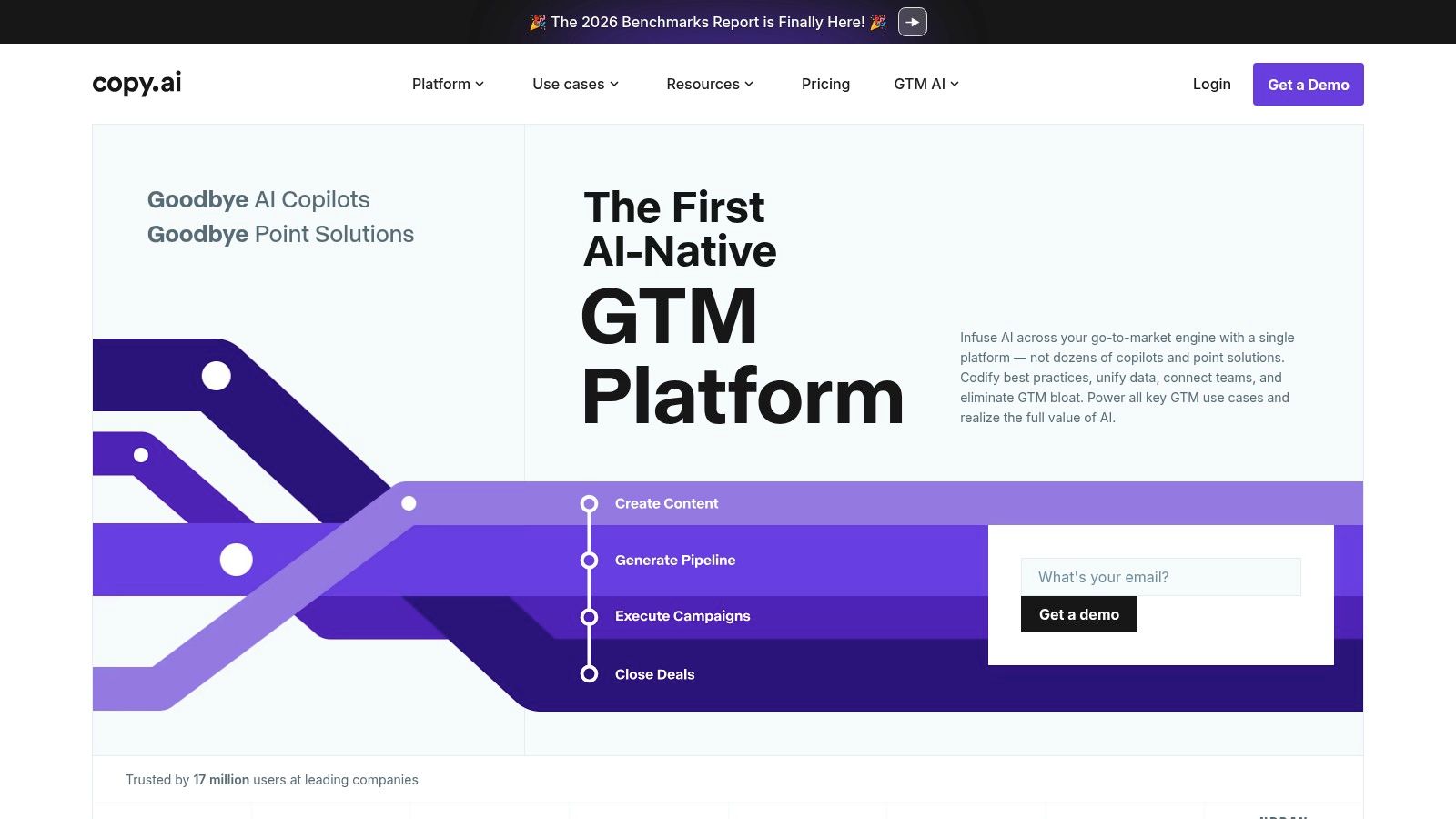
9. Copy.ai
Copy.ai approaches TikTok scripting as a repeatable content workflow rather than a single prompt. Its templates can help generate hooks, scripts, captions, and related social copy, while Chat and Workflows support multi-step sequences. A team could move from hook variants to a selected script and then to captions or hashtags without recreating the same instructions manually.
That structure is valuable for agencies and faceless creators managing several formats. One workflow can enforce a preferred tone, audience definition, narrative order, and review stage. Copy.ai also supports multiple models, including OpenAI, Anthropic, and Gemini, which gives teams flexibility when they want to compare outputs or build different workflow recipes.
The platform is less specialized at the finished-video layer. Generalist output may need editing before it sounds native to TikTok, particularly for creators using humor, suspense, niche terminology, or serialized storytelling. The tool can organize the writing process, but it doesn't remove the need to match the script with scenes, voiceover, captions, and a visual identity elsewhere.
Workflow advantage: Copy.ai is most useful when the creator needs several controlled text outputs from one content brief.
An entry plan can make experimentation accessible, while advanced workflow credits and features are available on higher tiers. Teams should therefore map the number of drafts and variations they expect to generate before choosing a plan. The Copy.ai platform is worth considering for brand-controlled scripting and collaboration, especially when the production team already has a separate editor or video automation tool.
10. Writesonic
Writesonic is the most automation-oriented choice for teams that want to generate scripts programmatically or repurpose existing content into short-form ideas. Its TikTok Script generator is available through a user interface and an API endpoint, while broader social-video templates can support titles, descriptions, captions, and related outputs.
That API access changes the workflow calculation. A creator or agency can connect script generation to a content database, a blog-repurposing process, or an internal approval system instead of treating every video as a manual chat session. For high-volume operations, the ability to batch or trigger drafts may be more important than having the most polished first version.
Writesonic also supports brand voice, multilingual generation, integrations, and SEO-related tooling. Those features can help a team convert longer educational or marketing material into short-form concepts, but the resulting script still needs to be adapted to spoken delivery. A paragraph that works in an article may be too slow, abstract, or visually difficult to represent in a faceless TikTok.
Where scaling creates friction
Pricing and plan structures evolve, so users should check current tiers and credit allowances before building an automated pipeline. Writesonic is also a generalist system, which means prompt quality and editorial review have a direct effect on output quality. It can produce the text layer at scale, but it doesn't by itself guarantee aligned visuals, natural voiceover, accurate captions, or automated publishing.
Visit Writesonic if API access and script batching are central to your operation. For a solo creator, a more integrated video platform may involve fewer handoffs.

Top 10 TikTok Script Generators, Feature Comparison
| Product | Core features | Quality & UX | Unique selling points | Pricing & Value | Target audience |
|---|---|---|---|---|---|
| ClipCreator.ai 🏆 | Auto-scripts, AI images, lifelike voiceovers, subtitles, HD render, scheduling & auto-post | ★★★★☆ Fast, set-and-forget; strong time-savings | ✨ Proven viral templates, brand-voice matching, full ownership, refund safety net | 💰 Starter 19/mo (3/wk) · Daily 39/mo · Pro $69/mo, scalable | 👥 Creators, educators, SMBs, agencies |
| TikTok Symphony Assistant (Creative Center) | Trend-informed script & storyboard generation, captions, Creative Studio integration | ★★★★☆ Native TikTok guidance; idea→asset flow | ✨ Platform trend & Top Ads insights | 💰 Free with Creative Center access (account-dependent) | 👥 Brands, ad creatives, agencies |
| CapCut AI (Script→Video) | AI Writer, script-to-video auto-editing, TTS, music, stock assets | ★★★★☆ Strong TikTok fit; mobile-first, large community | ✨ Seamless script→finished short workflow | 💰 Freemium; feature/region variance | 👥 Individual creators, casual editors |
| Kapwing AI Script Generator | TikTok script templates, script→video, AI B-roll, auto-subtitles, browser editor | ★★★☆☆ Smooth browser editor, team tools | ✨ Collaboration, vertical export presets | 💰 Freemium (watermark) + credit-based AI | 👥 Social teams, small creators |
| InVideo AI | Prompt-to-video, voiceover, captions, music, stock media | ★★★☆☆ Fast end-to-end assembly; credit model | ✨ Multiple voice models, stock integrations | 💰 Credit-based tiers; paid stock access | 👥 Marketers, creators needing assembled shorts |
| VEED AI Script Generator | Short-form templates, TTS, auto-subtitles, vertical presets, API | ★★★☆☆ Easy in-editor edits; strong subtitles/TTS | ✨ API automation & dubbing support | 💰 Credit-based AI; higher plans for heavy use | 👥 Faceless video creators, teams |
| Canva Magic Write (AI) | Script generator + design/storyboard tools, saved voices, templates | ★★★★☆ Familiar UI across web & mobile | ✨ Brand kits, animated layouts, integrated publishing | 💰 Freemium; Pro/Teams unlock advanced AI | 👥 Teams, marketers, non-technical creators |
| Jasper (Video Scripts) | Script templates, brand voice/knowledge controls, collaboration | ★★★★☆ High brand-voice fidelity for scale | ✨ Enterprise workflows, governance, multi-language | 💰 Higher-priced plans for teams/enterprise | 👥 Agencies, marketing teams |
| Copy.ai (Scripts & Workflows) | TikTok templates, chat workflows, multi-model support, brand settings | ★★★☆☆ Good starter output; needs tuning | ✨ Workflow automation & affordable entry plans | 💰 Freemium → paid tiers; credits/features | 👥 Small teams, content marketers, agencies |
| Writesonic (TikTok endpoint) | UI + API TikTok script generator, templates, repurposing tools | ★★★☆☆ Programmatic & high-volume focus | ✨ API for batching and blog→shorts workflows | 💰 Credit-based pricing; check current tiers | 👥 Developers, high-volume creators, agencies |
Choose the Workflow You Can Sustain
The strongest tool depends on where your production bottleneck sits. If the problem is the entire path from idea to scheduled faceless video, ClipCreator.ai is the clearest fit. It combines script generation, story-aligned imagery, voiceover, subtitles, rendering, and multi-platform auto-posting, with plans organized around a stated publishing frequency. That makes it more suitable for creators who want a channel to keep moving without opening an editor for every upload.
TikTok Symphony belongs earlier in the process. It is the logical choice for native trend-informed ideation, especially for brands and advertisers that want scripts, storyboards, captions, and creative guidance inside TikTok's own environment. It won't necessarily replace a full faceless production stack, but it can improve the starting brief.
CapCut and Kapwing suit creators who want script-to-video assistance with meaningful editing control. CapCut offers a direct TikTok-oriented path from AI writing to assembled vertical video, while Kapwing is attractive when browser editing, collaboration, AI B-roll, subtitles, and export controls matter. InVideo and VEED are broader production choices. InVideo emphasizes prompt-to-video assembly with stock media, voiceover, music, and captions, while VEED is particularly relevant when text-to-speech, dubbing, subtitle review, and online editing sit at the center of the workflow.
Canva is the better choice for design-led teams that depend on brand kits, animated layouts, and reusable visual systems. Jasper and Copy.ai are stronger when the main need is brand-controlled writing collaboration, hooks, scripts, captions, and repeatable content workflows. They require more production handoffs, but those handoffs may be acceptable for agencies with established editors. Writesonic stands out for API-oriented scale, especially when a team wants to connect script generation with repurposing or internal automation.
The market context supports taking this workflow view. A Metricool survey of more than 700 creators and marketers reported that 98% use AI at work, 86% use it for writing copy or captions, and 84% use it for content ideas, as reported by CNET's coverage of the survey. That adoption doesn't make every generated script publishable. It makes editorial systems more important because creators are producing in an environment where AI-assisted content is already common.
Test several scripts in the exact format you intend to publish. Listen to the complete voiceover, inspect every caption, confirm that scenes reflect the narration, and calculate how much manual editing each draft needs. Check credit rules, plan limits, publishing access, brand-voice controls, and whether the tool supports your required cadence. For educational, factual, or regulated content, add human verification before publication because a polished script can still contain an unsupported or misleading claim.
The best TikTok video script generator is the one your team can use consistently without sacrificing accuracy, identity, or production quality. Choose the workflow that leaves the fewest painful steps between a sound idea and a finished video.
ClipCreator.ai turns custom prompts or proven faceless formats into short videos with scripts, story-aligned visuals, lifelike voiceovers, subtitles, HD rendering, and scheduled multi-platform publishing. Visit ClipCreator.ai to test whether its set-and-forget workflow can support your TikTok cadence with less manual assembly.

Create your first video in under 2 minutes
Pick a niche, and ClipCreator.ai generates and auto-posts faceless videos to your channels every day.
Join ClipCreator.ai

