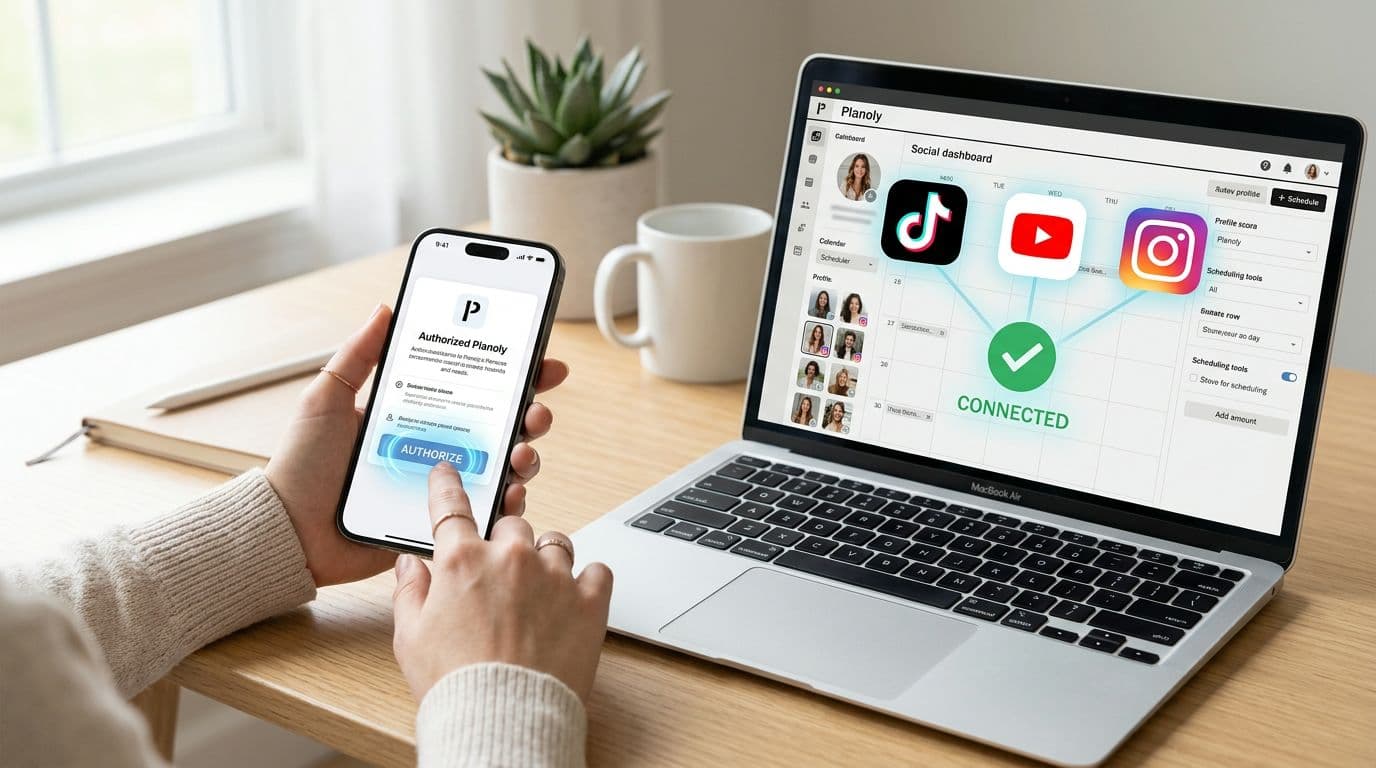
The most popular advice on how to link social media accounts is to tap Connect, approve a popup, and assume every channel will publish the same post. That shortcut fails more often than it works. A personal Instagram profile, a YouTube channel you don't own, and a TikTok app that hasn't passed review can all look "connected" while public publishing stays blocked. Linking is a permission-and-identity workflow. Account type, approval status, scopes, and posting caps differ by platform, and a failed connection is usually an eligibility or policy problem, not a broken scheduler.
Why Linking Social Media Accounts Is Not One Universal Process
Audiences don't live on one network, so coordinated publishing is worth the setup pain. Pew Research Center surveyed 5,733 U.S. adults from May 19 to September 5, 2023, and found that 83% had ever used YouTube, 68% had used Facebook, and 47% had used Instagram. The same study reported that 27% to 35% used platforms including TikTok, LinkedIn, WhatsApp, Snapchat, and Pinterest. 74% of adults under 30 said they used at least five of the platforms in the survey, compared with 53% of adults ages 30–49, 30% of those ages 50–64, and 8% of adults 65 and older.
Those splits mean a single login can't stand in for a publishing system. Younger viewers are likely to meet the same series on several apps, while older viewers cluster elsewhere. Each service still has its own formats, permissions, and audience behavior.
Four Things That Differ by Platform
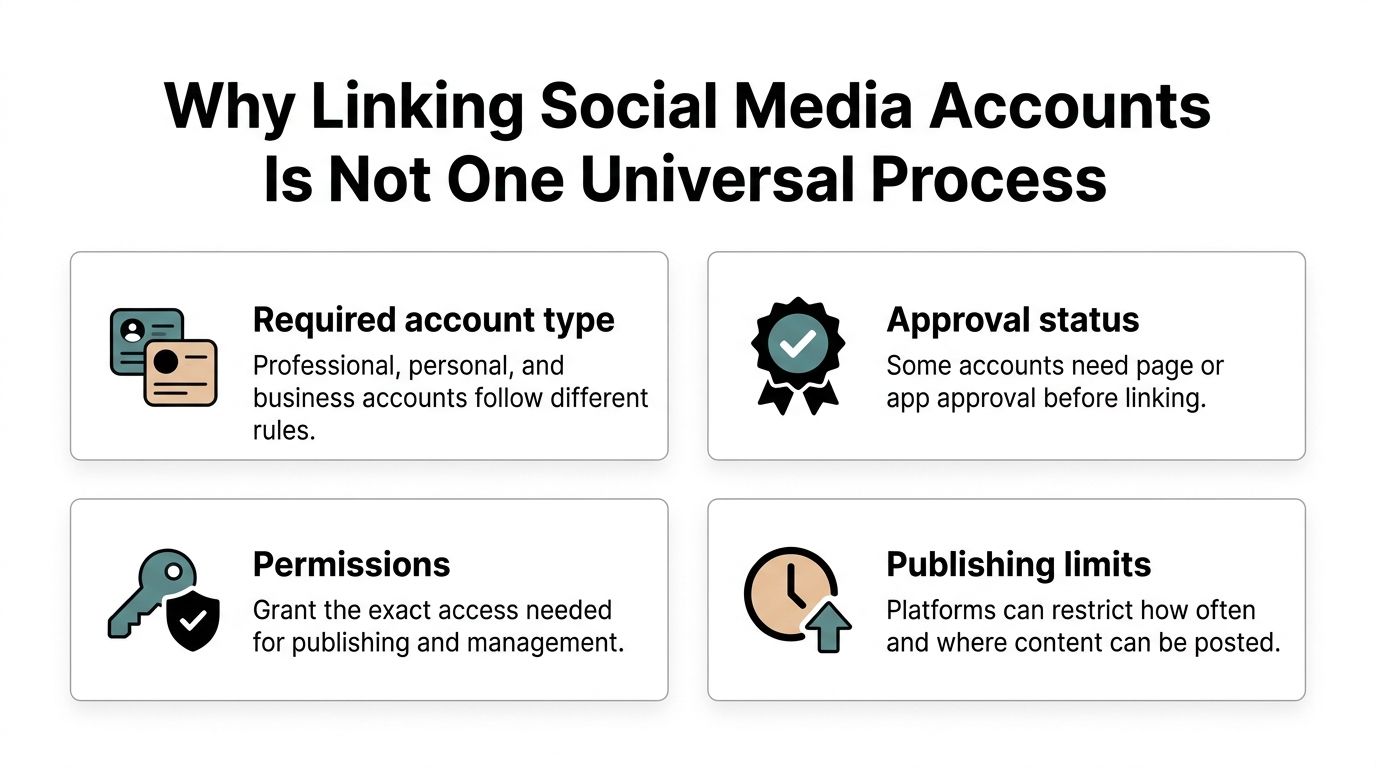
A generic Connect tutorial leaves people stuck for predictable reasons.
- Required account type: Instagram API publishing expects a Business or Creator account. A personal profile can be "linked" in the app and still be unsupported for automated posts.
- Approval status: TikTok API publishing can stay private until the app passes platform review. A private connection is not a public channel.
- Permissions: Scopes are granular. Logging into Facebook doesn't automatically grant Instagram publishing rights.
- Publishing limits: Caps and format rules decide whether a high-frequency short-form calendar is even legal on that API.
Practical rule: If the account type or app review status is wrong, no scheduler can publish publicly. Fix eligibility before you retry the button.
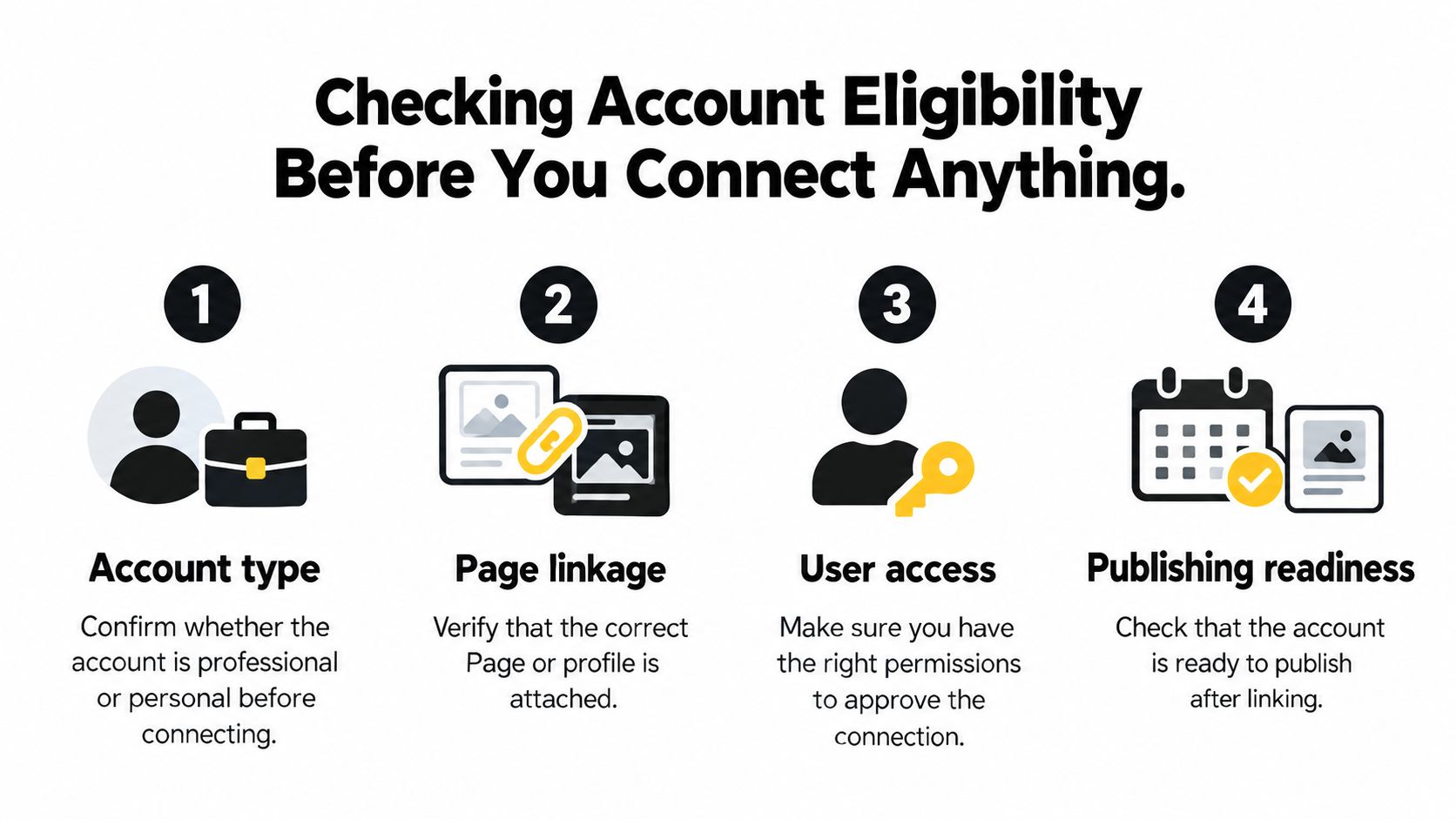
Checking Account Eligibility Before You Connect Anything
Run this audit before anyone touches Connect. Half of first-try failures are accounts that were never eligible.
Reach also moves. Pew's 2021 to 2023 comparison showed TikTok use among U.S. adults rising 12 percentage points, from 21% to 33%, while Instagram rose 7 percentage points. In 2023, YouTube was still first at 83%, Facebook 68%, and Instagram 47%. A channel that was optional two years ago can be core now, so treat linking as an ongoing operations task. Add, remove, and reauthorize as the mix changes.
Pre-Connection Checklist
- Account type. Confirm Instagram is Business or Creator, not personal. Confirm the YouTube identity is the channel you intend to upload to, including a brand channel if that's the publisher. Confirm the TikTok account is the one the app is allowed to act for.
- Page linkage. If the integration uses Facebook Login for Business, the Instagram professional account must be connected to a Facebook Page. Profile linking inside the consumer app is not the same thing as API authorization.
- User task access. The person clicking Allow needs enough Page task access to grant publishing permissions. An editor who can view insights may still be unable to authorize posts.
- App mode. Check whether the developer app is in development, review, or production. A TikTok app that hasn't passed review can authenticate and still refuse public posts.
- Credential health. Note expired tokens, prior revocations, and scope changes. A green "connected" badge from last quarter doesn't prove today's token still works.
If authentication succeeds and public publish still fails, stop blaming the tool. Recheck account type, Page linkage, and review status first.
Authorizing YouTube, Instagram, and TikTok Accounts Safely
Use platform-authorized OAuth 2.0. Never collect social passwords. Passwords bypass consent screens, break when the user enables extra login checks, and give a tool far more power than publishing needs.
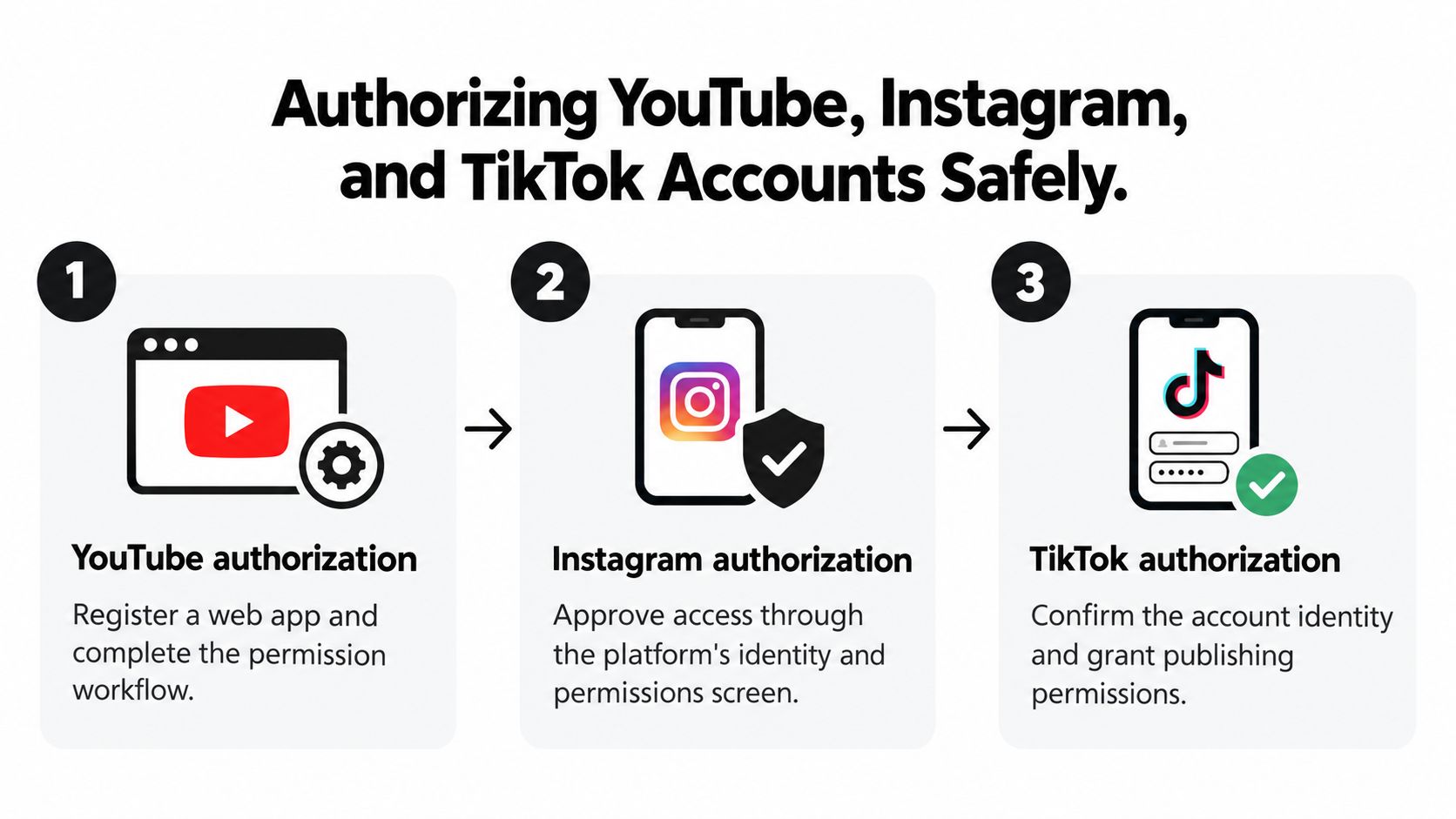
YouTube Token Handling
Google's YouTube auth guidance is the pattern to copy for a web app, even when the official sample is framed around installed apps.
- Register the app and set an exact HTTPS redirect URI. A mismatched URI fails before consent even matters.
- Send the narrowest scope on Google's consent screen. Upload permission is not a reason to request every YouTube scope.
- Exchange the authorization code server-side, then encrypt the refresh token in long-term storage.
- Mint short-lived access tokens with an HTTPS POST using
grant_type=refresh_token. Access tokens call the API. Refresh tokens keep access after expiry.
A frequent failure is requesting a new refresh token on every login instead of reusing a valid one. Google limits issuance per client and user, and across a user's clients. Older tokens can stop working once those limits are exceeded. Keep one token record per platform account, handle rotation, detect revocation, and offer an explicit reconnect. Log provider error codes, never the tokens. Prove the path with a private or unlisted upload and confirm the channel identity before anything public.
Instagram and TikTok
For Instagram professional accounts, decide whether you use Business Login for Instagram or Facebook Login for Business. The Facebook path needs the professional account on a Page, plus sufficient task access. Request only endpoint-specific permissions, explain each one in the consent UI, and store platform, account ID, token metadata, scopes, and status as separate fields. Successful Facebook login does not authorize Instagram publishing by itself.
TikTok adds a review gate. Until the app is approved, API publishing can remain private, so a "successful" link still won't serve a public calendar. Narrareach's TikTok integration is a useful reference for what a reviewed, account-level TikTok connection is supposed to expose before you promise auto-posting. If Instagram is part of the same stack, pair that check with a workflow for auto posting to Instagram so you don't assume one OAuth success covers both networks.
Comparing Platform Linking Rules and Publishing Limits
Friction shows up in different columns for each network. A Connect-only tutorial hides that, and high-frequency short-form campaigns hit the gaps first: approval delays, missing scopes, and hard caps.
| Platform | Required Account Type | Page Linkage | Permission Model | Publishing Limit |
|---|---|---|---|---|
| YouTube | Google account that can act for the target channel | Not a Facebook Page issue | OAuth scopes, narrowest set, refresh token reused | Token issuance limits if you keep minting new refresh tokens |
| Business or Creator, not personal | Required when using Facebook Login for Business | Granular, endpoint-specific, user-granted | API publishing reported at 50 posts per 24 hours | |
| TikTok | Account the app is authorized to publish for | Not a Page model | App review plus user consent | Public API publishing can stay off until review passes |
Developer roundups of social APIs report that Instagram cap of 50 posts per 24 hours. A twice-daily series is fine. A bulk backfill of a month of clips in one afternoon is not. YouTube's constraint is different. Reuse the refresh token. Don't treat every reconnect as a fresh grant. TikTok's constraint is approval. Private-mode publishing is a policy state, not a user mistake.
Meta's model is the one teams misread most often. Each endpoint needs the permissions for that endpoint. Analytics access doesn't imply publish access. A user can grant one and refuse the other, and the connection still looks successful in your dashboard.
What That Means for a Campaign
Approval lag and caps change the calendar, not just the settings page. If TikTok review takes days, don't schedule a launch that depends on public API posts that week. If Instagram is near the daily cap, move overflow to a manual or native path instead of retrying until the API rejects the batch. For the handoff between "video is ready" and "video is live," a separate pass on how to publish a video keeps format checks out of the auth checklist.
Troubleshooting Failed Connections and Permission Errors
Reconnect is the wrong first move for most red errors. It masks rate limits and content-policy rejects as if they were login problems.
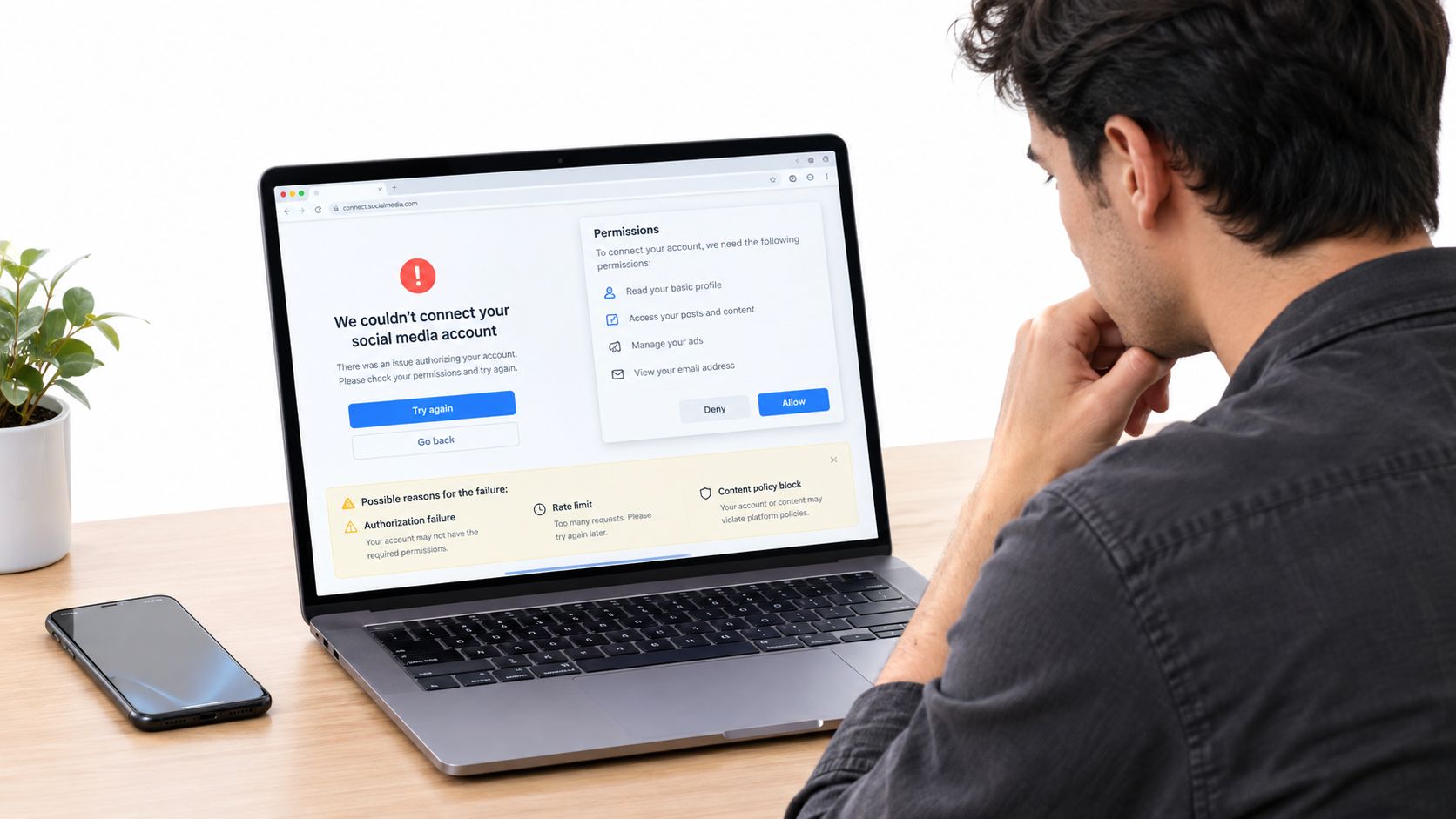
Meta's Instagram platform overview is explicit that permissions are granular and user-granted, and that each endpoint needs its own relevant permissions. I've watched Facebook auth succeed, the Page show as linked, and Instagram publish still fail because the publish permission was never on the token. The fix is a new consent with the missing scope, not another generic login.
Symptom, Cause, Fix
- Facebook succeeds, Instagram publish fails. Cause: endpoint permission missing, or the user lacks Page task access. Fix: confirm Business or Creator, Page linkage, task access, then re-consent only the missing scopes. Validate the returned account ID against the workspace you meant to connect.
- Personal Instagram "connects" but can't post via API. Cause: personal profiles aren't eligible. Fix: switch to a professional account before you authorize again.
- TikTok accepts login, posts stay private or unpublished. Cause: app still awaiting review. Fix: wait for approval. Retrying OAuth won't change review state.
- YouTube worked for weeks, then every call dies. Cause: refresh token invalidated after repeated re-issuance, or the user revoked access. Fix: reuse one stored refresh token, detect revocation, and run a single reconnect. Don't loop token requests.
- Burst of failures after a heavy schedule. Cause: rate limit or content-policy rejection. Fix: read the provider error code. Back off or edit the asset. A reconnect prompt here hides the underlying fault.
Log the code and the account ID. Don't log tokens. Order the diagnosis the same way every time: account type, Page linkage and task access, scopes, app review, then rate limits and content policy. Only then treat the scheduler as suspect.
Auditing Permissions and Revoking Access Without Breaking Schedules
Convenience isn't the only goal. Survey work on third-party access found that 70.59% of respondents expressed moderate-to-high unease about advertisers or businesses accessing their information without consent, and 66.27% were uncomfortable with data collection without clear disclosure. Older large-scale research in that same discussion found that 46% of participants had at least one third-party permission they considered concerning or very concerning.
That unease maps cleanly onto creator and agency stacks. A connected account might allow publishing, analytics, comment management, or, on some products, message visibility. Read the consent screen and keep only the scopes the job needs.
What to Audit
- Scope list: publishing versus read-only insights versus anything that touches messages. Drop scopes you don't use.
- Identity: channel or professional account ID matches the brand, not a personal profile someone used "just to test."
- Owner: a shared inbox or role account holds the connection, not one employee's login.
- Revoke path: Google Account permissions, Meta's business integrations or Page access, and TikTok's authorized apps. Revoke there when a tool should lose access.
- Schedule impact: existing published posts stay up when you disconnect. Queued posts that depended on that token will fail until a new token is stored. Reconnect before the next slot, using the same account ID, so the queue doesn't retarget the wrong channel.
Offboarding Without a Dead Calendar
When an employee or agency leaves, don't delete the integration in a panic and discover the evening post never left the queue. Rotate access in this order: confirm which schedules use the token, grant the replacement owner the right Page or channel role, reconnect under that owner, run one private or draft check, then revoke the old grant. Minimizing permissions and writing that offboarding step down is worth more than connecting every account the dashboard offers.
Testing Your Setup and Choosing the Right Automation Tool
A healthy link still needs a dress rehearsal. Do a low-risk read first, such as listing the channel or professional account, and confirm the ID. Then publish a private, unlisted, or draft item where the API allows it. Only after that identity check should anything hit a public slot.
Pick the scheduler by what it can authorize, not by the Connect button's marketing.
- Manual or native schedulers fit low volume and personal accounts that APIs won't accept. You trade time for fewer eligibility surprises.
- Suite tools such as HubSpot or Hootsuite centralize several networks when you already live in that workspace, with their own re-auth windows and role rules.
- Dedicated short-form automation fits a repeatable video pipeline. ClipCreator.ai creates and publishes short faceless videos for TikTok, YouTube, and Instagram, pairing AI-written narratives with story-aligned images, voiceovers, and subtitles, in HD up to 90 seconds. You can connect TikTok or YouTube for scheduled auto-posting. Plans scale from three posts a week to twice daily, you keep ownership of the videos, and a first-two-videos refund promise applies. Instagram may still mean a download and a manual post, depending on the workflow.
Whichever path you choose, compare options in a roundup of the best social media scheduling tools against your account types and caps. Then connect one eligible account, run that test publication, and put a recurring permission audit on the calendar so scopes and owners don't drift.
ClipCreator.ai automates short, faceless videos and scheduled publishing for TikTok and YouTube, with Instagram support that may still include a manual post. If you're linking accounts so a repeatable series can go live without babysitting each upload, start with one eligible channel and a private test. Visit ClipCreator.ai to connect your accounts and set the schedule.

Create your first video in under 2 minutes
Pick a niche, and ClipCreator.ai generates and auto-posts faceless videos to your channels every day.
Join ClipCreator.ai