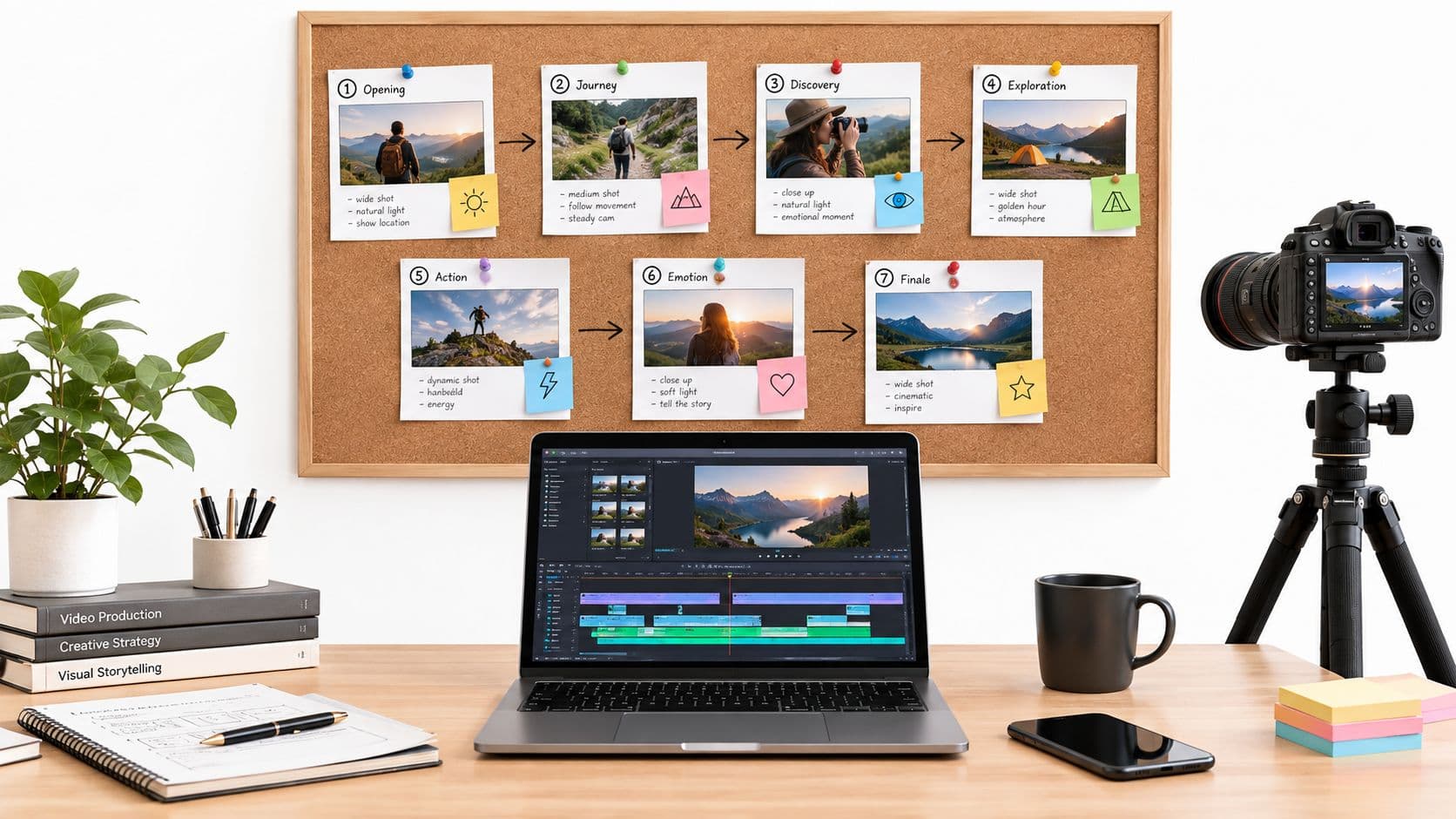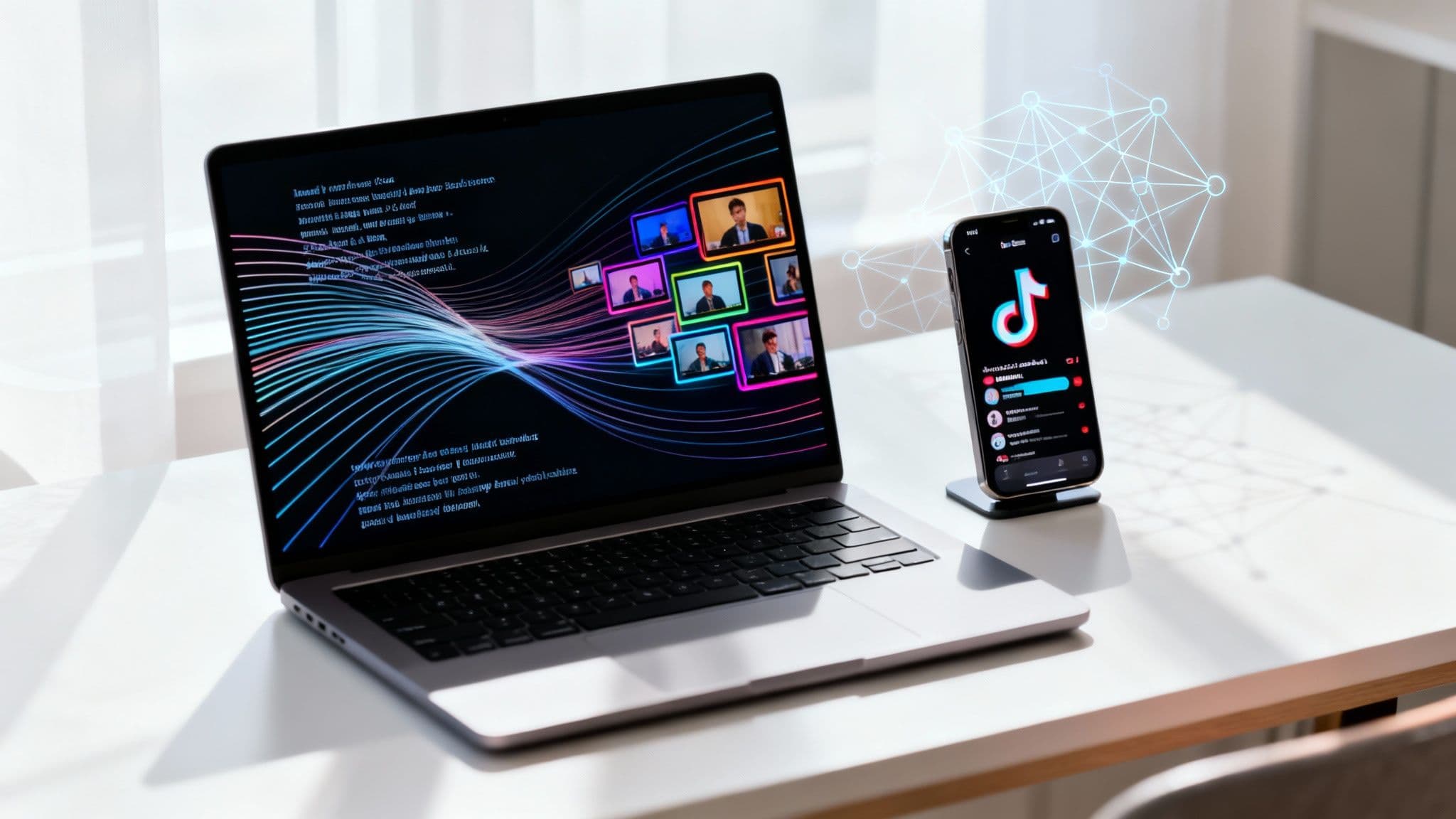
Ever thought you could create a polished, ready-to-post video just by typing a few sentences? That's exactly what AI video creation is all about. You can take a simple script or a basic idea and let the technology turn it into a short video—visuals, voiceover, captions, and all—in a matter of minutes.
This approach completely sidesteps the need for cameras, mics, or finicky editing software, which is a huge deal for anyone who's ever felt bogged down by traditional video production. It’s opening up a new world for creators and marketers trying to feed the content-hungry algorithms on platforms like TikTok, YouTube, and Instagram.
A Whole New Way to Make Viral Short-Form Videos

Let's be real: the demand for short-form video is off the charts. But making it the old-fashioned way is a grind. It’s slow, it’s expensive, and it requires technical skills. For anyone trying to post consistently—which the algorithms love—this has always been a massive roadblock. Trying to shoot, edit, and design graphics for a new video every single day just isn't realistic for most people.
This is precisely where AI-powered video tools are stepping in to change the game. Instead of spending hours or even days on a single clip, you can generate a professional-looking video from a simple text prompt. The AI does all the heavy lifting, turning your script into a finished piece with all the elements perfectly synced up.
So, How Does Text-to-Video AI Actually Work?
At its heart, text-to-video AI is a smart interpreter. It takes your written words and builds a full sensory experience around them. To get a better sense of how this works, it’s useful to understand what AI-generated content is and how its different pieces come together. It’s not just about randomly slapping clips together; several sophisticated processes are happening behind the scenes:
- Script Analysis: The AI first digests your script to figure out the story, the overall vibe, and the main topics.
- Visual Selection: Based on its analysis, it then generates or pulls relevant images and video clips that align with each sentence or idea.
- Voice Generation: A natural-sounding voiceover is created from your text, with pacing and tone that match the mood of your script.
- Automatic Subtitles: The tool adds perfectly timed captions, which are absolutely essential for grabbing and holding attention on mobile feeds.
This automated workflow crushes what used to be a days-long production schedule into just a few minutes.
Traditional vs AI Video Creation at a Glance
To put this shift into perspective, let's look at a side-by-side comparison. The difference in time and effort is pretty stark.
| Production Step | Traditional Method (Hours/Days) | AI Method (Minutes) |
|---|---|---|
| Scripting & Storyboarding | 2-4 hours | 5-10 minutes (or less) |
| Filming/Asset Sourcing | 3-8 hours | 2-5 minutes (automated) |
| Voiceover Recording | 1-2 hours | 1-2 minutes (automated) |
| Editing & Post-Production | 4-16 hours | 5-15 minutes (automated) |
| Adding Captions/Graphics | 1-3 hours | 1-3 minutes (automated) |
As you can see, AI tools don't just speed things up a little—they completely change the production timeline, freeing you up to focus on ideas and strategy instead of getting stuck on tedious technical tasks.
The rapid growth in this space tells the whole story. The global AI video generator market is on track to hit USD 2,562.9 million by 2032, expanding at a massive 19.5% CAGR. This isn't just a niche trend; it’s a fundamental shift in how content gets made, making high-quality video production accessible to pretty much everyone.
Alright, here’s how we’re going to kick this off. The very first decision you make will set the tone for your entire video, so let's get it right.
Choosing Your Creative Starting Point

Before a single frame gets generated, you’ve got a choice to make: do you go with a pre-built template that’s already proven to work, or do you roll up your sleeves and write a custom prompt from scratch?
Honestly, there’s no wrong answer here. It really boils down to what you’re trying to achieve, who you're talking to, and how much you want to micromanage the creative process.
Think of templates as the express lane. These aren’t just cookie-cutter presets; they're content structures that have been battle-tested on platforms like TikTok and YouTube. Formats for scary stories, weird history facts, or even calming bedtime tales have a built-in rhythm and feel that people already know and love.
Using a template takes a lot of the guesswork out of the equation. Instead of starting with a blank canvas, you're building on a foundation that’s been tweaked and refined for engagement. This is a game-changer if you need to pump out content quickly without getting stuck in the weeds on every single video.
Leaning on Proven Viral Templates
When speed and consistency are the name of the game, templates are your secret weapon. They give you a reliable framework so you can pour all your energy into the story or information you're trying to share. This approach is a lifesaver for content niches that do well with a familiar structure.
I've seen these formats work time and time again:
- Scary Stories: They rely on a specific, suspenseful pacing that grabs people immediately. The template sets the spooky mood, so all you have to do is bring the ghost story.
- Historical Facts: These templates often use a clean, straightforward structure to make dense information feel light and easy to follow in a 60-second clip.
- Motivational Quotes: The formula is simple but effective: powerful words, inspiring visuals, and an uplifting voiceover. It’s an incredibly shareable format that you can create with very little effort.
A good template is a strategic shortcut. You're tapping into a content formula that's already working, which lets you focus on what really matters: delivering a great story that connects with an audience that's already looking for it.
Crafting Custom Prompts for Niche Content
Templates are great for speed, but custom prompts give you total control. This is where you get to be the director, telling the AI exactly what you want the final video to look, sound, and feel like. If your goal is to create AI videos from text that are completely unique to you or your brand, this is the path to take.
Writing a solid custom prompt is a bit of an art form. It's all about being specific and painting a clear picture for the AI. A vague request will get you a vague result.
For instance, let’s say you’re a marketing agency working with a new client. A weak prompt would be "make a video about coffee." A much better, more effective prompt would be: "Generate a 60-second video script for a new eco-friendly coffee brand. The tone needs to be upbeat and energetic. Make sure to highlight the sustainable packaging and fair-trade sourcing. End with a strong call-to-action to visit our website."
See the difference? That level of detail ensures the AI delivers a script and video that feels intentional and on-brand, making it an invaluable tool for niche marketing.
Writing Scripts That Hook Viewers Instantly

The script is the soul of your video. Even with AI handling the visuals and voice, it's the story you tell that convinces someone to stop scrolling and pay attention. When you're writing for an AI generator, you need to think a little differently than you would for a human presenter.
You’re essentially building a blueprint for the machine. Each sentence directly shapes the imagery, the rhythm of the edits, and the overall feel of your video. That means your writing has to be crystal clear and incredibly well-structured.
Nail the First Three Seconds
On TikTok, Instagram, or YouTube Shorts, you have literally seconds to make an impact. The first line of your script isn’t just an introduction; it’s a powerful hook designed to jolt the viewer with a question, a bold claim, or a problem they didn’t know they had.
Cut the fluff. Forget the long, formal intros. You need to get right to the good stuff with an opening that sparks immediate curiosity. It's the most critical part of the entire script.
Here are a few hook formulas I've seen work time and time again:
- The "You've Been Doing It Wrong" Hook: "You've been making coffee wrong your whole life."
- The "Secret Unveiled" Hook: "Here's a history fact they never taught you in school."
- The "Intriguing Question" Hook: "What if you could travel back in time for just one day?"
The real goal here is to create an "information gap." A solid hook makes someone feel like they have to stick around for the answer or the payoff. It locks in their attention, giving the rest of your video a chance to shine.
Structure for Clarity and Impact
Once you’ve got them hooked, your script needs to deliver on that initial promise. Fast. Keep your sentences short, punchy, and direct. Use simple, conversational language that's easy for both a human viewer and the AI voiceover to process.
Even a 60-second video needs a clear narrative arc. Start with your main idea (the hook), follow it up with a few key points or story beats, and then wrap it all up with a strong takeaway or a clear call-to-action (CTA). This structure helps the AI generate a sequence of visuals that actually makes sense and flows logically. If you need help organizing your thoughts, our detailed guide on using a video script template is a great place to start.
The battle for eyeballs is fierce. With 25 million videos uploaded to TikTok and 3 million to YouTube every single day, your content has to be sharp from the very first word. This massive volume is exactly why you need to create AI videos from text that are built for short attention spans. Exploring the trends in the AI video generator market shows how tools like ClipCreator.ai are stepping up to meet this incredible demand.
Bringing Your Story to Life With AI
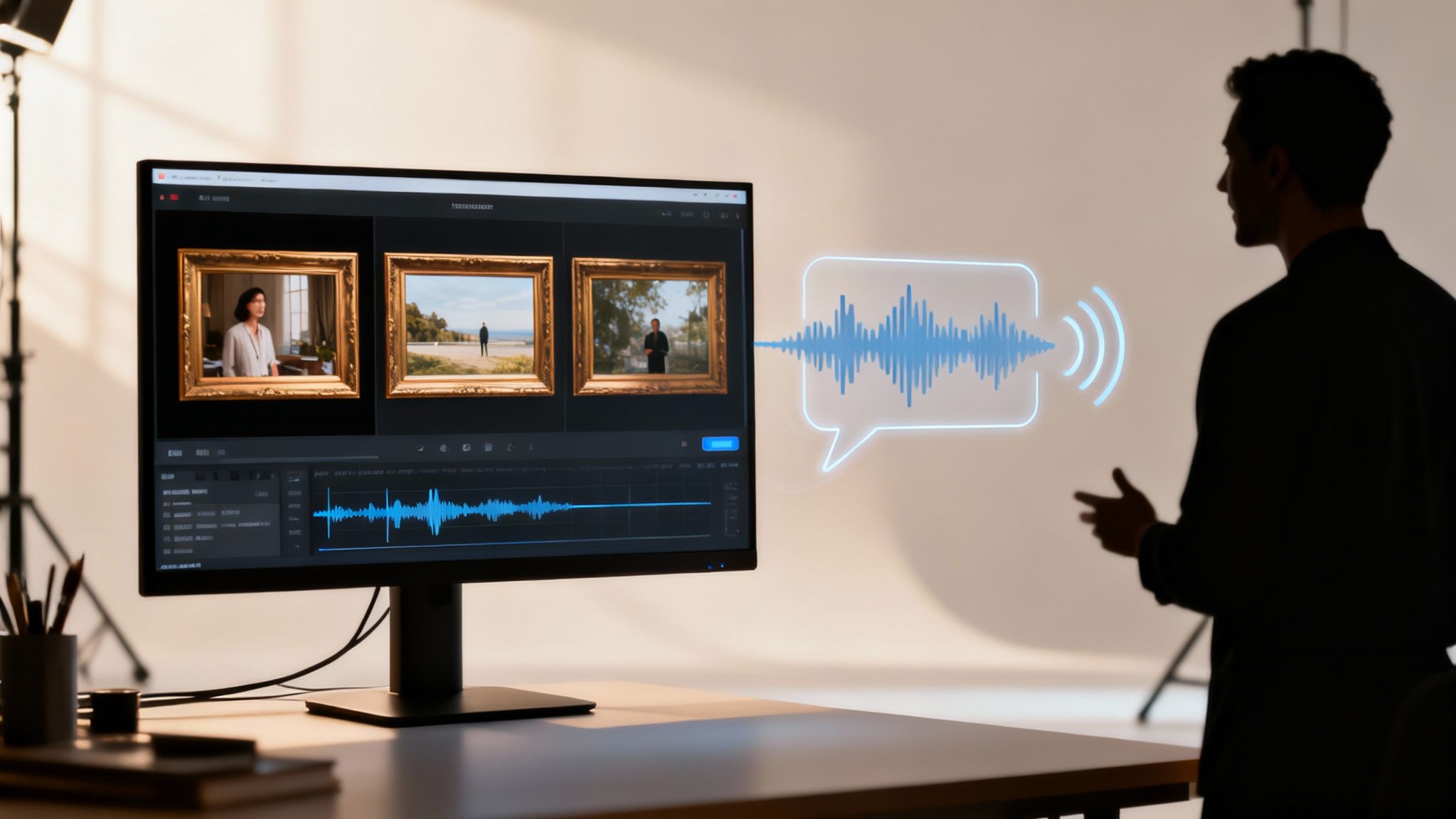
Okay, you’ve got your script dialed in. Now for the fun part. This is where you hand over your words and let the AI do the heavy lifting, piecing together the visual and audio elements of your video.
Modern AI video platforms are surprisingly intuitive. They don't just randomly grab clips; they analyze the sentiment and context of your script to generate or select visuals that actually match the story. The goal is a seamless flow where the images on screen directly reflect the words being spoken.
When you're ready to see this in action, it's worth exploring a few different AI Video Generator tools to get a feel for their unique styles. You'll be amazed at how quickly they can turn a simple text document into a professional-looking video.
Finding the Perfect Voice
Visuals are only half the battle; the voiceover sets the entire mood. The right voice can grab a viewer's attention, while the wrong one can make them scroll right past. Thankfully, AI voice generation has moved beyond robotic tones and now offers an incredible range of natural-sounding options.
Think about the feeling you want to evoke. The voice you choose should be a deliberate decision:
- Marketing Clips: Go for something energetic and persuasive to build excitement.
- Educational Content: A clear, authoritative voice inspires confidence and helps with retention.
- Bedtime Stories: You’ll want a calm, gentle tone to create a soothing experience.
The best part? You can audition dozens of voices in minutes without ever stepping into a recording booth. If you want to see how this works, our guide on a text to video generator free of charge shows you some of the possibilities.
The goal is to create an emotional connection. An AI voiceover isn't just about reading words; it's about conveying the feeling behind them, ensuring your message resonates with the viewer on a deeper level.
Making Your Content Accessible and Engaging
The last piece of the puzzle is one of the most important for social media: subtitles. With so many people watching videos on platforms like TikTok and Instagram with the sound off, captions are absolutely essential.
Anyone who has tried to manually transcribe and sync subtitles knows it's a painfully slow process. This is where AI generators really shine. They automatically create accurate, perfectly timed captions that appear on screen as the narrator speaks.
This single feature massively boosts your video's potential reach and engagement. It opens your content up to people in noisy environments, those who are hearing-impaired, or anyone who just prefers to watch silently. It’s the final polish that gets your video ready to go live.
Putting Your Content Strategy on Autopilot
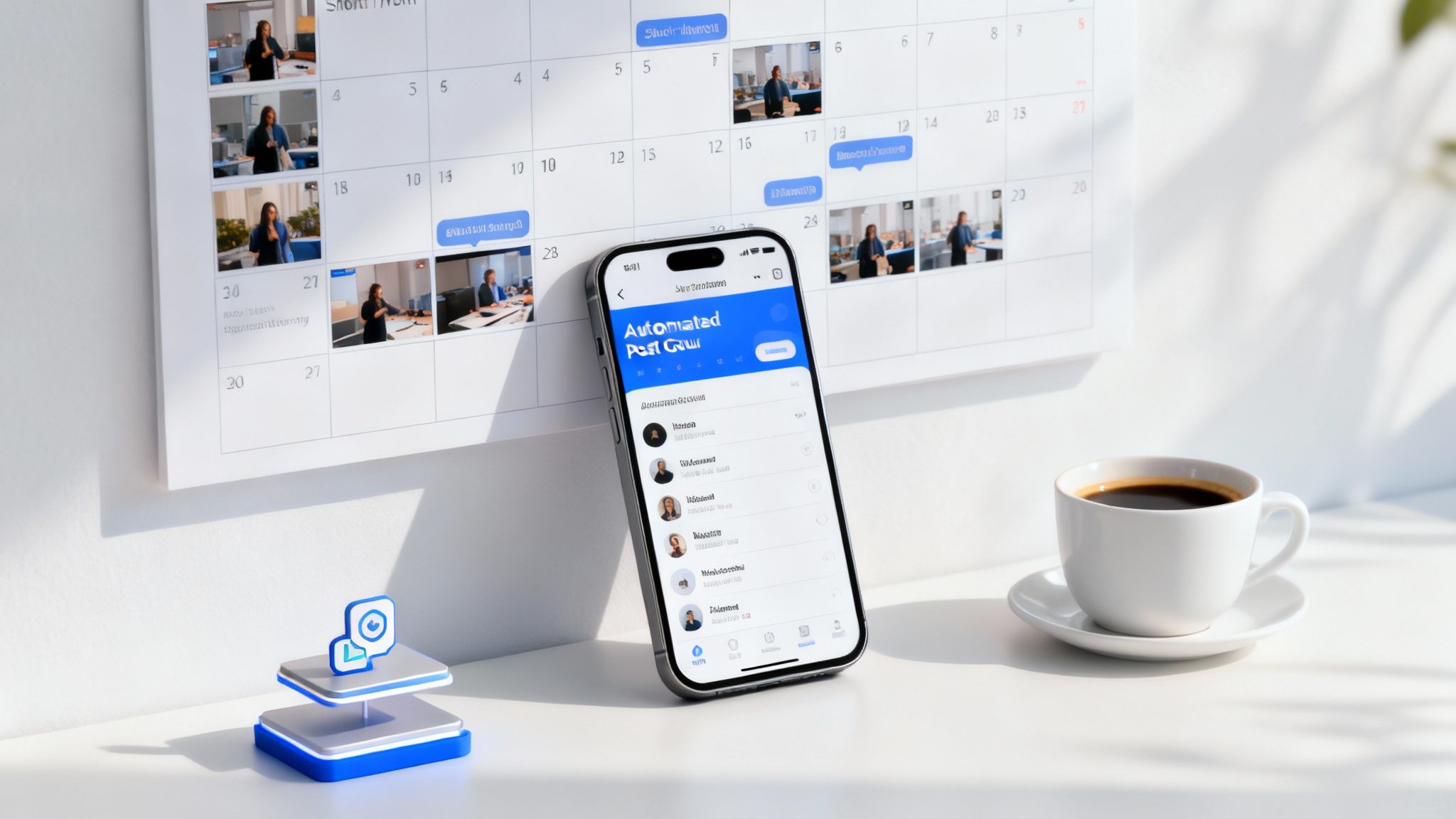
Making a great video is only half the battle. If you want to grow on platforms like TikTok, YouTube, or Instagram, the real secret is relentless consistency. This is where automation becomes your secret weapon, turning your video workflow from a daily grind into a system that runs itself.
Most AI video tools let you connect your social media accounts directly, so you can schedule your content to go live days or even weeks in advance. It’s a true “set-it-and-forget-it” approach that guarantees you maintain a steady presence without constantly having to be online to hit ‘post’.
This isn't just about saving a few minutes here and there; it's a massive strategic advantage. It frees you up to think about the big picture—your next big idea, your audience, your strategy—instead of getting bogged down in the manual labor of uploading. For a deeper dive, our guide on how to automate content creation walks you through the practical steps.
Strategic Scheduling for Maximum Impact
Posting whenever you feel like it is a recipe for getting lost in the noise. To actually get seen, you need to publish when your audience is scrolling. Automation tools are perfect for this, letting you schedule your videos to drop at the exact moment they’ll make the biggest splash.
Every platform has its own rhythm. While your own analytics are your best guide, here are some solid starting points I’ve seen work well:
- TikTok: Weekday afternoons from 2 PM to 6 PM and late mornings around 10 AM to 12 PM are often prime time.
- YouTube Shorts: Try for early evenings between 6 PM and 9 PM on weekdays, and shift to afternoons on the weekends.
- Instagram Reels: Lunch breaks (11 AM to 1 PM) and after-dinner scrolling (7 PM to 9 PM) are typically solid bets.
The real power of scheduling comes from building a content backlog. Think about it: having an entire week of videos queued up and ready to go. That buffer completely removes the stress and ensures you never miss a post—a critical signal to the algorithms that you’re a reliable creator.
To show you what this looks like in practice, here is a simple schedule you can adapt.
Example Posting Schedule for Maximum Reach
This sample calendar shows how you can use automation to maintain a consistent presence across the top short-form video platforms without living on your phone.
| Day | TikTok Post Time | YouTube Shorts Post Time | Instagram Reels Post Time |
|---|---|---|---|
| Monday | 3:00 PM | 7:00 PM | 12:00 PM |
| Tuesday | 11:00 AM | 6:30 PM | 8:00 PM |
| Wednesday | 4:00 PM | 7:30 PM | 12:30 PM |
| Thursday | 2:30 PM | 8:00 PM | 7:00 PM |
| Friday | 5:00 PM | 6:00 PM | 1:00 PM |
| Saturday | 1:00 PM | 3:00 PM | 6:00 PM |
| Sunday | 2:00 PM | 4:00 PM | 7:30 PM |
Adjust these times based on your own audience data, but use this as a framework to build from. The goal is consistency, not perfection.
Building a Sustainable Content Calendar
A content calendar is your roadmap. It helps you visualize your posting schedule and makes sure you always have something fresh for your audience. Instead of waking up and thinking, "What should I post today?", you can plan your topics in batches and generate the videos all at once.
This organized approach is more important than ever. The ability to create AI videos from text is fast becoming a core skill in digital marketing. In fact, projections show the AI video generator market is set to explode from USD 4.105 billion to a staggering USD 82.64 billion by 2035. You can read more about these AI video market growth trends to grasp the scale of this shift. Building an automated workflow now is how you get ahead of the curve.
Got Questions About AI Video? I've Got Answers
Jumping into AI video creation for the first time usually brings up a handful of good questions. If you're anything like me when I first started, you're probably wondering about who owns the final product, what kind of content actually works, and just how technical this whole thing is. Let's walk through some of the most common questions I hear.
One of the biggest concerns people have right off the bat is about ownership. It makes sense—you don't want to pour your creativity into something you can't even own.
"If an AI Makes It, Do I Actually Own the Video?"
Yes, you do. It’s a common misconception, but with a platform like ClipCreator.ai, any video you generate is 100% yours. Full stop. You have complete ownership.
This is a game-changer because it gives you total freedom. You can upload it to all your social channels, run it as a paid ad, or feature it on your website without ever thinking about royalties or weird usage rights. I've seen how complicated stock footage licensing can get, so believe me, having clear ownership from the start saves a massive headache.
"What Kind of Videos Is This Good For?"
This is where the strategy comes in. While the tech is flexible, it absolutely shines for creating narrative, faceless content. Think about the stuff that goes viral on TikTok and YouTube Shorts—that's the sweet spot. These tools are built to turn a good story on paper into a visually captivating video.
I've found the best results come from formats like:
- Storytelling: Scary stories, weird history facts, or any narrative that hooks people with a strong voice and matching visuals.
- Relaxing Content: Guided meditations or bedtime stories work incredibly well, where the AI voice can be set to a calm, soothing tone.
- Bite-Sized Info: Quick educational clips or simple product explainers are perfect for this.
- Motivational Shorts: Pairing powerful quotes with epic, inspiring imagery is a classic formula that AI handles beautifully.
The key takeaway is that if you can describe it vividly, the AI can build it. It’s not really designed for personal vlogs where your face is the main event, but for just about any other kind of automated storytelling, it’s incredibly effective.
"Can I Really Post Directly to TikTok and YouTube?"
You absolutely can, and honestly, this is the feature that saves the most time. Modern tools like ClipCreator.ai have direct integrations with the big social platforms. You just connect your accounts one time, and you're set.
From there, you can literally schedule your videos to go live whenever you want. The system does all the heavy lifting—it renders the final HD video, adds your caption, and pushes it live on your profile. No more downloading huge files and manually uploading them one by one.
This is how top creators stay so consistent. They batch-create and schedule everything out, and the AI handles the posting. Consistency is what the algorithms crave, and this kind of automation makes it dead simple to deliver.
"Do I Need Video Editing Skills to Do This?"
Nope, not at all. In fact, these tools were made specifically for people who have zero video editing background. The whole point is to skip the steep learning curve of traditional software.
Forget about timelines, keyframes, color correction, and all that technical jargon. The process is straightforward: you pick a style or write a prompt, tweak the script if you want, and hit "generate." The AI handles the image creation, the voiceover, and syncing the subtitles. The goal is to get the technical stuff out of your way so you can just focus on the idea.
Ready to turn your ideas into viral videos effortlessly? ClipCreator.ai automates everything from scriptwriting to posting, so you can build your audience on TikTok and YouTube without the grind. Start creating your first video today!

Create your first video in under 2 minutes
Pick a niche, and ClipCreator.ai generates and auto-posts faceless videos to your channels every day.
Join ClipCreator.ai