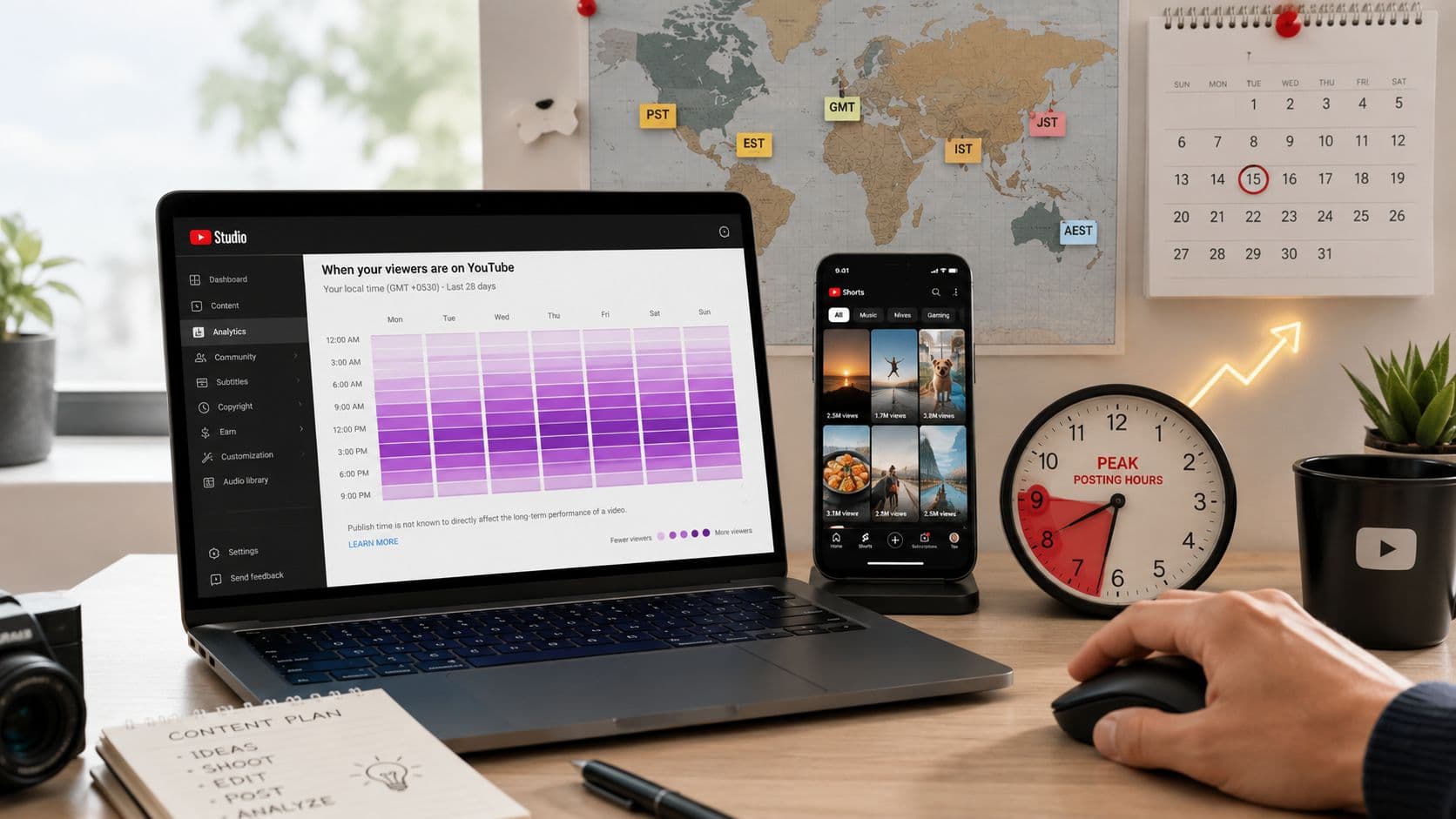
You publish a Short, refresh YouTube Studio, and watch the first-hour count barely move. The hook feels strong, the edit is clean, and the topic matches what your audience usually watches. Then a similar clip posted in a busier viewing window starts moving while yours sits still.
That experience makes creators search for the best time to post Shorts on YouTube, but a universal answer is the wrong place to start. Public benchmarks can give you useful hypotheses, yet your audience's timezone, routine, niche, and viewing intent decide which window deserves priority. The practical approach is to read your own audience activity first, use platform-wide findings as a fallback, then test candidate slots under controlled conditions.
Why Posting Time Matters for YouTube Shorts
Timing matters because a Short needs an active first audience. YouTube can show a new clip to an initial group of viewers, then observe whether people watch, replay, engage, or swipe away. If your core viewers are asleep or distracted, the first sample may not represent the quality of the idea.
A weak upload hour won't turn a strong Short into a failure by itself, and a peak slot can't rescue a boring opening. Timing controls who judges the video first, not whether the video deserves to spread. That distinction keeps creators from blaming scheduling for problems that belong to the hook, pacing, framing, or payoff.
Practical rule: Treat posting time as a distribution variable, not a content strategy.
A narrow audience-scroll window can be especially important for Shorts. The large Adobe analysis covered 1.8 million YouTube videos and found that the strongest Shorts slot was Friday at 4 p.m., followed by Friday at 6 p.m. and 7 p.m. Adobe Express's Shorts timing analysis also shows concentration in the late afternoon and early evening rather than an even effect across the day.
That finding doesn't mean every creator should publish at Friday at 4 p.m. It means a large dataset can reveal a useful starting pattern. Your own analytics still carry more weight because they reflect the people YouTube already associates with your channel.
The first-hour audience is the real variable
Posting at a dead hour creates a poor test environment. Viewers may swipe quickly, leave before the loop finishes, or ignore the feed entirely. A later upload can receive a more attentive audience without changing a frame of the Short.
Use this guide to getting more views on YouTube Shorts as a broader content and distribution reference, but keep timing decisions tied to your own data. The goal isn't to find a magical minute. It's to identify a repeatable window in which your audience is awake, available, and willing to watch.
Platform-Wide Shorts Peak Windows Worth Knowing
Public research points to several useful starting windows, not one universal posting time. That variation matters. A schedule that works for a broad dataset can miss the hours when your own viewers scroll.
One synthesis places Shorts activity around 12–2 p.m. and 6–9 p.m. Its summary of Shorts data from 301,000 videos identifies Friday from 4–7 p.m. as the strongest individual window. SocialKit's Shorts timing guidance treats these periods as mobile-first scroll windows, covering breaks, commutes, and post-work browsing.
A separate large dataset points to Friday at 4 p.m., with Friday at 6 p.m. and 7 p.m. close behind. Buffer's YouTube posting analysis reaches a similar practical conclusion for Friday late-afternoon publishing and stresses that the schedule must match the audience's timezone.
What each window suggests
| Starting window | What it may capture | How to use it |
|---|---|---|
| 12–2 p.m. local time | Lunch and break-time scrolling | Test educational, useful, or quick entertainment Shorts |
| 6–9 p.m. local time | Post-work and evening browsing | Test storytelling, reactions, comedy, and routine viewing |
| Friday, 4–7 p.m. local time | A concentrated late-week scroll period | Use as a strong benchmark, especially for broad audiences |
| Saturday morning | A weekend routine that starts later than weekday browsing | Test it separately, rather than assuming weekday behavior carries over |
Use these windows as hypotheses, not rules. A fitness audience may respond before a workout, while a business audience may watch during working hours. The niche shapes viewing intent, and that intent affects whether people casually browse or actively seek a specific answer.
The first-hour audience is the decisive variable
A dead posting hour can produce weak early signals. Viewers may swipe quickly, leave before the loop finishes, or barely open the feed. A later upload can reach more attentive viewers without changing the Short itself.
SocialPilot's analysis of more than 301,000 videos recommends comparing first-48-hour performance across multiple slots. Use that benchmark to choose your opening tests, then let geography, niche, and channel history determine which window earns repeated use.
Reading Your Own Audience Window in YouTube Analytics
Your first stop should be YouTube Studio, not a generic timing chart. Open YouTube Studio, select Analytics, then open the Audience tab. Find the report titled “When your viewers are on YouTube”, which displays audience activity by day and hour.
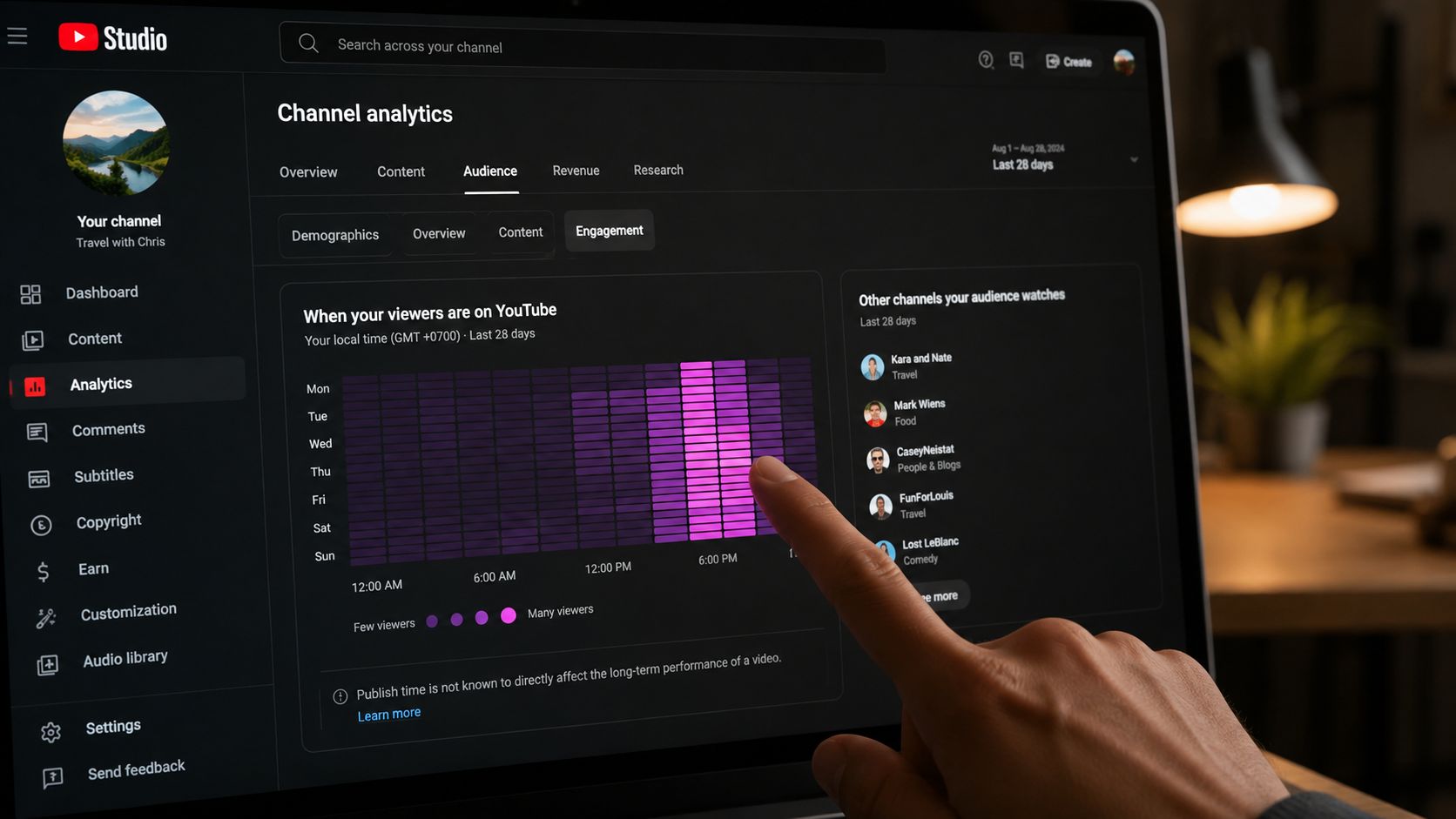
Use the report as a map of audience presence, not as proof that publishing at the darkest block will always win. If the report gives you filtering options, isolate Shorts or review the relevant content type. Limit the view to the last 90 days when that option is available, because older behavior can reflect a different audience mix or publishing rhythm.
Read the heatmap with discipline
Mark the three strongest hourly blocks across weekdays, then mark a separate weekend peak. Weekday and weekend routines rarely match, so combining them into one average can hide the useful pattern.
Pay attention to the absolute viewer count when YouTube provides it, rather than relying only on relative shading. A visually dark block can still represent a smaller audience than another period if the report is being interpreted without its underlying scale.
Your channel's timezone setting can also mislead you. Check the Geography section in the Audience tab, identify the regions supplying the largest share of viewers, and translate your candidate window into those local times. An English-language channel may need to balance audiences across EST, GMT, and PST instead of optimizing exclusively for the creator's own clock.
Timing decisions should follow the people who watch, not the location where you edit.
Export a 90-day slice of each Short's first-day views and record its posting hour beside the result. This guide to tracking content performance can help organize the wider measurement process, but keep the timing sheet simple. You need upload timestamp, audience timezone, first-hour views, first-day views, retention, and engagement.
Building a Two-Week A/B Testing Routine
A timing test becomes useless when the creative changes with every upload. A tutorial, reaction, and personal story attract different viewing behavior, so their results cannot isolate the effect of posting time.
Choose one repeatable format, a similar length range, and one topic cluster. Prepare 6–8 comparable Shorts, rotate them across 2–3 candidate slots, and run the test for at least two weeks. Keep the hooks, editing style, captions, and topic difficulty close enough that upload time remains the main variable.
Build the test sheet first
Create the tracking sheet before publishing. Record:
- Slot and day: Choose morning, midday, or evening candidates from your Analytics heatmap.
- Scheduled and actual time: A delayed release can weaken the comparison.
- Format and topic: Keep the content family consistent.
- First-hour views: Use this as the main early-velocity signal.
- Three-hour views: Check whether the initial push continued.
- First-day views: Use this to assess broader reach.
- Retention and engagement: Review these after each Short has collected enough data.
Alternate the slots so one option does not receive every strong weekday. If two Shorts go live on the same day, keep the creative style, caption approach, and hashtag set consistent. Do not give one slot your strongest hooks while sending experimental ideas to the other. The test should compare timing, not the quality gap between your best and weakest ideas.
Judge the pattern, not the winner
Rank the slots by median three-hour velocity after the test. Median performance limits the influence of one unusually viral Short, which can inflate total views and make a weak slot appear stronger.
Then compare first-48-hour view rate, retention, and engagement. Total views alone can hide how differently Shorts accumulate reach after publication, so use the wider set of signals before changing your schedule.
A narrow evening win does not settle the question if retention is weaker. That slot may have generated more initial viewers while attracting a poorer audience fit. Keep the strongest overall slot as your working baseline, then run a second test with a new topic cluster. Treat the result as a starting schedule, not a permanent rule. Your audience can shift as your subjects, format, and returning-viewer mix change.
Pairing Frequency With Timing for Algorithm Momentum
A precise upload hour cannot rescue an unreliable publishing rhythm. Moving a Short between time slots while leaving long gaps makes results harder to interpret and gives each upload less connection to recent channel activity.
Use timing as a multiplier on a sustainable cadence. Once your own test identifies workable windows, place regular uploads there. A benchmark can guide the test, but it should not force a schedule that lowers your opening quality, editing standard, or consistency.
Build the weekly rhythm before filling the slots
Set your weekly volume by the number of Shorts you can produce without weakening the hook, captions, edit, or payoff. Then assign ideas to the windows your audience data supports:
- A primary slot for the strongest audience activity.
- A secondary slot for testing nearby behavior.
- A weekend slot only when the audience heatmap supports it.
- Recovery time for reviewing results and rewriting weak hooks.
The verified test structure uses 6–8 Shorts across 2–3 slots over at least two weeks. Publishing more often does not, by itself, confirm a timing theory. Compare how each slot performs during the first 48 hours, then adjust for your audience rather than treating a broad benchmark as a fixed rule.
The image's grid is a planning aid, not proof of a universal algorithmic boost. Put your confirmed audience blocks on the calendar instead of copying its highlighted hours.

A creator who publishes consistently in a slightly imperfect window can learn more than one who posts rarely at a supposedly perfect hour. Shorts may continue finding viewers after publication, so timing should support a repeatable system, not become a reason to delay. Recheck the schedule when your topics, format, or returning-viewer mix changes.
Scheduling and Automation Without Losing Test Control
Scheduling solves a practical problem. You can record and edit when you're free, then publish when your audience is active. It also removes the temptation to post at midnight just because the edit finished late.
Automation becomes harmful when it hides the test variables. Upload a fresh draft for each experiment, schedule each Short individually, and record both the intended time and the actual public release time. If YouTube delays a queued upload, that result belongs in a different bucket from a Short that went live exactly as planned.
Protect the experiment
Set the scheduled time using your primary audience timezone, not automatically using your own local clock. Before confirming, read the displayed date and time carefully, especially when your audience spans regions or seasonal clock changes.
Avoid building a large queue that you can't pause. A test may reveal after several uploads that one slot is clearly mismatched, and individual scheduling lets you adjust without discarding the entire routine.
Native YouTube Studio scheduling is enough for many creators. TubeBuddy and Hootsuite can also support planned publishing, but the tool matters less than accurate logging and consistent slot assignment. ClipCreator's guide to scheduling YouTube Shorts covers the operational side, while your spreadsheet should remain the source of truth for the experiment.
The image URL above is not valid under the supplied asset requirements, so it cannot be included.

Create your first video in under 2 minutes
Pick a niche, and ClipCreator.ai generates and auto-posts faceless videos to your channels every day.
Join ClipCreator.ai

