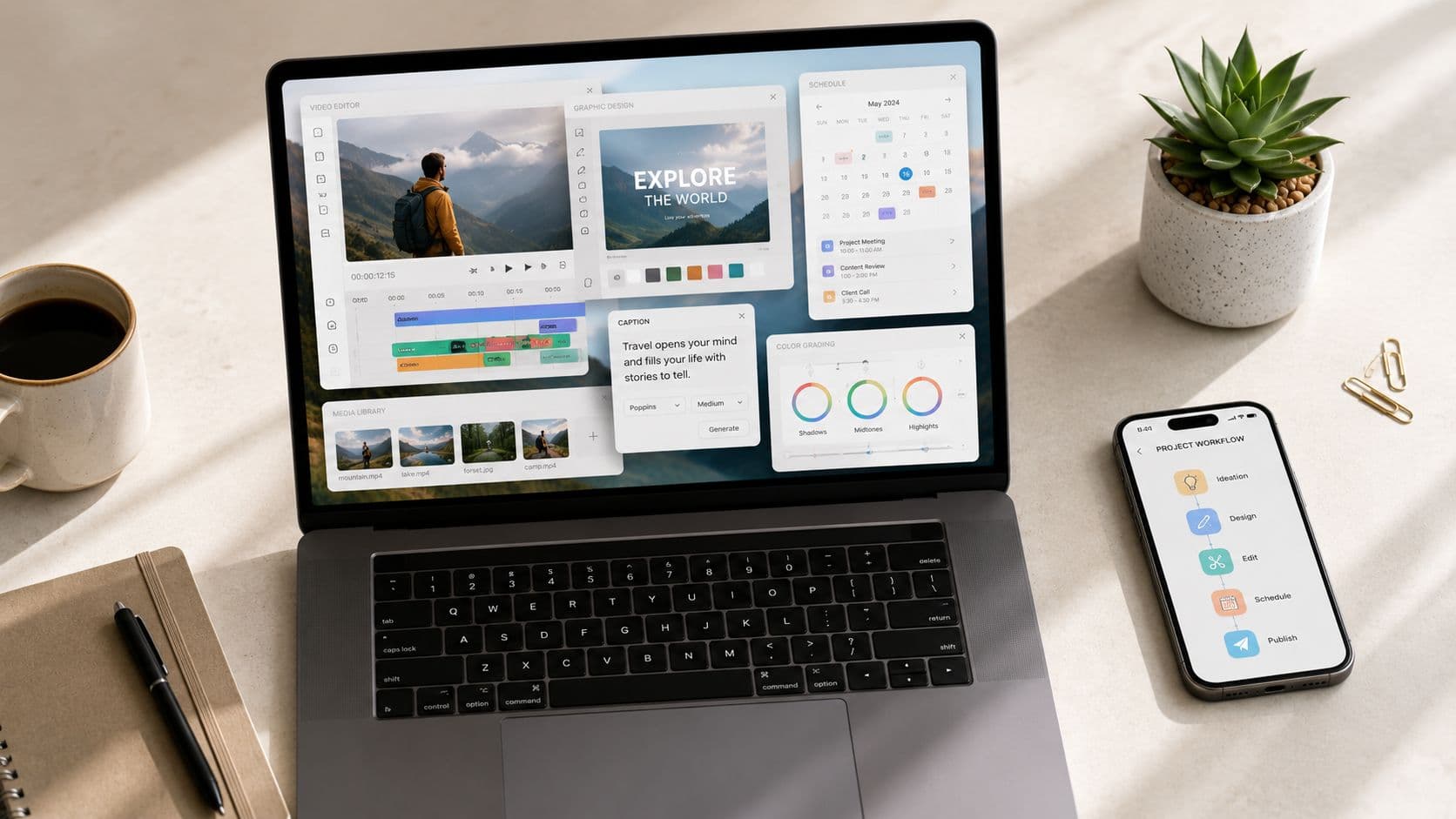
You're probably dealing with the same bottleneck most creators hit. The ideas aren't the problem. The problem is turning one idea into a short video, a thumbnail, a captioned reel, a social graphic, and a publishing schedule before the next content cycle starts.
That's why the best content creation apps matter more now than they did a few years ago. This isn't a niche software category anymore. Grand View Research valued the global digital content creation market at USD 32.28 billion in 2024 and projects it to reach USD 69.80 billion by 2030, with a 13.9% CAGR from 2025 to 2030. That kind of growth reflects a simple reality: creators, brands, and small teams need tools that cut production time and make output easier to sustain.
Most roundups stop at feature lists. That's not very useful when your real question is practical. Which app helps you publish faceless shorts consistently? Which one is best for repurposing a webinar into clips? Which one saves you from bouncing between five tabs and a spreadsheet?
This guide sorts the best content creation apps by workflow, not by hype. That makes it easier to choose a tool based on the job you need done. If you also care about keeping feedback loops clean once assets are in motion, FLYP creative feedback solutions is worth a look alongside the creation tools below.
End-to-End AI Video Automation
1. ClipCreator.ai
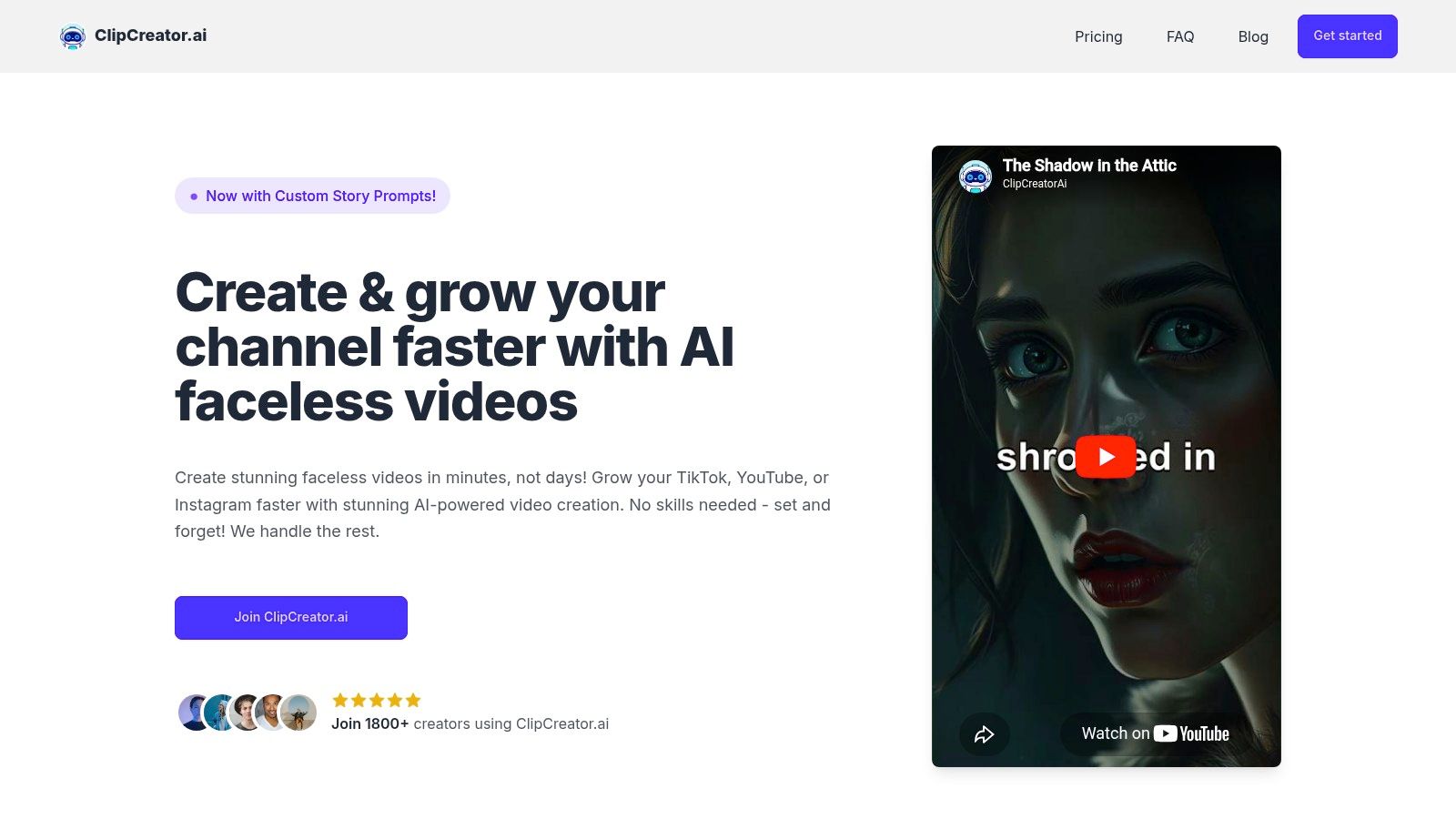
A faceless channel usually breaks down at the same point. The idea is fine, the script gets drafted, then production stalls between voiceover, subtitles, formatting, and posting. ClipCreator.ai is built for that exact workflow inside the End-to-End AI Video Automation category. It handles script generation, image generation, voiceover, captions, scheduling, and multi-platform publishing in one system, which matters more than a detailed timeline editor if the primary goal is consistent output.
What separates it from lighter AI video tools is the full production chain. The platform is designed around repeatable short-form publishing, with templates and formats that suit recurring series, narrative clips, and other faceless content styles. That makes it a practical fit for creators who care less about hand-editing every scene and more about keeping a posting schedule alive. If your strategy depends on volume, studying proven short-form content workflows for consistent publishing helps clarify why this kind of setup works.
The advantage is reduced handoff friction.
A lot of tools can generate a draft. Fewer can take that draft through voice, subtitles, and scheduled distribution without forcing you into three other apps. For educators publishing micro-lessons, agencies running repeatable client formats, or creators managing several channels at once, that saves hours of low-value production work every week.
There are trade-offs, and they matter. Pricing is not clearly published on the site, so plan costs may require signup or a conversation with the team. Output quality also still benefits from review. Scripts can miss tone, visuals can feel generic, and AI voice choices are better for speed than nuance.
Best fit and trade-offs
- Best for recurring faceless content: It works best when you need a steady stream of short videos rather than highly customized edits.
- Strong automation chain: Scripting, visuals, voice, captions, and posting happen in one workflow.
- Built for publishing cadence: The product is geared toward creators who publish regularly, not occasionally.
- Ownership is straightforward: Users keep ownership of their videos, can cancel anytime, and get a first-two-videos refund promise through Stripe.
ClipCreator.ai earns its place in this list because it solves a specific operational problem. It keeps short-form production moving when consistency matters more than editing depth.
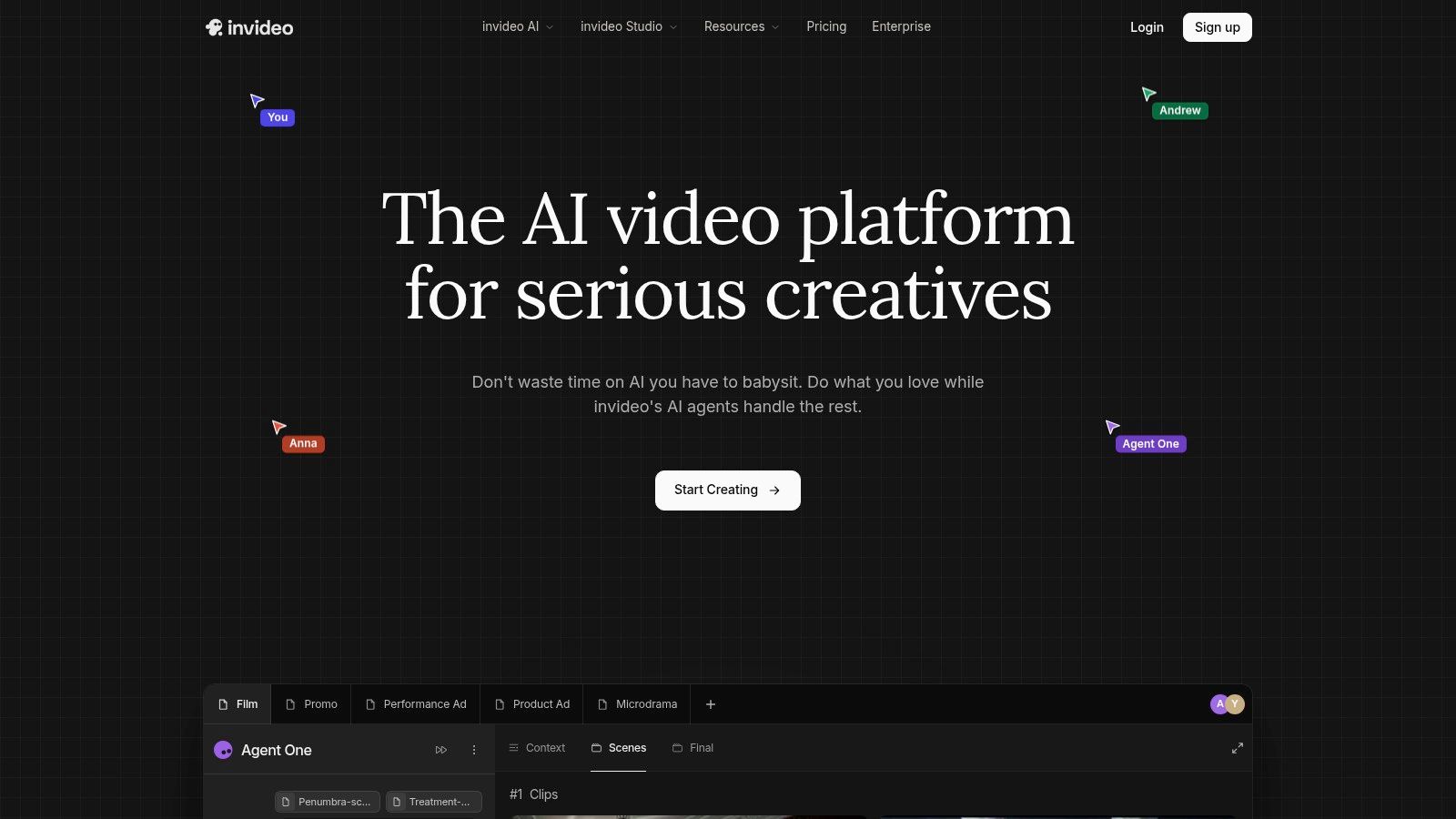
2. InVideo
InVideo is useful when you want prompt-to-video generation but still like having room to iterate. It's good at producing ads, explainers, and faceless narrative shorts fast, especially when you don't want to hunt for stock assets manually. The built-in access to stock libraries helps compress the “idea to usable draft” phase.
Its agent-style workflow also makes it approachable for people who don't want to build every scene from scratch. You describe the concept, generate a version, then keep refining from there. That makes InVideo more forgiving than heavier editors, but less automated than a tool built around end-to-end publishing.
Where it fits best
InVideo works well for creators who need quick first drafts and are comfortable managing a credits-based system. That model is fine if you're deliberate. It gets less comfortable if you regenerate often, test lots of variations, or use higher-cost models without paying attention to usage.
A credit model feels flexible at first. Then you realize experimentation has a cost, and every extra regeneration starts to matter.
That doesn't make it a bad choice. It just means it rewards teams that know their workflow. If you're deciding between this and a more automated option, this breakdown of InVideo AI reviews is a useful companion read.
- Best for quick drafts: Strong for turning prompts into ads, shorts, and explainers fast.
- Useful stock access: Integrated libraries reduce external asset sourcing.
- Watch the credit burn: Heavy iteration can make the workflow feel less predictable.
- Less “set and forget”: Better for guided creation than fully automated channel output.
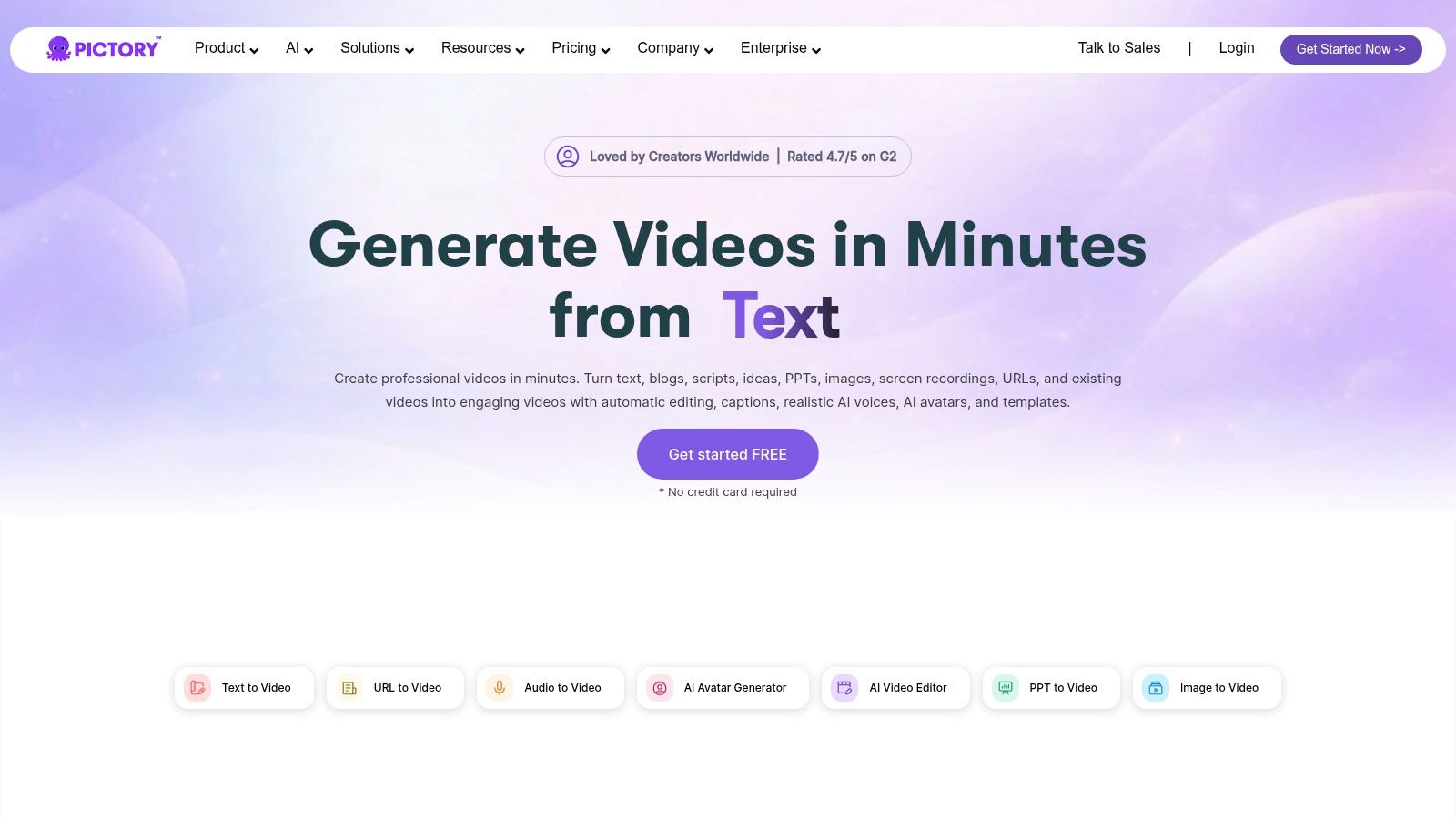
3. Pictory
Pictory is strongest when you already have source material. A script, a blog post, a webinar, a training module, a long YouTube video. That's where it starts to make sense. Instead of asking you to invent a video from zero, it helps turn existing material into short, captioned assets with stock visuals and AI voice options.
That makes it a practical tool for educators, internal comms teams, and creators repackaging information-heavy content. If your content engine begins with text or long-form video, Pictory can save time without forcing you into a blank-canvas workflow.
The production logic behind it
Pictory's value is predictability. The platform's plan structure is built around clear usage quotas, so it's easier to estimate monthly output than with looser generation models. For teams that publish on a schedule, that helps with planning.
It also handles the repurposing layer well. Script-to-video, URL-to-video, and clip extraction workflows are all useful when your main job is adaptation rather than original video storytelling. The downside is visual control. Once you need intricate motion design, detailed scene choreography, or highly customized styling, you'll feel the limits.
- Best for source-to-short workflows: Ideal when content starts as text, links, or long-form footage.
- Good operational clarity: Plan quotas make volume easier to forecast.
- Efficient for explainers: Works well for educational and branded informational content.
- Not a deep editor: Advanced motion graphics and fine-grained visual design aren't its strength.
Text-Based Video Repurposing
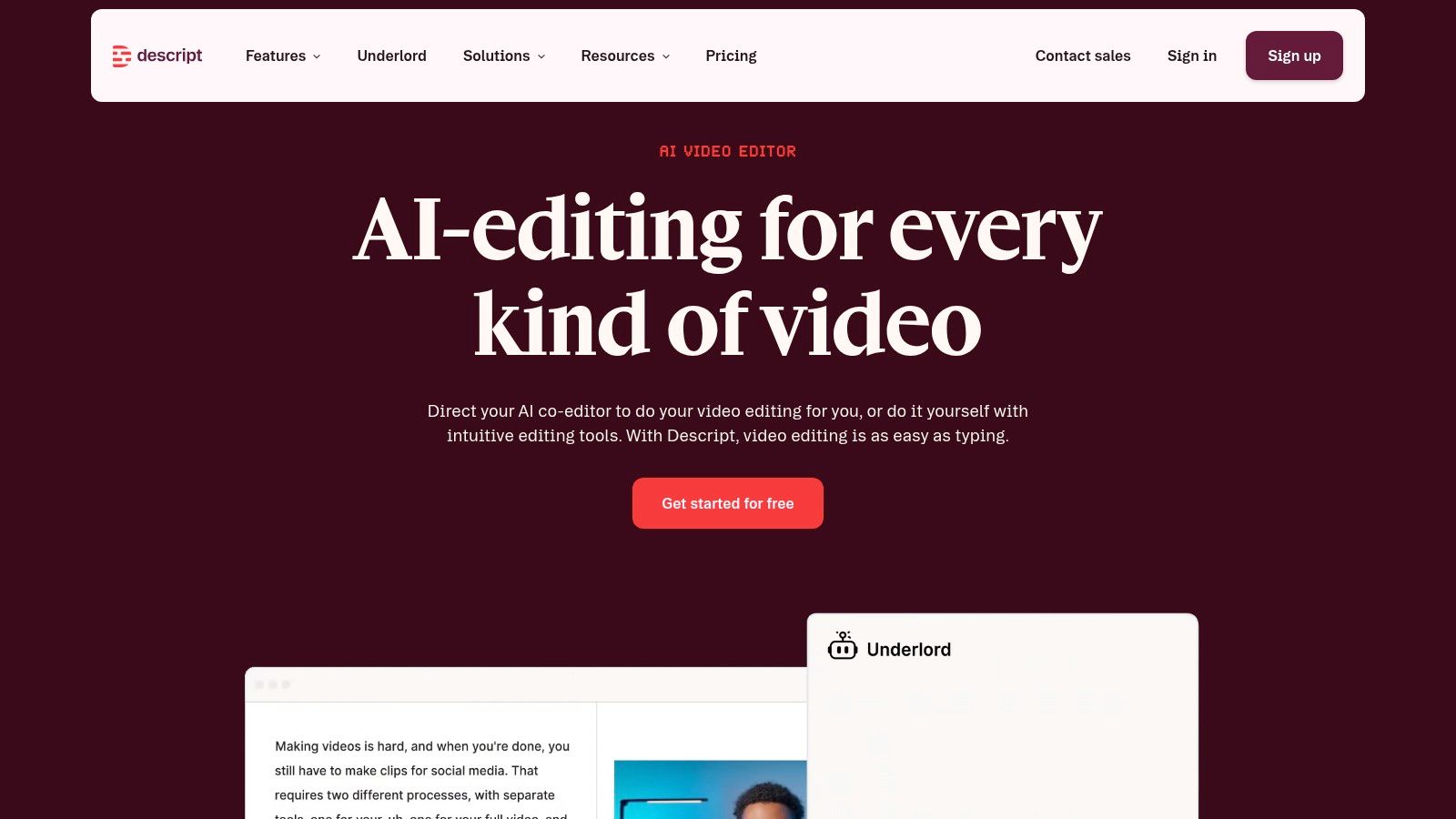
4. Descript
Descript changed how a lot of people think about editing because it treats video and audio like a document. You edit the transcript, and the timeline follows. For podcasts, webinars, meetings, classes, and interviews, that's often much faster than scrubbing through footage manually.
This is one of the best content creation apps for non-editors who still need a lot of content out of long recordings. Auto transcription, filler-word removal, audio cleanup, and quick clip creation make it practical for repurposing, especially if your source material is spoken content.
Why transcript-first editing works
Traditional editing tools assume you think visually first. Descript assumes you think in words. If your workflow starts with spoken material, that's a major advantage.
It's also easier to hand off. A marketer, producer, or founder who would never open a full NLE can still cut a transcript, pull a clean quote, and turn it into a social clip. That lowers the skill barrier without making the output feel amateur if your source footage is decent.
Editing shortcut: If the story is already in the transcript, don't force yourself into a frame-by-frame editor.
The limitations are clear too. Descript isn't built for heavy compositing, advanced visual effects, or detailed motion graphics. It's a content repurposing machine, not a cinematic finishing suite.
- Best for spoken-content workflows: Podcasts, webinars, interviews, and classes fit naturally.
- Very accessible: Teams can edit without deep timeline skills.
- Strong cleanup features: Audio polish and filler removal speed up publishing.
- Not for complex visuals: Better at extracting clips than building visually rich scenes.
All-in-One Design & Social Video
5. Canva
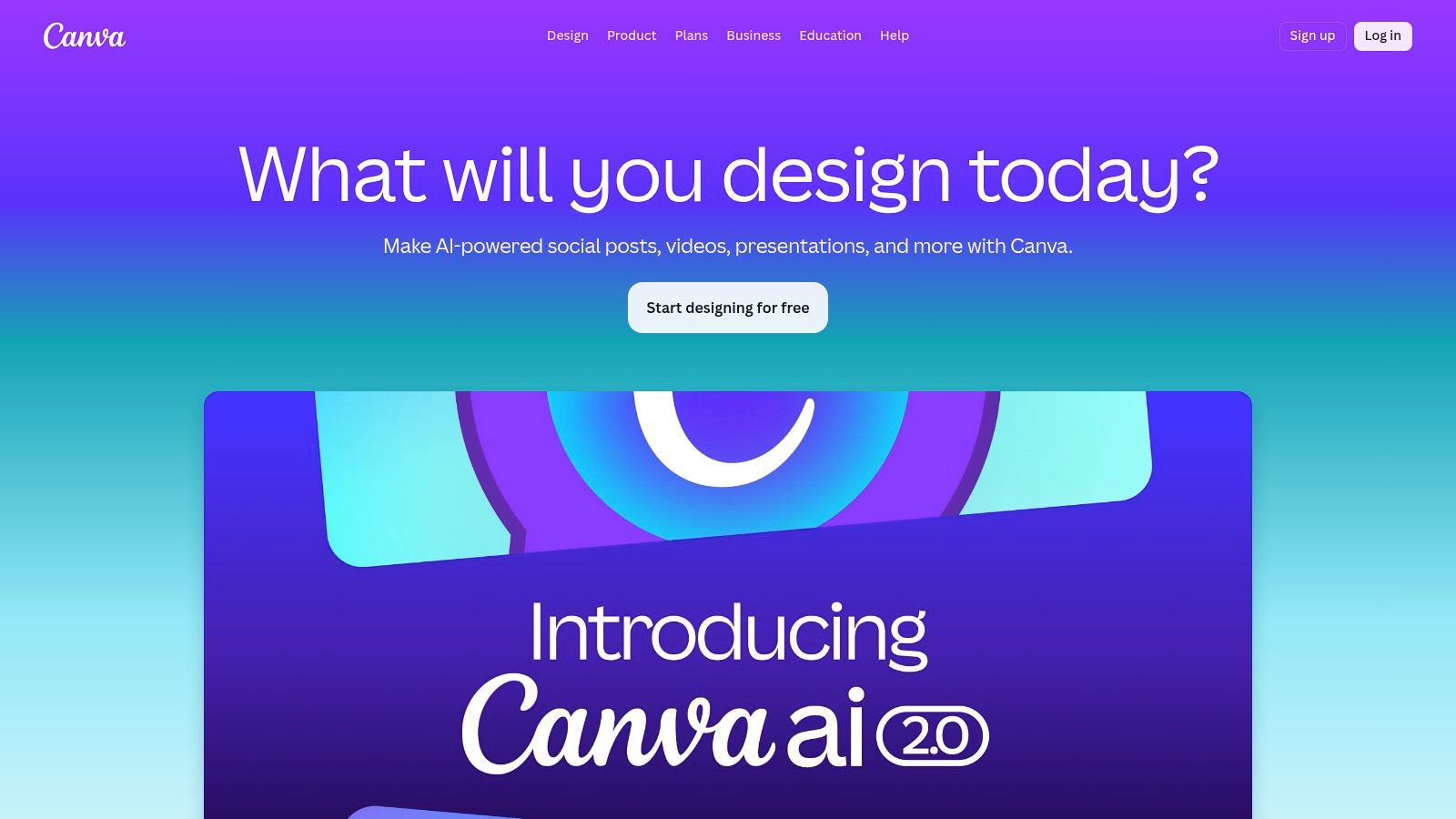
Canva is still one of the most broadly useful tools in content production because it handles more than one content type well enough to keep a small team moving. Social graphics, thumbnails, pitch decks, carousels, short videos, animated explainers, branded templates. It's not the most specialized tool in any one category, but it's often the most practical.
That scale matters too. Lovable's guide notes that Canva offers 100M+ templates across content formats, and Magic Studio has been used over 6 billion times. Those numbers explain why Canva shows up in so many real workflows. It helps non-designers produce polished assets fast.
Why Canva remains a default tool
The main reason Canva stays relevant is batch production. A creator can make a short video, then reuse the same brand kit for thumbnails, quotes, Instagram posts, and presentation slides without changing apps. That's a genuine operational advantage.
It's also one of the friendliest tools for people building a repeatable short-form system. If you're producing platform-native assets around a broader publishing plan, this guide to short-form content workflows pairs well with Canva's template-heavy approach.
- Best for mixed-format output: Great when you need video, graphics, and branded support assets together.
- Easy to learn: New team members usually get productive quickly.
- Strong brand consistency: Brand kits and reusable templates reduce design drift.
- Limited for serious editing: Once cuts get complex, dedicated editors do the job better.
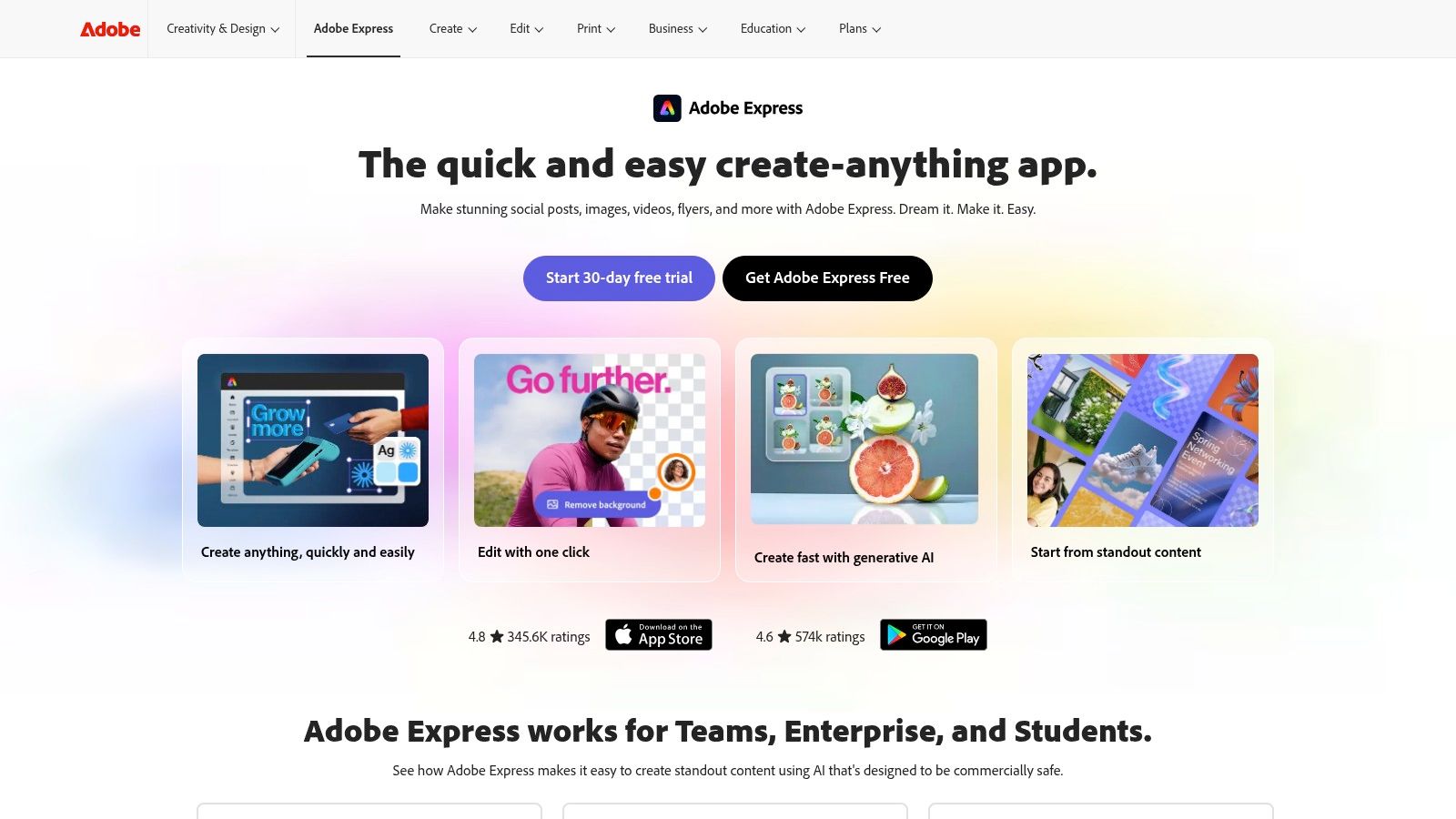
6. Adobe Express
Adobe Express is what I'd recommend when brand control matters as much as speed. It's a template-driven creator tool, but it benefits from the Adobe ecosystem around it. That gives it a more enterprise-friendly feel than some lighter social tools, especially for teams already working with Adobe apps and Adobe Stock.
Its Clip Maker and caption-friendly workflows make it useful for social video, but its core value is governance. Teams can move quickly without losing control of logos, brand styles, and approved visual systems. For corporate marketing groups, franchises, and agencies handling multiple brands, that matters more than flashy AI demos.
Who gets the most from it
Adobe Express is a strong middle ground. It's easier than Premiere Pro, more structured than a loose browser editor, and more brand-conscious than many creator-first apps. Firefly integration also helps when teams want AI support inside a workflow they already trust.
The trade-off is precision. You can build polished social assets and simple short videos, but intricate editing still belongs in a full editor. Express works best as the fast lane, not the finishing suite.
Adobe Express makes the most sense when your bottleneck isn't creativity. It's approvals, consistency, and handoff between people.
- Best for brand-led teams: Strong fit for organizations with design standards to maintain.
- Helpful Adobe ecosystem tie-ins: Easier handoff with other Adobe tools.
- Good for fast campaign assets: Social clips, simple videos, and graphics are straightforward.
- Not ideal for deep timeline edits: It prioritizes speed over precision control.
Fast Social & Web-Based Editing
7. CapCut
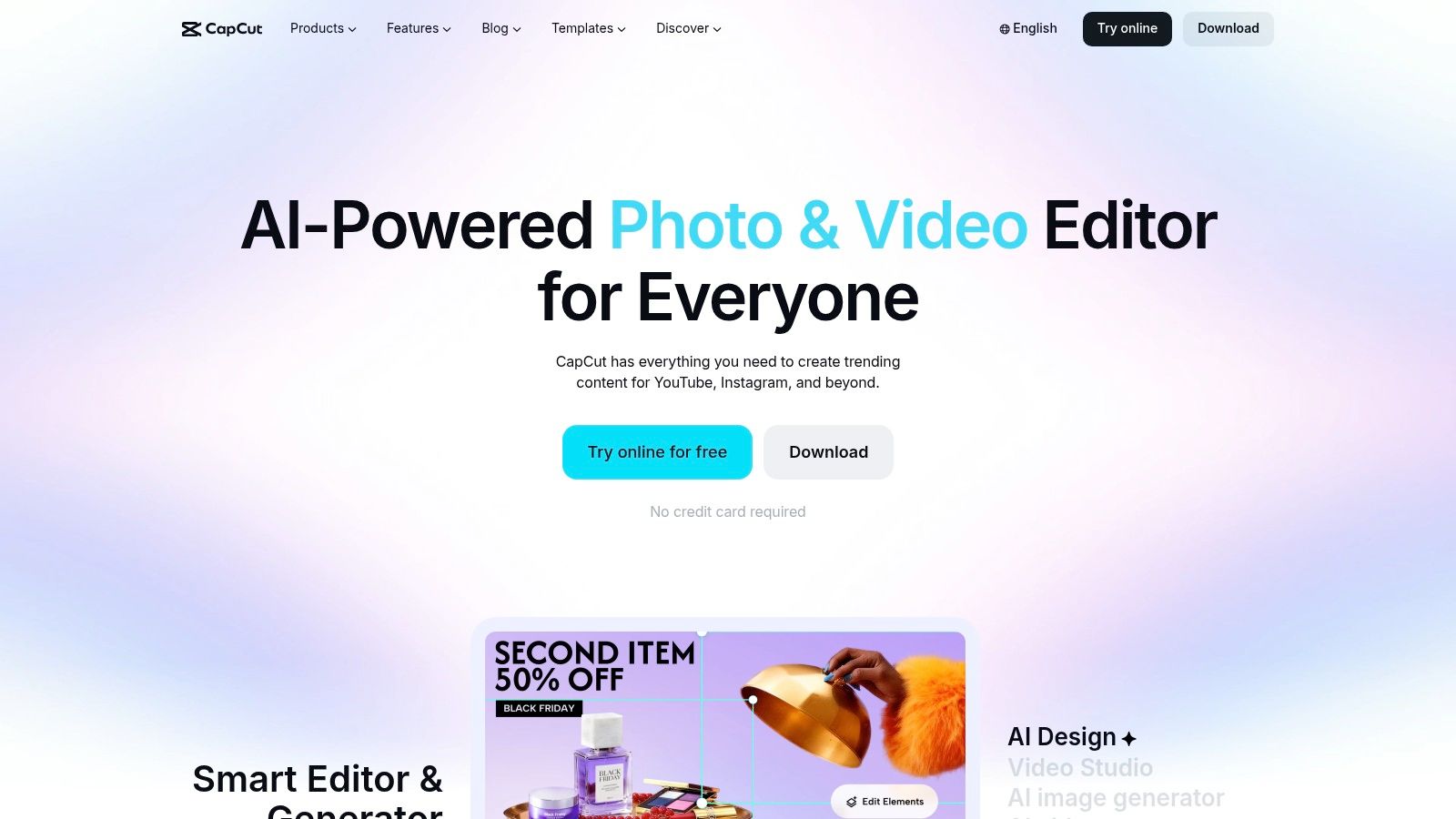
CapCut is built for the short-form internet. If your style leans toward fast cuts, bold captions, trend-driven pacing, meme-adjacent formats, or lightweight faceless videos, it's one of the quickest tools to go from rough concept to publishable social clip.
That speed is the point. You don't open CapCut because you want a deep post-production environment. You open it because you need a vertical edit done quickly, with social-native effects and caption styles already within reach.
Where CapCut wins
CapCut is at its best when the content format is already clear. Reels, Shorts, TikTok clips, talking-head snippets, voiceover-over-B-roll edits. The templates and effects remove a lot of editing friction, especially for creators producing frequent content.
It also sits in an interesting place between casual and serious use. Beginners can get rolling quickly, but experienced editors often keep it around because it's fast. If you're weighing it against traditional editing software, this comparison of CapCut vs Premiere Pro helps clarify the trade-offs.
- Best for social-native editing: Built for vertical video speed.
- Template-heavy in a good way: Fast reuse of proven formats.
- Useful AI helpers: Auto-captions and background tools save time.
- Regional plan differences: Pricing and feature access can vary depending on device and location.
8. Kapwing
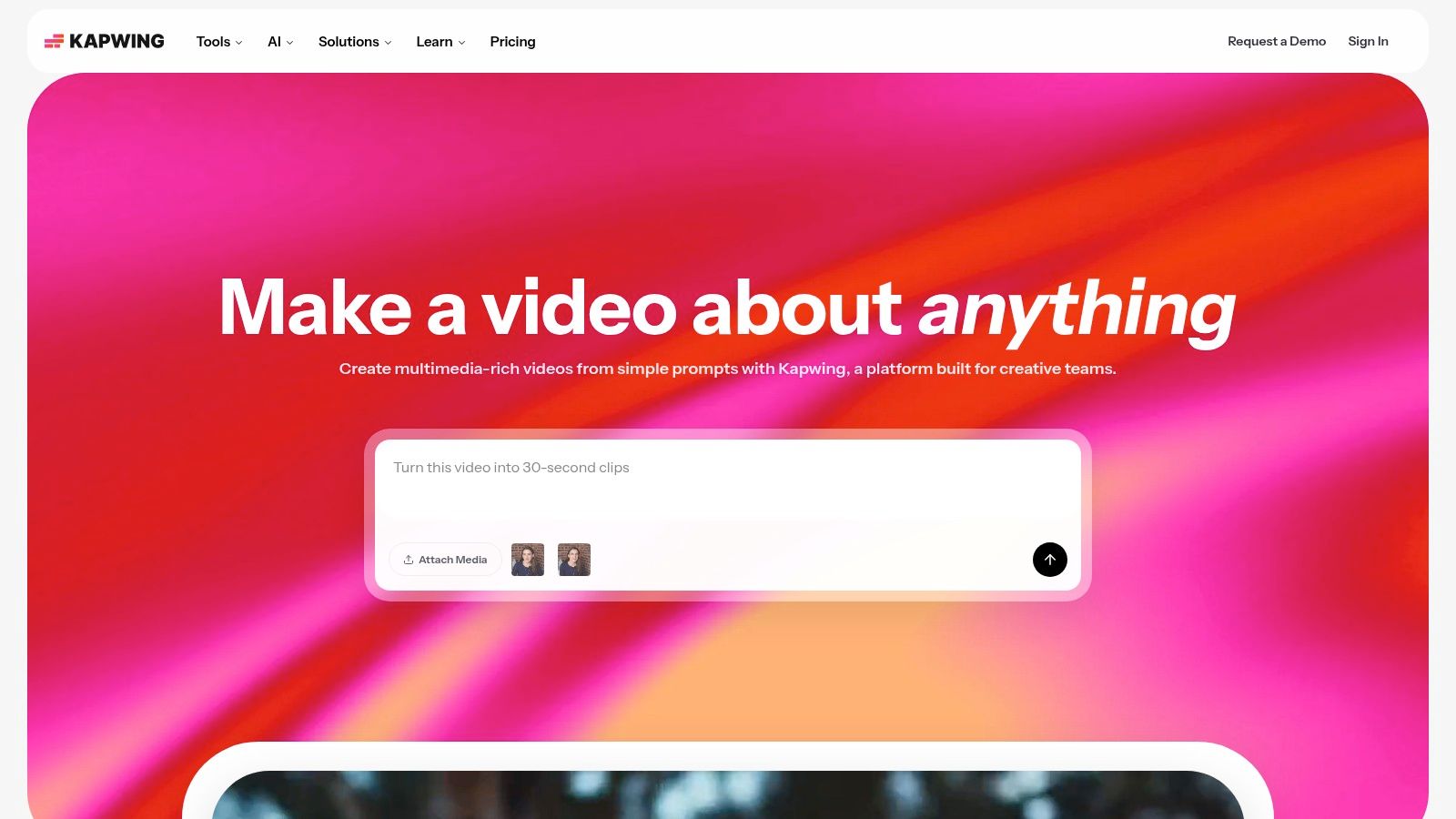
Kapwing is one of the better browser editors for teams that need speed without installs. It's especially useful for subtitling, dubbing, resizing, and multilingual repurposing. If you collaborate across marketing, social, and editorial roles, that browser-first model makes review and handoff easier.
The tool also does a good job exposing practical AI helpers instead of burying them. Script generation, B-roll suggestions, text-to-speech, translate, and audio cleanup all support the same general goal: getting social content out faster.
Why browser-based can be an advantage
For many teams, not installing software is a feature, not a compromise. Kapwing lowers the friction for occasional editors, client reviewers, and contributors who only need to jump in for a few changes.
It's also transparent about plan constraints, which I appreciate. Minute and storage caps aren't exciting, but they help teams budget output before they commit. The weakness shows up in heavier projects. Browser performance can dip when timelines get large or assets stack up.
- Best for collaborative social work: Easy for teams that need shared access.
- Strong caption and dubbing workflows: Good fit for multilingual channels.
- AI tools are practical: They support real repurposing tasks.
- Web limits still exist: Large projects can feel cramped compared with desktop editors.
9. VEED
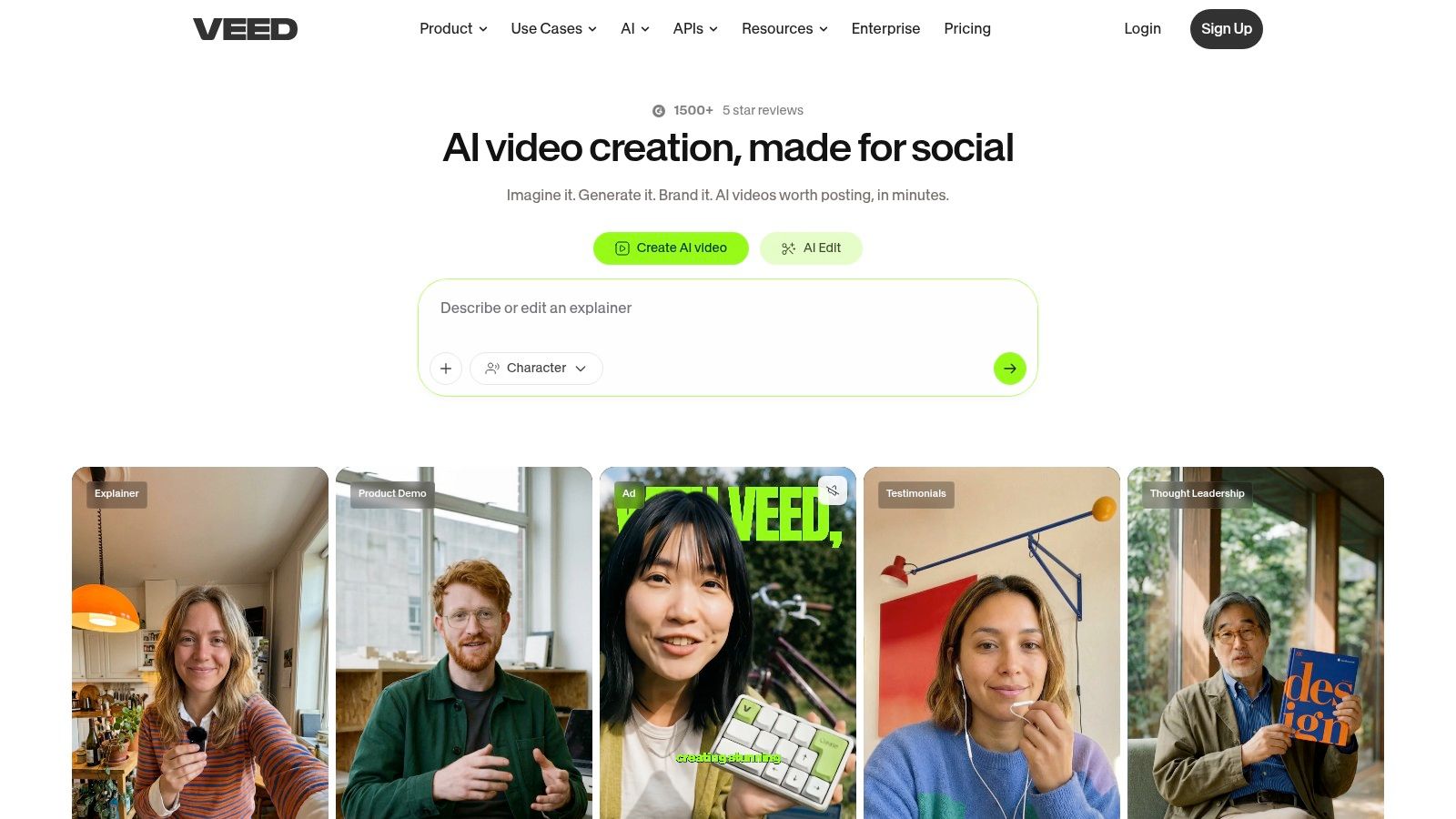
VEED fits the "Fast Social & Web-Based Editing" group best when the job is clear: turn one video into several publishable versions fast. A typical use case is a talking-head clip that needs clean captions, resized cuts for multiple platforms, and a localized version without sending the project through a heavier edit stack.
That focus is VEED's advantage. It handles subtitles, translation, text overlays, and light social editing in a browser workflow that stays approachable for marketers, founders, and content teams who do not want a steep post-production process. For teams with more technical needs, the subtitles API adds another layer. It gives agencies and operations teams a way to automate repetitive captioning and localization work instead of handling every asset by hand.
Where VEED works best
VEED is a strong fit for repeatable publishing systems. Short-form clips, webinar snippets, creator updates, product promos, and localized social content all move well through it because the editing pattern is usually predictable. You trim the clip, correct the transcript, style the captions, resize the canvas, and export.
I would not use it for intricate motion design or edits that depend on precise layering. The tool is built for speed, adaptation, and distribution prep. That makes it useful for content operations, but less convincing for editors who need full creative control over a dense timeline.
If video gets posted in multiple formats, captioning and resizing belong in the main workflow, not at the very end.
- Best for repeatable social publishing: Strong choice for captioned clips, translated versions, and quick reformats.
- Useful for teams scaling output: The API makes high-volume subtitle workflows more realistic.
- Easy to hand off: The browser editor works well for non-editors making practical changes.
- Less suited to complex post-production: Advanced compositing and detailed visual sequencing are better handled elsewhere.
AI-First Generative Platforms
10. Runway
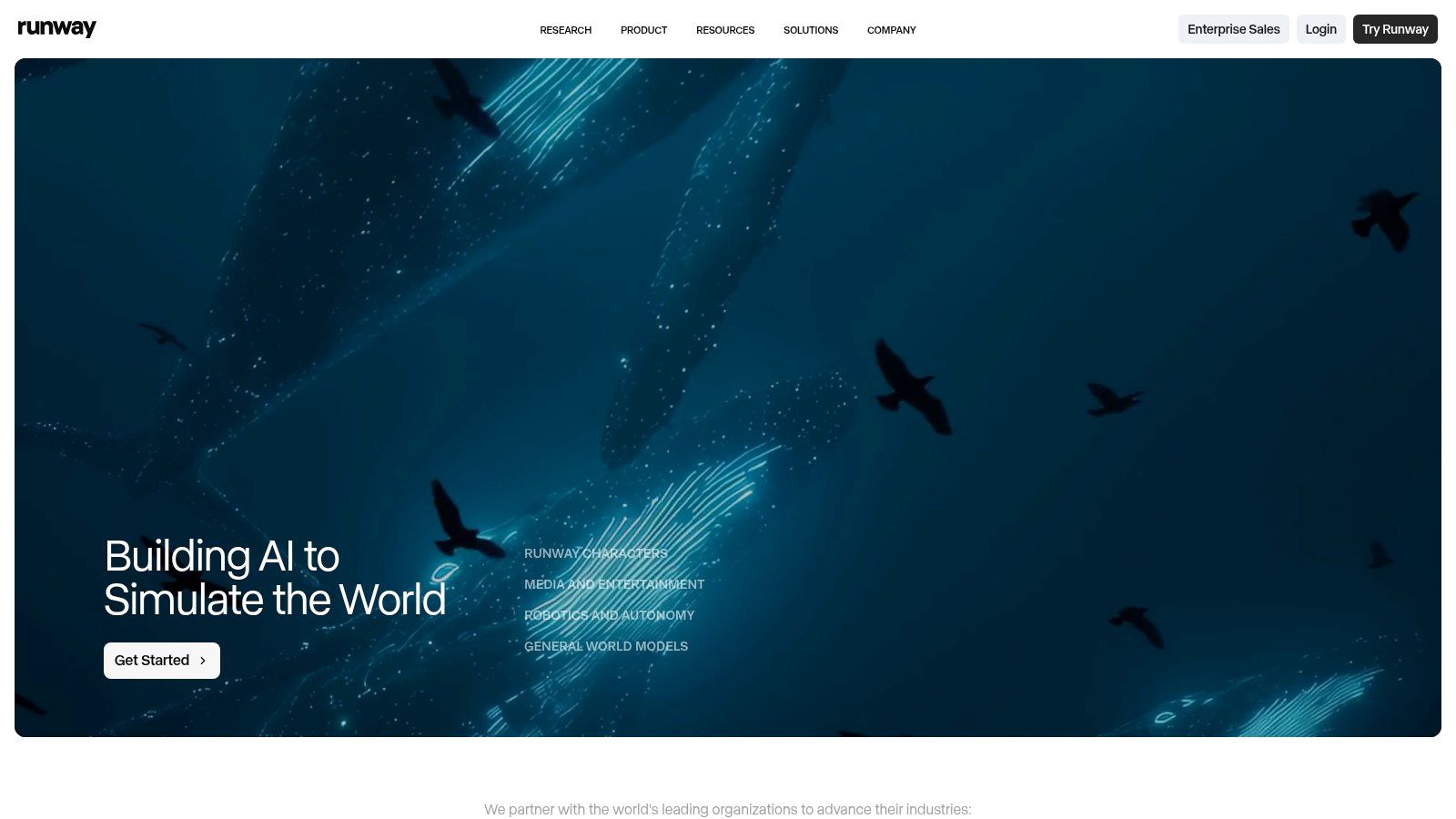
Runway is where I'd look when the missing ingredient isn't editing. It's visuals you can't easily shoot yourself. Stylized B-roll, surreal scene generation, synthetic motion, concept footage, strange transitions, unusual environments. Runway is less about standard social editing and more about expanding what you can create from prompts and model-based tools.
That makes it one of the most interesting entries among the best content creation apps, but also one of the easiest to misuse. If you treat it like a full production system, you may end up frustrated. If you use it as a visual generation layer inside a broader workflow, it's much more effective.
When Runway is worth the effort
Runway shines when originality matters. If your content needs imagery that stock libraries can't provide and conventional editing apps can't invent, it gives you options other tools don't. That's valuable for faceless channels, branded storytelling, mood-heavy explainers, and creators trying to avoid the same recycled visuals everyone else uses.
The trade-off is budget discipline. Credit-based generation can get expensive if you chase perfection or test too many high-quality outputs. It rewards clear prompts and a defined concept before you start generating.
A second market forecast reinforces why tools like this keep gaining traction. Precedence Research values the digital content creation market at USD 37.05 billion in 2025 and projects it to reach USD 137.59 billion by 2035. Growth like that reflects sustained demand for AI-assisted creation, not just traditional editing software.
- Best for generative visuals: Excellent for unique scenes and synthetic B-roll.
- Useful as part of a stack: Pairs well with editors and repurposing tools.
- High creative upside: Can help content look less templated.
- Needs credit control: Costs can rise quickly without a disciplined workflow.
Top 10 Content Creation Apps Comparison
Choosing from this list gets easier once you sort the tools by the job they handle best. A creator trying to automate faceless video production has different needs than a podcaster cleaning up interviews, or a social manager turning out quick platform-native edits. Grouping these apps by workflow makes the trade-offs clearer before you compare pricing or features.
| Workflow category | Tool | Best use case | UX & quality | Value & pricing | Target audience | Standout advantage |
|---|---|---|---|---|---|---|
| End-to-End AI Video Automation | ClipCreator.ai 🏆 | High-volume short-form production with scripting, voice, captions, scheduling, and posting in one flow | ★★★★★ | Plans scale from weekly posting to daily output. Sales plan available. First 2 videos refund noted in checkout | Creators, brands, educators, agencies | Full production pipeline in one tool, with publishing built in |
| End-to-End AI Video Automation | InVideo (InVideo AI) | Prompt-led video creation with stock media and multiple generation models | ★★★★☆ | Credit-based plans reward controlled usage but can climb with heavy iteration | Content creators, marketers, advertisers | Broad stock access and model variety inside one interface |
| End-to-End AI Video Automation | Pictory | Turning scripts, blog posts, or URLs into captioned videos fast | ★★★★ | Usage limits are tied to minutes and storage, which makes budgeting easier | Educators, L&D teams, repurposers, high-volume teams | Efficient long-to-short conversion without much editing overhead |
| Text-Based Video Repurposing | Descript | Editing interviews, podcasts, and talking-head content through transcript changes | ★★★★★ | Subscription structure is easier to predict than pure credit systems, but AI minutes still matter | Podcasters, educators, editors, teams | Text-based editing plus strong audio cleanup and voice tools |
| All-in-One Design & Social Video | Canva | Thumbnails, social posts, simple promo videos, and brand assets in one workspace | ★★★★☆ | Free plan works for basics. Paid tiers matter once brand kits, premium assets, and AI tools become part of the workflow | Solo creators, small teams, social managers | Fast asset production across formats, with strong template depth |
| All-in-One Design & Social Video | Adobe Express | Brand-safe social graphics and lightweight video tied to Adobe workflows | ★★★★ | Best value for teams already paying for Adobe. Less attractive if you only need lightweight creation | Agencies, businesses, brand teams | Adobe ecosystem fit, stock access, and cleaner handoff across teams |
| Fast Social & Web-Based Editing | CapCut | Quick shorts, memes, reels, captions, and trend-driven edits | ★★★★☆ | Free core is strong. Paid features and availability vary by region and device | TikTok creators, Reels creators, meme editors | Extremely fast turnaround for social-native edits |
| Fast Social & Web-Based Editing | Kapwing | Browser-based team editing, subtitles, dubbing, and quick collaborative revisions | ★★★★ | Clear pricing and practical business tiers, though minute caps matter for frequent exports | Remote teams, multi-language creators | Strong collaboration and fast subtitle workflow in the browser |
| Fast Social & Web-Based Editing | VEED | Caption-heavy production, localization, simple AI avatars, and browser editing | ★★★★ | Subscription pricing is straightforward. API use adds another cost layer for teams automating output | Agencies, localization teams, high-volume channels | Useful for teams that need both manual editing and programmatic subtitle workflows |
| AI-First Generative Platforms | Runway | Creating original visual material, stylized shots, and synthetic B-roll | ★★★★ | Good for testing concepts, but credit usage needs close control at scale | Visual artists, studios, experimental creators | High originality potential that standard editors cannot match |
The comparison matters more if you read it as workflow fit, not as a race for the highest feature count. Descript is stronger than many video apps if your raw material starts as spoken content. Canva can outperform more advanced editors if the actual job is shipping thumbnails, promos, and resized social assets quickly. Runway has creative upside, but it works best as part of a stack rather than a single replacement for editing software.
That is also why category overlap can be misleading. CapCut, Kapwing, and VEED can all produce social clips, but they serve different editing habits. CapCut favors speed and platform-native output. Kapwing is easier for browser-based collaboration. VEED makes more sense for teams that care about subtitles, localization, and repeatable caption workflows.
How to Choose Your App & Build Your Creator Toolkit
You feel the bottleneck fast when publishing starts to slip. A podcast episode is recorded, clips still need editing, thumbnails are not done, and nothing is scheduled. At that point, the right app is the one that removes the step that keeps breaking your workflow.
Choose by primary workflow first. That is the primary angle behind this list. End-to-End AI Video Automation tools such as ClipCreator, InVideo, and Pictory help when the job is turning prompts or scripts into publishable videos with less manual editing. Text-Based Video Repurposing starts with spoken content, which is why Descript belongs in its own category. All-in-One Design & Social Video tools such as Canva and Adobe Express matter when brand assets, thumbnails, and quick promos are part of the same weekly output. Fast Social & Web-Based Editing covers CapCut, Kapwing, and VEED, where speed, browser access, and social formatting matter more than deep post-production. AI-First Generative Platforms like Runway solve a different problem again. They create visuals you cannot film or source easily.
A simple selection process helps keep this practical.
A 4-Step Framework for Choosing an App
- Define the job you need done most often: Pick for the repeated task, not the occasional one. If you publish faceless short-form videos at volume, start in End-to-End AI Video Automation. If your raw material is interviews, webinars, or podcasts, start with Text-Based Video Repurposing.
- Match the tool to your editing style: Some creators want templates and guided workflows. Others want more manual control. Canva, Adobe Express, and ClipCreator reduce editing friction. Runway and InVideo give you more room to experiment, but they also ask for more decisions.
- Check how pricing behaves under real usage: Monthly subscriptions are easier to budget when output is steady. Credit-based systems can work well for testing or occasional production, but costs rise quickly if your team generates multiple versions, retries prompts, or produces in batches.
- Build around your operating model: Solo creators, in-house teams, and agencies work differently. Kapwing suits collaborative browser-based reviews. CapCut is fast for creators who edit close to platform trends. ClipCreator is useful when scripting, video generation, and publishing need to happen in one place.
Do not force one app to do every job.
The strongest creator setups usually use two or three tools with clear roles. Descript can turn long-form spoken content into usable clips. Runway can create custom visual inserts or stylized B-roll. CapCut or VEED can handle final social editing and captions. Canva can take care of thumbnails and supporting graphics without pulling a designer into every post.
That approach is more realistic because AI creation is now part of normal publishing operations, not a side experiment. As noted earlier, adoption is widespread. The decision point is no longer whether to use AI tools. It is which category removes the most manual effort from your current process.
This is also where generic rankings tend to fall apart. A podcaster, a faceless short-form operator, and a brand design team can all publish video every week, but they should not start with the same software. The better question is simple. Which app shortens the part of the workflow you repeat every day?
If your biggest constraint is producing finished short-form videos consistently, start with End-to-End AI Video Automation. If the constraint is extracting value from recordings you already have, start with Descript and the repurposing category. If brand consistency, thumbnails, and social assets keep slowing your team down, start with Canva or Adobe Express.
For teams thinking beyond individual tools and into channel-level output, a solid LinkedIn content creation tool can also complement a broader publishing stack.
If you want the simplest path to consistent faceless short-form output, ClipCreator.ai is a sensible starting point. It handles scripting, video assembly, voiceover, captions, scheduling, and publishing in one workflow, which cuts out several handoffs that usually slow creators down.

Create your first video in under 2 minutes
Pick a niche, and ClipCreator.ai generates and auto-posts faceless videos to your channels every day.
Join ClipCreator.ai

