CapCut has become a dominant force in short-form video editing, known for its user-friendly interface and viral-ready effects. However, as creators’ needs become more specific and professional, many are hitting the limits of what it can offer. Whether you’re a small business needing polished branding, a marketer scaling client content, or a storyteller creating faceless narrative videos, the search for the best CapCut alternative is about finding a tool that aligns with your unique workflow and creative goals.
This guide moves beyond generic feature lists. We provide a detailed breakdown of 12 top-tier alternatives, from mobile powerhouses like LumaFusion to AI-driven platforms such as Descript. Each review includes a practical analysis of its strengths, weaknesses, pricing, and ideal use cases. You'll find direct links and screenshots to help you evaluate each option quickly. In a rapidly expanding creator economy, understanding the array of tools available is essential. This is why many are exploring a variety of the best platforms for content creators to improve their workflow. Our goal is to help you confidently select the right editor to replace or supplement CapCut, ensuring your content creation process is efficient, powerful, and perfectly suited to your ambitions.
1. Adobe Premiere on iPhone
Adobe Premiere on iPhone brings a slice of the industry-standard desktop editor to your phone, positioning itself as a serious best CapCut alternative for creators who prioritize precision and a professional workflow. It bridges the gap between the quick, template-driven style of CapCut and the robust power of desktop software. Its core strength lies in its multi-track timeline, which allows for layered video, text, and audio with a level of control that mobile-first apps often lack.
The experience feels familiar to anyone who has touched a non-linear editor, but it’s simplified for mobile. Standout features include AI-powered audio cleanup to remove background noise and access to a library of stock assets. For creators invested in the Adobe ecosystem, the workflow is seamless. You can start a project on your iPhone and then use the "Send to Premiere Pro" feature to transfer it to your desktop for advanced color grading, effects, and finishing touches.
Key Features & Considerations
| Feature Analysis | Use Case & Limitations |
|---|---|
| Multi-track Timeline | Ideal for layering B-roll, text animations, and multiple audio tracks. Offers more control than CapCut’s single-layer approach. |
| Send to Desktop | A major benefit for creators who want to quickly capture and assemble clips on the go but need desktop power for the final polish. |
| AI Audio Cleanup | Instantly improves audio quality for vlogs or interviews recorded in noisy environments, a feature not always present in free mobile editors. |
| Ecosystem Lock-in | While free to install, its full potential is realized within the Adobe Creative Cloud. This makes it less appealing for users committed to other software suites. At launch, it is also iPhone-only. |
- Best For: Content creators already using Adobe products who need a reliable mobile editor for quick assembly and a clear path to professional post-production.
- Pricing: Free to download and use. Full integration and advanced features are best experienced with an Adobe Creative Cloud subscription.
- Website: https://www.adobe.com
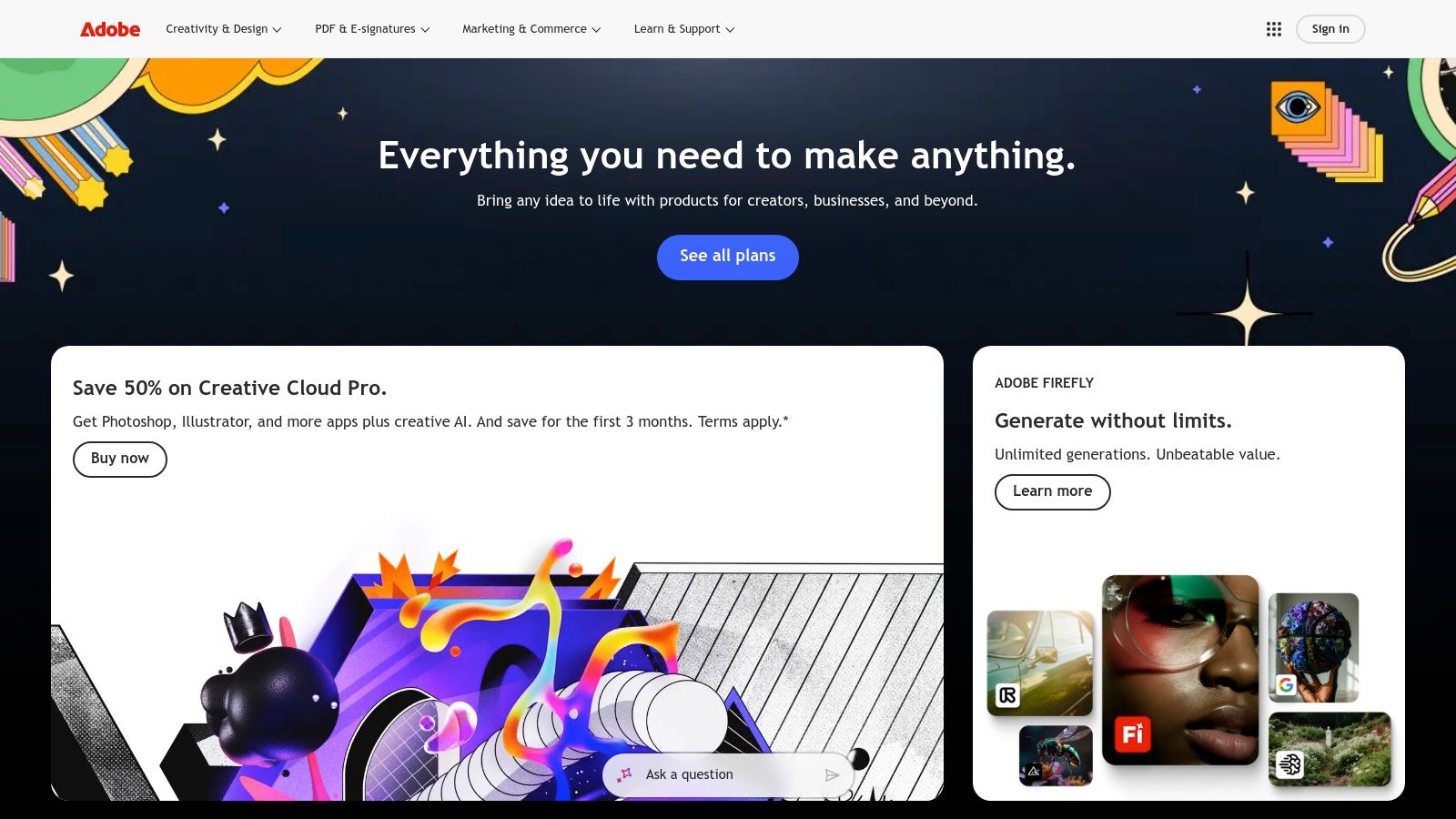
2. Adobe Express
Adobe Express is a template-driven, all-in-one content creation tool that serves as a powerful best CapCut alternative for those who prioritize speed, branding, and asset integration. It excels where CapCut focuses on trending effects, offering a more structured environment for creating social graphics, short videos, and motion posts. Its main advantage is the seamless blend of a drag-and-drop video editor with a massive library of Adobe Stock assets and powerful Firefly AI features.
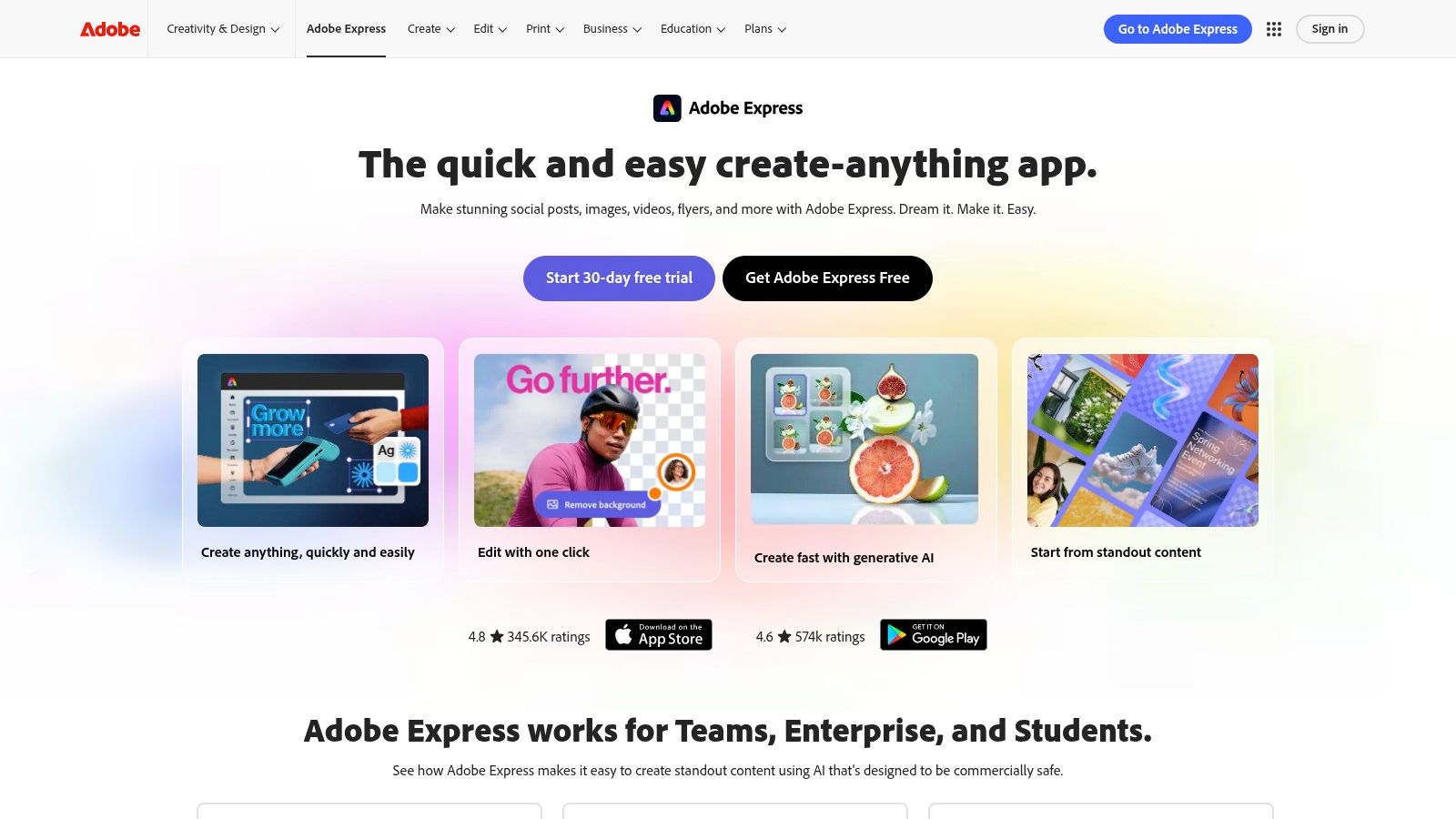
The platform is designed for rapid production, allowing users to quickly apply brand kits, generate captions, and schedule posts directly to social media. While it lacks the granular, keyframe-level control of a traditional NLE like Premiere, its strength is in producing consistent, high-quality content fast. The inclusion of Firefly AI for text-to-video and creative generation gives creators a unique tool for brainstorming and producing original content that stands apart.
Key Features & Considerations
| Feature Analysis | Use Case & Limitations |
|---|---|
| Template & Asset Library | Ideal for businesses or creators needing to produce branded content quickly. Access to 100k+ templates and Adobe Stock assets is a major time-saver. |
| Firefly AI Integration | Use text-to-video to generate unique B-roll or create AI-generated images and effects. AI credits are required, which are more generous on paid plans. |
| Brand Kits & Scheduling | A key benefit for social media managers. Apply brand colors, fonts, and logos instantly and schedule posts, streamlining the entire workflow. |
| Timeline Simplicity | The timeline is more basic than a full editor, making it less suitable for complex, multi-layered video projects. High-quality 4K exports are gated to paid tiers. |
- Best For: Small businesses, marketers, and creators who need to produce branded social media videos quickly and value an integrated asset library and AI tools.
- Pricing: Free plan available with core features. Premium plan unlocks the full asset library, brand kits, scheduling, and more AI credits.
- Website: https://www.adobe.com/express
3. Canva
Canva has evolved from a graphic design tool into an all-in-one visual suite, making its video editor a surprisingly strong best CapCut alternative. It excels for creators and marketers who need to produce on-brand video content quickly without a steep learning curve. The platform's core advantage is its unified workflow; you can design a thumbnail, create social media posts, and edit a short video using the same assets, brand colors, and fonts, ensuring absolute consistency across all your channels.
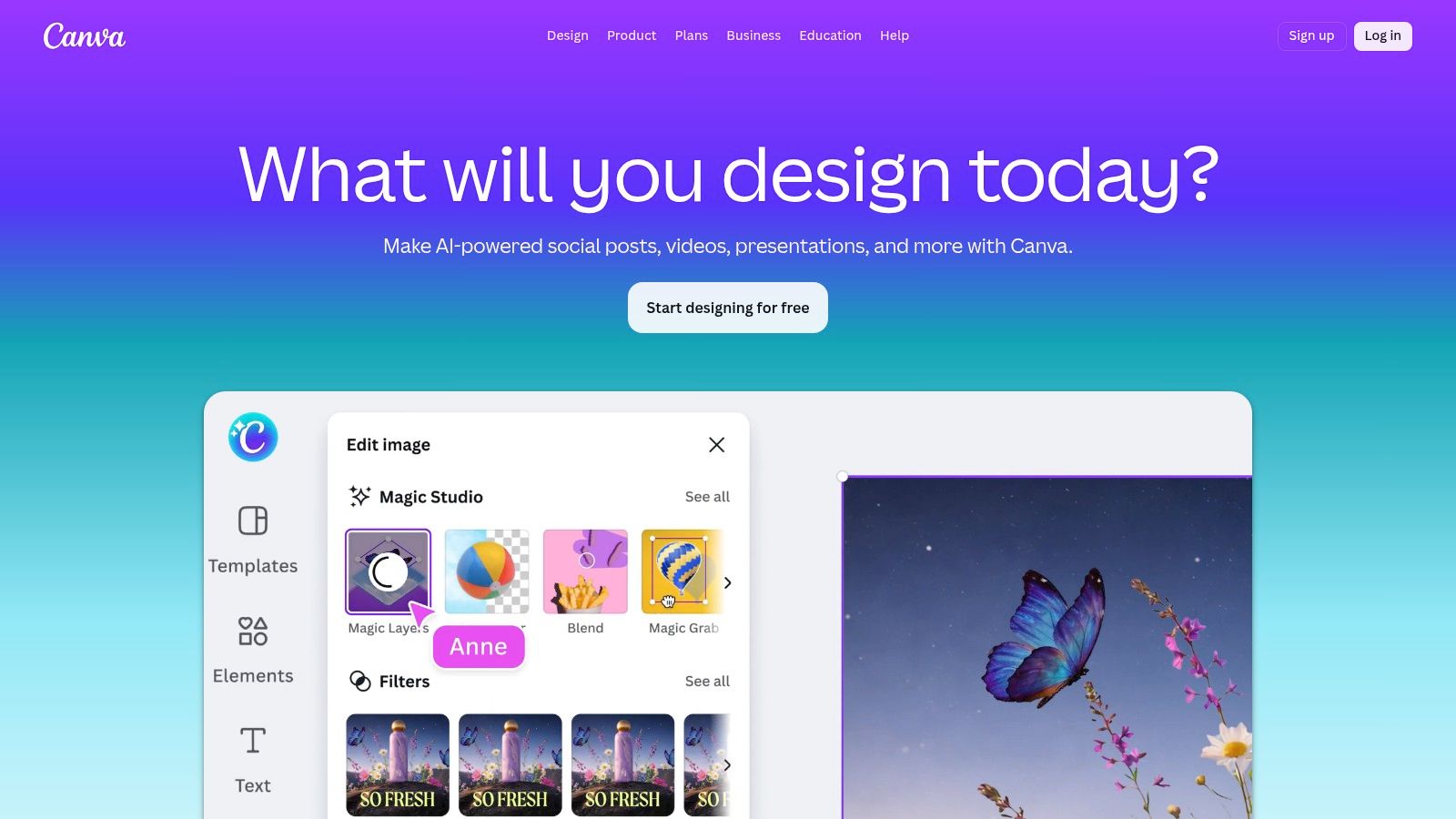
Its massive template library is a key differentiator, offering polished starting points for TikToks, Reels, and YouTube Shorts that you can customize in minutes. While it lacks the intricate timeline control of a dedicated NLE, its drag-and-drop interface is perfect for assembling clips, adding text animations, and applying brand elements efficiently. For teams, the collaboration and content planning tools are exceptionally useful for managing a social media calendar directly within the platform.
Key Features & Considerations
| Feature Analysis | Use Case & Limitations |
|---|---|
| Brand Kits & Magic Resize | Perfect for businesses needing consistent branding. Instantly resize a video for different platforms (e.g., from a Reel to a YouTube Short) while keeping brand elements intact. |
| Vast Template & Stock Library | Ideal for creators who need inspiration or want to produce content rapidly. Provides countless motion graphics, video clips, and audio tracks. |
| Seamless Workflow Integration | A huge benefit for users already designing graphics in Canva. Easily pull in logos, thumbnails, and other assets without leaving the ecosystem. |
| Limited Editing Precision | Not built for complex, multi-layered edits. Lacks the advanced keyframing, masking, and audio mixing found in professional video editors. |
- Best For: Marketers, small businesses, and content creators who prioritize speed, brand consistency, and an integrated design-to-video workflow over advanced editing control.
- Pricing: Free plan with generous features. A Pro subscription ($119.99/year for one person) is needed to unlock premium templates, Brand Kits, and Magic Resize.
- Website: https://www.canva.com
4. Kapwing
Kapwing operates entirely in your browser, positioning itself as a powerful, collaborative best CapCut alternative for teams and individuals who need robust AI features without software installation. Its primary strength is in creating and repurposing content at scale, especially for videos heavy on captions, translations, and accessibility. It excels at transforming long-form content into shareable shorts and localizing videos for global audiences, all within a shared, cloud-based workspace.
to maximize output.
Key Features & Considerations
| Feature Analysis | Use Case & Limitations |
|---|---|
| AI Auto-Subtitles & Translation | Perfect for creators targeting international audiences or ensuring accessibility. The AI translation to 60+ languages is a standout feature for localization. |
| Real-time Collaboration | A significant advantage for marketing teams or creator groups who need to review, edit, and approve projects together in one place. |
| AI Clip Maker & Smart Cut | Speeds up the process of finding viral moments in long videos and automatically removes silences, ideal for repurposing podcasts or webinars into shorts. |
| Web-Based Performance | Requires a stable internet connection and can be demanding on computer hardware. Offline work is not possible, which can be a limitation for on-the-go editing. |
- Best For: Teams and solo creators focused on creating accessible, caption-heavy short-form video and repurposing long-form content for multiple social media platforms.
- Pricing: Free plan available with watermarks and limitations. Paid plans unlock higher export quality, remove watermarks, and provide more AI credits.
- Website: https://www.kapwing.com
5. VEED
VEED solidifies its spot as a top best CapCut alternative by operating entirely in your browser, focusing on AI-driven, one-click tools for rapid social media video production. It’s designed for creators who want to produce polished, shareable content without installing software. Its main appeal comes from its template-centric workflow and a powerful suite of automated features, especially its best-in-class auto-subtitle generator.
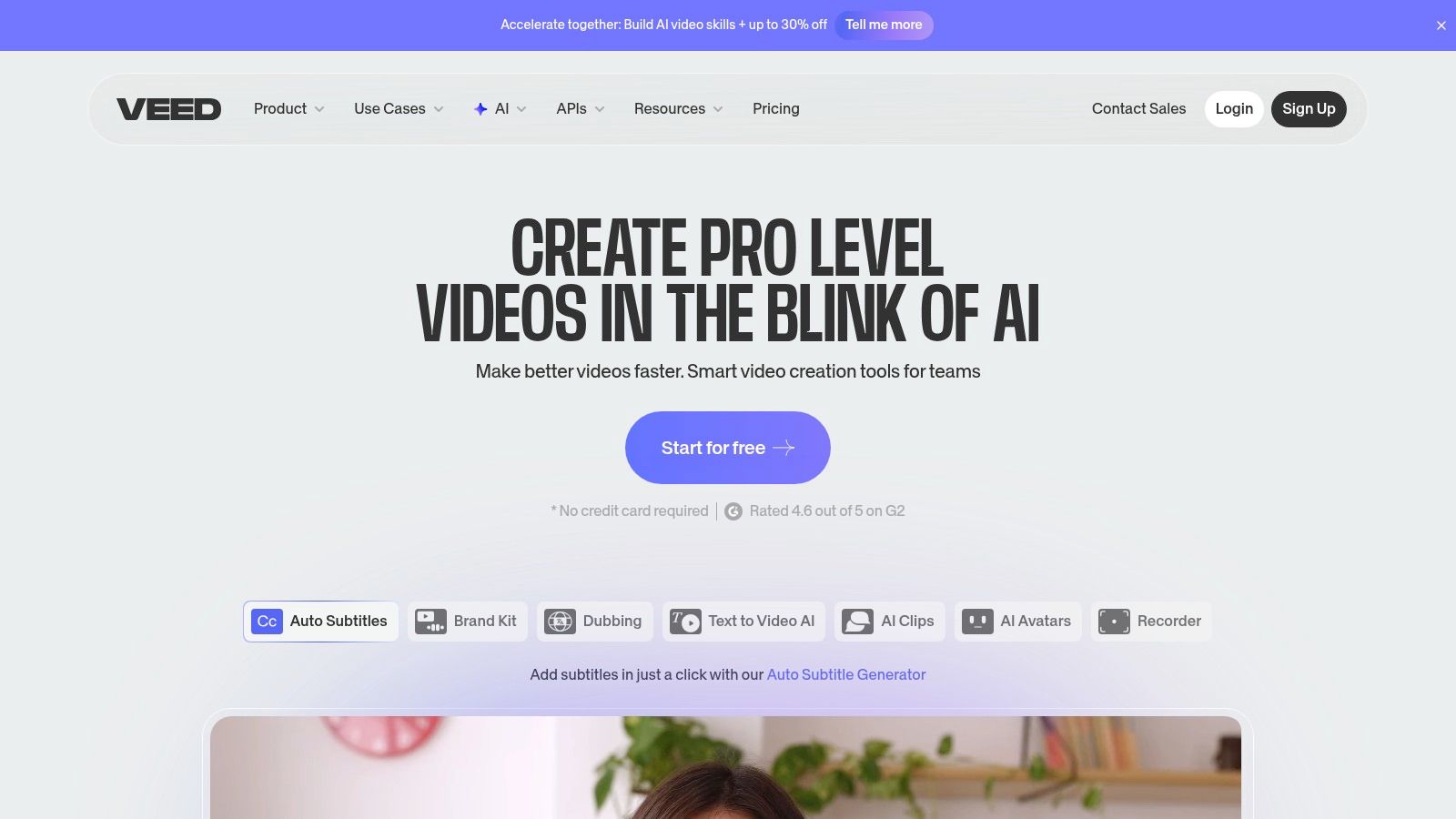
The platform is more than a simple editor; it’s a content creation machine. You can generate AI Reels from a simple prompt, add AI voices and avatars, and automatically clean up background noise. For businesses and marketers, the ability to host videos, add branding, and translate content into multiple languages with a single click makes VEED an exceptionally efficient tool for scaling video output across global markets.
Key Features & Considerations
| Feature Analysis | Use Case & Limitations |
|---|---|
| Auto-Subtitles & Translation | A core strength. Perfect for making content accessible and reaching a global audience. The accuracy is high, requiring minimal edits. |
| AI Reel & Clip Generators | Great for generating quick, faceless content or repurposing long-form videos. Input a topic and get a social-ready video in minutes. |
| Browser-Based Workflow | Extremely convenient as no installation is needed. However, very large 4K projects or complex VFX can strain browser resources and slow performance. |
| Changing Pricing Models | The platform offers robust features, but its subscription tiers and pricing change frequently. Users should confirm current plan details before committing. |
- Best For: Social media managers, marketers, and creators who prioritize speed and need powerful, automated captioning and translation tools without leaving their browser.
- Pricing: Offers a free plan with watermarks. Paid plans unlock AI features, export quality, and remove branding.
- Website: https://www.veed.io
6. Microsoft Clipchamp
Microsoft Clipchamp emerges as a surprisingly robust best CapCut alternative, especially for Windows users seeking a native, beginner-friendly editor. It is deeply integrated into the Windows 11 ecosystem and functions as a web-based tool, offering a simple, template-driven experience ideal for quick social media clips, presentations, and tutorials. Its main advantage is accessibility; it provides essential features like AI-powered subtitles and screen recording without a steep learning curve.
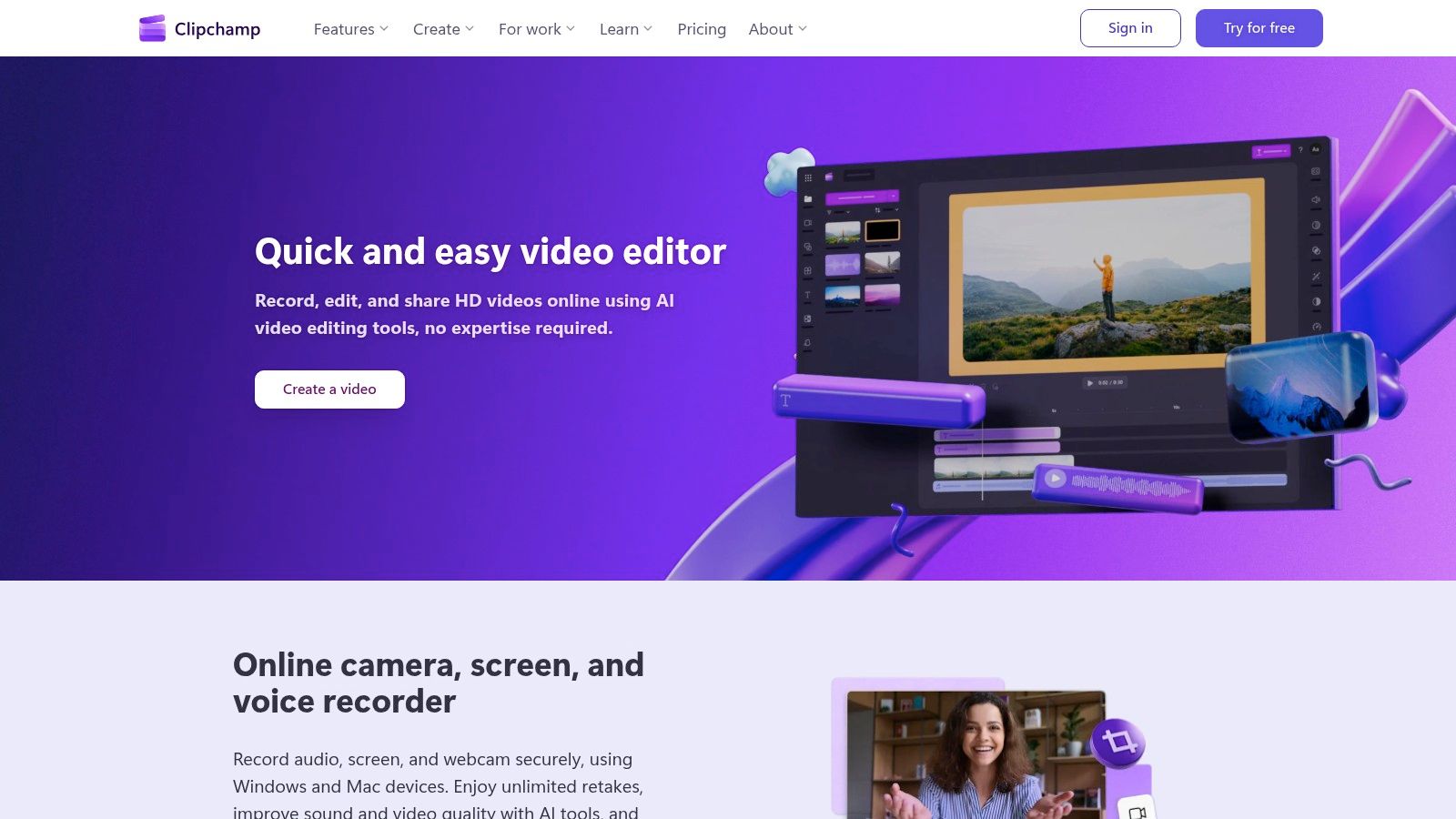
Unlike many competitors, Clipchamp allows free 1080p exports without a watermark, making it immediately useful for creators on a budget. The workflow is straightforward, with a drag-and-drop interface and ready-made templates. For those using Microsoft 365, Clipchamp is often bundled in, unlocking premium features like 4K exports and a brand kit to maintain visual consistency across videos.
Key Features & Considerations
| Feature Analysis | Use Case & Limitations |
|---|---|
| AI Subtitles & Text-to-Speech | Great for creating accessible content or faceless videos. The AI voiceover is a practical tool for narration without recording your own voice. |
| Built-in Screen & Camera Recording | An excellent all-in-one solution for creating tutorials, reaction videos, or software walkthroughs without needing third-party apps. |
| Watermark-Free 1080p Exports | A major benefit for the free tier, allowing users to produce high-quality, professional-looking content without a forced logo. |
| Microsoft 365 Integration | While a pro for subscribers, it means premium features like 4K export are locked behind a paid subscription, making it less ideal for non-Microsoft users. |
- Best For: Windows users, educators, and small businesses needing a simple, integrated tool for creating social media content, tutorials, and corporate videos quickly.
- Pricing: Free plan with 1080p exports. Premium features are available through a paid Clipchamp subscription or as part of Microsoft 365.
- Website: https://clipchamp.com
7. Descript
Descript offers a fundamentally different approach to video editing, making it an exceptional best CapCut alternative for creators who prioritize narrative and speed over complex visual effects. Instead of a traditional timeline, you edit your video by simply editing a text transcript. This text-based workflow is perfect for producing faceless narration shorts, explainer videos, and repurposing long-form content like podcasts or webinars into bite-sized clips with incredible efficiency.
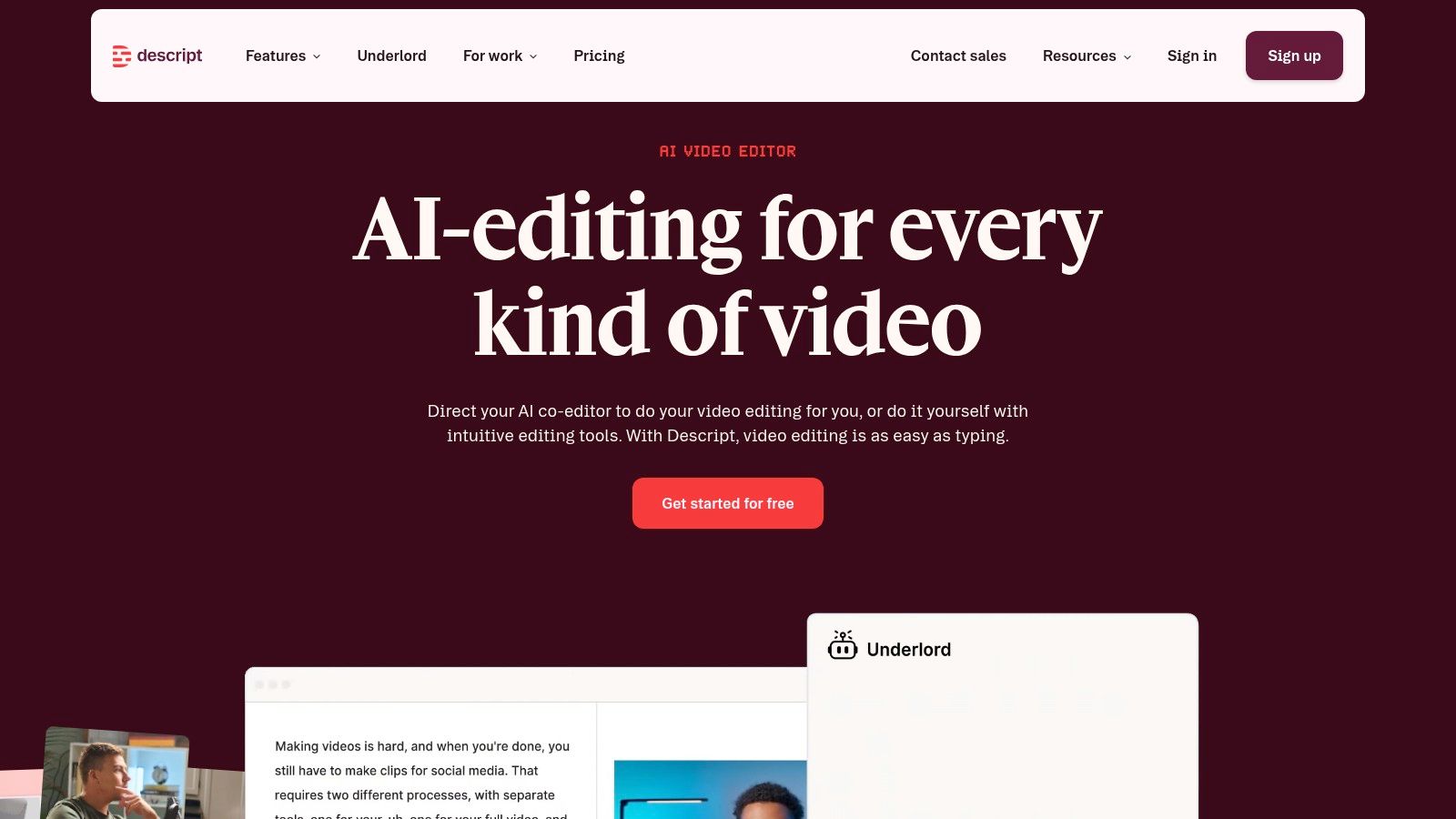
The platform automatically transcribes your video or audio in multiple languages, allowing you to delete filler words or rearrange sentences just like in a document. Standout features include its AI voice cloning, which lets you correct audio mistakes by typing, and a suite of tools for screen recording and creating dynamic, templated captions. For creators focused on story-driven or educational content, this method can reduce editing time from hours to minutes.
Key Features & Considerations
| Feature Analysis | Use Case & Limitations |
|---|---|
| Edit Video by Editing Text | Lightning-fast for story-driven shorts, tutorials, and repurposing. Deleting text instantly removes the corresponding video segment. |
| AI Voice Cloning & TTS | Correct audio errors or create entire voiceovers from scratch using a realistic AI clone of your voice. Great for faceless channels. |
| Automatic Dynamic Captions | Generates and styles captions automatically based on speaker detection, saving significant time compared to manual captioning in other apps. |
| Workflow Focus | Its strength is in narrative and audio-led content. It is not built for intricate timeline-based editing, heavy VFX, or precise visual transitions. Advanced AI features require a paid plan. |
- Best For: Podcasters, educators, and marketers creating captioned, voiceover-first content, especially for screen-recorded tutorials or faceless videos.
- Pricing: Free plan with limited features. Paid Creator and Pro tiers unlock advanced transcription, AI tools, and export options.
- Website: https://www.descript.com
8. DaVinci Resolve
DaVinci Resolve is a powerhouse desktop suite that elevates video editing far beyond mobile app capabilities, making it a professional-grade best CapCut alternative for creators ready to master their craft. It uniquely integrates editing, world-class color grading, professional audio post-production (Fairlight), and visual effects (Fusion) into a single application. Its core strength is providing an end-to-end production workflow that rivals the most expensive software on the market, but with an incredibly capable free version.
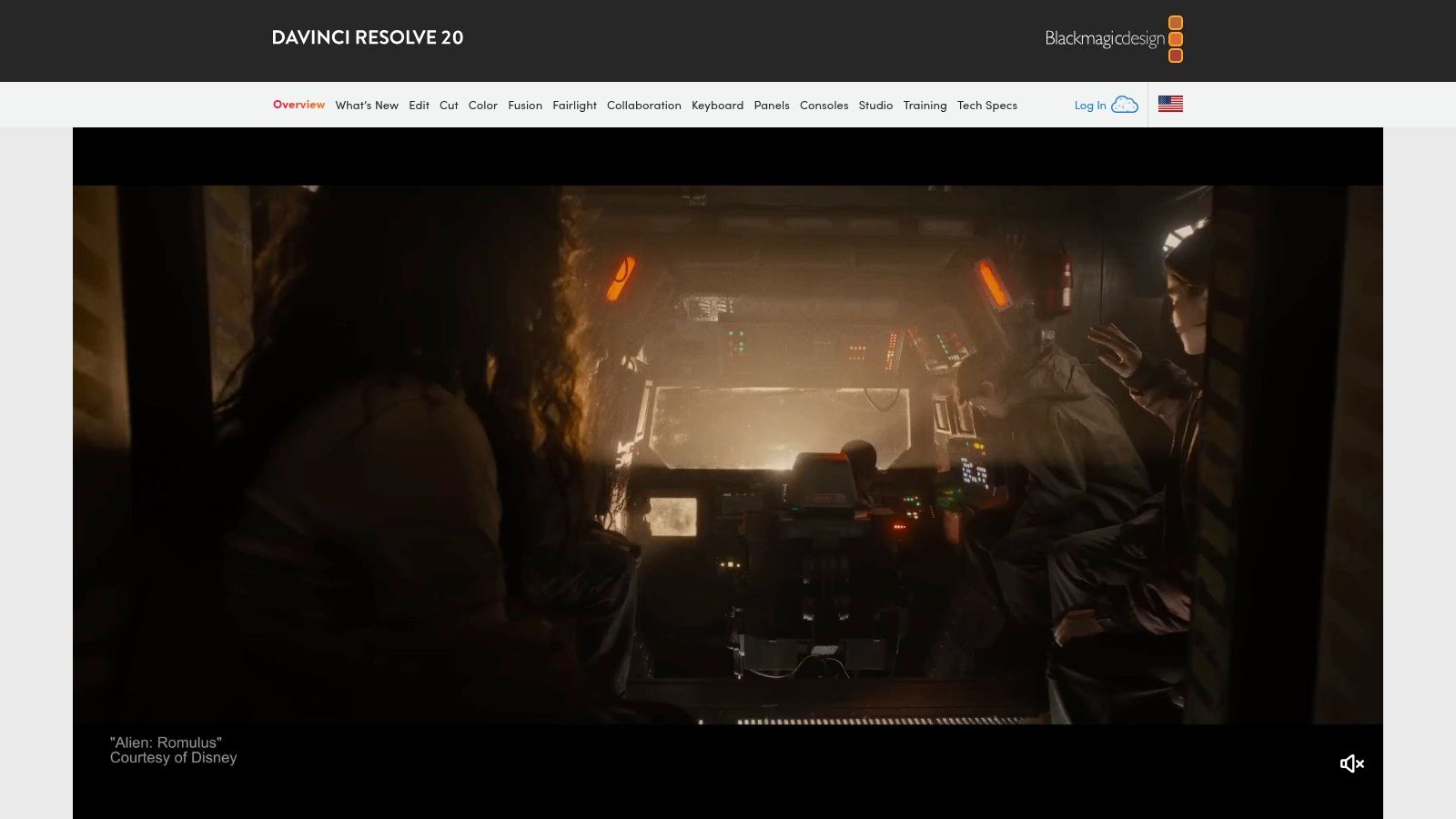
While the learning curve is steeper than template-driven apps, the payoff is immense control. The node-based color grading page, for instance, offers precision that filter-based apps simply cannot match. For creators looking to produce cinematic short-form content or establish a unique visual style, Resolve provides the necessary tools. Although it lacks CapCut's automated captioning, you can learn how to add captions to videos manually for a polished, professional result.
Key Features & Considerations
| Feature Analysis | Use Case & Limitations |
|---|---|
| Professional Color Grading | Ideal for creating a distinct cinematic look using a node-based system. Offers far more depth than simple filters. |
| All-in-One Suite | Combines editing, color, audio (Fairlight), and VFX (Fusion) in one program, eliminating the need to switch between different software. |
| Capable Free Version | The free edition is powerful enough for most creators, supporting resolutions up to 4K UHD at 60 fps. |
| Steeper Learning Curve | Requires a significant time investment to learn compared to mobile editors. It is not a quick-start, template-based tool. |
- Best For: Serious creators who have outgrown mobile editors and need professional control over color, audio, and effects for a polished, high-end final product.
- Pricing: Free version is extremely robust. DaVinci Resolve Studio is available as a one-time purchase (no subscription).
- Website: https://www.blackmagicdesign.com/products/davinciresolve
9. Wondershare Filmora
Wondershare Filmora serves as a natural stepping stone for creators outgrowing CapCut, offering a friendly yet more powerful editing environment. It’s a strong best CapCut alternative because it maintains a low learning curve while introducing a more traditional non-linear editing (NLE) workflow. The platform is known for its massive library of drag-and-drop effects, titles, and transitions, making it easy to produce stylized social media content without a steep technical climb.
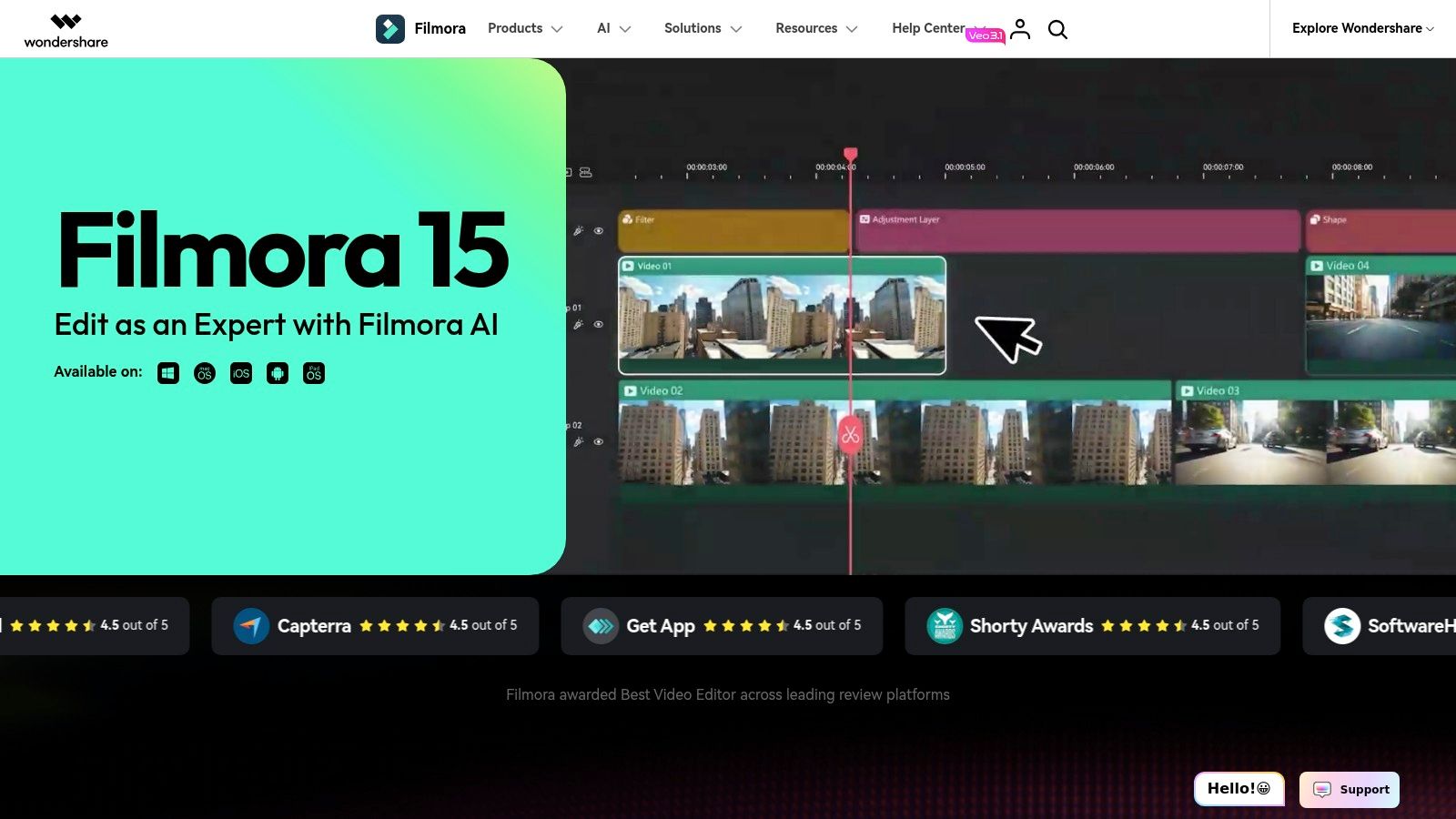
Unlike mobile-first apps, Filmora provides a robust desktop experience that syncs with its mobile version, giving creators flexibility. Its strength is balancing creative assets with functional tools. Features like AI Portrait can quickly remove backgrounds without a green screen, and its audio tools are a clear upgrade from basic mobile editors. This makes it ideal for creators wanting to elevate their production quality without getting lost in professional-grade software.
Key Features & Considerations
| Feature Analysis | Use Case & Limitations |
|---|---|
| Large Effects Library | Perfect for quickly adding polished titles, transitions, and visual effects to social videos. Access to the Filmstock library further expands options. |
| Cross-platform Availability | Start a project on mobile and finish it on desktop, which is great for a flexible workflow. The desktop version offers more precision and control. |
| AI Portrait & Auto Tools | AI features like background removal are useful for creating trendy effects for TikTok or Shorts. These are often add-ons or part of paid plans. |
| Confusing Pricing | The core software is affordable, but costs can add up. Many advanced features, effects packs, and AI tools require separate purchases or higher-tier plans. |
- Best For: Social media creators and YouTubers who need more editing power and creative assets than CapCut offers but aren't ready for complex professional software.
- Pricing: Offers a free version with a watermark. Paid plans are available as a subscription or a perpetual license, with additional costs for certain asset packs and AI features.
- Website: https://filmora.wondershare.com
10. KineMaster
KineMaster is a mature and powerful mobile video editor that has long served as a best CapCut alternative for creators demanding more granular control directly on their devices. It distinguishes itself with a feature set that mirrors desktop software, offering multi-layer video editing, chroma key (green screen), and precise keyframe animation. This makes it ideal for more complex projects that go beyond simple cuts and filters, allowing for picture-in-picture effects and intricate text overlays.
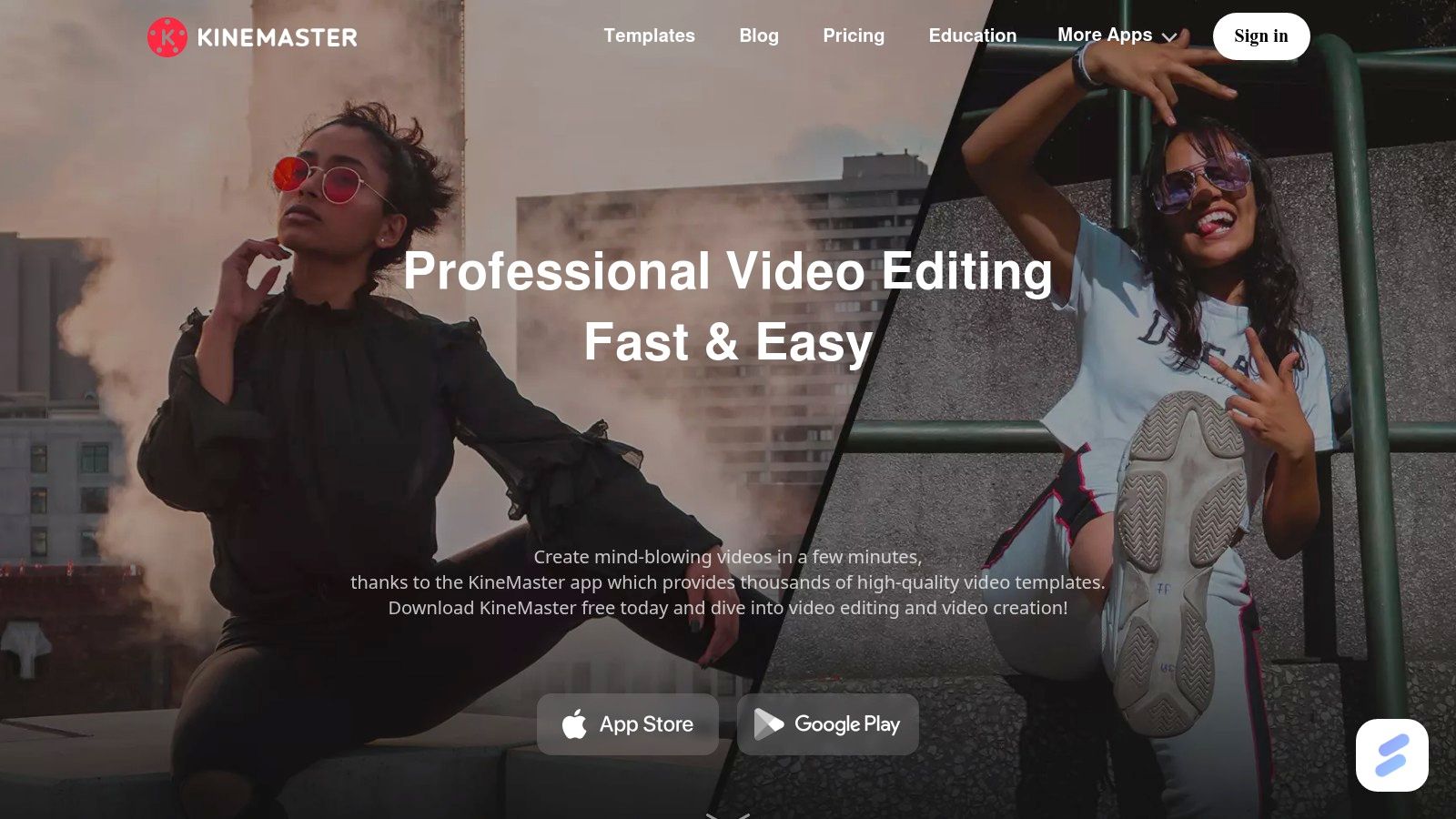
Unlike many simpler apps, KineMaster’s interface is built around a traditional timeline, giving users a familiar editing environment. The addition of motion tracking, AI-powered vocal removal, and an extensive asset store with templates and effects further solidifies its position as a tool for serious mobile producers. The KineCloud feature also provides a community for sharing templates and backing up projects, adding a collaborative and secure element to your workflow.
Key Features & Considerations
| Feature Analysis | Use Case & Limitations |
|---|---|
| Multi-layer Timeline with Keyframing | Perfect for creating sophisticated picture-in-picture effects, animated text, or layered graphics. Offers far more control than CapCut’s single-track primary timeline. |
| Chroma Key & Motion Tracking | Enables creators to produce green screen videos and make elements follow moving objects, opening up advanced creative possibilities directly on mobile. |
| AI Tools (Vocal Remover, Auto-captions) | The vocal remover is excellent for creating karaoke tracks or custom sound beds. Auto-captions streamline the process of making content accessible. |
| Watermark & Subscription Model | The free version includes a prominent watermark. A premium subscription, which varies in price by region, is necessary to remove it and unlock all features. |
- Best For: YouTubers, vloggers, and social media managers who need advanced editing tools like green screen and keyframing without leaving their mobile device.
- Pricing: Free with a watermark. Premium subscription required to remove the watermark and access the full asset store.
- Website: https://www.kinemaster.com
11. InShot
InShot is a massively popular mobile editor that often comes up in conversations as a direct and best CapCut alternative. Its design philosophy is built around speed and simplicity, making it a go-to choice for creators who need to produce polished social media content without a steep learning curve. The interface feels immediately familiar, offering a CapCut-like experience with an extensive library of stickers, filters, and effects that are perfectly suited for TikTok, Instagram Reels, and YouTube Shorts.
Its core appeal lies in its balance of beginner-friendly tools and more advanced features. You can quickly trim clips and add music, but you also have access to keyframe animations, chroma key for green screen effects, and speed ramping for dynamic pacing. Recent updates have also introduced AI-powered tools like auto-captions and smart object tracking, keeping it competitive and reducing manual editing work for creators making short-form, narrative-driven content.
Key Features & Considerations
| Feature Analysis | Use Case & Limitations |
|---|---|
| AI Auto-Captions & Tracking | Excellent for creating accessible, engaging videos with animated text or effects that follow a subject. Saves significant time over manual keyframing. |
| Extensive Asset Libraries | A huge plus for creators who want to quickly add personality with trendy stickers, effects, and royalty-free music directly within the app. |
| 4K/60fps Export | Allows for high-quality output, ensuring videos look crisp on modern displays. A key feature for creators who prioritize visual fidelity. |
| Paywalled Features & Watermark | The free version is functional but limited, with a watermark and ads. Many advanced effects and assets require a subscription, which can feel restrictive. |
- Best For: Social media creators who need a fast, intuitive editor with a large creative asset library for producing trendy short-form videos quickly.
- Pricing: Free with a watermark and ads. InShot Pro subscription (monthly/yearly/one-time purchase) unlocks all features, removes the watermark, and provides access to all assets.
- Website: https://inshot.cc
12. LumaFusion
LumaFusion is a pro-grade, multi-track mobile editor that brings near-desktop power to phones and tablets, making it a serious best CapCut alternative for creators who demand control. It's frequently used by mobile journalists and professional videographers for its robust feature set, which includes advanced color tools, precise keyframing, and powerful audio controls. This app is for those who find CapCut’s single-layer timeline and template-based workflow too restrictive and need more granular control over their final product.

Unlike most mobile editors, LumaFusion offers professional scopes like histograms and vectorscopes for accurate color correction, multicam editing for syncing clips from multiple angles, and a mixer for managing audio tracks. Its one-time purchase model for the core application is a significant draw for creators tired of subscriptions. While there's a steeper learning curve, the payoff is a polished, professional-looking video that stands out. Mastering its tools can improve your overall ability to edit a shorts video, giving you skills applicable beyond just one app.
Key Features & Considerations
| Feature Analysis | Use Case & Limitations |
|---|---|
| Advanced Timeline & Keyframing | Perfect for complex animations, precise audio fades, and layered effects. Offers control far beyond what template-driven editors provide. |
| Professional Color Tools | Use scopes like histograms and vectorscopes for accurate color grading, ensuring your video looks consistent and cinematic across devices. |
| Multicam Editing | Sync and edit footage from multiple cameras simultaneously, an ideal feature for interviews, podcasts, or event coverage shot on mobile. |
| Learning Curve & Pricing Model | The core app is a one-time purchase, but there is a steeper learning curve than with CapCut. An optional "Creator Pass" subscription is required for stock media. |
- Best For: Mobile journalists, serious YouTubers, and content creators who need professional editing power on the go and are willing to invest time to learn a more complex tool.
- Pricing: A one-time purchase of around $29.99 for the core app. An optional subscription (Creator Pass) is available for stock content.
- Website: https://luma-touch.com
Top 12 CapCut Alternatives — Quick Feature Comparison
| Product | Core features | UX / Quality (★) | Price & Value (💰) | Best for & USP (👥 ✨ 🏆) |
|---|---|---|---|---|
| Adobe Premiere on iPhone | Multi‑track timeline; AI audio cleanup; send‑to‑desktop | ★★★★ — precise mobile NLE | 💰 Free app; best with Adobe subs | 👥 Adobe users/pros; ✨ desktop handoff; 🏆 precision editing |
| Adobe Express | Template editor; Adobe Stock + Firefly AI; brand kits | ★★★★ — fast, template‑first | 💰 Free → Paid for 4K/premium assets | 👥 Social marketers; ✨ Firefly + stock; 🏆 templates library |
| Canva | Video & motion templates; Brand Kits; Magic Resize | ★★★★ — very fast & collaborative | 💰 Free → Pro for premium assets | 👥 Marketers/teams; ✨ all‑in‑one design+video |
| Kapwing | Auto subtitles/translation; AI clip maker; collaboration | ★★★ — web native, caption/localization focus | 💰 Freemium; paid quotas for AI | 👥 Distributed teams/localizers; ✨ 60+ language captions |
| VEED | Auto‑subtitles, AI Reels, voices/avatars; templates | ★★★ — one‑click social creators | 💰 Freemium; paid plans for limits | 👥 Creators wanting speed; ✨ AI Reels & avatars |
| Microsoft Clipchamp | AI subtitles/TTS; screen & camera recording; 4K export | ★★★ — smooth for Windows users | 💰 Free to 1080p; 4K on premium/M365 | 👥 Windows/M365 users; ✨ OS integration |
| Descript | Edit by transcript; voice cloning; dynamic captions | ★★★★ — lightning‑fast for narration | 💰 Freemium → Creator/Pro tiers | 👥 Podcasters/voiceover creators; ✨ edit‑by‑text & voice clone; 🏆 repurposing speed |
| DaVinci Resolve | Node color, Fairlight audio, Fusion VFX; cloud collab | ★★★★★ — pro finishing suite | 💰 Very capable Free; Studio one‑time purchase | 👥 Professionals/finishers; ✨ node grading & VFX; 🏆 powerful free NLE |
| Wondershare Filmora | Large effects/templates; auto tools; cross‑platform | ★★★ — easy creative toolkit | 💰 Paid/subscriptions + add‑ons | 👥 Creators upgrading from basic apps; ✨ creative asset packs |
| KineMaster | Multi‑layer timeline; motion tracking; KineCloud | ★★★★ — deep mobile control | 💰 Freemium; premium removes watermark | 👥 Mobile power users; ✨ pro mobile features |
| InShot | Fast mobile editor; effects/stickers; auto‑captions | ★★★ — beginner‑friendly & quick | 💰 Freemium; in‑app purchases | 👥 Casual creators/shorts makers; ✨ CapCut‑like ease |
| LumaFusion | Pro multi‑track, scopes, multicam, strong audio | ★★★★★ — near‑desktop power on mobile | 💰 One‑time app + optional Creator Pass | 👥 Journalists/pros on mobile; ✨ pro tools + one‑time buy; 🏆 tablet/phone powerhouse |
Beyond the Editor: Building a Sustainable Content Workflow
Navigating the crowded market of video editors can feel overwhelming, but finding the best CapCut alternative for your specific needs is a crucial step toward elevating your content. Throughout this guide, we've explored a wide range of tools, from the professional-grade power of DaVinci Resolve and Adobe Premiere on iPhone to the accessible, all-in-one platforms like Canva and VEED. Each option presents a unique set of strengths and weaknesses, underscoring that the "perfect" editor is entirely dependent on your goals, budget, and creative style.
The key takeaway is to shift your perspective from simply replacing one app with another to building a more resilient and efficient creative process. Your choice of editor is just one component of a larger system. For creators aiming for high-volume, narrative-driven content, especially in faceless or automated formats, this system becomes paramount. To truly succeed, creators need to establish an efficient and sustainable content workflow. Learn how to better manage your content creation process by exploring strategies to Master Your Content Marketing Workflow and build a repeatable system for success.
Making Your Final Decision
Your selection process should be guided by a clear understanding of your non-negotiables.
- For Professional Polish: If you need granular control over color grading, intricate audio mixing, and complex keyframing, desktop-first solutions like DaVinci Resolve or Wondershare Filmora offer the depth that mobile-centric apps often lack. They represent a steeper learning curve but pay dividends in production quality.
- For Speed and Convenience: When your priority is getting content out quickly with minimal friction, cloud-based editors like Kapwing and Microsoft Clipchamp shine. Their template-driven approach and browser-based access make them ideal for social media managers and small businesses.
- For Mobile-First Creators: If you are committed to a phone-only workflow, LumaFusion and InShot provide a robust feature set that rivals many desktop editors, giving you professional power directly in your pocket.
Ultimately, the best CapCut alternative is the one that removes barriers between your idea and the final published video. Don't be afraid to experiment with the free trials offered by many of these platforms. Test them with a real project, paying close attention to how the interface feels and how quickly you can execute your core tasks. The right tool should feel like a natural extension of your creativity, not another obstacle to overcome. The goal is to spend less time fighting with software and more time connecting with your audience through compelling stories.
Ready to move beyond manual editing and automate your short-form video creation? ClipCreator.ai is built for creators who want to scale their output without sacrificing quality. Generate dozens of unique, engaging videos from a single script and reclaim your time. Try ClipCreator.ai today and see how effortless content creation can be.

Create your first video in under 2 minutes
Pick a niche, and ClipCreator.ai generates and auto-posts faceless videos to your channels every day.
Join ClipCreator.ai