
The social media landscape is relentless. The demand for high-quality, platform-native content, especially short-form video, is exploding while audiences expect instant engagement. For social media managers, small business owners, and creators, this means more work, tighter deadlines, and the constant threat of burnout. But what if you could automate the repetitive tasks, generate endless on-brand ideas, and even produce publish-ready videos while you focus on strategy?
Artificial intelligence is no longer a futuristic concept; it's a practical toolkit changing social media workflows. Many teams are already finding success with these platforms. For example, beyond general applications, it's also important to consider the specifics of using AI for Instagram growth to see how targeted strategies can yield impressive results. This guide moves beyond the hype to deliver a curated list of the best AI tools for social media marketing, organized by their core function.
Inside, you will find a detailed breakdown of top-tier platforms for:
- Content & Copywriting: Crafting captions, scripts, and ideas in seconds.
- Video Automation: Turning text or long-form content into engaging short-form videos.
- Scheduling & Publishing: Optimizing your content calendar with intelligent timing.
- Analytics & Reporting: Uncovering deep insights from your performance data.
- Ad Optimization: Improving campaign performance and reducing ad spend.
We'll provide screenshots, direct links, and a clear analysis of each tool's features, ideal use cases, and pricing. You'll gain a realistic understanding of their strengths and limitations, helping you select the perfect AI assistant to save time, boost creativity, and achieve measurable growth.
1. ClipCreator.ai
Best For: Automated Short-Form Faceless Video Production
ClipCreator.ai solidifies its position as a top-tier choice among the best AI tools for social media marketing by delivering a true "set-and-forget" video creation workflow. It's built for marketers, creators, and brands who need a consistent stream of high-quality, short-form faceless videos for platforms like TikTok and YouTube. Its core strength is its ability to automate the entire production process from a single prompt, generating a script, sourcing relevant visuals, adding a lifelike voiceover, and overlaying accurate subtitles to create a publish-ready video in minutes.
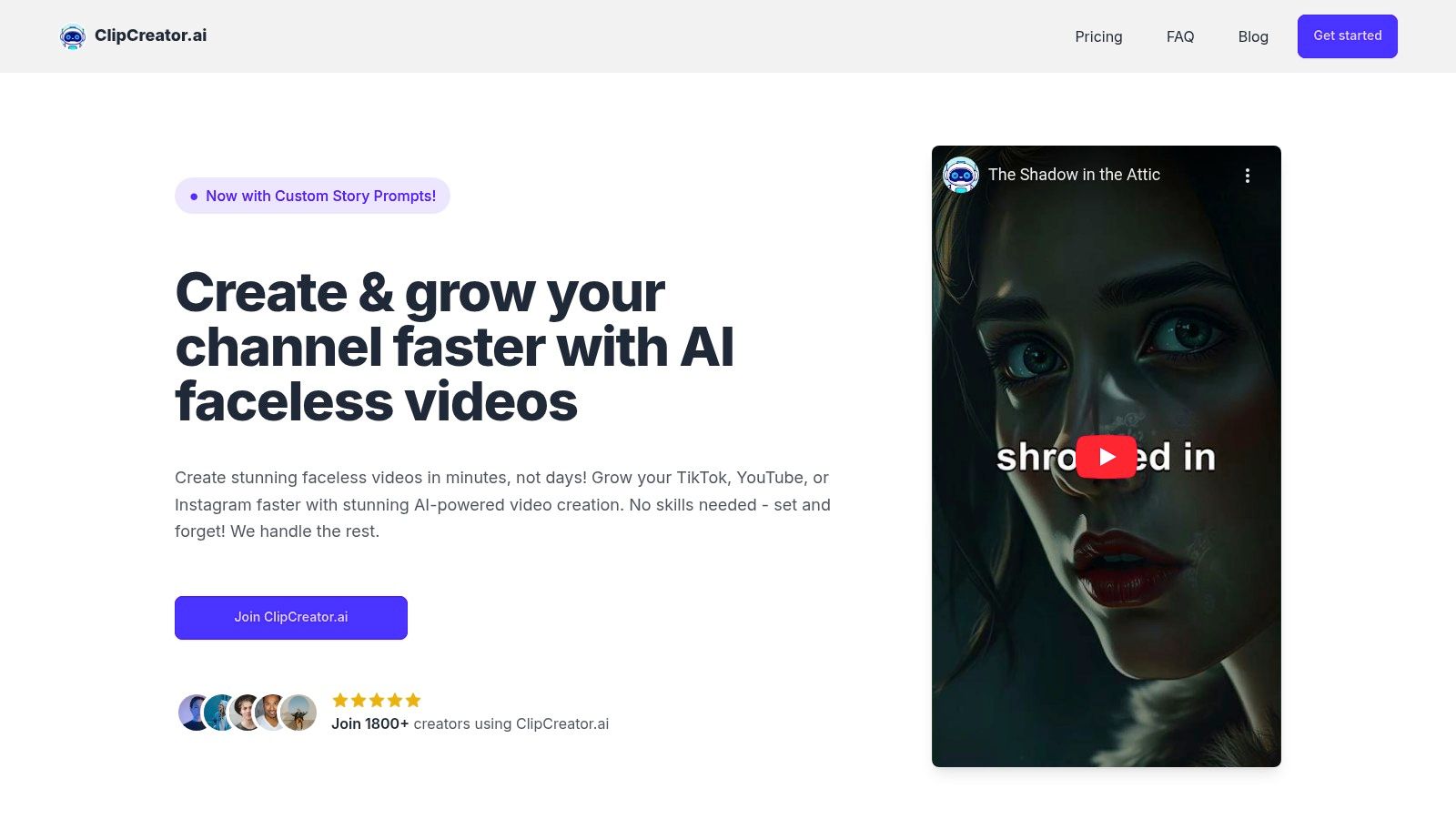
Unlike general-purpose video editors that require manual asset collection and timeline editing, ClipCreator.ai is purpose-built for efficiency. Users can start with proven viral templates (like scary stories or historical facts) or input a custom prompt to generate brand-aligned narratives. The platform handles the rest, including direct scheduling to TikTok and YouTube, which is a significant time-saver for anyone managing a content calendar.
Key Features & Analysis
- End-to-End Automation: The platform’s standout feature is its ability to manage the entire workflow from script to scheduled post. This eliminates the need to juggle multiple tools for scriptwriting, image generation, voiceovers, and scheduling.
- Template + Custom Prompts: This dual approach allows for both speed and customization. New users can immediately create content with formats known to perform well, while experienced brands can tailor narratives to fit specific marketing campaigns or brand tones.
- Integrated Production Elements: By automatically generating story-aligned images, lifelike AI voices, and subtitles, the tool produces a cohesive final product. The output is HD video up to 90 seconds, ideal for the short-form format.
- Direct Publishing & Scheduling: Connecting your TikTok or YouTube account enables genuine automation. Content can be scheduled to go live at optimal times without any manual intervention, ensuring consistent posting schedules.
Ideal Use Cases
This tool is exceptionally effective for creating thematic series content that thrives on consistency. For example, an educational channel can schedule a "daily history fact," or a wellness brand can create a series of "nightly bedtime stories" that are automatically posted every evening. Small businesses can use it to create quick, informative videos explaining product features or sharing industry tips without needing on-camera talent or a video production team. For a deeper dive into video automation possibilities, you can explore this guide to the best AI video generators.
Pricing & Tiers
ClipCreator.ai offers scalable plans based on posting frequency, making it accessible for different needs.
- Starter: $19/month for 3 posts per week.
- Daily: $39/month for 1 post per day.
- Pro: $69/month for 2 posts per day.
All plans include 100% video ownership and a one-time refund promise on the first two videos within 7 days if they don't meet expectations.
| Pros | Cons |
|---|---|
| True "set-and-forget" workflow saves hours weekly | Limited in-app editing capabilities for deep creative control |
| Proven viral templates combined with custom script generation | Auto-posting is currently focused on TikTok and YouTube |
| High-quality output with AI images, voiceovers, and subtitles | Video length is capped at 90 seconds, not suitable for long-form content |
| Scalable and affordable pricing for individuals and teams | Visuals are AI-generated, which may not fit brands requiring real-world or product-specific footage |
| Clear user ownership and a fair refund policy for new users |
Website: https://clipcreator.ai
2. Hootsuite (OwlyWriter AI)
Hootsuite is a long-standing leader in social media management, and its OwlyWriter AI represents a significant step in integrating artificial intelligence directly into established, enterprise-ready workflows. Rather than being a separate tool, OwlyWriter is built into Hootsuite’s composer, helping teams generate post ideas, write compelling captions from a simple prompt, or repurpose top-performing content for different platforms. This makes it one of the best AI tools for social media marketing for larger organizations and agencies.
The platform's main strength lies in its governance and team collaboration features. For brands in regulated industries or those managing multiple clients, the built-in approval queues and compliance checks are essential. The AI assists creativity within this secure framework, ensuring all generated content still passes through the necessary human review channels before going live. This combination of creative AI and robust control is where Hootsuite truly stands out from more SMB-focused tools.
Key Features & Ideal Use-Case
- Best for: Large teams and agencies needing AI assistance within a structured, governance-focused environment.
- OwlyWriter AI: Generates captions, content ideas, and can repurpose existing posts.
- Unified Dashboard: Manages everything from a central calendar and social inbox.
- Governance & Approvals: Critical for compliance and brand safety.
Pricing, Pros & Cons
| Pricing Tiers | Key Difference |
|---|---|
| Professional | Starts at $99/month for 1 user and 10 social accounts. |
| Team | $249/month for 3 users, 20 accounts, and custom branding. |
| Enterprise | Custom pricing for advanced team permissions, security, and support. |
Pros:
- AI is embedded directly into core scheduling and management workflows.
- Enterprise-level security, permissions, and approval systems.
- Extensive support for major social networks, including TikTok and YouTube.
Cons:
- Can be expensive for small businesses or solo creators.
- Advanced analytics and social listening are often costly add-ons.
Hootsuite is a powerful choice for those who need more than just content creation; it’s a full command center. Its AI features complement a broader set of social media automation tools that prioritize control and scalability.
3. Sprout Social (AI Assist)
Sprout Social is a premium social media management suite that has deeply integrated AI across its publishing, engagement, and analytics features. Its AI Assist tool helps marketers speed up copywriting, refine tone, and even generate alt-text for accessibility. Beyond content creation, its AI-powered Smart Inbox uses sentiment analysis to prioritize critical messages, making it one of the best AI tools for social media marketing for brands focused on customer care and in-depth reporting.
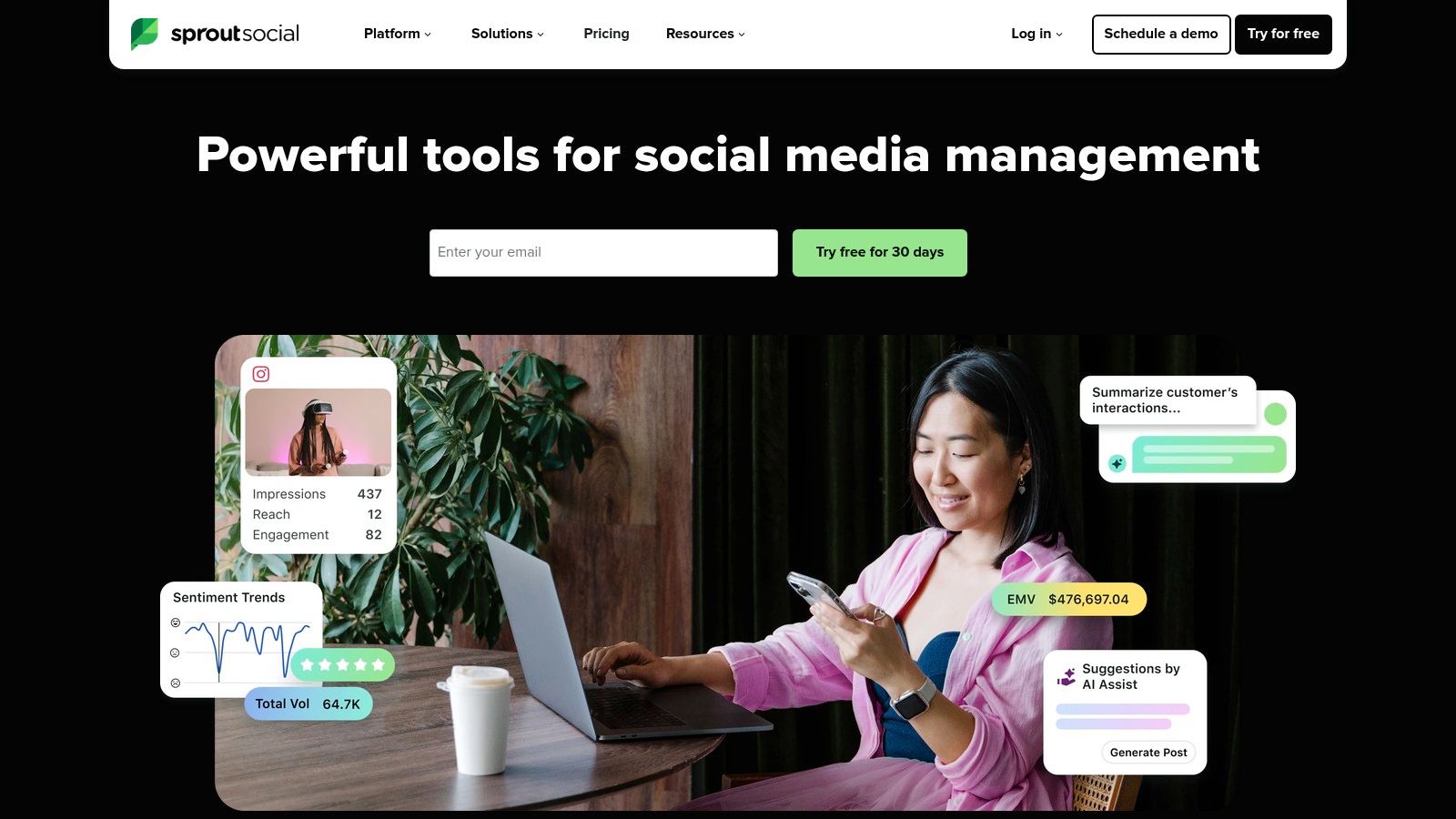
The platform's true advantage lies in its best-in-class analytics and reporting capabilities, which are augmented by AI to surface meaningful insights. For businesses that treat social media as a primary channel for customer service and market research, Sprout offers an unmatched level of detail. The AI doesn't just help you post; it helps you understand the impact of your posts and your audience's reaction with a clarity that few competitors can match.
Key Features & Ideal Use-Case
- Best for: Brands and agencies prioritizing analytics, customer care, and data-driven strategy.
- AI Assist: Enhances copy, suggests replies, and generates alt-text for images.
- Smart Inbox & Sentiment Analysis: Identifies urgent or negative comments for quick response.
- Robust Analytics: Delivers detailed performance and competitor insight reports.
Pricing, Pros & Cons
| Pricing Tiers | Key Difference |
|---|---|
| Standard | Starts at $249/month for 1 user, includes 5 social profiles. |
| Professional | $399/month for 1 user, adds unlimited profiles and advanced reporting. |
| Advanced | $499/month for 1 user, includes digital asset library and chatbot tools. |
Pros:
- Best-in-class analytics and reporting for data-centric teams.
- AI capabilities are integrated across the entire platform workflow.
- Strong focus on engagement, with features built for customer care.
Cons:
- Per-seat pricing can become costly for larger teams.
- Premium features like social listening are expensive add-ons.
Sprout Social provides a sophisticated command center for brands that require more than just scheduling. Its AI features work in concert with a powerful analytics engine, making it a top choice for marketers who need to prove ROI and manage brand reputation at scale. Visit the Sprout Social website to learn more.
4. Buffer (with AI Assistant)
Buffer has long been a favorite for small businesses and solo creators due to its simplicity and clean interface. The integration of its AI Assistant makes it an even stronger contender for those who need efficient content creation without the complexity of enterprise-level software. The AI Assistant is built directly into the composer, allowing users to generate post ideas, rewrite copy for different tones, or expand on a simple idea. This seamless integration makes it one of the best AI tools for social media marketing for individuals and small teams focused on speed and ease of use.
The platform’s core value is its straightforward approach to social media management. It combines scheduling, a link-in-bio page (Start Page), and basic engagement tools in one place. The AI Assistant adds a creative layer on top of this solid foundation, helping users overcome writer's block and repurpose content quickly across multiple channels. For a creator managing their own brand, Buffer provides the essential tools to plan, create, and analyze content without a steep learning curve or overwhelming feature set.
Key Features & Ideal Use-Case
- Best for: Solo creators, influencers, and small businesses wanting a simple, affordable AI-powered scheduler.
- AI Assistant: Generates and refines post ideas, rewrites copy for different tones, and helps create content from scratch.
- Multi-Platform Scheduling: A clean calendar view for planning content across all major platforms.
- Start Page: A customizable link-in-bio tool included with all plans.
- Simple Analytics: Easy-to-understand reports on post performance.
Pricing, Pros & Cons
| Pricing Tiers | Key Difference |
|---|---|
| Free | 3 channels, basic publishing tools, and a landing page. |
| Essentials | Starts at $6/month per channel with planning and publishing tools. |
| Team | $12/month per channel for unlimited users and collaboration tools. |
Pros:
- Extremely user-friendly interface that is easy to master.
- AI Assistant is included in all plans, making it very accessible.
- Transparent and flexible per-channel pricing model.
Cons:
- Analytics and reporting are less detailed than competitor platforms.
- Per-channel pricing can become costly for users managing many profiles.
For those just starting or prioritizing simplicity, Buffer is an excellent entry point into AI-assisted social media management. It provides the core functions needed for effective scheduling and content generation, making it a practical and powerful tool for growing brands.
5. Later (with AI Caption Writer)
Later has cemented its reputation as a visual-first social media scheduler, particularly beloved by creators and brands on Instagram, TikTok, and Pinterest. Its recent integration of an AI Caption Writer directly into its scheduling flow makes it one of the best AI tools for social media marketing for those who prioritize aesthetics and efficiency. Instead of wrestling with writer's block, users can generate multiple caption options from a simple prompt, complete with relevant hashtags, allowing them to focus more on visual planning.
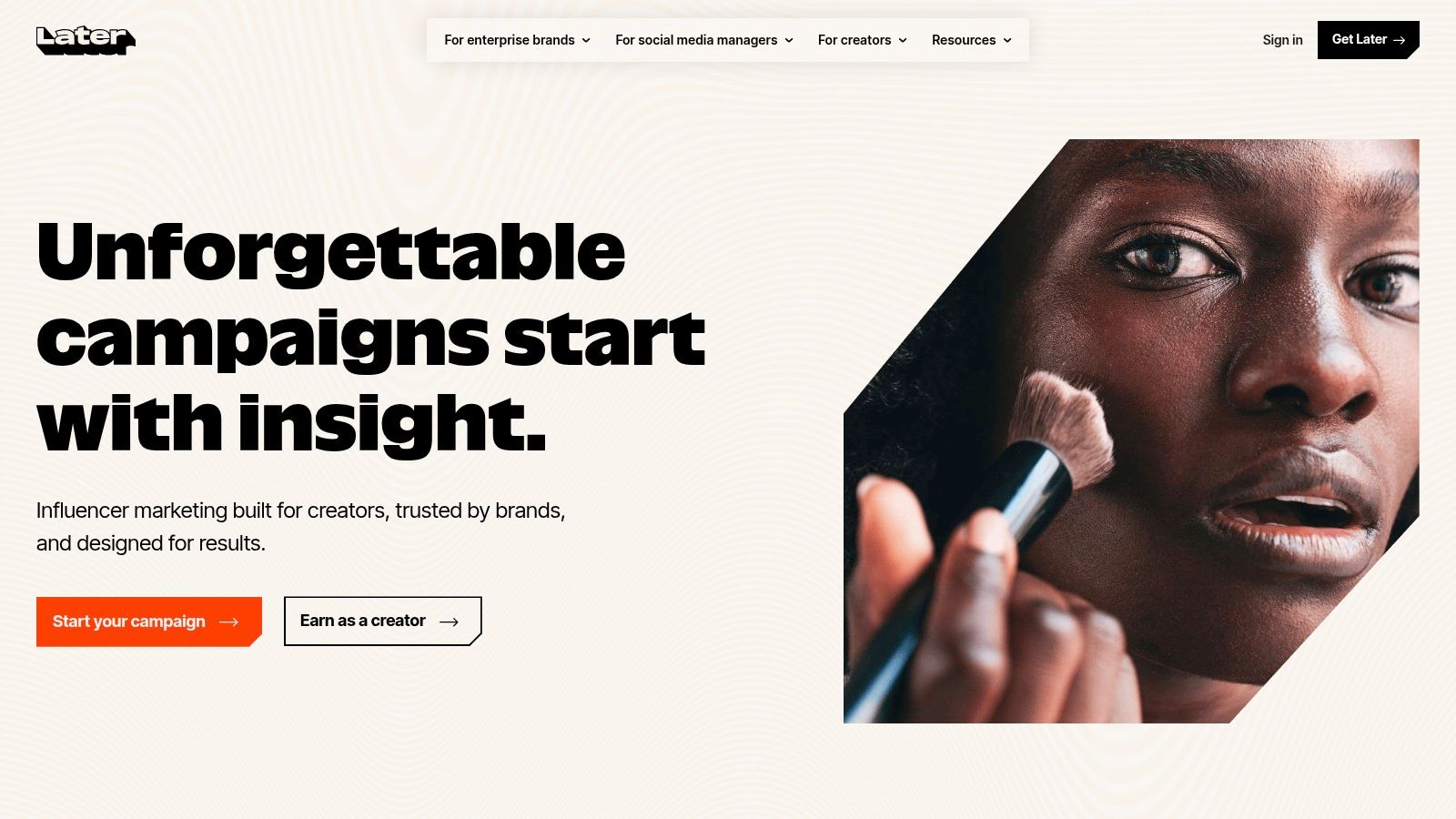
The platform’s strength is its visual content calendar, which allows you to drag and drop media to plan your feed's look and feel. The AI assistant complements this workflow perfectly by quickly filling in the textual component. Later's popular Link in Bio tool also benefits, as the AI can help create compelling call-to-action text for the links on your microsite, helping to drive traffic and sales directly from your social profiles. This all-in-one approach to visual planning and monetization is where Later stands out.
Key Features & Ideal Use-Case
- Best for: Creator-led brands and small businesses focused on visual platforms like Instagram and TikTok.
- AI Caption Writer: Generates caption ideas from prompts, operating on a credit-based system.
- Visual Planner: Drag-and-drop calendar to preview your Instagram grid aesthetic.
- Link in Bio: A built-in, customizable microsite to direct followers to important links and products.
Pricing, Pros & Cons
| Pricing Tiers | Key Difference |
|---|---|
| Starter | Starts at $25/month for 1 user and 30 posts per profile. |
| Growth | $45/month for 3 users, 150 posts, and more analytics. |
| Advanced | $80/month for 6 users, unlimited posts, and full feature access. |
Pros:
- Excellent visual planning tools for an aesthetically pleasing feed.
- Strong focus on Instagram and TikTok scheduling workflows.
- Integrated Link in Bio tool helps with monetization and traffic.
Cons:
- The AI Caption Writer is metered by credits, which can run out on lower plans.
- Advanced analytics and social listening features are limited on starter tiers.
For visually-driven marketers, Later provides an intuitive command center for planning and posting. Its AI feature is a practical addition that speeds up the content creation process, making it a strong choice for those who value aesthetics and direct monetization. Find out more at https://later.com.
6. Jasper
Jasper has evolved from a general writing assistant into a marketing-focused generative AI platform designed for brand consistency. Its strength lies in features like Brand Voice and Knowledge, which allow teams to train the AI on their specific messaging, style guides, and product information. This ensures that every piece of social copy, from a single tweet to a full campaign, is on-brand and factually correct, making it one of the best AI tools for social media marketing for teams prioritizing brand integrity.
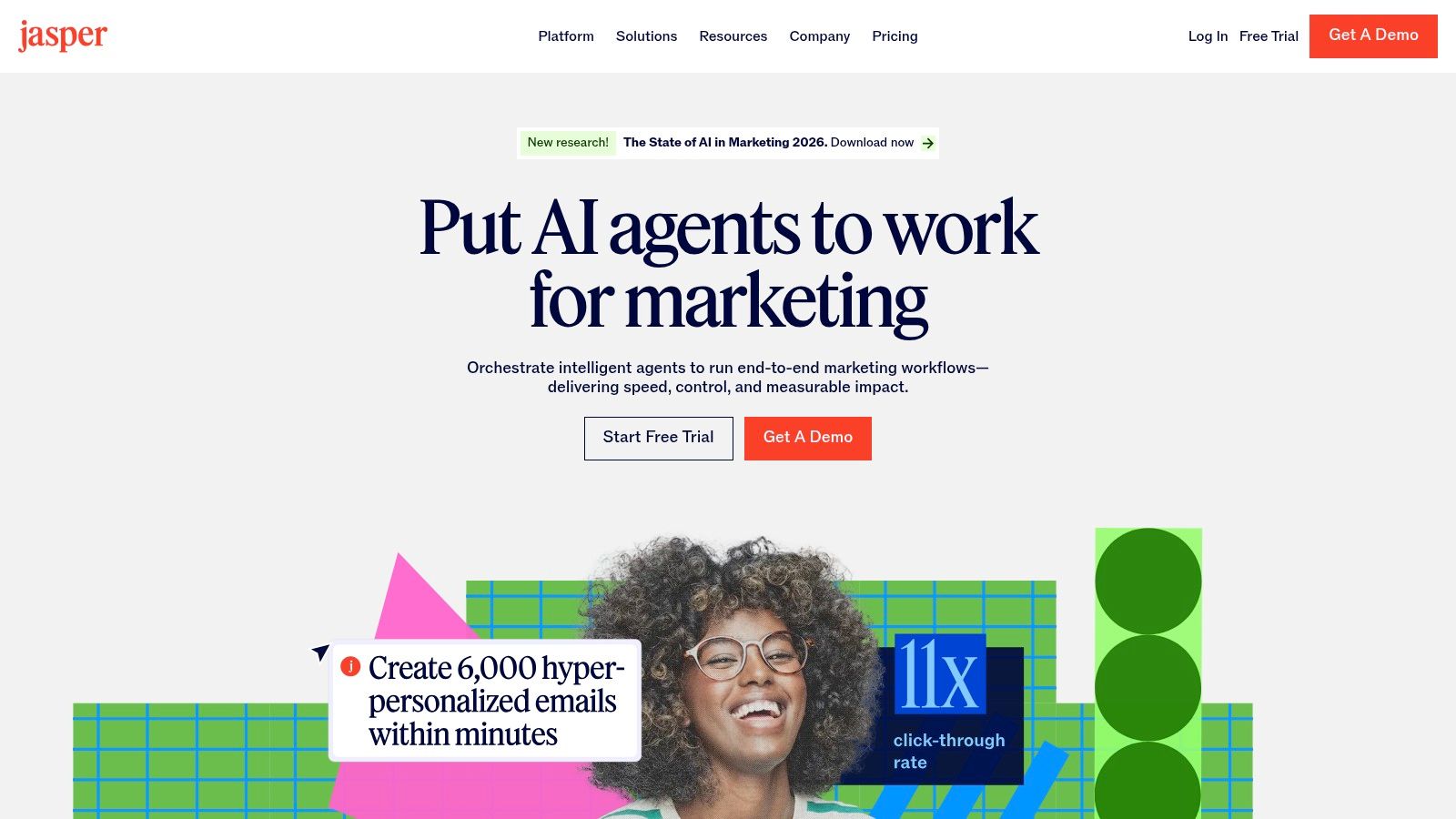
Unlike generic chatbots, Jasper is built for repeatable marketing workflows. Its Agents can execute multi-step tasks to generate cohesive assets across different channels, from social posts to blog articles and ad copy. The platform's governance features and team collaboration tools provide the control necessary for businesses to scale content creation without sacrificing quality or brand voice. This focus on controlled, on-brand output at scale is what sets Jasper apart from more basic caption generators.
Key Features & Ideal Use-Case
- Best for: Marketing teams and businesses that need to produce a high volume of on-brand content across multiple channels.
- Brand Voice & Knowledge: Trains the AI on your specific brand guidelines, tone, and factual information for consistent output.
- Campaigns & Agents: Automates the creation of entire marketing campaigns, from initial concept to channel-specific assets.
- Governance & Collaboration: Provides team management features and approval workflows to maintain quality control.
Pricing, Pros & Cons
| Pricing Tiers | Key Difference |
|---|---|
| Creator | For individuals, focused on one brand voice. |
| Pro | For small teams, offering more brand voices and collaborative assets. |
| Business | Custom pricing for advanced security, governance, and API access. |
Pros:
- Strong brand governance features ensure content is always on-message.
- Purpose-built for marketing workflows, not just general writing.
- Scales well from solo creators to large enterprise teams with robust controls.
Cons:
- Can be overkill and complex if you only need simple social media caption ideas.
- The more advanced features have a definite learning curve to master.
Jasper is a top-tier choice for marketers who want to embed AI deeply into their content strategy. It works as a central hub for generating consistent brand messaging, a key part of many AI content creation tools that aim for quality and scale.
7. Copy.ai
Copy.ai moves beyond one-off caption generation into scalable content operations, making it a strong choice for teams needing to build repeatable social media processes. Instead of just creating a single post, its Workflows feature allows users to automate entire content sequences, such as turning a blog post into a series of tweets, a LinkedIn post, and Instagram captions. This makes it one of the best AI tools for social media marketing for teams focused on efficiency and consistency across channels.
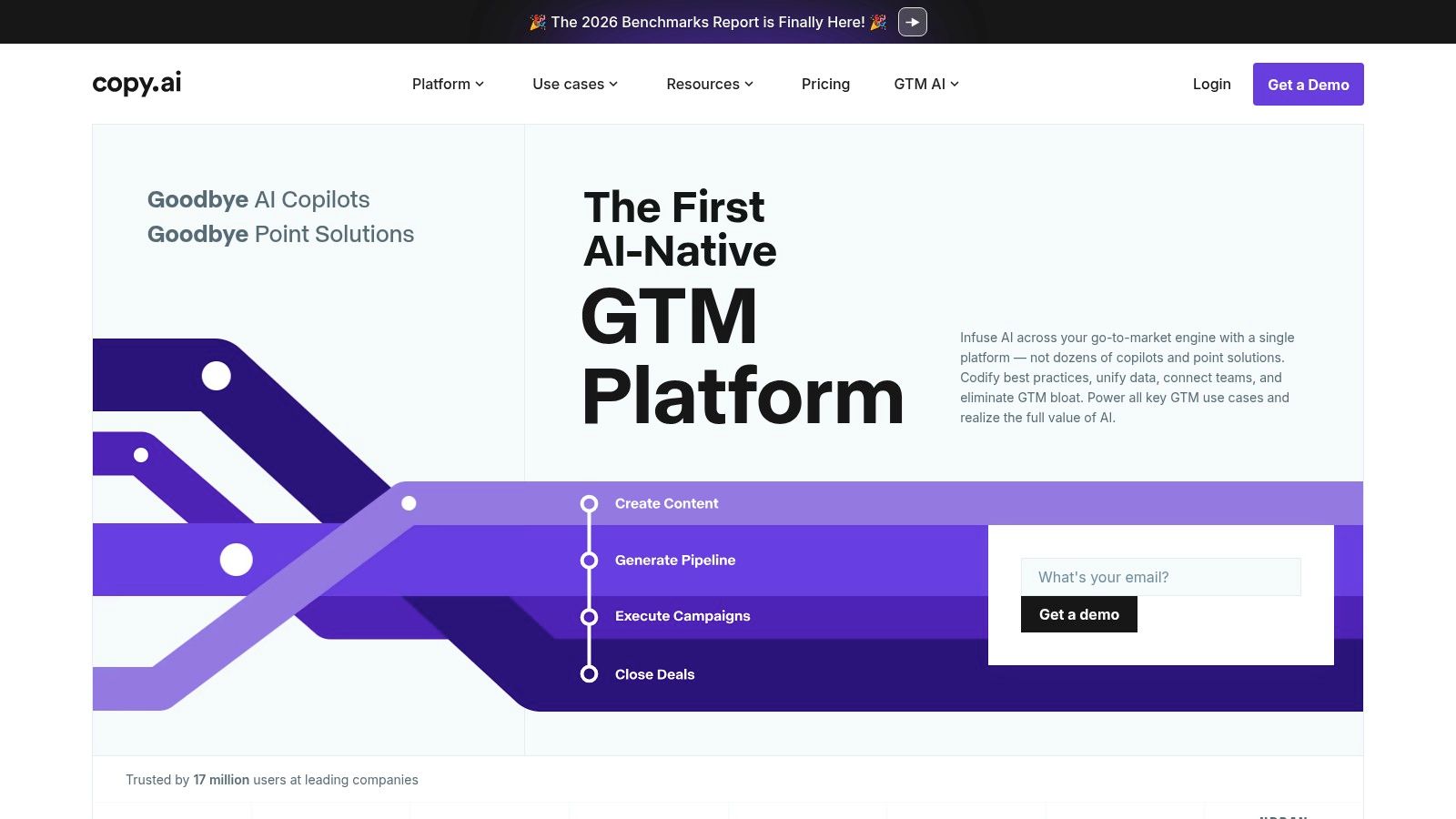
The platform’s key differentiator is its emphasis on automation and operationalizing content creation. While it has excellent templates for social media captions and brand voice alignment, the real power is unlocked when you build custom Workflows. For example, a social media manager can create a workflow that takes a product update as an input and automatically generates an announcement for Twitter, a benefits-focused post for LinkedIn, and an engaging question for Instagram, all in the correct brand tone.
Key Features & Ideal Use-Case
- Best for: Marketing teams aiming to automate and scale content production across multiple social channels with repeatable processes.
- Workflow Automation: Build custom, repeatable processes for generating content from a single input.
- Multi-Model Access: Select the best AI model (e.g., GPT, Claude, Gemini) for specific tasks within a workflow.
- Team-Focused Plans: Designed with seats and collaboration in mind.
Pricing, Pros & Cons
| Pricing Tiers | Key Difference |
|---|---|
| Pro | $49/month for 5 seats and 500 workflow credits. |
| Team | $249/month for 20 seats and 3,000 workflow credits. |
| Enterprise | Custom pricing for unlimited seats, advanced controls, and security reviews. |
Pros:
- Flexible automation capabilities go far beyond simple caption writing.
- Unlimited words in Chat and Brand Voice features are great for heavy use.
- Enables rapid creation of entire social media calendars and campaigns.
Cons:
- Requires an initial time investment to build and refine effective workflows.
- Advanced automation is metered by credits, which could be a limitation for very high-volume users.
Copy.ai is a strategic asset for teams who want to systematize their social media output. It's less about a quick caption and more about building a reliable engine for your entire content strategy. Find out more at https://www.copy.ai.
8. Canva (Content Planner + AI design)
Canva has evolved from a simple graphic design tool into a comprehensive content creation powerhouse, solidifying its place as one of the best AI tools for social media marketing, especially for design-focused teams. Its AI features, like Magic Design and Magic Write, are integrated directly into the visual creation process, allowing users to generate entire posts, presentations, or short videos from a single text prompt. This makes it exceptionally useful for small businesses and solo creators who need to produce high-quality visuals and videos without extensive design skills.
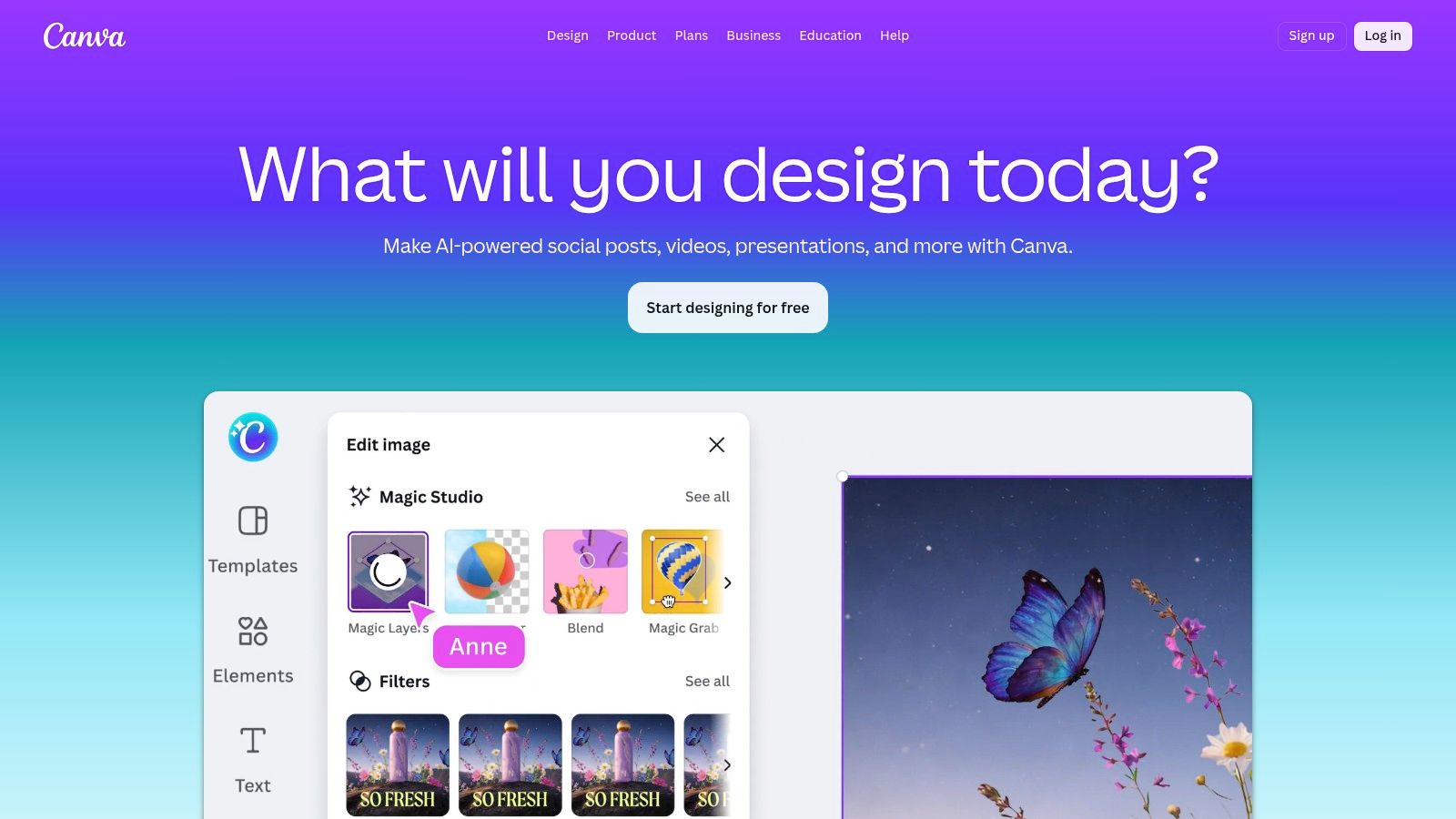
The platform’s major advantage is its end-to-end workflow. You can brainstorm, design, and animate a Reel, then schedule it directly to Instagram using the built-in Content Planner (available in Pro and Teams plans). For teams prioritizing brand consistency, the Brand Kit feature ensures every piece of content uses the correct logos, fonts, and colors. While its scheduler isn't as robust as dedicated social media management platforms, the convenience of having creation and publishing in one place is a massive time-saver for content-heavy strategies.
Key Features & Ideal Use-Case
- Best for: Small businesses and marketing teams that want an all-in-one tool for visual content creation and basic scheduling.
- AI-Assisted Design: Magic Design and other AI features generate templates, write copy, and create visuals from prompts.
- Content Planner: Natively schedule posts to Instagram, Facebook, TikTok, Pinterest, and more.
- Brand Kits: Maintain brand consistency across all designs and team members.
Pricing, Pros & Cons
| Pricing Tiers | Key Difference |
|---|---|
| Free | Basic design tools and a limited library of templates and photos. |
| Pro | Starts at $119.99/year for 1 person. Unlocks Content Planner, Brand Kits, and premium assets. |
| Teams | Starts at $300/year for a team of 5. Adds team collaboration and approval workflows. |
Pros:
- End-to-end creation and scheduling in a single, user-friendly interface.
- Vast template library drastically speeds up content production.
- Excellent for maintaining brand consistency, even for non-designers.
Cons:
- The scheduler is less powerful than dedicated tools like Hootsuite or Buffer.
- Users sometimes report occasional connection or scheduling errors.
Canva is the ideal solution for those whose social media strategy is heavily reliant on visuals. You can design your assets and then directly schedule them, simplifying the path from idea to live post. For more advanced scheduling needs, assets can be exported and used in other social media management software.
9. OpusClip
OpusClip is an AI video repurposing tool designed to automatically convert long-form videos into a collection of short, shareable clips. It analyzes content from sources like YouTube videos, webinars, or podcasts to identify the most engaging segments and then reframes them for vertical platforms like TikTok, Reels, and Shorts. This makes it one of the best AI tools for social media marketing for creators and brands who are rich in long-form content but short on time for manual editing.
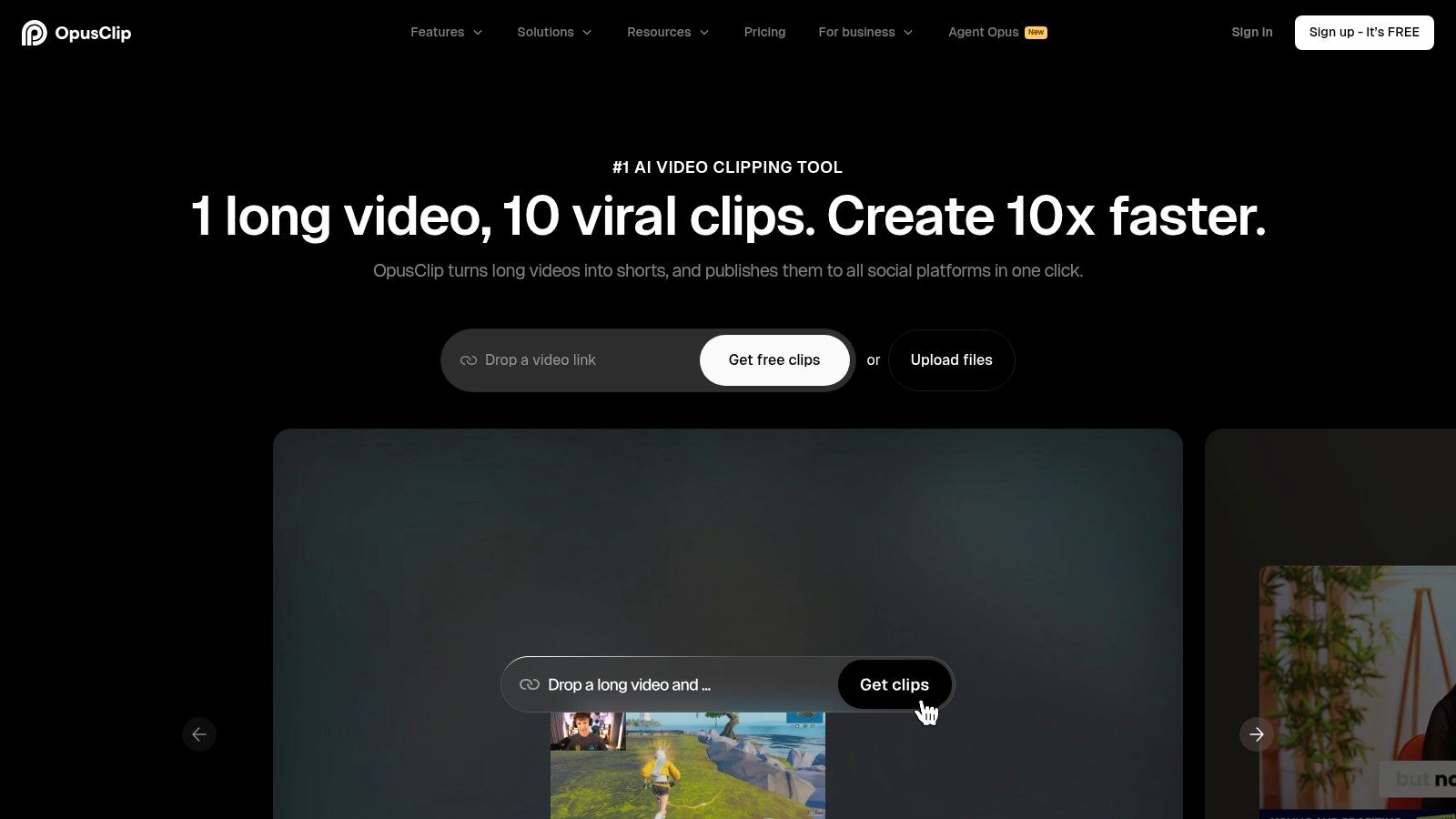
The platform’s standout feature is its AI-driven "virality score," which predicts a clip's potential to perform well based on an analysis of its content, pacing, and keywords. Combined with its automatic dynamic captions, AI reframing that keeps the speaker in focus, and a built-in social media scheduler, OpusClip offers an end-to-end solution for video-first marketing teams. This moves beyond simple trimming, providing a smart system for maximizing the reach of existing video assets.
Key Features & Ideal Use-Case
- Best for: Content creators and brands looking to quickly repurpose podcasts, interviews, and educational videos for short-form platforms.
- AI Curation & Virality Score: Automatically finds the best hooks and gives each clip a performance potential score.
- Auto Reframe & Captions: Intelligently reframes horizontal video to vertical and adds animated, word-by-word captions.
- Social Scheduler: Allows direct posting of finished clips to TikTok, YouTube Shorts, and Instagram Reels.
Pricing, Pros & Cons
| Pricing Tiers | Key Difference |
|---|---|
| Free | 60 minutes of upload credits per month with a watermark. |
| Starter | $19/month for 200 minutes of upload credits and 1080p exports. |
| Pro | $38/month for 800 minutes, team workspace, and social scheduling. |
Pros:
- Massive time-saver for creating short-form video content at scale.
- High-quality auto-captioning and smart reframing that follows the speaker.
- The built-in scheduler simplifies the publishing workflow.
Cons:
- Credit-based system means heavy users may need expensive plans.
- Primarily focused on repurposing; not for creating new video content from scratch.
OpusClip is a powerful choice for anyone committed to a video-first social strategy. It automates the most tedious parts of video editing, allowing teams to focus on distributing high-impact moments from their best long-form video content.
10. Lately.ai
Lately.ai takes a unique approach to content creation by acting as a brand's institutional memory. Its AI is designed to learn a specific brand voice from long-form content like blogs, webinars, or podcasts. It then atomizes this source material into dozens of distinct, on-brand social media posts, complete with relevant hashtags and visuals. This makes it one of the best AI tools for social media marketing for brands that are rich in expertise but poor in time.
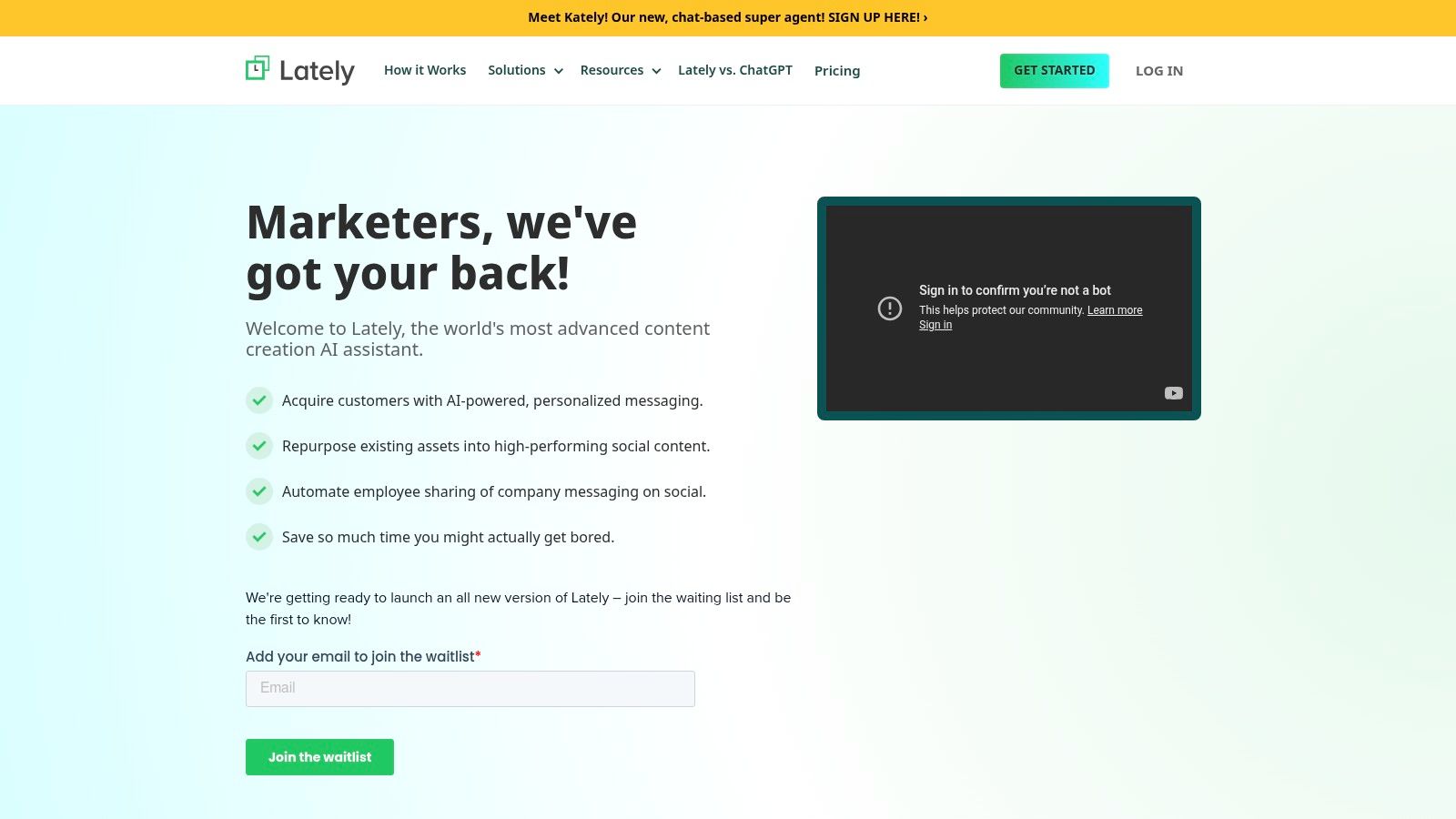
The platform’s core strength is its ability to create a massive library of pre-approved content from a single asset, solving the "what do I post today?" problem at scale. For enterprises and agencies, its governance features are a major draw, allowing for multi-client management and employee advocacy programs where team members can share company content with a single click. Instead of generating net-new ideas, Lately.ai focuses on repurposing and distributing what a brand already knows, ensuring consistency and maximizing the value of every piece of long-form content produced.
Key Features & Ideal Use-Case
- Best for: Brands with a steady stream of long-form content (podcasts, webinars, articles) to repurpose at scale.
- Social Post Autogenerator: Turns long-form text, audio, and video into a large library of social posts.
- Voice & Messaging Controls: Creates a "writing brain" AI model trained on your brand's specific style.
- Multi-Brand Governance: Manages multiple clients or internal departments from one dashboard (Enterprise).
Pricing, Pros & Cons
| Pricing Tiers | Key Difference |
|---|---|
| Pro | Starts at $49/month for 1 user and limited AI credits. |
| Business | $299/month for 5 users, more AI credits, and advanced analytics. |
| Enterprise | Custom pricing for full governance, employee advocacy, and API access. |
Pros:
- Excellent for systematically converting podcasts, webinars, and blogs into many social posts.
- AI voice modeling helps maintain brand consistency across all generated content.
- Scales well for complex organizations with employee advocacy or multi-client needs.
Cons:
- Pricing is significantly higher than basic schedulers and content generators.
- Delivers the best value when you consistently feed it new long-form content to process.
Lately.ai is a content multiplication engine. Its superpower lies in its ability to deconstruct your most valuable assets and give them new life across your social channels, ensuring your core messages are seen, heard, and repeated. You can learn more at Lately.ai.
11. Flick (with Iris AI)
Flick has carved out a niche as an Instagram-first social media platform, supercharged by its AI assistant, Iris. While many tools offer broad, multi-network support, Flick focuses intently on Instagram growth. Its AI is designed to generate content ideas and captions that resonate specifically with the Instagram audience, making it one of the best AI tools for social media marketing for creators and brands whose primary channel is IG.
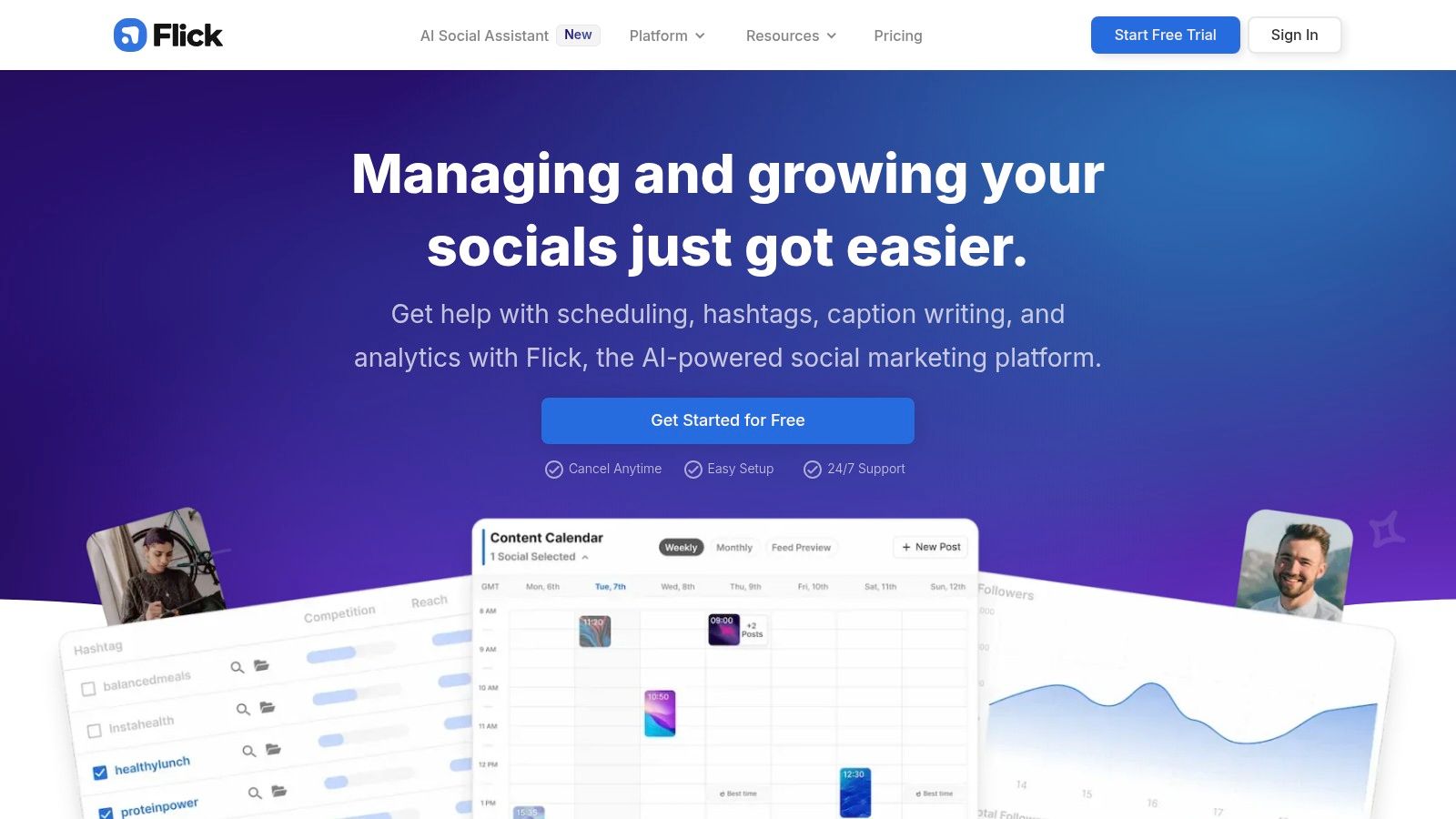
The platform's key differentiator is its unmatched hashtag intelligence. While Iris AI handles the creative brainstorming, Flick’s powerful analytics tools help you find, manage, and track the performance of hashtag sets. This combination moves beyond simple AI caption generation to a complete, data-informed growth strategy. The visual planner and easy-to-use scheduler round out a package that is perfectly suited for visual-led content planning, directly addressing the core needs of the modern Instagram marketer.
Key Features & Ideal Use-Case
- Best for: Creators and small businesses aiming for organic growth on Instagram.
- Iris AI Assistant: Generates content ideas and captions optimized for Instagram.
- Advanced Hashtag Tools: Best-in-class research, collection, and performance tracking.
- Visual Feed Planner: Plan your Instagram grid visually before scheduling.
Pricing, Pros & Cons
| Pricing Tiers | Key Difference |
|---|---|
| Solo | Starts at £14/month for 1 user and 4 social profiles. |
| Pro | £30/month for 2 users, 8 profiles, and expanded content ideas. |
| Agency | £66/month for 5 users, 20 profiles, and dedicated support. |
Pros:
- Hashtag intelligence is a clear standout for driving organic reach.
- The user interface is clean and built for creators and small teams.
- AI is tuned specifically to what works on Instagram.
Cons:
- Analytics and features are heavily focused on Instagram, with less depth for other platforms.
- Not a full enterprise suite; lacks the governance features of Hootsuite.
For those committed to winning on Instagram, Flick provides a specialized and effective toolkit. Its AI and hashtag features create a potent combination for boosting visibility where it matters most for a visual brand.
12. Metricool (with AI Social Media Assistant)
Metricool is an all-in-one social media management platform that effectively bridges the gap between content scheduling and performance analytics. It has become a favorite for freelancers, SMBs, and agencies who need a single hub to manage multiple brands. Its integrated AI Assistant is designed to work within the content planning workflow, helping users generate new post ideas, create engaging captions from prompts, and optimize content based on platform best practices.
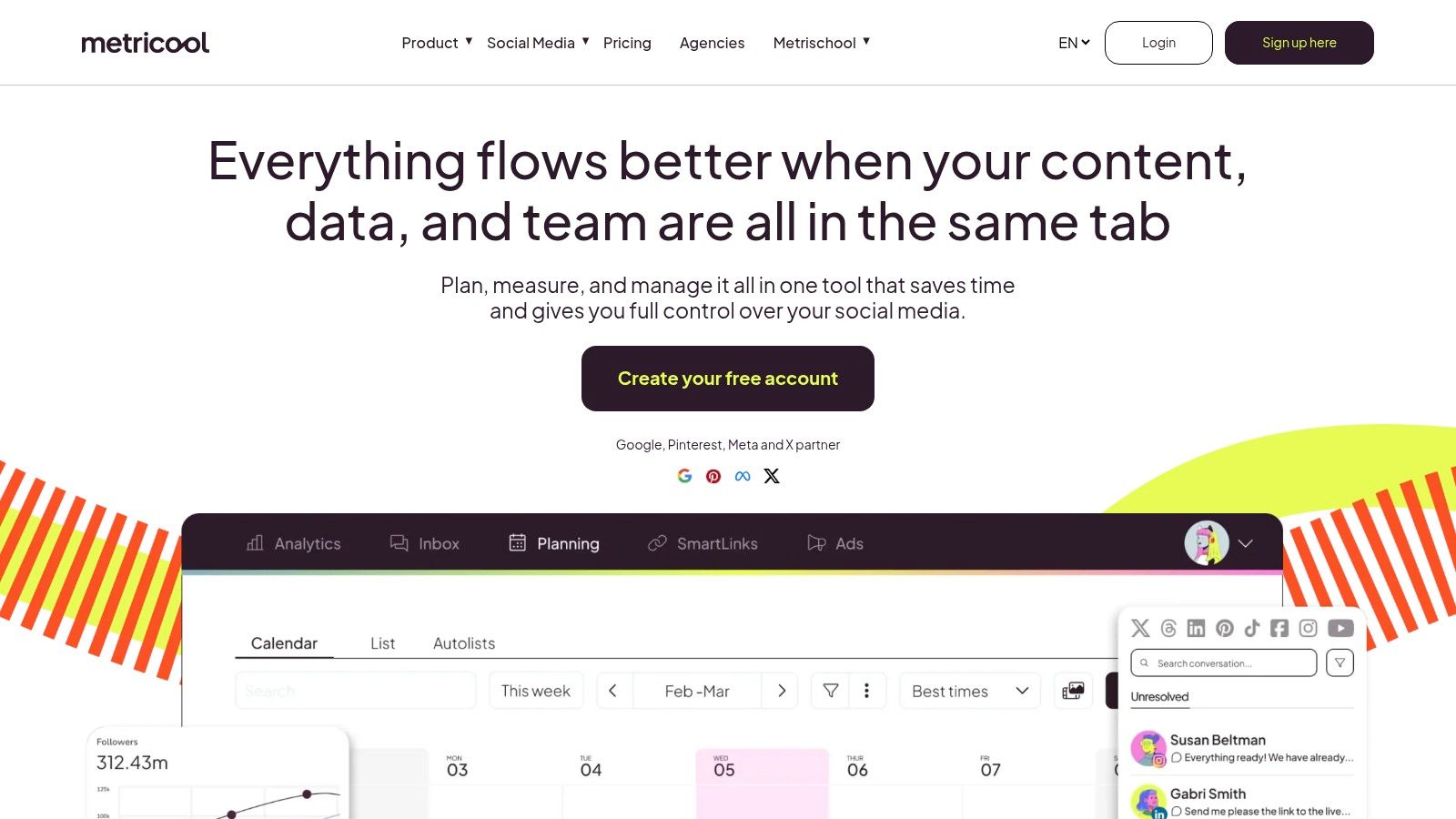
The platform’s core strength is its tight integration of analytics and planning. You can review a post’s performance and immediately use those insights to inform the next piece of content you create with the AI Assistant, all without leaving the dashboard. This makes it one of the best AI tools for social media marketing for users who value a data-informed creative process. The inclusion of competitor benchmarking and ad campaign reporting further cements its position as a central command center for a brand’s entire social presence.
Key Features & Ideal Use-Case
- Best for: SMBs and agencies needing a unified platform for scheduling, analytics, and ad management.
- AI Social Media Assistant: Generates and refines social media copy directly within the content composer.
- Unified Analytics: Combines social media and ad performance data into one set of reports.
- Competitor Benchmarking: Tracks competitor performance on major social networks.
Pricing, Pros & Cons
| Pricing Tiers | Key Difference |
|---|---|
| Free | 1 brand, 50 scheduled posts/month, and basic analytics. |
| Starter | Starts at $22/month for 5 brands and 2,000 posts/month. |
| Advanced | $59/month for 15 brands, adds team members and competitor analysis. |
Pros:
- Excellent balance of scheduling, analytics, and AI features in one tool.
- Supports a wide range of networks, including Threads, TikTok, and Google Business Profile.
- Affordable pricing structure, especially for managing multiple brands.
Cons:
- The interface can have a learning curve due to the number of features.
- AI usage and some advanced features are limited on lower-tier plans.
Metricool is ideal for marketers who want to connect their creative efforts directly to performance data. The platform's AI functions support a workflow where analytics informs strategy, closing the loop between what you post and what works.
Top 12 AI Social Media Marketing Tools — Comparison
| Product | ✨ Core features | ★ Quality & UX | 💰 Pricing / Value | 👥 Target audience | 🏆 Unique selling point |
|---|---|---|---|---|---|
| ClipCreator.ai 🏆 | Faceless short videos, viral templates, AI scripts, images, lifelike voiceovers, subtitles, scheduling & auto-posting | ★★★★☆ Set-and-forget; saves hours/wk | 💰 $19–$69/mo (Starter → Pro); clear tiers for posting frequency | 👥 Creators, educators, SMBs, agencies, marketers | 🏆 ✨ Template→publish automation; 100% ownership + 2-video refund promise |
| Hootsuite (OwlyWriter AI) | OwlyWriter AI, unified calendar, inbox, approvals, multi-network posting | ★★★★☆ Enterprise-grade, mature UX | 💰 Higher / enterprise pricing; add-ons for advanced features | 👥 Multi-brand teams, enterprises, social managers | ✨ Governance, approvals & broad network support |
| Sprout Social (AI Assist) | AI Assist for copy/replies, Smart Inbox, deep analytics, customer care workflows | ★★★★☆ Best-in-class reporting & care UX | 💰 Premium / per-seat pricing; add-ons for listening | 👥 Brands, agencies, customer care teams | ✨ Robust analytics + integrated AI across workflows |
| Buffer (with AI Assistant) | AI post generator/refiner, scheduler, link-in-bio, mobile & extension | ★★★★☆ Simple, fast onboarding for creators | 💰 Transparent, creator-friendly plans; scalable | 👥 Solo creators & small teams | ✨ Easy scheduling + AI ideation across plans |
| Later (with AI Caption Writer) | Visual planner, media library, Link in Bio, credit-based AI caption writer | ★★★★☆ Visual-first UX for IG/TikTok | 💰 Accessible plans; AI metered by credits | 👥 Creator-led brands focused on Instagram/TikTok | ✨ Strong visual planning & monetizable Link in Bio |
| Jasper | Brand Voice, Agents, Canvas, campaign workflows, governance | ★★★★☆ Powerful but steeper learning curve | 💰 Mid→enterprise pricing; good for teams | 👥 Marketing teams & agencies needing brand control | ✨ Brand governance + agent-driven multichannel generation |
| Copy.ai | Social templates, workflows/agents, multi-model access, seat plans | ★★★★☆ Flexible writing & automation | 💰 Seat-based; great for heavy writers (unlimited chat tiers) | 👥 Teams building repeatable social ops | ✨ Workflow automations + multi-model choice |
| Canva (Content Planner + AI) | AI design, templates, Content Planner, Brand Kits, collaboration | ★★★★☆ Intuitive design-first UX | 💰 Pro/Teams for scheduler; strong value for creators | 👥 Small teams, non-designers, social creators | ✨ End-to-end design + in-app scheduling & massive templates |
| OpusClip | Auto-clipping long-form → short, virality scoring, animated captions, reframing | ★★★★☆ High-quality clipping & reframing | 💰 Credit/plan-based; pay more for heavy use | 👥 Video-first marketing teams, creators repurposing long-form | ✨ Auto-reframe + virality scoring for shorts |
| Lately.ai | Autogenerator from long-form, brand voice models, AI scheduling & analytics | ★★★★☆ Very effective for repurposing content | 💰 Premium pricing; best with steady long-form input | 👥 Agencies, enterprises, brands with podcasts/webinars | ✨ Brand voice modeling + employee advocacy features |
| Flick (with Iris AI) | Iris AI for captions/ideas, hashtag research/tracking, IG visual planner | ★★★★☆ Instagram-tuned, creator-friendly | 💰 Creator-focused pricing; reasonable tiers | 👥 Instagram creators & small teams | ✨ Best-in-class hashtag intelligence for IG growth |
| Metricool (with AI Assistant) | Cross-platform calendar, analytics & ads integration, AI assistant | ★★★★☆ Solid analytics-to-planning workflow | 💰 Varies by plan & brand slots; good SMB value | 👥 SMBs, agencies needing reporting + scheduling | ✨ Unified analytics + scheduling with ads reporting |
Building Your AI-Powered Social Media Stack
Navigating the extensive list of the best AI tools for social media marketing can feel overwhelming, but the goal isn't to adopt every platform. Instead, the true power lies in strategically assembling a personalized "stack" of tools that directly addresses your biggest challenges and amplifies your unique strengths. This process is about building an intelligent system, not just collecting software.
The tools we've explored, from content generators like Jasper and Canva to video automation powerhouses like ClipCreator.ai and OpusClip, each solve a distinct piece of the social media puzzle. A solo content creator struggling with the sheer volume of work might find their perfect workflow by combining ClipCreator.ai for automated, consistent short-form video production with Buffer's AI Assistant for quick, optimized scheduling. This two-tool stack turns a 10-hour workweek into a 2-hour task, freeing up time for community engagement and strategy.
Conversely, a marketing agency managing multiple client accounts requires a different configuration. Their ideal stack might start with a robust platform like Sprout Social for its comprehensive analytics, client management, and approval workflows. They could then integrate a tool like Lately.ai to atomize long-form client content, such as podcasts or webinars, into dozens of social-ready posts, ensuring every piece of high-value content is fully maximized. This approach creates efficiency and demonstrates clear ROI to clients.
How to Choose Your First AI Tool
Instead of trying to implement an entire suite of tools at once, start by performing a simple audit of your current social media workflow. Identify the single most time-consuming or frustrating task you face daily.
- Is it video creation? If you dread the editing process or struggle to produce content consistently, a tool like ClipCreator.ai is your ideal starting point. It automates the entire production process for short-form videos.
- Is it copywriting? If you spend hours staring at a blank screen trying to write captions or find the right hashtags, begin with a dedicated writing assistant like Jasper or Flick.
- Is it scheduling and analysis? If you are overwhelmed by posting schedules and interpreting performance data, a comprehensive platform like Hootsuite or Metricool will provide the most immediate relief.
By focusing on your primary bottleneck, you can introduce an AI tool that delivers immediate, tangible results. This initial win builds momentum and provides the confidence to thoughtfully expand your stack over time.
Integrating and Scaling Your AI Stack
Once you've mastered your first tool, think about the next logical connection. If you've automated video creation, the next step might be automating the captions and descriptions for those videos. If you’ve solved copywriting, perhaps it’s time to tackle ad optimization to ensure that great copy reaches a wider audience. The goal is to create a seamless, interconnected workflow where each tool hands off its output to the next, minimizing manual intervention.
Remember that the social media marketing tools landscape is constantly growing. Beyond the social-specific platforms we've covered, many other AI solutions can support your efforts. When expanding your social media marketing toolkit, it's beneficial to explore a wider range of AI applications. For instance, you might find valuable additions in an overview of the best AI tools for content creators, which covers everything from scriptwriting to voice generation.
The future of successful social media marketing is not about replacing human creativity but augmenting it. These tools are your co-pilots, handling the repetitive, data-heavy tasks so you can focus on the high-level strategy, community building, and creative direction that truly drive growth. Start small, solve a specific problem, and build your AI-powered engine one component at a time.
Ready to eliminate your biggest video production bottleneck? ClipCreator.ai automates the creation of engaging, short-form social videos, turning your ideas into a consistent stream of content. Start building your AI-powered social media stack today at ClipCreator.ai and see how effortless content creation can be.

Create your first video in under 2 minutes
Pick a niche, and ClipCreator.ai generates and auto-posts faceless videos to your channels every day.
Join ClipCreator.ai