You've got a strong idea, a phone full of footage, or a script that should become a short. The problem isn't finding another template library. It's choosing a repeatable format that turns that idea into something people will watch, understand, and share without creating an editing job you can't sustain.
The seven options below solve different production problems. Some automate faceless storytelling from prompt to scheduled post. Others help teams protect brand consistency, search editable layouts, turn long videos into clips, or produce narrated explainers without on-camera talent. Each comparison looks at the practical workflow, including script generation, visuals, narration, captions, customization, platform adaptation, publishing effort, and the handoff to actionable short form video tactics.
Before choosing, identify your content engine. Original faceless stories need a different system from branded social edits, educational explainers, or repurposed webinars. The best AI video template isn't necessarily the most viral-looking one. It's the one that reliably produces the format your audience and workflow can support.
1. ClipCreator.ai
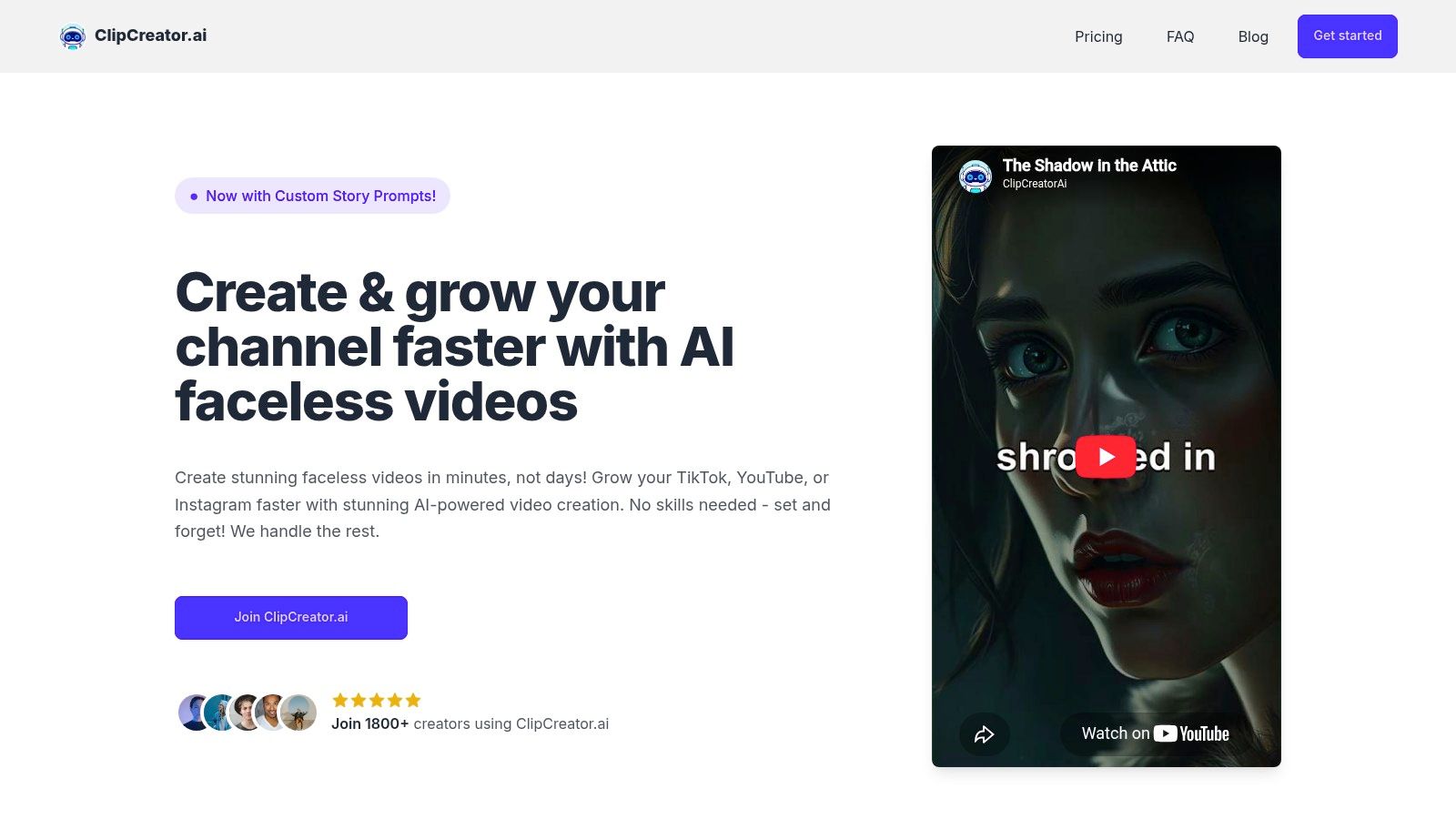
A creator with a finished story idea can use ClipCreator.ai to turn it into a faceless short without assembling every scene manually. Start with formats such as scary stories or bedtime tales, or write a custom prompt that defines the subject, structure, and brand voice. The workflow connects script generation, story-aligned AI images, lifelike voiceover, subtitles, HD rendering, and publishing.
That setup fits original story channels, educators, small businesses, agencies, and marketers that need repeatable output. Videos can run up to 90 seconds, and the platform supports scheduling and multi-platform publishing for TikTok and YouTube. Downloaded files let you upload to other platforms. Learn more about the ClipCreator.ai platform.
Best workflow for autopilot storytelling
Sample prompt: “Write a suspenseful faceless short about a night-shift security guard who hears a child laughing in an empty building. Use a fast hook, short sentences, a reveal near the end, and a tense but conversational tone.”
Visual direction: Request dark, story-specific images that change with each narrative beat. Each image should support the setting, escalation, or reveal. Unrelated visuals make an automated sequence feel assembled rather than authored.
Voice style: Choose a natural, restrained narrator for suspense. Educational videos need a calm voice with deliberate pauses, not an exaggerated viral delivery.
Posting adaptation: Keep the opening sentence direct for TikTok. Give YouTube a searchable title and clear description. If you upload the downloaded file to Instagram, adjust the caption and cover separately.
Practical rule: Automation works when the prompt is repeatable. Save a structure with fields for topic, audience, tone, visual mood, hook, and ending.
The trade-off is editing control. ClipCreator.ai manages the production chain, while editing focuses on basic metadata instead of detailed timeline work. That suits scheduled publishing, but frame-level changes, complex motion graphics, and custom sound design require another editor. Plans range from $19 per month** for three posts per week to **$69 per month for twice-daily posting, with a daily option at $39 per month. These prices and posting allowances come from the ClipCreator.ai plan information, so verify current details before committing.
Users retain ownership of produced videos and can cancel anytime. The refund promise covers only the first two videos within seven days. Test representative topics and prompts before building a larger production calendar.
2. InVideo
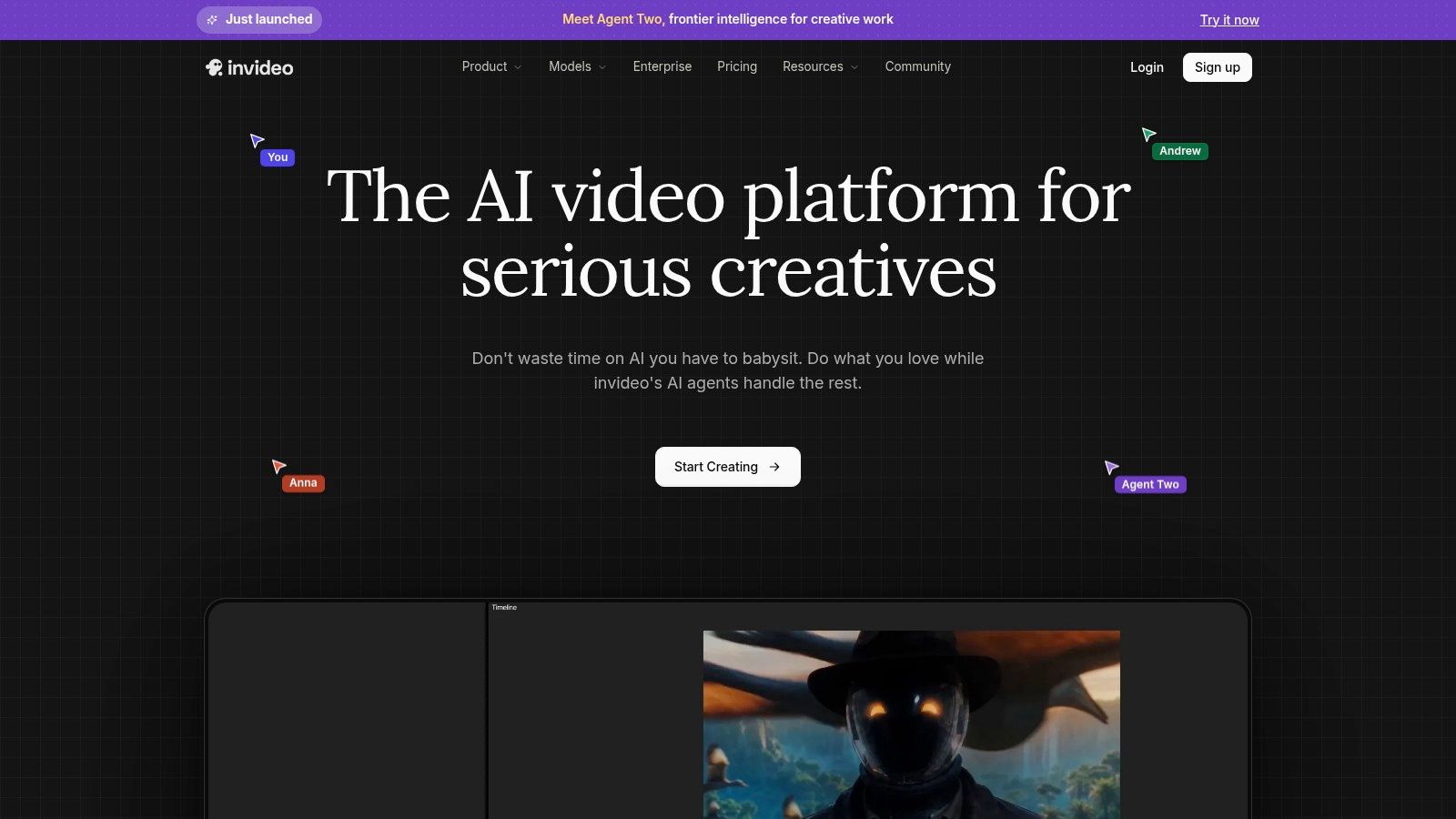
InVideo fits creators who need a fast first cut and want to refine it before publishing. Its idea-to-video workflow can turn a prompt into a script, combine stock footage with narration and captions, and place the result in a template-driven social project. This makes it useful for faceless shorts built around a clear story, especially when licensed stock media is more practical than generated illustrations.
Sample prompt: “Create a concise explainer about why small businesses should back up customer data. Use three practical examples, a serious but approachable voice, vertical framing, and captions designed for silent viewing.”
Visual direction: Request one visual idea per sentence, then replace footage that does not support the narration. A stock library can make a draft feel finished, but irrelevant clips quickly weaken credibility. For a repeatable series, save the strongest scene order and swap only the topic-specific media.
Voice style: Choose a clear business narrator. Test available avatars or alternate voices on your plan against the subject before using one throughout a series.
Posting adaptation: Export a clean vertical version, then check the opening frame, subtitle placement, and closing call to action for TikTok, YouTube Shorts, and Instagram Reels. A strong edit can still need different captions or covers on each platform.
The editor is InVideo's practical advantage over fully automated systems. After the AI draft, you can trim scenes, replace footage, rewrite on-screen text, and adjust pacing. The trade-off is less predictable usage because generation and revisions consume credits. Review the current InVideo AI plans and workflow, particularly if each short may need several regenerations.
For a closer examination of its role in an automated short-form workflow, read this InVideo AI review. InVideo works well when the process is draft first, edit second. It is a weaker fit for creators who want a finished story and scheduled publication without opening the timeline. The finished file can then move into ClipCreator.ai for a broader publishing workflow when automated scheduling matters more than frame-level control.
3. VEED
VEED is the practical choice for teams that already know what their brand should look like and need to reproduce that appearance across frequent social posts. Instead of treating every short as a new design task, a team can establish reusable intros, outros, lower thirds, caption styles, colors, and layout rules. Editors then swap in new source material while preserving the recognizable structure.
Sample prompt: “Turn this product announcement into a 35-second vertical Reel. Lead with the customer problem, show the product in use, add three short benefit captions, and finish with a direct invitation to learn more.”
Visual direction: Build the template around a consistent opening frame, branded subtitle treatment, and a repeatable product or speaker position. Leave enough flexible space for different footage and headline lengths.
Voice style: Use the brand's approved narration tone. For a team, consistency matters more than selecting a new expressive voice for every post.
Posting adaptation: Use VEED's resizing tools to prepare platform-specific versions, then check that captions don't sit under interface controls and that the opening survives without sound.
The platform combines reusable templates with AI reel and clip tools, subtitles, dubbing, text-to-speech, and stock assets. That makes it more useful for branded team output than for fully original faceless storytelling. A social manager can create the system, while several contributors produce within the same visual boundaries.
A good team template constrains design choices without constraining the idea.
The limitation is plan complexity. VEED's free tier is mainly useful for testing, while some AI features have usage limits or credits that require careful review before production scales. Stock licensing guidance also needs attention when multiple people are selecting assets for client or commercial work. Visit VEED to inspect the current template, collaboration, captioning, and AI allowances.
The handoff to ClipCreator.ai makes sense when the team needs an automated source of faceless narrative videos but wants VEED for final brand treatment. Generate the story and base assets first, then bring the downloaded video into a saved VEED template for logos, campaign labels, and approval-ready formatting.
4. Kapwing
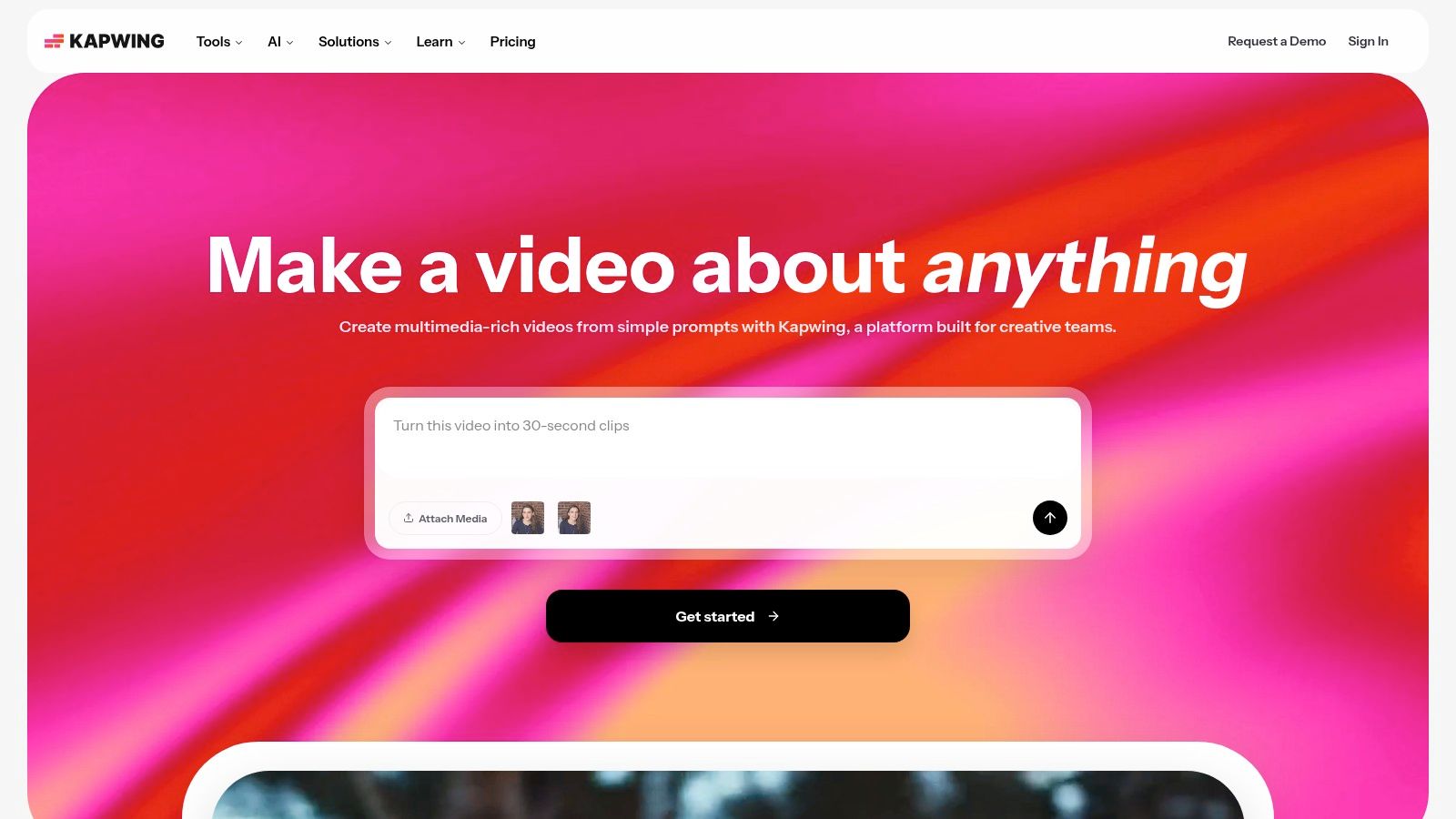
Kapwing is strongest when the bottleneck is not idea generation but finding a starting layout that can be customized quickly. Its searchable template gallery covers social categories, animations, TikTok-style edits, YouTube formats, subtitles, and stock media. A creator can begin with a structure that already has a visual rhythm, then replace the text, footage, colors, and timing in the browser.
Sample prompt: “Create a fast list video explaining three mistakes new podcast hosts make. Use a bold headline, one mistake per scene, simple supporting footage, large captions, and a final question for comments.”
Visual direction: Search for a listicle or kinetic-caption layout, then replace decorative elements that distract from the information. Keep each scene focused on one idea.
Voice style: Use a direct, energetic narrator for a list format. If the content is instructional, slow the delivery enough for viewers to read the supporting text.
Posting adaptation: Make the first scene understandable as a standalone preview. For YouTube Shorts, use a descriptive title. For TikTok and Instagram, adapt the caption to encourage a specific response rather than repeating the video headline.
Kapwing's web-based editor is accessible for solo creators who don't want to install desktop software. Its AI-assisted workflows can help create short, shareable segments, but the creator still needs to review pacing, subtitle accuracy, and visual relevance. The large catalog saves time only when you search by a real production need, such as “three-step tutorial” or “testimonial captions,” rather than browsing endlessly.
The trade-off is a learning curve as the feature set expands. Free usage also has limitations compared with paid plans, so check export and AI allowances before building a recurring series. This guide to social media video templates is useful when deciding whether a searchable layout or an automated narrative workflow better fits the job. See the current Kapwing editor and template library for the available options.
5. Pictory
Pictory solves a different problem: turning existing information into short-form content. If you have a blog post, presentation, script, webinar, interview, or long video, its template-guided workflow can identify material, build scenes, add voiceover, and produce social-ready edits. That makes it a strong option for educators, content marketers, and businesses with more source material than publishing capacity.
Sample prompt: “Turn this article about beginner budgeting into five short videos. Give each video one practical lesson, open with a clear misconception, use simple visuals, and end with a prompt to save the video.”
Visual direction: Match each extracted point with a specific image or clip. Replace vague stock footage when the visual doesn't explain the concept. For educational material, diagrams, screenshots, and readable keywords often beat decorative B-roll.
Voice style: Use a patient instructional voice, especially when the source material contains definitions or steps. Keep the narration faithful to the source and manually correct terminology before export.
Posting adaptation: Cut long source material into distinct clips rather than forcing one short to carry the entire argument. Give each platform a different title and opening caption while keeping the core lesson consistent.
Pictory includes AI video templates, storyboard tools, brand settings, stock libraries, and pipelines for scripts, URLs, presentations, and existing videos. Its video-to-shorts functions are particularly helpful when a long recording contains several independent answers or lessons. The creator still needs to verify the selected moments, because automated clipping can favor a sentence that sounds complete but lacks the context viewers need.
Preview media may carry watermarks until export depending on the plan, and credits and entitlements vary. That matters for teams testing a repurposing workflow, since the number of source videos and revision passes can change the cost. Review Pictory's current video creation features before committing to volume, and use this guide to AI video generation from text when comparing source-first production with prompt-first generation.
6. Fliki
Fliki is designed for narrated explainers where the creator supplies a topic or script and wants the system to fill a scene-based template. It can draft scene copy, select B-roll, generate narration, and burn captions into the result. The workflow is a natural fit for educational micro-lessons, product explanations, list videos, and faceless stories that depend more on clear narration than cinematic editing.
Sample prompt: “Explain how a password manager works for a nontechnical audience. Use four scenes, one idea per scene, plain language, a reassuring tone, and a final reminder to use a unique password.”
Visual direction: Request chaptered scenes and specific supporting imagery. For technical topics, ask for interfaces, diagrams, or symbolic visuals instead of unrelated lifestyle clips.
Voice style: Select a voice that matches the audience's language and the subject's seriousness. A calm voice works for learning content, while a warmer delivery can suit personal development or storytelling.
Posting adaptation: Translate the title and captions for each audience rather than relying on literal language conversion. Review names, technical terms, and on-screen text manually before publishing a dubbed version.
Fliki's broad voice selection is valuable when a channel needs different tones without hiring on-camera presenters. It also brings text-to-video, image-to-video, translation, dubbing, avatars, and multiple generation models into one workspace. Those options increase creative range, but they also make plan evaluation important.
Credit-based usage is the central trade-off. A short that requires several voice, visual, or language experiments can consume more allowance than a straightforward draft, and output limits depend on the chosen plan. Visit Fliki and test a representative script, including the revisions you expect to make, before estimating monthly capacity.
ClipCreator.ai can take the handoff when the goal shifts from narrated explainers to a recurring story format with automated images, subtitles, and scheduled publishing. Fliki is better for broad narration and localization experiments. ClipCreator.ai is better when the same faceless series needs to run on a dependable publishing cadence.
7. Adobe Express
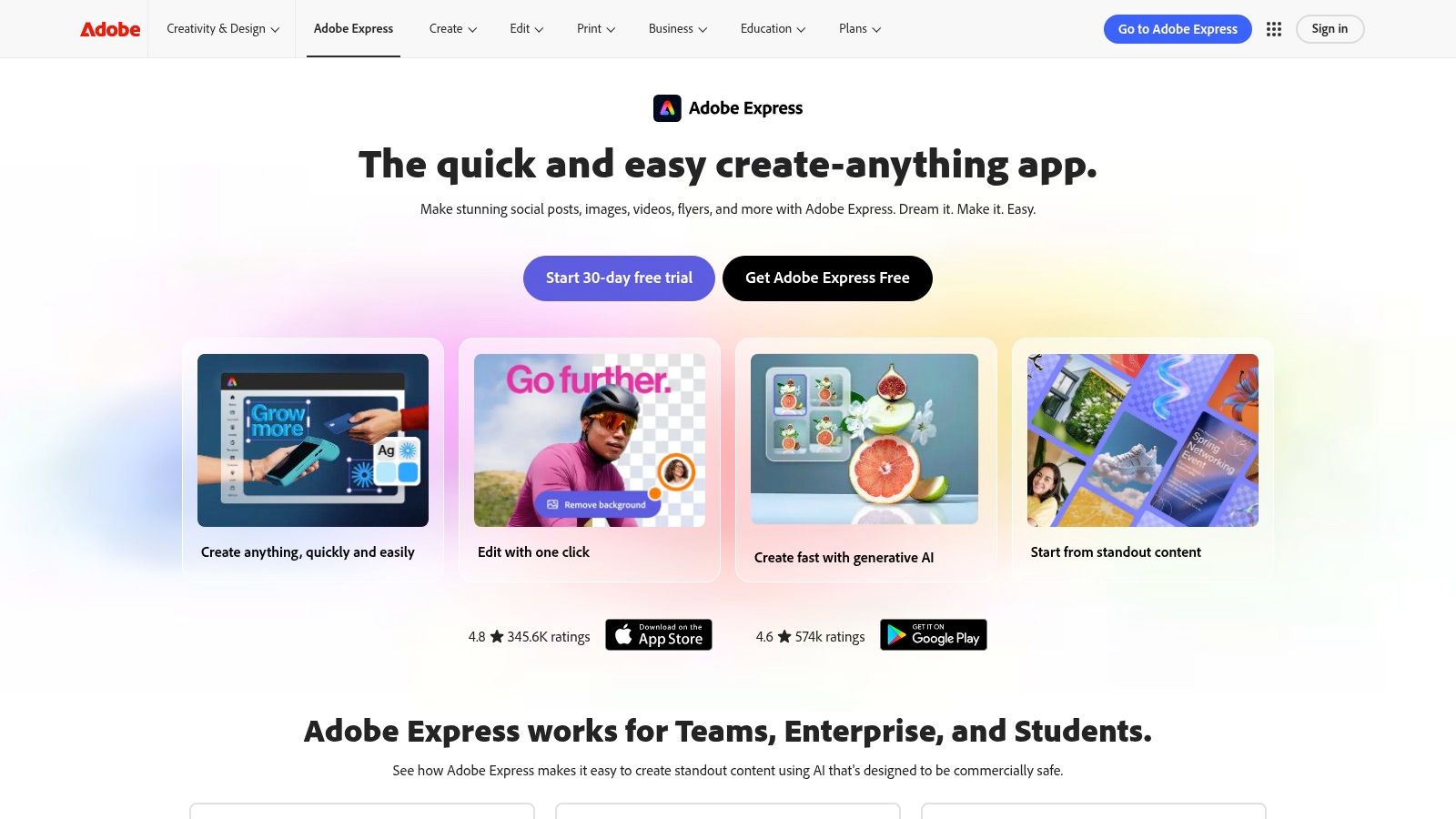
Adobe Express is the broadest fit for creators and teams already working inside an Adobe-centered content system. Its template ecosystem covers social posts, video, Reels, carousels, intros, and TikTok-specific formats. Adobe Stock integration, brand tools, Creative Assistant features, and TikTok publishing support make it useful when ideation, licensed media, design governance, and posting need to sit close together.
Sample prompt: “Create a vertical social video announcing a new online course. Use a bold question in the opening, three benefit scenes, branded colors, licensed stock visuals, captions for silent viewing, and a final sign-up instruction.”
Visual direction: Start with a template that supports the brand kit, then choose stock media that reflects the actual audience. Keep animation restrained when the message depends on comprehension.
Voice style: Use a clean, confident voice for promotional content. For educational posts, prioritize clear pronunciation and steady pacing over dramatic delivery.
Posting adaptation: Use TikTok-specific ideation and posting support where appropriate, then create separate titles and descriptions for YouTube Shorts and Instagram. Check the exported safe areas on each platform.
Adobe Express is compelling for people who need a large selection of starting points and brand-safe assets without moving immediately into a full non-linear editing environment. The limitation is depth. Advanced editors may find it lighter than dedicated professional editing software, especially when they need complex timelines, detailed audio mixing, or frame-level compositing.
Adobe's Express video and template platform is best for templated social production, campaign variations, and teams that value an established design ecosystem. A ClipCreator.ai handoff works when Adobe Express handles campaign graphics or final branded assets while ClipCreator.ai produces the recurring faceless narrative base.
Top 7 AI Video Template Tools Comparison
| Product | 🔄 Implementation complexity | ⚡ Resource & cost profile | ⭐ Expected quality / 📊 Expected outcomes | 💡 Ideal use cases | Key advantages |
|---|---|---|---|---|---|
| ClipCreator.ai | Low, true end-to-end automation (script→video→auto-post) 🔄 | Low-to-moderate, Starter $19 / Daily $39 / Pro $69; built-in posting, 100% ownership ⚡ | ⭐⭐⭐⭐, consistent HD short-form; 📊 users report ~15+ hrs/week saved, 1.8k+ creators | Create and autopublish faceless shorts at scale (creators, small businesses, agencies) 💡 | End-to-end automation, proven templates, scheduling & autoposting, full content ownership |
| InVideo | Medium, AI idea-to-first-cut + traditional editor for refinement 🔄 | Moderate, large stock libraries; credit-based pricing (evaluate plan limits) ⚡ | ⭐⭐⭐⭐, fast polished first cuts; good final-quality after editing 📊 | Fast faceless shorts where manual fine-tuning is needed (solo creators, marketers) 💡 | Quick AI drafts, flexible editor, large template & stock library |
| VEED | Medium, template & team workflows with AI tools and brand templates 🔄 | Moderate, team/brand features, stock assets; some AI features credit-limited ⚡ | ⭐⭐⭐, consistent branded output; strong subtitling and social resizing 📊 | Teams requiring consistent branding and frequent multi-aspect social posts 💡 | Reusable templates, social resizing, robust captioning and team controls |
| Kapwing | Low, template-first with web-based editor; minimal setup 🔄 | Low, extensive searchable templates and web editor; free tier limited ⚡ | ⭐⭐⭐, quick editable templates for shareable shorts; reliable output 📊 | Solo creators and small teams wanting fast customization of proven templates 💡 | Large template catalog, easy web editor, affordable entry |
| Pictory | Low, automated script/URL/PPT/video→shorts pipelines; template-guided 🔄 | Moderate, brand kit & stock; some plans show watermarks until export; check credits ⚡ | ⭐⭐⭐⭐, effective for repurposing long-form into many shorts; scalable throughput 📊 | Repurposing long-form content (blogs, webinars, long videos) into short clips 💡 | Video-to-shorts automation, storyboard tools, beginner-friendly workflows |
| Fliki | Low, AI-fillable templates produce narrated, captioned scenes quickly 🔄 | Moderate, credit-based usage; very large voice library (2,000+ voices, 80+ languages) ⚡ | ⭐⭐⭐, fast narrated explainers with broad voice choices; good multilingual reach 📊 | Fast explainers and narrated story formats, multilingual content creators 💡 | Extensive voice library, rapid template workflow, multi-model aggregation |
| Adobe Express | Medium, vast template catalog with AI features; lighter NLE than full editors 🔄 | Moderate-to-high, integrates Adobe Stock and enterprise brand tools; subscription-based ⚡ | ⭐⭐⭐⭐, high-quality branded social assets; Adobe Stock improves media quality 📊 | Teams and brands needing enterprise governance, trend-guided TikTok content 💡 | Massive template library, Adobe Stock integration, Creative Assistant & Direct Post |
Turn One Winning Format Into a Publishing System
The selection rule is simple. Choose ClipCreator.ai when the priority is automated faceless production, story-aligned visuals, subtitles, and scheduled publishing. Choose InVideo or Fliki when you want fast prompt-led drafts and you're comfortable reviewing credits and refining the generated scenes. Choose VEED when several people need to publish inside a reusable brand system.
Kapwing is the better match for searchable customization. It gives solo creators a large set of editable starting points without requiring a desktop installation. Pictory is the practical choice for repurposing blog posts, presentations, interviews, webinars, and long videos into multiple social clips. Adobe Express makes the most sense for teams that want a broad Adobe-centered template ecosystem, brand tools, stock assets, and social publishing support.
The market context favors repeatable systems. Short-form video ad spending reached $111.01 billion in 2025** and is projected to reach **$219.71 billion by 2030, with a projected 13.68% CAGR, according to industry video marketing data. The same analysis found that short-form videos published globally increased 71% year over year in 2025, while accounts using the format rose 51%, based on more than five million videos across 582,000 accounts. That scale makes templates useful, but it also makes generic output easier for audiences to ignore.
Your first test shouldn't be “Which tool can make the most videos?” Select one niche and one repeatable prompt. Define the hook pattern, visual treatment, voice style, subtitle rules, and ending before you generate. Then create one short, adapt its opening and captions for TikTok, YouTube Shorts, and Instagram, and record production time alongside output quality.
If the result feels too generic, change the template before increasing volume. Platform durability depends on variation, original scripting, relevant visuals, and careful review, not on publishing more frequently. A sustainable system gives you enough automation to stay consistent while preserving enough control to keep each video recognizably yours.
ClipCreator.ai turns a repeatable idea into a faceless short with AI-written scripts, story-aligned images, lifelike voiceovers, accurate subtitles, HD rendering, and scheduled publishing for TikTok and YouTube. If that end-to-end workflow fits the format you want to test, visit ClipCreator.ai and create your first videos before scaling your publishing cadence.

Create your first video in under 2 minutes
Pick a niche, and ClipCreator.ai generates and auto-posts faceless videos to your channels every day.
Join ClipCreator.ai