TikTok's algorithm rewards relentless consistency, a pace that can quickly lead to content burnout for even the most dedicated creators. The challenge is maintaining a high volume of quality posts without sacrificing creativity or your schedule. This is precisely the problem that an AI video generator for TikTok is designed to solve. These platforms automate the most time-consuming parts of video production, from generating scripts and visuals to adding voiceovers and subtitles, enabling you to scale your output efficiently.
This guide is your comprehensive resource for navigating the best AI video tools available today. We’ll cut through the marketing hype to provide a detailed analysis of 12 leading platforms, including newcomer ClipCreator.ai, official tools like TikTok's Symphony, and established names like CapCut and Runway. Each review breaks down essential features, ideal use cases, pricing, and honest pros and cons, complete with screenshots and direct links to help you make an informed decision.
Whether you're a creator focused on faceless story videos, a small business needing consistent brand presence, or a marketer looking to automate client content, this list will help you find the right tool. We'll examine platforms built for repurposing long-form content, generating animated videos from a simple text prompt, and even producing high-quality advertisements. As you explore the potential of AI to revolutionize your TikTok content, consider how dedicated tools for Ad creative AI can streamline your campaign development. Our goal is to equip you with the insights needed to choose the perfect AI partner for your TikTok strategy, helping you post more consistently and reclaim your time.
1. ClipCreator.ai
ClipCreator.ai positions itself as a premier ai video generator for tiktok, specifically engineered for creators who prioritize efficiency and consistency. It excels at producing professional, faceless short-form videos through a highly automated, "set-and-forget" workflow. This platform is an ideal solution for creators aiming to scale their content output on TikTok, YouTube Shorts, and Instagram Reels without dedicating hours to manual production.
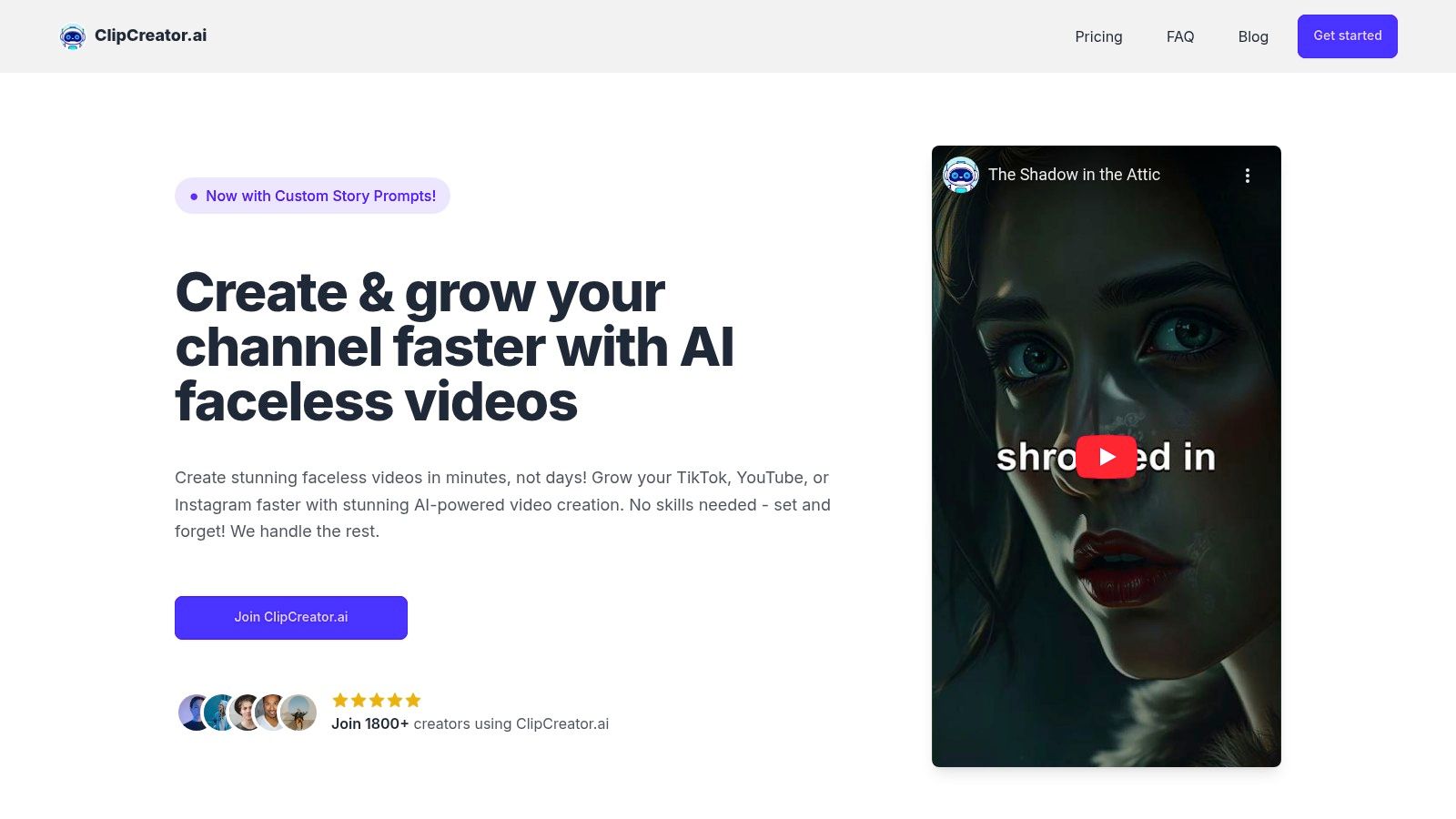
What truly distinguishes ClipCreator.ai is its intelligent blend of proven viral templates and custom prompts. This dual approach allows users to either leverage established formats known for high engagement, like scary stories or historical facts, or inject their unique brand voice by providing custom story ideas. The platform then takes over, automating everything from script generation and AI image creation to lifelike voiceovers and synchronized subtitles.
The end-to-end automation is its core strength. By connecting your TikTok and YouTube accounts, you can schedule and auto-publish videos directly from the platform, transforming the entire script-to-publish process into a matter of minutes. This makes it an invaluable asset for agencies, educators, and small businesses needing a reliable content engine.
Key Features & Use Cases
- Automated Content Pipeline: Handles scripting, AI image generation, voiceover, and subtitles, ideal for narrative-driven content like bedtime stories or educational micro-lessons.
- Direct Multi-Platform Publishing: Schedule and auto-post HD videos (up to 90 seconds) to TikTok and YouTube, streamlining content calendars for marketers.
- Hybrid Template System: Combine viral-ready templates with custom prompts to maintain brand uniqueness while maximizing reach.
- Creator-Focused Terms: Users retain 100% ownership of their videos, a critical feature for professional content creators.
Pricing and Plan Structure
ClipCreator.ai offers a scalable pricing model based on posting frequency, making it accessible for various needs.
- Starter: $19/month (3 posts per week)
- Daily: $39/month (1 post per day)
- Pro: $69/month (2 posts per day)
Pros and Cons
Pros:
- Massive Time Savings: Automates the entire video creation workflow, saving users an average of 15+ hours per week.
- Consistent Output: Ensures a steady stream of high-quality, engaging content with minimal daily effort.
- Scalable and Transparent Pricing: Plans are straightforward and align with creator growth.
Cons:
- Limited In-App Editing: Lacks advanced timeline or scene-level customization; best for users who prefer a hands-off approach.
- Specific Refund Policy: The one-time refund promise is limited to your first two videos within the first 7 days.
For those interested in mastering automated video creation, you can learn more about how to use an AI TikTok video maker effectively on their blog.
Website: https://clipcreator.ai
2. TikTok Symphony Creative Studio (official)
TikTok Symphony Creative Studio is the platform's native AI solution, built directly into the TikTok for Business suite. It's designed specifically for advertisers who want to create high-performing, TikTok-ready video ads with minimal effort. This powerful ai video generator for tiktok can take a simple product URL or a creative brief and automatically generate multiple video variations optimized for the platform’s unique format and user expectations.
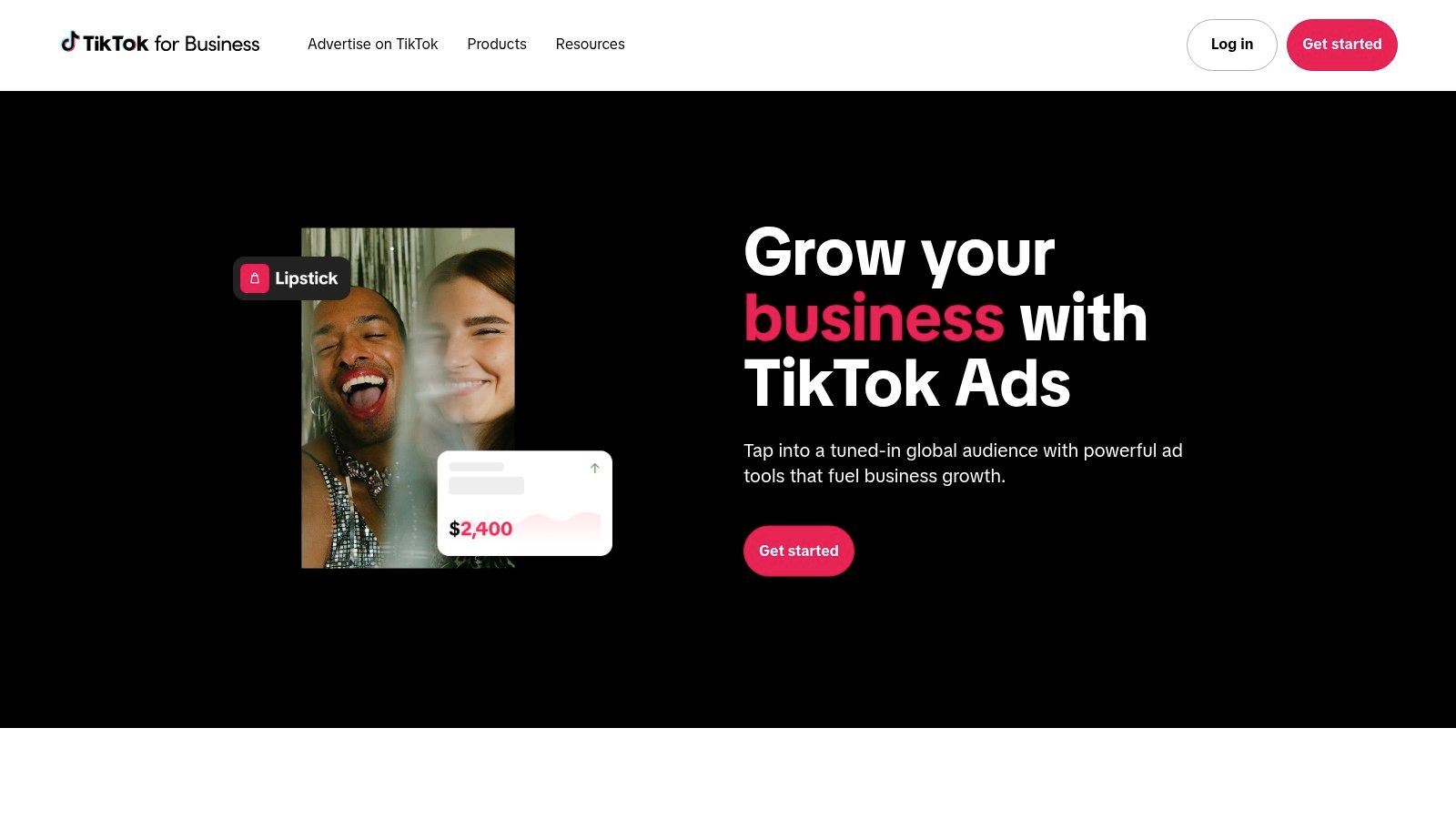
What makes Symphony stand out is its deep integration with TikTok’s own data. The tool generates scripts, adds captions, and selects music based on current trends and proven creative best practices, ensuring your ads feel native and not out of place. This direct link to the ad platform streamlines the process of A/B testing, allowing brands to quickly iterate on ad creatives to find what resonates most with their audience. Understanding these nuances is a key part of effective TikTok growth strategies for businesses.
Key Features & Use Case
Symphony is not a general-purpose video editor; it is a dedicated advertising tool. Its features are laser-focused on reducing ad production friction and boosting campaign performance.
- Ideal Use Case: Best for e-commerce brands and advertisers running paid campaigns on TikTok who need to quickly create and test multiple ad creatives without a dedicated video production team.
- AI Digital Avatars & Dubbing: A standout feature is the ability to use AI-generated avatars and AI-powered dubbing, making it easy to create multilingual ad campaigns and reach a global audience.
- Native Workflow: Since it’s built into the TikTok for Business backend, launching and managing your AI-generated ads is a seamless experience.
Pros:
- Natively optimized for TikTok ad formats
- Uses TikTok's own data for creative guidance
- Streamlines A/B testing for ad campaigns
Cons:
- Primarily for advertisers, not organic content creators
- Access is tied to a TikTok for Business account
- Functionality can vary by region and account status
Website: https://ads.tiktok.com/business/
3. CapCut (Bytedance)
CapCut, owned by TikTok's parent company ByteDance, is a versatile video editor that has become a staple for creators due to its deep integration with the platform. While it functions as a comprehensive manual editor, its AI features make it a powerful ai video generator for tiktok for users who want to streamline their workflow. The mobile app, in particular, offers a seamless connection, allowing users to tap on a trending video's template link and immediately open it in CapCut to create their own version.
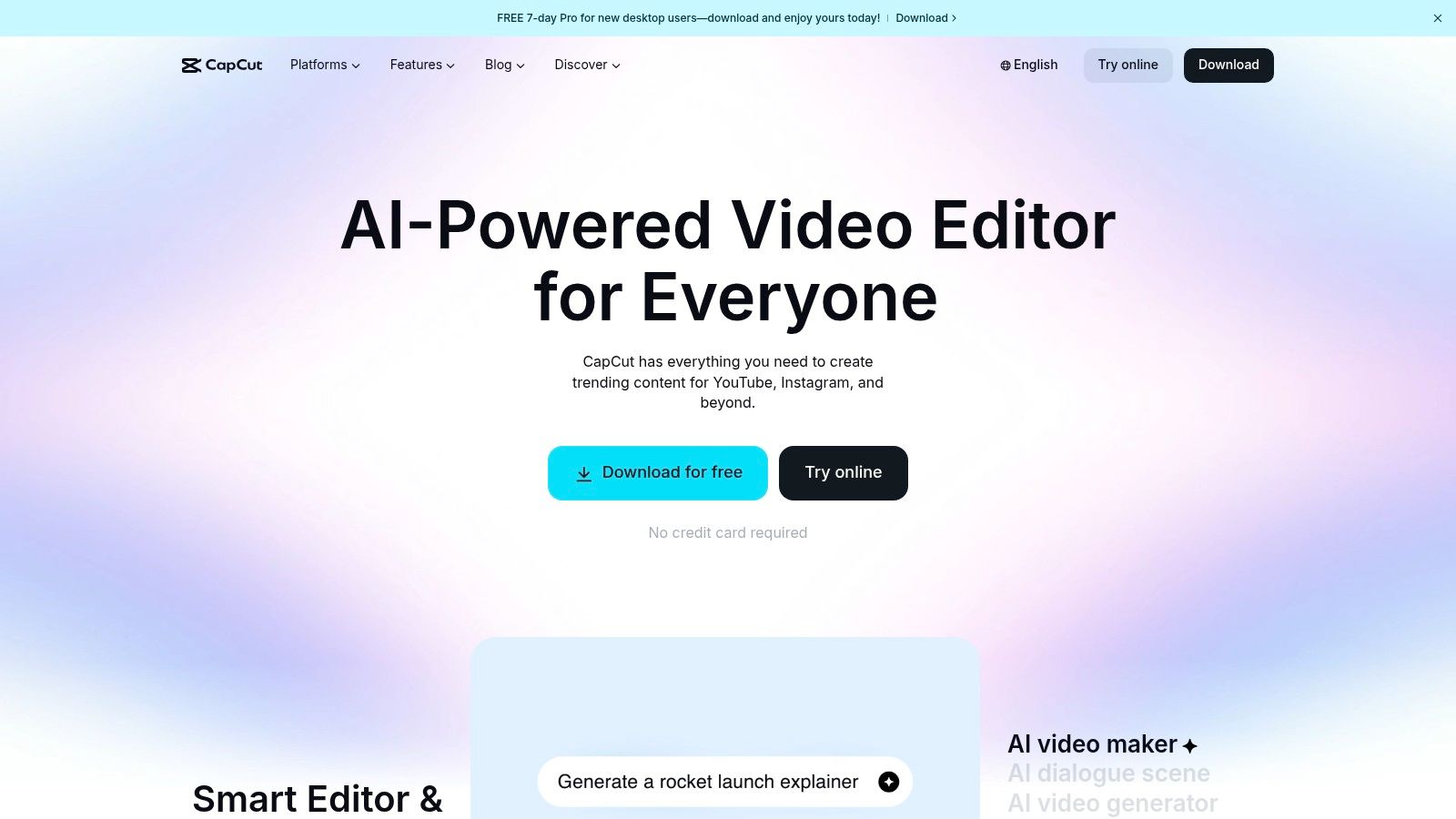
What truly sets CapCut apart is its massive user-generated template library and its powerful, yet accessible, AI tools. Creators can leverage AI for auto-captions, background removal, and smart effects, significantly cutting down on editing time. The direct-to-TikTok publishing feature from the mobile app makes it incredibly convenient for creators who edit and post on the go, ensuring their content gets onto the platform without friction.
Key Features & Use Case
CapCut bridges the gap between manual editing control and AI-powered convenience, making it suitable for a wide range of creators from beginners to professionals.
- Ideal Use Case: Best for mobile-first content creators who want to quickly jump on TikTok trends using templates, as well as anyone needing powerful, free AI tools like auto-captions and background removal for their videos.
- TikTok Template Integration: The "Use template in CapCut" deep linking on mobile is a standout feature, allowing for rapid trend adoption directly from the TikTok app.
- AI-Powered Tools: Features like auto-captions, background removal, and AI-driven filters and effects help creators achieve a polished look with minimal effort.
Pros:
- The tightest mobile integration with TikTok available
- A huge ecosystem of community-generated templates
- A robust free tier with powerful editing capabilities
Cons:
- Direct TikTok linking is not supported on the desktop or web versions
- Pro pricing can be confusing as it varies by platform and region
- Less focused on full video generation from text prompts compared to other tools
Website: https://www.capcut.com/
4. Canva (Magic Media and TikTok AI generator)
Canva has evolved from a simple graphic design tool into a comprehensive creative suite, incorporating powerful AI features for video creation. Its Magic Media and Magic Design tools make it a formidable ai video generator for tiktok, allowing users to generate video clips from text prompts or quickly assemble entire videos from a simple idea. This integration makes it a one-stop-shop for creators who already use Canva for their thumbnails, graphics, and other branding assets.
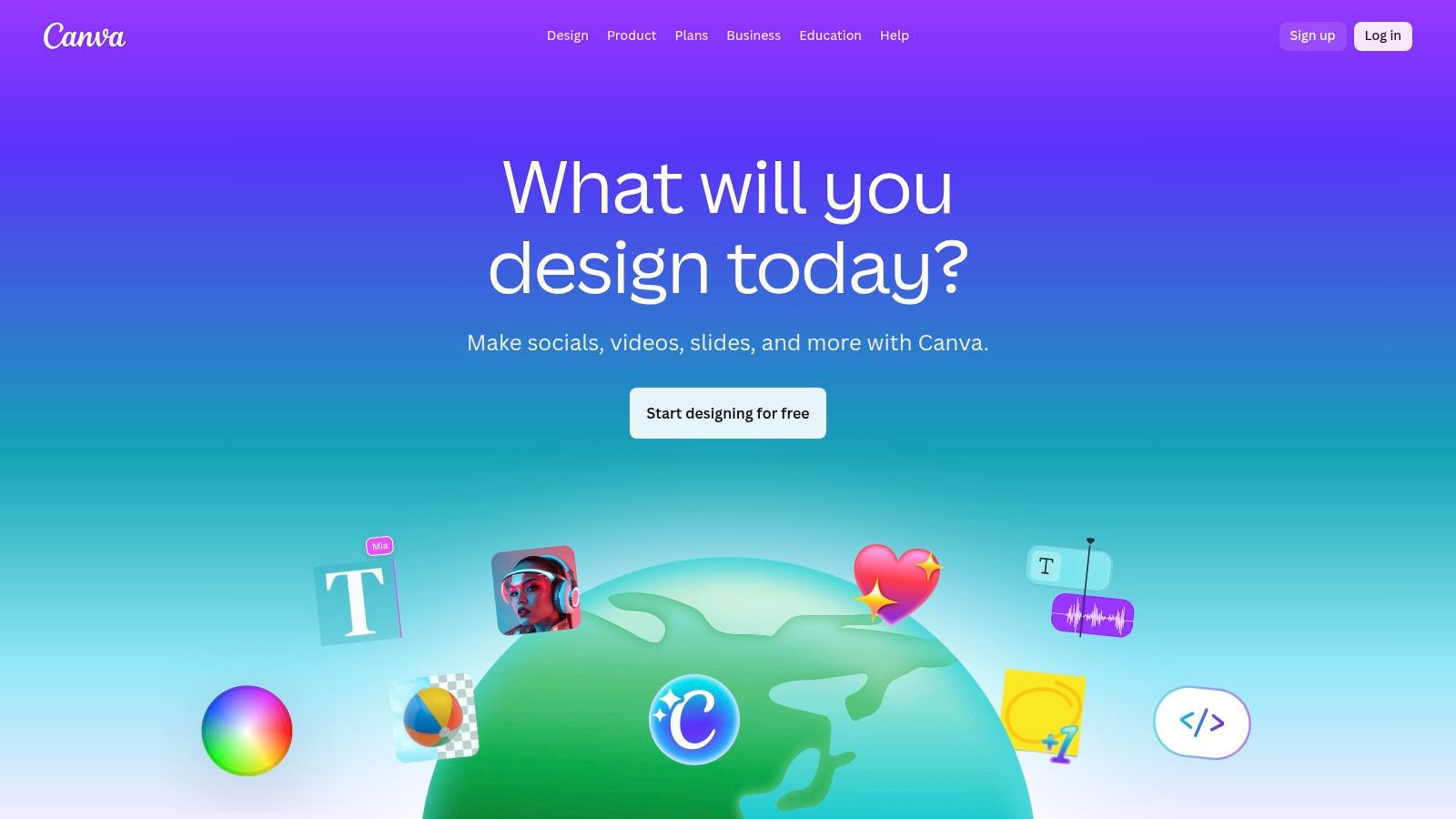
What sets Canva apart is its enormous library of templates, stock footage, audio, and design elements, all optimized for social media. Users can generate an AI video clip and immediately drop it into a professionally designed TikTok template, ensuring the final output meets the platform's visual standards. Understanding the right dimensions is crucial, and Canva's templates are already set to the correct TikTok aspect ratio. The platform also supports direct sharing to TikTok, streamlining the publishing workflow for busy creators.
Key Features & Use Case
Canva is ideal for users who need a versatile tool that handles both AI video generation and traditional template-based editing within a single, user-friendly interface.
- Ideal Use Case: Best for solo creators, small businesses, and social media managers who need an all-in-one design and video platform to quickly produce a high volume of visually appealing TikToks using a mix of AI and template-based assets.
- AI Text-to-Video (Magic Media): Generate short, unique video clips from a simple text description to use as b-roll or primary content.
- Massive Template Library: Access thousands of pre-made, fully customizable TikTok video templates to kickstart the creative process.
- Direct Social Publishing: Share your finished videos directly to your TikTok account from the Canva interface, available on both desktop and mobile.
Pros:
- Huge library of templates, stock assets, and audio
- User-friendly interface is easy for beginners to learn
- All-in-one platform for graphics, video, and AI generation
Cons:
- Advanced AI features and premium assets require a Canva Pro subscription
- Text-to-video generation may be less advanced than dedicated AI tools
- Feature availability and pricing tiers can change
Website: https://www.canva.com/
5. Adobe Express (with TikTok Symphony Assistant add-on)
Adobe Express serves as a versatile, AI-powered design and video application, acting as a more accessible entry point into the Adobe ecosystem. For TikTok creators, its strength lies in combining Adobe's powerful Firefly generative AI with specialized add-ons, including the TikTok Symphony Assistant. This makes it a formidable ai video generator for tiktok, allowing users to generate images, apply text effects, and leverage pre-made video templates while receiving AI-driven guidance on creating content that performs well on the platform.
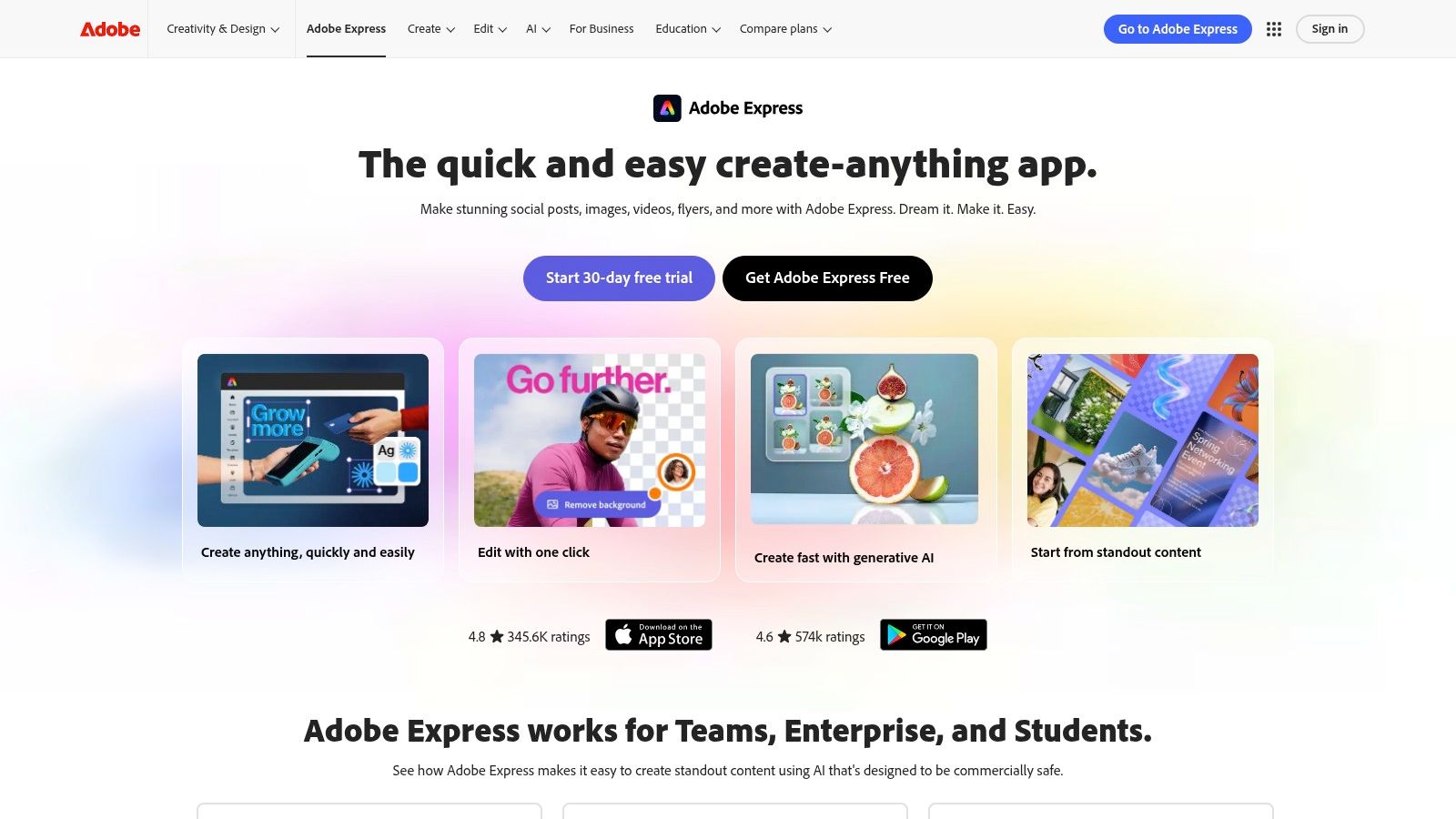
What sets Adobe Express apart is its integration with the broader Adobe creative suite and its commercially safer AI model. The platform provides access to Adobe Stock assets and ensures its generative AI is trained on a library of licensed content. With the TikTok add-on, users can also tap into the official Commercial Music Library, making it a robust, all-in-one tool for creators and brands who want high-quality assets and a streamlined scheduling workflow without the steep learning curve of professional video editors like Premiere Pro.
Key Features & Use Case
Adobe Express is designed for quick, template-driven social media content creation, enhanced with sophisticated AI capabilities suitable for a wide range of users.
- Ideal Use Case: Best for solo creators, social media managers, and small businesses who want a reliable, brand-safe design tool with integrated AI features and direct social media scheduling.
- Generative AI by Adobe Firefly: Create unique images and text effects from simple prompts directly within your video projects, ensuring your content is visually distinct.
- TikTok Integration: The Symphony Assistant add-on offers creative guidance, while direct access to TikTok’s Commercial Music Library simplifies finding trend-relevant, licensed audio.
- All-in-One Content Scheduler: Plan, preview, and schedule your TikTok videos and other social posts directly from the app, streamlining your entire content calendar.
Pros:
- Access to high-quality Adobe Stock assets and fonts
- Commercially safer generative AI (Adobe Firefly)
- Integrated social media scheduler for easy publishing
Cons:
- Not a full professional video editor; lacks advanced timeline controls
- Generative AI features are based on a credit system
- Key integrations and features may require a Premium subscription
Website: https://www.adobe.com/express/
6. Runway
Runway is a pioneering AI research company that offers some of the most advanced generative video models available to the public. Known for its high-quality Gen series of models, Runway is an excellent ai video generator for tiktok if your goal is to create surreal, cinematic, or abstract short clips from simple text prompts. The platform is designed for creative experimentation, giving users access to cutting-edge tools to generate video footage that would be impossible to film traditionally.
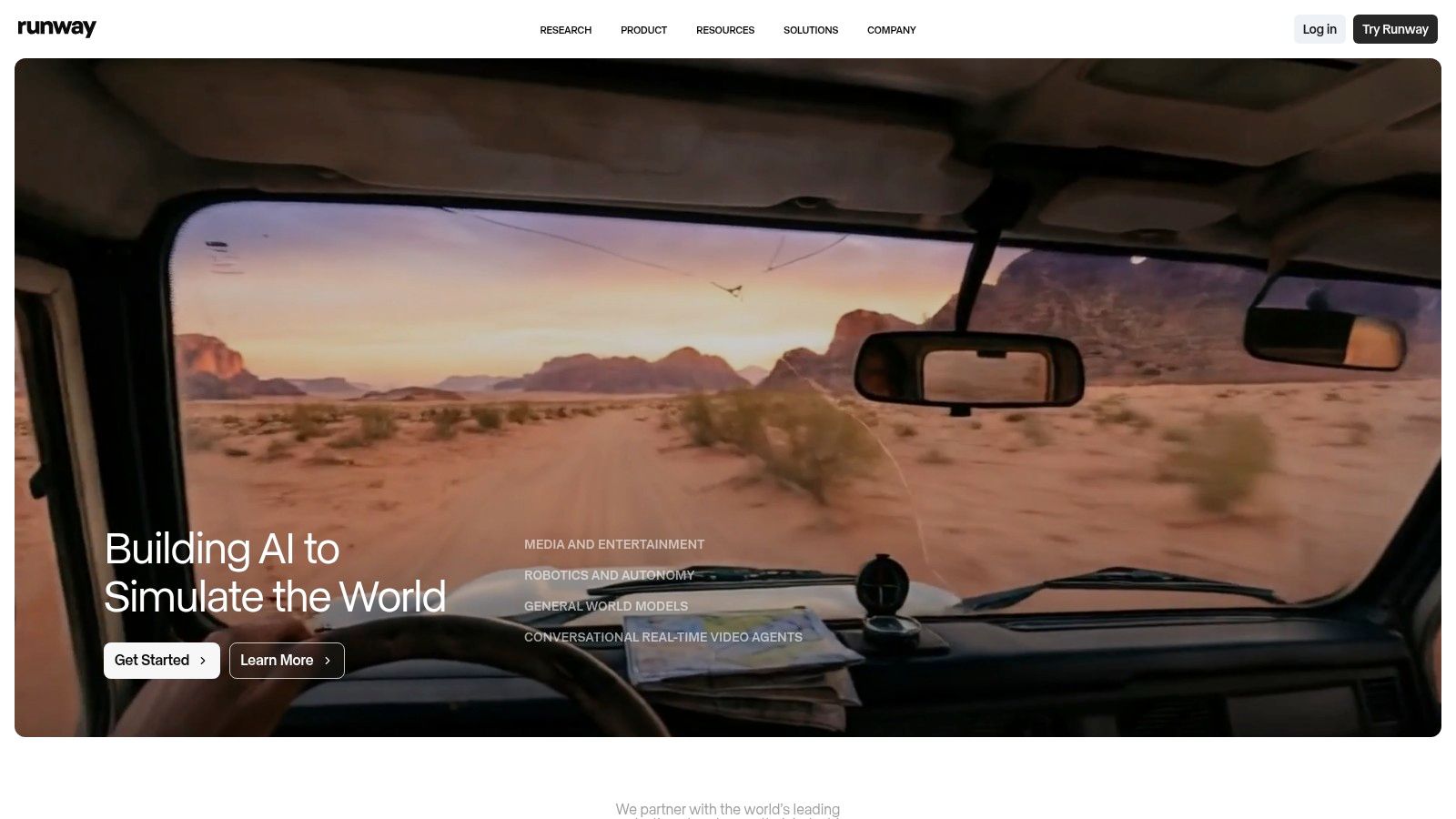
What makes Runway stand out is the sheer quality and artistic potential of its video models. While it doesn't offer automated templates or scheduling, it provides a powerful sandbox for generating unique video assets. Users can generate short clips (typically a few seconds long) and then use Runway's web-based editor to chain them together, upscale them, or resize them for TikTok's vertical format. This makes it a go-to for creators who want to produce visually stunning, one-of-a-kind b-roll for their TikTok content.
Key Features & Use Case
Runway is fundamentally a creative tool for generating video from scratch, rather than a full-service social media solution. Its features are centered around its state-of-the-art generative models and a flexible, web-based editing environment.
- Ideal Use Case: Best for artists, filmmakers, and creative TikTokers who need unique, high-quality AI-generated clips to use as standalone content or as b-roll in larger video projects.
- State-of-the-Art Generative Models: Access to powerful models like Gen-3 Alpha allows for the creation of highly detailed and coherent video clips from text or image inputs.
- Credit-Based System: The platform operates on a credit system, which provides flexibility for users to experiment with different features without committing to a high-tier plan immediately.
Pros:
- High-quality generative models with rapid innovation
- Flexible credit system for experimentation and occasional use
- Web-based workflow supports easy export and resizing for social media
Cons:
- Generated clips are typically short in length
- Costs can scale quickly with high-volume video generation
- Steeper learning curve compared to template-based tools
Website: https://runwayml.com/
7. InVideo AI
InVideo AI offers a versatile and user-friendly platform designed to rapidly transform ideas into social media-ready videos. It has established itself as a popular ai video generator for tiktok by combining a powerful web-based editor with an extensive library of templates and stock assets. Users can simply input a prompt or script, and the AI will generate a complete video with scenes, stock footage, voiceovers, and captions, streamlining the creation of TikTok stories and promotional content.
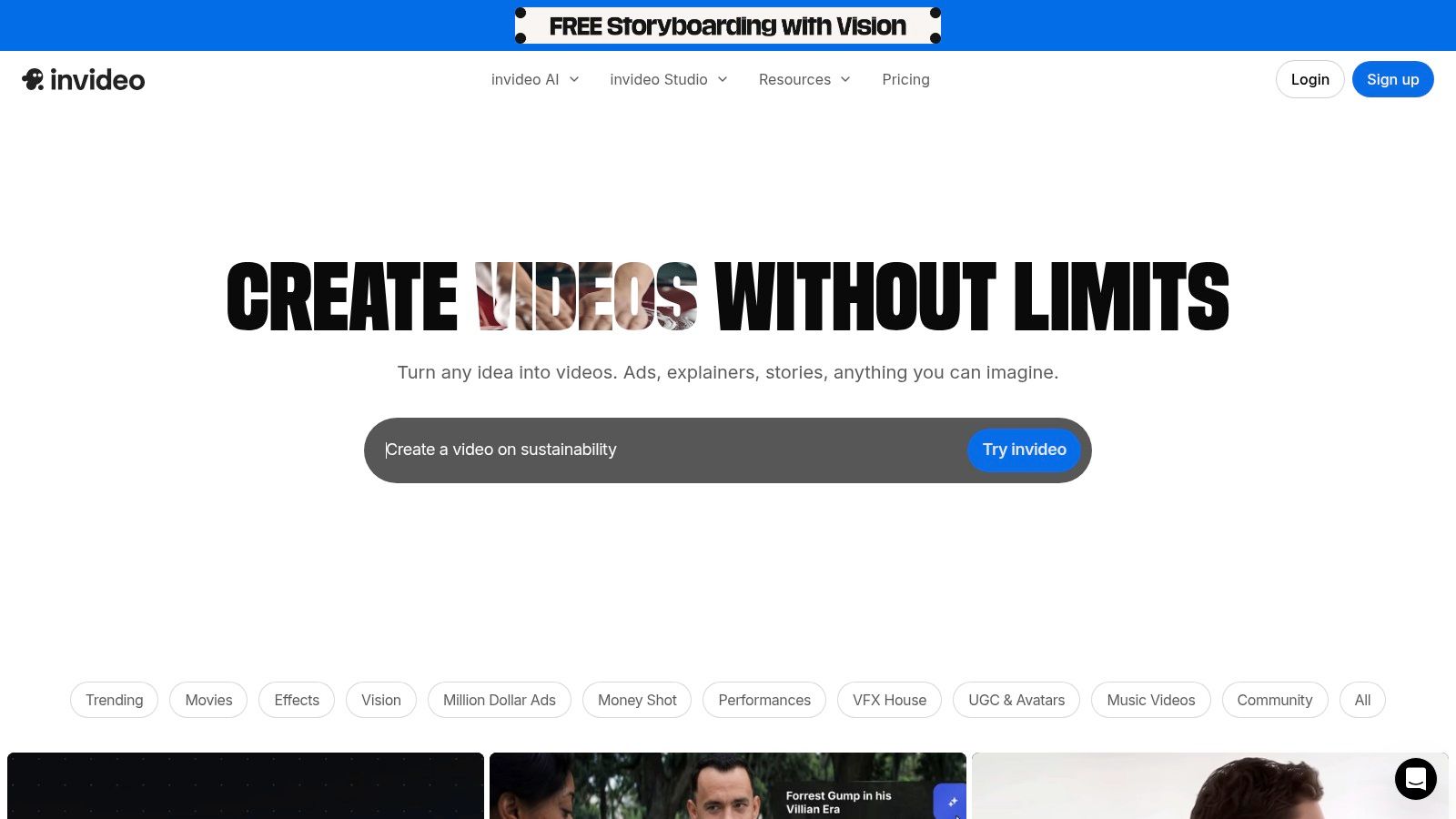
What sets InVideo AI apart is its balance between full AI automation and granular manual control. After the initial AI generation, creators can dive into its comprehensive editor to tweak every element, from text and transitions to timing and media assets. This hybrid approach makes it suitable for both beginners who need a quick video and experienced creators who want to refine the final output for maximum impact.
Key Features & Use Case
InVideo AI is built for speed and efficiency, making it an excellent tool for creators and marketers who need a consistent flow of video content without a steep learning curve or complex software.
- Ideal Use Case: Best for social media managers, marketers, and solo creators who need to quickly produce faceless videos, listicles, or promotional content for TikTok using a prompt-based workflow.
- Massive Asset Library: The platform provides access to millions of stock photos and videos from providers like iStock, ensuring a wide variety of high-quality visuals for any niche.
- AI Script & Voiceover: Generate entire video scripts from a simple idea and add a realistic AI voiceover in multiple languages, making it easy to create engaging, narrative-driven content.
Pros:
- Extremely fast idea-to-video pipeline
- Large library of templates and stock assets
- Combines AI generation with a full-featured editor
Cons:
- The free plan is quite limited and includes a watermark
- AI generation credits and specific features vary significantly between paid plans
- Can feel less specialized than tools built exclusively for short-form video
Website: https://invideo.io/
8. Pictory
Pictory is a cloud-based AI platform that excels at converting long-form content into short, engaging social media clips. Its dedicated ai video generator for tiktok is designed for users who prefer a workflow based on text or existing videos rather than complex timeline editing. It automates the process of transforming scripts, articles, or lengthy video recordings into digestible, captioned TikToks by leveraging stock footage and AI-generated narration.
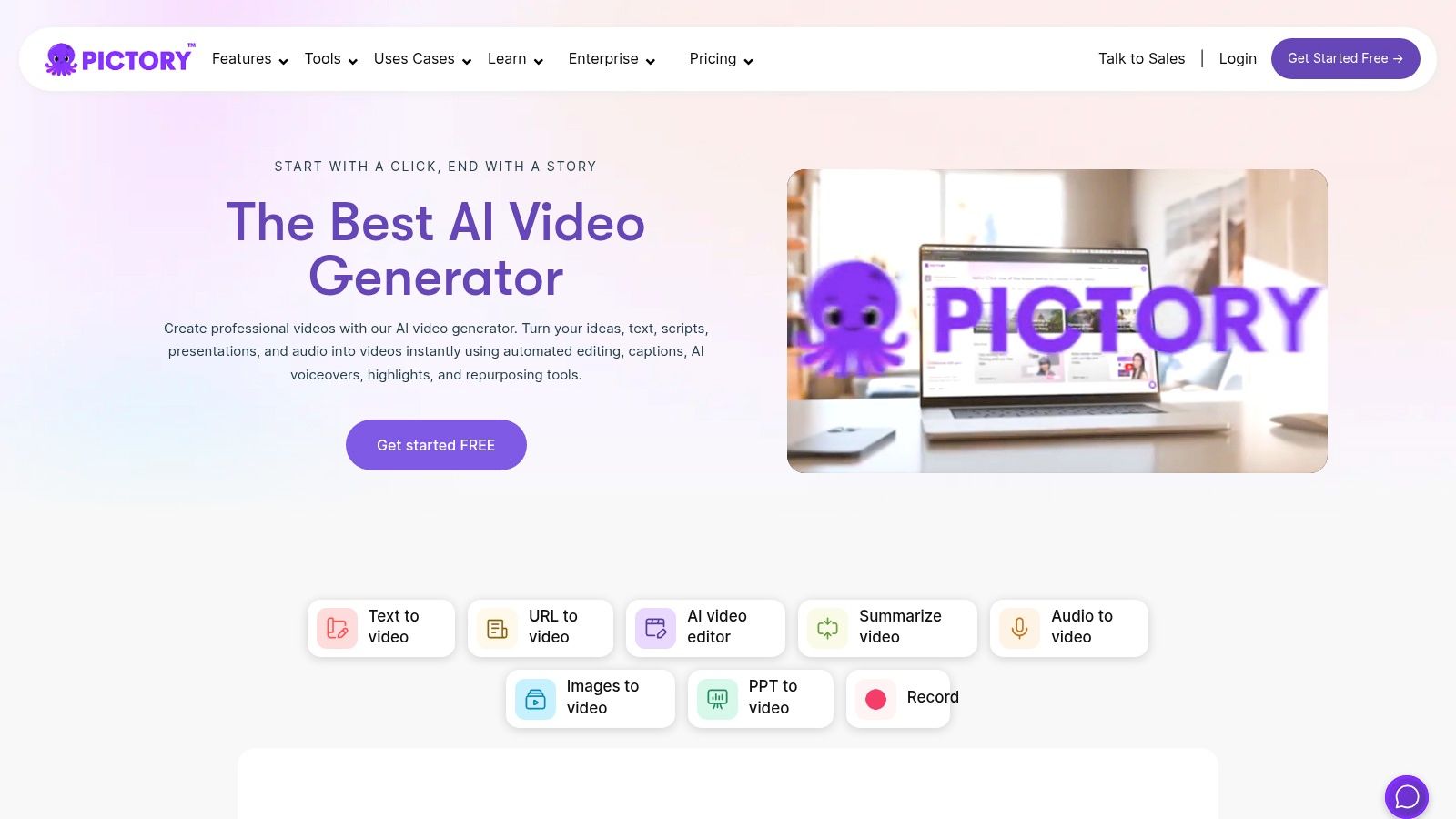
What sets Pictory apart is its simplicity and focus on repurposing. Instead of starting from a blank canvas, creators can feed it a blog post URL or a YouTube video link, and the AI will intelligently extract key points to create a summary video. This makes it an incredibly efficient tool for content creators who want to establish a presence on TikTok without creating entirely new material from scratch. Its automated subtitle and captioning system ensures videos are accessible and optimized for silent viewing, a common behavior on the platform.
Key Features & Use Case
Pictory is built for speed and efficiency, especially for users who are not professional video editors. Its feature set is geared towards automating the most time-consuming parts of short-form video creation.
- Ideal Use Case: Best for bloggers, podcasters, and marketers looking to repurpose existing long-form content into a high volume of faceless TikTok videos for consistent posting.
- Script-to-Video & Video-to-Shorts: Its core functions allow you to either paste a script that the AI turns into a video using stock assets, or upload a long video which the AI automatically edits into shorter, viral-style clips.
- AI Voiceovers & Stock Media: The platform integrates with Getty Images and Storyblocks for a vast library of visuals and offers a range of AI voices, including premium options from ElevenLabs on certain plans.
Pros:
- Excellent for repurposing long-form content quickly
- Simple script-to-video workflow is great for non-editors
- Strong automated captioning and subtitle generation
Cons:
- Fine-tuning and heavy customization can be less intuitive than a traditional editor
- Asset and voiceover minute allowances vary by plan, so users must monitor usage
- Pricing and plan features can change, requiring users to check the site for current details
Website: https://pictory.ai/
9. VEED
VEED is a versatile, browser-based video editor that integrates a powerful suite of AI tools, positioning itself as a comprehensive solution for modern content creation. It's more than just a simple editor; it functions as an all-in-one platform where you can generate, edit, and publish content. This makes it an excellent ai video generator for tiktok for creators who want to manage their entire workflow in one place, from generating initial clips with text-to-video to adding the final touches with animated captions.
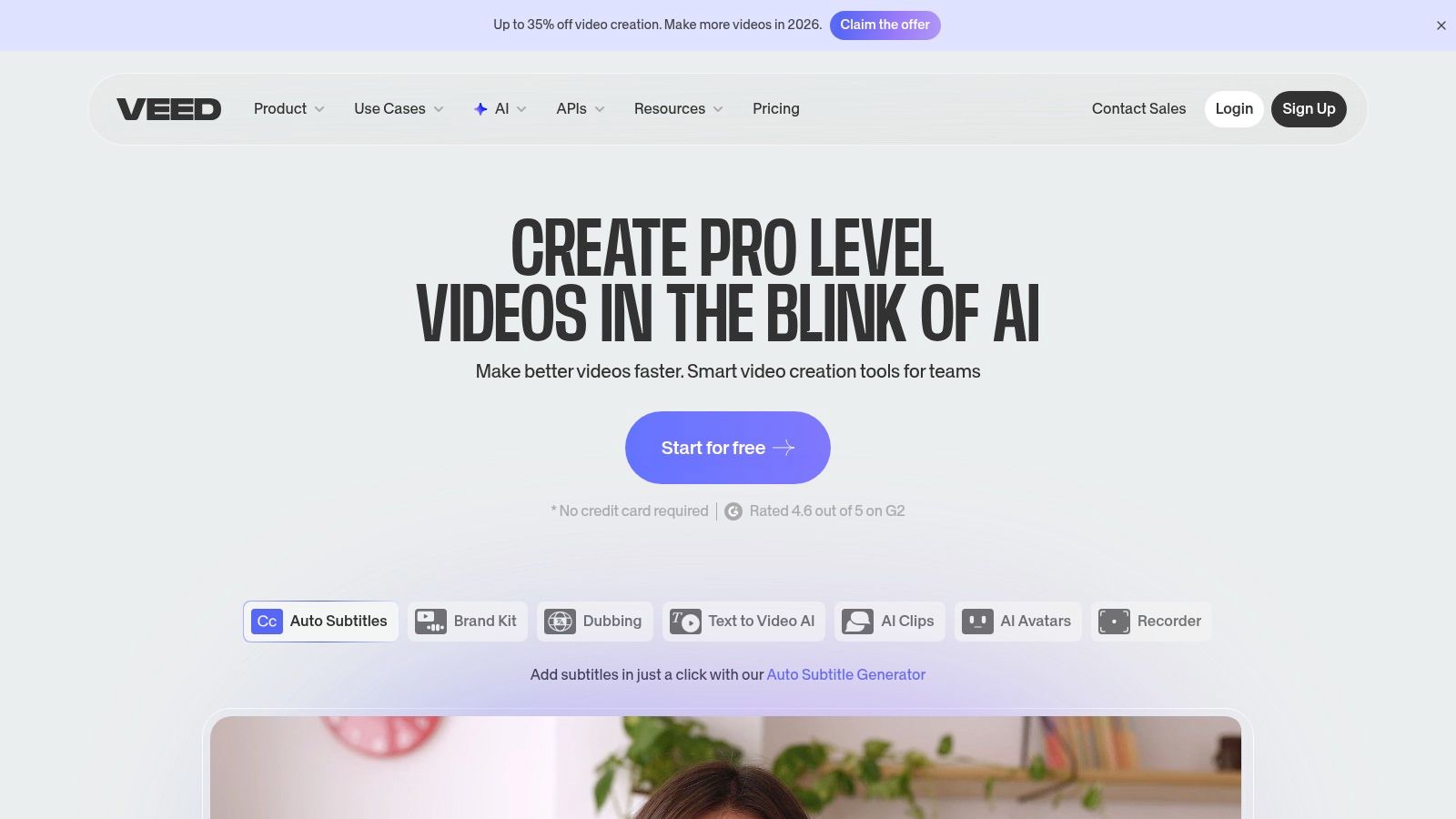
What sets VEED apart is its robust combination of AI generation and traditional editing features within a user-friendly interface. You can use its AI avatars, text-to-speech, and automatic translation tools to create engaging faceless videos, and then seamlessly transition into its full editor to fine-tune the timing, add transitions, and apply branding. This integrated workflow saves significant time compared to using separate tools for AI generation and post-production.
Key Features & Use Case
VEED is built for speed and convenience, targeting creators who need to produce a high volume of polished videos without getting bogged down by complex software. Its AI features are designed to complement, not replace, a hands-on editing process.
- Ideal Use Case: Best for social media managers, marketers, and solo creators who need a single platform for both AI-driven video generation and detailed manual editing, including subtitles, translations, and repurposing content across platforms.
- AI Avatars & Text-to-Video: Generate videos from scratch using text prompts or create explainer-style content with customizable AI avatars, perfect for educational or corporate TikToks.
- Auto Subtitles & Translation: The platform excels at automatically generating accurate subtitles and can translate them into multiple languages, broadening your content's reach.
Pros:
- All-in-one browser workflow is convenient for TikTok creators
- Strong subtitle and repurposing features
- Large template library for fast production
Cons:
- Some advanced models or features consume extra AI credits
- Pricing tiers and AI credit details can be confusing
- Can feel less specialized than dedicated AI-only tools
Website: https://www.veed.io/
10. Descript
Descript offers a unique approach to video editing by treating your video like a text document. Instead of manipulating a timeline, you edit the auto-generated transcript, and the corresponding video and audio are cut automatically. This makes it an incredibly efficient ai video generator for tiktok, especially for creators repurposing long-form content like podcasts, interviews, or webinars into engaging, short-form clips.
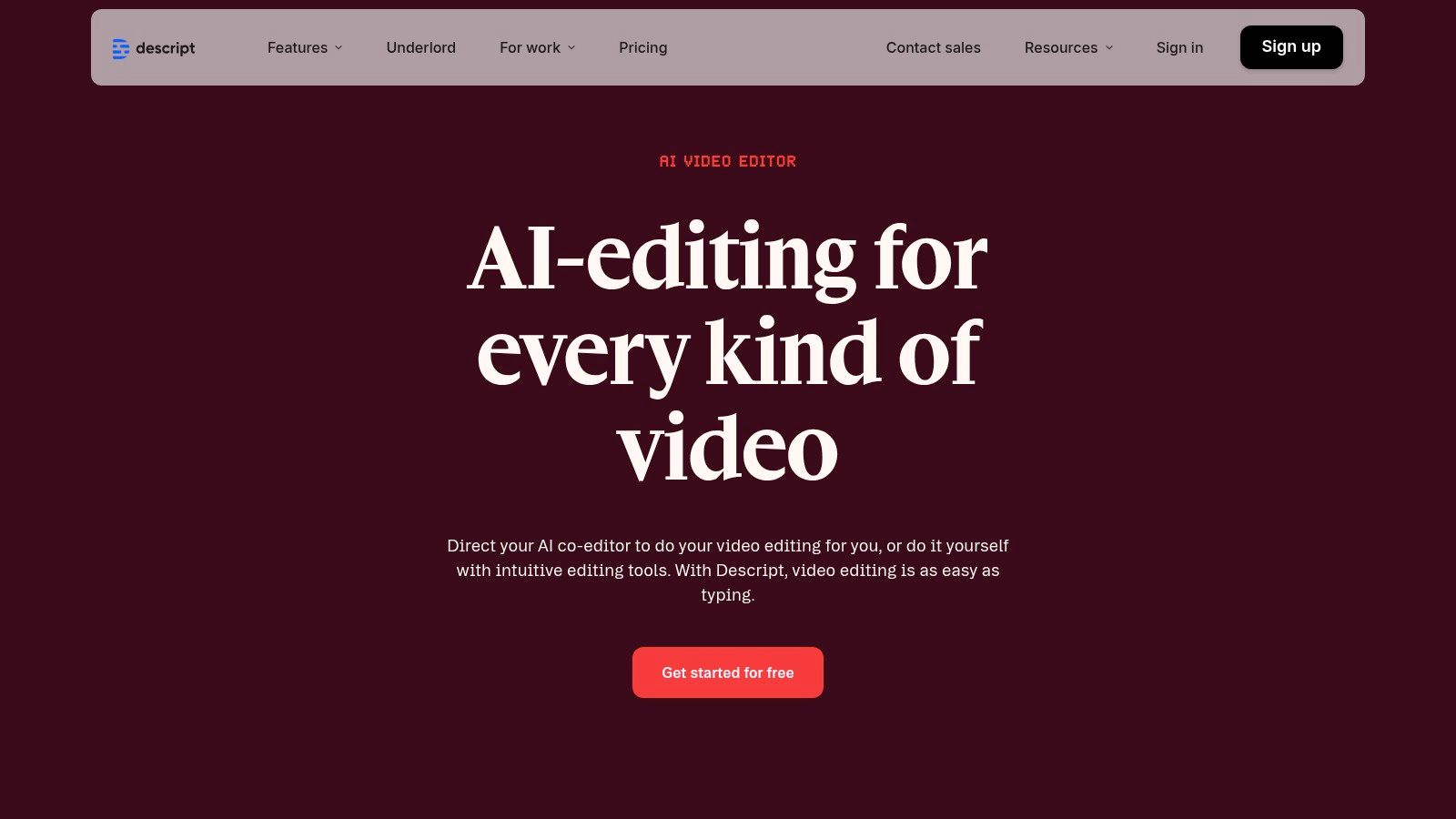
What truly sets Descript apart is its suite of powerful AI audio tools. Features like "Studio Sound" can make amateur recordings sound professionally produced with a single click, while "Overdub" allows you to create an AI clone of your voice to correct mistakes or add new words. The "Create Clips" feature is specifically designed to find the most engaging highlights from your content and format them for social media, complete with dynamic captions.
Key Features & Use Case
Descript excels as an AI-assisted editor rather than a pure generative tool. It streamlines the post-production process for content that has already been recorded, making it perfect for narrative or interview-based TikToks.
- Ideal Use Case: Best for podcasters, educators, and interviewers who want to quickly turn existing long-form audio or video into multiple, highly-shareable TikTok clips with clean audio and animated captions.
- Text-Based Editing: The core of Descript is its revolutionary "edit video by editing text" workflow, which dramatically speeds up the process of trimming content and removing filler words like "um" and "uh."
- AI Audio Enhancement: Studio Sound and Overdub provide powerful, accessible tools for audio cleanup and voice cloning that would typically require specialized software and skills.
Pros:
- Excellent for repurposing long-form audio/video into TikToks
- Powerful AI audio cleanup and overdub features
- Intuitive text-based editing is fast and efficient
Cons:
- It's an editor, not a generative video tool; requires existing footage
- Advanced features like 4K export are behind a paywall
- Can have a learning curve for those used to traditional timelines
Website: https://www.descript.com/
11. HeyGen
HeyGen is a specialized platform centered on creating high-quality, avatar-led videos. While it isn't a traditional video editor, it excels as an ai video generator for tiktok for users who need to produce explainer videos, promotional content, or engaging faceless content quickly. Its core strength lies in its extensive library of stock AI avatars and the ability to create custom ones, allowing creators to put a consistent "face" to their brand without ever being on camera.
What sets HeyGen apart is its powerful voice cloning and multilingual capabilities. With support for over 175 languages and various dialects, users can take a single script and generate videos for diverse global audiences, making it an invaluable tool for international brands. The platform's workflow is incredibly fast: simply choose an avatar, input text, and generate a video with synchronized lip movements and natural-sounding narration.
Key Features & Use Case
HeyGen is designed for rapid, scalable production of avatar-based video content, making it perfect for specific, repetitive video formats common on TikTok.
- Ideal Use Case: Best for educators, marketers, and faceless content creators who produce narrative-driven explainers, news updates, or character-based stories and need a scalable way to generate videos without filming.
- AI Avatars & Voice Cloning: Offers over 500 stock avatars and the option to create a custom digital twin. The voice cloning feature allows for a consistent and personalized audio identity across all videos.
- High-Resolution Exports: Depending on the plan, users can export videos in 1080p and even up to 4K resolution, ensuring high-quality output suitable for any platform.
Pros:
- Extremely fast avatar-led production workflow
- Excellent multilingual support and voice cloning features
- Free tier is available to test the core functionality
Cons:
- Primarily focused on avatars, not a comprehensive editing suite
- Advanced features like 4K exports are locked behind paid plans
- Can be expensive for users needing high volumes of content
Website: https://www.heygen.com/
12. OpusClip (Opus.pro)
OpusClip is a powerful AI repurposing tool designed to transform long-form videos into a multitude of engaging short clips for social media. Instead of creating from scratch, this ai video generator for tiktok analyzes your existing content like podcasts, webinars, or YouTube videos, and uses its AI to identify the most compelling "golden moments." It then automatically edits these highlights into vertically-formatted, captioned clips perfect for TikTok.
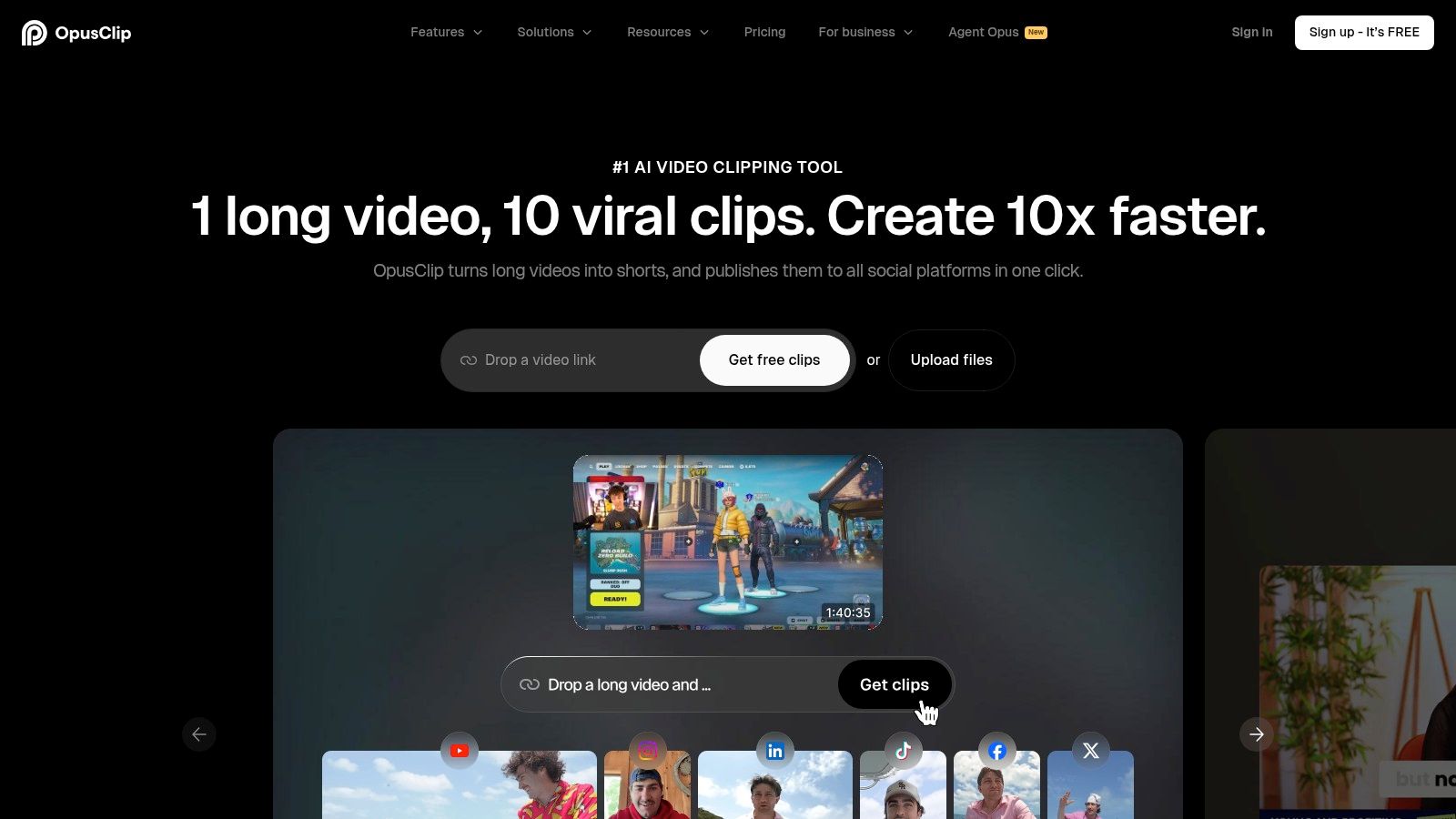
What sets OpusClip apart is its virality scoring system, which predicts the potential engagement of each clip it generates. This feature, combined with its auto-reframe and animated caption capabilities, makes it an incredibly efficient solution for content creators looking to maximize their output. The platform streamlines the entire process, from finding the best hooks to formatting the final product, allowing users to generate a month's worth of TikTok content from a single long video.
Key Features & Use Case
OpusClip is built for speed and volume, making it an essential tool for creators who already have a library of long-form content. It excels at hands-off clip creation, significantly reducing manual editing time.
- Ideal Use Case: Best for podcasters, streamers, and educators who want to repurpose their long videos into a high volume of TikToks and Reels without spending hours on manual clipping and editing.
- AI Virality Score: The tool analyzes and scores each clip on its potential to go viral, helping you prioritize which content to post first.
- Automated Workflow: Features like AI-powered clipping, auto-reframing for vertical video, and animated captioning create a nearly automated content pipeline.
Pros:
- Excellent for high-volume clipping from long videos
- Fast and efficient workflow for generating TikTok-ready clips
- Virality score helps in content selection
Cons:
- Credit-based system can be restrictive on lower plans
- Offers less fine-grained editing control than a full video editor
- Effectiveness depends on having strong source material
Website: https://www.opus.pro/
Top 12 AI TikTok Video Generators — Comparison
| Product | Core features ✨ | UX / Quality ★ | Price & Value 💰 | Target audience 👥 |
|---|---|---|---|---|
| 🏆 ClipCreator.ai | ✨ Auto-scripts, story-aligned AI images, lifelike voiceovers, subtitles, schedule + auto-post (HD ≤90s) | ★★★★☆ — fast, template-driven | 💰 Starter 19/mo (3x/wk); Daily 39/mo; Pro $69/mo — scales with posting frequency | 👥 Creators, SMBs, educators, agencies |
| TikTok Symphony Creative Studio (official) | ✨ URL/brief→AI ads, AI avatars & dubbing, variant testing | ★★★★☆ — native TikTok optimization | 💰 Free via TikTok for Business (ad spend separate) | 👥 Advertisers, brands |
| CapCut (Bytedance) | ✨ Mobile editor, TikTok template deep links, AI captions, bg remover, direct posting | ★★★★☆ — mobile-first, huge template library | 💰 Free tier; Pro pricing varies by region | 👥 Mobile creators, short-form editors |
| Canva (Magic Media) | ✨ AI text→video, TikTok templates, voiceover integrations, massive assets | ★★★★☆ — easy, template-rich | 💰 Free + Pro (some AI features gated) | 👥 Designers, marketers, creators |
| Adobe Express (+Symphony Assistant) | ✨ Firefly generative AI, TikTok music add-on, brand kits, scheduler | ★★★★☆ — Adobe assets, commercial-safe | 💰 Free + Premium/add-ons; some paid features | 👥 Small brands, Adobe users |
| Runway | ✨ Gen‑3/Gen‑4 video models, web editor, credit-based exports | ★★★★☆ — cutting-edge generative quality | 💰 Credit-based; costs scale with usage | 👥 Creators experimenting with AI video |
| InVideo AI | ✨ AI scripts, templates, stock assets, web editor & voiceover | ★★★☆☆ — fast promo/social creation | 💰 Free limited tier; paid plans for full features | 👥 Marketers, small businesses |
| Pictory | ✨ Script→shorts, video→shorts, AI voices, automated captions, stock integrations | ★★★☆☆ — simple repurposing workflow | 💰 Paid tiers; feature/voice minutes vary | 👥 Non-editors, repurposers |
| VEED | ✨ Text-to-video, AI avatars, TTS/dubbing, auto-resize & hosting | ★★★★☆ — all-in-one web workflow | 💰 Free limited; AI credits on paid plans | 👥 Social creators wanting browser tool |
| Descript | ✨ Text-based editing, Overdub voice, Studio Sound, Create Clips | ★★★★☆ — excellent audio & long→short repurpose | 💰 Free limited; paid tiers for advanced exports | 👥 Podcasters, long-form creators |
| HeyGen | ✨ 500+ avatars, voice cloning, 175+ languages, up to 4K exports | ★★★☆☆ — fast avatar-led production | 💰 Free tier; paid for high-res/advanced | 👥 Explainers, multilingual promos |
| OpusClip (Opus.pro) | ✨ AI clipping, virality scoring, animated captions, auto-reframe, multi-aspect export | ★★★★☆ — optimized for high-volume repurposing | 💰 Credit/plan limits; paid tiers for scale | 👥 Creators repurposing long videos |
Choosing Your Ultimate TikTok Automation Partner
Navigating the expansive world of AI video generators for TikTok can feel overwhelming, but as we've explored, the "best" tool is not a one-size-fits-all solution. Your ideal partner in content creation depends entirely on your specific workflow, content style, and ultimate growth objectives. The right choice is less about finding the tool with the longest feature list and more about identifying the one that solves your biggest bottleneck.
We've seen a diverse spectrum of capabilities. Tools like OpusClip and Descript are masters of repurposing, brilliantly mining your long-form podcasts and videos for viral-worthy snippets. For creators who thrive on visual branding and creative control, the design-centric ecosystems of Canva and Adobe Express offer an unparalleled playground of templates and assets, augmented by powerful AI features. And for those pushing the boundaries of cinematic AI, Runway provides a glimpse into the future of generative video.
From Manual Creator to Automated Strategist
The core takeaway is that the right ai video generator for tiktok shifts your role from a hands-on, minute-to-minute editor to a high-level content strategist. Instead of spending hours trimming clips, syncing audio, and adding captions, you can focus on bigger-picture questions. What topics resonate with your audience? What content pillars should you build? How can you A/B test different video styles to maximize engagement?
This transition is crucial for sustainable growth. Burnout is a significant challenge for TikTok creators who are constantly chasing the algorithm. Automation isn't about replacing creativity; it's about preserving it. By offloading the repetitive, time-consuming tasks, you free up mental and creative energy to innovate and connect with your community on a deeper level.
Matching the Tool to Your Goal
To make your final decision, distill your primary need down to a single objective. Use this framework to guide your choice:
- If your primary goal is repurposing existing content: Look no further than OpusClip or Descript. Their core strength is identifying and packaging key moments from long videos, making them perfect for podcasters and YouTubers.
- If your primary goal is high-touch visual design and branding: Canva and Adobe Express are your strongest allies. Their vast template libraries and integration with broader design suites give you maximum control over the look and feel of your content.
- If your primary goal is text-to-video storytelling with stock assets: Pictory and InVideo AI excel at transforming articles, scripts, and ideas into engaging videos using extensive stock media libraries.
- If your primary goal is fully automated, scheduled, faceless content at scale: This is where ClipCreator.ai carves out its unique and powerful niche. For creators focused on thematic channels, educational content, or motivational series, its "set-and-forget" workflow is a game-changer. The ability to generate, voice, caption, and schedule a week's worth of content in minutes is an unmatched efficiency booster.
Choosing your tool is a strategic investment in your content engine. Consider not just where you are now, but where you want to be in six months. Select the AI video generator that will not only solve today's problems but will also scale with your ambitions, turning your TikTok channel from a demanding job into a streamlined, high-growth asset.
Ready to reclaim your time and put your TikTok content creation on autopilot? ClipCreator.ai is the ultimate ai video generator for tiktok creators who want to scale faceless content with a true "set-and-forget" system. Stop editing and start strategizing by visiting ClipCreator.ai to automate your path to TikTok growth.

Create your first video in under 2 minutes
Pick a niche, and ClipCreator.ai generates and auto-posts faceless videos to your channels every day.
Join ClipCreator.ai