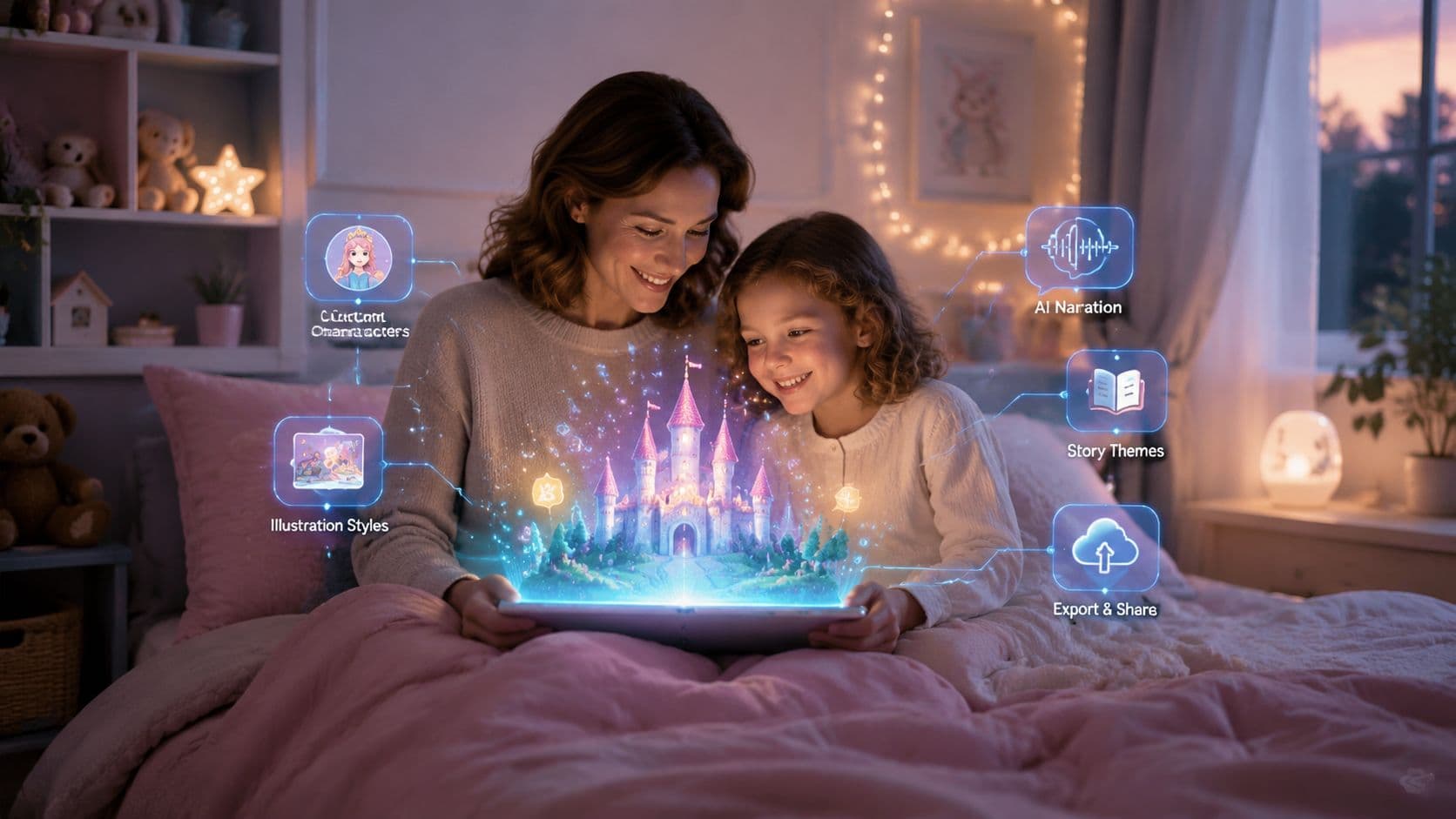
A parent may need a calm, narrated story in the next few minutes, while a teacher may want adjustable reading levels and a printable activity. A creator might need a bedtime script that can become a vertical video without filming or editing scenes by hand. The best AI bedtime story generator depends less on the novelty of story creation and more on the job you need completed.
This roundup compares 10 tools by workflow, personalization, illustrations, narration, export options, pricing signals, privacy considerations, age fit, and practical limitations. The category is moving beyond one-off text generation. Let's Story, for example, launched in September 2024 and enabled more than 2.4 million story sessions across 19 languages during its first six months, according to the category benchmark described by Oxford research. That kind of adoption suggests personalized storytelling can support repeat, multilingual use.
Review every generated story before sharing it with a child. Pay particular attention when a tool uses personal details, uploaded photos, or cloned voices. For broader context on how these tools fit into family storytelling, see this guide to AI story generators.
1. ClipCreator.ai
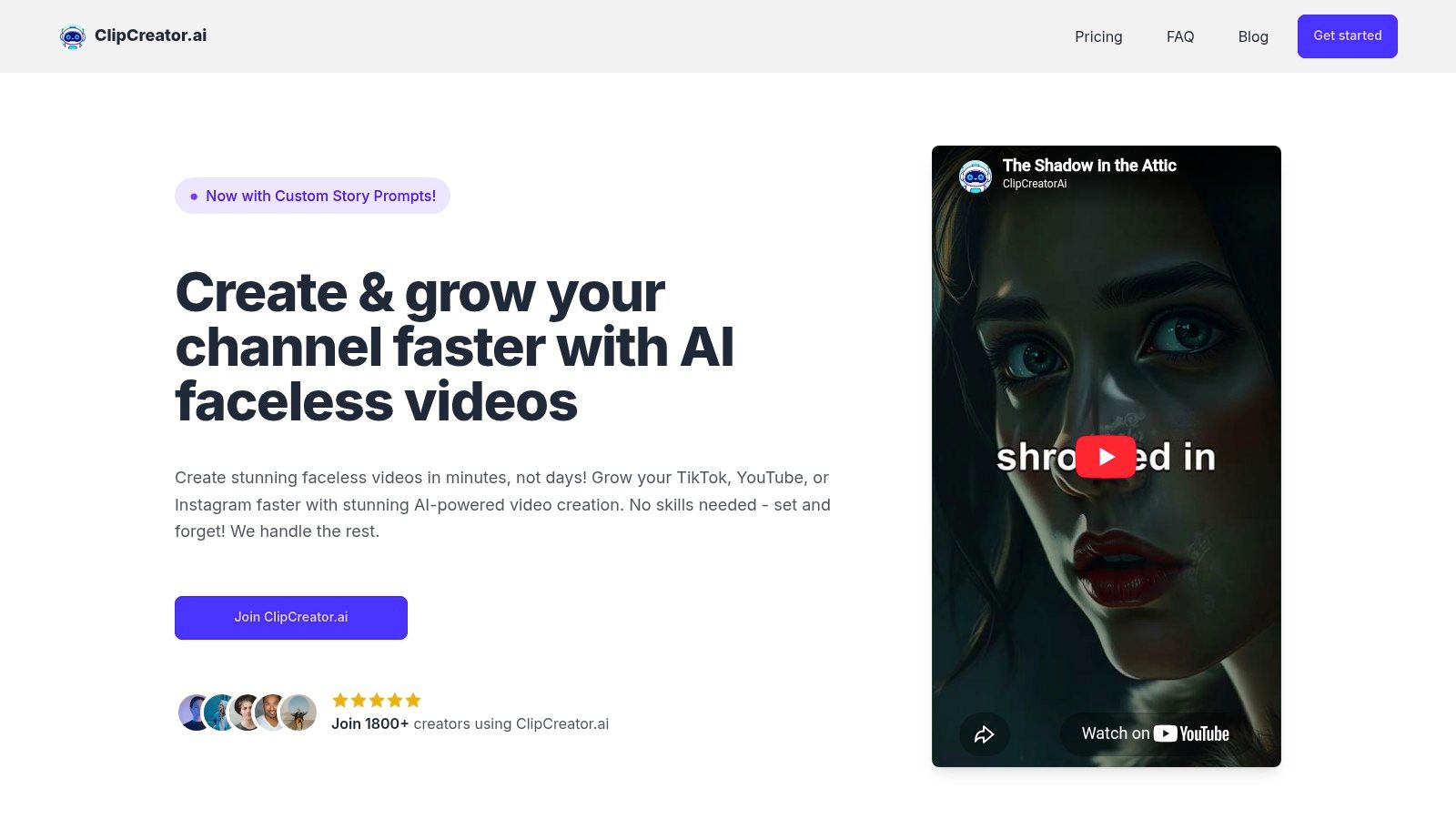
ClipCreator.ai solves a different problem from most bedtime-story apps. It's built for turning a story idea into a repeatable faceless short-form video, making it the strongest choice for creators, educators, brands, and agencies that want bedtime content for TikTok, YouTube, or Instagram.
You can choose a proven story template, including a bedtime format, or provide a custom prompt. The platform then combines an AI-written script with story-matched images, lifelike voiceover, and subtitles. The finished HD video can run for up to 90 seconds, which suits short bedtime excerpts, calming story clips, literacy micro-lessons, and recurring story-channel content.
Best for scalable story video
The workflow is close to set-and-forget production. Connect supported social accounts, choose a publishing schedule, and let the platform handle scheduled posting across major short-form channels. Plans range from three posts per week to twice-daily publishing, so the product fits both occasional creators and channels that need a consistent content rhythm.
ClipCreator.ai says users retain full ownership of the videos. It also offers a one-time refund option if the first two videos don't meet expectations, provided the request is made within seven days through Stripe. Plans listed in the product brief are 19 per month for Starter**, **39 per month for Daily, and **69 per month for Pro**, currently shown as discounted from 78. These pricing details come from the provided product information and should be checked on the ClipCreator.ai website before purchase.
Practical rule: Treat the generated bedtime script as a draft. Review its emotional tone, age fit, names, visuals, and narration before scheduling publication or showing it to children.
The tradeoff is control. Editing is basic, with title and caption adjustments rather than detailed scene-level revisions, and the short-form limit makes ClipCreator.ai unsuitable for a long illustrated book. For a creator who needs recurring animated stories rather than a printable keepsake, however, its end-to-end workflow is unusually well matched.
2. BedtimeStory.ai
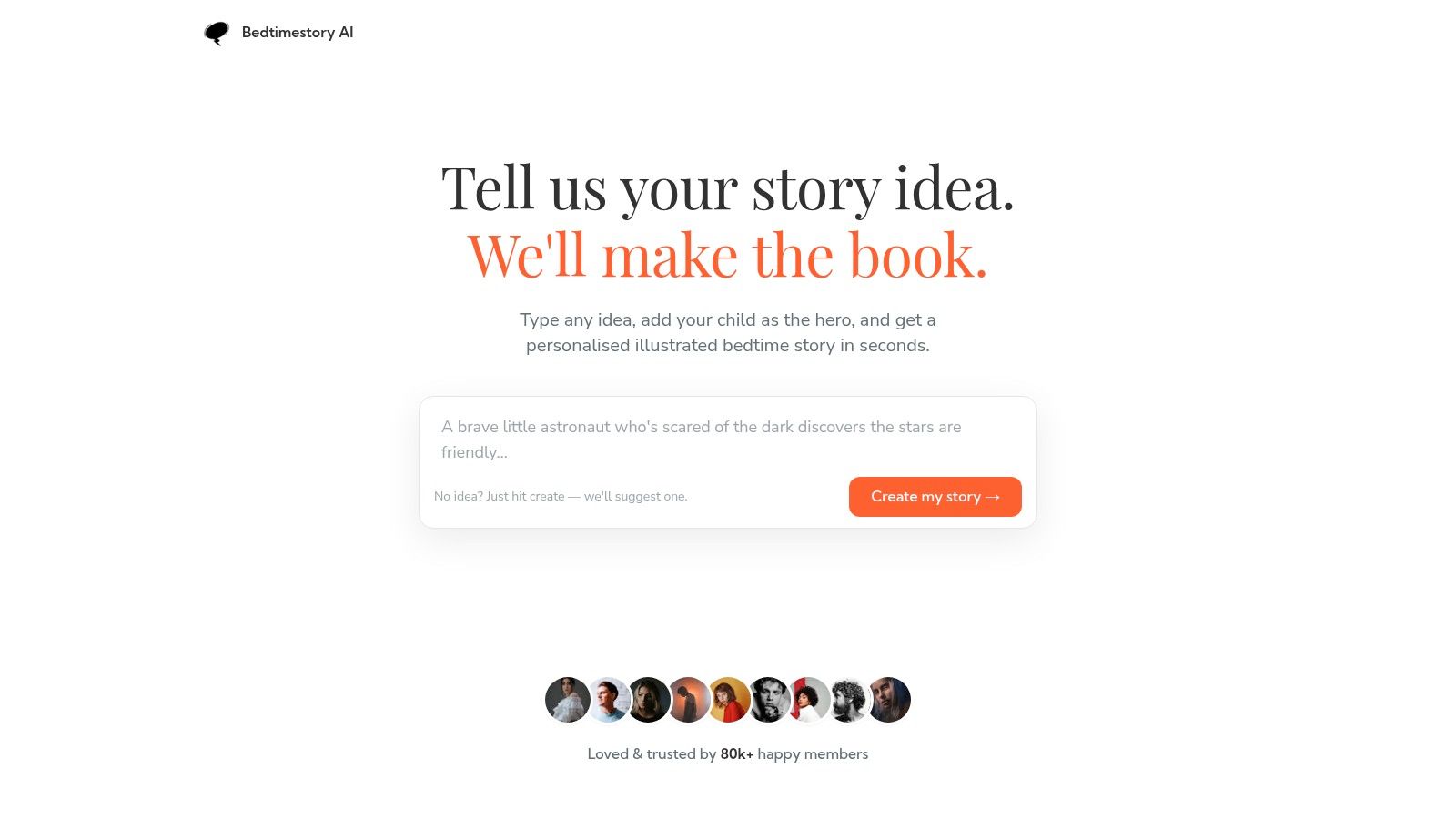
BedtimeStory.ai is the most direct fit for parents who want a personalized story with illustrations without assembling several separate tools. Users enter a theme and child details, then receive a customized story designed for on-screen reading or printing.
The tool's strongest feature is the range of child-focused controls. Parents can create stories around an adventure or a math-learning mode, which makes it useful when the goal is more than distraction. A story can introduce light numeracy inside a narrative, although adults should still verify that the lesson is accurate and appropriate for the child's age.
Personalization with privacy controls
Private profiles and ownership of generated content give the product a clearer family-use orientation than a general writing chatbot. That doesn't eliminate privacy questions, but it gives parents specific settings to inspect before entering names, family details, or other identifying information.
Paid plans can provide up to five images per story, according to the provided tool description. That's enough for a compact illustrated reading experience, but families seeking a heavily illustrated book may find the limit restrictive. Pricing information can also be difficult to interpret because the pricing page is dynamic and plan names or benefits may not be immediately clear.
BedtimeStory.ai is best when the parent's priority is a quick, illustrated digital story with moderate educational customization. It's less suitable for creators who need automated video publishing or families that want deep scene-by-scene editing.
For a video adaptation of a generated story, the bedtime story video workflow shows how a text narrative can become a short-form visual format.
3. OnceUponABot
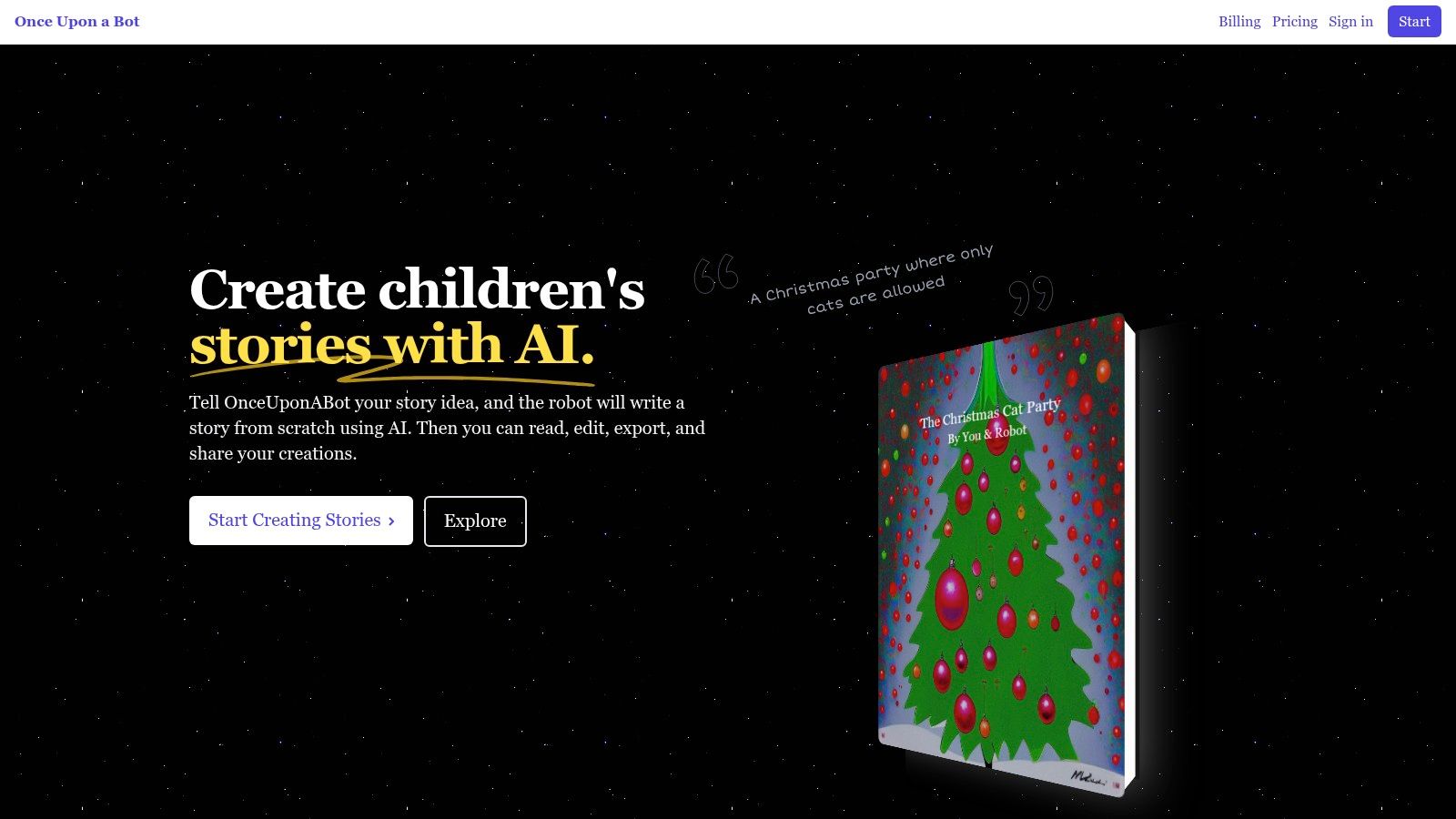
OnceUponABot is the strongest option in this list for people who don't want to accept the first generated version. Its workflow centers on creating, editing, redrawing, narrating, and exporting a children's story, so it fits parents making keepsakes and teachers preparing adaptable reading material.
The ability to edit the story matters because generated text can miss the intended vocabulary, moral, or emotional temperature. Users can revise the narrative and redraw images rather than starting from scratch. That makes the tool more practical for a classroom or family that wants a particular detail handled carefully.
A practical printable workflow
PDF export gives OnceUponABot a clear advantage for screen-free reading and physical keepsakes. Its “Read to me” narration supports listening, while adjustable reading levels let adults tune a story for different readers. Multi-language support and photo-based personalization add flexibility, but uploaded photos should still be treated as sensitive child data and reviewed against the platform's retention and deletion terms.
The tool's subscription model includes unlimited stories, which may suit teachers or families who create frequently. The interface still uses “early supporter” language in places, and it's a browser-based experience rather than a dedicated mobile app. Those details don't prevent use, but they signal a product that may feel more like an evolving web platform than a fully mature reading ecosystem.
Choose OnceUponABot when the finished result needs to be edited, printed, shared, or reused. Choose a narration-first app when the main need is immediate audio at bedtime.
4. Mello
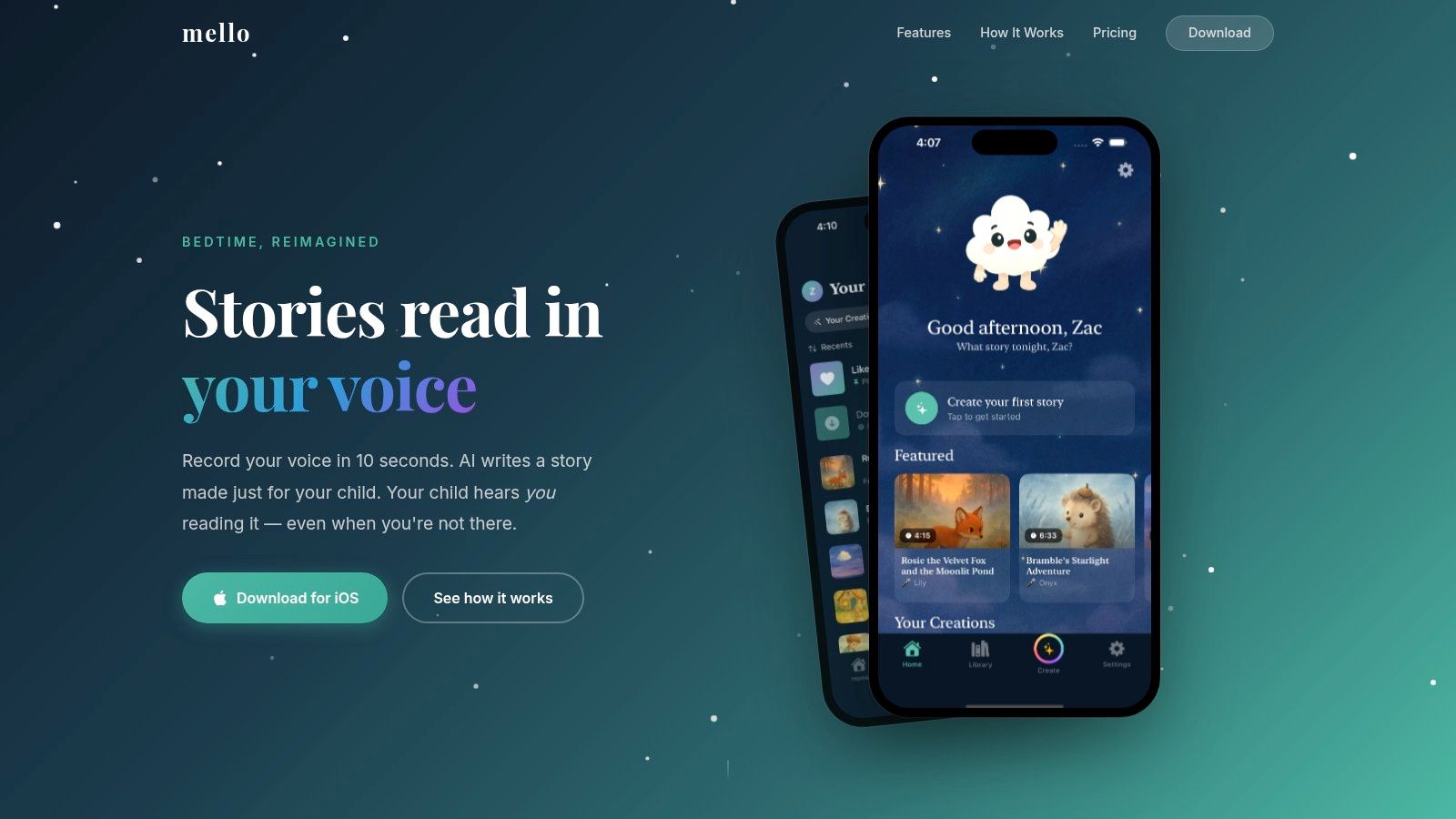
Mello is built around emotional continuity. Instead of using only a standard synthetic narrator, the iOS app records a short sample of a parent's voice and uses that voice to narrate personalized stories. That makes it especially relevant for a parent who travels, works late, or wants a familiar voice present when they can't read in real time.
The product combines custom prompts with a library of ready-to-play tales. Stories use watercolor-style illustrations and a page-flip reader, creating a more intimate picture-book experience than a plain audio player. Each story includes four illustrations, according to the provided product description.
The voice is the product
Mello's appeal isn't maximum control over text or export. It's the feeling of hearing a known parent's voice attached to a new story. That can support a family ritual, but the same personalization creates a responsibility to review consent and storage practices before recording a voice sample.
Mello is currently listed as an iOS-only experience, with no Android version identified in the provided information. Its free tier is useful for testing, though it limits story count and or length. Families using Android devices, seeking printable PDFs, or needing broad classroom distribution will likely find a different tool more practical.
The best use case is narrow but compelling: a parent wants a simple illustrated story narrated in their own voice. It isn't the right choice for a creator building a public content library or a teacher who needs adjustable exports.
5. HUSHIKO
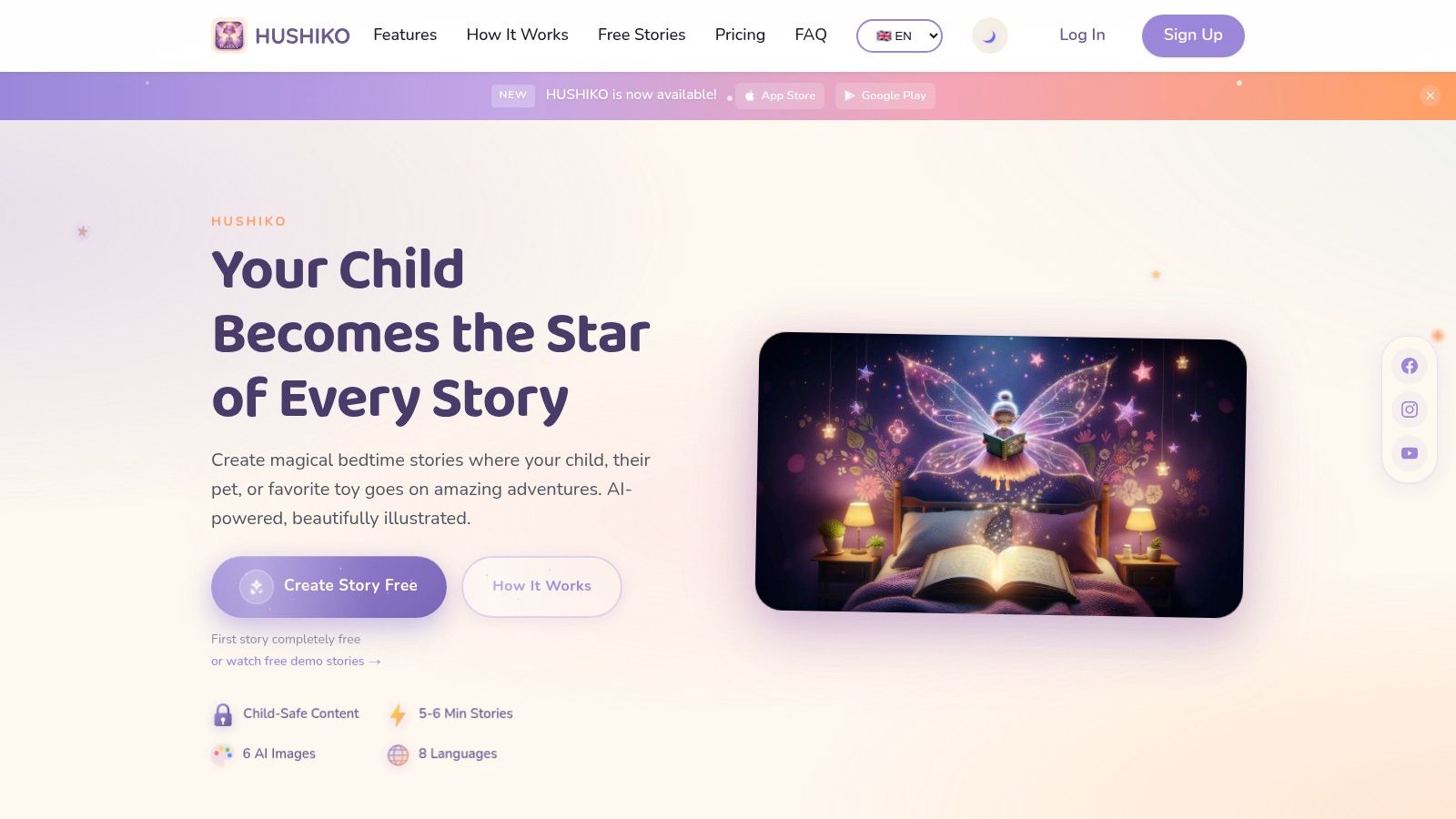
HUSHIKO combines bedtime listening with early literacy practice. It creates personalized stories lasting around five to six minutes, adds six DALL·E 3 illustrations, and offers professional narration in eight languages, based on the provided product details. That combination makes it one of the better choices for multilingual households and children who benefit from following spoken words on screen.
Its karaoke-style highlighting displays words as the narration progresses. Parents can use that feature to connect listening with print awareness, while downloadable audio supports screen-light use after the story has been selected. Printable PDFs also give families a way to preserve favorite stories or move the routine away from a tablet.
Listening and reading in one experience
HUSHIKO's first-story-free approach and demo stories without signup lower the barrier to testing. The credit-pack model, however, requires more active monitoring than an unlimited subscription. Each generated story consumes credits, so frequent users need to understand how quickly their balance changes.
The visual system is less flexible than tools with multiple art-style controls. Image style is fixed per story, and the website may show “unable to load pricing” error banners. Those presentation issues matter because parents need transparent cost information before a child becomes attached to a recurring routine.
HUSHIKO is best for multilingual narration, early reading practice, and downloadable story assets. It's less attractive for users who want unlimited generation or extensive visual art direction.
6. talino.kids
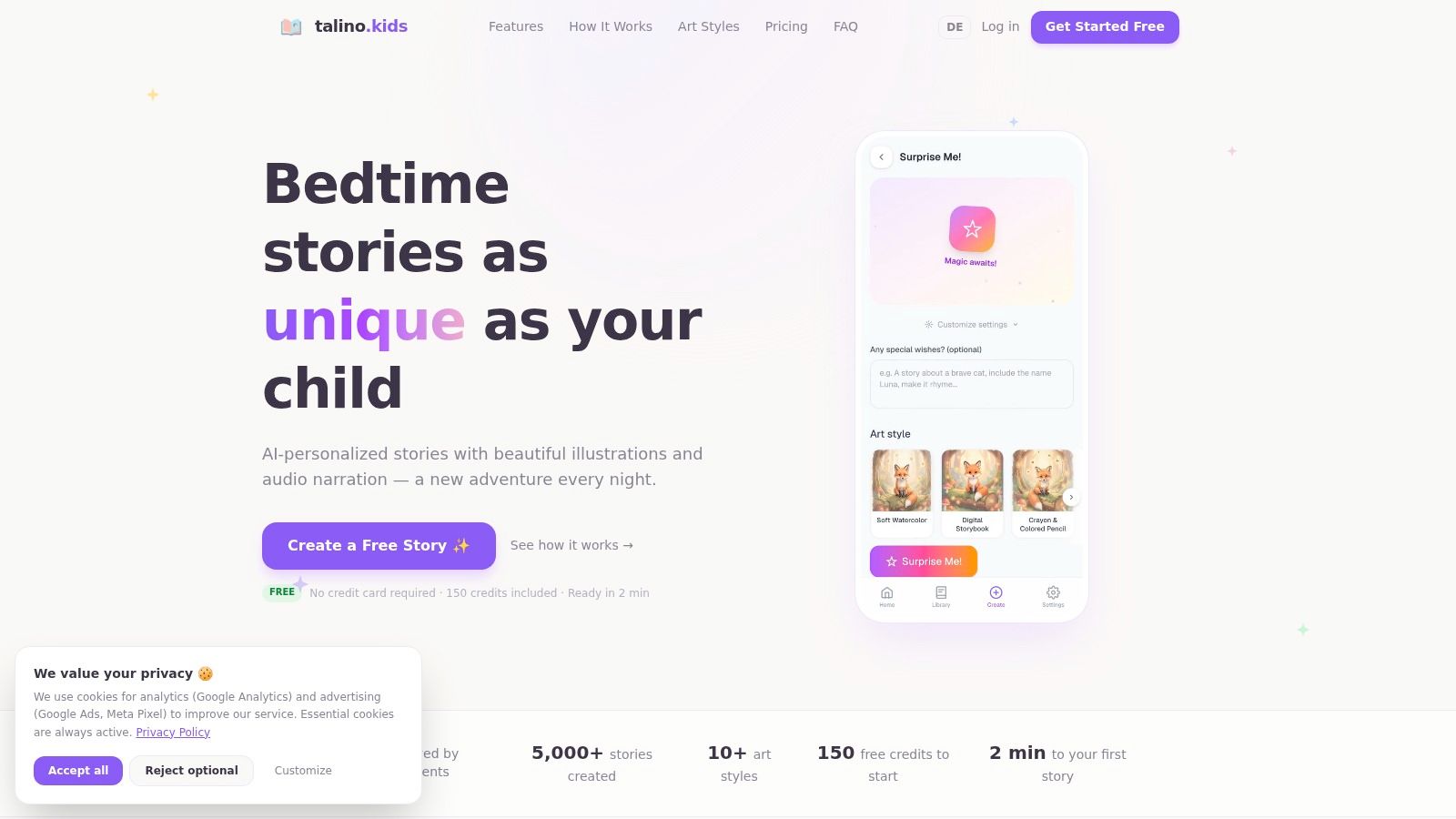
talino.kids gives parents more control over the visual mood than many bedtime apps. Users can set a child's age, interests, topic, and mood, then choose from more than 10 art styles, including watercolor and “Ghibli Dream,” according to the supplied product description.
The tool also supports per-scene narration and export options. Its credit interface breaks down the cost of text, illustration, and narration by scene, which is useful for parents who want to understand what they're paying for rather than treating generation as an opaque process.
Flexible atmosphere, recurring credit use
The free allocation includes 150 credits, giving families room to test the workflow before paying. The drawback is that every story continues to consume credits, so an attractive free starting point can become a recurring per-story expense. That model suits occasional special stories better than a family that wants unlimited nightly generation.
talino.kids describes its content as child-appropriate, but the provided information includes limited public detail about advanced safety filters. Parents should therefore review every output for frightening imagery, stereotypes, emotionally intense scenes, and vocabulary that doesn't match the child's age.
This is a good fit for a parent who cares about visual variety and mood controls. It's not the clearest choice for educators who need robust reading-level controls or creators who need automated social publishing.
7. Starry Night Stories
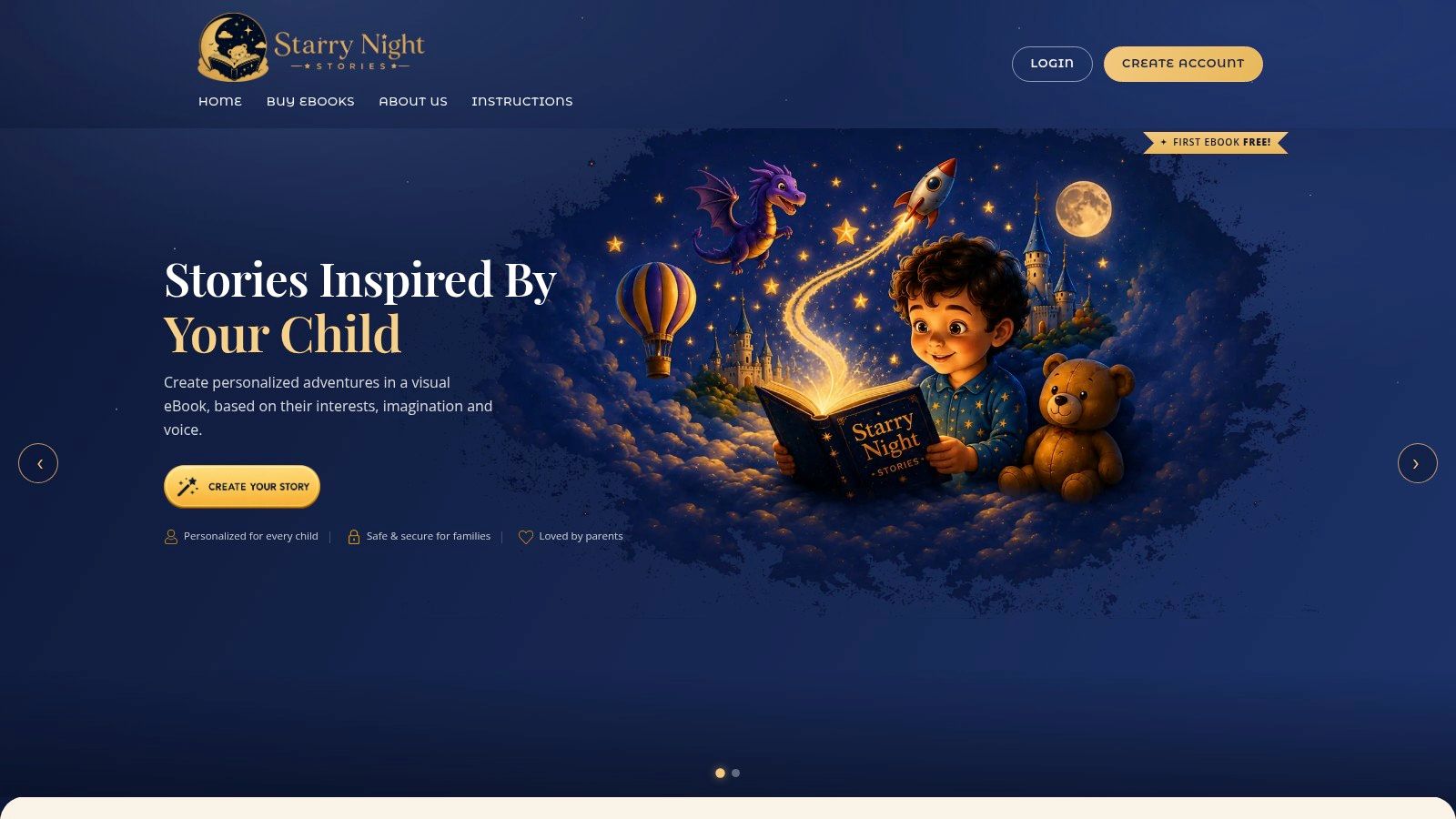
Starry Night Stories is designed for the family that wants a tangible keepsake. The platform uses a child's photo to place the child's likeness in an illustrated eBook, then provides an online library with free narration and printable PDFs. Families can also order optional printed books shipped to their homes.
That photo-to-protagonist workflow creates stronger personalization than inserting a child's name into a paragraph. It also creates the clearest privacy obligation in the roundup. Parents should understand how the photo is stored, whether it is shared with vendors, and whether they can delete it before uploading anything.
From digital story to physical gift
A free eBook at signup makes it possible to test the creation flow without committing to a subscription. The platform doesn't require a subscription to get started, which is useful for a single birthday, holiday, or family milestone. eBook-pack pricing appears during checkout rather than clearly upfront, so the final cost should be checked before placing an order.
The printed-book route makes Starry Night Stories more suitable for a gift than for nightly experimentation. It also means parents should inspect every illustration for likeness errors, awkward anatomy, unintended expressions, and details that could make the child uncomfortable.
Choose this tool for photo-personalized keepsakes and gift-ready books. Choose OnceUponABot if editing and PDF control matter more than physical production.
8. Fantasaur
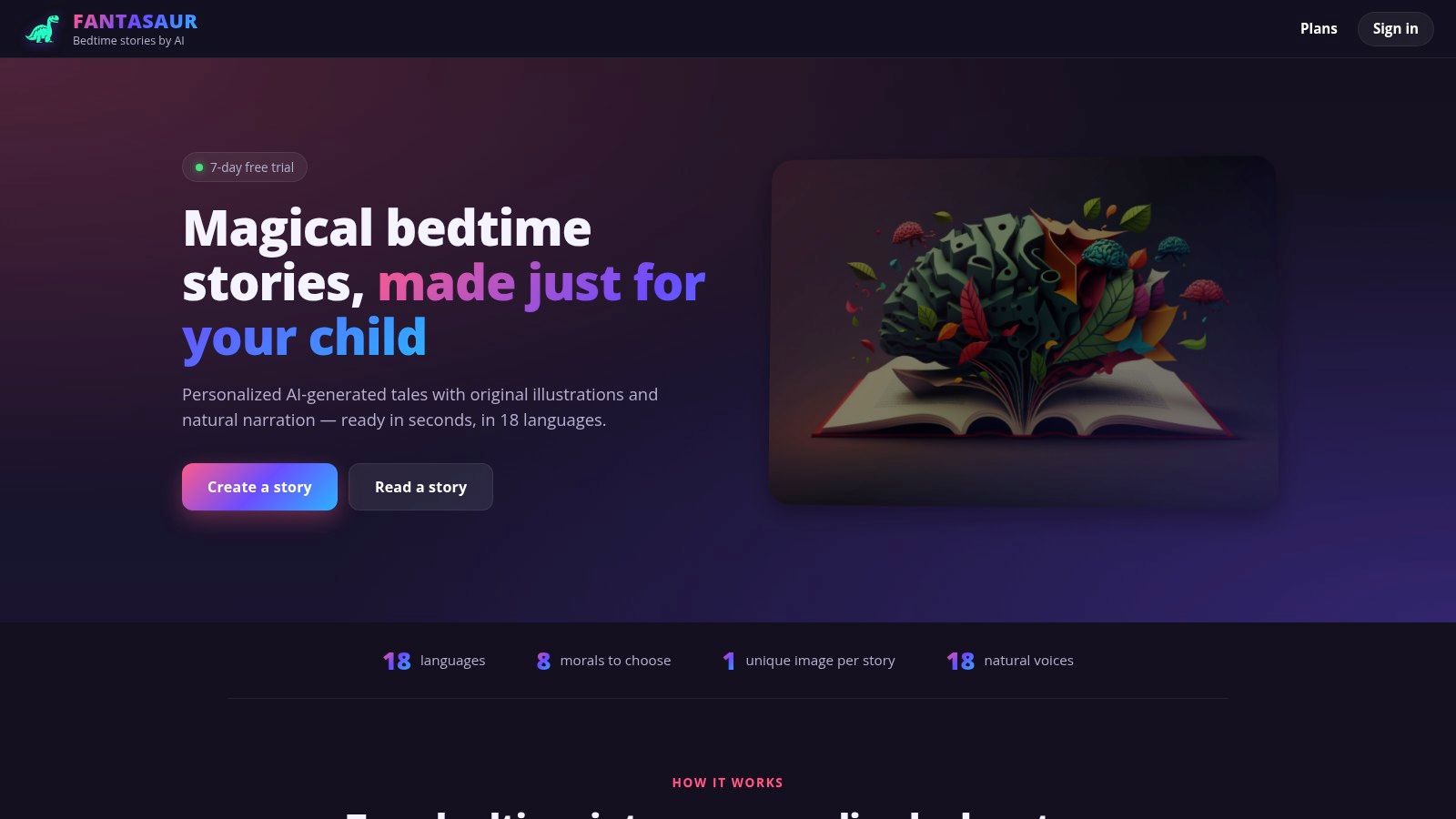
Fantasaur targets the tired-evening use case. Its promise is a fast route from a child's name or interest to a narrated, illustrated story, with support for 18 languages according to the provided product information. That makes it a practical candidate for bilingual and international households that want the same storytelling routine across languages.
The tool offers natural narration with interactive variations and simple personalization. It's less about designing a polished book and more about producing something ready to play quickly.
Speed over production depth
Fantasaur's multilingual coverage is its clearest differentiator. Parents should still listen to the generated language before using it as a learning aid, because grammatical correctness, cultural references, and vocabulary level can vary between outputs.
The site is JavaScript-heavy, and pricing isn't clearly visible without creating an account. That makes comparison shopping harder. The provided information also identifies fewer export and print features than several competitors, so Fantasaur is better suited to on-demand listening than to keepsake creation.
This tool works best when the job is a quick narrated story in a multilingual home. It's not the strongest option for teachers who need controlled reading levels, parents who want printed books, or creators who need a publishing pipeline.
9. StoryWizard.ai
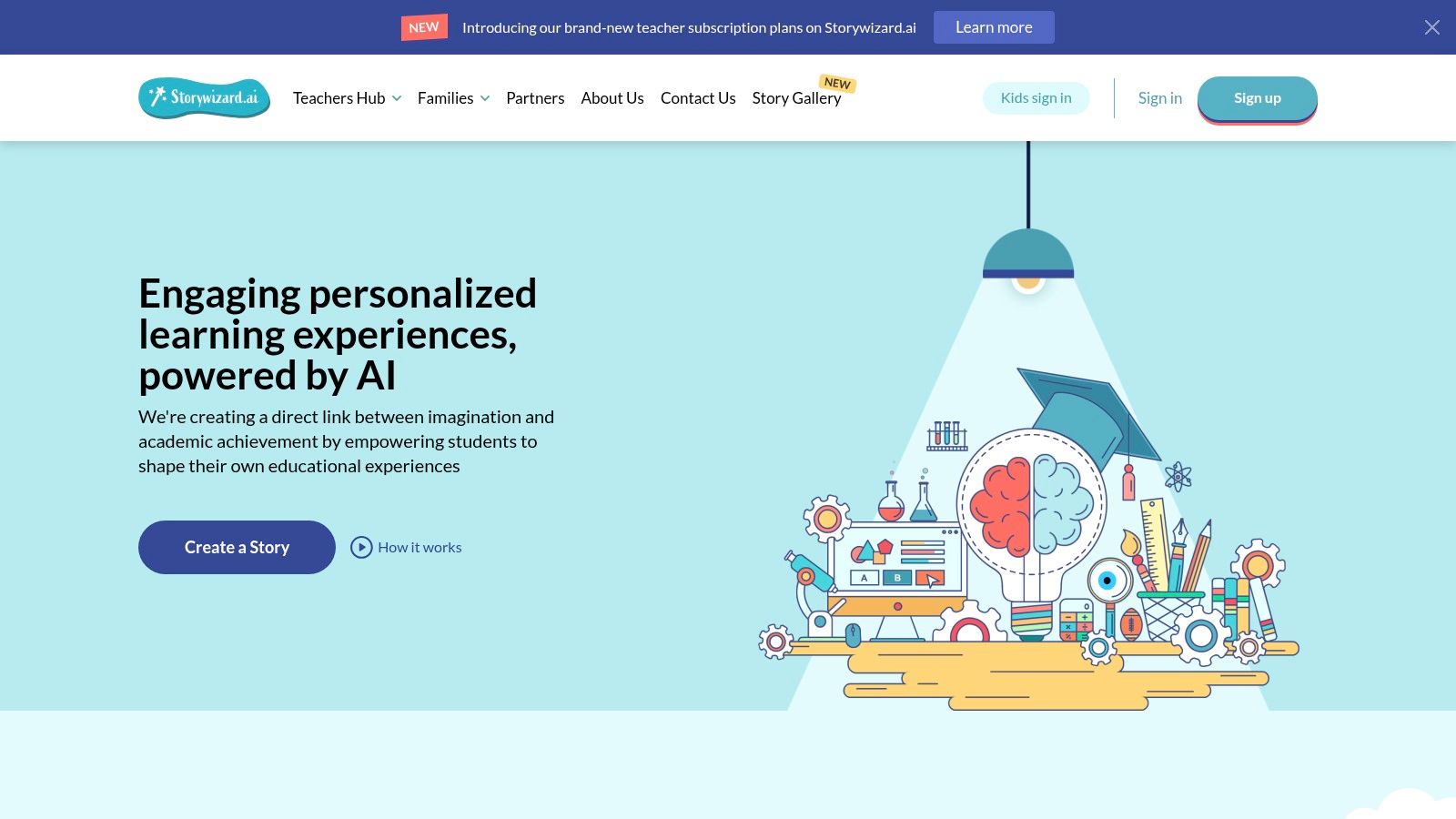
StoryWizard.ai takes an education-minded approach to AI children's stories. Families and educators can co-create stories with images, share them with family or class groups, and use the platform for creative sessions that extend beyond passive listening.
That co-creation model matters because recent research has raised concerns that AI-generated bedtime stories can increase passive attention while reducing children's joint narrative agency and co-creation during play. The research on AI-generated children's storytelling also identifies bias, cultural stereotyping, privacy, and affect-dependency concerns. StoryWizard.ai's family-friendly and privacy-forward positioning addresses the right categories, but parents and teachers should still inspect the actual output.
A fit for shared learning
The iOS app supports couch-friendly creation, while family and class sharing gives the tool a practical group dimension. Teachers can use a generated story as a starting point for discussion, revision, vocabulary work, or illustration critique rather than presenting the AI as an unquestioned author.
Public pricing isn't shown on the pages available in the supplied information, and pricing may vary by app-store region. The website can also block non-browser fetches, which limits how much prospective users can verify before account creation.
StoryWizard.ai is best for co-creation, early literacy, and classroom sharing. It's less suitable for families who only want an instant narrated story or creators who need automated social-video output.
A reviewed story can also become a short narrated video through an AI story video workflow, but the original text should be checked before adaptation.
10. KidsStoryteller.ai
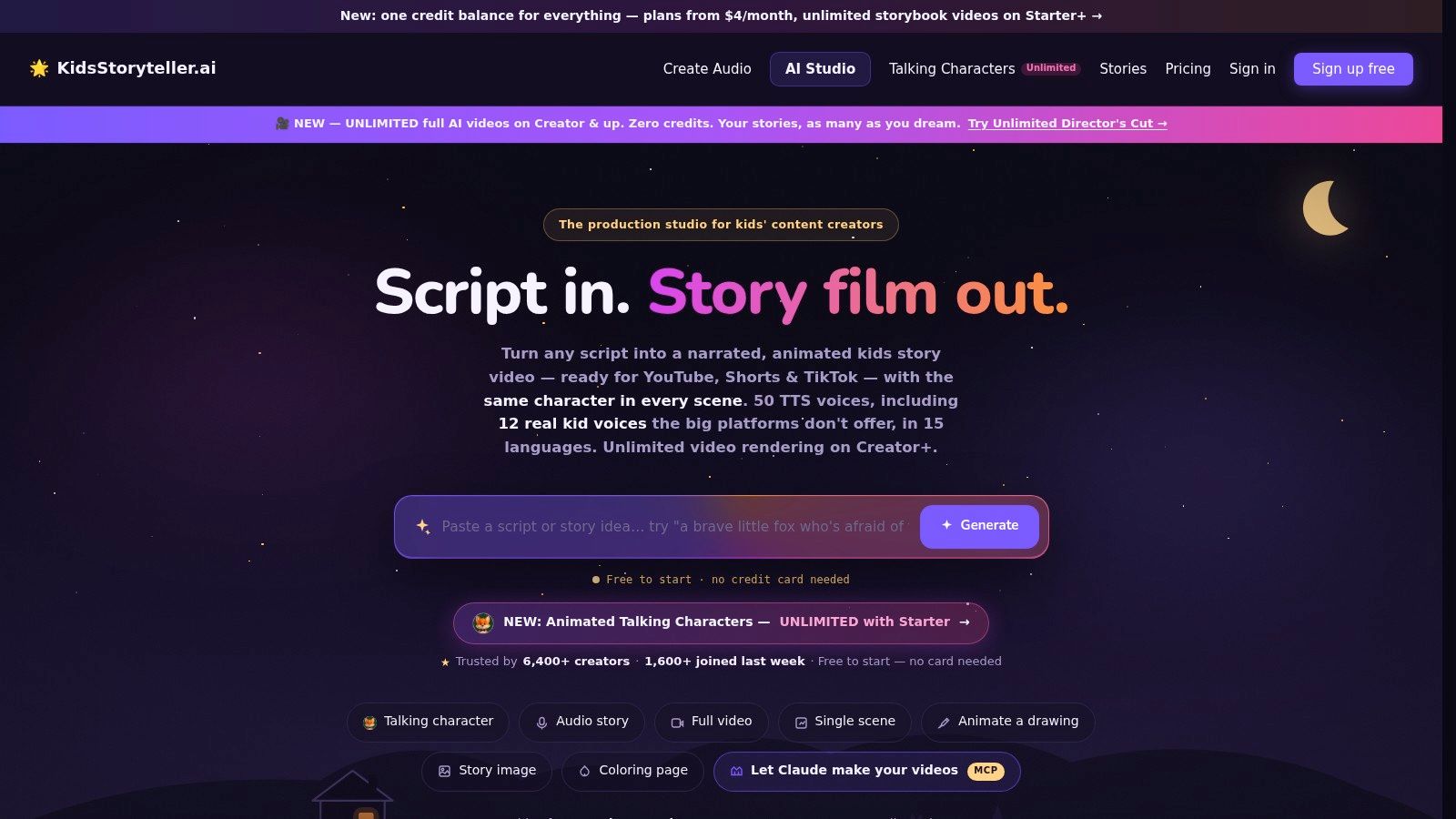
KidsStoryteller.ai is aimed at production rather than one-off family reading. It turns scripts into narrated MP3 files or animated vertical videos, supports consistent characters, offers coloring pages, and includes a library of more than 120 ready-made story scripts organized by age, according to the supplied product description.
Its voice library includes 50 voices in more than 15 languages, including 12 real child voices. Developers can also use a text-to-speech API, which makes the platform more relevant to a content team or app builder than to a parent who wants a printable book.
Built for channels and audio libraries
The platform's generous free credits and plans with unlimited video rendering create a low-friction entry point for creators. The listed entry price starts at $4 per month, but users should verify current plan terms before relying on that figure. Credit accounting and multiple generation engines can add a learning curve, particularly for people who aren't already comfortable with production tools.
KidsStoryteller.ai is a strong match for children's story channels, narrated audio libraries, and short-form video workflows. It's less convenient for a family that wants a polished physical keepsake, and its creator orientation may feel excessive for occasional bedtime use.
For teams building narrated videos, the text-to-speech video workflow offers another production path to compare.
Top 10 AI Bedtime Story Generators: Feature Comparison
| Product | Core features | Quality (★) | Pricing & Value (💰) | Target (👥) | Key USP (✨) |
|---|---|---|---|---|---|
| 🏆 ClipCreator.ai | Automated scripts → AI images → lifelike voiceovers → subtitles → scheduling & auto-posting (HD ≤90s) | ★★★★☆, polished visuals, autopilot UX | 💰 Starter 19/mo, Daily 39, Pro $69; time-saver; 1st‑2 vids refund | 👥 Creators, educators, SMBs, agencies | ✨ End-to-end set‑and‑forget short‑form video publishing |
| BedtimeStory.ai | Personalized stories + illustrations; adventure & math modes; private profiles | ★★★☆☆, mature web UI, clear controls | 💰 Paid plans; image limits per story | 👥 Parents seeking tailored bedtime tales | ✨ Educational modes (adventure/math) |
| OnceUponABot | Editable stories & redrawn images; PDF export; narration & reading levels | ★★★☆☆, flexible editing, printable output | 💰 Subscription with unlimited stories | 👥 Parents & teachers wanting keepsakes | ✨ Edit → redraw → export workflow |
| Mello | 10s voice clone for narration; watercolor art; page‑flip reader (iOS) | ★★★★☆, emotional, high‑quality voice cloning | 💰 Free tier + paid limits; mobile‑only (iOS) | 👥 Parents wanting parent's-voice bedtime | ✨ Narration in your own cloned voice |
| HUSHIKO | 5–6min stories, 6 DALL·E‑3 illustrations, pro narration in 8 languages, karaoke highlighting | ★★★★☆, pro narration & literacy tools | 💰 Credit packs; first story free | 👥 Parents & early‑readers | ✨ Karaoke word‑highlight + multilingual narration |
| talino.kids | Multiple art styles, mood controls, per‑scene narration, transparent credit breakdown | ★★★☆☆, fast, modern art options | 💰 Credit‑based (150 free credits to start) | 👥 Parents who value art styles & clarity | ✨ Wide art styles & per‑scene credit visibility |
| Starry Night Stories | Photo-based protagonist eBooks, free narration, printable PDFs, optional printed books | ★★★☆☆, keepsake-focused UX | 💰 Pay‑per‑book; one free eBook at signup | 👥 Parents wanting photo personalized gifts | ✨ Photo → protagonist + printed keepsakes |
| Fantasaur | Instant story generation, AI illustrations, natural narration, 18 languages | ★★★☆☆, very fast, broad language support | 💰 Pricing requires account; unclear publicly | 👥 Bilingual/international families | ✨ 18‑language support & instant stories |
| StoryWizard.ai | AI story & image gen, privacy-forward, iOS app, sharing for families/classes | ★★★☆☆, education & privacy focused | 💰 Pricing varies / not always public | 👥 Families, educators, classroom use | ✨ Education-minded + private sharing |
| KidsStoryteller.ai | Narrated MP3s or animated vertical videos, 50 voices (incl. child), consistent characters, TTS API | ★★★★☆, production-ready for short form | 💰 From $4/mo; generous free credits; API access | 👥 Creators of kids' channels & parents | ✨ Creator-grade production + real child voices |
Turn a Generated Story Into a Better Routine
The right tool depends on the routine you're trying to protect. For a quiet family bedtime, prioritize a calm narration experience and the option to dim or turn off the screen. Mello is the focused choice when a parent's familiar voice matters, while HUSHIKO and Fantasaur make more sense for multilingual listening. If the story needs to become a keepsake, OnceUponABot's editing and PDF export are more useful than a fast, closed reading interface. Starry Night Stories is the better fit when a photo-personalized printed book is the point.
Teachers should look for adjustable reading levels, editable text, and sharing controls rather than choosing the tool with the most impressive illustrations. OnceUponABot supports editing, reading-level adjustment, narration, and PDF export. StoryWizard.ai's co-creation and group-sharing orientation can support literacy activities, provided adults treat the generated story as material to discuss and revise.
Creators have a different requirement. They need repeatable scripts, dependable visuals, voiceover, subtitles, and a publishing workflow. ClipCreator.ai is the clearest match when bedtime stories are becoming a recurring short-form content series, but its output is optimized for videos up to 90 seconds, not long-form storybooks. Its in-app editing is also basic, so the review stage should happen before scheduling.
Research makes that review stage more important than many product pages suggest. Independent work has examined thousands of annotated children's stories, including datasets with 5,531 stories and 2,866 stories labeled for safety violations, stereotypes, and bias, as described in the research on risks in AI-generated children's stories. A separate study on digital storybooks raised concerns about narrative complexity, image-text alignment, and narration, reinforcing that a polished interface doesn't guarantee a developmentally strong result.
Use this final review before sharing a generated story:
- Check age fit: Confirm that vocabulary, sentence structure, emotional themes, and story length suit the child.
- Remove unnecessary details: Don't include a full name, location, school, routine, or other identifying information unless it's needed.
- Inspect the illustrations: Look for visual errors, frightening elements, cultural stereotypes, and details that conflict with the text.
- Verify voice permissions: Use a cloned parent or grandparent voice only with clear consent and an understanding of storage and deletion terms.
- Listen to the whole narration: Check pronunciation, pacing, tone, unexpected wording, and whether the ending feels calming.
- Protect shared reading: Use AI as a prompt, supplement, or occasional convenience. Don't let passive playback replace every parent-led reading and co-creation session.
A calmer routine also depends on how the story is delivered. Printing a favorite story, switching to audio-only, or reading the text aloud can reduce dependence on a bright screen. These choices work best when they support a consistent family ritual, such as the practices described in this guide to building a better nighttime routine.
For creators, the most efficient workflow is to review the bedtime story as text first, then adapt it in ClipCreator.ai with a custom prompt. The platform can pair the approved script with story-aligned visuals, voiceover, and subtitles before scheduling publication, but creators should still check every scene and remember that the short-form format and basic editing controls favor concise, repeatable videos.
If you want to turn reviewed bedtime scripts into recurring faceless videos, ClipCreator.ai combines custom prompts with AI-written scripts, matching visuals, lifelike voiceovers, subtitles, and scheduled publishing. Visit the platform to test a workflow for bedtime stories, literacy clips, or narrated short-form content without filming or manual editing.

Create your first video in under 2 minutes
Pick a niche, and ClipCreator.ai generates and auto-posts faceless videos to your channels every day.
Join ClipCreator.ai

