So, what's the real deal with Instagram Reels length?
Technically, you can now upload a video that's up to 15 minutes long, and it will show up in the Reels tab. But—and this is a big but—what's possible and what's effective are two completely different things.
The 90-Second Sweet Spot
For the best reach and discovery, the magic number is still 90 seconds. Anything longer tends to get treated more like a standard video post by the algorithm, which means it will mostly be shown to your existing followers rather than a broad new audience.
Think of the Instagram algorithm as a picky eater. It knows what it likes: short, snappy content that people watch all the way through, and maybe even rewatch. When you serve it a 90-second (or shorter) Reel, you’re giving it exactly what it wants.
The core idea is simple: Instagram wants to keep people on the app. Shorter videos with high completion rates send a powerful signal to the algorithm that your content is engaging, which earns you a bigger push in the Reels feed and on the Explore page.
Here’s a quick breakdown of the difference between the technical limit and the strategic one.
Instagram Reels Length: Technical vs. Strategic Limits
| Length Category | Time Limit | Impact on Reach and Engagement |
|---|---|---|
| Technical Limit | Up to 15 minutes | Allows for longer-form content, but these videos are often treated like regular feed posts with limited viral potential. |
| Strategic Limit | 90 seconds or less | This is the sweet spot for the Reels algorithm. Shorter videos have higher completion rates, signaling value and boosting your chances of widespread discovery. |
Basically, while you can post a 10-minute video, it won't be competing on the same level as the sub-90-second clips.
The data backs this up completely. Research shows that Reels between 7-15 seconds often see the highest retention rates—we're talking 85-95%! It's why so many trends are built on quick, punchy clips. As detailed in Buffer’s analysis on Reels length, pushing past that 90-second mark can actually hurt your distribution.
From 15 Seconds to 90: How Reels Grew Up
The 90-second limit for Instagram Reels we see today wasn't an overnight change. It’s the result of a deliberate, step-by-step evolution driven by creator feedback and, of course, a little friendly competition from other video apps. Looking back at how we got here tells you a lot about Instagram's game plan.
When Reels first hit the scene in August 2020, they were tiny. You had a mere 15 seconds to work with, a clear shot at TikTok's fast-paced, viral-dance-heavy format. The goal was simple: create quick, catchy content that was easy to watch and even easier to share.
A Calculated Climb
But creators are a resourceful bunch, and they quickly started pushing the limits of what was possible in those 15 seconds. Instagram listened. They realized that to keep creators on the platform, they needed to provide a bigger canvas for storytelling.
The decision to make Reels longer wasn't just about adding more seconds to the clock. It was a strategic move to enable deeper, more meaningful content that could keep viewers hooked for longer.
This led to a series of deliberate increases. In July 2021, the limit jumped to 30 seconds. Just under a year later, in May 2022, it doubled again to 60 seconds. The biggest change arrived in mid-2022 when it was pushed to the 90 seconds we're familiar with now. Some creators even started seeing tests for 3-minute and even 10-minute uploads, signaling that Instagram was serious about long-form video. This whole journey is well-documented in a detailed history of Reels length updates.
This timeline really puts the growth into perspective, showing the key moments in the evolution of Reels.
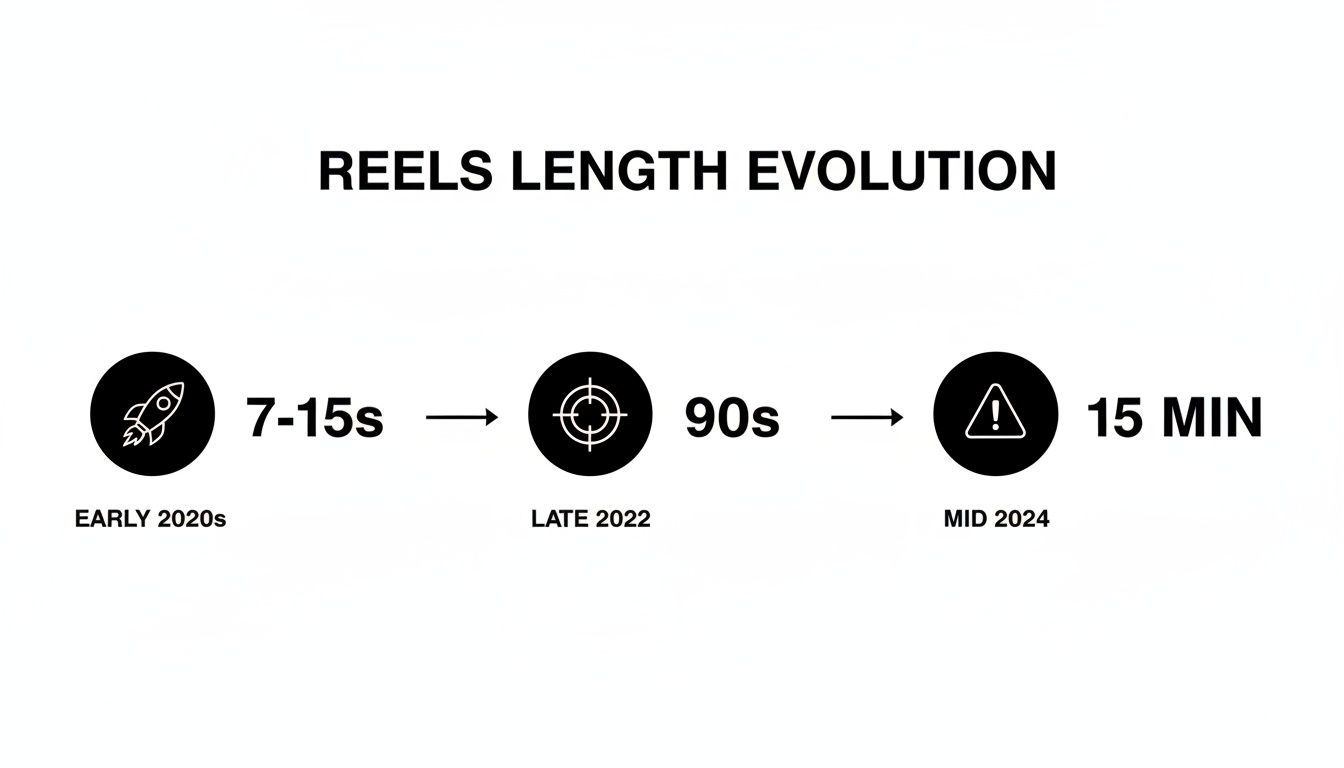
You can see exactly how Instagram methodically stretched its video limits, moving from simply reacting to trends to actively encouraging creators to produce more substantial content.
Finding Your Viral Sweet Spot: Why Shorter Often Wins
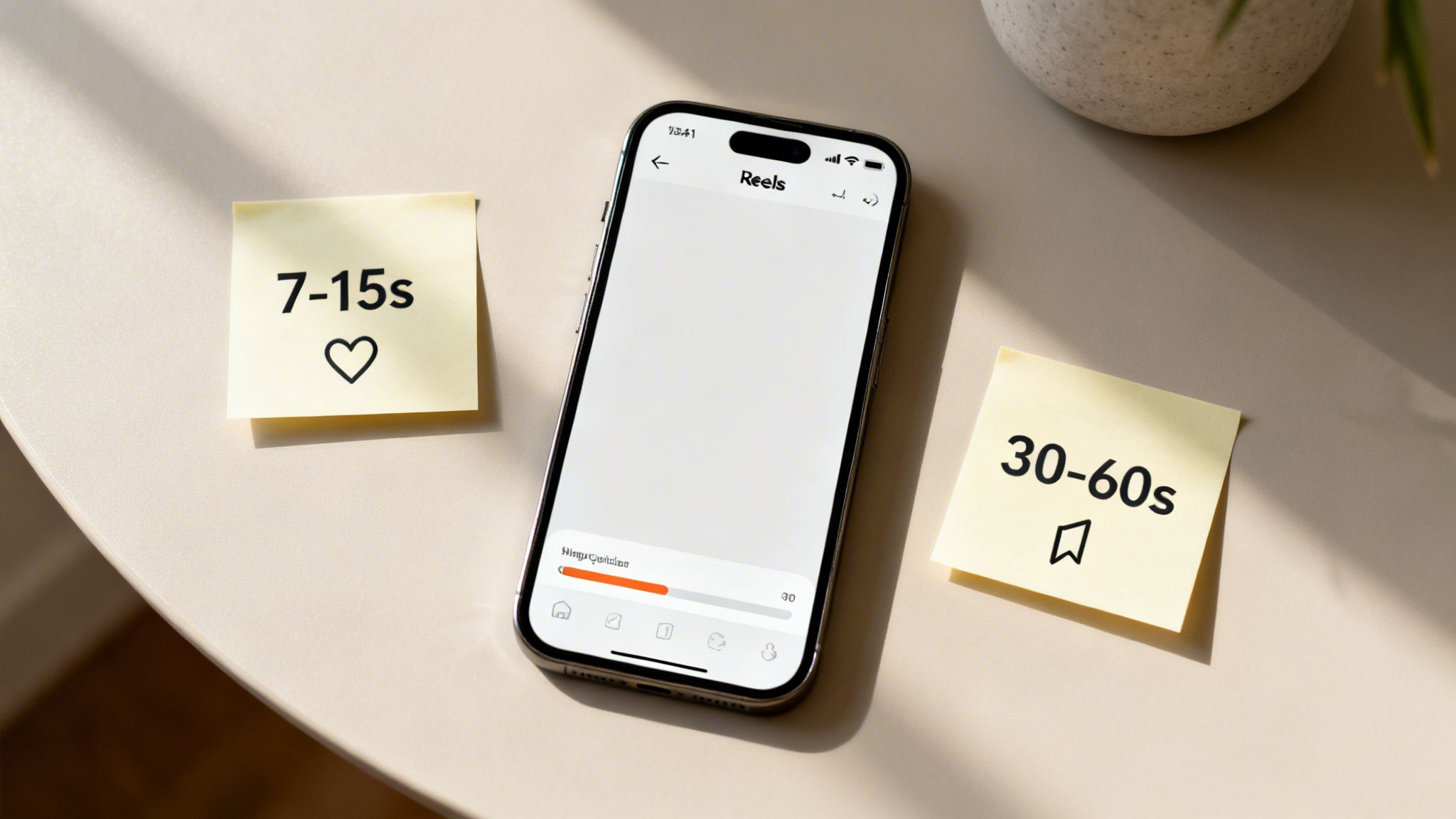
Just because Instagram gives you a 90-second canvas doesn't mean you need to fill the entire thing. When it comes to Reels, I've seen firsthand that the maximum length is almost never the optimal length for getting your content seen. The real secret is matching your video's runtime to your specific goal.
Think of it this way: a short, punchy Reel is like a billboard on a busy highway—it has to grab attention in a split second. A longer Reel is more like a detailed magazine feature, asking the viewer to slow down and invest their time. Both are powerful tools, but only when used in the right situation.
The Power of Brevity for Virality
Time and time again, the data proves that shorter is sweeter for explosive reach. If you're chasing that viral moment, the 7-15 second range is your absolute sweet spot. These quick hits are tailor-made for today's scrolling habits, making them incredibly easy for people to watch all the way through... and then immediately watch again.
That high completion rate is pure gold for the Instagram algorithm. It’s a direct signal that your content is sticky and engaging, which tells Instagram to push it out to a much wider audience.
A high completion rate is your best friend. When a user watches your entire Reel, it tells Instagram your content is valuable, which can lead to a massive boost in distribution.
But what does the data actually show? Research reveals a clear split in performance. Shorter Reels absolutely crush it when it comes to shares and completion rates. Meanwhile, slightly longer ones are masters at racking up saves and comments. You can explore a full breakdown of Reel length performance to see just how specific these trends are.
Choosing Your Length Based on Goals
Once you understand how different lengths perform, you can get incredibly strategic. Instead of just defaulting to the maximum length of Instagram Reels, you can pick a duration that actually helps you hit your target.
Here’s a simple way to think about it:
- For Maximum Shares & Reach (7-15 seconds): This is your go-to for trends, memes, and quick, scroll-stopping hooks. These videos have the highest completion rates, often hitting 85-95%, and get shared like crazy.
- For Maximum Saves & Community (30-60 seconds): This length is perfect for educational content, mini-tutorials, or storytelling. Viewers save these to come back to later, which signals deep value and helps you build a loyal, engaged following.
By treating video length as a strategic choice, you stop just filling time and start creating with a clear purpose. For an even deeper dive, check out our guide on Instagram Reels best practices to really sharpen your strategy.
Mastering the Art of the 90-Second Reel
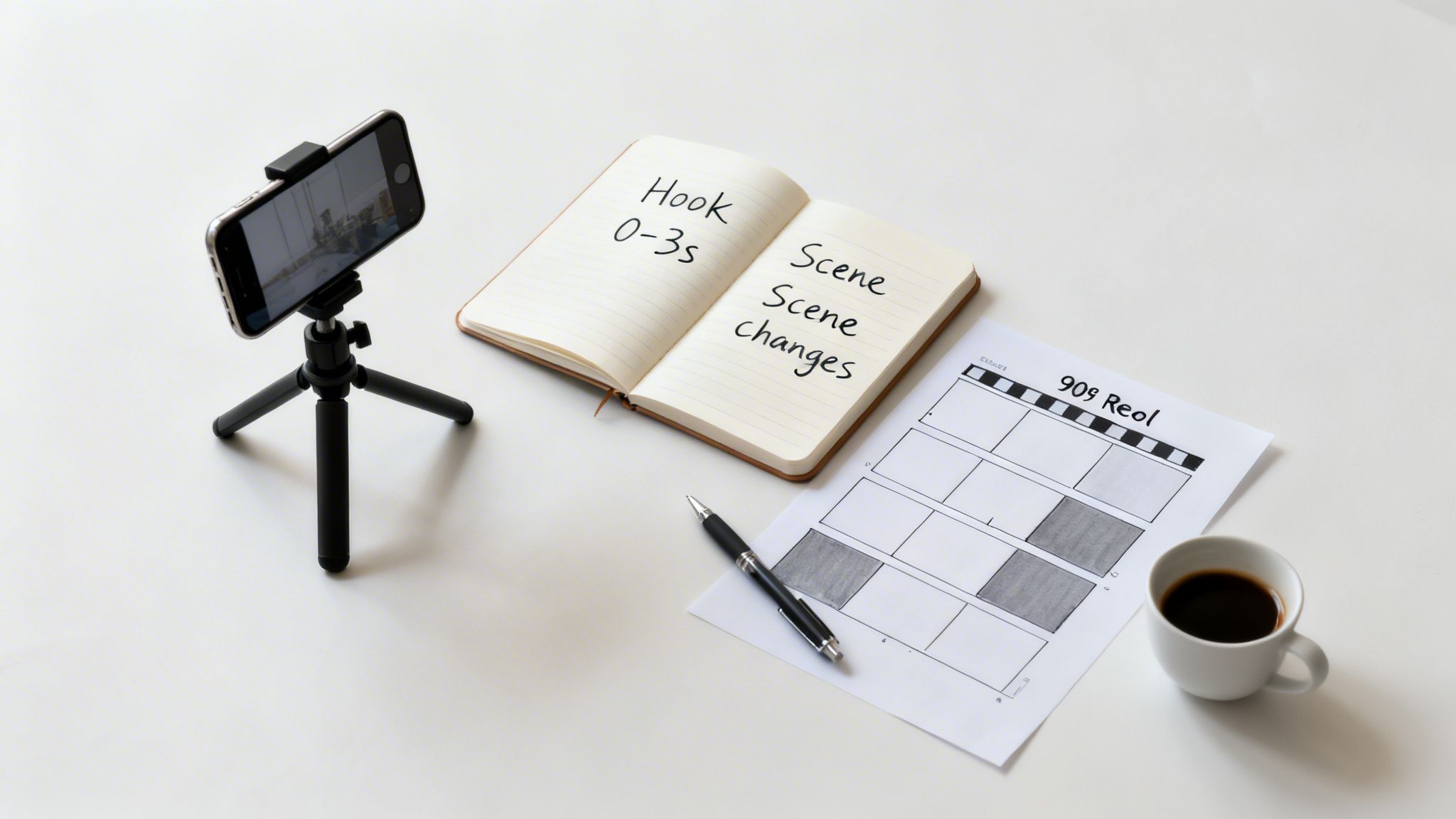
Making a Reel that hits the full 90-second mark is a whole different ballgame than a snappy 15-second clip. You’re not just making a video; you’re telling a short story. The biggest hurdle? Keeping someone's thumb from swiping away before you get to the good stuff.
It all starts with a killer hook. You have maybe three seconds—tops—to convince someone to stick around. Lead with a bold claim, a surprising visual, or a question that piques their curiosity right away. Don't bury the lead; put your most compelling content upfront.
A 90-second Reel is a journey. If the first few steps aren't exciting, your audience won't stick around to see the destination. Your hook is the single most important part of a longer video.
Once you have their attention, the real work begins: holding it. This is where good pacing and a clear structure make all the difference.
Building a Compelling Narrative
Your 90-second Reel needs a beginning, a middle, and an end. It sounds simple, but this classic structure gives your video a sense of purpose and prevents it from feeling like a random collection of clips. A good story makes people want to see how it all turns out.
- The Beginning (0-15 seconds): Drop your hook and set the scene. Let viewers know exactly what your video is about or what problem you're going to solve.
- The Middle (15-75 seconds): This is the meat of your content. Deliver your tips, show the steps of your process, or build the tension in your story. Use quick cuts, different camera angles, and on-screen text to keep the energy up.
- The End (75-90 seconds): Finish with a strong payoff. This could be the "after" shot in a transformation, the punchline to a joke, or a clear call to action (CTA) telling your audience what to do next.
To make your Reels pop and grab attention within that 90-second window, try experimenting with creative text effects. A tool like a Glitch Text Generator can give your captions a unique, eye-catching look. Getting your visuals right is just as important; make sure your video is perfectly formatted for the feed by checking out our guide on how to change video dimensions. Mastering these details is how you create longer Reels that people actually watch to the end.
Automate Your Content Creation with ClipCreator.ai

Let's be real: consistently pumping out high-quality, long-form Reels can be a serious grind. Scripting, recording, finding visuals, editing—it all adds up. It can quickly feel like you’re on a content treadmill with no off-switch. This is exactly where automation can give you a massive advantage.
ClipCreator.ai was designed to take that repetitive, time-consuming work off your plate. It turns your raw ideas into polished, ready-to-publish videos in a fraction of the time. You get to focus on the big-picture strategy while the tool handles the nitty-gritty of production. This makes hitting your content goals way more achievable, especially when you're trying to produce videos at scale.
From Simple Idea to Polished HD Video in Minutes
Think of it like having a video production assistant on call 24/7. That's essentially the role ClipCreator.ai fills. It smooths out the entire creation workflow, making it dead simple to produce valuable content that can hold a viewer's attention for the full 90 seconds.
This is a game-changer for a few key areas:
- Faceless Content Channels: You can build a whole brand and audience without ever stepping in front of the camera, thanks to AI-generated visuals and incredibly realistic voiceovers.
- Educational Series: Breaking down complex topics becomes so much easier. You can create detailed, multi-part tutorials that keep your audience engaged and hungry for the next episode.
- Brand Storytelling: Weave together compelling brand narratives or showcase customer testimonials in a dynamic video format that looks and feels completely professional.
By taking the friction out of the video creation process, you can finally lock in a consistent posting schedule. That consistency is one of the most powerful signals you can send to the Instagram algorithm, opening the door for more reach and growth.
With a tool like ClipCreator.ai, making Reels that push the 90-second limit goes from being a chore to a strategic advantage. It frees you up to think about what really matters while your content pipeline stays full and active.
You can learn more about how to automate your content creation and get your valuable time back in our in-depth guide.
Answering Your Top Questions About Instagram Reels Length
It feels like the rules for Instagram Reels change every other week, doesn't it? If you're struggling to keep up with the maximum length, you're not alone. Let's clear up the confusion and tackle the most common questions creators are asking.
Can I Post a Video Longer Than 90 Seconds to Reels?
Technically, yes. You can upload videos as long as 15 minutes, and they might show up in the Reels feed. But there’s a big "but" you need to know about.
Think of it like this: Instagram's algorithm is really built to push short, snappy content to new audiences. Videos under 90 seconds get the VIP treatment for discovery and have a much better shot at going viral. Longer videos? They tend to act more like regular feed posts, mostly reaching people who already follow you. So, for real growth and reach, that 90-second mark is the sweet spot.
How Do I Check the Current Maximum Reels Length?
The best way to know the exact limit for your account is to check right inside the app. Instagram rolls out updates differently for everyone, so this is your source of truth.
- Open Instagram and swipe right from your feed to open the camera (or just tap the "+" icon).
- Slide over to the "Reel" option at the bottom.
- Look at the menu on the left side of your screen for a little timer icon, which probably says "30" or "60".
- Tap it. You'll see it cycle through the available lengths.
The highest number you can select, like "90", is your current maximum length for recording Reels in the app. It's the most reliable way to confirm what you can work with.
Should My Reels Length Change for Different Niches?
One hundred percent. There's no magic number that works for every creator. While super-short, 7-15 second clips are perfect for jumping on trends or getting a quick laugh, other niches need more breathing room.
The best length isn't about hitting a specific time—it's about matching the value of your content to your viewer's attention. A detailed tutorial needs more time than a quick dance clip, and your audience gets that.
For example, educational content like a quick recipe or a DIY hack does incredibly well in the 30-60 second range because it gives you enough time to teach something valuable that people will want to save. If you're a storyteller sharing a personal experience or a mini-documentary, you can easily use the full 90 seconds to build an emotional connection. The key is to check your Instagram Insights and see what your audience actually responds to.
Ready to create compelling, full-length Reels without all the manual editing? ClipCreator.ai handles the entire workflow, from script to finished video, so you can focus on creating more great content. Start creating professional videos in minutes at ClipCreator.ai.

Create your first video in under 2 minutes
Pick a niche, and ClipCreator.ai generates and auto-posts faceless videos to your channels every day.
Join ClipCreator.ai