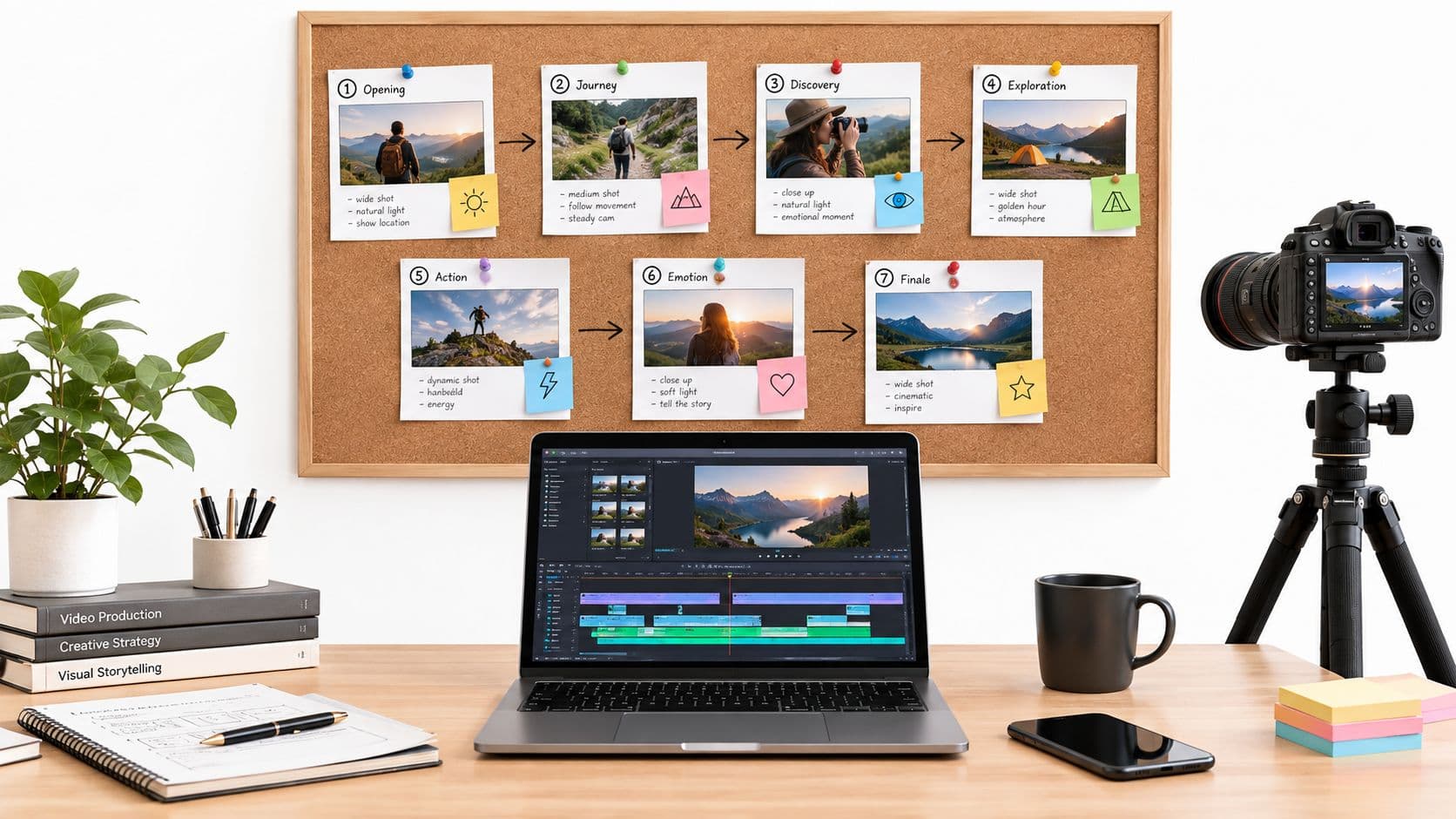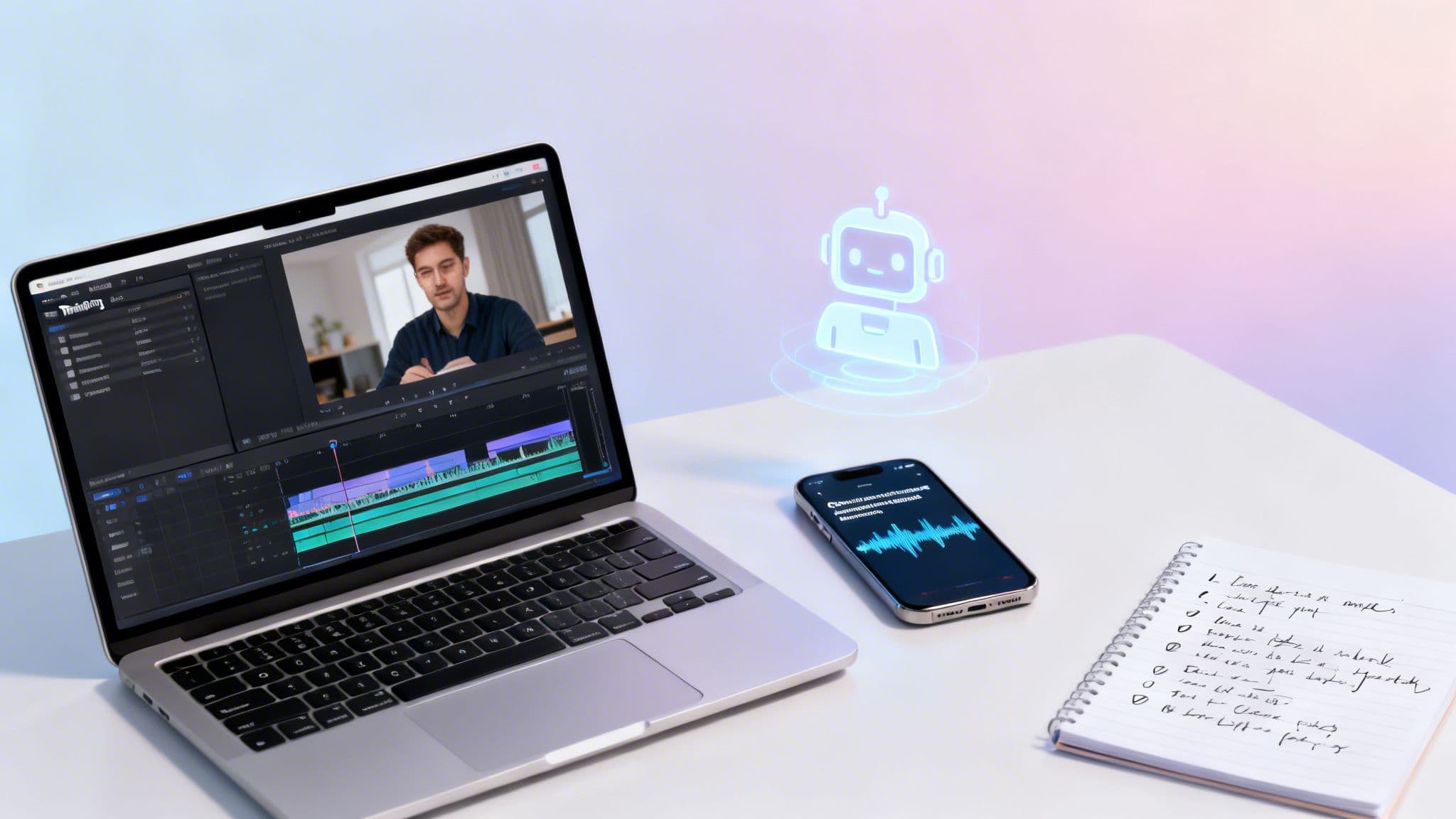
If you want to create a training video that actually works, you need to nail three things right from the start: a crystal-clear learning objective, a deep understanding of your audience, and the right format for the job. The modern approach ditches long, boring tutorials in favor of short, focused micro-lessons. Many of these can be produced efficiently with AI tools, no camera crew needed.
The Modern Blueprint for Training Video Production
Forget the idea that you need a huge budget or a professional production team to create effective training videos. These days, success isn't measured by slick production value but by clarity, engagement, and efficiency. The modern workflow is less about expensive gear and more about a smart strategy that makes your message stick. This whole process begins long before you even think about hitting the record button.
The entire project boils down to two simple questions: What should the viewer be able to do after watching this? and Who am I making this for?
Answering these forces you to define a single, measurable learning objective. This is what keeps your video from turning into a rambling, unfocused lecture and transforms it into a targeted tool that builds real skills. For a more structured way to build these learning experiences, the principles of instructional design for online courses are a fantastic resource—think of it as the architectural blueprint for your training videos.
Defining Your Core Strategy
Once you've got your objective and audience figured out, you can choose the best format. Not every topic needs a Hollywood production. Sometimes, a straightforward screen recording is the quickest way to teach a new software process. For more abstract ideas, an animated explainer or a faceless, narrative-driven video can break down complex topics into something digestible and engaging.
The most powerful training videos feel less like a corporate mandate and more like a helpful conversation. They solve a specific problem for a specific person, quickly and clearly.
This initial strategic phase really isn't complicated. It's a simple, logical flow.
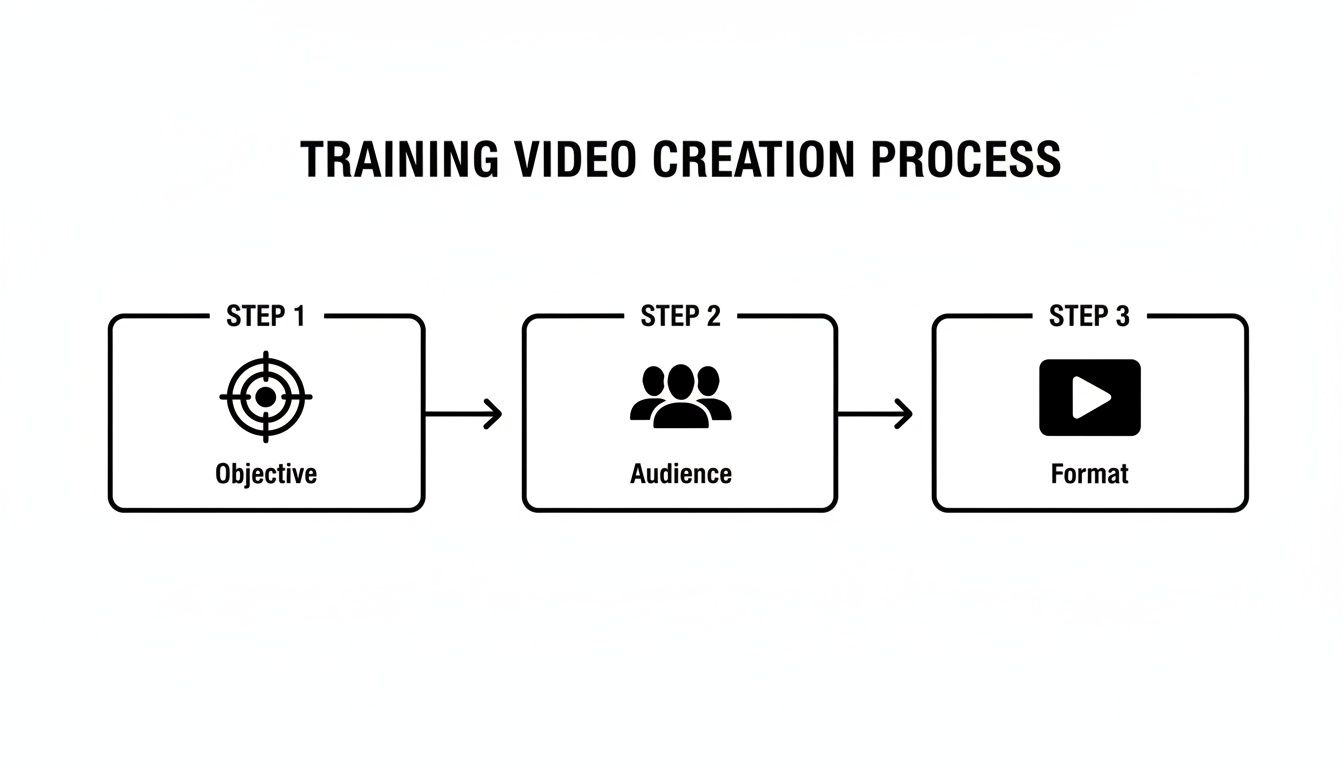
This three-part sequence—Objective, Audience, Format—is the foundation of any successful training video. It ensures every decision you make serves the ultimate goal: helping someone learn something new. You can dive deeper into the various methods in our full guide to video production for training.
Training Video Production Models at a Glance
How you decide to produce your video has a massive impact on your timeline and budget. The good news is, you have more options than ever before. Let's quickly compare the common approaches.
| Production Model | Typical Time Investment | Average Cost | Key Benefit |
|---|---|---|---|
| Traditional (In-House/Agency) | 4-8 weeks per video | $5,000 - $20,000+ | High production value, total creative control. |
| Hybrid (DIY + Freelancers) | 1-3 weeks per video | $500 - $2,500 | Balances quality with cost; flexible. |
| Modern AI-Driven | Under 1 hour per video | $20 - $100 | Unbeatable speed and scalability. |
As you can see, the right model depends entirely on your specific needs, but the modern AI-driven approach has opened the door for teams to create high-quality training content at a scale that was previously unimaginable.
Planning and Scripting for Maximum Impact
An amazing training video doesn’t just happen when you press the record button. Honestly, the real magic is in the prep work. The planning and scripting you do beforehand is what separates a clear, effective video from one that just rambles on. This is where you build the blueprint for a learning experience that actually sticks.
Think of it like this: without a plan, you're just winging it. You risk losing your audience or, even worse, confusing them. Your goal is to create a clear path for the viewer—a story with a beginning, a middle, and an end. Start by jotting down your core ideas and then arrange them in an order that makes sense, with each point building on the last.
Structuring Your Content for Clarity
Nobody wants to sit through a long, monotonous lecture. The key is to break down your topic into smaller, bite-sized chunks. Each little segment should zero in on a single concept or action. This micro-learning style is far more engaging and makes it much easier for people to remember what you taught them.
A simple structure that always works is:
- The Hook: Kick things off with a relatable problem, a sharp question, or a surprising statistic that grabs attention right away.
- The Core Content: This is the meat of your video. Lay out the information clearly, often in a step-by-step format.
- The Summary: End with a quick recap of the most important points to lock in the learning.
Following this simple framework helps your video feel less like a formal presentation and more like a helpful conversation.
Writing Scripts That Sound Human
Your script is everything. You want it to sound like you’re explaining something to a friend over coffee, not like you're reading from a corporate manual. Ditch the jargon and stiff language; it just puts a wall between you and your audience.
My best advice: Always read your script out loud. If it feels awkward or robotic to say, it’s going to sound ten times worse on camera. Keep tweaking it until it flows naturally.
This is also a great place to bring in some modern tools if you're short on time or inspiration. AI script generators can take a basic outline and spin it into a pretty solid first draft. They’re fantastic for creating faceless, story-driven training or just for knocking out quick scripts for short lessons.
The market for AI video generators has exploded, jumping from USD 788.5 million and is expected to hit USD 3,441.6 million by 2033. That growth tells you just how valuable these tools have become. You can learn more about the growth of AI video tools from Grand View Research.
Whether you write every word yourself or get a little help from AI, a strong script is the one thing you can't skip. It’s the foundation you need to create a training video that truly connects with and educates your audience.
Choosing Your Production Method
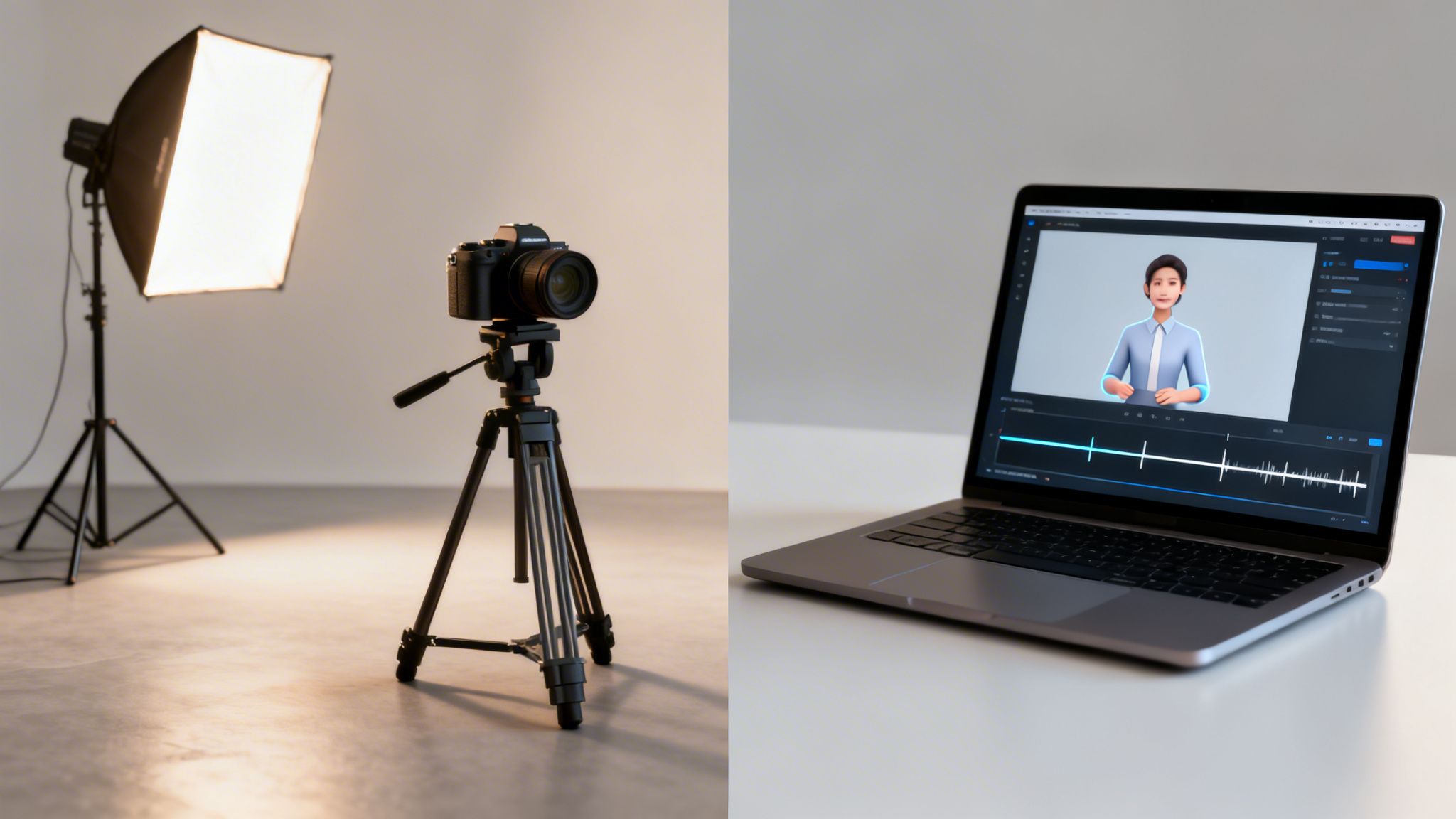
Once your script is locked in, you need to figure out how you're going to bring it to life. This is a big decision that impacts everything from your budget and timeline to the final vibe of your video. Really, you have two main roads you can go down: the classic DIY approach where you film everything yourself, or the faster, more modern route using AI.
Neither is inherently better—it all depends on your goals. Traditional filming gives you that hands-on, personal touch but demands more of your time and at least some basic gear. On the other hand, AI-powered tools are unbelievably quick and require zero equipment, which is a game-changer if you need to produce a lot of content.
The Traditional DIY Approach
Going old-school usually means one of two things: you're either getting in front of a camera or you're recording your screen. This is the perfect choice when you need to show a physical task, like demonstrating a product, or when you want to build a more personal connection with your viewers.
You don't need a professional studio to make this work. A good smartphone, a quiet space, and a simple lavalier microphone can get you surprisingly polished results. The two things you absolutely can't skimp on are lighting and audio. Even just facing a window for natural light can make a world of difference. And remember, people will forgive shaky video, but they won't stick around for bad audio.
For software walkthroughs or showing a digital process, screen recordings are your best friend. Tools like Loom or the free OBS Studio are fantastic for this, letting you capture your screen, webcam, and voice all at once. The key here is clarity—make sure your mouse cursor is easy to follow and you're narrating every single step you take.

The Streamlined AI-Powered Method
The other option is to let AI handle the production. This has quickly become the standard for teams who need to create training video content at scale without getting bogged down in the technical details of filming. AI video generators can take your script and spin up a complete, ready-to-publish video in minutes.
Here’s a quick look at how it works:
- Visuals on Autopilot: The AI reads your script and automatically finds or generates relevant stock footage, images, and graphics that visually tell your story.
- Human-Sounding Voiceover: Instead of you recording narration, the tool generates a natural, high-quality voiceover in whatever style you choose. No mic required.
- Instant Captions: It also adds accurate subtitles automatically—a must-have for accessibility and for viewers watching with the sound off.
This "faceless" video style isn't just for people who hate being on camera. It empowers anyone to create professional training content by letting them focus 100% on the message, not on the technical setup.
This method is a force multiplier for content creation. You could turn ten scripts into ten complete videos in the time it would normally take to film and edit just one.
If you want a deeper dive into this workflow, check out our guide on making a training video with modern tools. Ultimately, your choice comes down to your resources, your topic, and the connection you want to build with your audience.
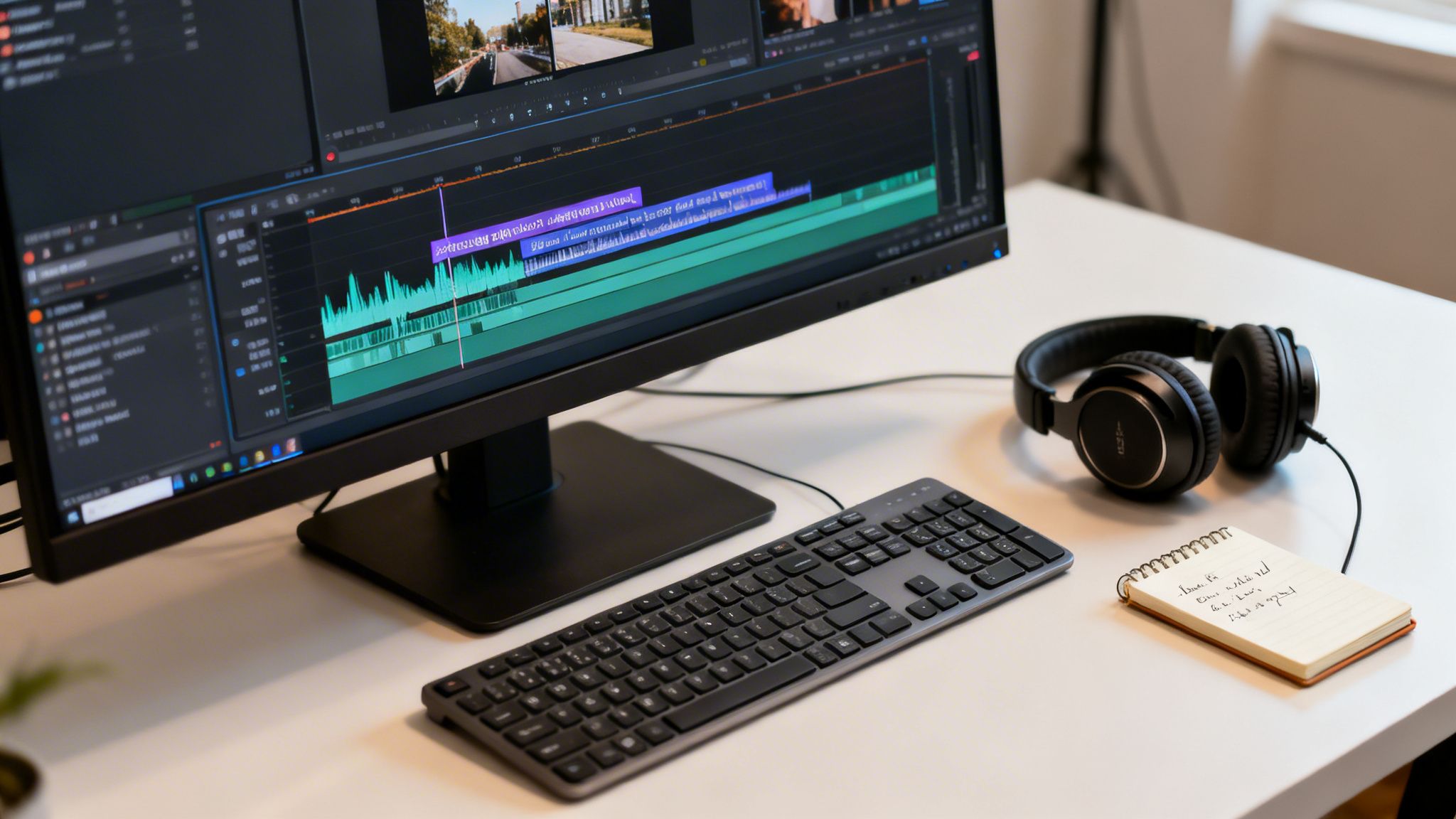
Editing and Polishing for Better Engagement
This is where the magic really happens. You've got all your raw footage or visuals, and now it's time to assemble them into a cohesive, polished training video. Think of editing as the final, most important step in clarifying your message. It’s less about fancy effects and more about shaping the learner's journey from start to finish.
The first pass is always the hardest. Your main job is to be ruthless. Cut out anything that doesn't directly support the learning goal. That means every "um," "ah," long pause, or rambling tangent has to go. A tight, well-paced video feels much shorter and keeps people from tuning out.
The goal is to create a seamless experience that respects the viewer's time.
Adding Layers of Polish
Once you have a clean, tight cut, a few simple additions can make a world of difference. These small touches elevate the video from a raw recording to a professional training tool.
- Simple Text Overlays: These are perfect for reinforcing key terms, posing questions, or just summarizing a takeaway on screen so it really sticks.
- Background Music: Find a subtle, royalty-free track that matches the mood. It can fill in any quiet spots and make the whole experience feel more energetic.
- Sound Effects: A simple whoosh for a transition or a "ding" to highlight a correct answer can add a surprising amount of engagement and personality.
And please, don't forget the audio. Crisp, clean sound is non-negotiable. If viewers can't hear you clearly, they'll give up. Brushing up on your audio editing skills is one of the highest-leverage things you can do to improve video quality.
Automating the Tedious Work
Let's be honest: some parts of editing are just a grind. This is especially true if you need to create training video content regularly. Thankfully, modern tools can take the most time-consuming tasks off your plate.
AI-powered platforms are a game-changer here. The market for AI animation video makers was valued at USD 2.73 billion and is expected to hit USD 7.68 billion by 2032, which shows just how many creators are jumping on board. These tools can automatically sync your script to visuals, generate voiceovers, and more. According to a market analysis from Research and Markets, some studies even suggest AI-driven videos can lift engagement by as much as 49%.
The biggest timesaver, by far, is automated captioning. Generating accurate subtitles instantly makes your content accessible and is a must-have, since so many people watch videos on mute.
This kind of automation frees you from the grunt work. Instead of spending hours syncing captions or trimming dead air, you can focus on making your content genuinely valuable. If you want to dive deeper, check out our guide on how to add closed captioning to a video. This final editing stage is your last chance to make sure your video is clear, concise, and ready to deliver results.
Getting Your Training Content in Front of the Right People
You've put in the work and created a fantastic training video. That’s a huge win, but it’s only half the story. A great video is useless if no one sees it. Now it's time for the final, crucial step: getting your content to the people who need it most. This is where all your effort pays off.
Where you publish your video really comes down to one thing: where does your audience hang out? If you're training your own team, a dedicated Learning Management System (LMS) is probably your best bet. It’s a secure, controlled space where you can assign content and even track who's completed the training.
But if you’re trying to reach a wider audience—customers, prospects, or a whole community—you'll be looking at platforms like YouTube, LinkedIn, or other social media channels. Each platform has its own algorithm and best practices, so you can't just post the same thing everywhere and expect it to work.
Making Your Videos Easy to Find
For your videos to get views, you need to help both people and platform algorithms find them. This all boils down to the metadata—the title, description, and tags you give your video.
- Write Titles That Promise a Solution: Your title needs to be clear and compelling. Instead of something generic like "New Software Update," try "A 5-Minute Guide to the New Customer Dashboard." It tells the viewer exactly what they'll get.
- Use the Description to Add Value: This is your chance to summarize the key takeaways from the video. Weave in important keywords naturally and, for longer videos, add timestamps. This lets people jump straight to the section they need, which they love.
- Think Like Your Audience with Tags: What would someone search for if they were stuck on the problem your video solves? Use a mix of broad terms (e.g., "project management software") and more specific ones (e.g., "how to create a kanban board") to cast a wider net.
Spending just a few extra minutes on this stuff can make a world of difference in how many people see your work.
Why You Should Automate Your Publishing
On almost every platform, consistency is rewarded. The algorithms favor creators who post content on a reliable schedule. But let's be real—manually uploading, optimizing, and publishing videos several times a week is a massive time sink, especially when you need to create training video content at scale.
This is exactly why automated publishing tools are becoming so popular. Tools like ClipCreator.ai let you schedule your videos to go live at the best times for your audience. You can batch your work and maintain a steady stream of content without the daily scramble.
This 'set-it-and-forget-it' approach is a game-changer. It frees you from the tedious logistics of publishing so you can get right back to what you do best: creating the next piece of great training content.
This isn't just a hunch; the industry is already moving this way. The latest video marketing stats show that 51% of marketers are already using AI in their video creation process. Why? Because it can slash production time by as much as 90%, making a consistent publishing schedule feel less like a dream and more like a plan. If you want to dive deeper into the numbers, check out the data on the growth of the AI video market from Fortune Business Insights.
By mastering distribution, you're not just finishing a task—you're making sure all your hard work actually leads to results.
Common Questions About Making Training Videos

Jumping into video production for the first time can feel like a huge undertaking. I get it. But most of the common roadblocks are a lot smaller than they seem. I've pulled together the questions I hear most often from people just starting out with training videos.
Let's clear up the confusion so you can get past the what-ifs and start creating. Whether it's about video length, gear, or just making your content memorable, these answers should give you the confidence to press record (or, as you'll see, maybe you won't even need to).
How Long Should a Training Video Be?
There’s no magic number here. The right length depends entirely on how complex your topic is and where people will be watching. The best advice I can give is to be as brief as possible while still nailing the main point.
Here's a simple way to think about it:
- Quick tips for social media: Keep these tight, around 60-90 seconds. You’re aiming for a single, powerful takeaway that someone can absorb while scrolling.
- In-depth corporate training: Don't create a 30-minute epic. Instead, break your subject down into a series of 3-7 minute videos. This approach respects your audience's time and makes the information much easier to digest and retain.
My rule of thumb is this: one video, one idea. When you cram too much into a single video, you dilute the message and your viewer will likely tune out before the end.
What Equipment Do I Absolutely Need to Start?
Honestly, you can get started with way less than you think. A modern smartphone and a cheap lavalier microphone can produce fantastic results. I'll say it again and again: good lighting and clear audio will always beat an expensive camera.
But the game is changing. With today's AI tools, the real answer for many people is: no equipment at all. Seriously. Tools like ClipCreator.ai can take your script and generate all the visuals and a high-quality voiceover for you. It’s a game-changer for anyone who wants a professional video without dealing with mics, cameras, and lighting kits.
How Can I Make My Training Videos More Engaging?
Engagement comes from clarity, not flashy special effects. Start with your script. Write it like you’re talking to a friend or colleague, not like you're reading a corporate memo. Drop the jargon and get straight to the point.
Visually, you can keep things interesting with on-screen text that highlights key points, relevant B-roll footage, and a mix of camera angles if you're on screen. But the most critical piece of the puzzle is your audio. If your sound is tinny, muffled, or has background noise, people will click away in seconds. It’s the fastest way to kill an otherwise great video.
Is It Better to Show My Face in a Training Video?
Not always. A "talking head" style can definitely build trust and establish your expertise, but it's not the only way—and sometimes, it's not even the best way.
Faceless videos, like animated explainers or screen recordings, put the focus squarely on the content. This is perfect if you’re camera-shy or if you need to create a lot of training material quickly without relying on one person to be the "face" of the content. By removing the presenter from the screen, you make the lesson itself the star of the show.
Ready to create engaging training videos without the hassle of cameras or microphones? ClipCreator.ai automates the entire process, turning your scripts into polished, ready-to-publish videos in minutes. Start creating smarter, not harder, by visiting https://clipcreator.ai today.

Create your first video in under 2 minutes
Pick a niche, and ClipCreator.ai generates and auto-posts faceless videos to your channels every day.
Join ClipCreator.ai