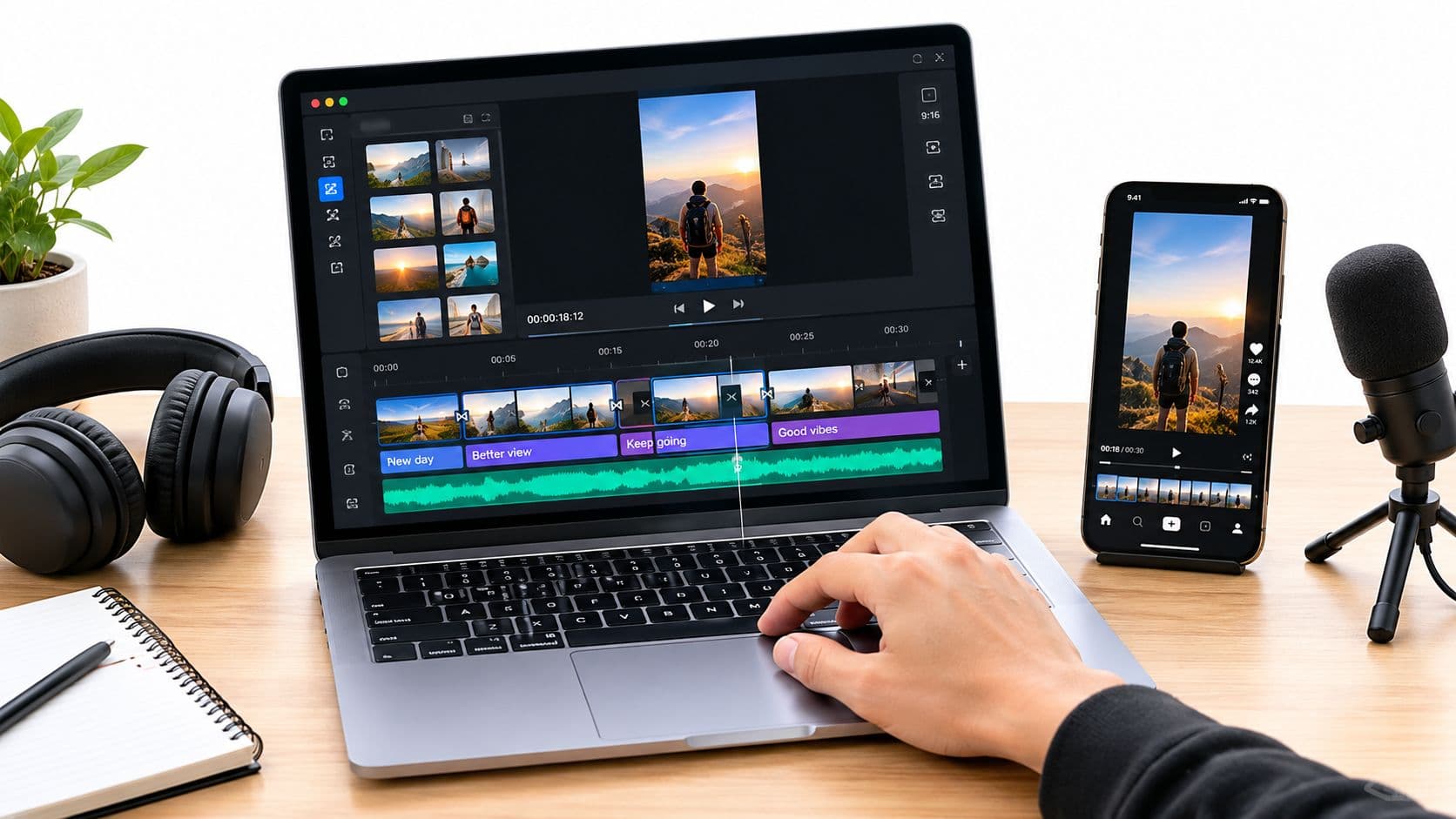
In the modern content economy, grabbing and holding your audience's attention is critical. Video is the dominant medium, but a huge portion of viewers watch with the sound off. This reality makes accurate, well-timed captions essential for accessibility, engagement, and overall reach. Manually transcribing and timing subtitles, however, is a tedious process that drains creative energy.
This is the problem that specialized software for closed captioning solves, turning a frustrating task into an efficient, often automated, workflow. Whether you're a short-form creator on TikTok pushing for viral growth, an educator ensuring your lessons are accessible to all students, or a marketing agency delivering polished videos for clients, the right tool is a game-changer. This guide moves beyond generic feature lists to provide real-world insights into the 12 best options on the market.
We'll analyze each platform, from dedicated services like Rev and 3Play Media to integrated video editors like Adobe Premiere Pro and Descript. Each entry includes direct links, screenshots, and an honest assessment of its pros, cons, and ideal user. While captioning is a key part of post-production, it's just one piece of the puzzle; a new generation of AI tools for content creators is also available to help with idea generation, scriptwriting, and editing. This list, however, focuses specifically on helping you find the perfect captioning solution to fit your budget, workflow, and quality standards, allowing you to amplify your message effectively.
1. ClipCreator.ai
Best for Automated Social Video Production
ClipCreator.ai presents a unique and compelling approach to captioning by integrating it as a core component of a fully automated video creation pipeline. While many tools focus solely on adding subtitles to existing footage, ClipCreator.ai builds the entire video from the ground up, generating a script, AI voiceover, and relevant visuals, with accurate subtitles automatically included from the start. This makes it an exceptional piece of software for closed captioning for users who need to produce high volumes of faceless short-form content without manual editing overhead.
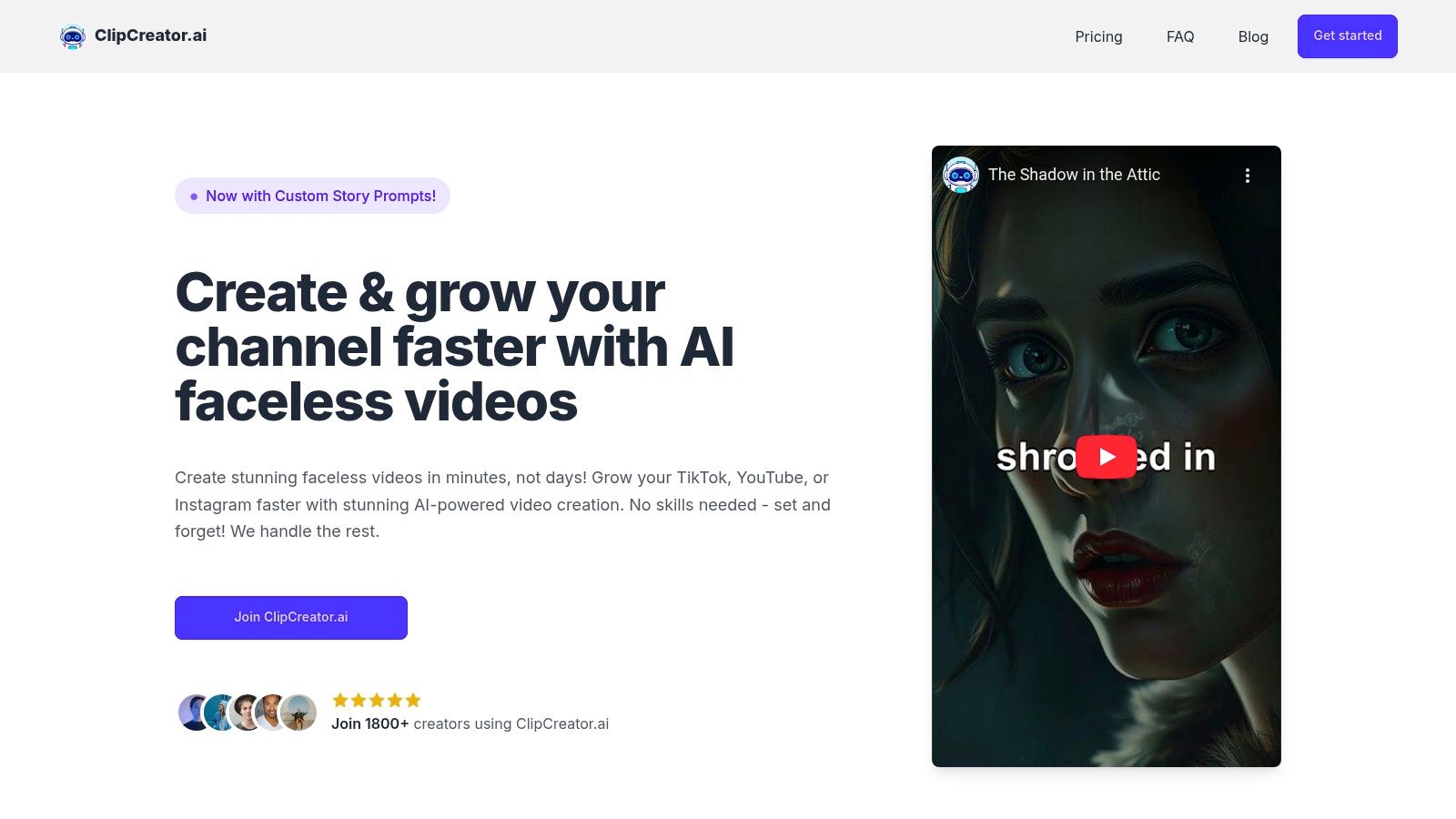
The platform’s strength lies in its end-to-end automation. Users simply choose a proven template (like "scary stories" or "bedtime tales") or input a custom prompt. The AI then constructs the entire video, including synchronized subtitles that are ready for immediate publishing. This workflow is ideal for creators, agencies, and brands aiming for a consistent posting schedule on platforms like TikTok and YouTube, as it handles everything from content ideation to scheduling. The automatic inclusion of captions ensures every video is accessible and optimized for silent viewing, a critical factor for engagement on social media feeds.
Core Features & Analysis
- Automated Caption Generation: Subtitles are not an afterthought; they are generated and synchronized with the AI voiceover during the video creation process. This eliminates the need for a separate transcription and timing step.
- End-to-End Video Production: The platform manages scriptwriting, AI image creation, voiceovers, and scheduling, making it a complete content machine rather than just a captioning tool.
- Platform-Specific Optimization: Videos are produced in a vertical, HD format up to 90 seconds, perfectly suited for TikTok and YouTube Shorts. Direct integration allows for auto-posting.
- Scalable Pricing: Subscription tiers are clearly defined by posting frequency, from 3 posts/week ($19/mo) to twice-daily posting (Pro at ~$69-$78/mo), allowing users to scale their output as their channel grows.
Use Case Spotlight: The "Set-and-Forget" Content Creator
For a storyteller on YouTube or a small business on TikTok, the primary challenge is often consistency. ClipCreator.ai is built for this exact scenario. A user can schedule a month's worth of daily videos in a single session, knowing each one will be complete with engaging visuals, a clear voiceover, and accurate captions. This system can save, as one user noted, "15+ hours a week" that would otherwise be spent on manual writing, editing, and captioning. For those interested in the technical side, their blog offers a great resource on the fundamentals of how to add closed captioning to a video.
Pros & Cons
| Pros | Cons |
|---|---|
| True end-to-end automation from script to scheduling. | Limited manual editing; requires external tools for fine-grain tweaks. |
| Built-in, accurate captioning with no extra steps. | Best suited for faceless, narrative-style content; not for editing pre-existing footage. |
| Scalable plans that align with content growth needs. | Refund policy is strict, limited to the first two videos within 7 days. |
| Direct integration for auto-posting to TikTok and YouTube. | The visual style, while high-quality, is AI-generated and may not fit every brand's specific aesthetic. |
Website: ClipCreator.ai
2. Rev
Rev stands out in the world of closed captioning software by offering a powerful hybrid model that combines AI-driven speed with human-powered accuracy. This dual approach makes it an excellent choice for a wide range of users, from short-form creators needing a quick turnaround to broadcasters requiring FCC-compliant files. While many platforms focus solely on automated transcription, Rev provides an essential service for projects where precision is non-negotiable.
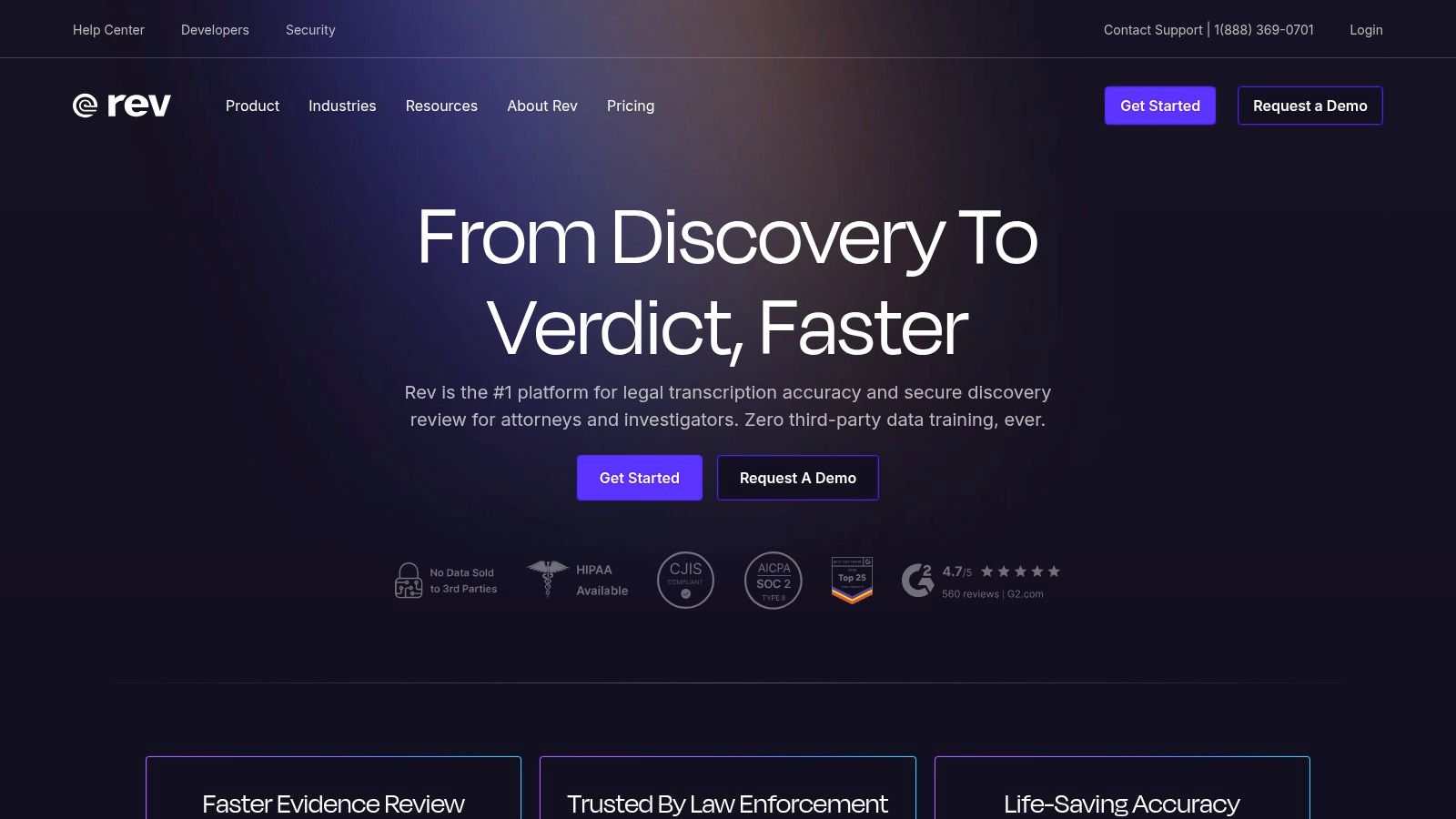
The platform’s strength lies in its predictable, per-minute pricing and clear service tiers. You can opt for the fast, AI-generated captions or upgrade to their human transcription service, which guarantees a 99% accuracy rate. This is particularly useful for educators with technical lectures or businesses creating training materials where every word matters. Rev also supports global subtitles and allows you to export videos with burned-in captions, a popular choice for social media where videos often autoplay on mute. If you're unsure about the difference, you can read more about open versus closed captions to see which format fits your needs.
Key Features and Use Cases
- Human-Powered Captions: Ideal for final-delivery media for broadcast, OTT, or high-stakes corporate video where accuracy is paramount.
- AI Captions & Subscription: A cost-effective option for creators and small businesses who need to process a high volume of content quickly.
- Broadcast Compliance: Their "Premium Captions" service is specifically designed to meet FCC and ADA requirements.
- Burned-in Captions: Directly renders captions onto your video file, ensuring they are always visible across all platforms.
| Pros | Cons |
|---|---|
| High accuracy with human service | Human captions are pricier at scale |
| Predictable turnaround & per-minute pricing | Burn-in process can be slow for long videos |
| Compliance options for broadcast/TV | Automated service lacks advanced styling |
Website: https://www.rev.com
3. 3Play Media
3Play Media positions itself as an enterprise-grade solution, focusing heavily on accessibility, legal compliance, and deep platform integrations. It’s a top choice for organizations like universities, government agencies, and broadcasters who require robust, scalable workflows and meticulous adherence to standards like FCC, WCAG, and ADA. Unlike simpler tools aimed at individual creators, 3Play Media provides a comprehensive ecosystem for managing large volumes of video content with strict quality controls.
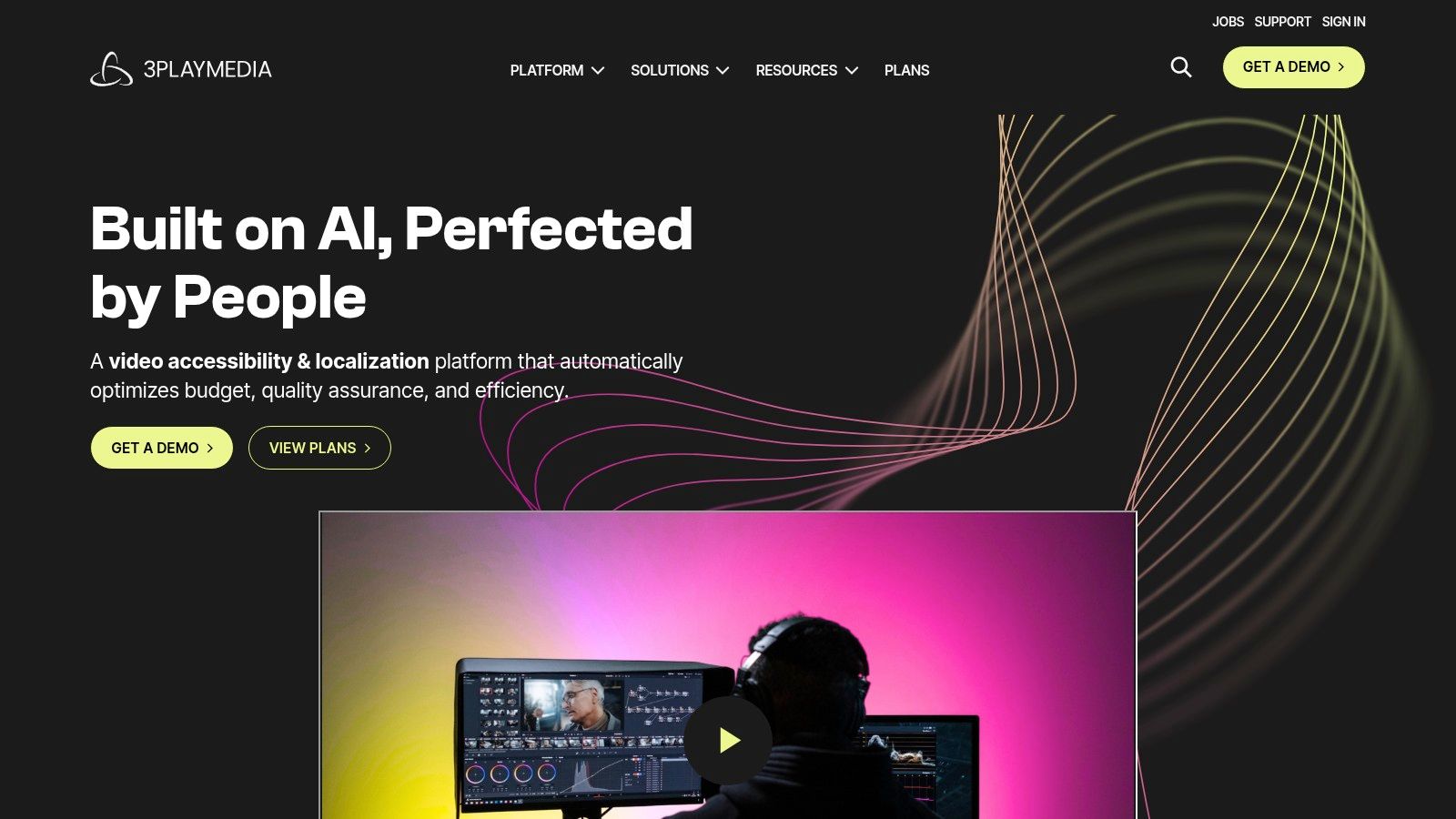
The platform’s power comes from its blend of automated and human-powered workflows, along with its extensive library of over 50 integrations. This allows teams to seamlessly connect their captioning process directly into existing systems like YouTube, Vimeo, Kaltura, and various learning management systems (LMS). Pricing is typically provided via a custom quote, reflecting its focus on tailored enterprise plans rather than a one-size-fits-all, per-minute model. This makes it an excellent piece of software for closed captioning in large-scale, compliance-driven environments.
Key Features and Use Cases
- Compliance and Accessibility Focus: Built for organizations needing to meet legal requirements with detailed quality control and reporting.
- Extensive Integrations: Connects directly with major video platforms, content management systems, and learning platforms for automated workflows.
- Scalable for Large Archives: Ideal for universities or media companies needing to caption and manage thousands of hours of existing video content.
- Multiple Output Formats: Supports a wide range of caption file formats to ensure compatibility with virtually any player or system.
| Pros | Cons |
|---|---|
| Trusted for legal compliance | Pricing requires consultation and is often higher |
| Scalable workflows for large teams | Overkill for individual creators or small projects |
| Deep integrations with popular platforms | More complex user interface than simple editors |
Website: https://www.3playmedia.com
4. Adobe Premiere Pro (Speech to Text)
For video editors already working within the Adobe ecosystem, Premiere Pro’s built-in Speech to Text feature offers a powerful, integrated solution for creating closed captions. Instead of exporting media to a third-party service, you can auto-transcribe footage and generate captions directly on your editing timeline. This makes it a top choice for professionals and creators who want to keep their entire post-production process, from editing to captioning, within a single application.
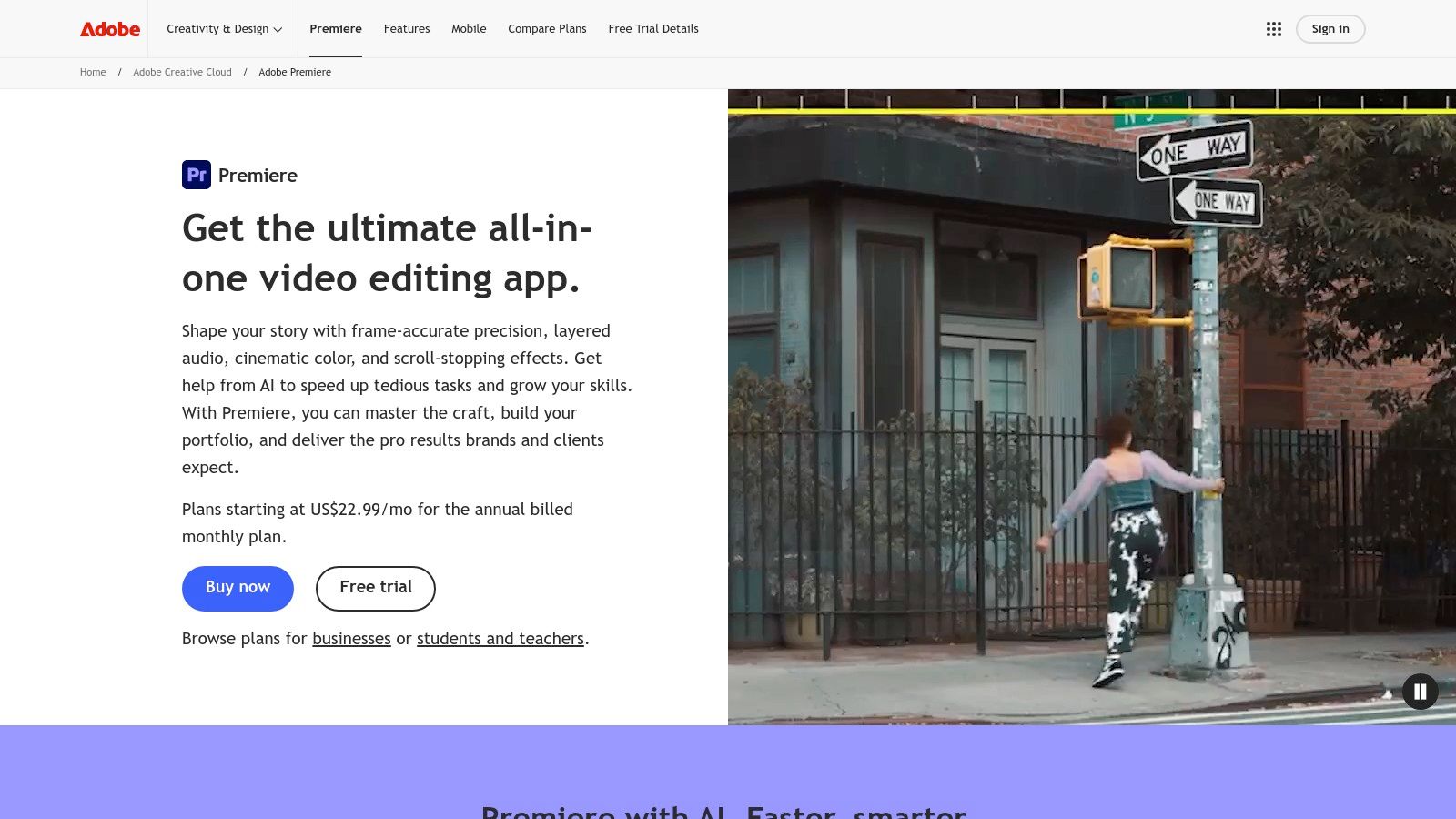
The workflow is designed for efficiency. Premiere Pro transcribes your audio and places the text into a searchable transcript panel, which you can then use to generate a caption track with one click. The real strength here is the direct manipulation of captions on the timeline, complete with extensive styling controls in the Essential Graphics panel. You can adjust fonts, colors, and positioning with precision. This makes it an excellent piece of software for closed captioning for brand-conscious businesses and filmmakers who require specific aesthetic control over their final output.
Key Features and Use Cases
- Integrated Transcription: Transcribe audio and generate caption tracks without ever leaving the Premiere Pro interface.
- Timeline-Based Editing: Edit caption text, timing, and formatting directly on the video timeline for frame-accurate adjustments.
- Advanced Styling: Use the Essential Graphics panel to customize caption appearance, ensuring it aligns with brand guidelines or creative vision.
- Multiple Export Options: Export captions as a sidecar file (like .SRT or .VTT) or burn them directly into the video for maximum compatibility on social media.
| Pros | Cons |
|---|---|
| End-to-end workflow inside the NLE | Accuracy varies with audio quality |
| Robust styling and export options | Requires a Creative Cloud subscription |
| No round-tripping saves production time | Users report occasional performance issues |
Website: https://www.adobe.com/products/premiere.html
5. Apple Final Cut Pro (Transcribe to Captions)
For video editors deeply embedded in the Apple ecosystem, Final Cut Pro offers an integrated solution that brings captioning directly into the editing timeline. Its "Transcribe to Captions" feature uses on-device machine learning to generate captions from your audio, creating a native workflow that avoids the need for third-party plugins or web-based services. This makes it an incredibly efficient piece of software for closed captioning for Mac users, especially those with Apple Silicon chips.
The primary appeal is its seamlessness. With just a click, Final Cut Pro analyzes the selected audio and places editable caption clips directly on the timeline, automatically synced. This is a game-changer for short-form content creators and social media managers who need to add captions to dozens of clips without breaking their creative flow. The built-in caption editor allows for quick text corrections, timing adjustments, and formatting changes, all within the familiar NLE interface. While the initial release was limited, it’s a powerful addition for any editor who values speed and convenience.
Key Features and Use Cases
- Native Timeline Transcription: Creates synced iTT caption clips directly in your project, ideal for social media edits and quick-turnaround client work.
- On-Device Processing: All transcription happens locally on Apple Silicon Macs, ensuring speed and privacy without needing an internet connection.
- Caption Editing and Conversion: Provides tools to edit text, adjust timing, and convert between different caption standards (like CEA-608 and iTT).
- Multilingual Support via Import: While on-device transcription has language limitations, you can still import and manage caption files in multiple languages.
| Pros | Cons |
|---|---|
| Seamless native workflow on Apple Silicon | Transcription feature requires an Apple Silicon Mac |
| No extra cost for Final Cut Pro owners | On-device transcription was English-only at launch |
| Fast, on-device processing for privacy | Less accurate than dedicated human services |
Website: https://www.apple.com/final-cut-pro/
6. Descript
Descript approaches captioning from a unique angle, functioning as an all-in-one audio and video editor where editing happens by manipulating text. This text-based workflow makes it a standout piece of software for closed captioning, especially for creators who prioritize speed and iteration. Instead of scrubbing through a timeline, you can correct the AI-generated transcript, and the underlying video and audio are automatically edited, making caption cleanup exceptionally fast.
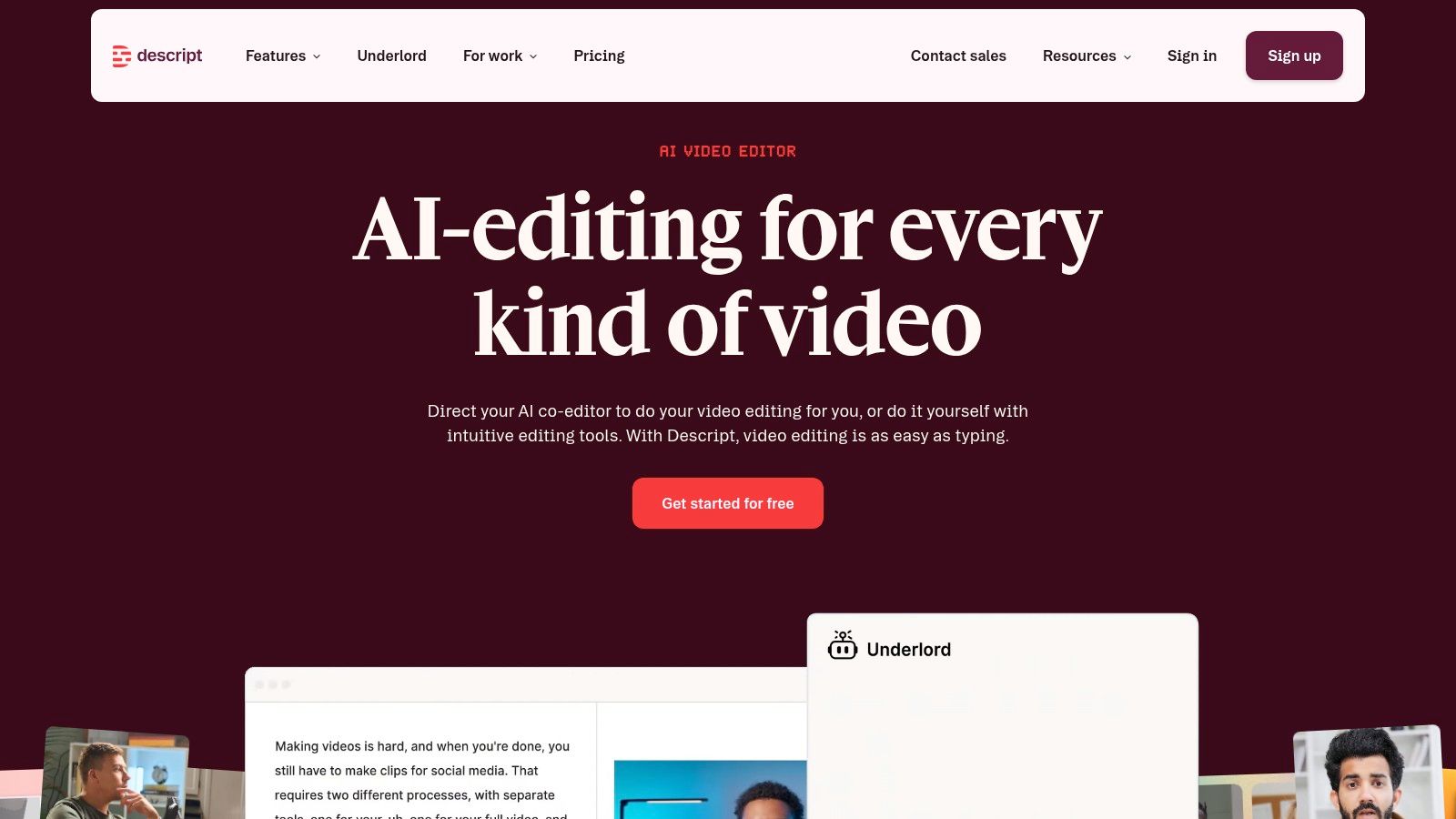
The platform is built for modern content creation, allowing users to export standard subtitle files (SRT/VTT) for platforms like YouTube or create stylized, burned-in captions perfect for social media. Its "Fancy Captions" feature provides visually engaging templates that help content stand out on feeds where videos autoplay silently. For those new to the process, understanding how to write a transcript of a video is the first step, and Descript's AI makes that part almost effortless. The pricing is based on subscription tiers that include a certain number of transcription hours, which is great for consistent creators.
Key Features and Use Cases
- Text-Based Video Editing: Perfect for podcasters and YouTubers who want to edit their video by simply editing the text transcript.
- "Fancy Captions": Ideal for creating branded, stylized open captions for TikTok, Instagram Reels, and other social media platforms.
- Flexible Export Options: Supports both standard subtitle files for closed captioning and burned-in captions for maximum visibility.
- AI-Powered Cleanup: Features like "Studio Sound" remove background noise and enhance voice quality with a single click, improving the final product.
| Pros | Cons |
|---|---|
| Very fast for transcript cleanup and caption iteration | Tiers and quotas can be confusing for new users |
| Flexible output: soft subtitle files and on-video captions | Advanced AI features may require higher-tier plans |
| Integrated video editor simplifies workflow | Less focused on strict broadcast compliance |
Website: https://www.descript.com
7. VEED.IO
VEED.IO has established itself as an essential online video editor for social media creators, largely because it started with a powerful, accessible auto-subtitle tool. It’s an entirely browser-based platform, meaning no software installation is required, making it a fast solution for producing content with stylized, animated captions. VEED.IO is more than just a captioning tool; it's a lightweight video suite perfect for quick edits, social media formatting, and adding visual flair to short-form videos.
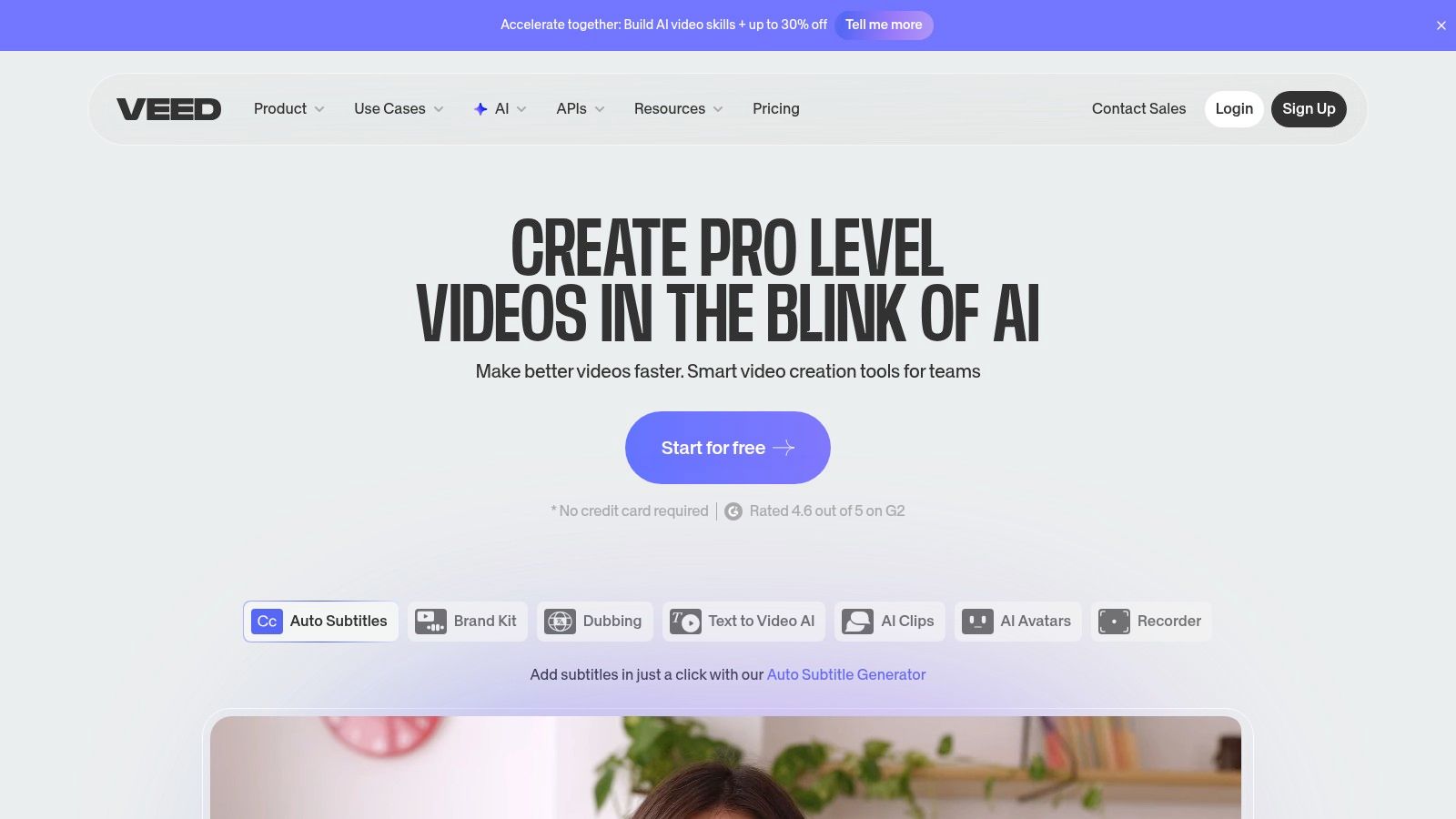
The platform’s main appeal is its speed and simplicity. Users can upload a video, and the AI generates subtitles in minutes, which can then be edited directly on the timeline. Its true strength lies in the extensive styling options for open captions, including trendy animations and presets that mimic the native look of TikTok or Instagram Reels. For those needing traditional closed captions, VEED.IO also allows exporting standard SRT or VTT files. The collaborative features and brand kit options on its paid tiers also make it a solid choice for small marketing teams managing a consistent video output.
Key Features and Use Cases
- Animated & Stylized Captions: Perfect for short-form creators on TikTok and YouTube who want dynamic, visually engaging text that grabs attention.
- Web-Based Collaboration: Allows team members to work on the same video project, review edits, and apply consistent branding from anywhere.
- Auto-Subtitles & File Export: Quickly generate transcripts for editing and export as SRT/VTT files for platforms that require separate caption uploads.
- All-in-One Social Video Editor: Combines captioning with trimming, adding music, progress bars, and other tools needed for social media videos.
| Pros | Cons |
|---|---|
| Fast and easy to use in-browser | Pricing and feature limits vary by tier |
| Great caption styling options | Occasional workflow hiccups reported |
| Good for short-form social videos | Not ideal for broadcast compliance |
Website: https://www.veed.io
8. Kapwing
Kapwing positions itself as a collaborative online video editor where automatic subtitling is a core, integrated feature. It is designed for speed and teamwork, making it a strong contender for marketing teams and creators who produce a high volume of short-form videos for social media. Unlike specialized transcription services, Kapwing combines captioning with a full suite of video editing tools, allowing you to create, caption, and export a finished video within a single browser-based workflow.
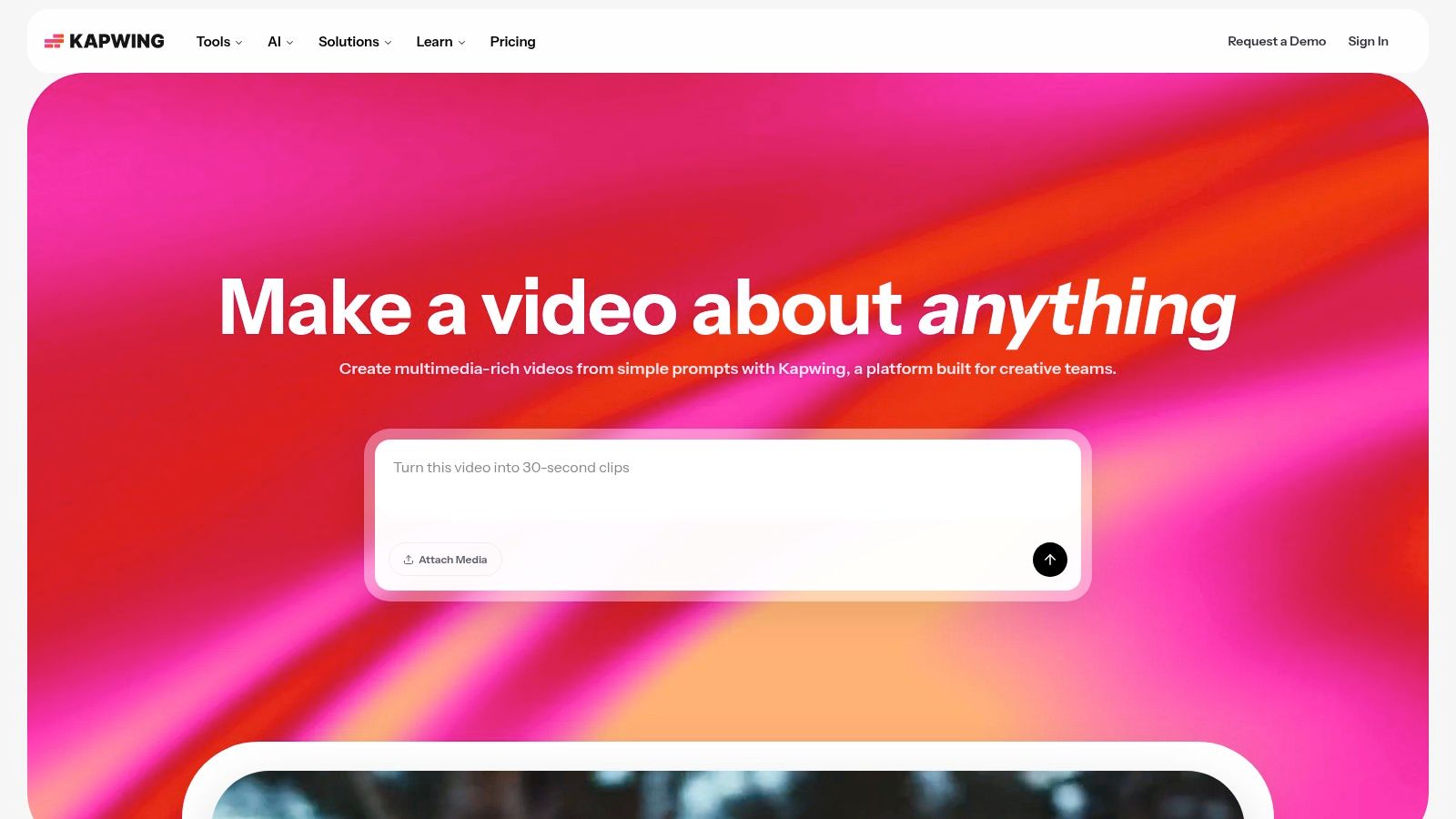
Its strength lies in its simplicity and accessibility. Users can quickly upload a video, generate subtitles with a single click, and then make quick edits to the text and timing directly on the timeline. The platform is particularly practical for teams, as Pro plans come with clear monthly subtitle minute allowances per workspace. This makes it easy to manage usage and budget for batches of social media content. For those needing standard caption files, Kapwing supports SRT and VTT exports, perfect for uploading directly to platforms like YouTube or Vimeo.
Key Features and Use Cases
- Auto-Subtitles and Transcript: Instantly generate a transcript from your video's audio, which can be edited and used for subtitles.
- SRT/VTT Export: A key feature for creators who need to upload separate caption files to video hosting platforms for better SEO and accessibility.
- Team Workspaces: Allows multiple users to collaborate on projects, making it ideal for agencies and small business marketing teams.
- All-in-One Editor: The combination of captioning and video editing tools makes it a practical choice for producing ready-to-post social content.
| Pros | Cons |
|---|---|
| Simple browser-based subtitle workflow | Higher usage requires higher-tier plans |
| Good for teams producing batches of short videos | Browser limits can affect very long files |
| Integrates captioning with video editing | Automated accuracy is not 99% |
Website: https://www.kapwing.com
9. Happy Scribe
Happy Scribe carves out a niche by balancing extensive multilingual support with an approachable, creator-friendly interface. It offers a solid mix of automated transcription and human-powered proofreading services, making it a versatile piece of software for closed captioning for international audiences. The platform supports over 120 languages, which is a major advantage for creators and businesses looking to expand their global reach without managing multiple complex workflows.
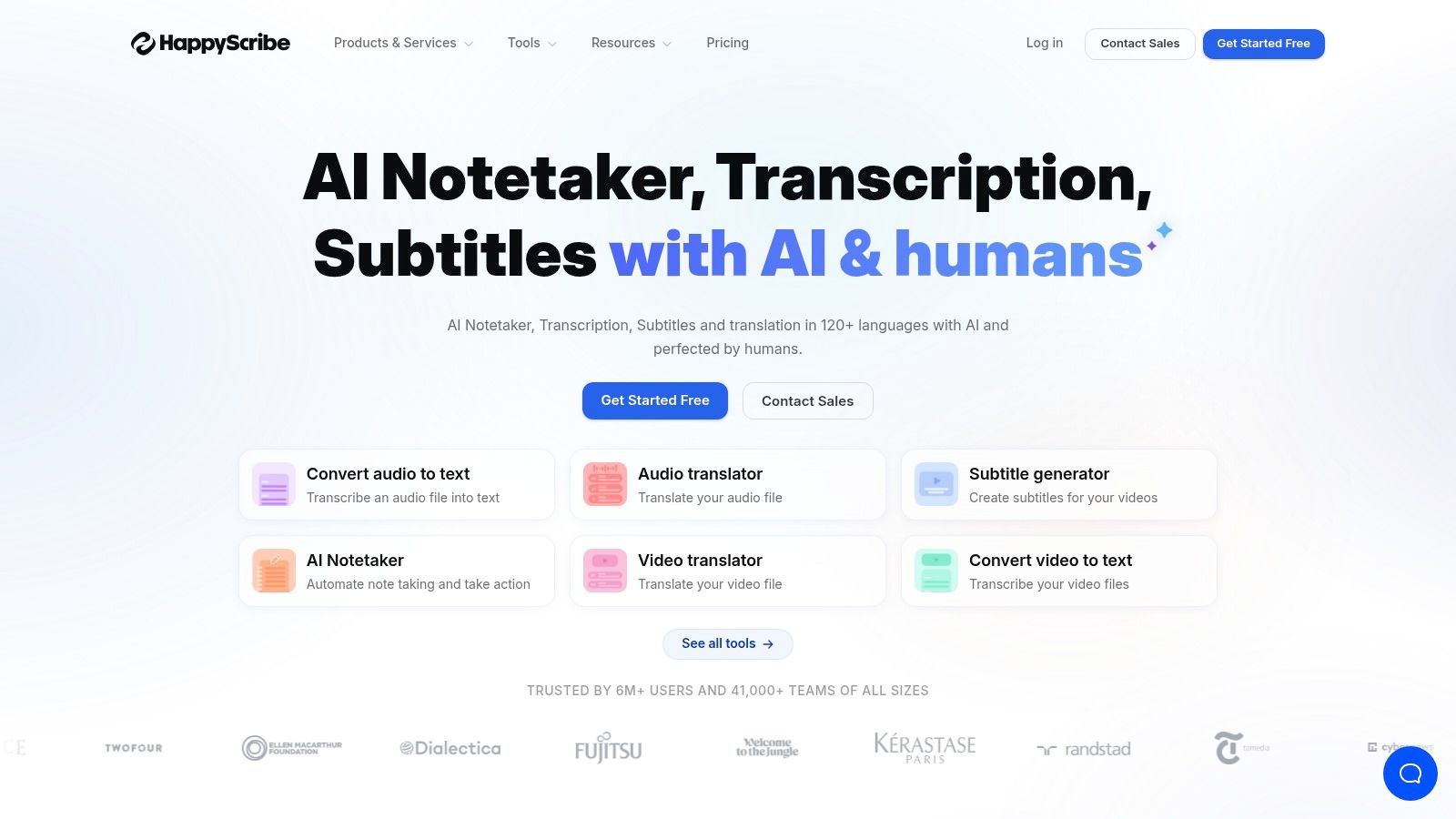
The platform’s strength is its flexibility. You can generate AI captions quickly and then refine them in the interactive subtitle editor, or send them for human proofreading to ensure accuracy. Happy Scribe also excels in its export capabilities, offering formats like SRT, VTT, and even specific files for editing software like Final Cut Pro (FCPXML) and Avid (EDL). Direct integrations with YouTube, Vimeo, and cloud storage services like Dropbox simplify the process for creators who publish frequently, removing the need to manually download and re-upload files. This makes it a great choice for teams that need to process content efficiently.
Key Features and Use Cases
- Extensive Language Support: Ideal for global brands, educators, and YouTubers creating content for a diverse, international viewership.
- Multiple Export Formats: Perfect for video editors and agencies who need to import captions directly into professional NLEs like Premiere Pro or Final Cut Pro.
- Platform Integrations: Streamlines the captioning workflow for content creators who host videos on YouTube or Vimeo.
- Team Collaboration: Features like shared workspaces and credit pooling are beneficial for small businesses and marketing teams managing video content together.
| Pros | Cons |
|---|---|
| Strong multilingual support (120+ languages) | Human proofreading is priced per minute |
| Flexible plans and annual credit pooling | Web editor lacks some NLE-grade styling controls |
| Wide range of export options for pro workflows | Turnaround for human service can vary |
Website: https://www.happyscribe.com
10. Trint
Trint positions itself as more than just a transcription tool; it’s a collaborative content creation platform built around the spoken word. It excels at turning audio and video files into interactive, searchable, and editable transcripts that serve as the foundation for creating closed captions. This makes it an ideal piece of software for closed captioning for journalism, marketing teams, and academic researchers who need to verify, edit, and repurpose content with precision.
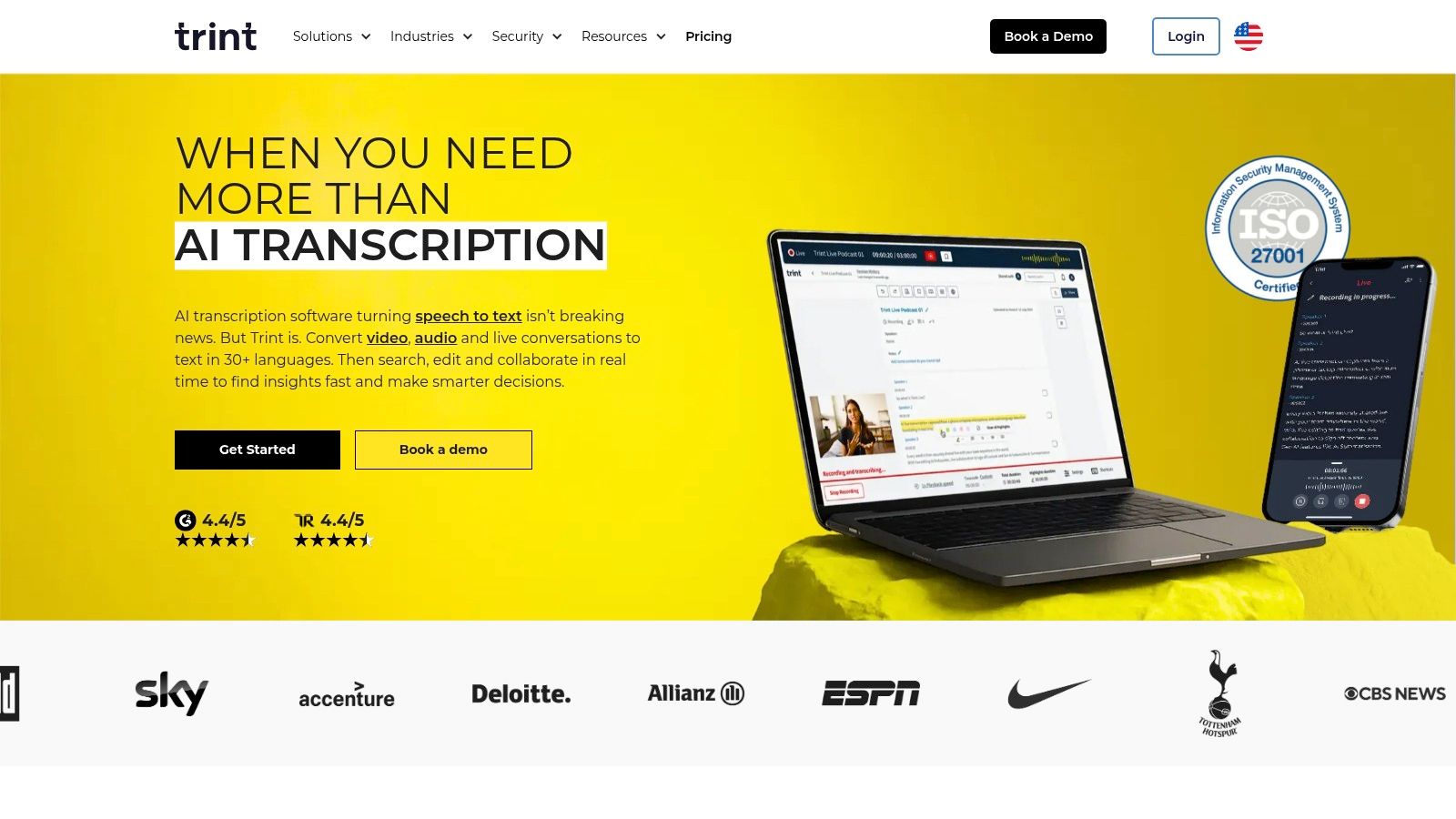
The platform's strength is its browser-based editor, which allows teams to collaborate on a transcript in real time. Users can highlight key quotes, leave comments, and assign tasks, streamlining the review process before exporting caption files. While its AI-powered transcription is fast and generally accurate, the real value comes from this collaborative workflow. The availability of an API also makes it a powerful choice for agencies and larger media organizations looking to automate their captioning pipelines.
Key Features and Use Cases
- Collaborative Editor: Perfect for teams that need to review and approve transcripts before generating captions, such as legal or corporate environments.
- API Integration: Allows for automated file uploads and processing, fitting neatly into established media production workflows.
- SRT/VTT Export: Provides standard caption file formats compatible with all major video players and social media platforms.
- Searchable Archives: Turns your media library into a searchable database, making it easy to find specific moments or quotes across hours of content.
| Pros | Cons |
|---|---|
| Smooth review and collaboration workflows | Pricing details are not transparent and require contact |
| API support for automating processes | Fewer social caption styling features |
| Interactive transcript editor | Automated accuracy can vary with poor audio quality |
Website: https://trint.com
11. Amara
Amara distinguishes itself with a collaboration-first approach to captioning, operating as a nonprofit platform trusted by educational and cultural institutions. Its core strength lies in its web-based subtitle editor and team workspaces, which are built to facilitate community-driven or team-based accessibility projects. This makes it an outstanding piece of software for closed captioning for universities, museums, and global organizations aiming to make their content accessible to a wider audience through volunteer or group efforts.
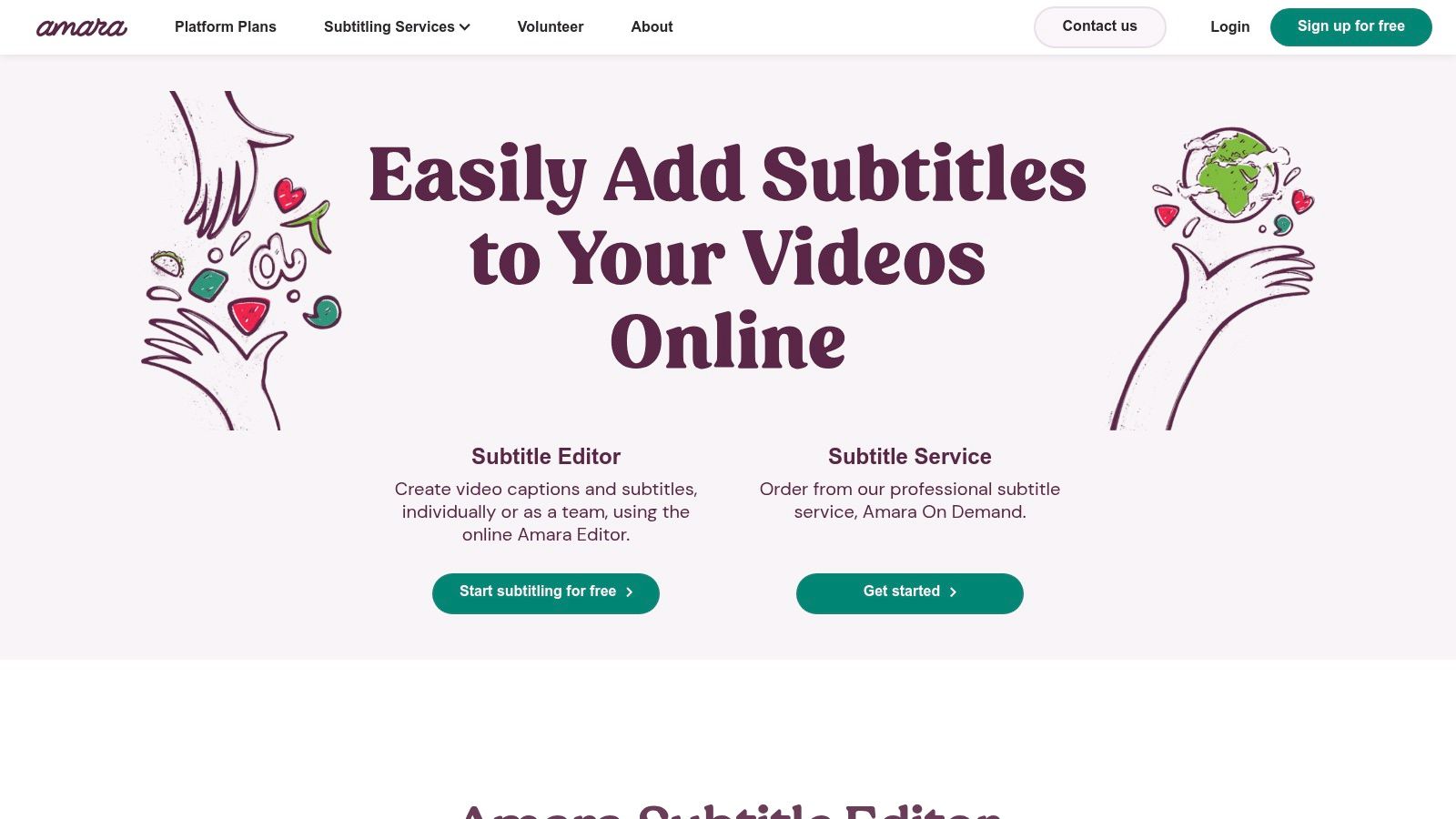
The platform is structured into distinct offerings. The free public editor is a proven, reliable tool for individuals, while Amara Plus and Enterprise introduce private workspaces for teams needing to manage complex captioning and translation workflows. For those requiring professional-grade results without the in-house effort, Amara On Demand provides access to human captioners and translators. This tiered system supports everything from a single user adding subtitles to a YouTube video to a large organization coordinating multilingual translations for an entire e-learning course library.
Key Features and Use Cases
- Collaborative Editor: Perfect for volunteer-driven projects, allowing multiple users to contribute to, review, and edit subtitles for a single video.
- Team Workspaces: Amara Plus offers private, controlled environments for educational departments or businesses to manage their subtitling pipeline.
- Amara On Demand: A professional service for when human-level accuracy and translation are required for compliance or global distribution.
- Multiple Export Formats: Supports exports to common formats like SRT, VTT, and DFXP/TTML, along with direct integrations for YouTube and Vimeo.
| Pros | Cons |
|---|---|
| Collaboration-first workflow | Editor is utilitarian with fewer social-style templates |
| Proven, reliable platform | Amara Plus and Enterprise pricing are by quote only |
| Nonprofit ethos ideal for education | Free version is public, not ideal for sensitive content |
Website: https://amara.org
12. TechSmith Camtasia
TechSmith Camtasia is primarily known as a powerful screen recorder and video editor, but its built-in captioning tools make it a go-to choice for educators and instructional designers. Instead of being a dedicated captioning platform, its strength is integrating the captioning process directly into the video production workflow. This is ideal for creating tutorials, software demonstrations, and training materials where clarity and accessibility are key.
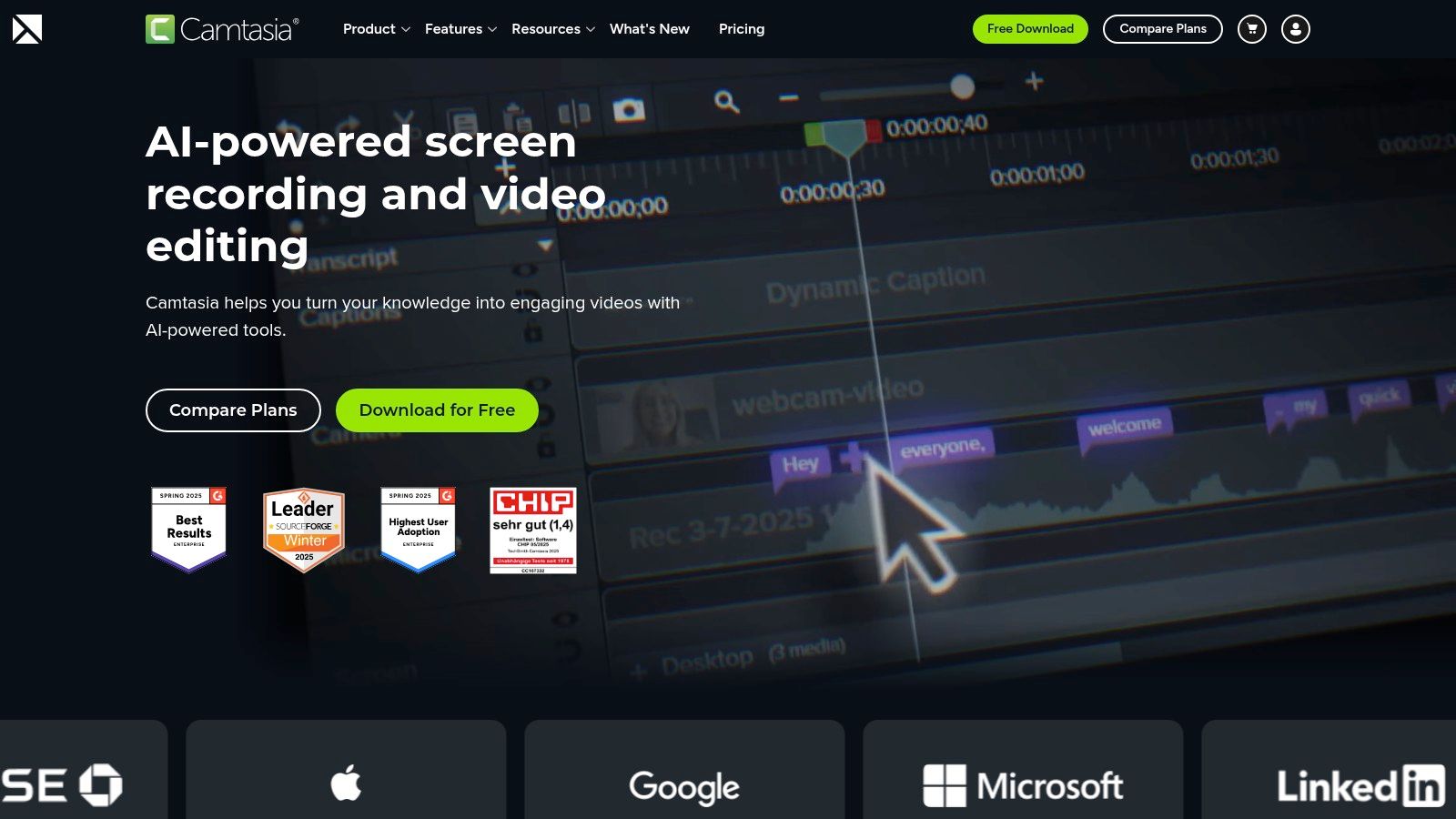
The platform allows you to import standard subtitle files like SRT or VTT and sync them directly on the timeline, giving you precise control over timing. You can also author captions from scratch within the editor. For exporting, you have the option to generate a file with burned-in (open) captions or use the TechSmith Smart Player, which supports interactive closed captions. The workflow is well-documented, making it a reliable piece of software for closed captioning for those already invested in the TechSmith ecosystem.
Key Features and Use Cases
- Integrated Caption Editor: Import, edit, and sync captions directly on the video timeline without needing external tools.
- Burned-in Captions: A great option for exporting videos to social media, ensuring captions are always visible on platforms that autoplay with mute.
- Audiate Integration: Use TechSmith Audiate to automatically transcribe your audio, clean up the text, and then send it directly to your Camtasia project.
- Educational Content: Perfect for creating accessible tutorials, e-learning modules, and corporate training videos with clear, synced text.
| Pros | Cons |
|---|---|
| All-in-one editing workflow | Smart Player captions have some limitations |
| Strong documentation and support | SRT import can be sensitive to file encoding |
| Excellent for creating training/tutorials | Not designed for bulk captioning projects |
Website: https://www.techsmith.com/camtasia.html
Top 12 Closed-Captioning Tools Comparison
| Product | Core features ★ | Unique features ✨ | Target audience 👥 | Pricing & value 💰 | Quality ★ |
|---|---|---|---|---|---|
| ClipCreator.ai 🏆 | End‑to‑end AI: viral templates → scripts, images, lifelike voiceovers, subtitles, HD ≤90s, auto-posting | ✨ Set‑and‑forget scheduling + proven viral templates; full ownership & refund promise | 👥 Creators, brands, educators, agencies | 💰 Starter $19/mo (3×/wk); Daily $39/mo (most popular); Pro $69–78/mo — strong time ROI | ★★★★★ |
| Rev | AI + human captions, burned‑in options, Premium (broadcast) captions | ✨ Broadcast/FCC compliance & fast human accuracy | 👥 Broadcasters, producers, compliance‑sensitive teams | 💰 Per‑minute pricing; predictable for projects | ★★★★★ |
| 3Play Media | Human + AI caption workflows, 50+ output formats & integrations | ✨ Enterprise compliance (WCAG/ADA), scalable archiving | 👥 Universities, broadcasters, enterprise teams | 💰 Quote‑based; enterprise pricing (higher) | ★★★★★ |
| Adobe Premiere Pro (Speech to Text) | Auto transcription on timeline, caption styling, SRT/VTT export | ✨ Full NLE caption workflow—no round trips for editors | 👥 Video editors & post houses using Premiere | 💰 Creative Cloud subscription (monthly) | ★★★★☆ |
| Apple Final Cut Pro (Transcribe to Captions) | One‑click transcription to timeline, caption conversion | ✨ Native Apple Silicon speed & seamless FCP workflow | 👥 Mac editors and Apple‑centric studios | 💰 One‑time Final Cut purchase; feature limited by hardware | ★★★★ |
| Descript | Text‑based audio/video editing, subtitle export, burn‑in Fancy Captions | ✨ Text editing + Studio Sound & rapid iteration | 👥 Podcasters, creators, social editors | 💰 Tiered plans (minutes/AI credits); higher tiers for advanced AI | ★★★★☆ |
| VEED.IO | Browser editor with auto‑subtitles, animated caption styles, social presets | ✨ Animated captions, brand kits & team collaboration | 👥 Social creators & marketing teams | 💰 Subscription tiers; good for quick social outputs | ★★★★ |
| Kapwing | Online editor, auto‑subtitles, SRT/VTT export, team workspaces | ✨ Batch workflows and collaborative workspaces | 👥 Teams producing volume short videos | 💰 Pro plans with minute allowances; scales with usage | ★★★★ |
| Happy Scribe | AI subtitling + optional human proofreading, 120+ languages | ✨ Strong multilingual exports & integrations (Drive, YouTube) | 👥 Multilingual creators, researchers, small teams | 💰 Per‑minute AI + optional paid human proofreading | ★★★★ |
| Trint | AI transcription, browser editor with comments/versioning, API | ✨ API automation & collaborative review workflows | 👥 Agencies, teams automating pipelines | 💰 Subscription/API pricing; contact for details | ★★★★ |
| Amara | Web subtitle editor, exports (SRT/VTT/TTML), team workspaces, human services | ✨ Nonprofit, collaboration‑first platform with translation services | 👥 Education, cultural orgs, accessibility projects | 💰 Freemium + Amara Plus/Enterprise by quote | ★★★ |
| TechSmith Camtasia | Screen/video editing with SRT import/export, burn‑in captions | ✨ Easy workflow for tutorials; Audiate integration for transcripts | 👥 Trainers, educators, course creators | 💰 One‑time license purchase; cost‑effective for teams | ★★★★ |
Choosing Your Perfect Partner in Accessibility and Engagement
The journey to perfectly captioned video content doesn't end with choosing a tool; it begins there. We've explored a wide spectrum of software for closed captioning, from the automated, viral-focused engine of ClipCreator.ai to the human-powered precision of services like Rev and 3Play Media. We've also seen how powerful captioning features are now built directly into professional video editors like Adobe Premiere Pro and Final Cut Pro, and how online editors like VEED.IO and Kapwing are democratizing access to high-quality subtitles for everyone.
The key takeaway is that your ideal software is the one that best aligns with your specific production reality. There is no single "best" tool for all use cases. The right choice depends on a careful evaluation of your budget, technical skill, desired content style, and required level of accuracy. What works for a solo TikTok creator producing daily short-form content will differ greatly from the needs of an educational institution requiring WCAG-compliant captions for an entire course library.
How to Make Your Final Decision
Making an informed choice requires moving beyond feature lists and focusing on your workflow. Before committing to a platform, ask yourself these critical questions:
- What is my primary content type? Are you creating short, punchy social media clips, detailed educational tutorials, or long-form narrative content? The demands for each are vastly different. Tools like Descript are excellent for narrative, interview-style content, while Kapwing shines for quick, meme-style social videos.
- How much time can I realistically dedicate to editing? Be honest about your capacity. If your goal is to scale content production rapidly, a fully automated solution that minimizes manual editing is crucial. If precision is paramount and you have the time, a tool with a robust editing interface is a better fit.
- What is my budget? Solutions range from free, ad-supported tools to expensive, per-minute enterprise services. Define your monthly or per-project budget to immediately narrow your options and avoid overspending on features you may not need.
- Where does this tool fit in my existing workflow? Consider your entire process from recording to publishing. Do you need a standalone tool, or one that integrates directly with your video editor or social media platforms? An integrated solution like Premiere Pro's Speech to Text or a service with platform-specific integrations can save significant time.
Implementation and Beyond
Once you've selected your software for closed captioning, the work shifts to implementation. Don't just turn on the captions and walk away. Successful captioning involves a commitment to quality control.
Pro Tip: Always perform a final proofread. Even the most advanced AI transcription can misinterpret names, jargon, or muffled audio. A quick review ensures your captions are professional and accurately reflect your message, protecting your brand's credibility.
Remember to consider the style of your captions. Many of the tools we've discussed, from ClipCreator.ai to VEED.IO, offer extensive customization. Use this to your advantage. Match the font, color, and animation of your captions to your brand's visual identity. This small detail transforms captions from a simple accessibility feature into an integral part of your creative expression, boosting brand recognition and engagement.
Ultimately, incorporating closed captions is more than a technical task; it's a strategic decision. It makes your content accessible to the deaf and hard-of-hearing community, helps viewers watching in sound-off environments, and can even improve your video's SEO on platforms like YouTube. By thoughtfully selecting and implementing the right tool, you are not just adding text to a screen. You are building a more inclusive, engaging, and successful content strategy that connects with the widest possible audience.
Ready to stop manually typing subtitles and start creating engaging, accessible videos at scale? ClipCreator.ai is designed for creators who want to produce viral-style short-form content with dynamic, animated captions automatically. Try ClipCreator.ai today and see how effortless creating captivating, captioned videos can be.

Create your first video in under 2 minutes
Pick a niche, and ClipCreator.ai generates and auto-posts faceless videos to your channels every day.
Join ClipCreator.ai