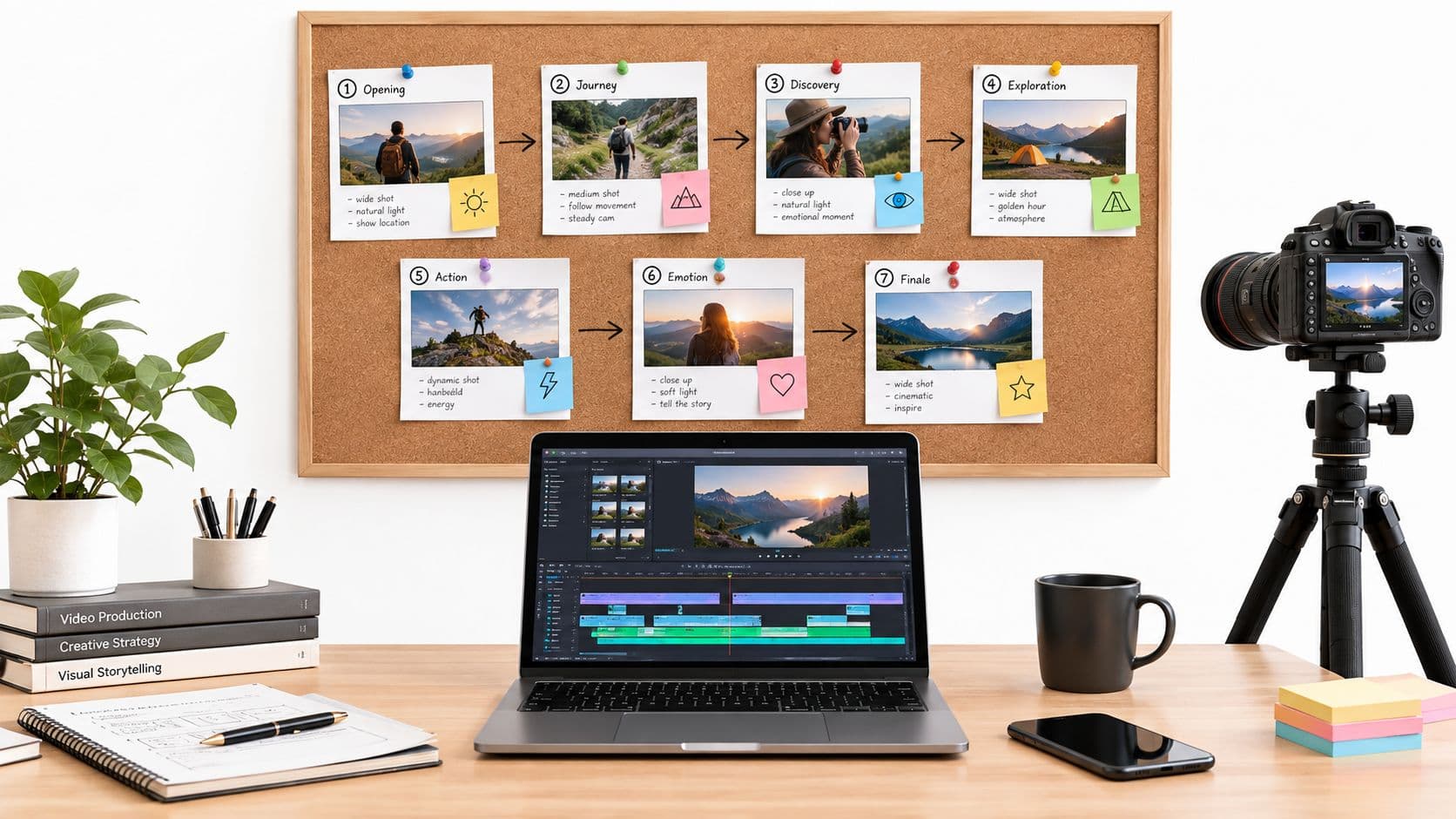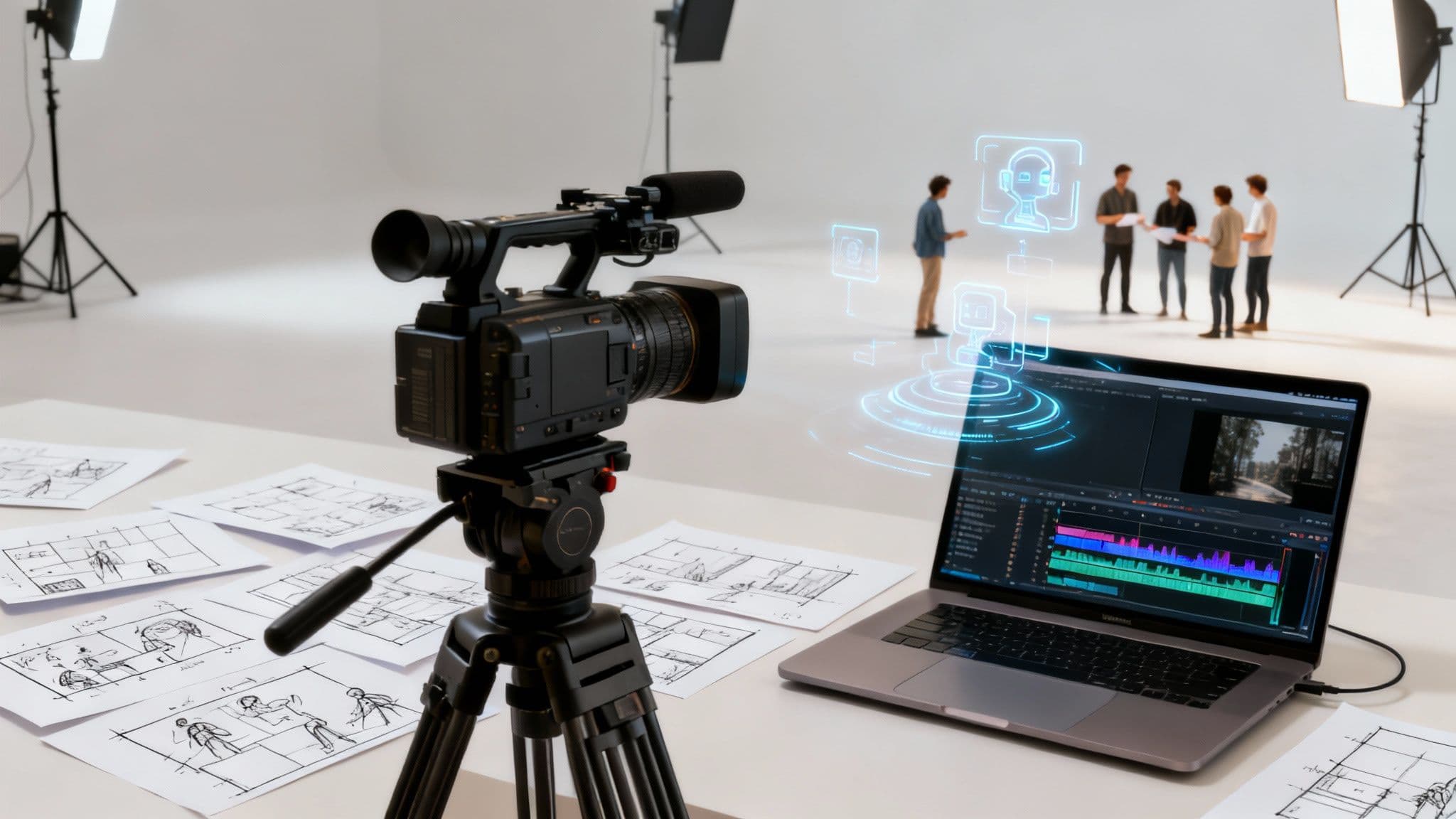
The secret to an effective training video isn't a fancy camera or expensive software—it's a solid strategy. Before you even think about hitting record, you need a clear plan. This involves pinning down your learning objectives, getting to know your audience, and then designing a video that actually hits the mark. This groundwork is what turns a simple video into a powerful learning tool.
Laying the Groundwork for a Winning Training Video
The most important part of making a great training video happens long before anyone steps in front of a camera. Jumping straight into production without a clear strategy is like building a house without a blueprint. Sure, you'll end up with something, but it probably won't be what you need, and you'll waste a ton of time and money getting there.
Your goal isn't just to "make a video." It's to design a specific learning experience. This all comes down to two things: understanding your purpose and knowing your audience. Get those right, and even a simple video can be incredibly effective. Get them wrong, and even a Hollywood-level production will fall flat.
Define Clear Learning Objectives
First things first, you have to answer the big question: "What should the viewer be able to do after watching this video?" Vague goals like "understand the new software" just don't cut it. You need to get specific, focusing on measurable, action-oriented outcomes.
These learning objectives are the foundation of your entire project. They'll shape your script, dictate your visuals, and give you a clear way to measure whether the video actually worked.
Let's look at the difference:
- Weak Objective: Teach employees about the new expense reporting system.
- Strong Objective: After watching, employees will be able to submit a multi-item expense report with correct category codes in under five minutes.
See the difference? The second one gives you a concrete target. You know exactly what to show on screen and can even design a quick test to see if people can do it. This kind of clarity keeps your video focused and prevents you from going off on tangents.
A video without clear objectives is just entertainment. A training video with sharp, defined goals becomes a performance improvement tool. It shifts the focus from passive viewing to active learning and application.
Understand Your Audience Deeply
Once you know what you're teaching, you have to figure out who you're teaching. A seasoned factory worker learning a new safety protocol has completely different needs than a new sales hire learning the company CRM. A one-size-fits-all video is a recipe for failure.
To really get a handle on your audience, you need to ask some key questions:
- What do they already know about this topic?
- How comfortable are they with technology?
- Are there any language or cultural considerations?
- What's their motivation for learning this? Why should they care?
For example, a software tutorial for your tech-savvy marketing team can probably get away with some industry jargon and move pretty quickly. But a video for frontline retail staff needs simpler language, relatable examples, and a more direct, "here's what you need to do" tone. When you tailor the content to the audience, the message actually lands and sticks.
This simple flow chart shows how these first crucial steps—setting objectives, knowing your audience, and then designing the experience—all fit together.
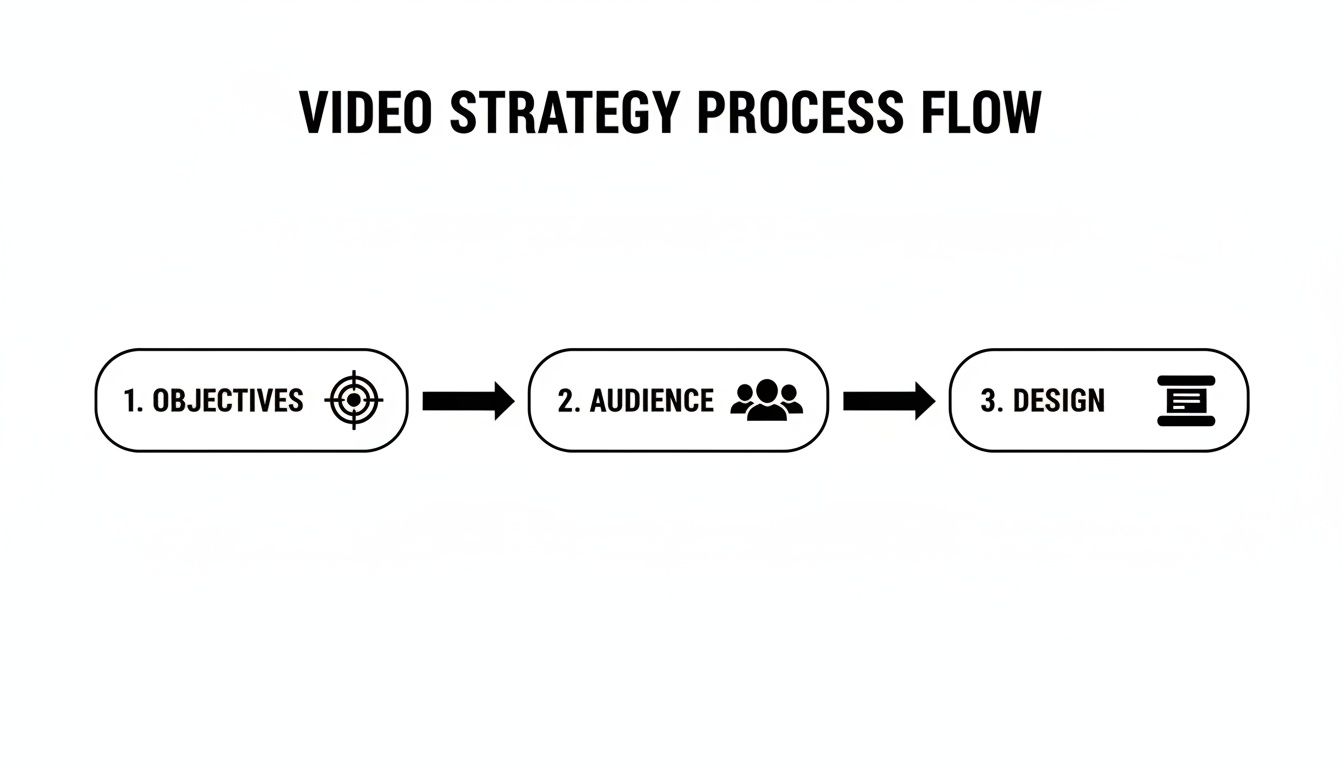
As you can see, a successful video design isn't just a creative exercise; it's the direct result of having clear goals and a deep understanding of your learners. Putting in the time to do this strategic work upfront creates a roadmap that makes every other decision—from scripting to the final edit—so much easier. Honestly, this is the single biggest factor in creating a training video that delivers a real, measurable impact.
From Idea to Blueprint: Scripting and Storyboarding
You've got your learning goals sorted and you know exactly who you're talking to. Now it's time to build the actual framework for your training video. A great idea is one thing, but it’s the script and storyboard that turn that concept into a concrete, shootable plan.
Trust me, skipping this part is one of the most common mistakes I see. It’s a fast track to rambling videos, muddled messages, and expensive reshoots. This is where you translate the what and why into the how.
Crafting a Script for Clarity and Retention
A training video script isn't a formal essay or a marketing brochure. Its only job is to be spoken and understood with zero friction. You want to sound like a real person having a conversation, not a robot reading a manual. This means writing dialogue that feels natural and breaking down complex topics into bite-sized, digestible pieces.
Think of your script as the audio foundation of your video. If the audio is confusing, no amount of slick visuals will save it. To nail this, stick to a few core principles:
- Write for the ear, not the eye. Read your script out loud. Does it sound like something a human would actually say? If it sounds clunky or robotic, rewrite it. Use simple words and shorter sentences.
- One idea per segment. Don't try to cram everything into one section. Structure your script around core ideas, giving each one space to land before you jump to the next topic.
- Show, don't just tell. The script and visuals need to work together. Instead of saying, "You will now click on the submit button, which is located in the top-right corner of the screen," write something like, "Next, click the submit button right up here." This is a direct cue for a visual element and makes the instruction so much clearer.
If you're new to this, checking out how others structure their scripts can be a huge help. You can find several useful script outline examples that show how different training topics are broken down into clear, effective narratives.
A great script anticipates what the viewer is thinking and answers their questions before they even have a chance to ask them. It guides the learner with a steady, confident voice, which builds both understanding and trust.
When you do this right, every single word serves a purpose and directly supports the learning goals you set out from the beginning.
Visualizing the Narrative with Storyboarding
With your script locked in, the next crucial move is creating a storyboard. Think of it as a comic-book version of your video. It’s just a sequence of simple drawings or images that represent each shot, complete with notes on camera angles, on-screen text, graphics, and dialogue.
This might sound like an extra, time-consuming step, but its value is immense. Storyboarding saves an incredible amount of time and money during production by forcing you to make key visual decisions before the camera ever starts rolling. It’s way cheaper to redraw a box on a piece of paper than it is to rebuild a set or reshoot an entire scene.
Don't worry, your storyboard doesn't need to be a masterpiece. Stick figures and basic shapes are totally fine. What matters is mapping out the visual flow and making sure it syncs up perfectly with your script.
Here’s a quick example for a customer service training video on handling an unhappy customer:
| Scene # | Visual Description | Dialogue/Narration | On-Screen Text |
|---|---|---|---|
| 1 | Wide shot of a friendly agent at a desk, smiling. | "Handling a tough customer call can be challenging, but the A.C.E. method can help." | Title: "The A.C.E. Method" |
| 2 | Close-up on the agent's face, looking empathetic. | "First, A is for Acknowledge. Listen actively and validate their feelings." | "A = Acknowledge" |
| 3 | Split-screen: Agent on one side, a simulated chat window with an angry message on the other. | "For example, say 'I understand why you're frustrated, and I'm here to help you fix this.'" | Example phrase highlighted in the chat. |
This simple table makes it crystal clear what needs to be filmed, what graphics are needed, and how the audio and visuals will work together. It shifts the entire project from guesswork to a deliberate, planned execution. By investing a little extra time upfront in scripting and storyboarding, you ensure everyone on the team is working from the same blueprint—which is the secret to producing a training video that actually delivers results.
Bringing Your Vision to Life During Production
You've done the hard work of scripting and storyboarding. Now for the fun part: production day. This is where all that careful planning finally turns into real, high-quality footage. It can feel like a lot of pressure, but you don’t need a Hollywood budget or a massive crew to get a professional look.

From my experience, it all boils down to three things that make the biggest difference: your equipment, your audio, and your on-screen talent. Nail these fundamentals, and you'll create polished training content that commands attention.
Gearing Up Without Breaking the Bank
The gear you need really depends on the style of your video, but the great news is that fantastic equipment is more accessible than ever. You can get incredible results by just focusing on a few key pieces.
- Camera: Honestly, your smartphone is probably a great place to start. Modern phone cameras shoot in stunning high-definition and give you a surprising amount of control. If you do have a little budget to play with, a mirrorless or DSLR camera will give you more creative freedom with interchangeable lenses.
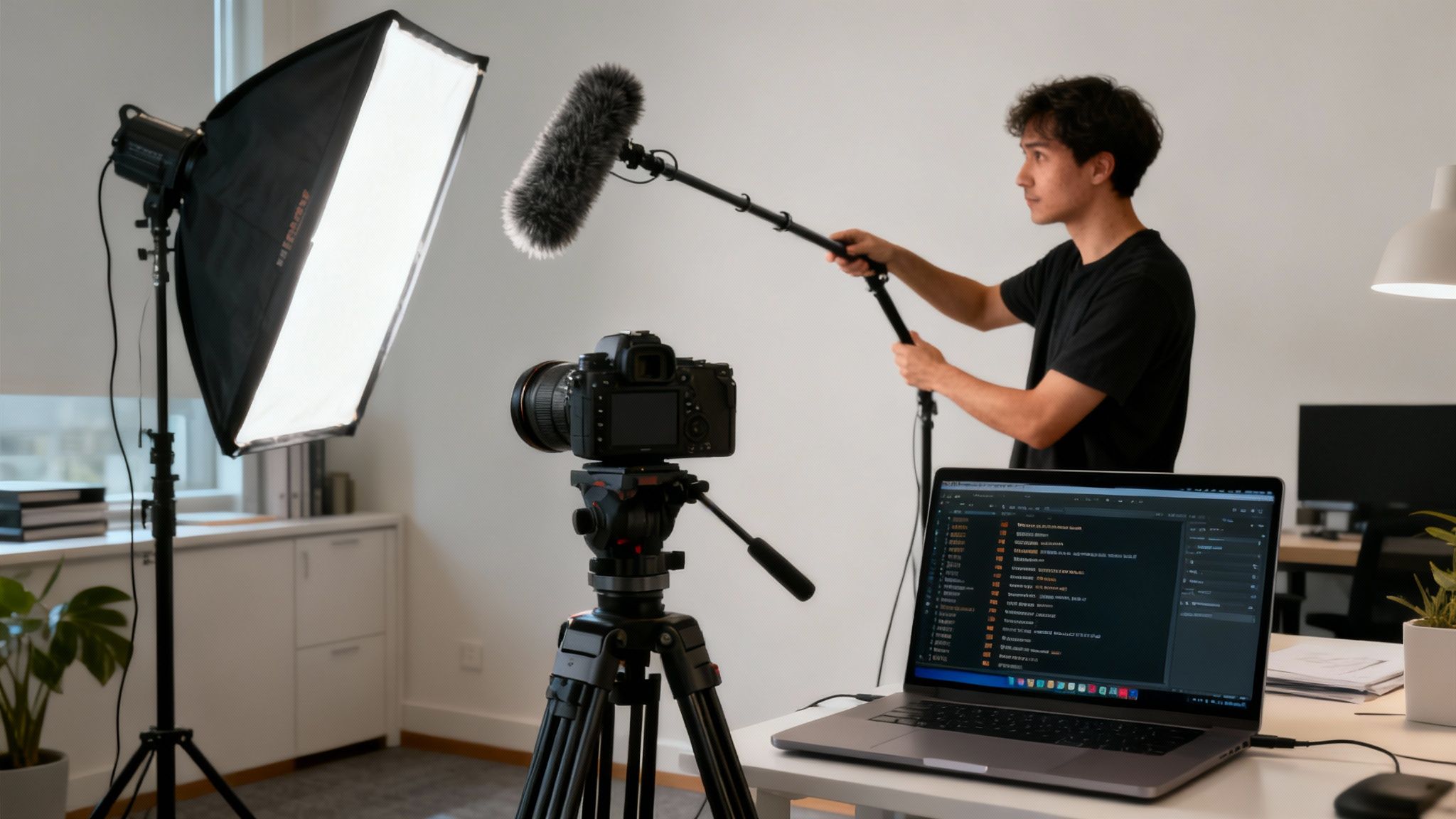
- Microphone: This is the one thing you can't skimp on. I mean it. Bad audio is way more distracting than slightly imperfect video. A simple lavalier (lapel) mic clipped to the speaker's shirt or an external shotgun mic mounted just out of frame will capture clean, crisp sound and kill that annoying echo.
- Lighting: Good lighting is the secret sauce for a professional finish. A classic three-point setup (key light, fill light, and back light) makes your subject pop off the screen. But even a single softbox or a ring light can make a world of difference compared to the harsh, unflattering glare of standard office lighting.
Quick tip: Don't get lost in a gear obsession. A well-lit, steady shot from a smartphone with crystal-clear audio will always look better than a shaky, poorly-lit scene from a high-end camera with a terrible microphone. Focus on the basics first.
Capturing Crystal-Clear Audio
Think about it—viewers will put up with a slightly grainy image, but they will click away in a heartbeat if the audio is terrible. If your audience has to strain to hear or gets distracted by background noise, your message is completely lost.
First, scout your location. Find the quietest room you can and kill any buzzing fans, noisy AC units, or humming refrigerators. A room with soft surfaces like carpet, curtains, or even a few couches will absorb sound and reduce echo. An empty, open room with hard floors will just turn into a distracting echo chamber.
Next, get that microphone close to the speaker. The farther the mic is from their mouth, the more room noise it's going to pick up. This is why a lavalier mic is so great; it stays in the perfect spot even if the person moves around. Always, always do a quick test recording to check your audio levels and listen for any weird background hum before you start the real take.
Coaching On-Screen Talent Effectively
Directing your colleagues—or even yourself—on camera can feel a little awkward. But a confident, comfortable presenter is what will ultimately connect with your audience. The real goal is to help them feel natural and speak with authority.
Here are a few things I've learned that really help:
- Do a full rehearsal. A quick run-through before you hit record helps the speaker get comfortable with the script and lets you catch any awkward phrasing.
- Aim for a conversational tone. Remind them to talk like they're explaining something to a single person, not giving a formal speech to a packed auditorium.
- Use a teleprompter or cue cards. Nobody sounds natural when they're obviously reading. A simple teleprompter app or even just some large cue cards placed right by the camera lens helps the speaker keep eye contact and deliver their lines smoothly.
- Give positive feedback. Filming can be stressful! A simple "That was a great take!" can do wonders for someone's confidence and leads to a much better performance.
The demand for great training content is only growing. The global market for training video production services was valued at roughly USD 1,165 million recently and is set to expand, which just shows how critical this skill is becoming for businesses. You can dive deeper into the training video market research to see just how the industry is growing. Interestingly, many of the same principles for making an effective training video also apply to strategies for creating compelling product videos.
Assembling the Final Cut: The Magic of Post-Production
The cameras have stopped rolling, but this is where your story truly comes to life. Post-production is far more than just snipping out mistakes; it’s the art of turning raw footage into a polished, compelling learning experience. It's where you find the rhythm, sharpen your message, and give your project that professional sheen that builds trust with your audience.
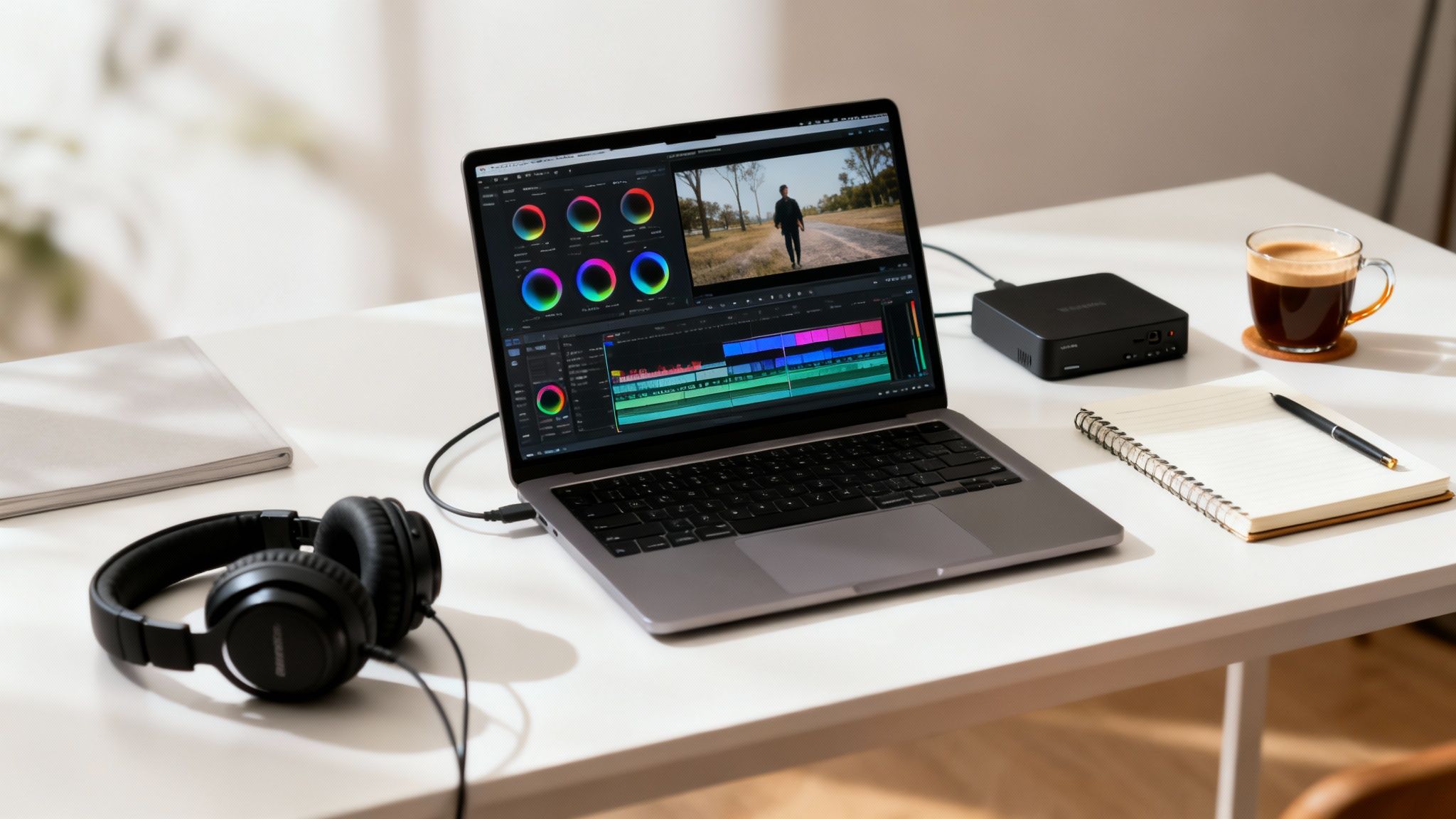
Think of it this way: a great edit can elevate good footage to greatness, while a sloppy one can make even the most beautifully shot video fall flat. This is your chance to shape the narrative and control exactly how your trainees absorb the information.
Building the Narrative Core
Your first pass through the footage isn't about getting every detail perfect. It’s all about building a solid foundation. Start by laying out your A-roll—the primary shots of your presenter or instructor—on the timeline, following the flow of your script.
At this stage, concentrate on creating a "radio cut." This means editing the audio track until it flows perfectly, even without visuals. Cut out the fumbled words, long pauses, and retakes. If the story makes complete sense just by listening, you've successfully built the backbone of your video.
With the core message locked in, it's time to layer in your B-roll. This is the supplementary footage that adds context and visual interest, like screen recordings, product close-ups, or clips that illustrate a concept being discussed.
Here’s how to make your B-roll work for you:
- Show, Don't Just Tell: If the narration says, "Click the 'Submit' button," show a screen recording of that exact action. This is a simple but powerful way to boost retention.
- Hide the Seams: When you cut a mistake from your A-roll, it creates an awkward "jump cut." Placing a relevant B-roll clip over that edit makes the transition feel smooth and intentional.
- Keep Eyes on the Screen: A static shot of a talking head can get old, fast. Splicing in fresh B-roll every 10-15 seconds resets your viewer's attention and keeps them locked in.
Post-production is less about fixing errors and more about finding the rhythm of your story. The right cut, the perfect graphic, or a subtle sound cue can turn a moment of simple instruction into a moment of genuine understanding for the learner.
Adding Polish with Visuals and Audio
Now that your story is sequenced, it's time to add the finishing touches that separate amateur videos from professional ones. This involves layering in graphics and sound to guide the viewer’s attention.
On-screen text is your best friend for reinforcing key takeaways. Use callouts to highlight important terms, display statistics, or walk viewers through a multi-step process. In a software demo, for example, a simple animated arrow pointing to the right button can eliminate any confusion.
Audio mixing is another critical, yet often overlooked, step. You're balancing three distinct elements:
- Dialogue: The speaker’s voice should be crystal clear and always the most prominent sound.
- Music: Background music sets the mood, but it should never overpower the narration. Drop its volume way down when someone is talking.
- Sound Effects: A subtle "whoosh" for a graphic reveal or a soft "click" for a button press adds a satisfying layer of polish and makes the experience feel more tangible.
Finally, you get to color correction and grading. Color correction is the technical side—making sure your whites are pure white and skin tones look natural. Color grading is the creative part, where you apply a consistent color palette to give the entire training series a cohesive, branded feel.
This level of detail is what makes a training video feel authoritative and professional. For teams producing content at scale, diving into automatic video editing can be a huge time-saver, letting technology handle the heavy lifting so you can focus on the creative side of storytelling.
Using AI and Modern Tools to Work Smarter
Let's be honest: producing a training video used to be a massive undertaking. The thought alone brought to mind expensive camera crews, booking studio time, and a budget that made everyone nervous. But that's just not the reality anymore. Technology has completely changed the game, making the whole process faster, more affordable, and incredibly scalable. It’s all about working smarter, not harder.
This isn't just a small shift, either. It’s a full-blown industry change. Recent surveys found that 51% of video marketers are already using AI tools for creating or editing their content. This points to a clear trend: everyone is moving toward smarter, more automated workflows. If you want to dig deeper, these corporate video production trends offer a great look at how technology is reshaping things.
Accelerate Pre-Production with AI
One of the biggest bottlenecks in video production has always been scripting. Staring at a blank page can be intimidating, even for seasoned pros. This is where AI can become an incredible creative partner, taking you from zero to a solid draft in a fraction of the time.
Imagine you're creating a cybersecurity training module. Instead of starting from scratch, you can give an AI tool your core learning objectives and a profile of your audience. In minutes, it can spit out several script variations, outlines, and even scene ideas covering phishing, strong passwords, and two-factor authentication. This gives your subject matter experts a strong foundation to work from, letting them focus on refining the content instead of creating it.
And it’s not just about the words on the page. AI-powered platforms can generate incredibly realistic, human-sounding voiceovers in dozens of languages and accents. For a global company, this is a game-changer. You can now produce localized training videos at a scale that was simply impossible just a few years ago, without the cost and scheduling headaches of hiring voice actors.
Streamline Your Production Workflow
The technical side of creating a video is also getting a major facelift. I'm a huge fan of employee-generated video (EGV) platforms. These tools empower your internal experts—the people who actually live and breathe your processes—to create authentic training content with nothing more than their smartphone.
These platforms are designed for people who aren't video pros. They typically include features like:
- Guided templates to keep branding and structure consistent.
- On-screen teleprompters to help people deliver their lines with confidence.
- Automated editing that can add intros, outros, and music with just a click.
This approach does more than just cut costs. It brings an authenticity that a polished, actor-led production often lacks. Seeing a process explained by a peer who does it every day is just more relatable and, frankly, more effective.
The real power of modern tools isn't just about making things cheaper. It's about democratizing video creation, allowing you to tap into the vast knowledge base that already exists within your organization and turn it into engaging training material.
Automate Tedious Post-Production Tasks
Post-production is another area where technology is delivering huge wins. Tasks that used to eat up hours of an editor's time can now be done in minutes, freeing you up to focus on the creative side of the edit.
Automated transcription and captioning are perfect examples. You can now generate accurate subtitles for your video with a single click. This isn't just a nice-to-have anymore; it's an essential part of creating accessible, inclusive training that improves comprehension for everyone.
To see just how much things have changed, it's helpful to compare the old way with the new.
Modern vs Traditional Video Production Tools
The shift from manual, time-intensive methods to smarter, AI-assisted workflows is clear when you look at specific tasks side-by-side.
| Task | Traditional Method | Modern AI-Powered Method |
|---|---|---|
| Scripting | Manual writing, endless review cycles, and battling writer's block. | AI-generated drafts based on simple prompts, providing a solid starting point. |
| Voiceover | Hiring and scheduling professional voice actors and expensive studio time. | Instant generation of lifelike voiceovers in various languages and styles. |
| Captioning | Tedious manual transcription and timing of every single line of dialogue. | Automated transcription and subtitle generation in just a few minutes. |
| Editing | Manually cutting, trimming, and assembling all the raw footage. | AI tools that identify key moments and create a rough cut automatically. |
By thoughtfully weaving these modern tools into your process, you can dramatically boost the efficiency, scale, and ultimately, the ROI of your entire training video strategy.
Measuring Impact and Driving Engagement
Creating a brilliant training video is a huge accomplishment, but the work isn't over once you export the final file. A powerful video is useless if it never reaches the right audience or if you have no idea whether it actually worked. This is where you shift from creator to strategist, focusing on distribution, promotion, and measuring the real-world impact of your efforts.

Where Will Your Video Live?
Your first big decision is choosing a home for your video. The right choice really hinges on your audience and how secure the content needs to be.
- Internal Learning Management System (LMS): This is the go-to for formal corporate training. An LMS lets you assign content, track who has completed it, and weave the video into a larger, structured learning path.
- Private Video Hosting (Vimeo, Wistia): Platforms like these give you serious control. Think password protection, domain-level privacy, and advanced analytics. They're a fantastic middle ground for sharing with specific teams or external partners without putting it all on YouTube.
- Internal Intranet or Shared Drive: For quick, informal updates or less sensitive material, this can do the trick. Just know that these options usually lack the detailed analytics you need to see what’s actually resonating with people.
Getting People to Actually Watch It
Don't just upload the video and hope people stumble upon it. That’s a surefire way to get dismal engagement. You need to be proactive and treat this like a mini internal launch.
A targeted email announcement to the relevant teams is a great start. Explain what the video covers and—more importantly—what’s in it for them. Highlight a key benefit, like how it can save them 30 minutes a week or help them master a tricky piece of software.
You can also post in relevant Slack or Teams channels or even get the video featured on the company's internal homepage. Small efforts here can massively boost those crucial first views.
The goal isn't just clicks; it's to create genuine value. Frame your communication around solving a problem for your colleagues. When they see the video as a tool for their own success, they're far more likely to watch and learn.
Focusing on Metrics That Truly Matter
Once people start watching, it’s time to dig into the data. Vanity metrics like total view count are nice for a quick ego boost, but they don't tell you if anyone actually learned anything. To prove the ROI of your training video, you need to focus on engagement metrics that reveal what viewers are actually doing.
Here are the data points I always look for in a hosting platform’s analytics dashboard:
- Completion Rate: This is king. What percentage of viewers watched the video all the way through? A low completion rate is a massive red flag that your content isn't holding attention.
- Audience Retention: Most platforms will show you a graph of viewership over time. Look for any sharp drop-off points. Did a specific section cause a bunch of people to click away? This is priceless feedback for your next video.
- Rewatch Rate: Are people going back to rewatch certain parts? This can mean one of two things: that section is either incredibly valuable or it's confusing. Either way, it's something you need to know.
This data is your roadmap for improvement. Video consumption statistics consistently show that viewers favor short, focused content, a fact that should directly shape how you structure future training. If your analytics show a massive drop-off at the three-minute mark of a ten-minute video, that’s a clear signal to create shorter, more modular content next time.
For a more advanced look at this, our guide on how to track content performance can help. And for a broader perspective, check out this comprehensive guide to training video creation to make sure your content truly hits the mark. By tying these metrics back to your original learning goals, you can finally show stakeholders the real business value of your work.
Ready to create engaging video content without the hassle? ClipCreator.ai automates the entire process, turning your ideas into captivating short videos with AI-generated scripts, lifelike voiceovers, and auto-posting to TikTok and YouTube. Save time and scale your content production effortlessly. Learn more at https://clipcreator.ai.

Create your first video in under 2 minutes
Pick a niche, and ClipCreator.ai generates and auto-posts faceless videos to your channels every day.
Join ClipCreator.ai