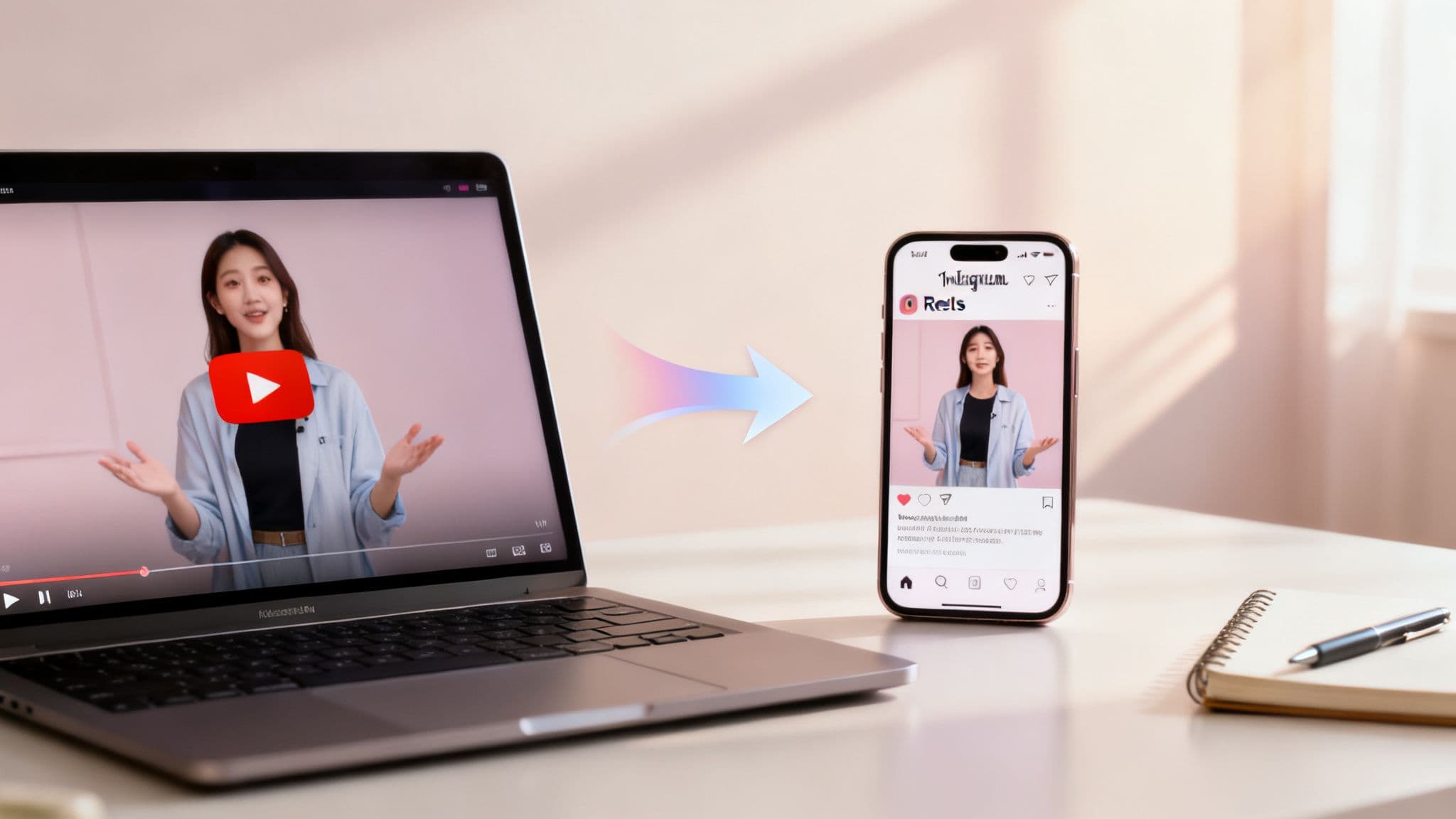
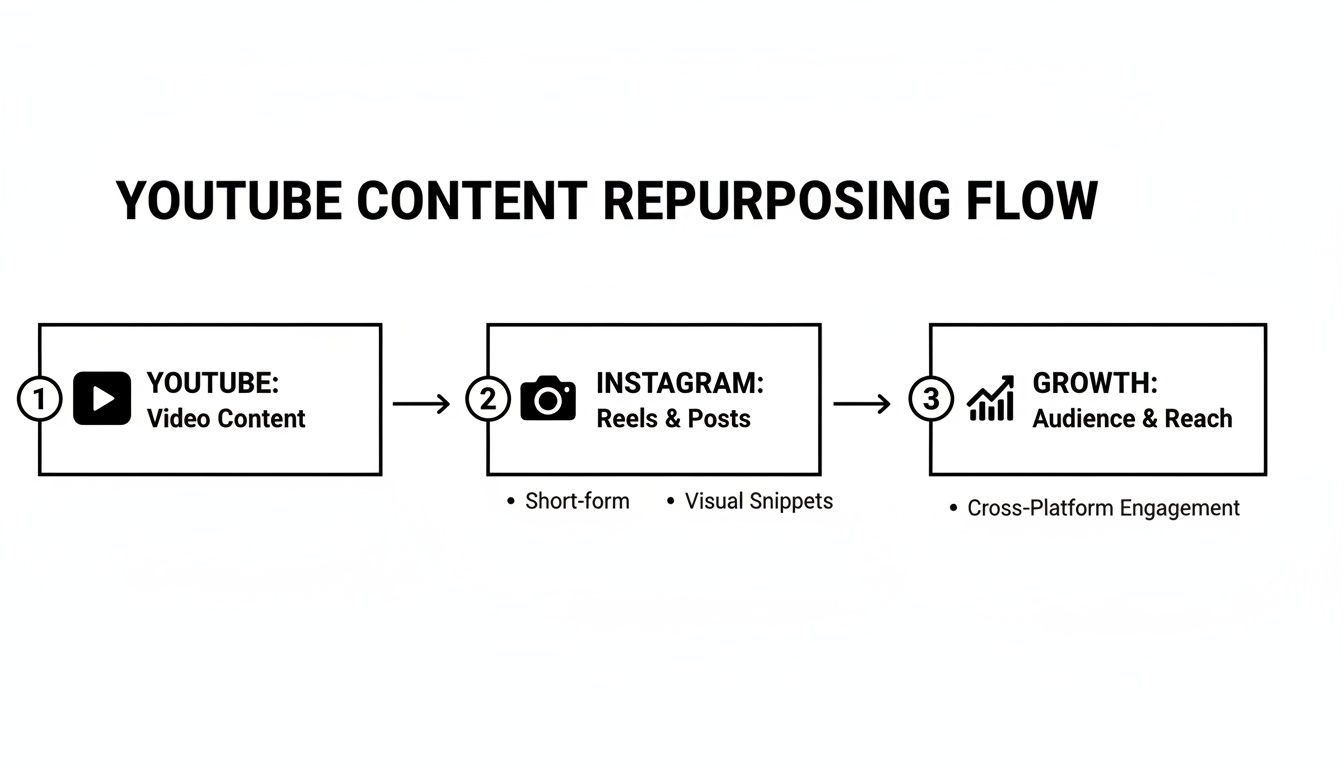
So, you want to post a YouTube video to Instagram? It’s not as simple as copy-pasting a link. First, you'll need to get the video off of YouTube, then rework it to fit Instagram's square or vertical formats. From there, you can upload it as a Reel, a Story, or a classic Feed post. Getting these steps right is the key to making your content look great on a totally different platform.
Why Posting YouTube Videos to Instagram Is a Smart Move
Turning your YouTube videos into Instagram content is more than just a time-saver. It's a seriously smart way to get more eyes on your work and engage with a whole new crowd. The audiences and algorithms on these two platforms couldn't be more different. YouTube is the home of deep dives and long-form storytelling, while Instagram is all about quick, visually striking clips that grab you in seconds.
Think about it: that one powerful segment from your 20-minute YouTube video could be the perfect Instagram Reel. Reels are discovery machines. The algorithm pushes them out to people who don't even follow you, giving your best stuff a second shot at blowing up.
This strategy opens up a few big opportunities:
- Find New Followers: The odds are high that many of your Instagram followers aren't subscribed to you on YouTube (and vice versa). This is your chance to cross-pollinate your audiences.
- Spike Your Engagement: Short, snappy clips are designed for quick reactions. They're perfect for racking up likes, comments, and shares.
- Send Traffic Back to YouTube: Use these short clips like movie trailers. Hook people in and then point them to your YouTube channel to see the full story.
Build a Cohesive Brand Across Platforms
When people see your content consistently on different platforms, it solidifies your brand in their minds. It creates a seamless experience that makes you look professional, recognizable, and trustworthy.
Seeing your face or logo in multiple feeds reinforces your expertise and keeps you top-of-mind. To really get the most out of what you’ve already created, exploring different content repurposing strategies is a great place to start.
By repurposing your best YouTube moments, you're not just recycling content—you're intelligently redeploying your most valuable assets to capture attention where your audience is most active. It’s about working smarter, not harder.
Getting Your YouTube Video Ready for Instagram
Let's be honest: you can't just copy and paste a YouTube video onto Instagram and expect it to work. Success on Instagram is all about preparation. The goal is to take your widescreen, horizontal YouTube content and completely reshape it to feel like it was made for Instagram's vertical, mobile-first world.
The first thing you'll need is a clean copy of your video file. If you don't have the original, you'll need a way to get it off YouTube, which often involves downloading and converting videos into a standard MP4 format. Once you've got that file on your computer, the real work begins.
This whole process is about giving your best content a second life on a new platform. You're not just reposting; you're strategically repurposing to find a brand new audience.
Nail The Resizing And Trimming
The single most important step is changing the video's shape—its aspect ratio. Your YouTube videos are almost certainly 16:9 (widescreen), but that looks tiny and awkward on Instagram. You need to embrace the vertical.
Here’s a quick rundown of what you need to aim for:
- Reels and Stories: Go for a full-screen, immersive 9:16 aspect ratio. This is the format that dominates discovery on the platform.
- Feed Posts: A 4:5 ratio is your best bet here. It’s taller than a standard square (1:1) post, so it takes up more real estate on the feed and is much harder to scroll past.
To help you keep it all straight, here’s a handy cheat sheet.
Instagram Video Format Cheat Sheet
Use this as a quick reference guide for resizing and trimming your YouTube video for each Instagram placement.
| Instagram Placement | Aspect Ratio | Max Duration | Best For |
|---|---|---|---|
| Reels | 9:16 | 90 seconds | Short, high-impact clips designed for virality. |
| Stories | 9:16 | 60 seconds (per clip) | Behind-the-scenes content or quick, timely updates. |
| Feed Video | 4:5 | 60 minutes | Longer-form content that provides deep value. |
| Carousel Video | 4:5 or 1:1 | 60 seconds (per slide) | Breaking down a complex topic into multiple steps. |
This table should help you quickly decide how to reformat your clips based on where you plan to post them.
Once you’ve resized, it’s time to trim. Let's face it, attention spans on Instagram are short. While a Reel can be up to 90 seconds, the ones that really take off are often under 15. Your job is to find the single most valuable, entertaining, or shocking moment from your YouTube video and isolate it. For a deeper look into this process, check out our guide on how to change video dimensions for social media.
Add Captions for Silent Viewers
Here’s a fact many creators overlook: a huge number of people on Instagram watch videos with the sound off. If your clip relies on spoken word, you absolutely must burn captions directly onto the video. Otherwise, your message is lost.
Don't just rely on Instagram's auto-captions. Burning your own captions into the video gives you full control over the style and accuracy, making your content more accessible and professional.
Taking the time to get these details right really pays off. Brands are seeing that properly formatted Reels get an average of 75 interactions—that’s 29% more than standard video posts. Once you’ve resized, trimmed, and captioned your video, you’re ready for the final step: getting it uploaded.
Mastering the Instagram Reels Upload
If you want to reach new people on Instagram, Reels are your best bet. They are the platform's discovery engine, making them the perfect home for your best YouTube moments. When you post a YouTube video to Instagram as a Reel, you're plugging directly into that powerful algorithm. But it's not about just dumping a video file; you need to make it look and feel like it was born on Reels.
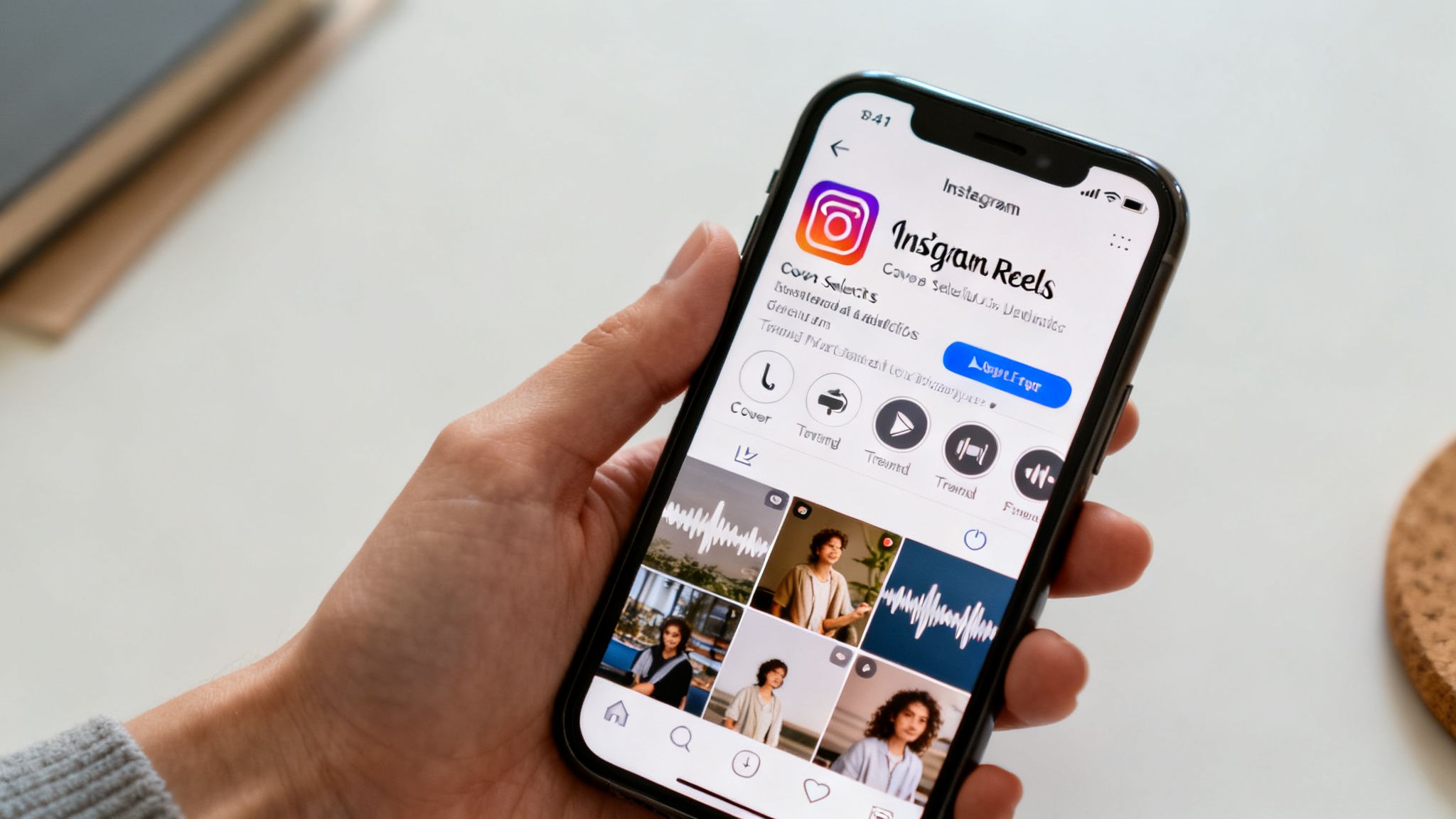
Once you've got your perfectly formatted 9:16 clip saved to your phone, the process is straightforward. Open the Instagram app, hit the + icon, and choose "Reel." From there, you'll select the video from your camera roll.
This is where the real work begins—the small tweaks that can make or break your Reel's performance.
Fine-Tuning Your Reel for Discovery
Before you even think about hitting "Share," you need to optimize a few key things. Think of it as giving the algorithm clear signals that your content is worth pushing to a wider audience.
- Add a layer of trending audio. This is a pro-level tip. Even if your clip has narration or its own sound, find a trending song or audio clip and add it. You can turn its volume down to 1%, so it's practically silent, but the algorithm will still associate your Reel with that trend, boosting its visibility. Just tap the music icon and see what’s popular.
- Pick a scroll-stopping cover. Never let Instagram choose a random, blurry frame as your thumbnail. It’s a guaranteed way to get scrolled past. Tap "Edit cover" and either slide through the video to find a clear, compelling shot or, even better, upload a custom cover image you’ve already designed.
- Write a keyword-rich caption. Your caption isn't just for your followers; it's for Instagram's search and recommendation system. Keep it concise, but pack it with terms people would actually search for to find content like yours.
Remember, the first two seconds determine if someone keeps watching. I always use the native text tool in the Reels editor to add a hook right at the start. A simple question or a bold statement in a text box can make a huge difference in holding someone's attention.
With those elements in place, write out the rest of your caption, add a few relevant hashtags, and you're ready to share. If you need a more granular walkthrough of those final steps, we've got a full guide on how to share Reels on Instagram.
Paying attention to these details is what separates a forgotten upload from a strategic piece of content that actually grows your audience.
How to Use Stories and Feed Posts to Nurture Your Audience
While Reels are your best bet for getting in front of new eyes, your Instagram Feed and Stories are where you really connect with the audience you already have. When you post a YouTube video to Instagram in these formats, the game changes. You're not chasing viral fame; you're building trust and providing value to your followers.
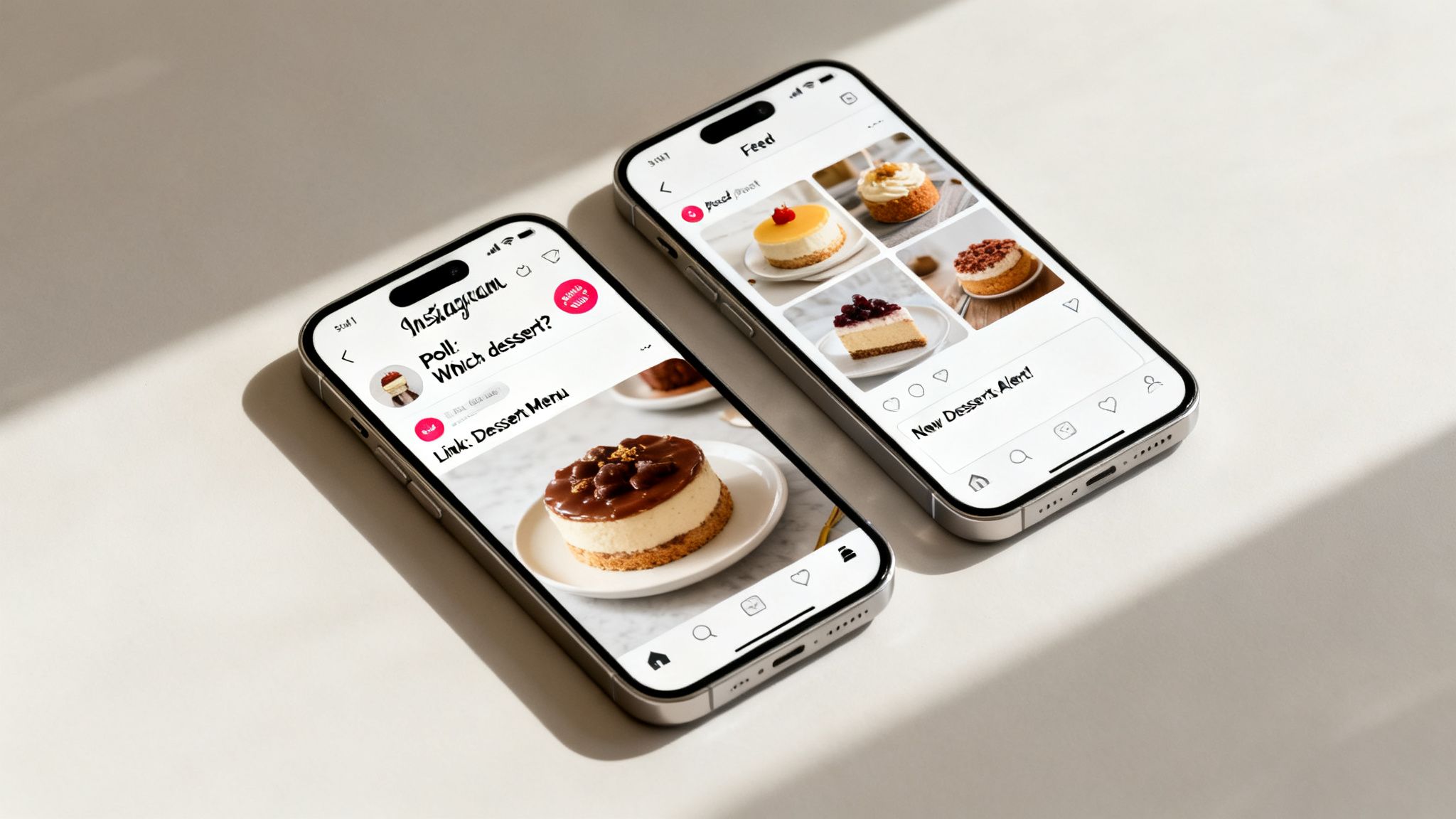
Think of it this way: the Feed is for your polished, high-impact clips, and Stories are for those quick, interactive, behind-the-scenes moments. Both are crucial for keeping your community engaged.
Driving Action with Instagram Stories
Instagram Stories are gold for turning passive viewers into active community members. Their temporary, 24-hour nature creates a sense of urgency that’s perfect for getting people to take action right now. This is where you can get creative with Instagram’s built-in features to make your YouTube clip work harder for you.
Here are a few tactics I’ve seen work wonders:
- Poll or Quiz Stickers: After a short clip from your YouTube video, slap on a poll sticker. If you shared a tutorial, you could ask, "Have you ever tried this technique before?" It’s a simple way to get a response.
- Countdown Sticker: Got a big YouTube premiere coming up? Use a snippet as a teaser and add a countdown sticker. Your followers can subscribe to it and get a notification when your video goes live.
- The Link Sticker: This is your direct line to YouTube. Show the most exciting 15-second part of your video, then use the Link Sticker with a can’t-miss call to action like, "Watch the Full Video on YouTube!"
Don't underestimate this strategy. Instagram’s own data shows that 58% of users say they become more interested in a brand after seeing it in their Stories. If you’re curious, you can explore more video marketing statistics to see just how powerful this is.
Crafting Engaging Feed Posts
Think of your Instagram Feed as your brand’s portfolio. It’s where your best stuff lives. For video posts, always use the 4:5 aspect ratio to fill up as much of the screen as possible—you want to stop the scroll. Your main goal here is to create content so good that people hit the "Save" button, which is a huge signal to the Instagram algorithm that you’re posting valuable content.
A killer Feed post caption does more than just explain what’s in the video. It starts a conversation. Always try to end your caption with a direct question to get the comments flowing, like, "What's the biggest challenge you face with [your topic]? Drop your thoughts below!"
You have two solid options for Feed posts. You can share one powerful, standalone highlight from your YouTube video. Or, you could create a carousel post with multiple clips. A carousel is a fantastic way to break down a bigger idea into a few digestible pieces, telling a more complete story and keeping people on your post for longer.
Nailing the Final Touches for Maximum Reach
Getting your video onto Instagram is just the start. Now, the real work begins: making sure people actually see it. How you package your post is just as important as the video itself, and it all starts with a caption designed to do more than just describe what’s happening.
Your goal here is to spark a conversation. The easiest way? Ask a direct question. If you just posted a clip from a DIY tutorial, you could wrap up your caption with something like, "What's the one project you’re dying to start this month? Drop it below!" This simple trick is a direct invitation to engage, which is exactly what the Instagram algorithm loves to see.
Rethinking Your Hashtag Game
Forget what you knew about pasting in 30 generic hashtags and calling it a day. The modern approach is all about strategic layering. You want a mix of tags that helps you show up in different kinds of searches without getting totally buried.
Here’s a simple, effective formula I’ve seen work wonders:
- Go Broad (but not too broad): Pick 2-3 popular tags like #VideoEditing or #ContentCreator. These get you into the big conversations.
- Find Your Niche: This is your sweet spot. Add 3-5 super-specific tags that nail your video's topic, like #YouTubeToInstagram or #VideoRepurposingTips. This is how your ideal audience finds you.
- Brand It: Always include 1-2 unique tags for your own brand or a series, like #ClipCreatorHacks. It builds community and makes your content easy to find later.
One of the most powerful—and most skipped—steps is choosing a cover photo. Never, ever let Instagram pick a random blurry frame for you. You need to upload a custom cover image with a bold, high-contrast text hook. It’s the first thing people see and can be the single biggest factor in whether someone on the Explore page stops scrolling.
Finally, don't just post whenever you feel like it. Take a quick look at your Instagram Insights and pinpoint when your followers are most active. Dropping your video during those peak hours gives it that crucial initial boost, telling the algorithm this is content people want to see.
Making Your Workflow Smarter with Automation

Let's be real: manually downloading, editing, and scheduling every single video is a soul-crushing time drain. If you're a busy creator trying to stay consistent, this manual grind becomes a huge bottleneck that limits how much you can actually post.
This is where a smart, automated workflow completely changes the game. Instead of losing hours to repetitive grunt work, you can let technology handle the entire process from start to finish.
Putting Your Repurposing on Autopilot
Picture this: your latest YouTube video gets automatically transformed into perfectly formatted, subtitled Instagram Reels without you lifting a finger. That's exactly what tools like ClipCreator.ai are designed to do. They hook right into your YouTube channel, pinpoint the most engaging moments, and reformat them for Instagram’s vertical-first world.
This isn’t just about saving a few minutes here and there; it’s about hitting the posting frequency that the Instagram algorithm loves. Consistency is everything when it comes to growth, and automation is what makes it possible. You can get the full rundown on how to automate your social media posts and build a content strategy that actually works for you.
Here’s a look at the features that make this happen:
- AI-Powered Clip Selection: The system automatically finds the most viral-worthy highlights from your long-form videos.
- Auto-Resizing and Subtitling: It instantly converts horizontal videos to the crucial 9:16 aspect ratio and bakes in accurate, easy-to-read captions.
- Multi-Platform Scheduling: You can set your optimal posting times in advance, making sure your content goes live right when your audience is scrolling.
When you automate the tedious technical steps, you free yourself up to focus on what really matters: creating amazing original content for your main channel. The system handles all the distribution, helping you scale your presence across platforms without hitting a wall of burnout. This shift from manual labor to an automated system is how sustainable creators grow.
Ready to stop wasting time and start scaling your content effortlessly? With ClipCreator.ai, you can turn your YouTube videos into high-performing Instagram Reels automatically. Get started today and put your content repurposing on autopilot. Visit https://clipcreator.ai to learn more.

Create your first video in under 2 minutes
Pick a niche, and ClipCreator.ai generates and auto-posts faceless videos to your channels every day.
Join ClipCreator.ai