Adding music to a TikTok video is more than just a finishing touch—it's often the entire foundation of a successful post. You can either jump on a trend using a song from TikTok's massive library, add a sound you've saved from another creator's video, or even upload your own original audio. Honestly, picking the right sound can be the single most important decision you make, turning a simple clip into something that could genuinely go viral.
Why Sound Is Everything on TikTok
On TikTok, audio isn't just background noise; it's the main event. A video's visual appeal often plays second fiddle to the sound it’s paired with. The right track or a trending audio clip acts as a powerful signal, telling the algorithm exactly who needs to see your content.
Music truly is the heartbeat of the platform. Think about it—a staggering 89% of all videos globally feature music. That number is up from 82% in 2021, which just goes to show how much creators rely on audio to hook viewers and ride the platform's waves.
Sound as a Shortcut to Virality
Trending sounds are basically express lanes to the For You page. When you use a sound that’s blowing up, you’re jumping into a huge, ongoing conversation. To really get why this works, you need to understand how the TikTok algorithm actively pushes content that uses popular audio.
This strategy gets your video in front of people who've already shown they like that specific sound, which can seriously boost your chances of getting likes, comments, and shares. For a deeper dive, check out our guide on https://clipcreator.ai/blog/what-makes-a-video-go-viral to see how big a role audio really plays.
The most successful creators don't just add music to their TikToks; they build the entire video concept around a trending sound. The audio comes first, the visual idea second.
So, how do you decide where to get your sound? It really comes down to your goal. Are you trying to join a global trend, build a unique brand voice, or tell a personal story? Each method gives you a different strategic edge.
Choosing Your Audio Source on TikTok
This table offers a quick comparison of the three primary methods for adding sound to your TikTok videos, helping you decide which is best for your specific content needs.
| Method | Best For | Pros | Cons |
|---|---|---|---|
| TikTok's Library | Joining trends, challenges, and getting maximum reach. | Huge selection of licensed music, easy to find trending sounds, boosts discoverability. | Can be overused, might not fit niche content, commercial use restrictions on some tracks. |
| Saved Sounds | Responding to other videos, duets, or using popular non-music audio clips. | Quick access to sounds you already like, great for participating in community-driven trends. | Dependent on finding good sounds from others, audio quality can vary. |
| Original Audio | Branding, storytelling, unique skits, and creating your own trends. | Completely unique to you, builds a distinct brand identity, potential to become a trendsetter. | No built-in audience, requires more effort to create, risk of low engagement if it doesn't resonate. |
Ultimately, choosing the right audio source depends entirely on your content strategy. A mix of all three is usually the most effective approach for growing an engaging account.
Using the TikTok Sound Library Like a Pro
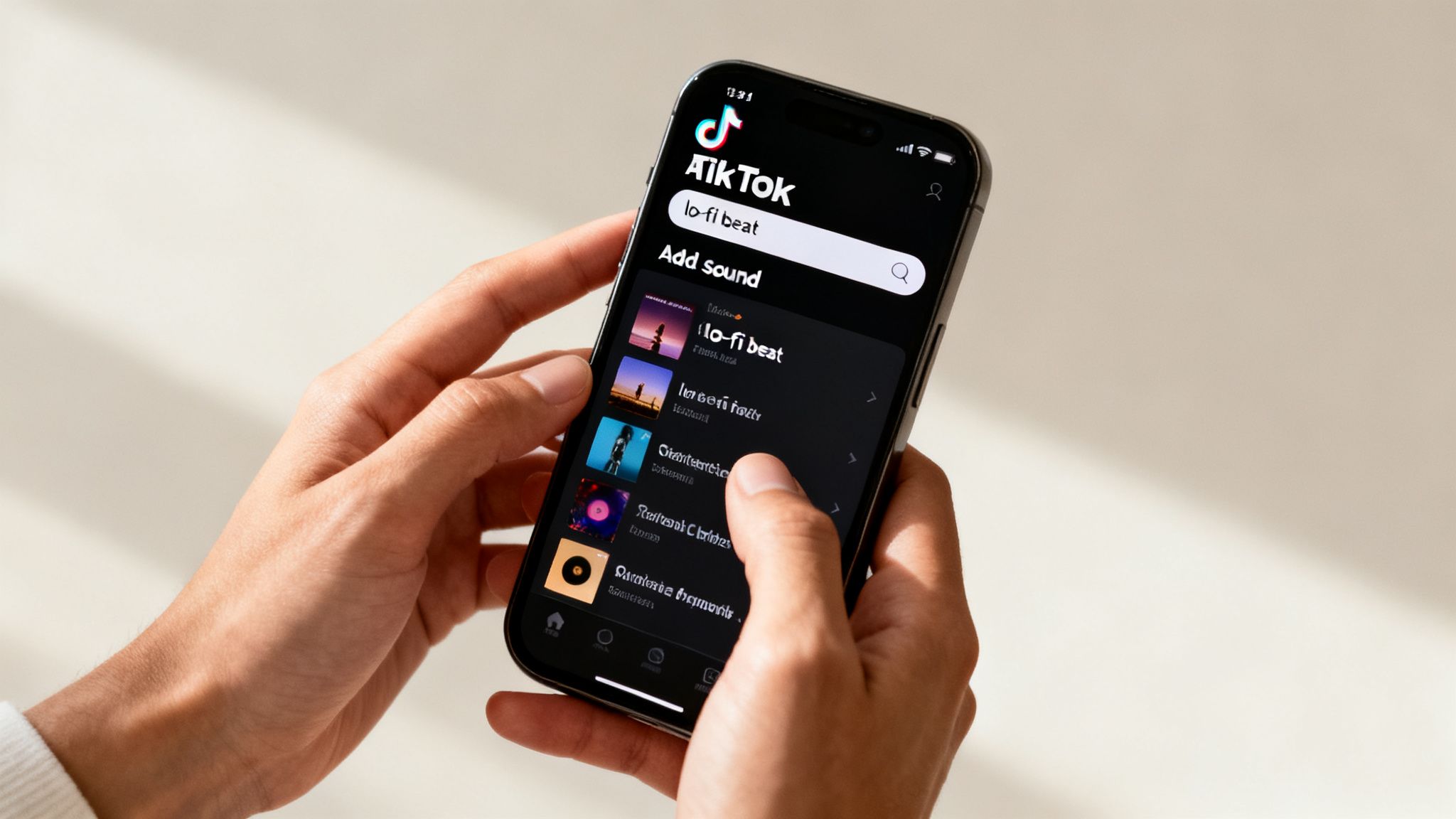
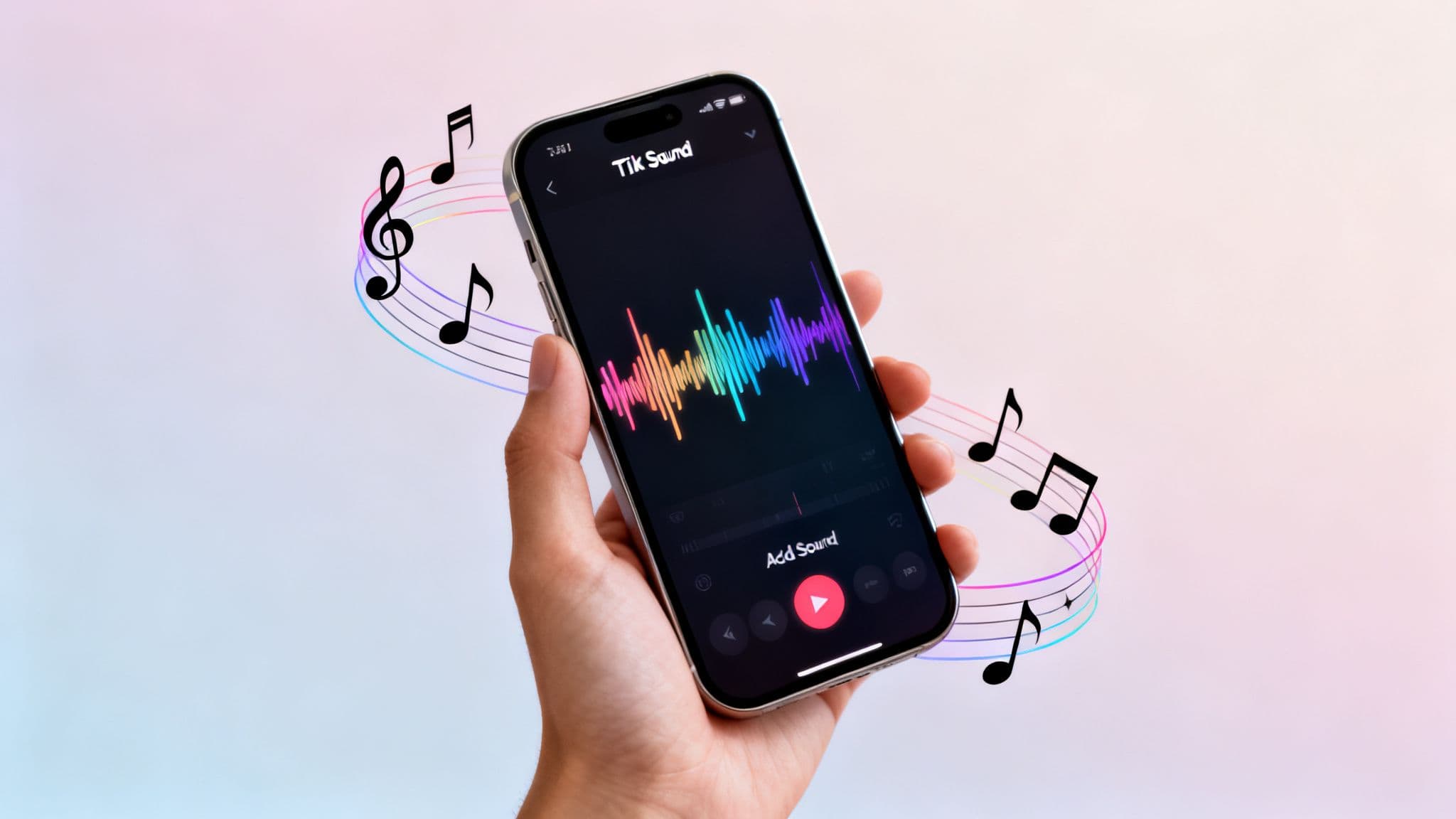
Hitting that 'Add sound' button at the top of your screen is like opening a treasure chest. It’s the engine behind nearly every viral video on the platform, yet most people just skim the surface. If you really want to learn how to add music to TikTok in a way that gets noticed, you need to dig a little deeper than the first few suggestions.
Your initial view is the 'For You' audio feed, which is TikTok's best guess at what you'll like. It's a solid starting point, for sure. But don't let the algorithm do all the work. Take a minute to browse through the playlists—think 'TikTok Viral' or specific genre collections—to find a track that genuinely matches the vibe you're going for.
The Big Hurdle: Personal vs. Commercial Sounds
Here’s something that trips up creators all the time: the type of account you have dictates the music you can use. This isn't just a minor detail; it’s a game-changer.
- Personal Accounts: You’ve got the keys to the kingdom. We’re talking millions of songs, including all the latest chart-toppers. This is perfect for the average user, someone hopping on trends, or anyone not explicitly selling something.
- Business Accounts: Your options are limited to the 'Commercial Sounds' library. This is a curated selection of royalty-free tracks that are legally cleared for you to use in ads or promotional content. It’s the safe route for brands, but it also means that viral pop song is off-limits for your next product video.
So, if you’re managing a business profile and wondering why you can't find a trending sound, that’s your answer. Switching to a Personal Account would unlock the full library, but you might lose some business-specific analytics and features in the process.
How to Search for the Perfect Track
Don't just scroll until your thumb goes numb. The search bar is your best friend. Instead of just punching in a specific artist or song, try searching for a mood or aesthetic.
For a time-lapse of your morning coffee, try searching "calm lo-fi beat." For a dramatic travel reveal, "epic cinematic score" will give you much more compelling options. Thinking this way helps you find audio that doesn't just sit in the background but actually enhances your story.
Picking the right sound is a serious growth hack. Some tracks become phenomena—'Monkeys Spinning Monkeys' has been used in over 63.5 million videos. That shows how one sound can connect with a huge slice of the platform's 1.6 billion users. To get a feel for what’s currently massive, you can discover more about top TikTok tracks on Routenote.
My go-to trick: Pay close attention to your own For You Page. If you hear the same audio pop up on three or more different videos in a single scrolling session, you've probably just spotted a sound that's about to blow up.
This kind of active listening is how you catch a trend on its way up, not when it’s already peaked. For a deeper dive into spotting what's next, check out our guide on how to find trending topics.
Adding Original Audio and Saved Sounds
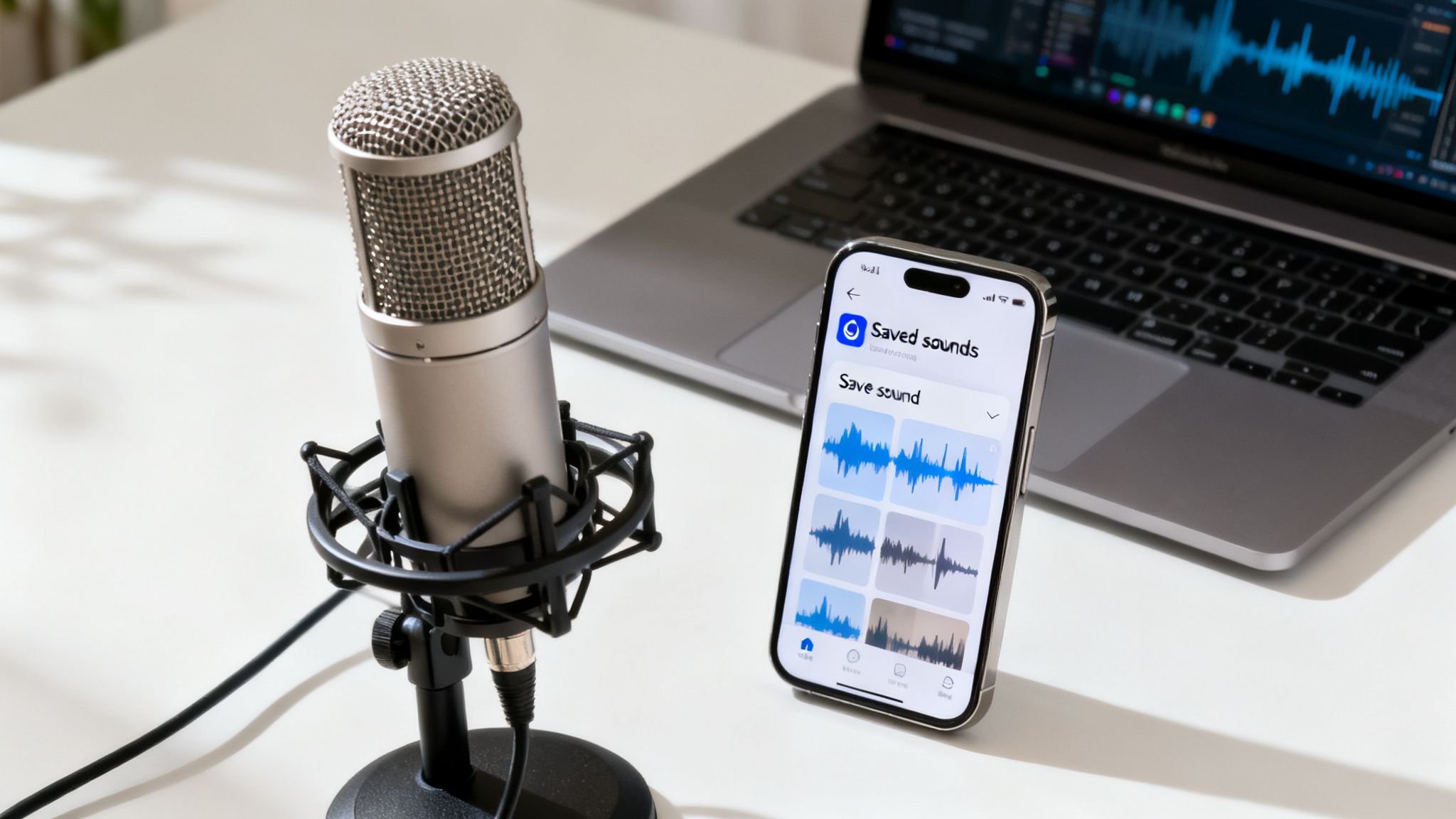
While the TikTok library is fantastic for jumping on trends, sometimes you need something that's uniquely you. This is where original audio comes in, giving your brand a sonic identity that helps you stand out from the endless scroll.
Think about it: a personal voiceover, a custom-made jingle, or your own music can instantly make your content recognizable. If you’re a musician, it's a no-brainer—upload a clip of your new song. If you're a coach or storyteller, your own voice is your most powerful tool.
For a quick voiceover, recording directly in the TikTok app works just fine. But if you're aiming for that polished, professional feel—like with a song or a detailed narrative—I always recommend recording and editing it outside the app first. Using dedicated software gives you way more control to clean up background noise and perfect the sound quality before it ever touches TikTok.
Mastering Your Saved Sounds
Beyond your own creations, one of the best habits you can build is curating your own collection of sounds using the 'Favorites' folder. This is your personal soundboard, pulled directly from your For You Page.
This is what smart creators do to stay on top of trends. When you’re scrolling and hear a sound that’s hilarious, clever, or just starting to bubble up, don't let it slip away.
- Tap the spinning record icon you see in the bottom-right corner of the video.
- From there, just hit 'Add to Favorites' at the top of the sound's page.
Doing this consistently builds an incredible, go-to library for future videos. No more frantically searching for that one sound you heard three days ago.
This curated library becomes your secret weapon. When you have a video idea, you can browse your own handpicked collection of sounds instead of the entire overwhelming library, ensuring your content always feels authentic to your taste.
By being proactive, you're always ready to create. You’ll have a stash of potential trends and niche sounds that fit your style perfectly, making the process of how to add music to TikTok feel much more intuitive. For creators who want to streamline even more, check out how text-to-speech for videos can elevate your content.
Nail Your Audio Sync and Edits
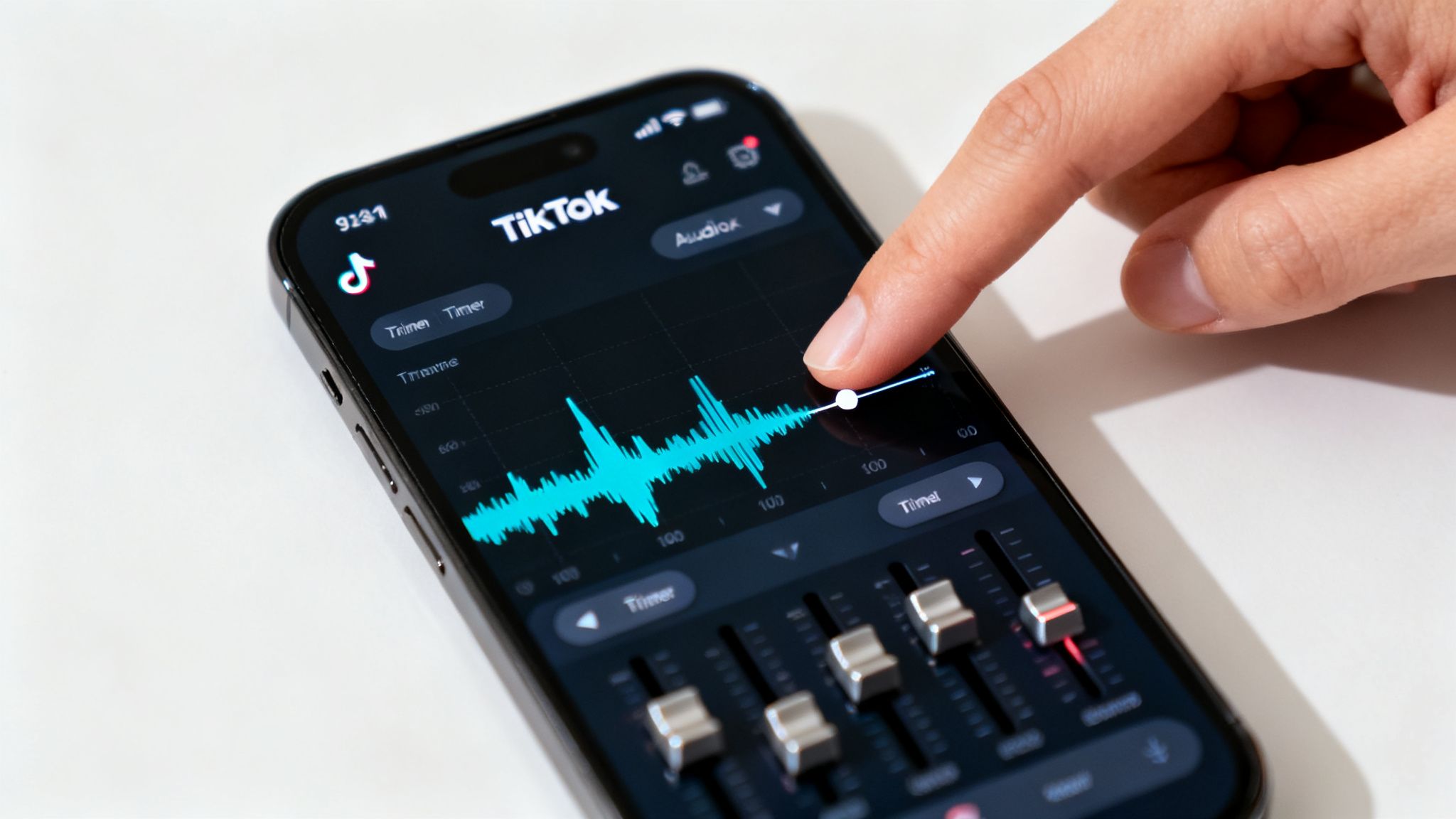
Finding the right track is half the battle, but the real magic happens in the editing suite. This is where you can take a good video and make it great, turning simple clips into polished, professional content that grabs attention. Once you’ve picked a sound, TikTok hands you the tools to make it fit your video perfectly.
The first tool you'll want to master is the Trim function. Just because you add a song doesn't mean you have to use it from the very beginning. Tapping the little scissors icon brings up the track's waveform, letting you drag and select the exact snippet you need.
This is the key to creating those viral, high-impact moments. Think about a video revealing a stunning landscape or a finished art project. You can trim the music to pinpoint the exact moment the beat drops, syncing it precisely with the big reveal. It’s a simple tweak that creates a massive emotional payoff and keeps viewers hooked.
Get the Perfect Mix with the Volume Sliders
After you've trimmed your clip to perfection, it's time to adjust the Volume. This is your audio control panel, and it’s especially critical when you’re juggling your video’s original sound and the music you’ve added.
In the editor, you'll find two simple sliders:
- Original sound: This is everything your phone's microphone picked up during recording—your voice, background noise, the snap of a product opening.
- Added sound: This is the music you just picked from TikTok's library.
Let's say you're filming a "get ready with me" video. You need your voice to be clear and easy to understand. To do this, you’d crank the Original sound up to 100-150% while dialing the Added sound way down to a subtle 10-20%. This gives you a clean, professional voiceover with just enough background music to set the vibe without being distracting.
Getting this balance right is what separates amateur-hour content from polished, engaging videos. People will stick around for clear audio, but they'll scroll away in a heartbeat if the sound is a mess.
Of course, just selecting a good sound isn't enough; the quality has to be there, too. To make your TikToks truly stand out, take some time to learn the best practices to improve audio quality. Mastering these simple tools is a game-changer for your content.
Weaving TikTok Music into Your Automated Workflow
If you're using automated tools like ClipCreator.ai to ramp up your content creation, your approach to adding music needs a little finesse. While automation is a game-changer for producing videos at scale, you can easily miss out on the viral lift that comes from using TikTok's native, trending sounds.
The smartest play here is a hybrid strategy. First, let your tool generate and export the video with its AI voiceover and subtitles, but make sure to export it without any background music. That AI-generated voiceover will become your "Original sound" on TikTok, which is the perfect starting point.
The Two-Step Upload Method
With your clean, music-free clip ready to go, the process is straightforward. Upload that video directly into the TikTok app. Before you post, tap 'Add sound' and find a trending track from TikTok's library that matches the vibe of your video.
This simple two-step process unlocks a couple of huge benefits:
- Ride the Algorithm: Using a trending sound from TikTok's own library is a massive signal to the algorithm that your content is current and relevant, which can seriously boost its visibility.
- Perfect Your Audio Mix: This lets you use TikTok's volume mixer to get the balance just right. You can dial the trending music way down so it's just a subtle background layer, ensuring your original voiceover and message come through loud and clear.
Why This Approach Wins
This isn't just a theory; it's a proven formula for success on the platform. Think about it—the data doesn't lie. A whopping 67% of users actually prefer seeing brand content that features popular, trending music.
Mastering this blend of original audio and trending sounds is how you get that perfect synergy that can take a video viral. It’s what helped creators like Bella Poarch break records. For anyone using automation to scale their content, this is the essential last step to truly connect with TikTok's audience. You can dive deeper into the numbers by checking out these TikTok audio statistics on Soundcamps.
Frequently Asked Questions About TikTok Music
Navigating the world of TikTok audio can sometimes feel like trying to hit a moving target. Even seasoned creators get stumped. Let's tackle some of the most common questions that come up when you're figuring out how to add music to a TikTok video.
Getting these details right is the difference between a smooth upload and a frustrating error message—or worse, a muted video.
Why Can't I Find Popular Songs on My Account?
This is easily the number one question I hear, and the answer almost always circles back to your account type. If you have a Business Account, you're firewalled from the trending music charts. Instead, you're given access to TikTok's 'Commercial Sounds' library.
This isn't a glitch; it's by design. The commercial library is filled with royalty-free tracks that are pre-cleared for marketing and promotional content. To unlock the full universe of pop hits and viral audio, you’ll need to switch back to a Personal Account in your settings. Just be mindful that you'll lose access to some of the business-specific analytics and features.
Is It Okay to Upload My Own Copyrighted Music?
In a word: no. Uploading a song you don't own the rights to is playing with fire. It's a direct violation of TikTok's terms of service and, more broadly, copyright law itself.
TikTok’s content ID system is incredibly sophisticated and getting better every day. It automatically scans for and flags unauthorized copyrighted audio. The result? Your video could get muted, taken down entirely, or you could even get a strike against your account.
Your safest bet is to always stick to the sounds provided within TikTok’s library or create your own original audio. It's just not worth the risk.
How Do I Find Trending Sounds Early?
Catching a trend before it explodes is the holy grail for going viral. There’s no secret button for this—it all comes down to being an active, observant user on your For You Page.
Here's what to look for:
- You hear the same sound pop up in a few different videos within a short amount of time.
- You tap the spinning record icon and see that the number of videos using the sound is still relatively low—maybe under 15,000 or so.
- Crucially, most of the videos using it are very recent.
When you spot this pattern, you’ve likely found a sound on the verge of taking off. Save it to your favorites right away and brainstorm a video idea before it becomes oversaturated.
Ready to create compelling video content without the hassle of filming or editing? ClipCreator.ai automates the entire process, generating engaging, faceless videos with AI-powered scripts, lifelike voiceovers, and auto-posting features. Find out more at ClipCreator.ai and start scaling your content today.

Create your first video in under 2 minutes
Pick a niche, and ClipCreator.ai generates and auto-posts faceless videos to your channels every day.
Join ClipCreator.ai