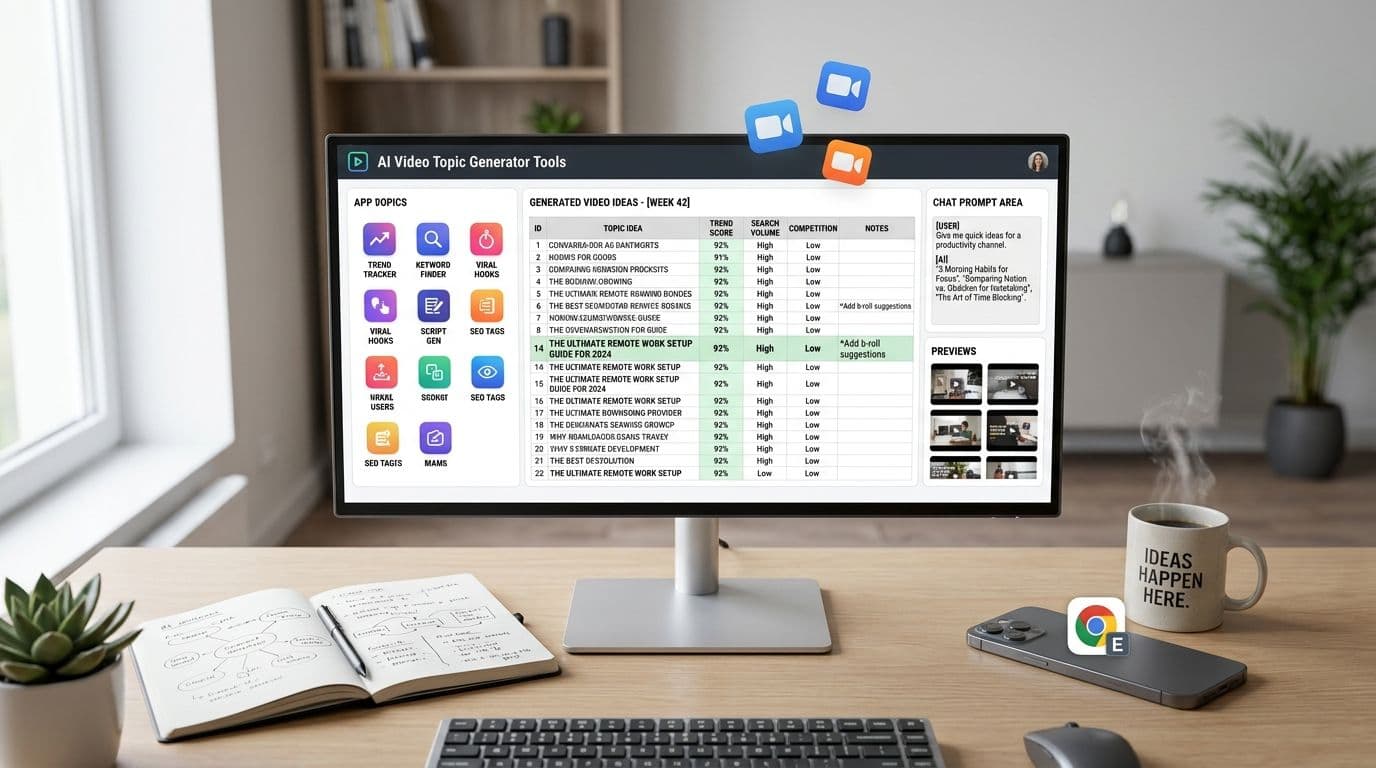
You sit down to make today's Short, open a notes app, and lose 20 minutes before you even pick a topic. That stall point is common with faceless video workflows. Editing can be systemized. Topic selection usually cannot, unless you use the right generator for the job.
The useful tools are not all doing the same work. Some pull search questions you can answer in under 30 seconds. Some help you catch trends before they flatten out. Some are better for validating whether an idea has enough demand to justify turning it into a series. If you publish often, that distinction matters because the best topic is the one you can turn into a finished video fast, not the one that only looks interesting in a keyword report.
This guide focuses on that handoff.
You are not just getting a list of topic generators. You are getting a practical workflow for short, faceless videos: find an idea, judge whether it has legs, and move it straight into scripting, visuals, voiceover, and publishing with modern creation tools. That is the difference between collecting ideas and building a repeatable posting system.
The tools below cover different stages of that process. Some are best for YouTube search intent. Others are stronger for TikTok trend discovery or question mining. Used together, they help you fill a content calendar with topics you can produce this week.
1. ClipCreator.ai
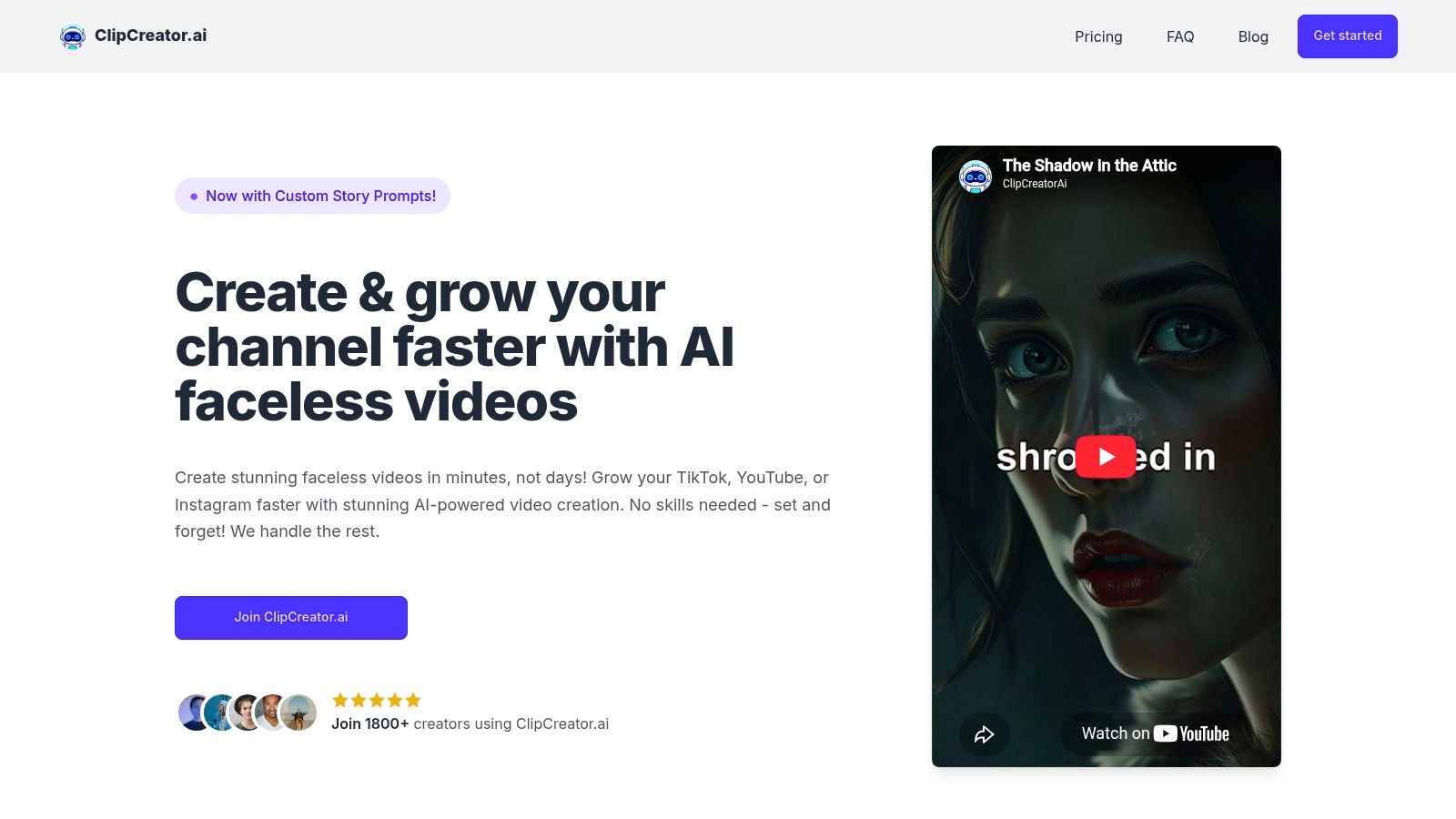
ClipCreator.ai fits the creator who does not just need more ideas. You need a way to take a usable topic and turn it into a finished short before the next batch is due.
That makes it different from the other generators in this list. ClipCreator.ai sits closer to the production end of the workflow. Once you have a topic, it can build the script, visuals, voiceover, subtitles, and publishing setup in one place. For faceless channels, that cuts out a lot of handoffs between separate tools.
Where it fits best
ClipCreator.ai works best after you have already chosen your niche and content format. If you post explainers, list-style shorts, story clips, or simple educational videos, it gives you a faster path from topic to publish than a stack of separate writing, editing, and scheduling apps.
The practical advantage is consistency. A lot of creators can come up with five decent ideas. Fewer can script, edit, subtitle, and publish those five ideas on schedule every week. ClipCreator.ai is built to handle that production load.
Its pricing is straightforward: Starter is 19/month for 3 posts per week, Daily is 39/month, and Pro is $69/month for posting twice a day. The platform also says you keep full ownership, can cancel anytime, and can request a one-time refund within 7 days through Stripe if your first two videos are not a fit.
How to use it in a real workflow
The best way to use ClipCreator.ai is as the execution layer in your short-form system.
- Bring in one specific topic: Start with a question, search query, or trend angle from another tool in this guide.
- Write a tight production prompt: Include the audience, hook, tone, platform, and one clear takeaway.
- Generate the first version fast: Let the platform build the script, scenes, voice, and captions.
- Edit the weak points only: Fix the opening hook, pronunciation, scene order, and CTA. Leave the rest alone unless it blocks clarity.
- Batch your outputs: Generate several shorts in one sitting so you are not creating under deadline pressure.
A simple example helps. Say another tool surfaces the topic “morning habits that hurt productivity.” Instead of pasting that in raw, turn it into a production prompt with constraints: a 25-second YouTube Short, direct tone, three mistakes, one-sentence intro, stock-style visuals, and a closing line that invites comments. That small step usually gets you a cleaner first draft and less editing work.
Practical rule: Use topic generators to find demand. Use ClipCreator.ai to turn that demand into publishable assets quickly.
There is a trade-off. You gain speed, but you give up some fine-grained control. If your process depends on custom motion graphics, scene-by-scene timing tweaks, or highly stylized editing, this will feel limiting compared with a full manual editor. If your goal is to publish faceless shorts consistently, the speed advantage is often worth more than that extra control.
Use ClipCreator.ai if your bottleneck starts after the idea is chosen. It is strongest when you already know what to make and need to get it produced this week.
2. vidIQ
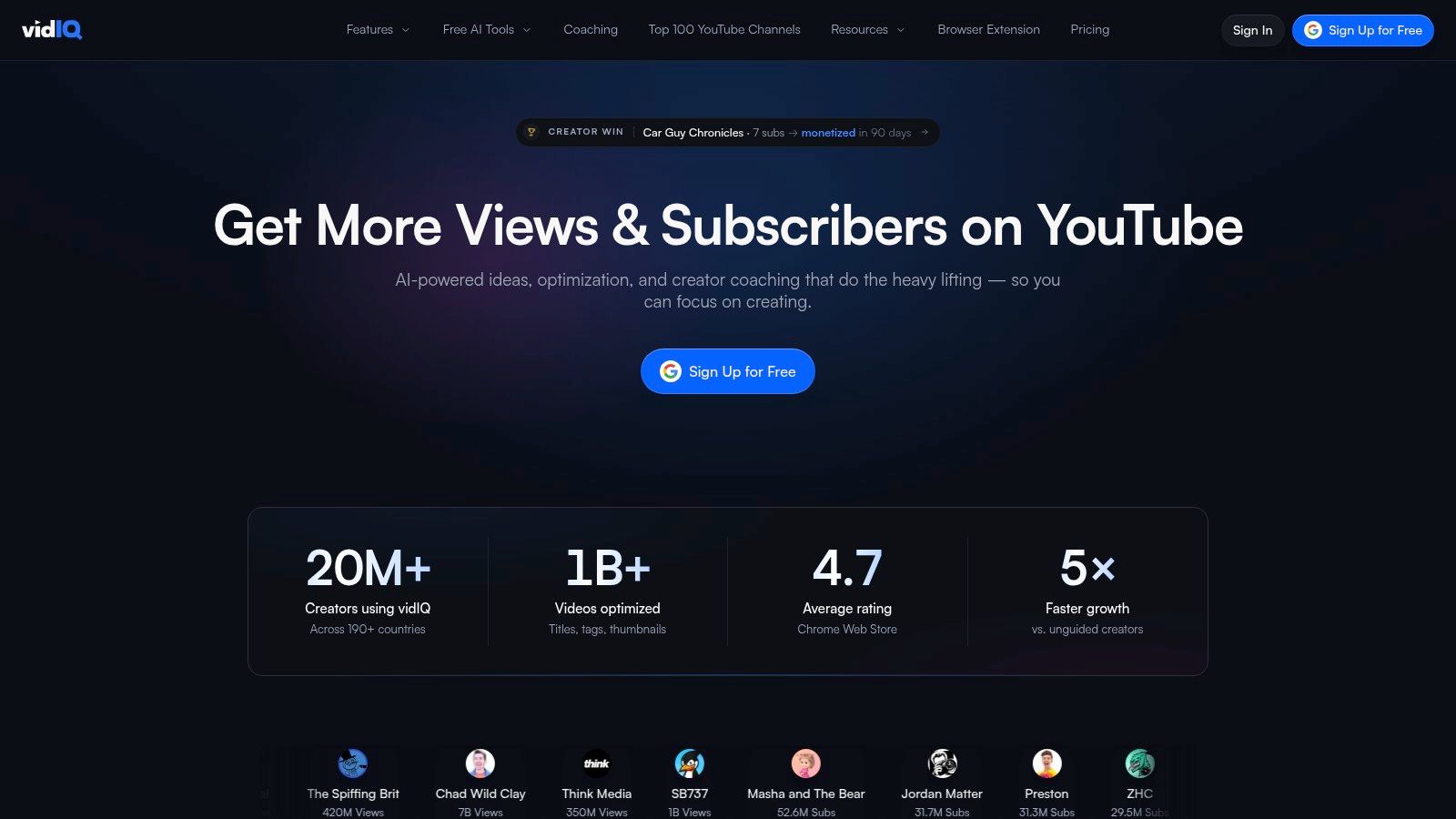
You open YouTube Studio, know you need to post today, and still do not have a usable angle. That is the problem vidIQ solves well. It does not just spit out broad topic prompts. It uses your channel data to suggest ideas that fit what you already publish, which makes it more useful for creators running a repeatable shorts workflow.
That matters if you make faceless videos on a schedule. Generic idea tools can give you inspiration, but channel-aware suggestions are easier to turn into titles, hooks, and scripts without forcing the topic.
Best use case
vidIQ fits creators who already have some publishing history on YouTube and want a faster way to build a backlog. The Daily Ideas feature can give you more options than you will realistically use, so the key skill is filtering. Look for ideas that are narrow, clear, and easy to explain in under 30 seconds.
The prediction labels help with that first pass. I would still sanity-check every idea against your format. A strong topic for a long video can fall flat as a short if it needs too much setup.
More suggestions help only if you cut hard. Save the ideas with one clear promise and ignore the rest.
How to turn a vidIQ idea into a faceless short
Use vidIQ at the topic-selection stage, then move quickly into production.
- Choose the most specific idea on the list: “Morning habits that kill focus” is easier to script than “productivity tips.”
- Turn it into a short-form brief: Write a one-line hook, three supporting points, and a closing CTA.
- Match the idea to a visual format: Lists, myths, mistakes, and quick explainers usually convert well into faceless shorts.
- Send the brief into your production tool: If you use an automated editor, keep the prompt tight so the first draft stays usable.
A practical example. If vidIQ suggests an angle around sleep and focus, do not carry the idea over as a vague title. Convert it into something production-ready: a 20-second Short, direct tone, three habits, stock footage of bedtime routines, on-screen captions, and a final line asking viewers which habit hurts their sleep most. That step is what turns ideation into output.
vidIQ has limits. It is built around YouTube, so it is less useful if your process starts with TikTok trends and only later gets repurposed for Shorts. Lower plans can also feel restrictive if you rely on several AI features in the same week.
For YouTube-first creators, though, vidIQ is one of the better tools for answering a practical question fast. Which topic can you turn into a publishable faceless video today?
3. TubeBuddy
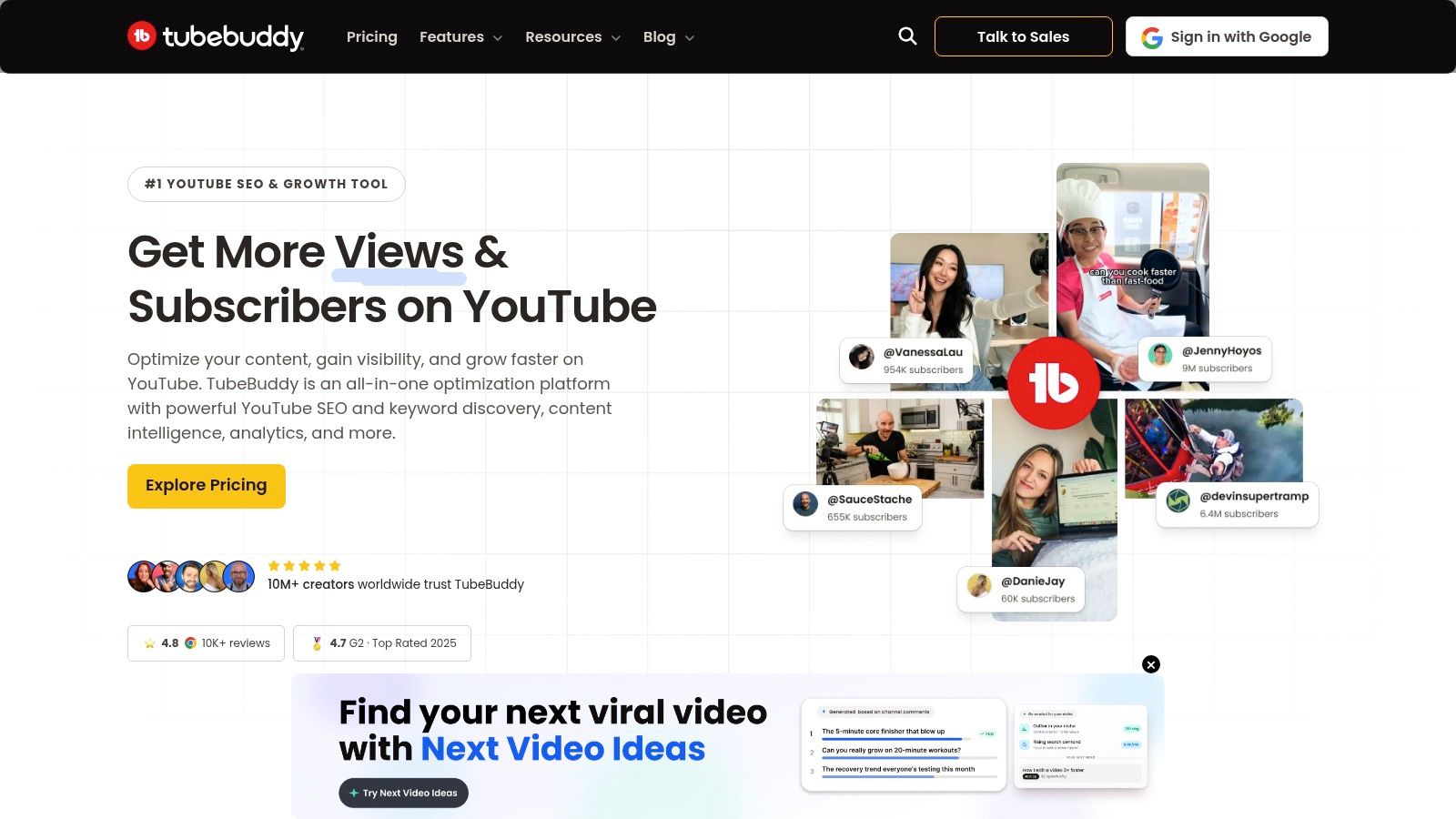
TubeBuddy works best when you already have a rough idea and need to decide whether it deserves production time.
That makes it useful for faceless channels that publish often. If you make shorts in batches, the expensive mistake is not a bad script. It is building five videos around a weak topic. TubeBuddy helps you catch that earlier by narrowing broad themes into search-backed angles you can package.
Where TubeBuddy fits in a real workflow
Use TubeBuddy after initial brainstorming and before scripting. Start with a niche term, check Keyword Explorer, and look for phrases with a clearer audience promise than your first draft. “Sleep tips” is still too wide. “Bedtime habits that keep you awake” gives you a stronger hook, cleaner visuals, and a simpler 30 to 45 second structure.
From there, turn the keyword into a short brief right away:
- Hook: one problem statement the viewer recognizes
- Body: two or three fast points
- Visual plan: stock clips, screen text, B-roll loops, or AI visuals
- CTA: one comment prompt or follow-up question
That is the part many creators skip. A topic generator only helps if the output moves straight into production. If you want a repeatable system, pair this with a content gap analysis process for finding missed video angles so your shortlist is based on both demand and gaps in the niche.
What TubeBuddy is good at, and where it lags
TubeBuddy is stronger at validation than discovery. It helps you judge whether an angle is too broad, too competitive, or too vague before you write a script. That is different from AI-first tools that throw out dozens of ideas but give you little help choosing among them.
The trade-off is speed versus depth. TubeBuddy will not generate the script, visuals, captions, or edit. Some older features, especially around tags, matter less than hook strength, pacing, and retention for short-form video. If your workflow depends on AI support for research and scripting, tools in the best natural language processing tools category can fill that gap after TubeBuddy gives you the topic.
TubeBuddy is a practical filter. Use it to choose the angle, then move fast into your script and faceless short build while the idea is still specific.
4. Semrush
Semrush isn't a video-first tool, and that's exactly why some creators miss how useful it is. Its Topic Research and Topic Finder features are excellent when you want to build a content system instead of chasing isolated post ideas.
If your faceless channel needs a month of related shorts around one theme, Semrush is better than most dedicated creator tools.
Building series instead of one-offs
Enter a seed topic and you'll get subtopics, common questions, and headline-style angles that adapt well to short scripts. That's especially useful if your channel teaches, explains, compares, or reacts.
For example, a single broad idea can become:
- Myth-busting clips: One misconception per short
- Question-led shorts: One audience query per video
- Series clusters: Beginner, mistakes, tools, and trends around the same topic
If you're trying to find gaps competitors missed, this is a good place to pair Semrush with a more deliberate content gap analysis workflow. It's also a smart complement to broader language tooling if you use best natural language processing tools for research or scripting support.
What works in production
Semrush is strongest when you convert its output into batches. Don't export fifty ideas and call it a strategy. Pick one cluster, write five hook variants, and produce them as a series.
The trade-off is complexity. If you only want a quick topic spark, Semrush can feel heavy. But if your channel wins by covering a topic from multiple angles, Semrush Topic Research gives you a better planning surface than most creator-first apps.
5. AnswerThePublic
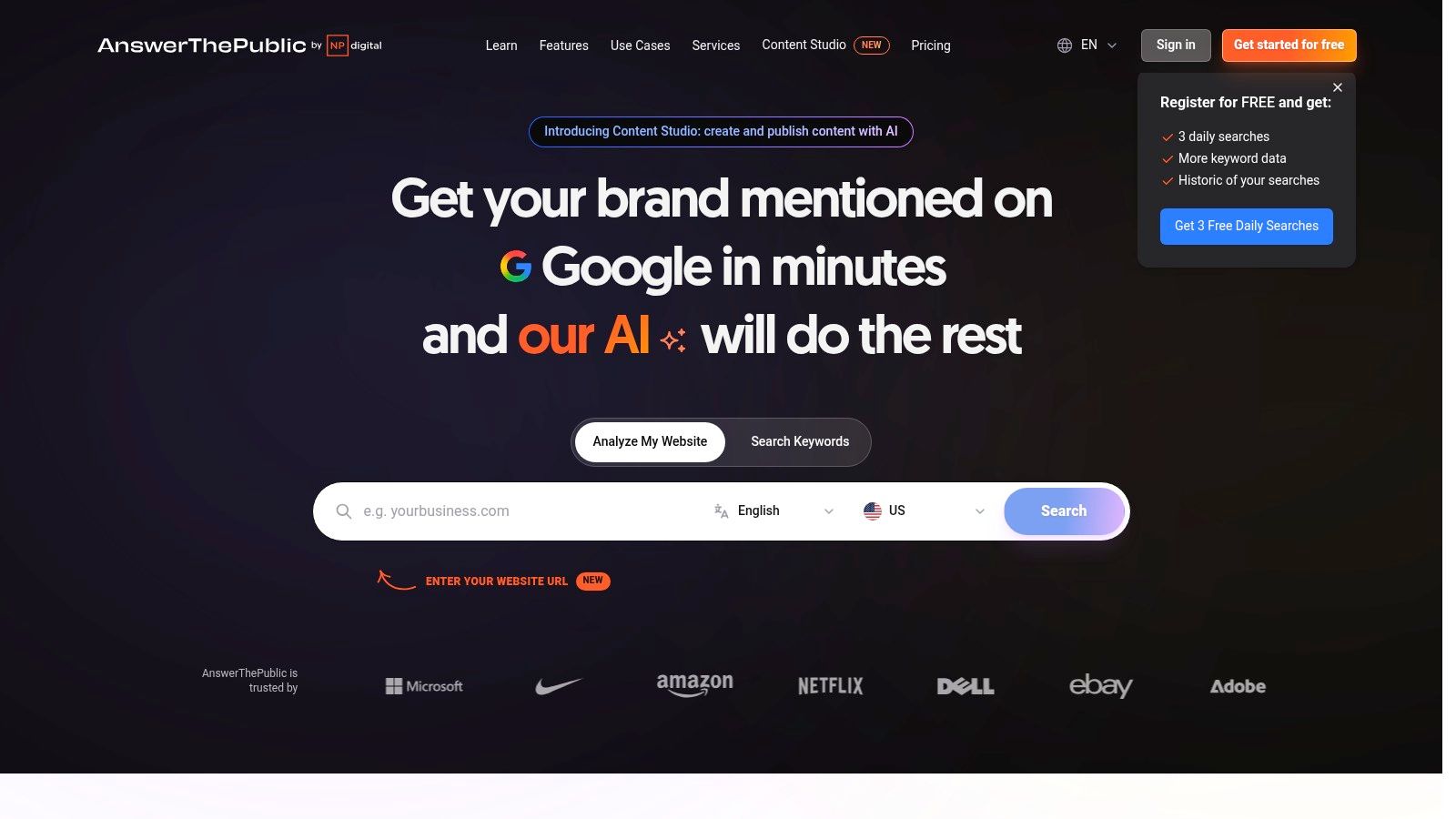
AnswerThePublic is useful when your biggest problem isn't trends. It's angles. You know the niche, but you don't know which question to lead with.
That's where this tool shines. It turns a keyword into a map of real search phrasing, which is perfect for hooks.
Why it works for faceless shorts
Question-based videos are easier to script than broad topics. “How do I fix X?” and “Why does Y happen?” naturally create a beginning, middle, and payoff. That's ideal for concise, faceless content.
It also helps with channel structure. If you're building repeatable formats, those question clusters can become content pillars. In such cases, a content pillar strategy for creators becomes useful, because the best topic banks are organized by repeatable themes, not random prompts.
A searchable question is often a stronger short than a clever headline. Questions create built-in curiosity.
Fast workflow
Use AnswerThePublic like a hook generator, not a final decision-maker.
- Search one niche phrase: Keep it broad enough to produce variations.
- Pull the strongest question forms: Focus on “how,” “why,” and “what happens if.”
- Rewrite for spoken delivery: Search language often needs tightening before it sounds natural on video.
- Move it into production immediately: Don't leave good hooks sitting in a spreadsheet.
Its trade-off is that it isn't video-specific. You still need to decide if a question deserves TikTok treatment, YouTube Shorts treatment, or a longer format. Free access is also limited enough that serious use usually pushes you toward a paid plan.
Still, for turning vague niche knowledge into concrete hooks, AnswerThePublic is one of the simplest tools to use well.
6. AlsoAsked
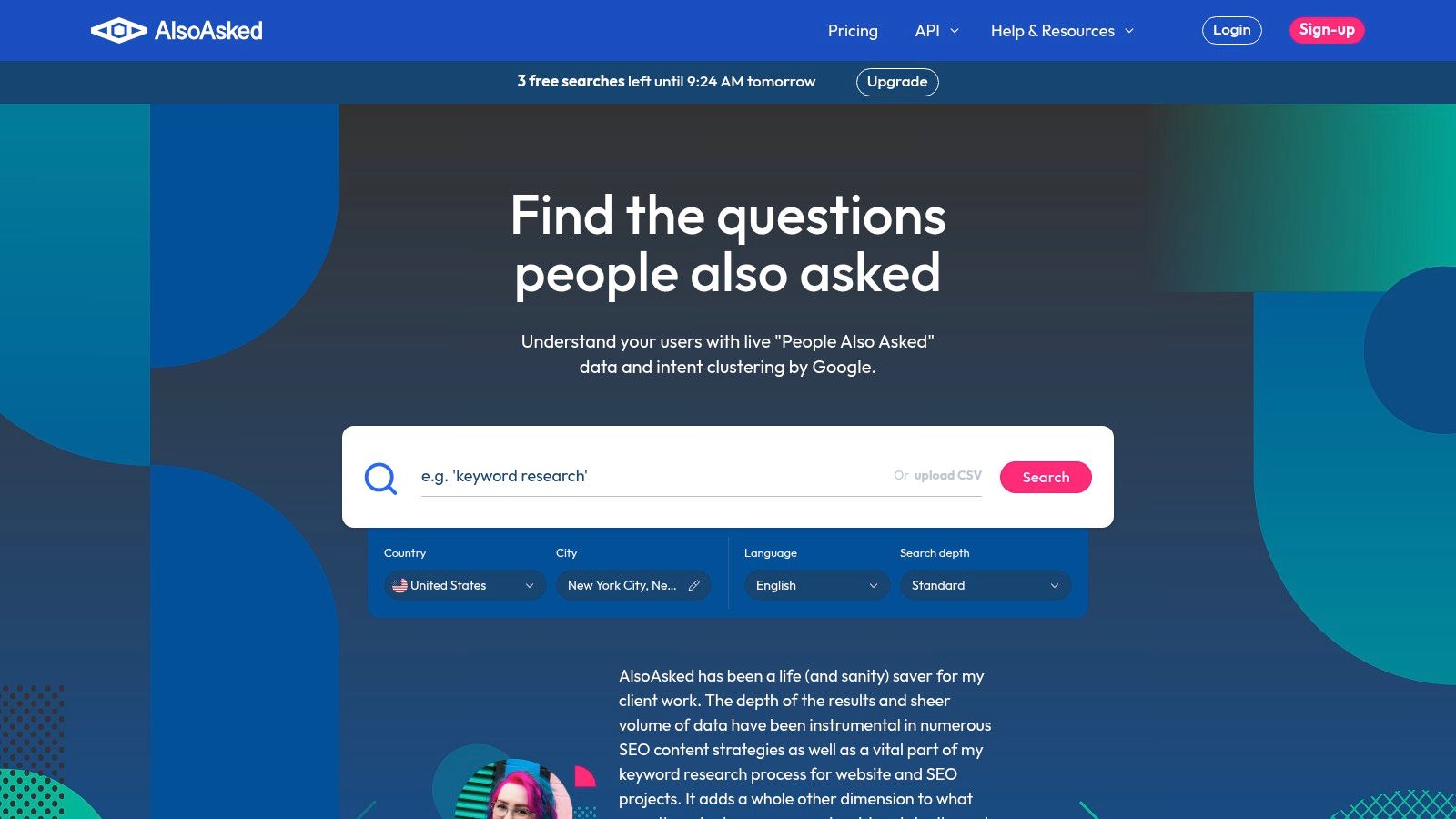
AlsoAsked is one of the cleanest tools here. It visualizes related search questions in a branching tree, which makes it excellent for creators who like building one idea into several follow-up shorts.
You don't use it for polished recommendations. You use it to see how audience curiosity expands from one starting point.
Where it beats broader tools
The tree view is the main advantage. It helps you spot the natural sequence of questions a viewer might ask after your first video. That's useful because short-form channels often grow faster when one clip leads naturally into the next.
A single seed topic can turn into:
- A starter short: the broad question
- A follow-up short: the confusing sub-question
- A myth short: a related misconception
- A comparison short: two adjacent options or outcomes
Best workflow for batching
Use AlsoAsked right after you've identified a promising main topic.
- Choose a root question: Start with one idea worth building around.
- Expand the tree: Look for adjacent questions with different intent.
- Assign each branch a format: explainer, myth, warning, comparison, or story.
- Batch-produce the cluster: This keeps your visuals and scripting style consistent.
This isn't platform-specific, so you still need judgment. Some question trees are great for search-based YouTube content but weak for scroll-stopping TikTok hooks. Coverage also depends on how much “People Also Ask” data exists for your niche.
For creators who think in series instead of isolated posts, AlsoAsked is a smart addition.
7. Morningfame
Morningfame has a different feel from most creator tools. It's less about dumping lots of ideas on you and more about helping smaller channels choose topics they can realistically compete on.
That makes it appealing if big all-in-one suites feel noisy.
Why smaller creators like it
The interface guides you toward “winnable” ideas instead of overwhelming you with too many dashboards. If you're still learning how search competition works on YouTube, that simplicity helps.
It also aligns with a shift that changed creator research workflows. The YouTube Research tab launched in 2022, giving creators a platform-native way to identify content gaps based on audience searches, and tools like Morningfame fit that same practical mindset of validating ideas before production.
How to use it well
Morningfame works best when you treat it as a publishing filter.
- Bring in rough topic ideas: Don't wait for a perfect title.
- Check competitiveness: Prioritize topics with a realistic path for your channel size.
- Pick one angle only: Avoid broad concepts that need too much setup.
- Produce in a faceless format: Build one concise script and let your production tool handle visuals and voiceover.
The downside is accessibility. It's invite-only, which means you can't always jump in immediately. It also doesn't replace your production stack.
But if you're growing a YouTube-based faceless channel and want calmer, more guided validation, Morningfame is still a strong option.
8. KeywordTool.io
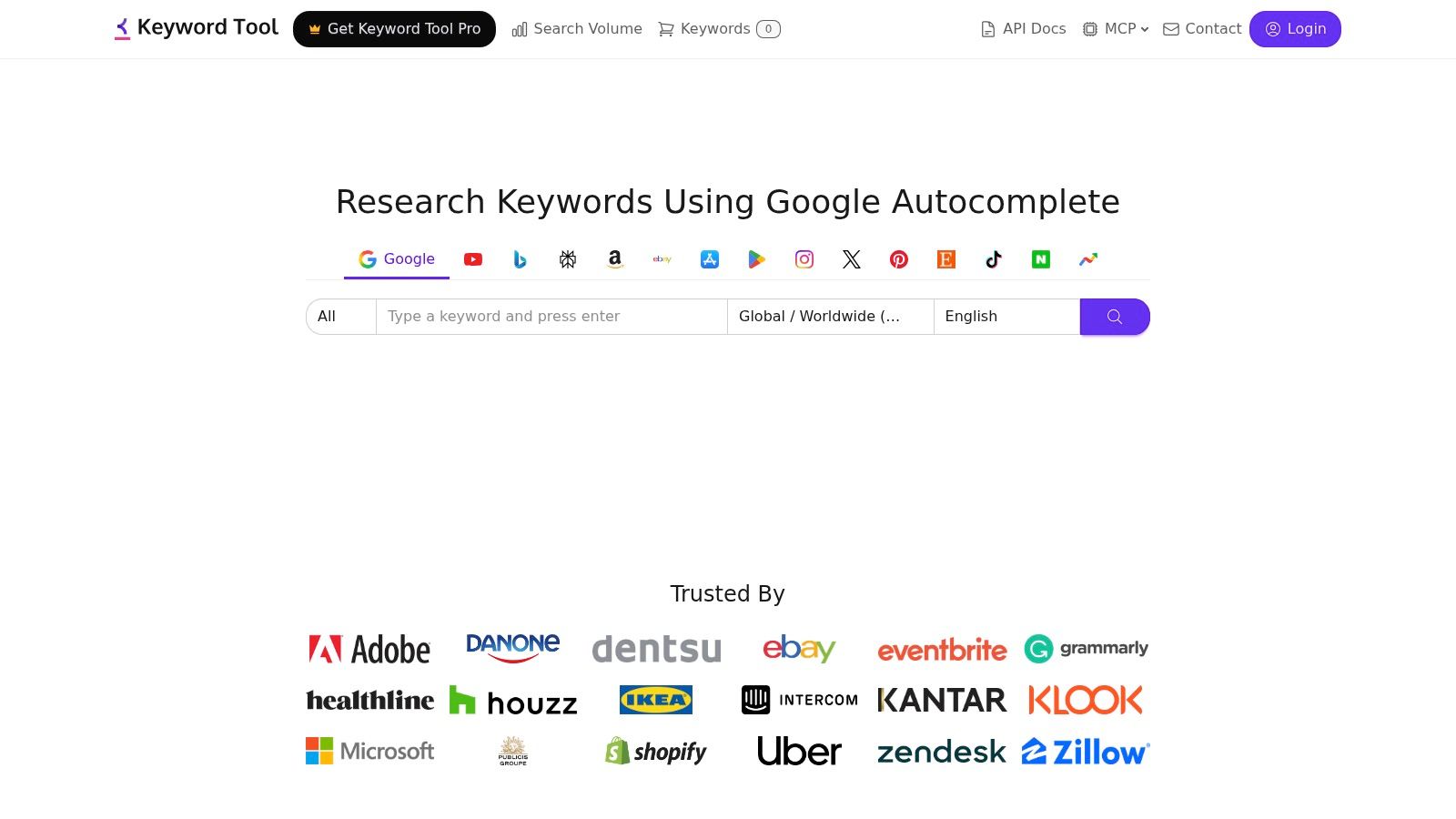
KeywordTool.io is useful when one seed idea needs to become a lot of variants, fast. It pulls autosuggest-style queries from platforms including YouTube, TikTok, Instagram, and Google, which makes it better than many single-platform tools if you publish across several channels.
This is the tool I'd use when topic expansion matters more than topic judgment.
What it does well
The biggest strength is breadth. You can start with one phrase and quickly get long-tail variations that hint at different intent, framing, or audience needs. That's useful for faceless creators because one core idea often performs differently depending on how you package it.
For example, a broad niche concept can become:
- Problem-led topics
- Beginner versions
- Comparison angles
- Trend-adapted spins for different platforms
Production angle
KeywordTool.io is best in the middle of the workflow, after you've found a niche but before you lock the final script.
Use it to generate option volume, then narrow hard:
- Choose one platform first: Don't mix TikTok and YouTube intent too early.
- Pull variant phrasing: Look for language that sounds natural aloud.
- Group similar ideas: These become batches or recurring formats.
- Produce only the clearest angle: The shorter the format, the less room you have for mixed intent.
Its limitations are predictable. Heavier use can get expensive, especially if you want deeper data or API access. And search volume estimates are best treated directionally, not as gospel.
Still, for multi-platform ideation, KeywordTool.io is one of the easier ways to turn one idea into many.
9. TikTok Creative Center
TikTok Creative Center is one of the few places where you can study trends using first-party platform data instead of relying entirely on third-party interpretation. If TikTok is your discovery engine, this matters.
The platform includes trend dashboards, top ads, and an AI script generator for ad-style creative. Even if you don't run ads, the pattern analysis is useful.
Best use case for organic creators
This tool is strongest when you want to align topics with what's already getting distribution on TikTok. Trending hashtags, songs, creative patterns, and industry examples can all help you decide whether a topic deserves immediate production.
That said, trend visibility alone isn't enough. Some AI idea tools still miss platform-specific behavior, and vidIQ's overview notes that only 12% of AI idea tools offer niche-specific outlier detection or content-gap analysis based on successful channel patterns. That gap explains why creators often get ideas that sound good but don't fit the way short-form platforms reward format and retention.
How to turn research into a post
Use TikTok Creative Center as a packaging tool.
- Find a trend pattern: hook style, visual rhythm, or topic framing
- Adapt the topic to your niche: Don't copy the trend exactly
- Write a short scene outline: one hook, one reveal, one payoff
- Generate the faceless video: use your automation stack to keep speed high
The main drawback is that the interface can change, and some features lean toward ad creative rather than pure organic content. But if you're making TikTok-first videos, TikTok Creative Center is still worth checking before you commit to a topic.
10. Exploding Topics
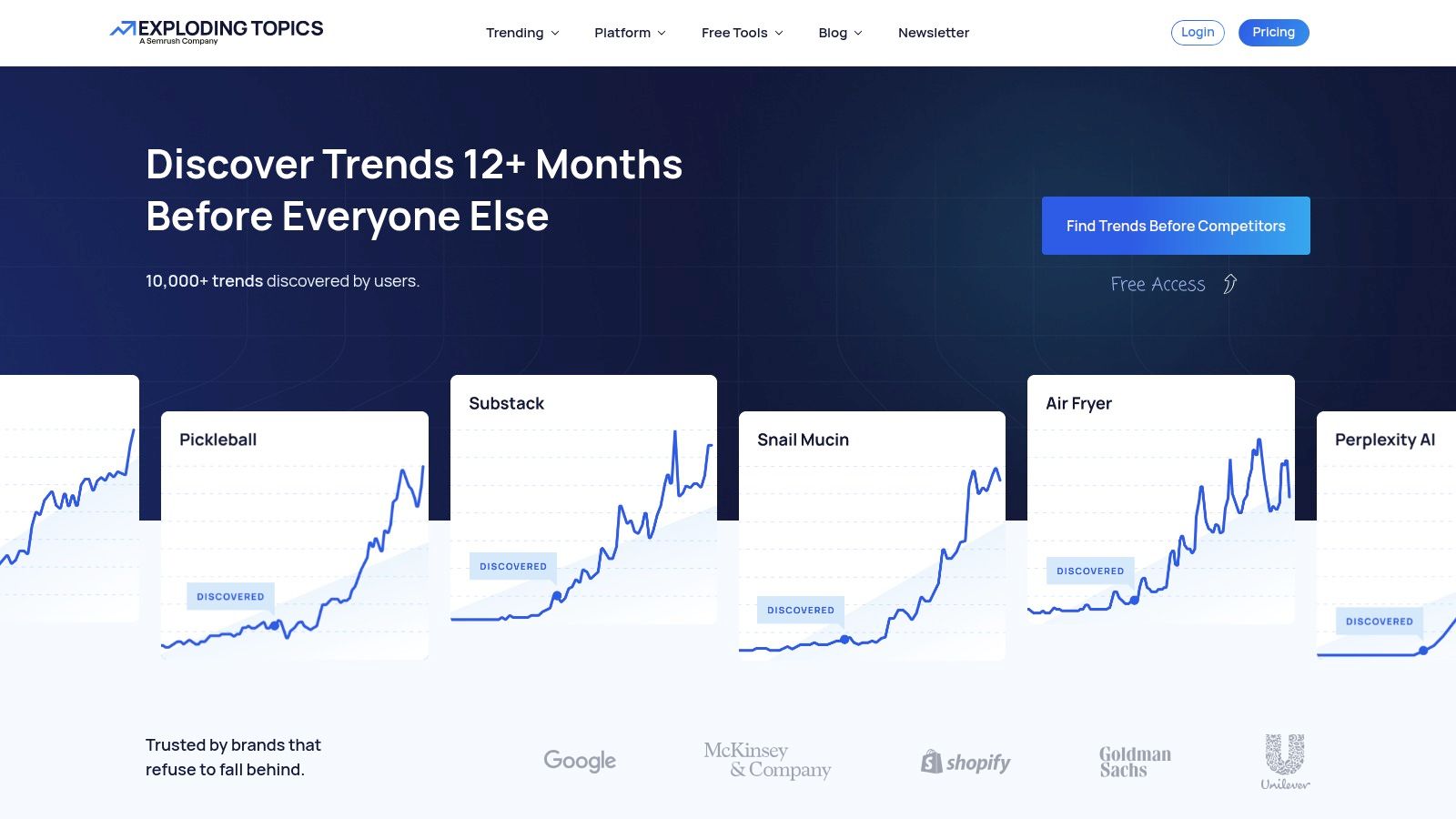
You open Exploding Topics when your content calendar feels late. The goal is to catch a subject while viewers are still curious and before every faceless channel posts the same angle.
That makes it useful for creators covering business, tech, consumer products, finance, AI, and cultural shifts. These niches reward timing. If you publish early with a clear hook, a simple faceless format can carry the video.
Why it earns a spot
Exploding Topics is strong at early discovery. It surfaces topics that are gaining attention across the web, which gives you better raw material than pulling another batch of tired keywords from standard SEO tools.
The trade-off is clear. It shows momentum, not channel fit. You still need to decide whether a trend belongs in a 30-second TikTok, a 45-second YouTube Short, or a slightly slower educational reel. For that part, use a practical framework for how to find trending topics and narrow the idea into a viewer promise, not just a subject label.
If you also study how a trend is being framed on visual platforms, some creators view Instagram posts anonymously to monitor hooks, carousels, and repost patterns without changing the account they use for research.
Best workflow
Use Exploding Topics at the start of production, then move fast.
- Find the trend early: Look past the headline term and open the related topics or examples.
- Choose one narrow angle: “AI” is weak. “AI note takers replacing meeting summaries” is usable.
- Turn it into a short script: Lead with the change, explain why it matters, then give one takeaway or prediction.
- Build the faceless video: Pair voiceover with screenshots, stock clips, charts, UI recordings, or animated text.
- Publish while the topic still feels new: Early signals lose value if they sit in your backlog for a week.
This workflow works best for short educational videos, market commentary, and “what this trend means” content. It is less useful if your channel depends on evergreen search traffic or highly personal storytelling.
For early trend spotting, Exploding Topics is one of the better options available.
Top 10 Video Topic Generators, Quick Comparison
| Product | Core offering | Quality ★ | Price / Value 💰 | Audience 👥 | Unique edge ✨ |
|---|---|---|---|---|---|
| ClipCreator.ai 🏆 | Automated faceless short videos: AI scripts, story-aligned images, lifelike voiceovers, subtitles + scheduling & auto-posting (TikTok & YouTube) | ★★★★☆, HD, high engagement | 💰 19 / 39 / $69 · tiers (3/wk → daily → 2x/day) | 👥 Creators, brands, educators, agencies | ✨ End-to-end automation + auto-publish; 100% ownership & trial refund |
| vidIQ | AI-powered Daily Ideas + YouTube SEO & optimization toolkit | ★★★☆☆, channel-tuned idea scores | 💰 Freemium → Paid (credits-based features) | 👥 YouTube creators focused on ideation & growth | ✨ Personalized idea feed with predicted potential labels |
| TubeBuddy | Keyword Explorer & Topic/Video Planner with opportunity scoring | ★★★☆☆, practical validation workflow | 💰 Freemium → Pro tiers | 👥 YouTube creators moving from seed idea to angle | ✨ Familiar keyword workflows & action plan export |
| Semrush (Topic Research) | SEO-led topic cards, clustering & location-targeted idea discovery | ★★★★☆, robust research & SERP context | 💰 Paid plans (needed for unlimited use) | 👥 SEO teams, content creators planning series | ✨ Subtopic cards, clustering, region targeting & refresh |
| AnswerThePublic | Visual maps of real user questions for hook & FAQ ideation | ★★★☆☆, fast angle generation | 💰 Free limited; Pro for higher limits | 👥 Creators needing hooks, FAQs & brainstorming | ✨ Visual "people ask" maps + exportable prompt banks |
| AlsoAsked | Google PAA question trees to build multi-part series | ★★★☆☆, simple, cluster-focused ideation | 💰 Free monthly credits; paid for scale | 👥 Creators outlining themed short-video batches | ✨ Navigable question trees & CSV/PNG export |
| Morningfame | Invite-only workflow for winnable YouTube topics & execution | ★★★★☆, focused on small-channel growth | 💰 Paid (invite) · lightweight pricing | 👥 Small & growing YouTube channels | ✨ Winnable-topic grading + structured workflow |
| KeywordTool.io | Autosuggest long-tail ideas across YouTube, TikTok, IG & Google; API access | ★★★☆☆, broad multi-platform ideas | 💰 Pro & API paid plans | 👥 Multi-platform creators, devs & marketers | ✨ Platform-specific autosuggest + API for automation |
| TikTok Creative Center | First-party trends, top ads library & AI script generator | ★★★★☆, trend-aligned insights | 💰 Free (best with Business account) | 👥 TikTok creators & advertisers | ✨ Native trend dashboards, songs & ad-style scripts |
| Exploding Topics | Early-signal trend detection to surface rising niches | ★★★★☆, fresh seed topics pre-saturation | 💰 Free → Pro for deeper reports | 👥 Creators hunting nascent trends & series ideas | ✨ Early trend curves & prioritized rising topics |
From Idea to Published
You spot a strong topic at 9 a.m. By noon, it is still sitting in a notes app because the script is half done, the visuals are inconsistent, and posting it feels like a separate project. That gap between idea and publish is where short-form output usually breaks down.
The fix is a tighter workflow. Pick one tool to surface the topic, one tool to confirm there is real audience interest, and one production system to turn it into a finished faceless video the same day.
Here is a practical example. Pull an early trend from Exploding Topics. Run the angle through AnswerThePublic or AlsoAsked to find the exact question people ask. Then turn that question into a short video brief: hook, one clear promise, three beats, and a closing line. If you produce in an all-in-one platform, you can move straight from topic to script, voiceover, visuals, captions, and scheduling without rebuilding the piece in five separate tools.
Prompt structure matters here. Even with a good topic, faceless videos fall apart when the scenes feel disconnected. A simple format usually holds up better: camera angle, subject, action, environment. For example, instead of writing "busy office worker stressed about deadlines," write "close-up shot, office worker checking a packed calendar, anxious expression, modern desk setup." The second version gives your visual tool fewer decisions to guess at, which usually means fewer odd cuts and less time regenerating scenes.
A strong topic gets attention. A clear production brief gives you a usable video.
A daily system can stay simple:
- Research: find one trend, one search-driven question, or one gap in a competitor's content.
- Refine: turn it into a short promise that fits a 20 to 45 second video.
- Produce: generate the asset stack in one place instead of collecting clips, voice, captions, and music by hand.
- Queue: batch several posts so consistency does not depend on how much energy you have that day.
Manual recording still has a place. Screen tutorials, product walkthroughs, and simple process demos often perform better when you capture the actual interface and add text-led commentary. If your workflow includes desktop capture before editing, a guide to mastering OBS encoder settings can help you get cleaner source footage.
Use topic generators as the front end of a production system, not as isolated idea tools. That is the difference between collecting prompts and publishing regularly.
If you want the shortest path from topic idea to published faceless video, ClipCreator.ai is the strongest fit in this list. It handles the steps that usually slow creators down, including script generation, visuals, voiceover, subtitles, scheduling, and posting. That setup lets you spend more time choosing angles with upside and less time stitching the workflow together by hand.

Create your first video in under 2 minutes
Pick a niche, and ClipCreator.ai generates and auto-posts faceless videos to your channels every day.
Join ClipCreator.ai

