Let’s be honest, the old way of making training videos is broken. It’s slow, expensive, and just can’t keep up with how fast things move today. Remember the days of booking film crews, renting studio space, and waiting weeks for editors to finish? That model is a dinosaur in today's business world, where we need fresh, relevant training content now, not next quarter.
A Smarter Way to Produce Training Videos
The shift we're seeing isn't just about finding a cheaper alternative; it's a complete rethink of the entire workflow, driven by smart automation and AI. With employee attention spans getting shorter and budgets getting tighter, the traditional production slog is no longer an option.
This new, AI-powered approach to training videos production isn't about replacing human creativity. It’s about empowering it. It lets you create short, sharp, and effective training modules—often without ever needing a camera—in a tiny fraction of the time and for a sliver of the cost.
Why Automation Is a Game-Changer
Adopting AI tools for video creation pays off almost immediately. I've seen it firsthand. The biggest wins usually fall into three camps:
- Massive Cost Savings: You can stop spending on camera crews, location rentals, actors, and lengthy post-production cycles. The savings are real and they add up fast.
- Incredible Speed: Think about going from a simple idea or a block of text to a finished, polished HD video in just a few minutes. That's not science fiction anymore; it's what these platforms do.
- Scalability on Demand: Need to create a whole library of training materials? With AI, you can produce dozens of consistent, on-brand videos without your budget or workload spiraling out of control.
This diagram really nails the difference. It lays out the clunky, multi-step traditional process right next to the streamlined, efficient path that AI offers.
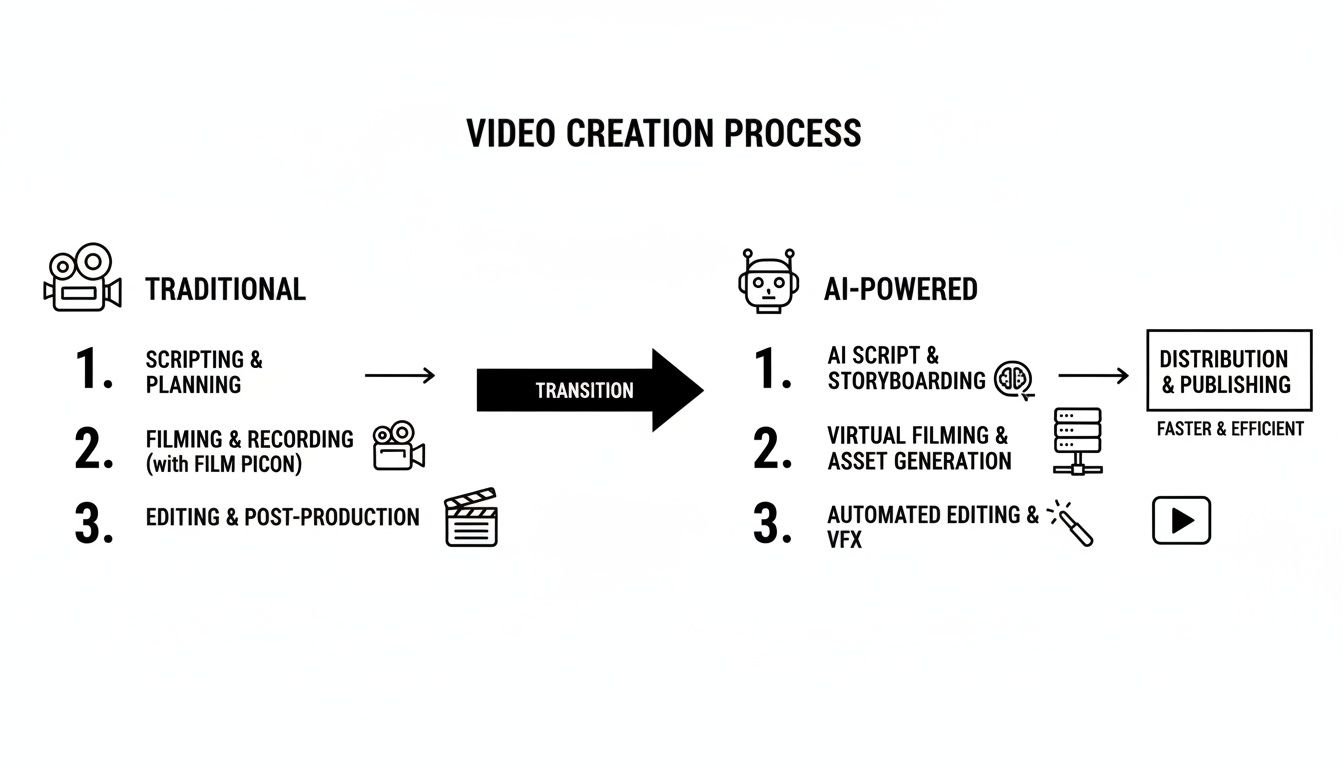
You can see how AI takes a bunch of complicated, time-consuming steps and merges them into a single, automated flow. It’s all about getting your content out there faster.
To really see the contrast, let's break down the two approaches side-by-side.
Traditional vs AI-Powered Production
| Factor | Traditional Production | AI-Powered Production |
|---|---|---|
| Timeframe | Weeks or months from script to final cut. | Minutes or hours. |
| Cost | High (crew, equipment, locations, actors). | Low (subscription-based, minimal overhead). |
| Process | Complex and linear (pre-production, filming, post-production). | Simple and integrated (script, voice, visuals in one platform). |
| Scalability | Difficult and expensive to scale. | Effortless; produce dozens of videos easily. |
| Updates | Major undertaking to edit or update. | Quick and easy; edit text and regenerate. |
| Skills Needed | Specialized skills (videography, editing, sound). | Minimal; intuitive tools for non-editors. |
The table makes it pretty clear: the AI-powered approach is built for the speed and agility that modern training programs demand.
The Market Is Already on Board
This isn't just a niche idea; the numbers back it up. The global market for training video services is set to explode by 2030, driven largely by these new creation platforms. We're already seeing a huge shift. In 2025, 73% of companies are making videos in-house, and the use of AI for tasks like scripting and editing jumped from 18% to 41% in just a single year. That’s a massive leap.
This isn’t a passing trend. It's a fundamental change in how we create and share knowledge. Being able to quickly build and deploy training gives any organization a serious leg up in developing its team.
If you’re ready to really dig into the modern toolkit, checking out the ultimate guide to AI video editing and repurposing is a great next step. Getting comfortable with these new tools is the key to building a learning ecosystem that can actually keep pace with your business.
Writing a Script That Actually Teaches (With a Little Help From AI)

Let's be honest: the script is where most training videos either succeed or fail. No amount of slick editing can save a confusing or poorly written script. This is where using AI for scriptwriting can be a game-changer. It’s not about handing over control; it’s about having a tireless assistant that helps you turn a rough concept into a polished narrative, fast.
Everything starts with a single, sharp learning objective. Before you even think about opening a new document or typing a prompt, you need to know exactly what you want your viewer to be able to do after watching. A fuzzy goal like "learn the new software" isn't going to cut it. Get specific. Something like, "Show the user how to create a new client project from the main dashboard," is a much better starting point.
This specific goal is the foundation of your prompt for the AI. You're not just asking it to write something; you're giving it a clear mission.
How to Write AI Prompts That Get You a Great Script
The script your AI gives you will only ever be as good as the prompt you feed it. A vague, one-line request will get you a generic, unusable script. A detailed prompt, on the other hand, acts like a creative brief for your AI assistant, guiding it to produce something genuinely useful.
Think about including these elements in your prompts for the best results:
- Assign a Role: Tell the AI who it is. For example, "You are an expert instructional designer."
- Define the Goal: State the objective clearly. "...your goal is to write a script for a short training video."
- Describe the Audience: Who is this for? "...for new employees who have never used our CRM before."
- Set the Tone: How should it sound? "The tone needs to be conversational and encouraging, not corporate and stuffy."
- List the Key Points: Don't make the AI guess the important steps. "Make sure to cover opening the contact record, selecting a call outcome, and saving the notes."
Putting it all together, a solid prompt might look like this: “Act as an expert corporate trainer. Write a 90-second video script for new sales reps on how to log a customer call. The tone should be encouraging and straightforward. Cover these three steps: opening the contact record, selecting the call outcome, and saving the notes.”
This level of detail gives the AI the context it needs to nail the first draft. If you want to dive deeper, we have a complete guide on https://clipcreator.ai/blog/how-to-write-a-video-script that you might find helpful.
Your job isn't done when the text is generated. Read the script out loud. Does it sound like a real person talking, or does it sound like a robot? This simple check is crucial before you even think about creating a voiceover.
This kind of focused, bite-sized training is more important than ever. With remote work being the new normal and everyone's attention spans getting shorter, the demand for quick, effective learning is through the roof.
In fact, training videos production has become a central part of how companies develop their people. For 38% of companies, educational videos are the second most-planned type of video content they intend to create. Adding a bit of storytelling to these scripts makes the information stick, humanizing the content and making it much more memorable.
Generating Your Visuals and Voiceovers

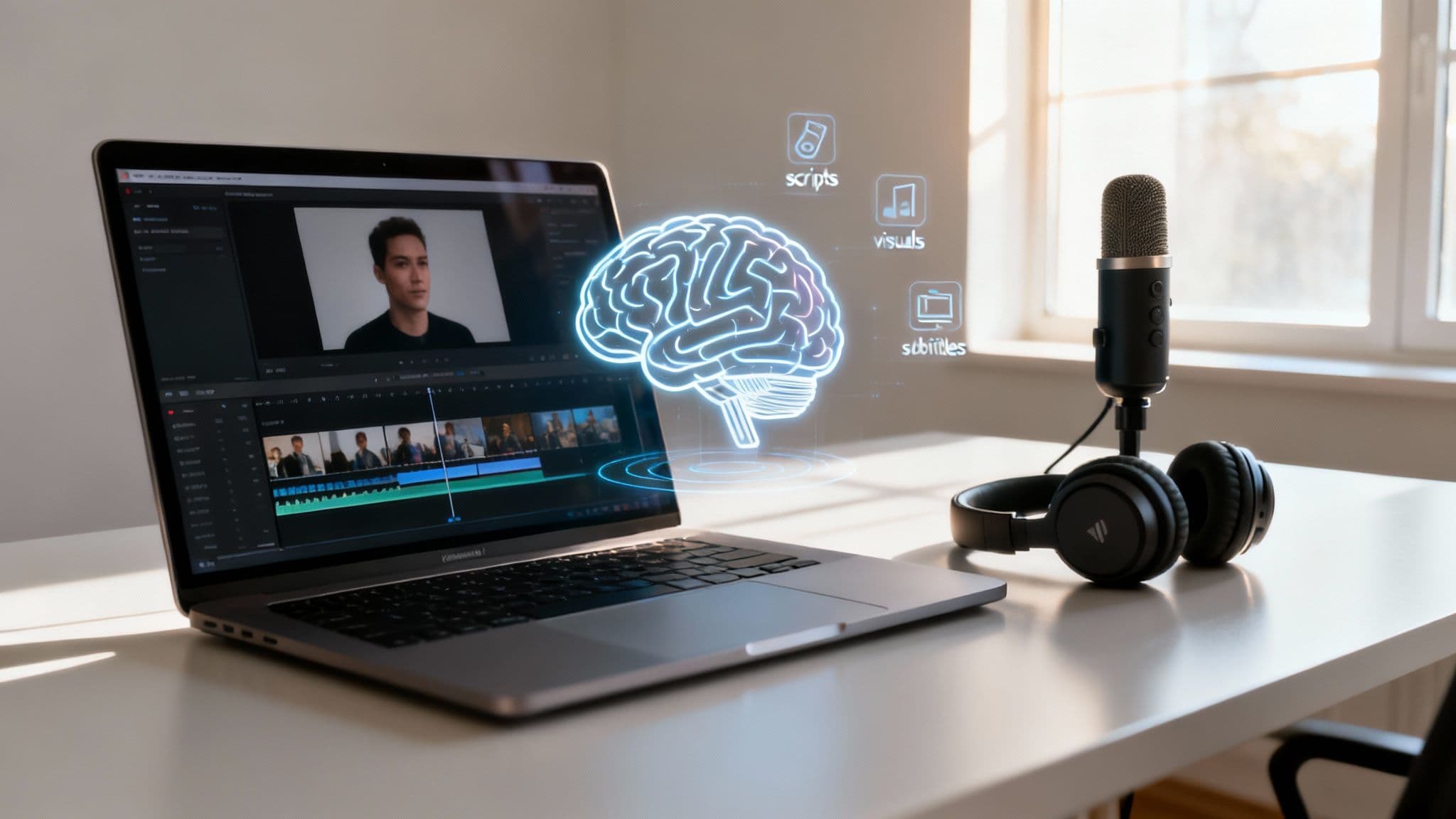
Alright, your script is polished and ready to go. Now for the fun part: turning those words on a page into an actual video with visuals and a voice. This is where AI-powered training videos production really changes the game, automatically creating the sight and sound that will carry your message.
This whole process is the magic behind "faceless" videos. It's an incredibly practical format if you're a business that needs to maintain a consistent brand look, or even if you're a creator who just doesn't want to be on camera. Forget about filming. The AI reads your script, understands the context and tone, and then generates or finds visuals that match what's being said, sentence by sentence.
What you get is a professional-looking clip where the visuals actually help teach the lesson, keeping your audience locked in and focused.
Choosing the Right AI Voice
Think of the voiceover as the soul of your training video. If you're picturing old-school, robotic text-to-speech, think again. Today's AI voice generators sound remarkably human and come with a whole range of personalities. When picking one, think about the feeling you want to convey. Are you aiming for a formal, authoritative tone, or something more casual and friendly?
Here are a few things I always consider:
- Match the Tone: A serious compliance video just won't land with a cheerful, upbeat voice. Likewise, a peppy software tutorial shouldn't sound like a dry lecture.
- Consider the Pace: Some voices are naturally faster than others. You want a speaking rhythm that lets people actually absorb the information without feeling rushed.
- Test with Your Script: This is non-negotiable. Always, always generate a preview using a few lines from your actual script. It’s the only way to know for sure if it feels right for your brand.
If you want to go deeper on this, our guide on selecting an AI voice generator for YouTube has some great insights that apply to any kind of training video.
Intelligently Selected Visuals
Modern AI platforms are smart. They don't just pull random stock photos that vaguely match a keyword. They use natural language processing to truly understand the concepts in your script and then find visuals that add meaningful context. This makes the images an integral part of the learning, not just window dressing.
For anyone creating software demos or tutorials, this gets even better. Integrating a powerful screenshot API can automate the process of grabbing up-to-date screen captures, ensuring your visuals are always current. It’s a huge time-saver.
The numbers don't lie. The video production world is leaning heavily into AI and high-res formats, with HD and interactive videos projected to take over 60% of the market between 2024 and 2030. Already, 41% of professionals are using AI for video creation—more than double last year's figure—mostly for scripting and visual generation. With 92% of users watching videos every month, efficiency is everything.
The key takeaway is that automated visual generation isn't just about speed; it's about creating a more coherent and effective learning experience where every visual element has a purpose.
Finally, don't forget about subtitles. They're generated right alongside the voiceover and are absolutely essential. So many people watch videos on their phones with the sound off. Accurate, automated subtitles mean your message gets through, no matter where or how someone is watching. They're no longer optional.
Bringing It All Together in Minutes
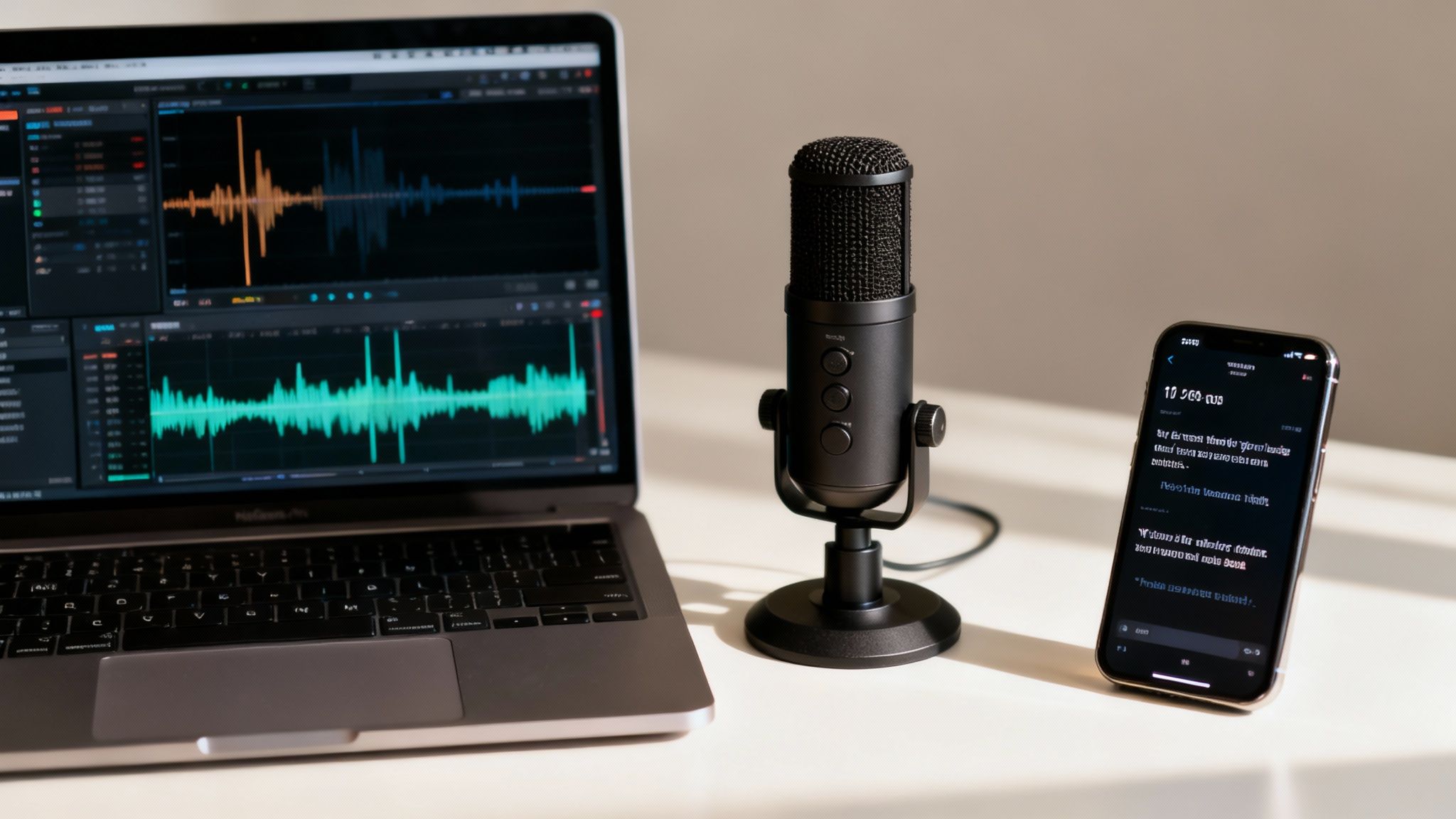
This is where you really see the magic of an AI-driven workflow. Forget about spending hours in a complicated editing suite. Once your script is locked in and your assets are ready, the platform does the heavy lifting, piecing everything together into a high-definition video in just a few minutes.
What used to be a long slog of syncing audio, trimming clips, and timing animations now happens automatically in the background. Your job changes from technical video editor to creative reviewer. That’s the whole point—getting you to the finish line at a speed that traditional methods could never hope to match.
Your Quick Quality Review Checklist
Before you hit publish, it’s time for a quick but essential quality check. Since the AI handled the tedious parts, you can focus on the details that elevate the final product. This whole review shouldn't take more than a few moments.
Just run through this simple checklist:
- Audio Clarity: Give the voiceover a listen. Is it clear and natural? Make sure there are no weird pauses or mispronounced industry terms. You want the audio to be crisp and easy to follow.
- Visual Pacing: Watch how the visuals line up with the narration. Does the right image or clip appear at the right time? This sync is key to reinforcing your message.
- Subtitle Accuracy: Do a quick read-through of the subtitles. Are they timed perfectly with the speech? Scan for any typos or grammatical slip-ups the AI might have missed.
You're not doing deep technical edits here; you're just giving it a final polish. It's about confirming that all the automated pieces have come together to create a professional and effective training video.
The real power here is turning "post-production" from a multi-day headache into a quick review-and-approve step. You get to be the creator and educator, not a video technician bogged down by software.
From Creation to Completion in Record Time
Let's talk about what this final stage usually costs. A freelance video editor might charge anywhere from $30 to $150 per hour. Even a short, simple animated explainer video can take weeks to finish, with a price tag that easily hits $1,000 to $2,500.
With an automated platform, those costs and timelines pretty much disappear. The AI-powered assembly is part of the package, completely changing the economics of creating content. You can pump out a high volume of quality training videos without the budget headaches or production delays of the old way.
This efficiency is what allows you to build a massive library of training content fast, keeping your team's skills sharp without draining your resources.
Automating Your Publishing and Distribution
Creating a great training video is a huge win, but it’s only half the battle. Honestly, your efforts are wasted if the right people never see it. This final step—getting your content in front of your audience—is where automation becomes your secret weapon, turning your training videos production workflow from a series of manual chores into a smooth, efficient system.
Think about it. The video is done, polished, and ready to go. Now what? You could manually upload it to YouTube, then tweak it for Instagram, then again for TikTok, writing a unique description and hashtags for each one. It's a soul-crushing process that eats up time you should be spending on creating your next piece of content. This is exactly where integrated scheduling tools change the game, letting you truly set it and forget it.
Connect Your Accounts for a Seamless Workflow
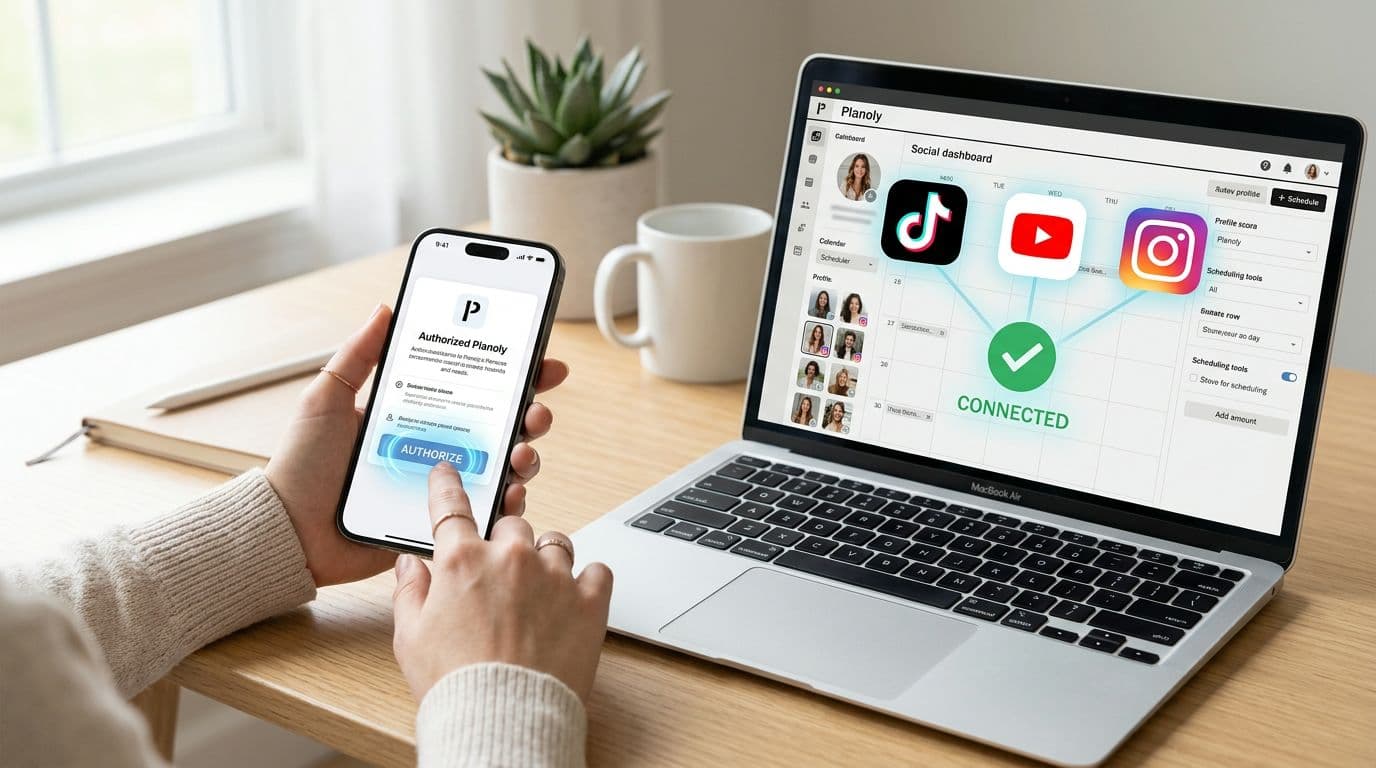
First things first, you need to link your social media accounts directly within your video creation platform. By connecting your YouTube, TikTok, and Instagram profiles, you're essentially building a direct pipeline for your finished videos. This simple step completely eliminates the tedious download-and-re-upload cycle for each platform.
This isn't just about saving time; it's about maintaining consistency without even trying. When you handle all your publishing from a single dashboard, you can easily keep a uniform brand message and aesthetic across every channel. For a closer look at this, check out our guide on the power of automated social media posting, which really breaks down how to build an unstoppable content machine.
Nail Your Timing with Strategic Scheduling
When you publish is often just as important as what you publish. Dropping a video when your audience is asleep is like telling a great joke in an empty room. Smart scheduling lets you pick the exact date and time your videos go live on each platform, aligning perfectly with when your audience is most likely to be scrolling.
Here’s a practical way to approach this:
- Dig Into Your Analytics: Your YouTube Studio and TikTok analytics are goldmines. They tell you precisely when your viewers are most active. Use that data.
- Test, Measure, Repeat: Don't just set a schedule and walk away forever. Try posting at different times—maybe 7 PM on a Tuesday for one video and 11 AM on a Thursday for another—and watch the performance. The numbers will tell you what works.
- Consider Your Team's Location: If you're creating training for a team spread across different time zones, schedule the content to drop during their local work hours. This maximizes the chances of them seeing it right away.
The real goal here is to make your content show up at the perfect moment, every single time, without you having to be glued to your keyboard. Getting the timing right is a massive factor in boosting those critical first few hours of views and engagement.
At the end of the day, consistency is the language social media algorithms speak fluently. When you publish content on a predictable schedule, platforms like YouTube and TikTok start to favor your videos, pushing them to a wider audience. An automated scheduler guarantees you never miss a post, helping you build momentum and grow your following over time. That steady presence establishes you as a reliable source, making sure your training videos have the biggest impact possible.
Got Questions About Making Training Videos This Way?

Jumping into a new way of creating training videos is exciting, but it naturally brings up a few questions. I get it. Let’s walk through the big ones I hear all the time so you can feel confident this workflow is right for you.
My goal here is to cut through the noise and show you just how practical and powerful these modern tools really are.
Can AI Videos Actually Look and Sound Good?
This is usually the first thing people wonder about. Let's be realistic: if you're aiming for a cinematic masterpiece, you'll still need a full production crew. But for the vast majority of business needs—like quick software tutorials, micro-lessons, or social media updates—AI is more than up to the task. It excels at creating clean, professional, and genuinely engaging content.
The quality of today's AI voices and visuals has come a long way. For the short, punchy formats that dominate platforms like TikTok and YouTube Shorts, it's often hard to tell the difference between AI-generated and human-made content.
The real win isn’t about perfectly replicating a feature film. It’s about achieving 90% of the quality in 1% of the time, allowing for a scale and speed of content creation that was previously unimaginable.
Think of it less as a compromise on quality and more as a massive strategic advantage.
If an AI Makes It, Who Owns the Video?
This is a big one, and thankfully, the answer is straightforward: you do. When you use a reputable platform, you retain 100% ownership of every video you create. The service is providing the tools, but the final product is your intellectual property.
That means you can use it anywhere you want—on your company website, within your internal learning platform, or across all your social channels. For any business building a library of its own training material, this is non-negotiable. It's always a good idea to glance at the terms of service, but creator ownership is the industry standard for a reason.
How Do I Make Sure the Videos Match My Brand?
Keeping everything on-brand is crucial, and it all comes down to the instructions you provide. These AI tools aren’t just making things up on their own; they’re following your lead. You are the director here.
By giving clear, detailed prompts, you can guide the AI to generate content that sounds and feels exactly like your brand.
Here’s how you stay in complete control:
- Dictate the Tone: You can tell the AI to be formal and authoritative, or casual and conversational. Be specific!
- Start with Templates: Using templates built for your industry is a great shortcut to getting the right structure and feel from the get-go.
- Tweak the Script: The AI will generate a script based on your initial prompt, but you have the final say. You can edit every word to ensure it aligns perfectly with your messaging before the video is even created.
The AI is an incredibly powerful assistant, but it’s one that works for you to bring your vision to life.
Is This Tech Actually Easy to Use?
Absolutely. One of the best things about these new platforms is that they were designed for everyone—not just professional video editors. Marketers, HR managers, and course creators can all jump in without a steep learning curve.
The whole process is incredibly intuitive. You give it a prompt, look over the script it creates, make any changes you see fit, and then let the system build the final video for you. Most people I’ve seen can go from idea to a finished, scheduled training video in less than 15 minutes.
Ready to stop spending weeks on video production and start creating high-quality training content in minutes? ClipCreator.ai gives you the tools to automate your entire workflow, from script to final publish. Discover a smarter way to scale your content.

Create your first video in under 2 minutes
Pick a niche, and ClipCreator.ai generates and auto-posts faceless videos to your channels every day.
Join ClipCreator.ai