
You're probably here because video ideas aren't the hard part anymore. The hard part is turning those ideas into scripts, voiceovers, visuals, subtitles, and posted videos on a schedule you can maintain.
That's where a script writing tool stops being a nice extra and starts becoming part of your production system. For short-form creators, especially faceless channels on TikTok and YouTube, the script is the engine. It controls the hook, the pacing, the scene order, the voiceover rhythm, and even how well your final subtitles read on screen.
A beginner often thinks of scripting as “writing words.” In practice, it's closer to designing a video blueprint. If the script is weak, the final video feels flat even if the visuals look polished. If the script is clear, structured, and built for short attention spans, everything downstream gets easier.
The End of the Endless Content Treadmill
Sunday night hits. You need three videos ready by Monday. You have a few loose ideas scribbled in notes, half a hook for one post, and no clean draft for anything else. You open a blank document, type a title, delete it, then scroll other creators' feeds hoping inspiration shows up.
That cycle is what burns creators out. Not because they can't create, but because they rebuild the whole process from scratch every time.
A script writing tool changes that rhythm. Instead of starting with an empty page, you start with a framework. You give the tool a topic, a format, and a tone. Then you shape, trim, and direct the output into something publishable. You move from “What do I post tomorrow?” to “Which of my content pillars should I produce next?”
If you haven't organized those pillars yet, this guide to a content pillar strategy for short-form creators is a useful place to tighten your planning before you touch the script itself.
Why creators are adopting these tools fast
The category isn't niche anymore. The global screen and script writing software market was valued at USD 0.22 billion in 2026 and is projected to reach USD 0.71 billion by 2035, registering a compound annual growth rate of 13.63%, according to Business Research Insights on the screen and script writing software market.
That matters because it reflects how many creators, studios, and media teams now treat scripting software as production infrastructure, not just writing software.
Practical rule: If you publish often, don't rely on motivation. Build a repeatable script workflow.
What this changes in real life
A good tool won't replace your judgment. It will reduce the drag between idea and output.
- You stop wasting energy on blank-page starts. Prompts, templates, and structure give you a usable first draft faster.
- You stay more consistent. When the process is lighter, it's easier to keep posting.
- You think like a producer. Instead of hand-writing every line, you review hooks, pacing, story angle, and fit for the platform.
This is the shift. You're no longer just writing videos. You're designing a system that can keep producing them.
What Is a Script Writing Tool Really
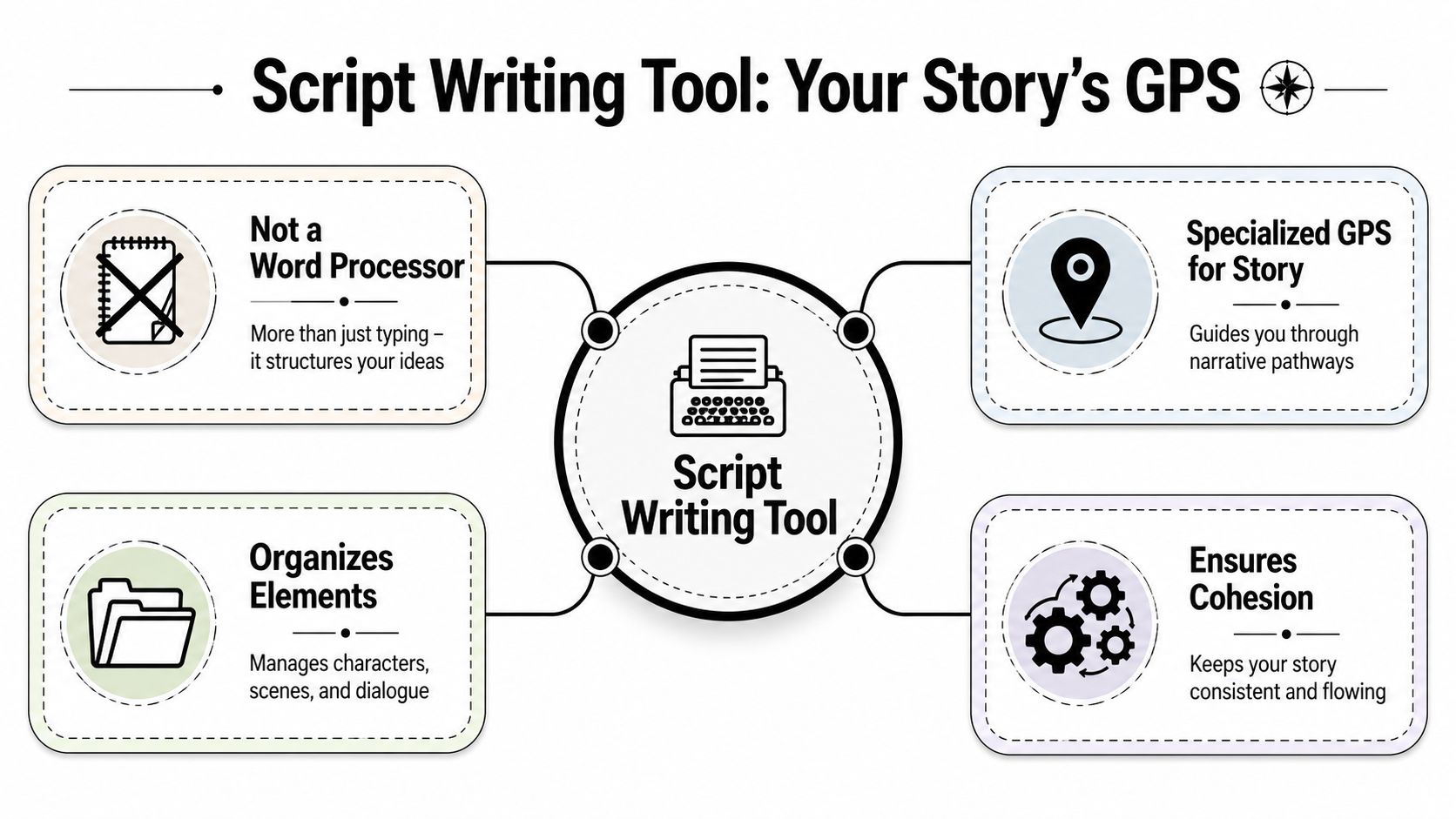
A script writing tool isn't just a document with fancy fonts. It's closer to a GPS for story structure.
A normal word processor lets you type. A script tool helps you decide what belongs where, how dialogue should look, how scenes should be separated, and how the piece should flow from opening hook to closing payoff. For short-form video, that guidance matters even more because you don't have time to ramble. Every line has to earn its place.
Two very different tool types
Most beginners lump every writing product into one category. That creates confusion because there are really two main branches.
| Tool type | What it mainly does | Best fit |
|---|---|---|
| Traditional formatter | Keeps scripts in standard screenplay format | Film, TV, long-form scripted work |
| AI-powered generator | Helps invent, draft, and reshape scripts from prompts | Short-form creators, marketers, faceless video channels |
Traditional tools act like strict editors. They care about format, scene labels, and layout. AI-powered tools act more like co-writers. They can brainstorm topics, produce first drafts, rewrite hooks, and adapt one idea into multiple short videos.
Why beginners often pick the wrong kind
If your goal is a feature screenplay, industry formatting is the priority. If your goal is a batch of TikTok or YouTube Shorts, speed and adaptability matter more.
That's why it helps to think carefully about choosing an AI writing tool. The right choice depends less on “which app is popular” and more on what you're trying to produce every week.
A short-form creator usually needs a tool that can go from idea to script to production handoff, not just one that makes the page look professional.
What the tool is really doing for you
At a beginner level, a script writing tool handles three jobs:
- Structure: It gives your hook, middle, and ending a shape.
- Clarity: It separates narration, dialogue, scene ideas, and pacing cues.
- Consistency: It helps you keep tone and format stable across many videos.
That last point matters more than people think. If your videos all feel unrelated, growth becomes harder because viewers don't know what to expect. A script tool helps your channel sound like one creator, not ten different experiments taped together.
Core Features That Streamline Your Workflow
The strongest script tools do more than help you type faster. They remove friction from production.
For a faceless channel, that friction usually shows up in three places. First, formatting gets messy. Second, collaboration breaks version control. Third, idea generation slows the whole pipeline.
Formatting that saves brainpower
Professional script software handles formatting automatically. According to the Toronto Film School overview of scriptwriting, professional script writing tools enforce industry-standard formatting, such as 12-point Courier font and specific margins, which automatically structures sluglines and dialogue, ensuring scripts meet production-readiness criteria without manual effort in this scriptwriting format guide.
For a TikTok creator, that doesn't mean you need to write Hollywood spec scripts every day. It means structured formatting trains you to think clearly. You separate the hook from the narration. You keep dialogue readable. You make scene transitions obvious.
That clarity also helps when you later move the script into an AI video workflow or voiceover pipeline.
Collaboration without the chaos
A lot of creators don't work fully alone. One person writes. Another edits. Someone else records voice. Sometimes a client wants revisions in the middle.
Modern script platforms solve that with cloud syncing and revision history. If you want a more direct look at tools built around automated scripting workflows, this article on an AI video script generator for short-form content shows how script generation connects to production.
Here's what revision features help with most:
- Tracking changes clearly. You can see what was edited and revert if needed.
- Avoiding duplicate drafts. No more “final_v2_realfinal” files.
- Keeping the team aligned. Everyone works from the same live version.
AI assistance that goes beyond autocomplete
Short-form creators experience the biggest lift. AI doesn't just fix spelling. It can propose hooks, expand bullet points into narration, shorten bloated lines, and rewrite a long explanation into a tighter script for a short video.
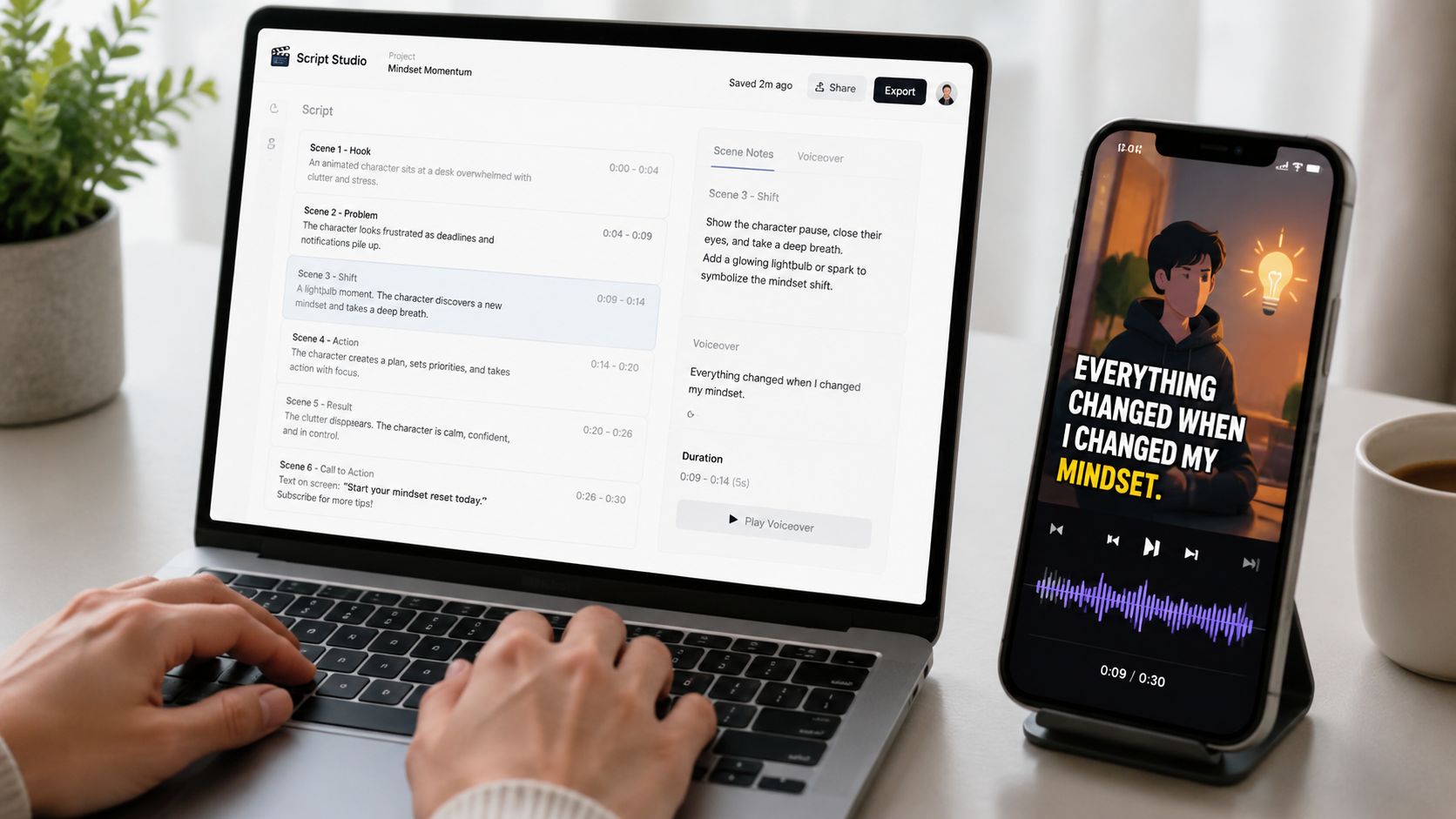
A useful workflow looks like this:
- Start with a narrow prompt, such as a scary story, a mini history lesson, or a product explainer.
- Ask for a script with a strong first line and short spoken sentences.
- Edit for brand voice and pacing.
- Pass the approved draft into your voiceover and video generation process.
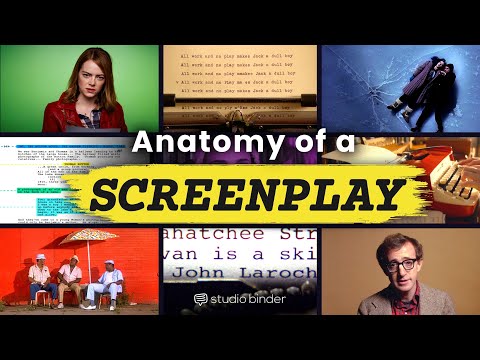
A quick demo helps make that concrete:
Key takeaway: The best script writing tool doesn't only produce text. It reduces the number of decisions you have to make before a video is ready.
When a tool helps with structure, revision, and ideation at once, you stop treating each video as a one-off project. You start operating like a content studio.
Use Cases for Short-Form Faceless Videos
Faceless videos live or die on the script because the voice, pacing, and scene sequence carry almost everything. If the writing drifts, the audience swipes. If the writing lands, simple visuals can still work.
That's why a script writing tool is especially useful for channels built around repeatable formats.
Scary story channels
This format is perfect for AI-assisted scripting because the structure is stable. You need a hook, a rising sense of tension, a reveal, and a closing line that lingers.
A beginner might prompt badly with something broad like “write a horror video.” A better prompt is narrower: write a suspenseful short script about a babysitter hearing footsteps upstairs after the parents said the house was empty.
That gives the tool something to build from. Then you edit for voice and timing.
Use sensory detail in the action lines, not camera commands. “The hallway light flickers as the second step creaks” is more useful than “close up on the hallway.”
That distinction matters. Existing coverage on script tools often misses how AI should handle invisible camera angles, where visual direction is implied through writing instead of blunt shot labels. The gap is especially relevant for faceless creators, as noted in this discussion about camera directions in scripts.
History and explainer shorts
A short educational channel can use the same system with a different tone. Instead of suspense, the script needs clarity and curiosity.
A simple structure works well:
- Open with surprise. A little-known fact or unresolved question.
- Deliver context quickly. One or two lines only.
- End with a payoff. Why the fact matters, or what happened next.
If you're building videos as part of a broader brand strategy, this guide to video marketing best practices from ReachLabs.ai gives useful framing for matching content style to audience intent.
Quote and motivation channels
These channels look simple, but weak scripting makes them feel generic fast. Don't just post a quote and read it aloud. Wrap it in a setup and reflection.
For example, instead of:
“Discipline is doing what needs to be done.”
You might script:
“It's common to wait to feel motivated. That's why they stop early. Discipline works differently. It keeps moving before the mood shows up.”
That turns a quote into a mini narrative.
For creators who also need spoken delivery, a tool that connects script output to synthetic narration saves another manual step. This guide on AI text to speech voices for short-form videos is useful when you want your script to flow naturally once read aloud.
One script can trigger the whole video
This is the pivotal capability. A faceless creator doesn't need the script as an isolated file. They need it as the starting point for visuals, voiceover, subtitles, and pacing.
When your script is written with clear beats, short sentences, and implied visual movement, it becomes much easier to turn into an automated video without heavy editing.
How to Choose the Right Script Writing Tool
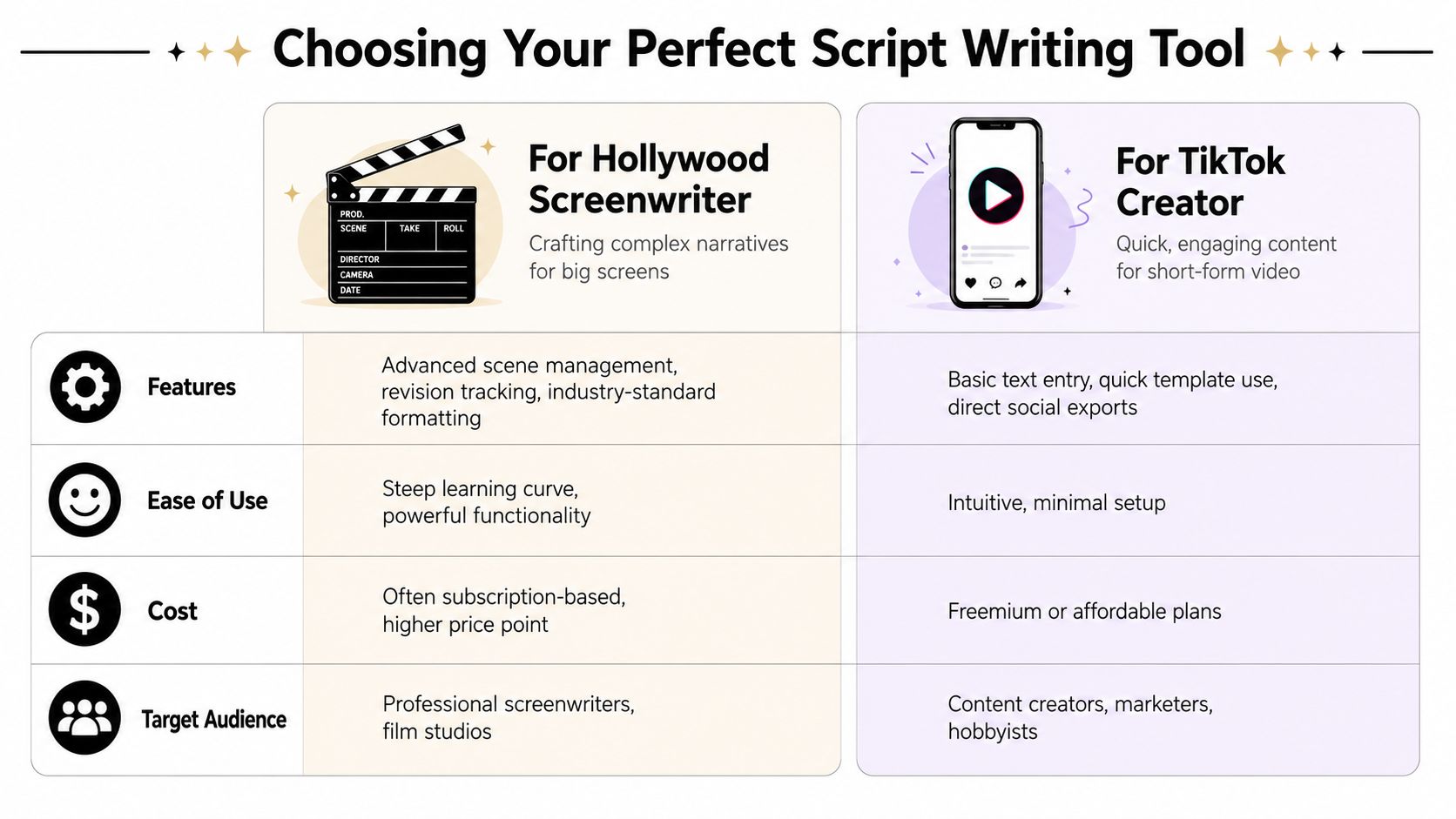
The right tool depends on the kind of creator you are. A screenwriter drafting a feature film and a business owner producing daily Shorts do not need the same software.
That sounds obvious, but many beginners still choose based on brand familiarity instead of workflow fit.
Start with the final output
Ask one question first. What do you want at the end of the process?
If the answer is “a properly formatted screenplay,” use a format-first tool.
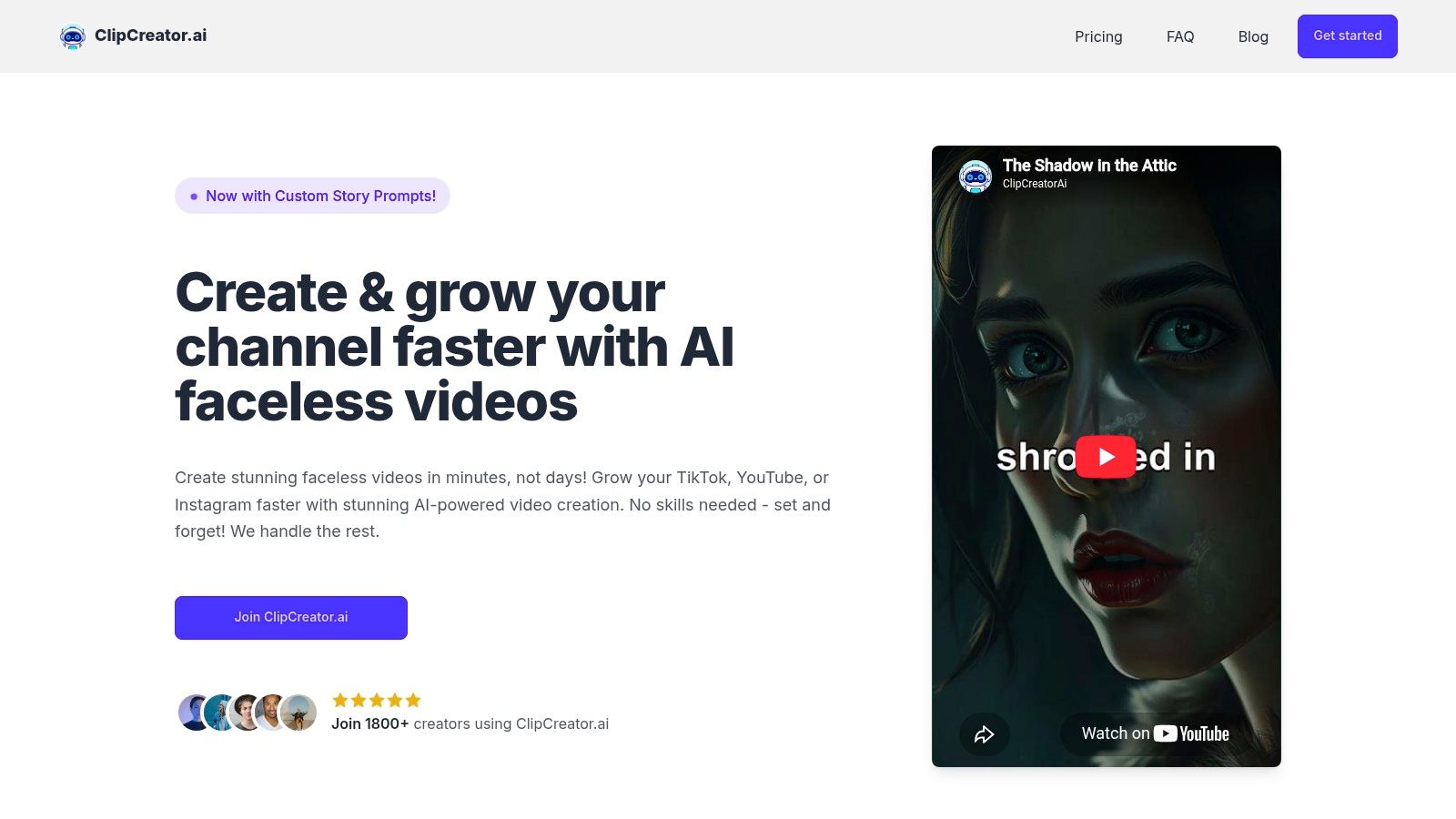
If the answer is “a finished short video with script, voice, visuals, and subtitles,” you need a tool designed for production flow, not just page formatting. Tools in that second camp may include generators that draft the script and move it directly into video assembly. ClipCreator.ai, for example, is built for automated faceless short videos rather than traditional screenplay development.
Check for layout awareness
This is easy to miss, but it matters. A tool can look smart and still create clumsy output.
Industry layout standards include avoiding widowed scene headings, where a heading lands alone at the bottom of a page. According to the cited YouTube source in the verified data, 92% of AI script generators do not mention layout optimization in their documentation, even though that kind of formatting issue can create readability problems, as discussed in this video on screenplay page layout and widows.
For short-form creators, the same principle carries over to subtitles and pacing. Awkward line breaks don't just look messy. They can make your video feel harder to follow.
Use this decision filter
- Choose a formatter if you need strict screenplay conventions, scene management, and production-style documents.
- Choose an AI co-writer if your main problem is ideation, drafting speed, and repurposing one topic into several short scripts.
- Choose an end-to-end video tool if you want the script to feed directly into voice, image, subtitle, and publishing workflows.
Don't buy complexity you won't use. The right script writing tool should remove steps from your process, not add new ones to learn.
A beginner usually benefits from the shortest path between idea and finished content. That's especially true if consistency matters more than perfect literary polish.
Your Path to Automated Content Creation
A script writing tool can look small from the outside. It's easy to think it's just a writing aid.
For short-form video, it's much more than that. It's the point where your content strategy turns into something concrete. The hook gets written there. The pacing gets decided there. The final voiceover quality often starts there. If that step is shaky, everything after it takes longer.
The bigger shift
The primary benefit isn't only speed. It's sustainability.
When modern platforms add collaboration and revision tracking, teams can keep cleaner workflows. According to WriterDuet's collaboration overview, modern script writing platforms incorporate real-time collaboration with revision tracking that logs every change, enabling writing teams to maintain version control and reduce project timelines by 40-60% compared to traditional document-sharing methods.
Even if you're a solo creator today, that matters. A clean system scales better when you later add an editor, a client, or a publishing assistant.
What to do next
Start simple. Pick one repeatable video format. Write one prompt. Generate one script. Edit it so it sounds like you. Then watch where the process still feels slow.
That's the part to improve next.
You don't need to become a screenwriter to publish stronger short videos. You need a reliable way to turn ideas into scripts that are clear, fast, and ready for production. Once you have that, posting consistently stops feeling like a weekly emergency and starts feeling like a workflow you control.
If you want a tool that connects scripting to actual faceless video production, ClipCreator.ai is built to generate short video scripts, pair them with visuals and voiceovers, and help automate publishing for TikTok, YouTube, and Instagram.

Create your first video in under 2 minutes
Pick a niche, and ClipCreator.ai generates and auto-posts faceless videos to your channels every day.
Join ClipCreator.ai

