You're probably where most new ASMR creators start. You know the niche is huge, you've watched enough whisper videos, tapping clips, and oddly satisfying shorts to see the pattern, and now you want to make your own. Then you open a dozen tabs, see people arguing about microphones, acoustic foam, lighting, editing apps, captions, upload schedules, and AI tools, and suddenly a simple idea feels overcomplicated.
That confusion is normal. The good news is that how to make asmr videos is much clearer once you stop thinking like a traditional long-form creator and start building for short-form, faceless distribution. The workflow changes. You don't need a cinematic studio. You do need a repeatable system that produces clean sound, simple visuals, and a publishing rhythm you can sustain.
Planning Your Channel and Choosing Your Gear
The first mistake most beginners make is shopping before choosing a format. That's backwards.
A faceless short-form ASMR channel lives or dies on three decisions: your trigger niche, your recording setup, and your production pace. Those decisions affect every later choice, from props to lighting to whether a USB mic is enough.
ASMR demand is already well established. YouTube searches for "ASMR" surged over 1,000% between 2015 and 2020, reaching more than 2.3 million monthly global searches by 2023 according to Digital Everything's ASMR overview. That same source notes that top channels often average 20 to 40 minute videos, but the core mechanics, slow movement and quiet audio, adapt well to short-form.
Pick one trigger lane first
Don't launch with “everything ASMR.” That sounds flexible, but it usually creates a messy channel.
Start with one lane such as:
- Whisper-based clips if you like scriptable, repeatable formats
- Tapping and scratching if you want prop-driven content with minimal voice work
- Crinkle and package sounds if you want easy household materials
- Mechanical or object handling sounds if you prefer faceless close-up shooting
- Personal attention simulations if you want to pair gentle instructions with hand movement
Each lane changes your gear needs. Whisper content pushes you toward a cleaner vocal chain. Tapping and texture videos make mic sensitivity and room noise much more obvious. Mechanical sounds often need better control over peaks.
Practical rule: Build your first ten videos around one trigger family. Variety inside a niche works. Variety without a pattern usually doesn't.
Buy for audio first, not for camera specs
For short-form faceless ASMR, viewers will forgive simple visuals much faster than bad sound. That hasn't changed.
The most useful beginner decision is whether you need binaural immersion or straightforward stereo capture. If your content relies on ear-to-ear movement, close whispers, or directional brushing, binaural makes sense. If you're filming tabletop textures, object sounds, or centered hand work, a good stereo or condenser setup is often more flexible.
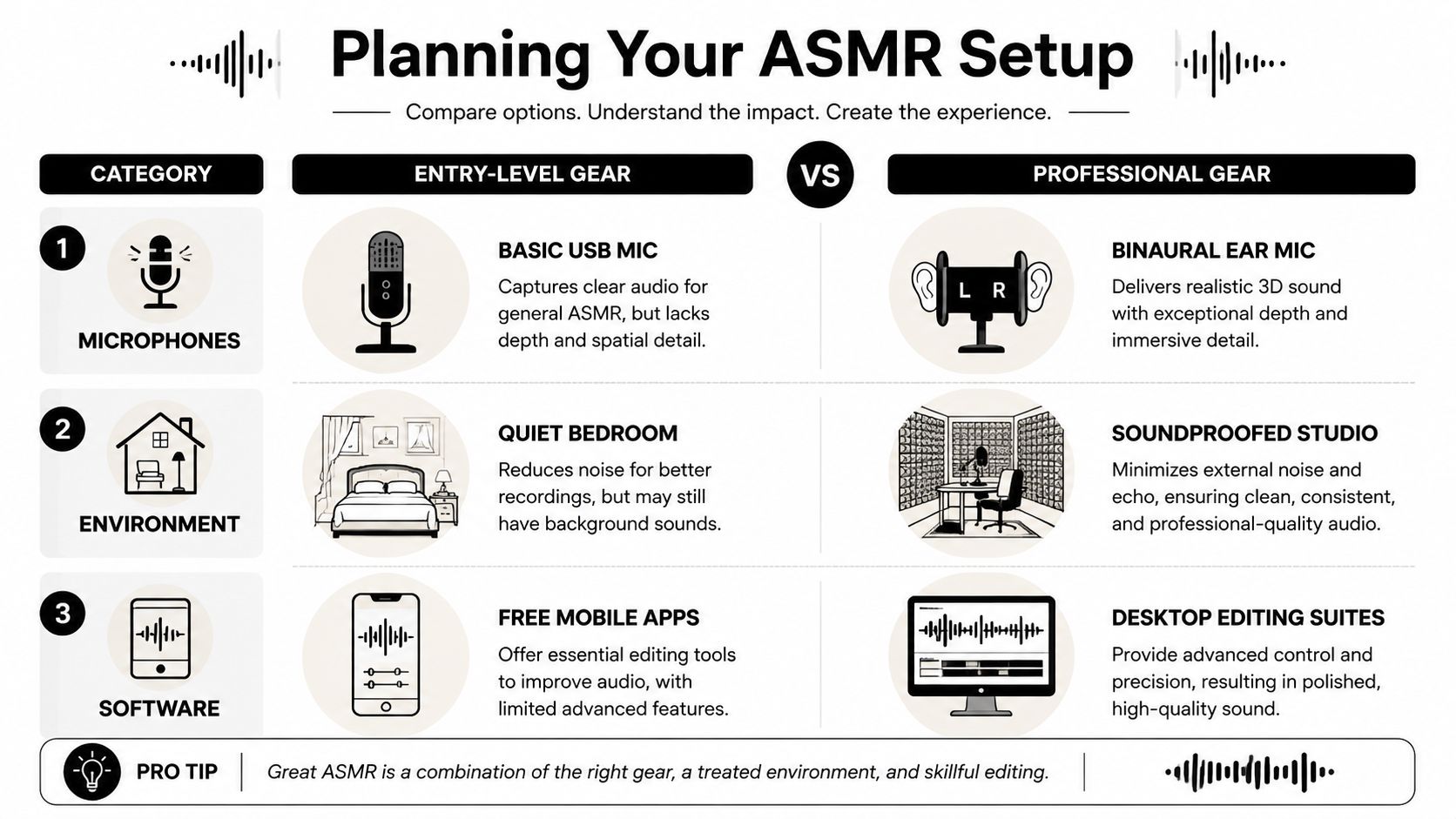
Here's a simple comparison for beginners.
| Microphone Type | Best For | Pros | Cons |
|---|---|---|---|
| USB condenser mic | First faceless ASMR setup | Easy to use, fast to test, affordable entry point | Less immersive than binaural setups |
| Stereo condenser pair | Tabletop triggers, textured sound, object handling | Good detail and flexibility | More setup complexity |
| Binaural mic | Ear-to-ear whispers, brushing, spatial triggers | Strong 3D effect, very immersive | Less versatile for some prop-heavy formats |
| Lavalier or phone mic | Testing ideas before investing | Convenient and fast | Usually not clean enough for serious ASMR work |
If you're recording subtle environmental textures, field sounds, or unusual object audio, it's worth looking at haunted location field-ready recording tools because those setups are designed around capturing faint details in imperfect spaces. That mindset carries over well to ASMR, even if your content has nothing to do with paranormal themes.
Your room matters more than your mic model
A decent microphone in a controlled room usually beats a better microphone in a reflective room.
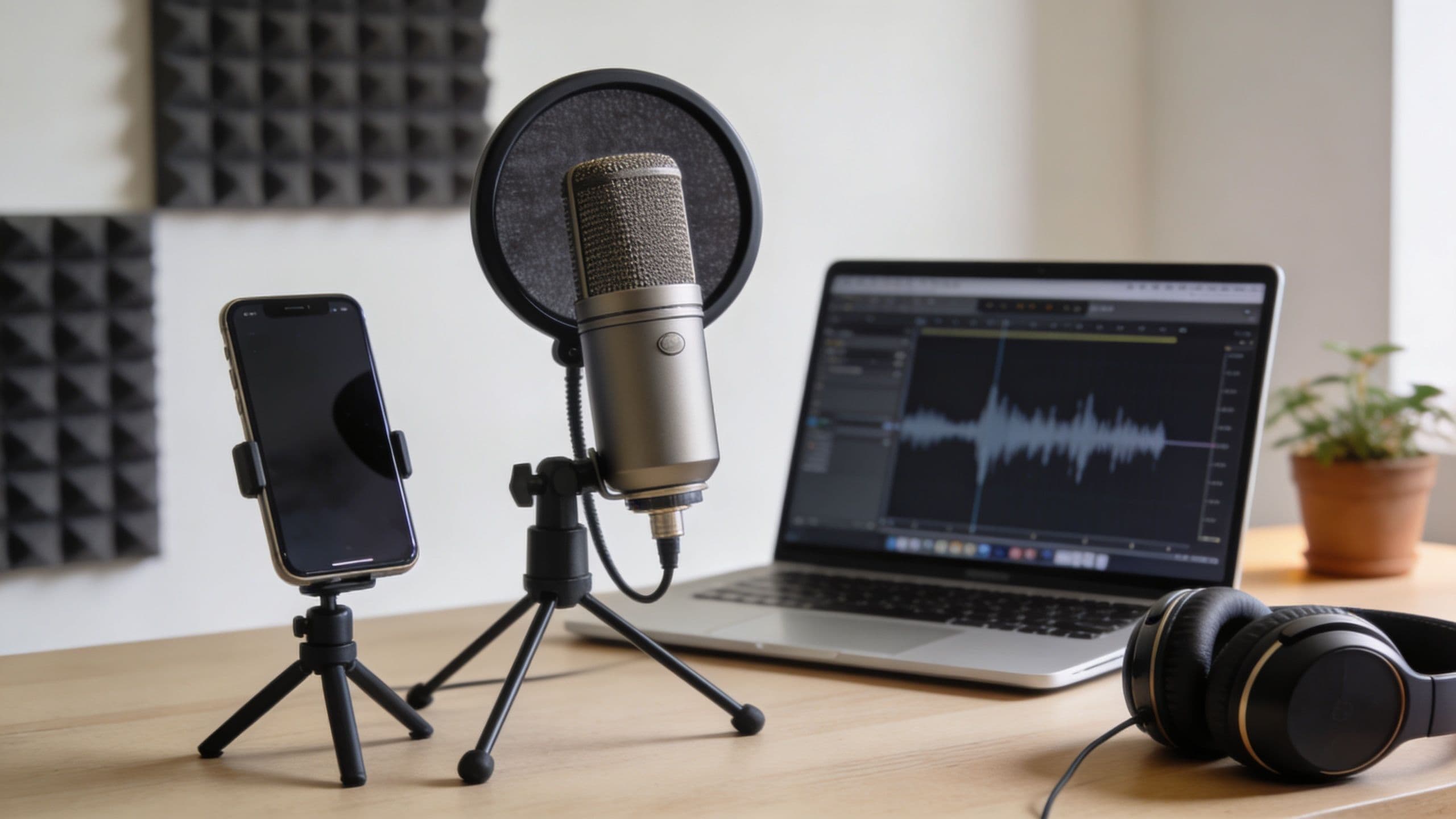
You don't need a dedicated studio, but you do need to reduce echo, appliance hum, street noise, and hard-surface reflections. Bedrooms often work because soft furnishings already absorb some reflections. Kitchens usually don't. Bare walls and empty desks sound harsher than people expect.
Use this room check before recording:
- Turn off recurring noise like fans, AC units, laptop cooling bursts, and buzzing chargers
- Soften reflective surfaces with curtains, rugs, bedding, or thick fabric near the recording area
- Record at quieter times when traffic and household movement are predictable
- Keep your setup fixed so your sound signature stays consistent from clip to clip
Don't overspend on visuals
For faceless short-form, a modern phone camera is often enough. Most of the visual appeal comes from framing, texture, pace, and light control. If viewers can clearly see fingers, props, powders, packaging, glass, paper, or tools moving slowly and cleanly, that's enough to hold attention.
What matters more than gear lust is consistency of look:
- Use the same background or surface.
- Keep your color palette narrow.
- Choose props that visually match your niche.
- Avoid clutter in frame.
Clean visuals feel calmer. Calm visuals support the audio. That's the actual job.
Build around a repeatable channel identity
A short-form channel grows faster when every clip looks like it belongs to the same creator. That doesn't mean every video must be identical. It means your audience should recognize your pacing, surfaces, props, captions, and sound profile.
Try choosing these before recording your first batch:
- One surface such as marble-look board, wood tray, black mat, or white desk
- One lighting style such as warm low light or brighter neutral tabletop light
- One caption style for trigger labels or short prompts
- One visual motif such as gloves, glass jars, pastel tools, folded towels, metallic objects, or skincare items
That's what turns random ASMR clips into a channel.
Mastering Audio Recording and Popular Triggers
The microphone is only half the story. The rest is placement, level control, and knowing how each trigger behaves.
A lot of new creators assume ASMR is quiet by default, so they record too low and try to “fix it in editing.” That usually gives you hiss, thin detail, and a weak sense of proximity. Strong ASMR sound starts before you hit record.
Set your recording chain correctly
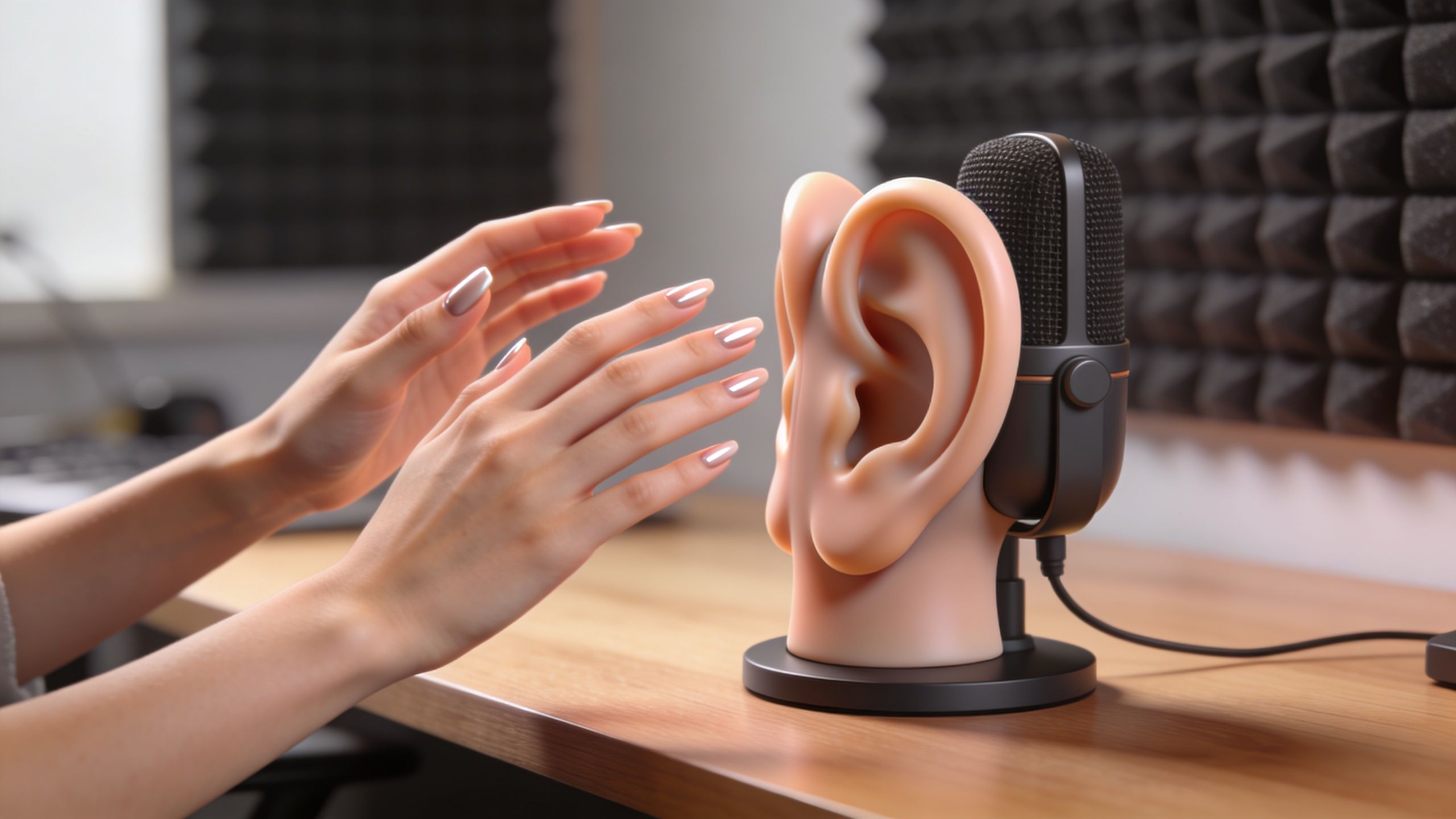
Professional ASMR audio works best when the signal is calibrated on purpose. Lewitt's ASMR guide recommends setting microphone gain to peak at -12dBFS and recording at 48kHz/24-bit. The same guide says acoustic treatment covering 30 to 50% of room surfaces can reduce reverb time to under 0.3 seconds.
Those numbers matter because ASMR isn't forgiving. Small room reflections, plosives, and gain mistakes are much easier to hear when the whole point of the video is microscopic sound detail.
Use this pre-record routine:
- Check peaks first by performing your loudest trigger before the take starts
- Monitor mouth noise if you're whispering close to the mic
- Stay still between sounds because clothing rustle ruins more takes than many creators expect
- Record room tone for a few seconds so cleanup is easier later
Match mic placement to the trigger
Whispers, tapping, brushing, and crinkles don't want the same distance.
For whispered or soft-spoken clips, keep the mic close enough for intimacy but not so close that every breath overloads the capsule. For tapping, angle the prop or your hands so the transient stays crisp without turning brittle. For brushing, movement consistency matters more than speed. For crinkles, small variations in pressure change the whole texture.
Common trigger handling mistakes include:
- Whispering straight into the mic, which creates harsh air hits
- Tapping too close, which makes peaks feel sharp instead of relaxing
- Rushing repetitive sounds, which kills the soothing rhythm
- Changing hand position constantly, which makes the audio image unstable
If a trigger sounds good in the room but disappointing on playback, placement is usually the issue before the prop is.
Later, once your manual workflow is stable, it can help to study how creators turn narrated concepts into repeatable audio-visual content with voice-over video workflows, especially if you want a more guided or scripted faceless format.
Treat the room before you buy more plugins
You can rescue a little noise. You can't rescue a bad room forever.
If your space rings, reduce reflection first. Hang thicker fabric, move closer to soft surfaces, and keep the mic away from bare walls. You'll get more improvement from that than from endlessly stacking effects.
For a visual walkthrough of recording posture, hand motion, and trigger control, this tutorial is useful:

Editing Audio and Creating Faceless Visuals
Recording gives you raw material. Editing is where it becomes watchable.
Short-form ASMR doesn't need flashy editing, but it does need clean audio, deliberate cuts, and visuals that support the sound instead of distracting from it. If your edit feels busy, you're probably solving the wrong problem.
Clean the audio first
Before touching visuals, do four things in order.
- Cut obvious mistakes, handling noise, and long dead spots.
- Remove or reduce background noise.
- Smooth harsh frequencies if a trigger feels brittle.
- Normalize overall loudness so the clip feels even from start to finish.
That is the essential part. A beautiful faceless visual with dirty audio still feels amateur.
The editing workflow covered in this ASMR editing guide notes that sequencing 15 to 25 distinct triggers within an 8 to 12 minute video can achieve a 65% average watch time. It also notes that soft lighting in the 2700 to 3500K range and subtle color grading can improve how simple footage looks, while Premiere Pro's Morph Cut can reduce jarring cuts by up to 80%.
You're making shorts, not long-form videos, but the lesson still holds. Viewers stay longer when transitions feel smooth and the sensory flow is intentional.
Faceless visuals still need a point of view
Faceless doesn't mean generic. It means your visuals should express texture, pace, and mood without relying on your face.
Good faceless ASMR visuals often come from one of these approaches:
- Top-down tabletop filming with hands, tools, and props
- Close-up macro shots of repeated motion
- Stock or self-shot ambient footage paired with whisper or object sounds
- Simple motion graphics or AI-generated scenes that mirror the audio mood
If you're experimenting with synthetic visuals, study what works in AI video generation workflows so the footage feels aligned with the trigger instead of pasted on.
Keep the edit slower than you think
Most new creators cut too quickly. They assume short-form means fast. ASMR works on a different clock.
A satisfying clip often has:
- A stable opening frame that gives the viewer a second to settle in
- One clear trigger at a time instead of competing sounds
- Gentle visual transitions instead of abrupt punch-ins
- Subtle text overlays only when they add context
Editing rule: If a transition calls attention to itself, it's probably too aggressive for ASMR.
One useful compromise is to edit with social retention in mind while preserving ASMR pacing. That means reducing dead space, but not stripping out the breath of the performance.
Structuring Your Story for Short-Form ASMR
The best short ASMR clips aren't random. They have shape.
That doesn't mean a heavy plot. It means the viewer feels a beginning, a development, and a clean ending within a very small window. Even in a faceless clip, that structure changes whether the video feels complete or disposable.
Use a trigger arc
A strong short-form ASMR video usually follows a simple arc:
- Start with certainty. Open on the sound or motion people came for.
- Deepen the texture. Add variation, layering, or a closer visual.
- Resolve cleanly. End on a softer repetition, final sweep, or visual stillness.
A tapping video might begin with slow nail taps on glass, shift into circular scratching, then end with lighter fingertip taps fading out. A skincare roleplay short might begin with bottle sounds, move into simulated application gestures, then close with soft brush strokes and a final caption.
Give the viewer a reason to stay
In long-form ASMR, viewers often commit early. In short-form, they decide almost instantly whether the clip feels worth staying with.
That's why the opening should reveal the promise fast. Don't spend the first part of the clip “setting up” the trigger if the setup itself isn't satisfying. Start near the strongest sensory moment, then widen or vary.
Use text as part of the experience
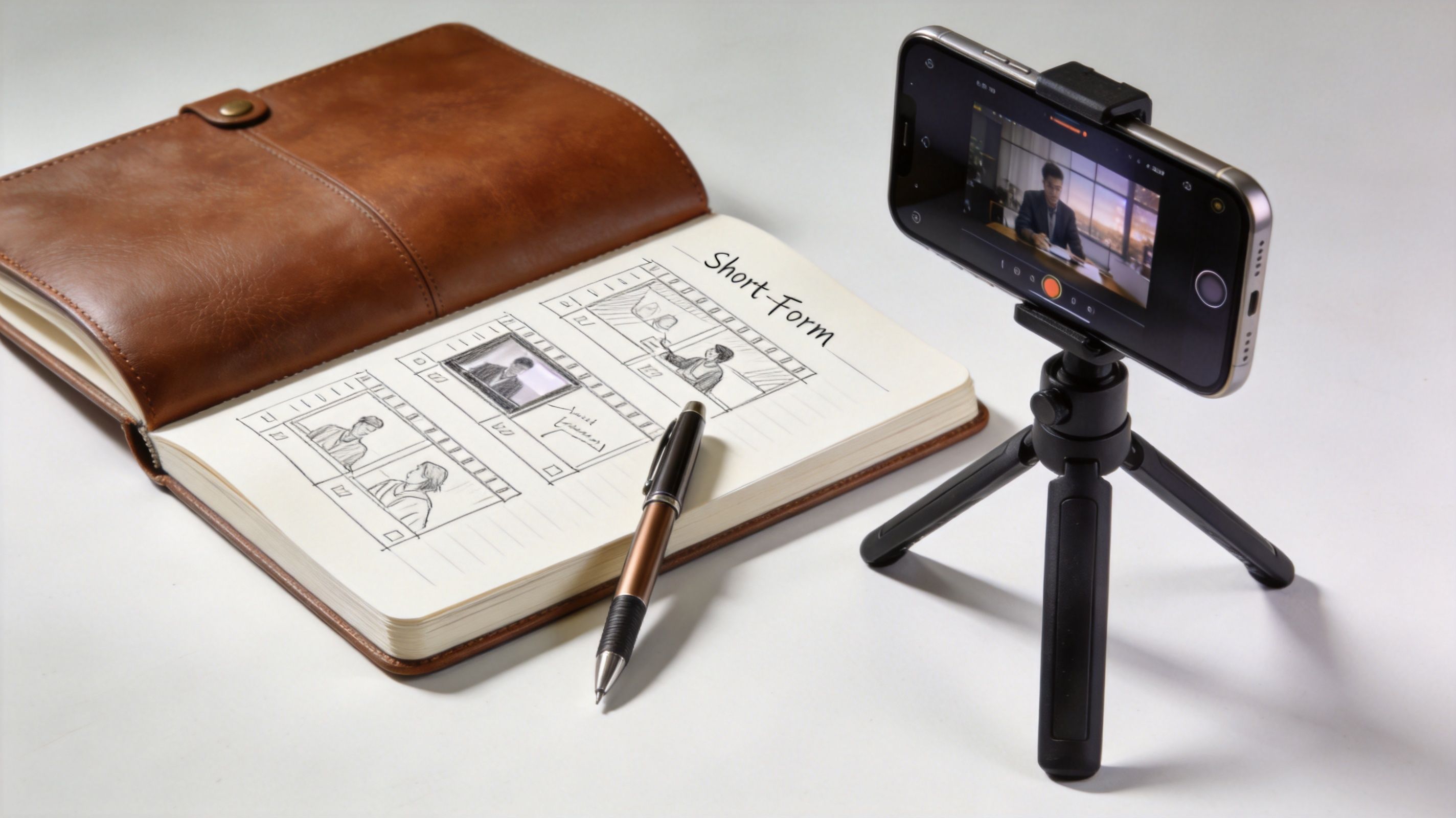
On-screen text can hurt ASMR when it feels loud or salesy. It helps when it acts like gentle guidance.
Useful text treatments include:
- Trigger labels such as “glass tapping” or “soft brush sounds”
- Scene cues like “late night skincare” or “quiet desk sounds”
- Subtle prompts such as “headphones recommended”
- Minimal subtitles if the clip includes whispering
Keep the language sparse. The text should support the sensory frame, not compete with it.
A short ASMR video works best when every element points in the same direction. Sound, motion, text, and ending should all feel like parts of one tiny experience.
Effective Posting Strategies for TikTok and YouTube
Most creators spend too much energy polishing individual clips and not enough building a schedule they can keep. For short-form ASMR, consistency beats perfection because platforms reward ongoing activity, and audiences learn your pattern over time.
Social Blade analytics cited in this ASMR creator breakdown show that channels posting 2 to 3 videos weekly see 3x faster subscriber growth. The same source notes that clear, minimal thumbnail designs can increase click-through rates by up to 25%.
That should change how you work. Don't build your channel around heroic one-off uploads. Build it around a repeatable calendar.
A practical posting system
Use a simple weekly structure:
- Batch record once or twice so setup time doesn't eat your whole week
- Rotate recurring series such as glass taps, brush sounds, packaging sounds, or whispered prompts
- Keep covers simple with one object, one focal point, and little text
- Review saves, watch-through, and comments to decide which trigger families deserve more posts
If you're thinking more strategically about YouTube packaging, titles, and audience behavior, lessons from creators who promote your music on YouTube can be surprisingly useful. Music creators and ASMR creators both depend on thumbnails, repeat listening, and discoverability in crowded feeds.
For planning, a lightweight content calendar workflow for short-form publishing helps keep your posting cadence realistic instead of aspirational.
Automating Production to Scale Your Channel
A lot of creators still assume “real” ASMR must be handmade from start to finish. That assumption breaks down once you're trying to publish consistently across TikTok, Shorts, and Reels without burning out.
Burnout isn't a side issue. Passionfruit's ASMR trend write-up notes that 82% of creators cite time exhaustion as their top barrier. The same source says automation tools help by generating full faceless clips from text prompts and handling scheduling, enabling creators to post twice daily.
That doesn't mean every part of your channel should be automated. It means you should decide what needs your hands.
What to automate and what to keep manual
Keep these manual when they define your channel:
- Trigger selection
- Sound taste
- Visual identity
- Final approval
Automate the parts that drain time without adding much creative value:
- Caption generation
- Subtitles
- Formatting for multiple platforms
- Scheduling and publishing
- Visual variations for repeated concepts
If you're comparing tools, broad overviews of best content generation software for 2026 can help you see where automation fits in your workflow. The key is using software to preserve consistency, not flatten your style.
The best setup is usually hybrid. Record signature sounds yourself when they matter. Use systems and templates for packaging, versioning, and distribution.
If you want a faster way to turn ASMR ideas into short, faceless videos without manually scripting, editing, subtitling, and posting every clip, ClipCreator.ai is built for exactly that workflow. You can generate branded short-form videos, add voiceovers and subtitles, and schedule posts across platforms so your channel stays active without eating your week.

Create your first video in under 2 minutes
Pick a niche, and ClipCreator.ai generates and auto-posts faceless videos to your channels every day.
Join ClipCreator.ai