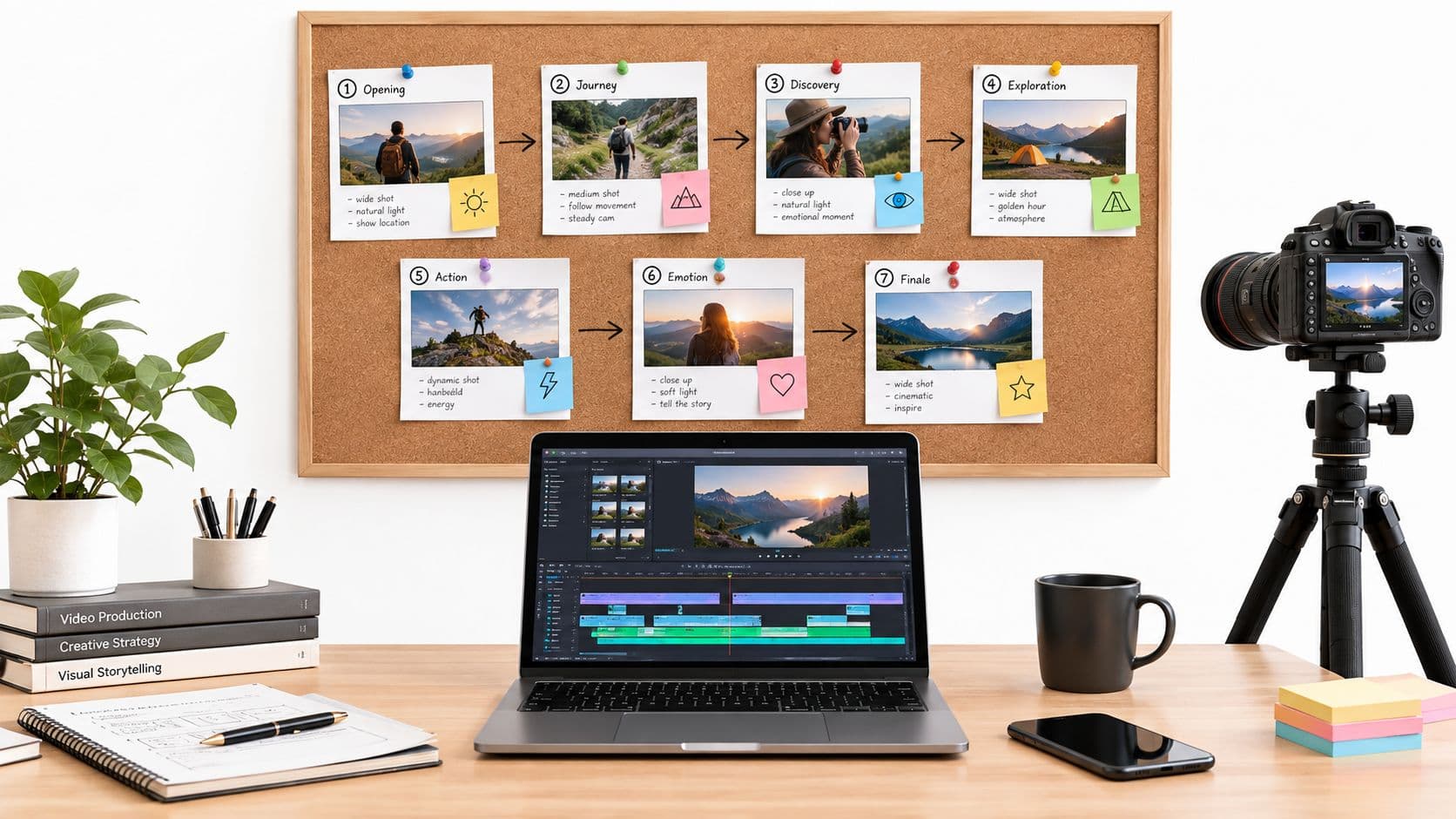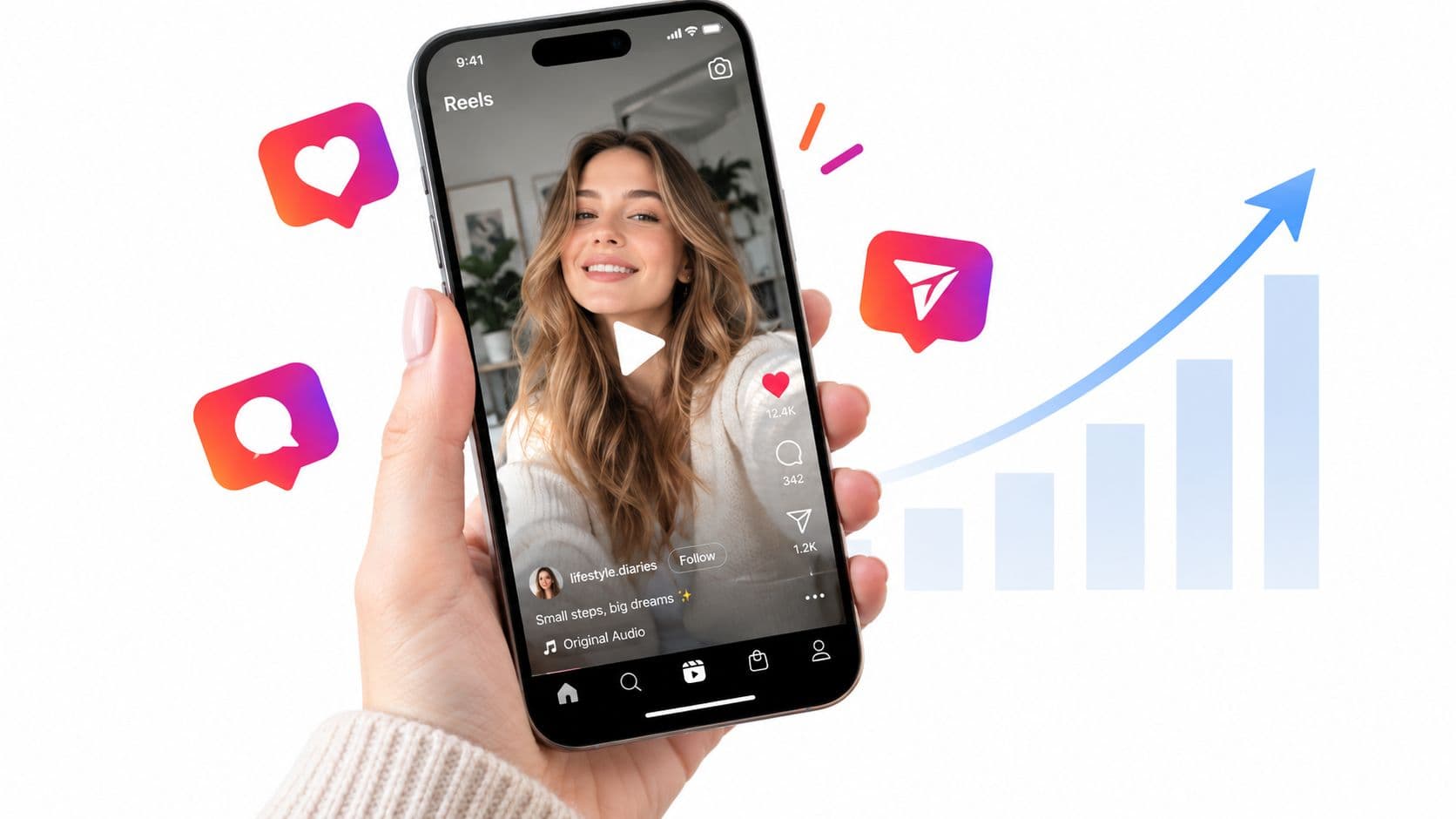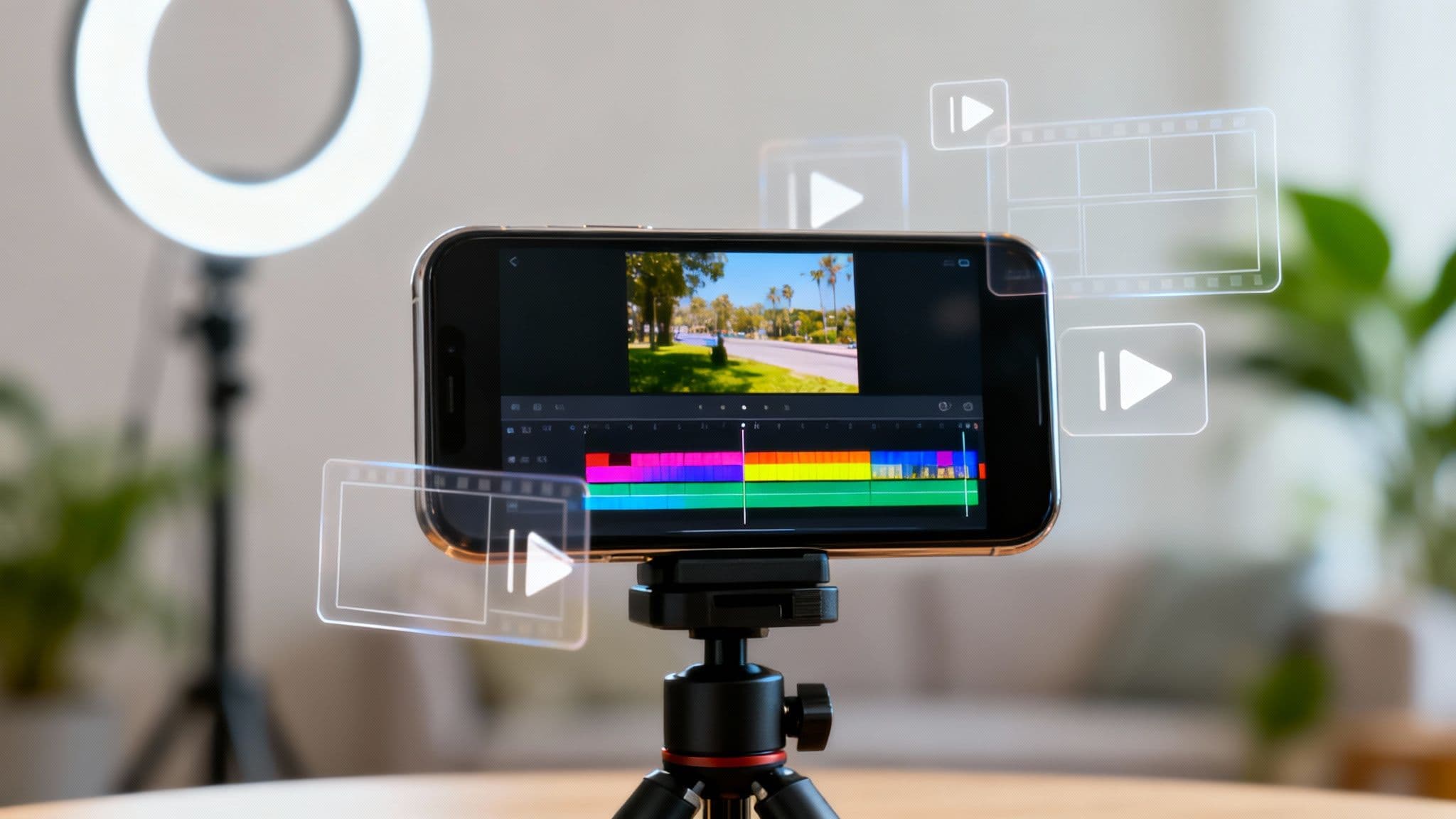
Creating great short videos really boils down to four main stages: coming up with the idea (ideation), actually shooting it (production), piecing it all together (editing), and finally, getting it out there (distribution). When you get this process down, you can turn a simple concept into a polished video that grabs people on TikTok, Reels, and Shorts.
Why Short Videos Have Taken Over
Short-form video isn't just a passing fad; it's become the native language of the internet. Its power comes from tapping directly into audience psychology. We live in a world overflowing with information, and content under 60 seconds gives us that quick, satisfying dopamine hit that our brains are now wired for. This format has completely changed what people expect from online content—they want value, and they want it now.
Platforms like TikTok and Instagram have trained us to swipe relentlessly. This means your video has just a few precious seconds to make someone stop scrolling. For any creator, brand, or business trying to connect with an audience today, learning how to nail the short-form format is no longer optional.
The Power of Bite-Sized Content
The numbers behind this shift are pretty staggering. Over 1.6 billion people around the world are regularly watching short videos, which is about 20% of the entire global population. Naturally, marketers are all in, with 44% planning to use short-form videos in their campaigns.
This workflow breaks the process down to its core.
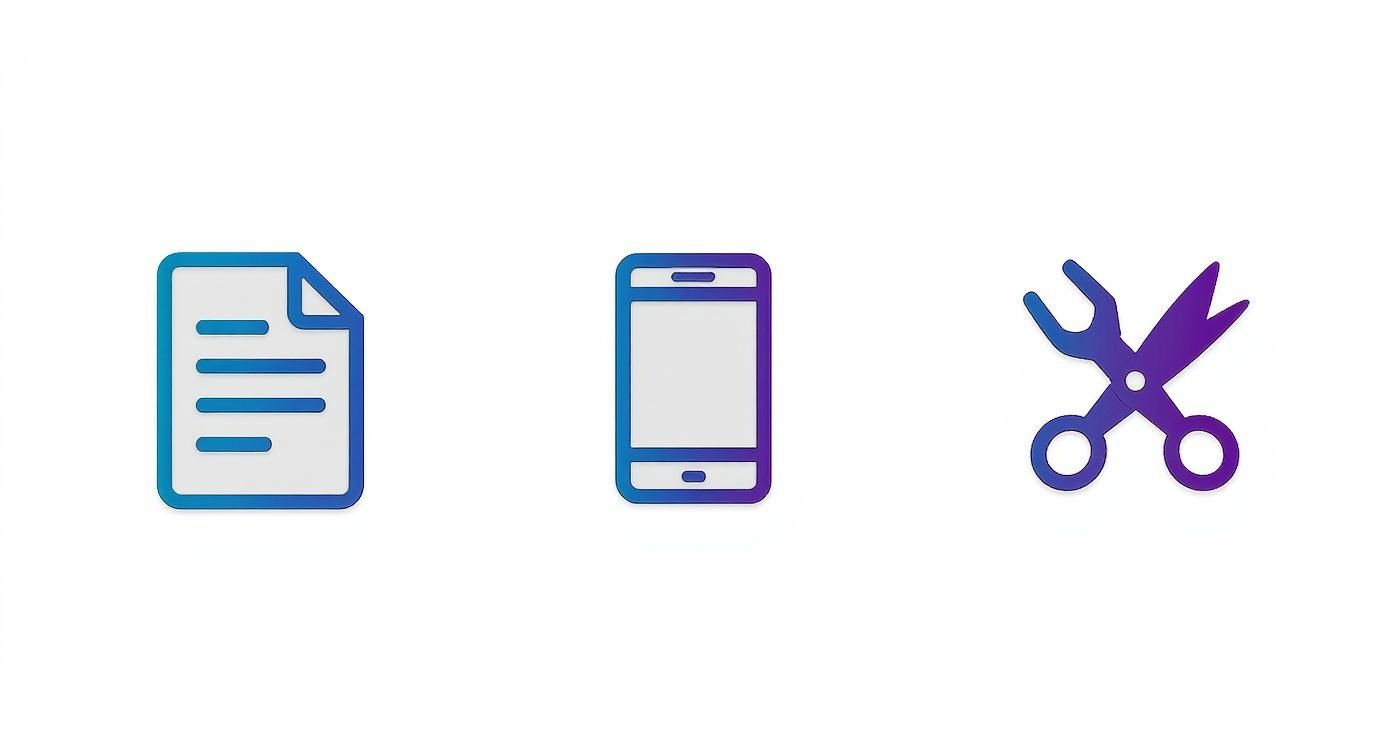
As you can see, it all comes down to three fundamental pillars: Script, Film, and Edit. A structured approach is what separates the videos that get seen from the ones that get swiped.
Making High-Impact Video Accessible
Not too long ago, making a quality video meant you needed serious technical skills and a budget for expensive gear. That high barrier kept a lot of people out. But things have changed. If you're looking for a complete playbook, there are some excellent guides out there on creating compelling videos that convert.
The real challenge today isn't just making a single great video. It's about being able to do it consistently and efficiently, day in and day out. The tools that simplify that process are the ones that give creators a real edge.
This is exactly where a tool like ClipCreator.ai fits in. It handles the most tedious parts of video production—like writing scripts, generating voiceovers, and finding the right visuals. This opens the door for anyone, not just video pros, to create content that looks great and truly connects with an audience.
Nailing Your Video Idea Before You Even Record

What’s the real difference between a video that gets a quick swipe and one that gets saved and shared? It's not the fancy camera or the perfect lighting. It all boils down to the first five seconds of planning that happens long before you hit record. A solid concept is the bedrock of any short video that actually connects with people.
So many creators just jump straight to filming, hoping inspiration strikes mid-take. Let me tell you from experience, that's a recipe for wasted time. A much smarter way to work is to lock in a single, clear goal for every video you make. What are you trying to do? Teach a quick hack? Share a mind-blowing fact? Make someone spit out their coffee laughing? Knowing your "why" from the get-go makes every other decision a whole lot easier.
What’s Your Video’s Core Mission?
Every piece of short-form content that performs well is usually doing one of three things. Figuring out which lane you’re in helps sharpen your message and makes it crystal clear for your audience.
- Educate: Think quick how-tos, problem-solving tips, or debunking common myths. These videos build your authority and make you the go-to expert.
- Entertain: Your goal here is to get a reaction—laughter, awe, or just a good feeling. This is how you build a real community of people who like you.
- Inspire Action: You want the viewer to do something specific, like visit your site, sign up for your email list, or try a new product. This is where your content directly drives business results.
Once you know your mission, brainstorming gets way more focused. You’re not just “making a video”; you’re on a mission to teach, entertain, or convert.
Master the Hook, Story, Offer Framework
In a world of 60-second videos, you have zero time for a slow-burn intro. That's why the Hook, Story, Offer (HSO) model is my absolute favorite framework for structuring video ideas. It’s a deceptively simple way to make sure your video grabs attention, delivers value, and tells people what to do next.
Hook: The first 1-3 seconds. This is your scroll-stopper. It needs to be punchy, intriguing, maybe even a little controversial.
Story: The middle chunk. This is where you deliver on the promise of your hook. It's the "how," the "why," or the "what."
Offer: Your call to action (CTA). Tell the viewer exactly what you want them to do next. Follow for more? Drop a comment? Click the link in your bio?
Treat this framework as your mini-scripting roadmap. By thinking in these three parts, you guarantee your video has a clear beginning, middle, and end, even if it's only 15 seconds long. If you're struggling to come up with ideas that stick, our guide on how to find trending topics is a great place to start.
The pace of content creation is no joke. The latest data shows that about 22% of marketers are pushing out videos weekly, and another 14% are doing it daily. That kind of frequency means you can't afford to waste time staring at a blank page.
This is exactly where a tool like ClipCreator.ai becomes a game-changer. You can feed it a simple prompt—like "a video about the benefits of morning walks"—and it will spit out a complete script built on that HSO model. You get a killer hook, a structured story, and a clear CTA, turning a vague idea into a shoot-ready plan in seconds.
You Don't Need a Fancy Camera—Just Your Smartphone
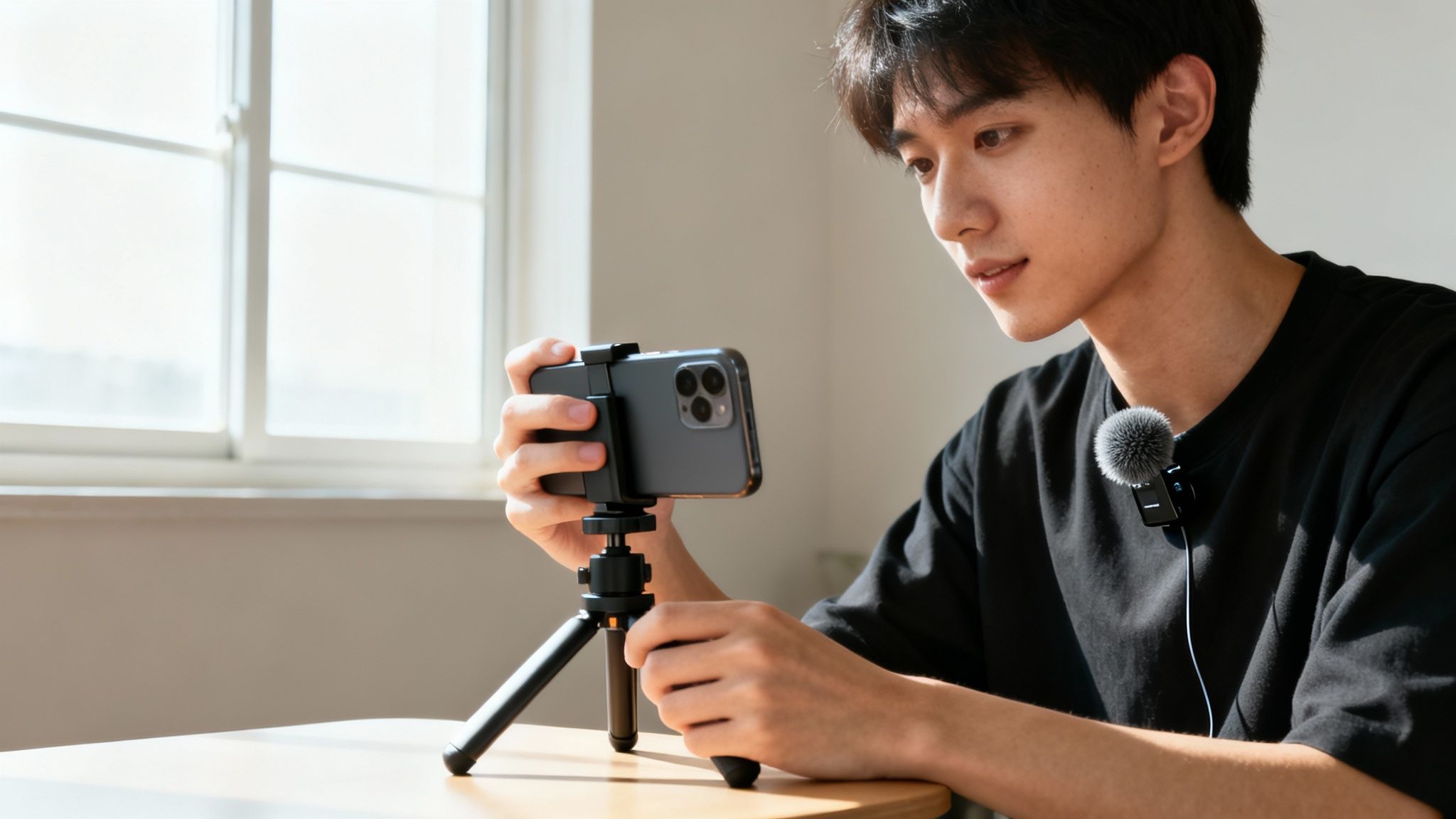
Let's get one thing straight: you don't need a professional studio or a thousand-dollar camera to create short videos that stop the scroll. The smartphone in your pocket is an incredibly powerful production tool. Honestly, knowing how to use it is far more important than any expensive gear you could buy.
The real difference between amateur content and a polished, professional video comes down to a few core fundamentals. This isn't about deep technical knowledge; it's about making a few smart choices before you even think about hitting the record button.
Nail Your Lighting and Audio First
Great lighting and clear audio are the two things you absolutely cannot compromise on. If I had to pick one, I'd say audio is even more critical. Viewers will forgive slightly grainy video, but they will click away instantly if they can't hear you clearly.
For lighting, natural light is your best friend. Just position yourself so you're facing a window, and let that soft light do the work. The biggest mistake people make is having the window behind them, which turns you into a dark, hard-to-see silhouette. If you don't have good natural light, a simple ring light is a fantastic and affordable alternative.
When it comes to audio, your phone's built-in mic is passable in a pinch, but a cheap lavalier mic that clips onto your shirt is a total game-changer. It gets the microphone close to your mouth, which isolates your voice and dramatically reduces echo and background noise.
Key Takeaway: Good audio subconsciously tells the viewer the video is high-quality. Bad audio immediately screams "amateur." It’s that simple.
Keep It Steady for a Professional Look
Nothing makes a video feel more unprofessional than shaky footage. It’s distracting and can make your content completely unwatchable. Since our hands are naturally unsteady, holding your phone is almost always a bad idea.
A small, affordable tripod is easily the best investment you can make. It locks your shot in place, frees up your hands to gesture naturally, and lets you focus on your performance.
No tripod? No problem. Get creative:
- Book Stack: Prop your phone up against a stack of books on a desk.
- Shelf Trick: Find a shelf at eye level and place your phone there.
- The "Elbow Tuck": If you must hold it, use both hands and tuck your elbows tightly against your body. It creates a much more stable base.
Also, don't forget to film vertically! Short-form video lives in a 9:16 aspect ratio, so shooting in portrait mode from the start saves a ton of editing headaches. It’s worth taking a moment to understand the specific vertical video dimensions for each platform to make sure your content fits perfectly wherever you post it.
This is also a perfect spot for AI to lend a hand. Even with a simple, locked-off smartphone shot, a tool like ClipCreator.ai can add dynamic, AI-generated B-roll or even place you in a virtual background. Suddenly, your simple phone footage has a layer of professional polish that makes it look like it came from a much bigger production.
Editing Secrets for Maximum Audience Retention
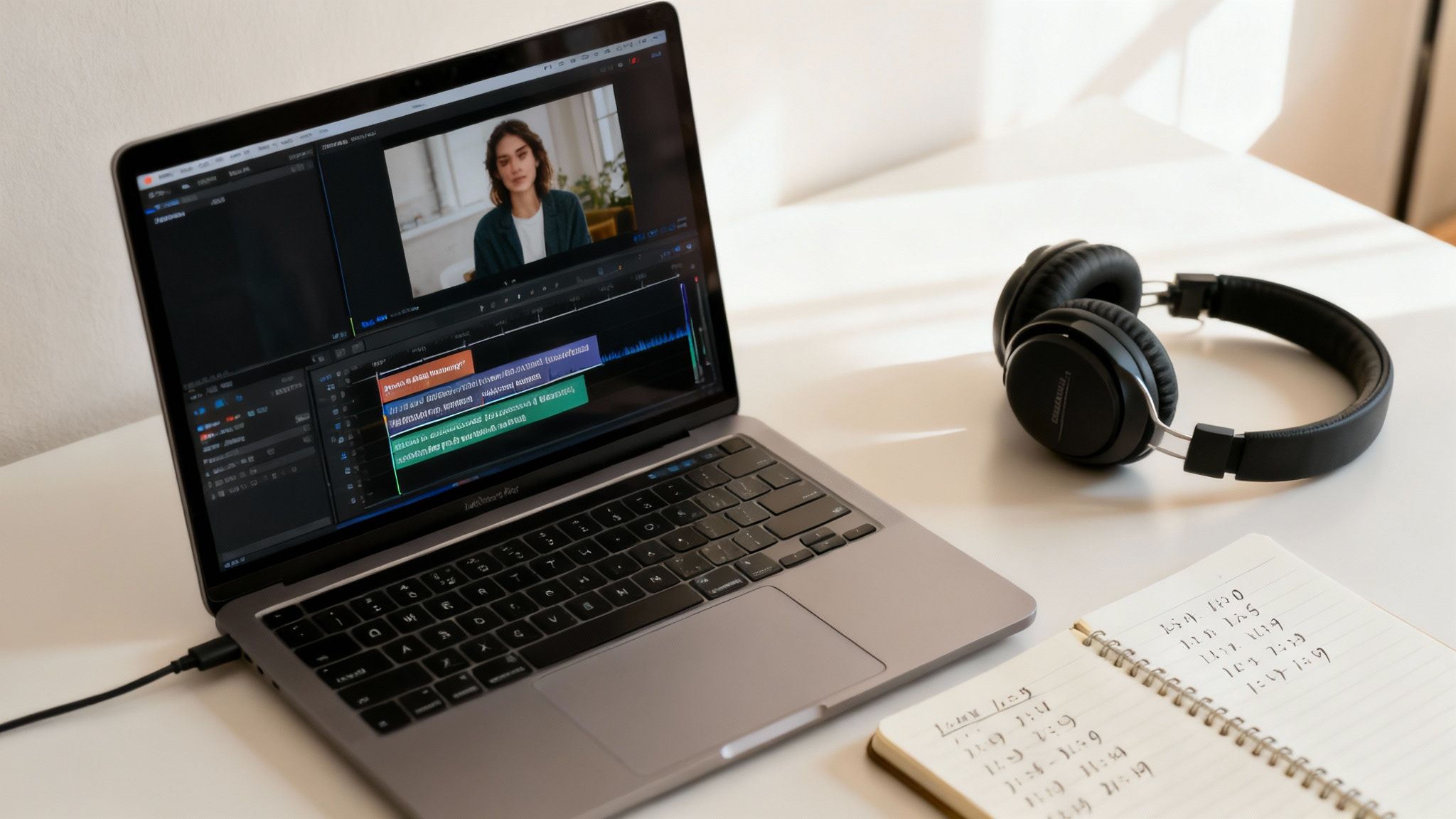
You can have a killer idea and perfect footage, but the edit is where the magic really happens. This is the moment you take your raw clips and shape them into a story that grabs people and refuses to let go. Honestly, great editing is what separates good content from unforgettable content—and it’s the key to stopping the endless scroll.
The one rule to live by? Maintain momentum. In the world of 60-second videos, there’s simply no time for dead air or sluggish pacing. Every single second has to justify its existence. This is where you’ll weave together quick cuts, eye-catching text, and the perfect audio to create something people can't look away from.
Drive the Pace with Quick Cuts and Dynamic Captions
Let’s be real: attention spans are microscopic these days. Your editing has to keep up. The old-school, static "talking head" video just doesn't cut it anymore. To keep viewers hooked, you need to introduce some kind of visual change every few seconds.
This doesn't mean your video has to be a chaotic mess of jump cuts. It can be as subtle as punching in on your face to emphasize a critical point or switching to a B-roll clip. The idea is just to keep the viewer’s brain engaged and their eyes moving.
Next up, and just as important, are your captions. A huge number of people watch videos on social media with the sound off. If you’re only relying on your voice, you’re missing a massive chunk of your potential audience.
- Make them pop: Use a clean, bold font that’s easy to read against any background. No tiny, thin letters!
- Give them life: Animate your captions so words appear one by one, or use color to highlight important phrases. This turns them from a simple transcript into a dynamic part of the experience.
- Use them for tone: Captions aren't just for what you say; they're for how you say it. They can add personality and reinforce the video's message.
Set the Mood with Sound and Music
Audio is what gives your video its soul. The right song or sound effect can completely transform the vibe, turning a simple explainer into something genuinely inspiring or making a product review feel exciting.
Don’t just throw a trending audio track on your video and call it a day. Think about the feeling you're trying to create. Is it energetic and fun? Focused and professional? The music needs to support your story, not just be background noise.
Sound effects are the pro-level secret. A simple "swoosh" during a transition or a "ding" when a key insight appears on screen adds a layer of polish that makes your content feel incredibly professional and alive.
How AI Flips the Script on Editing
For years, this kind of meticulous editing—all the trimming, captioning, and audio mixing—was a massive time sink. It was the number one reason many creators couldn't figure out how to create short videos consistently without burning out.
This is exactly where an AI tool like ClipCreator.ai comes in and changes the entire game. Instead of you spending hours trimming every "um" and "uh," the AI makes smart cuts based on the script's rhythm. It then automatically generates and animates your captions, timing them perfectly to your speech.
To give you a clearer picture of the difference, let’s look at how the old way stacks up against an AI-powered workflow.
Short Video Editing Feature Comparison
| Editing Task | Manual Editing Software (e.g., CapCut, Premiere) | AI-Powered Tool (e.g., ClipCreator.ai) |
|---|---|---|
| Trimming & Pacing | Manually cutting dead air, mistakes, and awkward pauses. Can take 30-60+ minutes. | Intelligent Cuts: AI automatically removes filler words and pauses, creating a tight, fast-paced video in seconds. |
| Caption Generation | Requires manually typing out subtitles or using a separate tool, then syncing and styling them. | Automated & Animated: AI generates, syncs, and animates captions instantly based on your brand style. |
| B-Roll & Visuals | Involves searching stock libraries, downloading clips, and manually placing them on the timeline. | Contextual Media: AI analyzes your script and automatically suggests or adds relevant visuals and B-roll. |
| Music Selection | Manually searching through royalty-free music libraries to find a track that fits the mood. | Tone-Matched Audio: AI selects a fitting royalty-free soundtrack based on the content of your video. |
As you can see, what used to be a long, tedious process of manual adjustments is now handled automatically. This doesn't just save time; it ensures a level of professional polish that might have been out of reach before. An AI assistant handles the grunt work, letting you focus on the creative side of things.
Getting Your Video Seen: A Platform-Specific Publishing Playbook
https://www.youtube.com/embed/pL6e0L0T8fU
You’ve done the hard work—the video is edited, polished, and ready to go. But hitting "export" isn't the finish line. The final, and arguably most critical, step is publishing your video in a way that plays by the rules of each social media platform.
A one-size-fits-all approach is a recipe for disappointment. What absolutely blows up on TikTok might completely flop as a YouTube Short. It's all about understanding the unique culture, audience, and algorithm of each platform. You wouldn't wear a tuxedo to a backyard barbecue, right? The same logic applies here—your video needs to be dressed for the occasion.
Tailoring Your Content for Each Platform
This goes way beyond just changing the aspect ratio. You need to adjust your entire approach, from the caption and hashtags to the very tone of your post.
Here’s a quick breakdown:
- TikTok: This is the land of raw authenticity and fast-moving trends. Jump on trending audio, participate in challenges, and keep your captions short and snappy. You want your video to feel like it belongs on the "For You Page," not like a polished ad that sticks out for all the wrong reasons.
- Instagram Reels: While it shares DNA with TikTok, Reels often favors a more polished, aesthetic vibe. Visually stunning clips, inspirational messages, and quick educational tutorials tend to do really well. Don't forget to share your Reel to your Stories to give it an extra boost.
- YouTube Shorts: Think of Shorts as trailers for your main YouTube channel. They're perfect for delivering quick, valuable tidbits that make viewers want to check out your long-form content. Since YouTube is a massive search engine, load your titles and descriptions with relevant keywords to help people find you.
The competition in short-form video is fierce. One recent analysis showed that while the number of short video posts jumped by an incredible 70% in just one year, how people engage with them varies wildly by platform.
If you're serious about getting noticed, you need to understand the strategies to create viral content that work for each specific app. While some platforms are getting crowded, TikTok’s engagement is still climbing, making it a can't-ignore channel for growth.
Smart Automation for Cross-Platform Success
Let's be real: manually reformatting your video, writing unique captions, and researching hashtags for every single platform is a soul-crushing time-sink. It's exactly the kind of repetitive work that burns you out and keeps you from what you do best—creating. A solid publishing workflow is a non-negotiable part of any modern video distribution strategy.
The secret to consistent growth isn't just making great content; it's getting that content in front of the right people on every channel, without losing your mind in the process. Don't let the final step become your biggest bottleneck.
This is where you can get a serious edge with automation. A tool like ClipCreator.ai can do the heavy lifting for you. It automatically crafts platform-specific captions, pulls in relevant and trending hashtags, and even schedules your posts for the best time on each network.
Instead of fighting with the details, you can focus on the big picture. You create the video once, and the tool handles all the custom tailoring needed to maximize your reach and impact.
Got Questions About Making Short Videos?
Even with the best plan in hand, you're bound to run into a few questions when you start creating short-form videos. It happens to everyone. Let's walk through some of the most common hang-ups so you can push past them and keep creating.
How Long Should My Videos Actually Be?
This is probably the number one question I hear. Platforms like TikTok and Instagram Reels allow for videos up to 90 seconds, but does that mean you should use all that time?
Honestly, the best length is however long it takes to make your point, and not a second more. A punchy 15-second video that’s all value will always do better than a 60-second video that drags on just to fill time. Cut the fluff.
How Often Do I Really Need to Post?
Another big one. You'll see so-called experts online insisting you have to post three, four, or even five times a day to see any growth. That's a one-way ticket to burnout. The secret isn't about posting constantly; it's about being sustainable.
Your best posting schedule is the one you can actually stick with for the long haul. Consistency over intensity. If that’s twice a week, great. If it’s five times a week, great. Just don’t sacrifice quality or your sanity for quantity.
What If My Videos Aren't Getting Views?
It’s frustrating when you put in the work and hear crickets. Before you blow up your entire content strategy, take a hard look at the very beginning of your videos—I'm talking about the first 1-3 seconds.
Is your hook strong enough to stop the scroll? Nine times out of ten, a weak opening is the real problem. If you can’t grab their attention immediately, they’re gone.
Should I Use Trending Audio or My Own Voice?
This is a classic dilemma, and the good news is, you don't have to choose just one. They both have their place.
- Trending Sounds: Jumping on a trend can give you a quick shot of visibility. The algorithm is already pushing that sound, so you get to ride the wave. It’s perfect for skits, relatable humor, or participating in a challenge.
- Original Audio: Nothing builds authority and a recognizable brand like your own voice. If you're sharing expertise or telling a personal story, original audio is the way to go. It helps people connect with you.
The smartest approach? Do both. Use trends to draw new eyes to your profile and original audio to build a deeper connection with the audience you already have.
Seriously, What's the Perfect Video Length?
Okay, let's circle back to length with a more data-driven mindset. Stop guessing and start looking at your own analytics. Check out your best-performing videos. Is there a sweet spot where you consistently hold people's attention?
Maybe you notice that on your most popular videos, viewers almost always drop off after the 25-second mark. That's not a failure—that's a clue! Make your next few videos around that length and see what happens. This process of testing, analyzing, and adjusting is the core of learning how to create short videos that your specific audience loves.
Ready to get back to the creative part and ditch the tedious editing? ClipCreator.ai handles everything from scripting to the final cut, so you can publish consistently without spending all day at your computer. Create your first video in minutes at ClipCreator.ai.

Create your first video in under 2 minutes
Pick a niche, and ClipCreator.ai generates and auto-posts faceless videos to your channels every day.
Join ClipCreator.ai