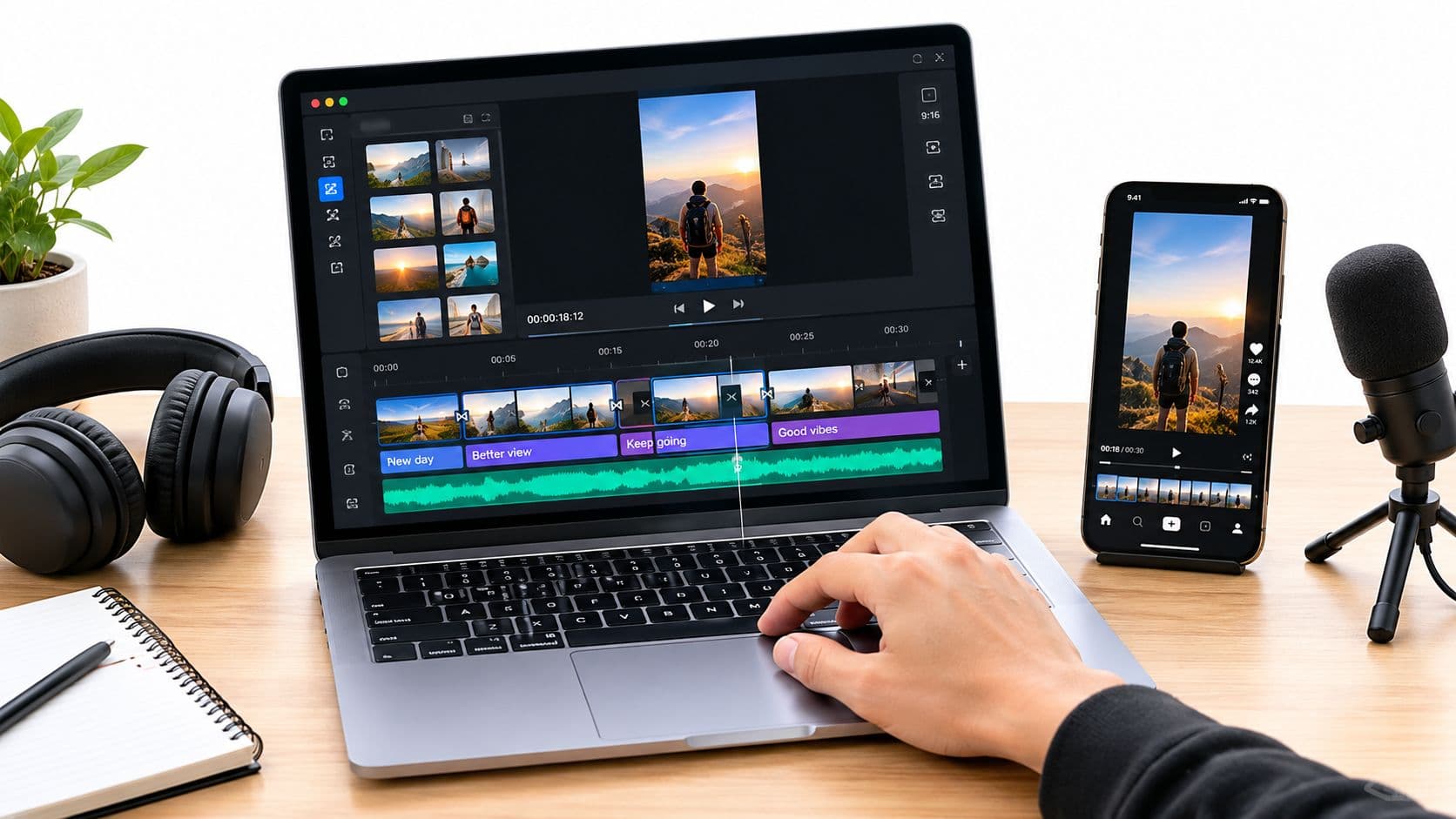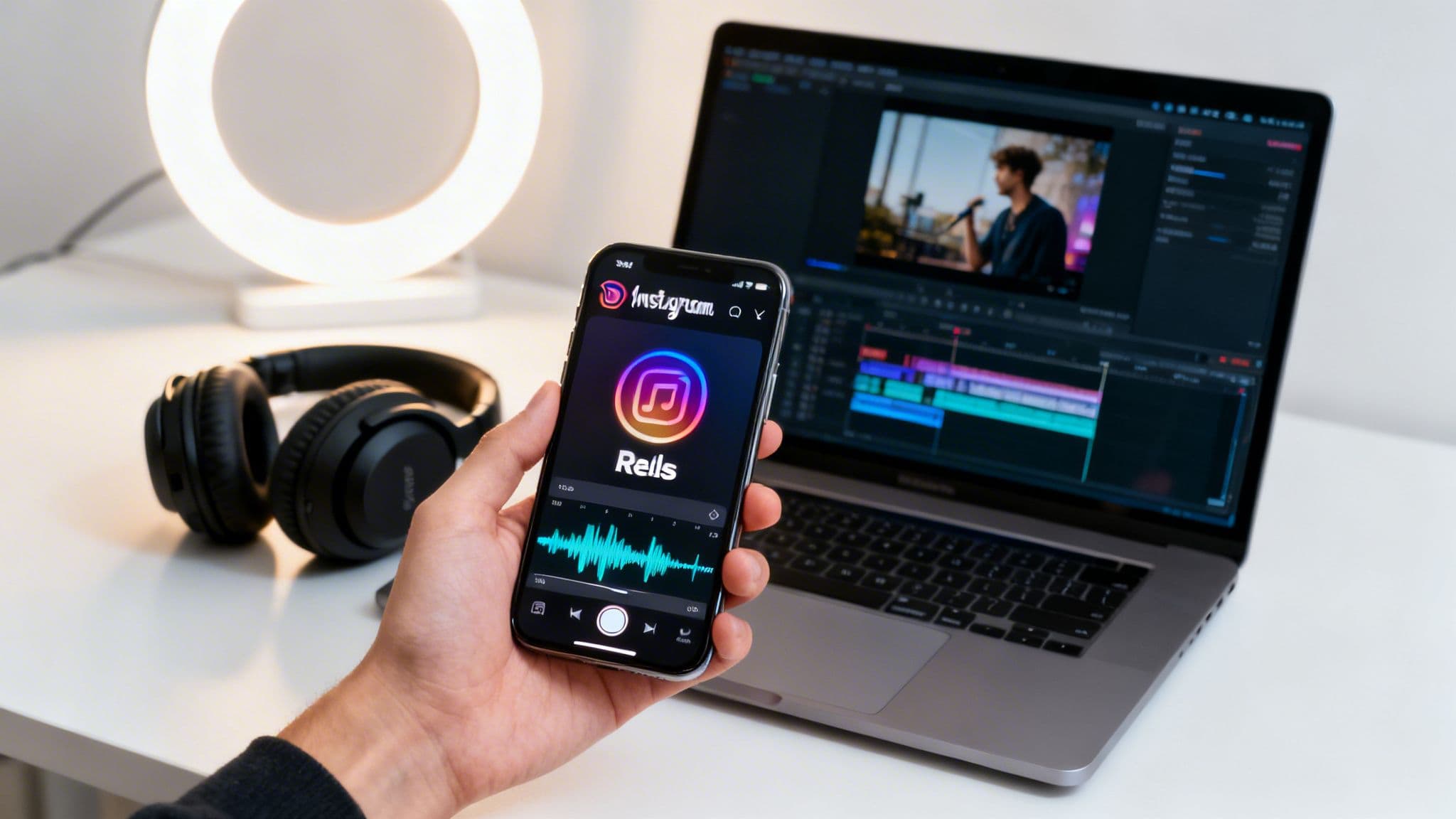
Adding music to your Instagram videos is pretty simple on the surface—you can either grab a track from the built-in music library inside Reels and Stories or use a third-party app to add your own audio before uploading. But just knowing the steps isn't enough. Truly mastering the art of a great soundtrack is what separates content that gets ignored from content that goes viral.
Why Music Is the Secret to Instagram Growth
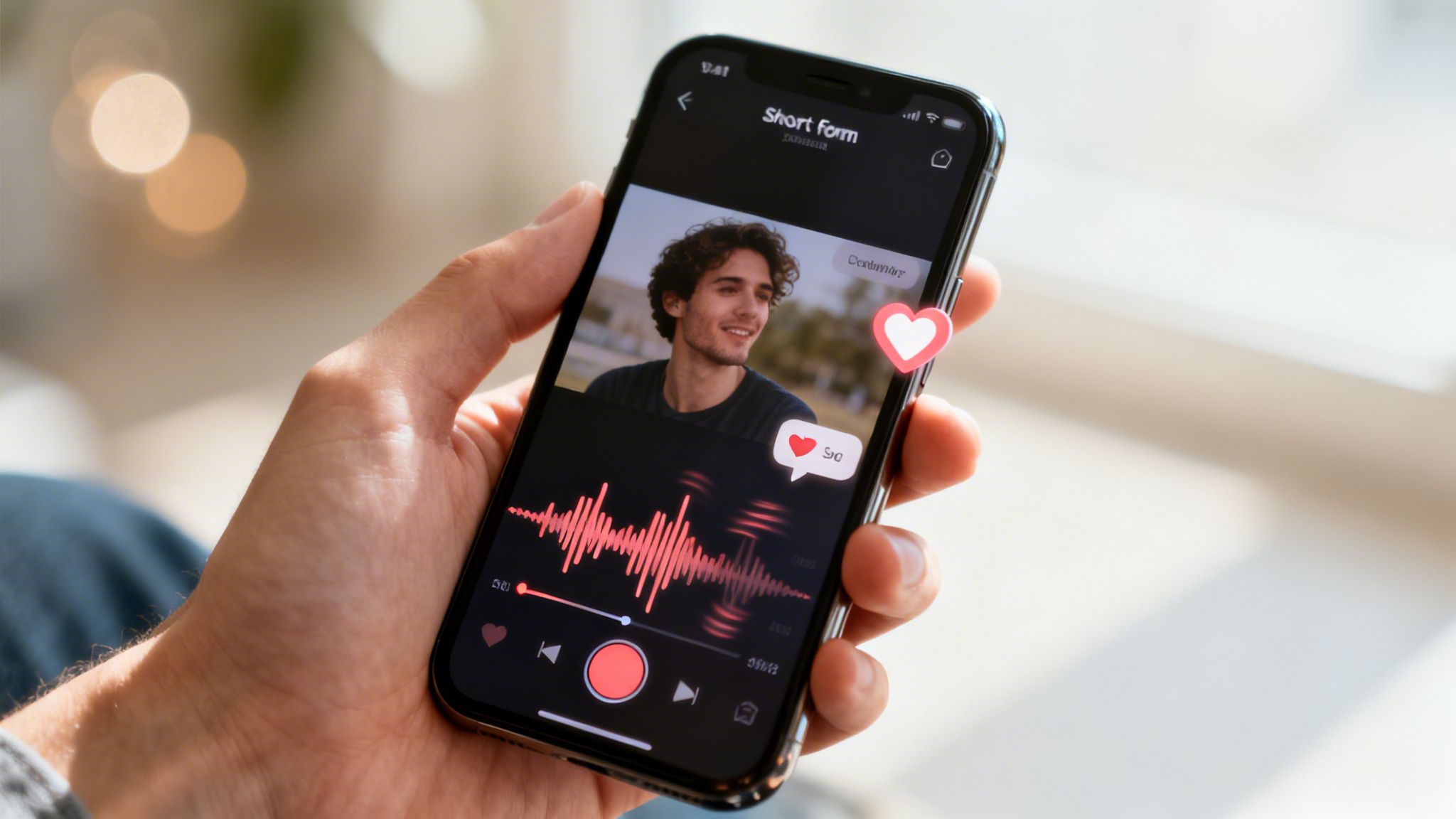
Before we jump into the "how," let's talk about the "why." Think about the last Reel that made you stop scrolling. Chances are, the music had a lot to do with it. The right song does more than just fill the silence; it sets the mood, hooks viewers in the first couple of seconds, and makes your story resonate on a much deeper level.
Boost Your Reach with Audio
It’s no secret that the Instagram algorithm favors content that keeps people watching, and videos paired with compelling music are a surefire way to do just that. Reels, in particular, have become the platform's engine for growth. By 2026, Reels are expected to account for a massive 50% of all time spent on Instagram.
These short-form videos aren't just popular; they're effective, boasting an average reach rate of 30.81%—more than twice what you’d see from a standard photo post.
The secret ingredient? Audio. An incredible 80% of Reels are watched with the sound on. If you're not choosing your music carefully, you're missing a huge opportunity to connect with your audience.
The data consistently shows that creators who tap into trending or popular audio see a major spike in engagement. Getting familiar with the best practices for Instagram Reels will give you a serious edge. With nearly two billion users generating 140 billion daily views, a well-chosen track is your ticket to tapping into that massive audience. To see just how much Reels have changed the game, check out these modern Instagram statistics.
Creating Videos Directly in the Instagram App
Honestly, the fastest and most straightforward way to get a video with music onto Instagram is to build it right inside the app. Instagram has packed a massive music library directly into its Reels and Stories editors, which is perfect for creating content on the fly or jumping on a trend without a ton of fuss.
For Stories, it couldn't be simpler. Once you’ve recorded your clip or pulled one from your camera roll, just tap the sticker icon and find the "Music" sticker. You can then search for a song, browse what's trending, and pick the exact 15-second clip you want. I’m a big fan of using the animated lyrics option—it's an easy way to make your Story more dynamic and engaging.
Adding Music to Reels
Reels takes things a step further. You can actually pick your audio before you even start recording. Just tap the audio icon on the left, find your track, and then you can build your entire video around the song's beat and energy.
But the real magic for Reels is the "Sync" tool. This feature is a massive time-saver. You can select a song, upload a bunch of different video clips, and Instagram will automatically trim and align them to the rhythm of the music. It gives you a polished, beat-matched video with a single tap. Of course, if you're a bit more particular, you can always go in and manually adjust the timing of each clip on the timeline. After getting the edit just right, knowing how to properly share your Reel on Instagram is the crucial final step to get it seen.
Ever wondered why you can't find a popular song that everyone else is using? Your account type is almost always the culprit. Business accounts face a more limited, royalty-free music library due to licensing rules. If you want the full collection of commercial hits, you’ll need to be on a Creator or Personal account.
Finding and Using Trending Audio for Virality
Great video is one thing, but the right music is what stops the scroll. Think of trending audio as a secret pass to get your content in front of more people. It’s not just about setting a mood; it’s a direct signal to the Instagram algorithm, and it's a core part of making videos that actually get seen.
And the numbers don't lie. With Reels generating 140 billion plays every single day and over 50% of users engaging with them weekly, popular sounds are a massive discovery tool. We’ve all seen it happen—a song like Florence + The Machine's "Dog Days Are Over" suddenly takes over, powering over 683,000 Reels and creating a massive wave of visibility.
Choosing the right format for your video is just as important. This simple flowchart breaks down whether a Reel or a Story is the better fit for your goal.
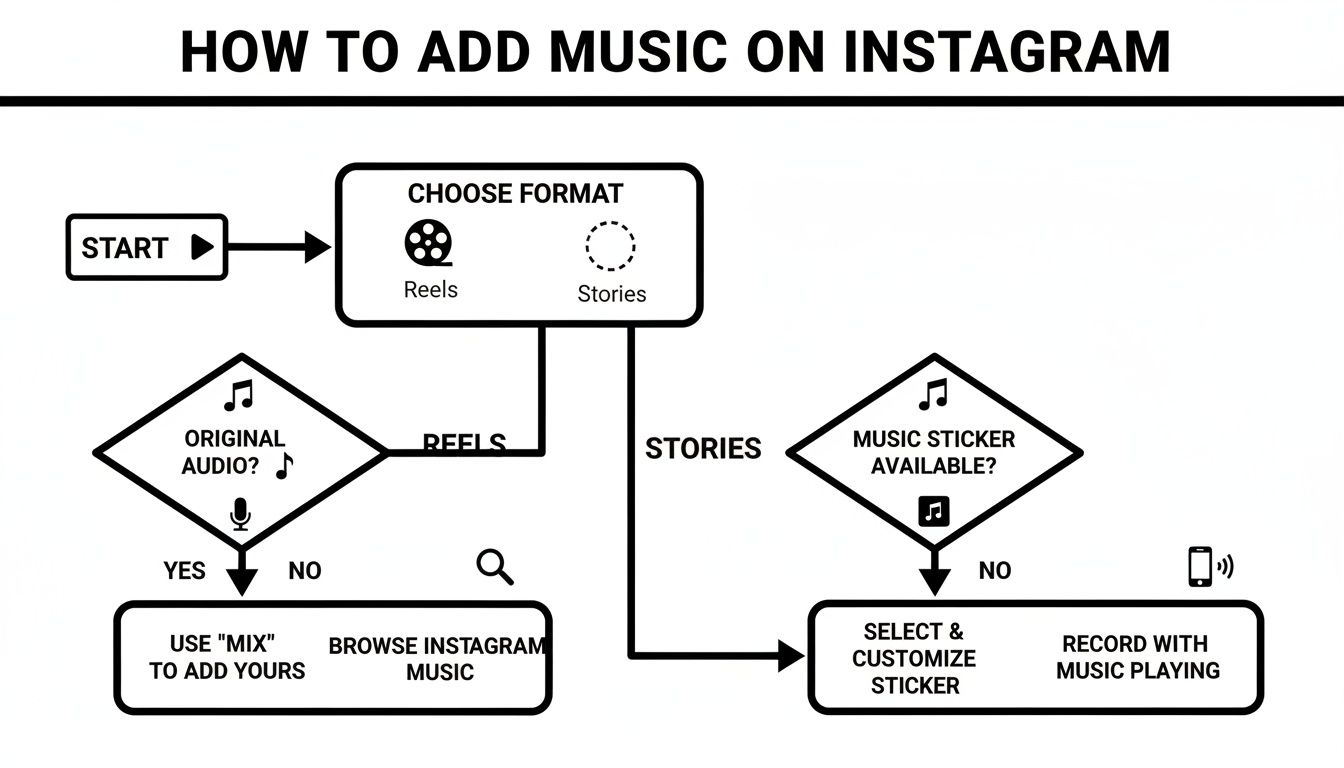
Both have their strengths, but when virality is the goal, Reels paired with trending audio is the clear winner.
How to Spot and Save Viral Sounds
So, how do you actually find these sounds before everyone else does? Honestly, the best method is to spend time on the platform.
Trending Audio Discovery Methods Compared
Finding the perfect viral sound can feel like searching for a needle in a haystack, but a few consistent methods work wonders. Each has its own strengths, depending on whether you prefer passive discovery or active searching.
| Method | How It Works | Best For |
|---|---|---|
| Scrolling the Reels Feed | Casually browse Reels and look for sounds that appear repeatedly. Instagram also adds a small upward-pointing arrow next to audio that is officially "trending." | Passive discovery and understanding how trends are being used in real-time. |
| Using the 'Save Audio' Feature | When you hear a sound you like, tap the audio name at the bottom of the Reel and hit the "Save Audio" button. | Building a personal library of pre-vetted sounds to use for future video ideas. |
| Following Trend-Spotting Accounts | Accounts like Instagram's official @creators account often highlight rising sounds, artists, and creative challenges. | Getting curated trend alerts and inspiration directly in your feed. |
Ultimately, combining these methods will give you the best of both worlds: a steady stream of new ideas from your feed and a ready-to-go library of saved tracks.
Pro Tip: Don't just find a trend—save it. When you discover an audio you might want to use, tap the audio name at the bottom of the screen and hit "Save Audio." This creates a personal folder of sounds you can pull from the moment inspiration strikes.
This habit is a game-changer. It lets you act fast when you finally have the perfect video idea for a sound you found days or weeks ago. If you need some immediate inspiration, lists like the 130 Best Trending Songs for Instagram Reels are a great place to start your search.
Of course, a viral sound is only half the battle. You need to pair it with a topic your audience genuinely cares about. If you need help connecting the dots, our guide on how to find trending topics shows you how to find subjects that will resonate.
Using Third-Party Apps for Advanced Editing

While Instagram’s built-in tools are great for quick posts, you'll eventually hit a wall. When you need more creative freedom and professional polish, it’s time to move your editing workflow off the app. Third-party video editors are where the real magic happens, giving you a level of precision Instagram’s native tools just don't have.
Editors like CapCut, InShot, and VN Editor are staples for a reason. Their biggest advantage is the multi-track timeline. This lets you layer audio elements with precision—something you just can't do in the Instagram app.
Imagine placing your main music track, then adding a distinct "whoosh" sound effect precisely when your text animates on screen, all while a subtle atmospheric track runs in the background. You can control the volume of each clip independently, fade audio in and out, and easily mix in your own voiceover for a truly custom soundscape.
Sourcing Music and Advanced Workflows
Of course, using an external editor means you’re often sourcing your own music, and that brings licensing into the picture. To avoid copyright strikes that can get your video muted, you’ll want to use royalty-free music. Platforms like Epidemic Sound or Artlist have massive libraries cleared for commercial use. Proper music rights are a big deal—an indie artist can earn anywhere from $500 to $20,000 for a single sync deal on TV, which shows how valuable this can be.
My go-to strategy is to build the entire audio experience in CapCut first. I'll perfect the voiceover, sync up all my sound effects, and balance the background music. Once the video is exported, I upload it to Reels and then add a trending song from Instagram’s library, but I’ll turn its volume way down to just 1-5%.
This little trick gives you the best of both worlds. You get your custom, high-quality audio mix that makes your video stand out, plus you tap into the potential algorithmic boost that comes from using a sound Instagram is currently pushing. It’s a pro move that helps your carefully edited video get the reach it deserves.
And if you're looking to really streamline your content creation, you can find more tools in this roundup of the best apps for social media management.
Speed Up Your Workflow with ClipCreator.ai
Let's be honest—manually editing every single video is a grind. When you’re trying to post consistently, the hours spent tweaking clips, syncing audio, and writing captions really add up. That's where a tool like ClipCreator.ai can be a total game-changer, especially if you're creating "faceless" content.
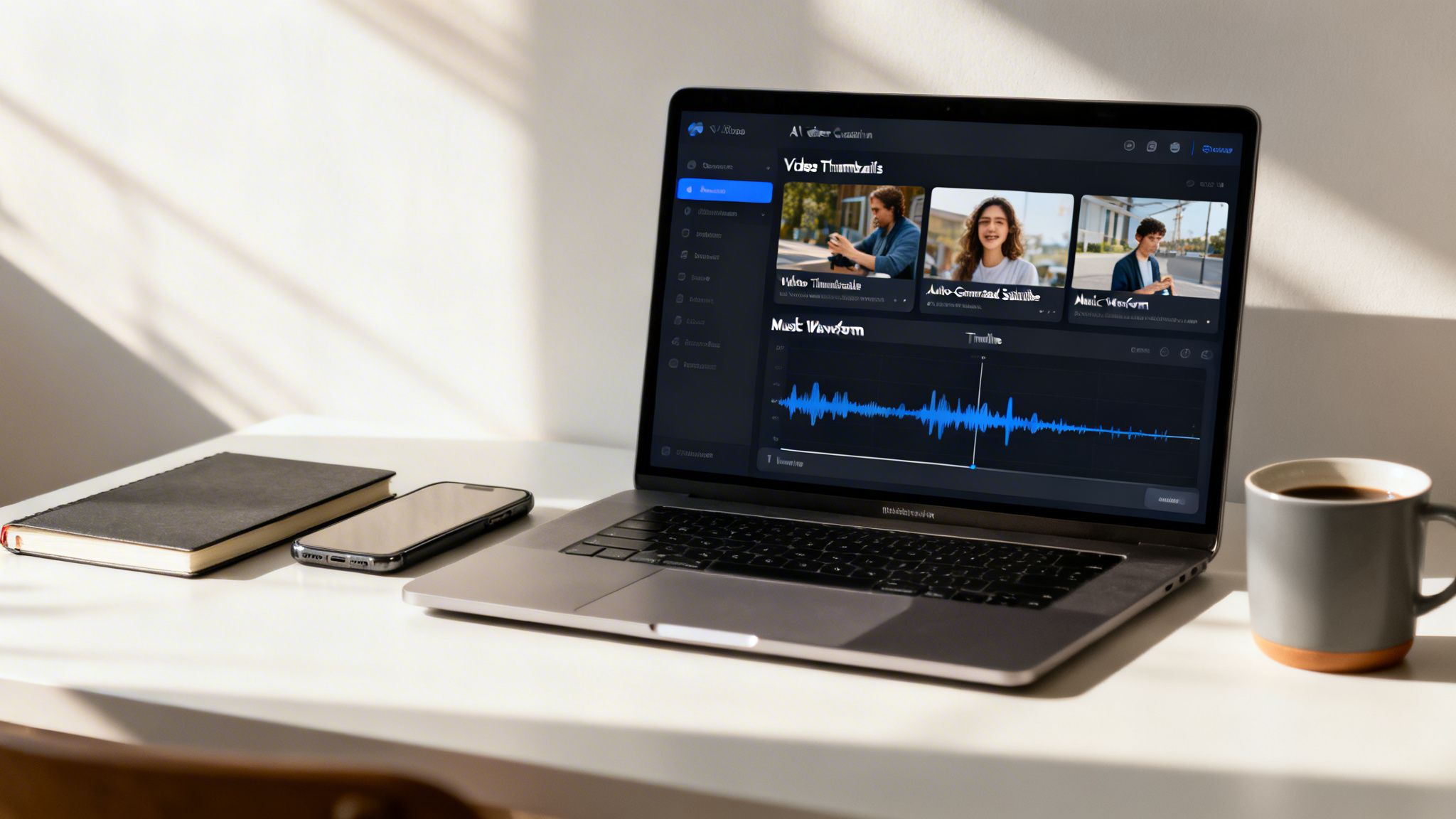
Think of it as an automated production line for your short-form videos. ClipCreator.ai pulls everything together for you: the script, stock visuals, a surprisingly human-sounding voiceover, and even the subtitles. You can go from a simple idea to a finished, ready-to-post Reel in minutes, not hours.
It's particularly slick for popular content formats. You can jumpstart your video with proven templates for things like "scary stories" or "historical facts," or you can feed it your own custom prompt and let the AI build a unique video from scratch.
From Idea to Auto-Pilot
The real magic here isn't just making the video—it's getting it published. The platform has built-in scheduling and auto-posting, which is a massive win for staying on the algorithm's good side.
We all know consistency is king on Instagram. You can map out your entire content calendar, and the tool will post for you automatically. It just handles it. For even more robust options, you can check out some of the best apps for social media management that handle scheduling across multiple platforms.
When you automate the grunt work of video production, you free yourself up to focus on what actually matters: your content strategy and engaging with your audience. You'll never have to scramble for a post again.
This approach is perfect for anyone who needs to produce a high volume of content without burning out. Whether you're a coach sharing daily tips or a history buff dropping fascinating facts, AI-powered tools provide a practical way to keep your feed full of high-quality videos, complete with audio, without the manual labor.
Essential Tips for Publishing and Engagement
Making a great video is a huge accomplishment, but your work isn't done when you hit "export." How you actually publish it can make or break its performance. Think of these final steps as the difference between a video that gets a few quick views and one that really takes off.
Your caption is your video's best friend. You absolutely need to start with a strong hook in that very first sentence to stop people from scrolling past. Treat it like a headline for your video—make them curious enough to stick around.
Add On-Screen Text and Hashtags
Here's a hard truth: a lot of people watch videos with the sound off. That killer track you spent ages finding won't matter if they can't understand what's happening. This is where on-screen text or subtitles become your secret weapon, ensuring your message lands even in complete silence.
Hashtags, when used correctly, are how you tell Instagram who needs to see your video. I've found the best strategy is a careful mix:
- Broad Tags: Use 2-3 popular ones like
#videotipsor#instagramreels. These cast a wide net. - Niche Tags: Add 5-7 really specific tags that drill down into your video's topic and ideal viewer, such as
#cameragearloveor#travelvideography. - Branded Tags: Always include one unique hashtag for your brand or a specific video series you run.
This balanced approach gives the algorithm clear signals about your content, helping it find the right audience.
The first hour after you post is critical. The algorithm is watching. Respond to every comment you get as quickly as possible. This immediate engagement signals that your content is valuable and encourages Instagram to push it to a wider audience.
Finally, don't forget the basics. Post when your audience is actually online. A quick look at your Instagram Insights will show you the peak activity times for your followers. Dropping your video right when your community is most active gives it the best possible chance to get that initial burst of engagement it needs to succeed.
Got Questions? We've Got Answers
Why Can't I Find a Specific Song on Instagram?
This is a super common headache, and it almost always boils down to music licensing. The biggest factor is your account type.
If you're running an Instagram Business Account, you'll find the music library is mostly filled with royalty-free tracks. It's a bit more limited. Switch over to a Creator or Personal account, however, and you'll suddenly unlock a massive library of popular, chart-topping songs. It's also worth noting that sometimes a track is only licensed for use in certain countries, so your geographic location can play a part, too.
Can I Use Copyrighted Music in My Instagram Videos?
Here's the deal: using copyrighted music you found outside of Instagram is a gamble. Instagram has already done the hard work of licensing the songs in its own music library, making that the safest and easiest option.
If you upload a video with a popular song you added yourself, you're running the risk of Instagram's system flagging it. The consequences can range from your video's audio being muted to the entire video being taken down. It's usually not worth the risk.
Ready to create amazing faceless videos with perfect audio in minutes? Let ClipCreator.ai do the heavy lifting for you, from script to final video. Start automating your content production today

Create your first video in under 2 minutes
Pick a niche, and ClipCreator.ai generates and auto-posts faceless videos to your channels every day.
Join ClipCreator.ai