When it comes to the 1080p vs 720p discussion, let's cut right to the chase. For any modern creator, 1080p (Full HD) is no longer just an option—it’s the standard. While 720p (HD Ready) might have been good enough years ago, today’s audiences and platform algorithms have moved on, and you should too.
Understanding the Core Differences
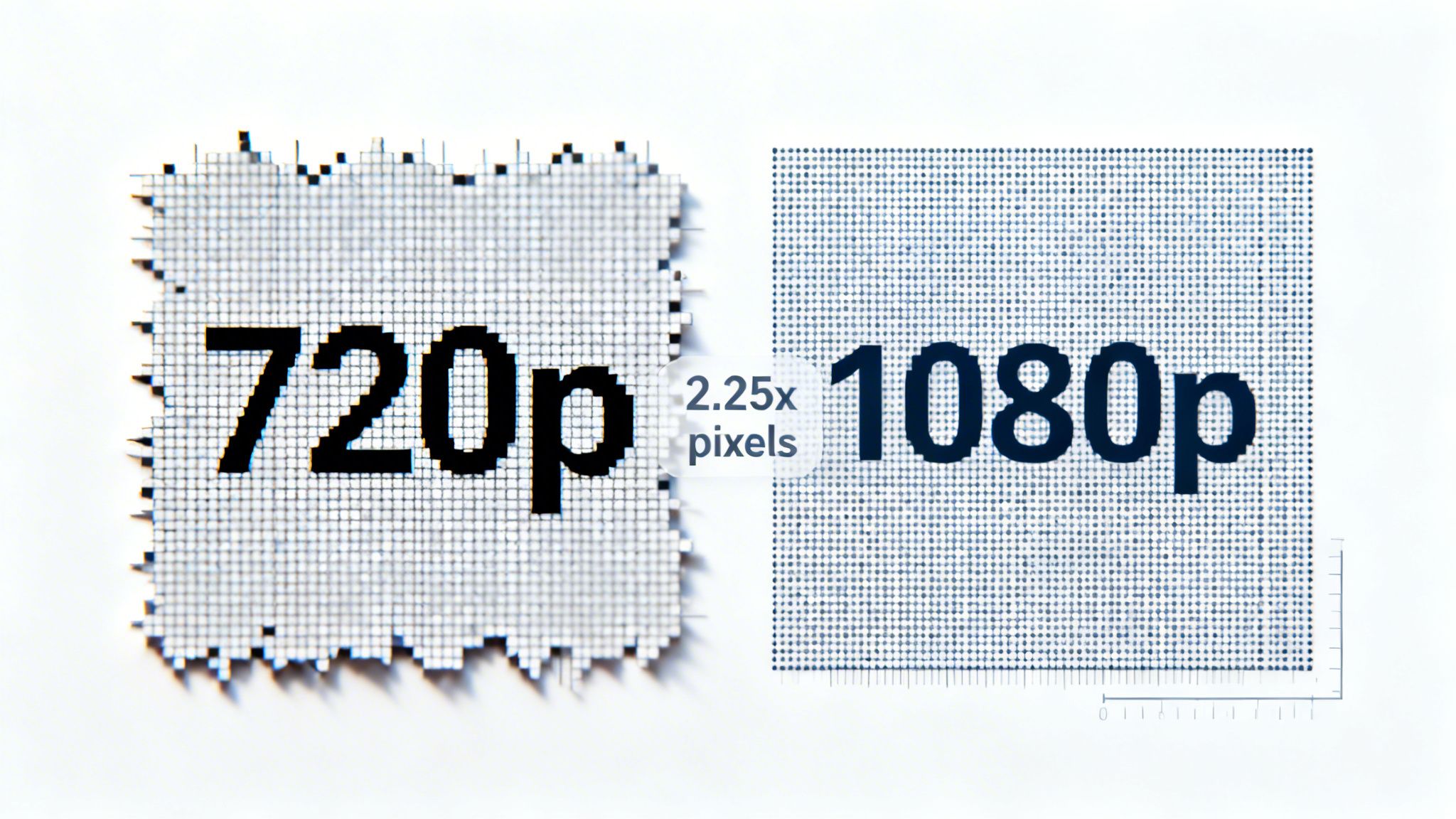
At its core, the difference between 1080p and 720p boils down to pixels, which are the tiny dots that make up a digital image. More pixels mean more detail, and the difference here is significant.
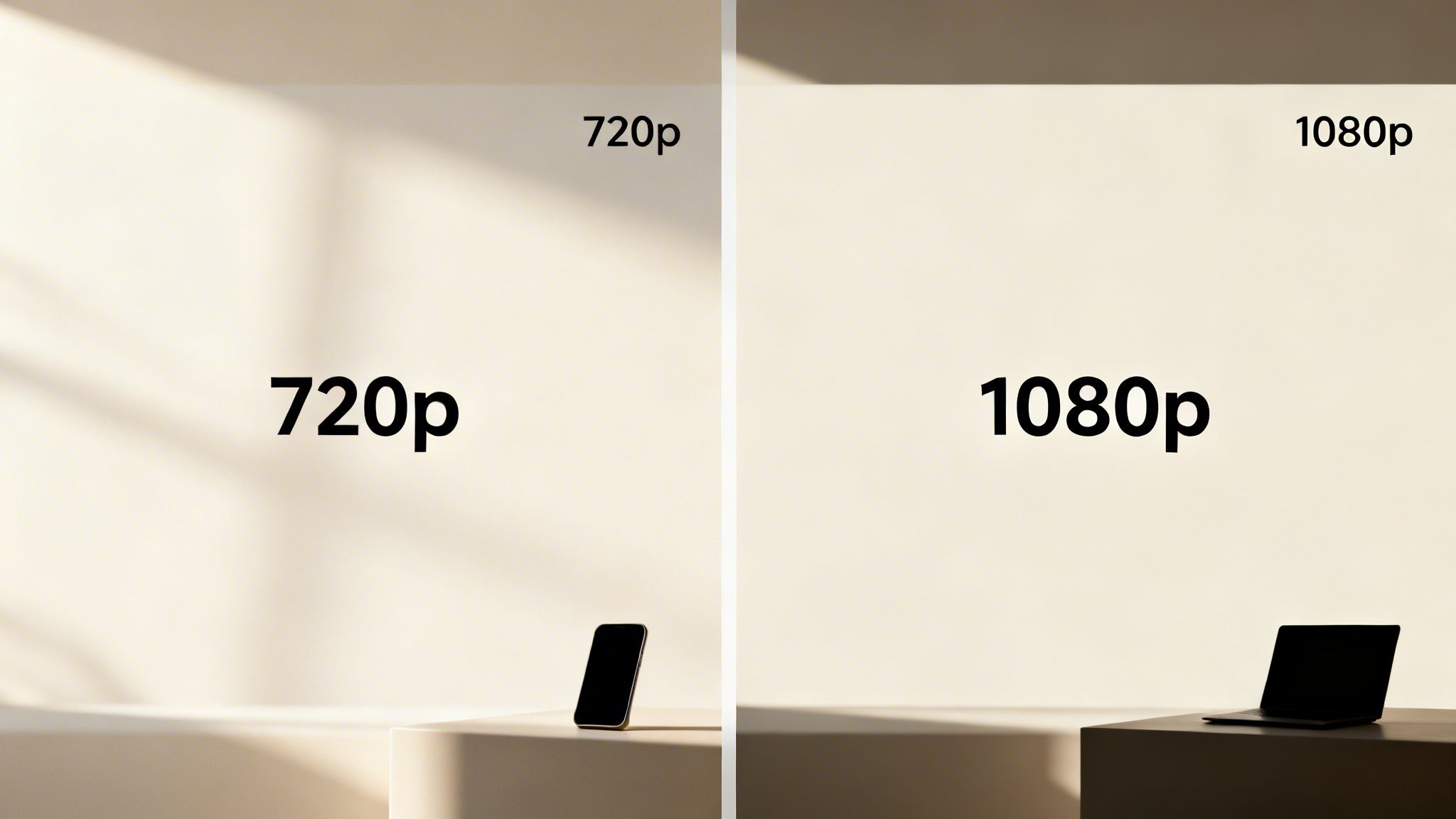
A 1080p video is made up of 1920x1080 pixels, which adds up to just over 2 million pixels in total. In contrast, a 720p video is only 1280x720 pixels, or just under 1 million pixels. That means 1080p footage packs in more than double the visual information, resulting in a much sharper, clearer, and more professional-looking video.
This isn't just a technicality. For creators making tutorials or faceless story videos, that extra detail is crucial for keeping on-screen text and fine visuals crisp and legible. If you’re using a tool like ClipCreator.ai, starting with a high-quality 1080p export ensures that your auto-generated subtitles and graphics look sharp, not fuzzy.
Key Differences at a Glance 1080p vs 720p
To make it even clearer, here’s a quick rundown of what these specs mean for you as a creator. This table breaks down the essential differences and their real-world impact on your content.
| Specification | 720p (HD Ready) | 1080p (Full HD) | What It Means for Creators |
|---|---|---|---|
| Pixel Resolution | 1280 x 720 | 1920 x 1080 | 1080p offers 2.25x more pixels for a significantly sharper video. |
| Total Pixels | ~921,600 | ~2,073,600 | More pixels allow for clearer text, finer details, and better overall quality. |
| Common Name | HD Ready | Full HD | "Full HD" is the modern standard expected by viewers on major platforms. |
| Ideal Use Case | Low-bandwidth situations; internal drafts | YouTube, TikTok, Instagram; all professional content | 1080p is essential for audience-facing content to appear professional and high-quality. |
As you can see, the move to 1080p isn't just about keeping up with trends; it’s a strategic choice that reflects both platform priorities and viewer expectations.
Think about it: data from platform analytics consistently shows that over 70% of videos on YouTube are now uploaded in at least 1080p. Even more telling, those sharper videos see an average of 25% higher watch time on mobile devices because the clarity holds viewers' attention longer. You can read more about how resolution affects engagement if you want to dive deeper into the data.
Ultimately, choosing 1080p is no longer a luxury—it's a baseline for quality. It directly shapes how your audience perceives your brand and how platform algorithms will treat your content, making it a foundational decision for anyone serious about growth.
Why Pixel Count is Only Half the Story
It’s easy to get caught up in the raw numbers. We know that 1080p packs over 2 million pixels, while 720p offers less than 1 million. But what does that really mean for your content? The true difference isn't just the count; it's the pixel density. Think of it as the difference between a high-resolution photo and a low-resolution one—the denser the pixels, the sharper the picture.
This extra density is what gives your videos that professional, polished look. Any text overlays, subtitles, or detailed graphics you add will appear crisp and clean in 1080p. With 720p, those same elements can quickly become soft, blurry, or even pixelated, especially when someone watches your video on a modern phone or monitor. For any creator who uses on-screen text, this is a make-or-break factor in the 1080p vs 720p decision.
Unlocking Creative Flexibility
Here’s something a lot of new creators overlook: working in 1080p gives you incredible freedom in the edit. We all have to repurpose our content these days, turning one landscape video into multiple vertical clips. A 1080p (16:9) video has enough pixel real estate that you can crop it to a vertical 9:16 format for TikTok or Instagram Reels without a noticeable hit to quality.
Try doing that with a 720p source file, and you’ll see the problem immediately. Since you’re starting with fewer pixels, punching in that tightly magnifies every imperfection. The final vertical clip often ends up looking fuzzy and unprofessional, which is the last thing you want.
Think of your video resolution as a piece of fabric. A 1080p file is a large, high-thread-count sheet you can cut into various patterns without fraying. A 720p file is a smaller, coarser piece of cloth that starts falling apart as soon as you try to resize it.
This kind of flexibility is a game-changer for anyone using a tool like ClipCreator.ai to turn a single video into dozens of clips. If you start with 1080p, you can be confident that every single piece of content you generate will look its best.
Surviving the Compression Gauntlet
Beyond just sharpness, a higher resolution also means your video holds more color information and stands up better to compression. A 1080p file captures more subtle shades and gradients, making your visuals look richer and more true-to-life. More importantly, that extra data acts as a shield when your video gets processed by platforms like YouTube or TikTok.
Every social media platform compresses your video to save on server space and bandwidth—there’s no getting around it. When you upload a 720p video, the compression algorithm has less data to work with, which is why you often see ugly artifacts like color banding or blocky-looking shadows. Start with a solid 1080p file, though, and it will survive that process far better. The video your audience actually sees will be much cleaner and closer to your original edit. As you get deeper into optimizing, you'll probably want to check out our guide on what file type YouTube videos are to really dial things in.
How Viewing Context Shapes Perceived Quality
When we talk about 1080p vs 720p, it's easy to get lost in the pixel counts. But the real story isn’t just about the numbers—it’s about where and how your audience actually watches your videos. The difference in quality isn't a fixed thing; it changes dramatically based on screen size and even how far someone is holding their device.
Think about it. On a small smartphone held at arm's length, the human eye has a tough time telling a sharp 720p video from a 1080p one. Modern phone screens pack so many pixels into a small space that they can sometimes smooth over the difference, making 720p feel "good enough" for a quick scroll.
But that illusion shatters the moment the screen gets bigger.
The Impact of Screen Size
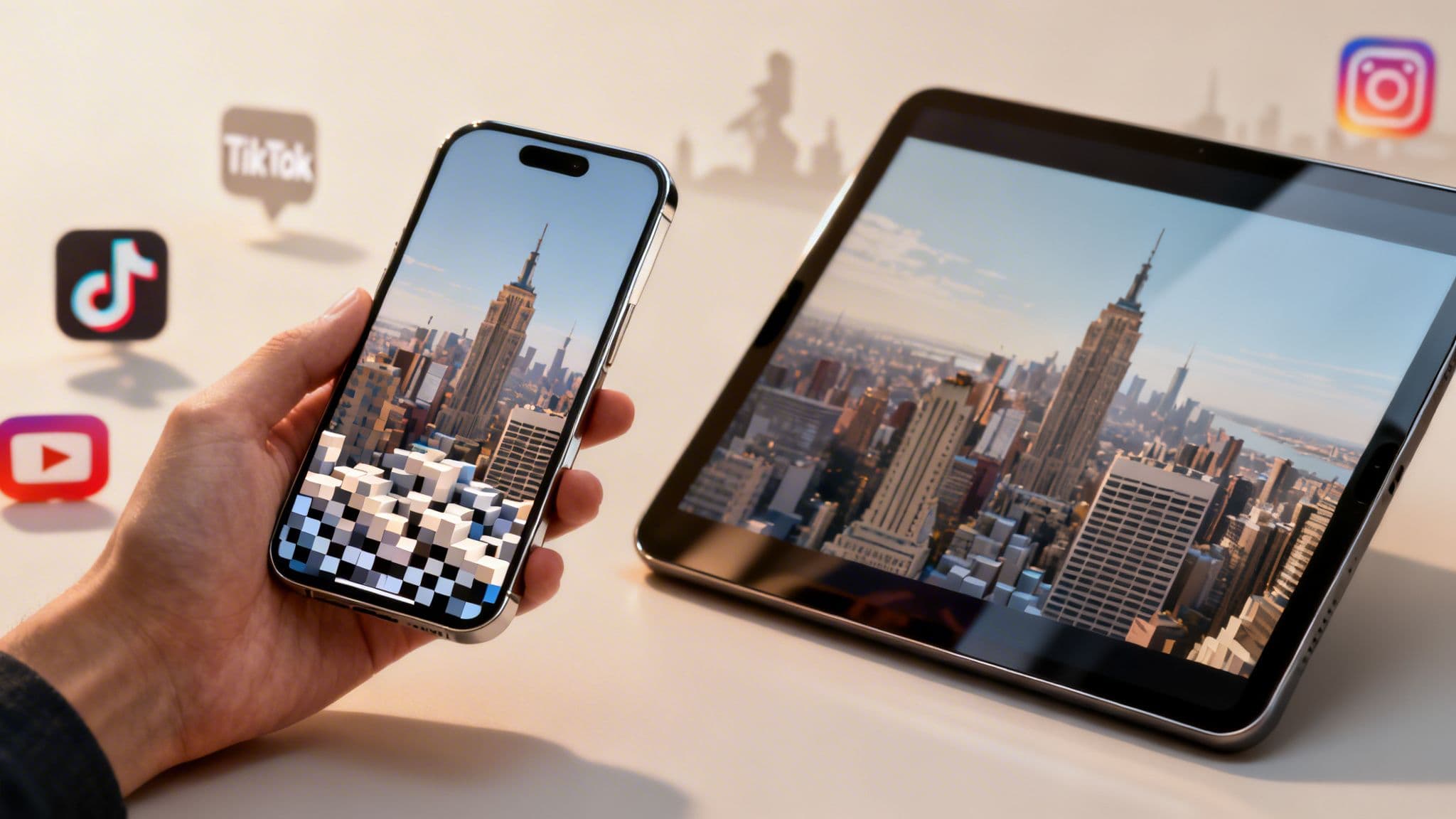
If someone in your audience decides to watch on a tablet, a laptop, or casts your video to their TV, the limits of 720p become glaringly obvious. Those same 1,280 by 720 pixels get stretched thin across a larger display, making the image look soft and lose its crispness.
- Smartphones (Under 7 inches): The difference is pretty subtle. You might notice 1080p is sharper if you look for it, but 720p often gets a pass for casual viewing.
- Tablets & Laptops (10-15 inches): This is where 1080p really starts to pull ahead. Text is much cleaner, and fine details stand out. It’s the clear winner here.
- Monitors & TVs (24 inches+): At this size, 720p can look downright blurry. 1080p is the absolute bare minimum for a decent experience on a large screen.
It all comes down to pixel density, or pixels per inch (PPI). A 720p video on a big screen has a low PPI, meaning the individual pixels are larger and more visible. That’s what gives it that fuzzy, degraded look.
Future-Proofing Your Content
Even if you’re creating for a mobile-first audience, choosing 1080p is just a smart play for the long run. Smartphone screens get better every single year, with native resolutions that keep climbing. A video that looks just fine in 720p on today’s phone might look noticeably dated on next year's model.
Choosing 1080p ensures your video looks its best not just on today’s devices but on tomorrow’s as well. It’s an investment in the longevity and perceived professionalism of your content, regardless of where or how it’s watched.
At the end of the day, viewer habits are all over the place. People cast videos from their phones to their TVs, watch on their work laptops during a break, or switch over to a tablet on the couch. By sticking with 1080p, you’re guaranteeing a consistently sharp, professional-looking video no matter what. For anyone using ClipCreator.ai, simply exporting in 1080p is the easiest way to make sure every video you create maintains that high-quality look across every possible screen.
Navigating the Tradeoffs: Bitrate, File Size, and Data
Choosing 1080p over 720p delivers a sharper video, but that boost in quality isn’t free. It comes with a direct impact on bitrate, file size, and data consumption—real-world factors that affect both your workflow and your audience's experience. Getting a handle on these practical tradeoffs is the key to making a smart decision.
A higher-resolution video simply contains more visual information. To preserve all that extra detail, it demands a higher bitrate. You can think of bitrate as the amount of data packed into each second of video; more data means better quality. Of course, a higher bitrate leads directly to a much larger file.
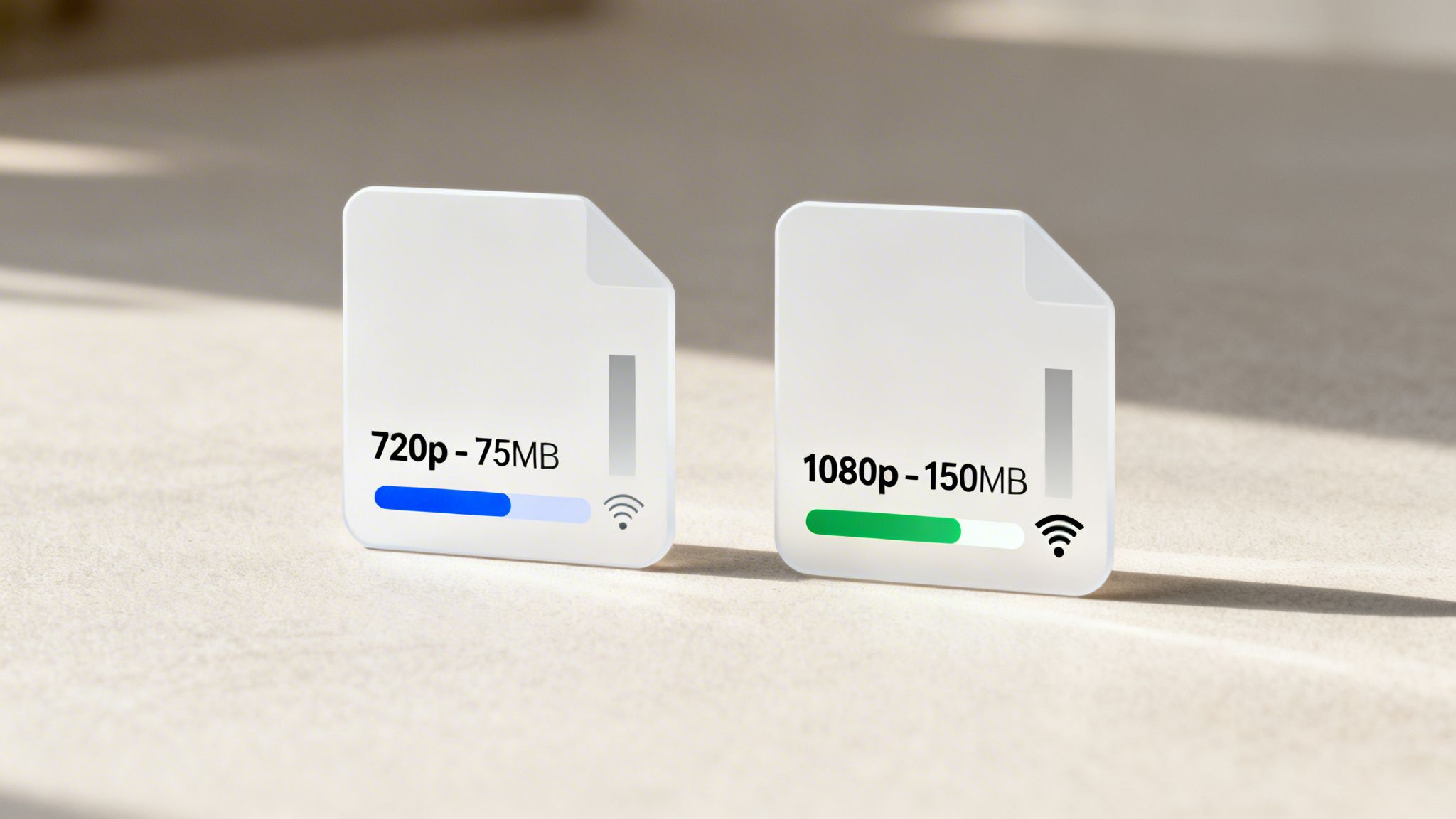
This bigger file size has real consequences. For creators, it means longer upload times, which can really slow you down, especially if you're working with a slow internet connection. It also eats up more storage space on your hard drive. If you're struggling with massive export files, our guide on how to compress MP4 videos might be a lifesaver.
The Viewer's Perspective on Data
From your audience's viewpoint, file size translates directly to data usage. For anyone on a limited mobile data plan or in an area with poor connectivity, a large 1080p video can be a real burden. A video that constantly buffers will frustrate viewers far more than one with slightly lower resolution.
This is where 720p can sometimes be a strategic choice. By offering a smaller file, you ensure a smoother, buffer-free experience for a portion of your audience that might otherwise just click away. It’s a compromise that puts accessibility ahead of maximum visual fidelity.
While 1080p is the quality standard, 720p remains a viable option for prioritizing a smooth viewing experience for audiences with limited bandwidth. The best video is one that people can actually watch without interruption.
Data consumption is where 720p really shines for budget-conscious viewers. A typical 60-second 1080p video lands at around 100-150 MB, which is roughly double the 50-75 MB of its 720p counterpart. According to 2024 streaming stats, 1080p streams use about 2-3 GB per hour, while 720p uses just 1-1.5 GB—that's a 50% savings that can be critical for mobile users.
Making a Balanced Decision
So, how do you decide? For most creators on platforms like YouTube and TikTok, uploading in 1080p should be your default. The improved quality is what people expect, and these major platforms automatically optimize delivery for different connection speeds anyway.
However, if you know your audience is in a region with notoriously slow internet or consists heavily of mobile users on tight data plans, offering or defaulting to 720p could genuinely improve engagement. For ClipCreator.ai users, the decision is simple: start with 1080p exports to ensure top quality, and trust the platforms to handle the rest.
Actionable Advice for TikTok, YouTube, and Instagram
Trying to use a one-size-fits-all approach to video resolution is a surefire way to hold your content back. When it comes to 1080p vs 720p, the best choice almost always comes down to where you're posting. Every social media app has its own quirks for handling video, but one thing is constant: they all favor high-quality source files.
For YouTube, uploading in 1080p gives you a massive, often overlooked, advantage. When the platform gets a high-quality upload, it's far more likely to process your video with the superior VP9 codec instead of the older AVC1. The difference is night and day. VP9 delivers a noticeably sharper image with fewer ugly compression artifacts, making your video look more professional and giving it a better shot with the algorithm.
Maximizing Quality on TikTok and Instagram
On platforms like TikTok and Instagram, you're fighting for every millisecond of attention. This is where 1080p becomes absolutely non-negotiable. Viewers scroll incredibly fast, and any visual imperfection—blurry AI-generated clips, fuzzy subtitles—is an instant invitation to swipe away.
These platforms are known for their aggressive compression, and starting with a pristine 1080p file is your best line of defense. It gives the app more data to work with, ensuring your content stays as sharp and legible as possible after it's been processed.
Of course, the camera you use matters just as much as your export settings. To see how device choice can affect your final product, it’s worth checking out resources that cover the best refurbished iPhones for TikTok and social media.
Key Takeaway: Always upload in 1080p. Think of it as giving the platform’s compression algorithm a better starting point. A high-quality source file ensures the final, compressed video that viewers see is as clean and crisp as possible.
Your Platform-Specific Export Checklist
To make your workflow dead simple, just follow these guidelines when exporting from ClipCreator.ai or any other editor. This ensures your videos are perfectly optimized for each platform, from resolution to format. If you want to dive deeper into aspect ratios, we have a detailed guide on video aspect ratios for social media that breaks it all down.
- YouTube: Export at 1080p with a 16:9 aspect ratio. This is the gold standard for both quality and discoverability on the platform.
- TikTok & Instagram Reels: Export at 1080p with a 9:16 vertical aspect ratio. This resolution is critical for keeping on-screen text and fast-paced edits looking clean.
- Instagram Feed Posts: Use 1080p with a 4:5 aspect ratio. This lets your video take up the most possible screen real estate as people scroll their feeds.
At the end of the day, while 720p might feel "good enough," it starves the platforms of the data they need to produce a high-quality result. Consistently exporting in 1080p signals a commitment to quality that both your audience and the algorithms will notice.
The Final Verdict: Your 1080p vs. 720p Decision Framework

After breaking down all the technical specs, platform rules, and real-world viewing habits, the choice between 1080p and 720p is actually pretty straightforward. Let's cut to the chase: for pretty much every creator working today, 1080p is the non-negotiable standard.
Think of it less as a premium feature and more as the cost of entry in 2026. Audiences expect it, and platforms like YouTube and TikTok reward it. A crisp 1080p source file gives their compression algorithms more data to work with, resulting in a sharper final product that keeps viewers locked in. This all ties back to finding the best monitor resolution and workflow for your content, but for output, Full HD is your foundation.
When 720p Still Has a Place
Now, that doesn't mean 720p is completely useless. It's just transitioned from being a primary format to a highly specific, strategic tool. You should only really consider exporting in 720p if you have a very clear reason.
- You're Targeting Low-Bandwidth Areas: If you know a large chunk of your audience has slow or unreliable internet, a 720p video will give them a much smoother, buffer-free viewing experience.
- Your Viewers are Data-Conscious: For audiences watching primarily on mobile and worried about data caps, the significantly smaller file size of a 720p video is a genuine benefit.
For growth and a professional brand, the answer is 1080p. It should be your default setting for success. Only dip down to 720p when you're making a deliberate, tactical choice to serve a specific audience segment that needs it.
This decision-making process is easy to visualize. When you look at where you're posting your content, the path almost always points to higher resolution.
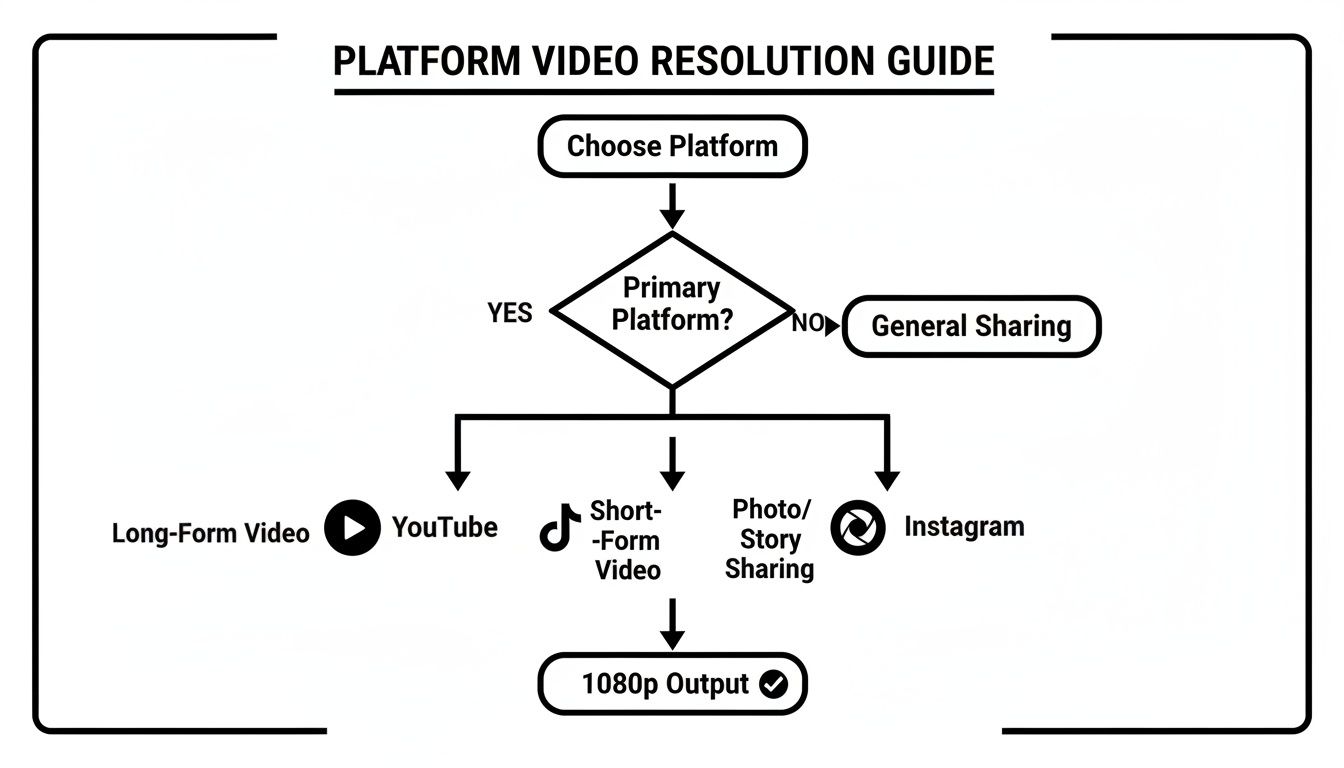
As the chart shows, whether you’re creating for YouTube, TikTok, or Instagram, starting with 1080p is the best practice for getting top-tier results. For those using ClipCreator.ai, it couldn't be simpler: just stick with the 1080p export option. It guarantees every video you produce meets the modern standard for quality that viewers and algorithms demand.
Frequently Asked Questions
Let's cut through the noise and get straight to the questions I hear most often from creators wrestling with the 1080p vs 720p decision. These are the practical, on-the-ground concerns that come up right before you hit "export."
Is 720p Obsolete for Social Media?
Honestly, for most creators in 2026, yes, 720p (HD Ready) is basically a thing of the past. While your video will certainly play, it sends the wrong signal. Viewers and platform algorithms have come to expect the polish of 1080p (Full HD) as the bare minimum.
Choosing 720p might make sense if you know for a fact your audience has extremely poor internet connections, but for everyone else, it just looks dated. To be taken seriously, 1080p is your new baseline.
Does Uploading in 1080p Use Significantly More Data?
It absolutely does, and there's no getting around the math. A 1080p video file contains more than double the pixel data of a 720p file, so it's naturally going to be about twice as large.
To put it in perspective:
- A 60-Second 720p Clip: Runs about 75 MB.
- A 60-Second 1080p Clip: Comes in closer to 150 MB.
But here's the thing—for anyone uploading on a typical Wi-Fi connection, that difference is pretty negligible. The upload might take a few extra seconds, but the massive jump in perceived quality is almost always worth it. Platforms are going to compress your video anyway, so you want to give them the best possible starting material.
Don't let the file size spook you. The quality you gain with 1080p is a much bigger deal than the extra data you'll use. It's an investment in a stronger first impression.
How Does TikTok Handle 1080p vs 720p?
TikTok is notorious for its aggressive video compression. This is precisely why uploading in 1080p is non-negotiable on the platform. When you give TikTok's algorithm a sharp, detail-rich 1080p file, it has more information to work with.
Even after their compression does its work, the final video will look crisp and clear. This is critical for keeping on-screen text, subtitles, and any fine details legible and sharp. If you upload a 720p video, it often comes out the other side looking soft, blurry, and unprofessional—a death sentence in a fast-scrolling feed.
Ready to stop worrying about resolutions and start creating high-quality content effortlessly? ClipCreator.ai automates the entire process, generating and publishing stunning 1080p videos for TikTok, YouTube, and Instagram. Get started with ClipCreator.ai today and put your content creation on autopilot.

Create your first video in under 2 minutes
Pick a niche, and ClipCreator.ai generates and auto-posts faceless videos to your channels every day.
Join ClipCreator.ai